
Python- Anacoda环境使用Selenium+ChromeDriver报错
我的系统是win10,python是用Anacoda安装的,通过pip安装了selenium 后使用Chromedriver发现报错,pip安装selenium如下:
pip install selenium
报错具体如下:
driver=webdriver.Chrome()

Traceback (most recent call last):

  File "D:\app\Anaconda\lib\site-packages\selenium\webdriver\common\service.py", line , in start

    stdin=PIPE)

  File "D:\app\Anaconda\lib\subprocess.py", line , in __init__

    restore_signals, start_new_session)

  File "D:\app\Anaconda\lib\subprocess.py", line , in _execute_child

    startupinfo)

FileNotFoundError: [WinError ] 系统找不到指定的文件。

During handling of the above exception, another exception occurred:

Traceback (most recent call last):

  File "<stdin>", line , in <module>

  File "D:\app\Anaconda\lib\site-packages\selenium\webdriver\chrome\webdriver.py", line , in __init__

    self.service.start()

  File "D:\app\Anaconda\lib\site-packages\selenium\webdriver\common\service.py", line , in start

    os.path.basename(self.path), self.start_error_message)

selenium.common.exceptions.WebDriverException: Message: 'chromedriver' executable needs to be in PATH. Please see https://sites.google.com/a/chromium.org/chromedriver/home
selenium操作chrome浏览器需要有ChromeDriver驱动来协助。
解决办法:
1.下载Chromedriver,网盘:https://pan.baidu.com/s/1c3KLRJa
2.把Chromedriver解压到D:\app\Anaconda\Scripts\下,重新运行命令即可打开Chromedriver
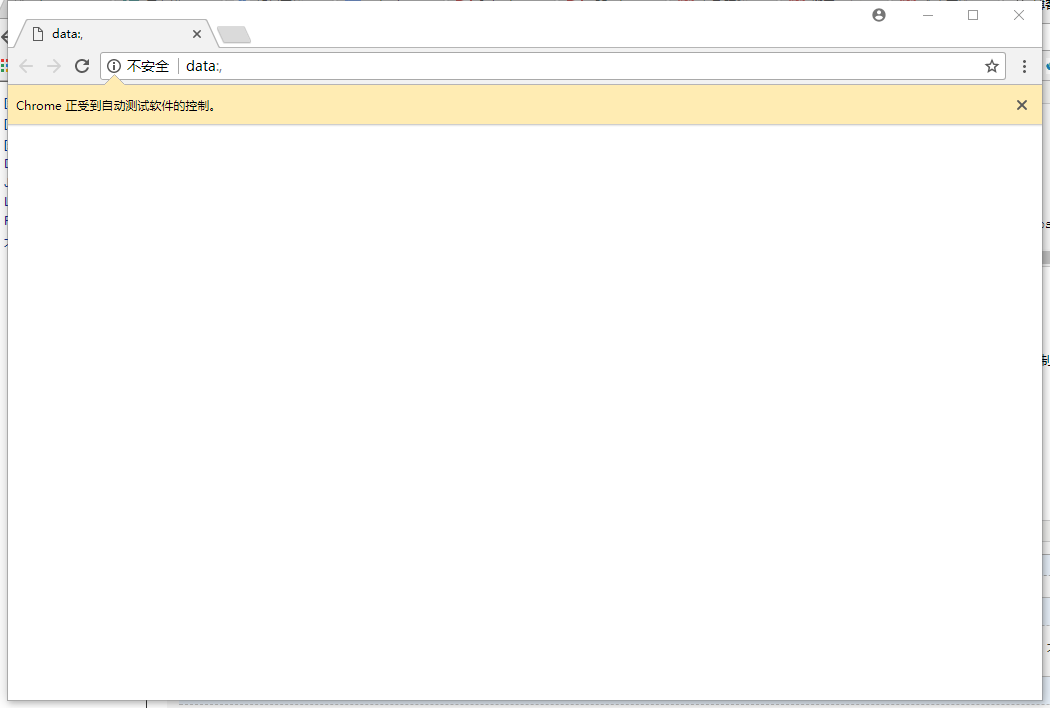
在运行了
driver=webdriver.Chrome()

driver.get('www.baidu.com')
之后出现报错:
>>> driver.get('m.weibo.com')

Traceback (most recent call last):

  File "<stdin>", line , in <module>

  File "D:\app\Anaconda\lib\site-packages\selenium\webdriver\remote\webdriver.py", line , in get

    self.execute(Command.GET, {'url': url})

  File "D:\app\Anaconda\lib\site-packages\selenium\webdriver\remote\webdriver.py", line , in execute

    self.error_handler.check_response(response)

  File "D:\app\Anaconda\lib\site-packages\selenium\webdriver\remote\errorhandler.py", line , in check_response

    raise exception_class(message, screen, stacktrace)

selenium.common.exceptions.WebDriverException: Message: chrome not reachable

  (Session info: chrome=63.0.3239.132)

  (Driver info: chromedriver=2.31. (092de99f48a300323ecf8c2a4e2e7cab51de5ba8),platform=Windows NT 10.0. x86_64)
原因是打开的域名一定要加前http://,改正后如下:

Python- Anacoda环境使用Selenium+ChromeDriver报错的更多相关文章
- python中引入包的时候报错AttributeError: module 'sys' has no attribute 'setdefaultencoding'解决方法?
python中引入包的时候报错:import unittestimport smtplibimport timeimport osimport sysimp.reload(sys)sys.setdef ...
- selenium启动报错“ incorrect JSON status mapping for 'unknown error' (500 expected)”
前面讲了工程启动报错“selenium启动报错Unable to read VR Path Registry from C:\Users\clinva\AppData\Local\openvr\ope ...
- selenium+phantomjs报错:Unable to find a free port的分析和解决
selenium+phantomjs报错:Unable to find a free port的分析和解决 Table of Contents 1. 现象 2. 分析 3. 解决办法 1 现象 在做项 ...
- vuejs npm chromedriver 报错
vuejs npm chromedriver 报错 # 全局安装 vue-cli$ npm install -g vue-cli# 创建一个基于 "webpack" 模板的新项 ...
- 记一次用python 的ConfigParser读取配置文件编码报错
记一次用python 的ConfigParser读取配置文件编码报错 ...... raise MissingSectionHeaderError(fpname, lineno, line)Confi ...
- python+selenium运行报错UnicodeEncodeError: 'ascii' codec can't encode characters in position 0-1: ordinal not in range(128)
使用python+selenium运行自动化脚本时,打印某一段文字出现UnicodeEncodeError: 'ascii' codec can't encode characters in posi ...
- python selenium phantomjs 报错
报错: webdriver.PhantomJS() raise exception_class(value)selenium.common.exceptions.WebDriverException: ...
- selenium+python自动化85-python3.6上SendKeys报错用PyUserInput取代
前言 python2上安装SendKeys库,对于不好定位的元素,用快捷键操作是极好的,那么在3.6上安装时,会报错 python3.6安装SendKeys报错 1.python3.6安装SendKe ...
- 使用Selenium模块报错的解决办法 (FileNotFound,WebDriverException)
添加Chrome浏览器程序的目录到系统Path变量中: C:\Users\%USERNAME%\AppData\Local\Google\Chrome\Application ,使用pip3 inst ...
随机推荐
- 出租车Jt/T 905协议与部标1078协议融合的网约车视频监控平台
出租车jt/t 905协议,是jt/t 808协议的一个变种,设计者将部标808协议拿过来,并不是单纯的增加网约车相关的指令集,而且对原有的指令如定位0×0200指令也进行了修改,经过一通剧烈的修改, ...
- 《TomCat与Java Web开发技术详解》(第二版) 第八章节的学习总结 -- 访问mysql
终于学到如何访问Mysql了 1. 可以看看此章节提供的sql脚本,以后可以照着写了.此外,对于Mysql如何使用,最好的地方就是其官网介绍了.http://dev.mysql.com/doc/ref ...
- object.Equals与object.ReferenceEquals方法
object.Equals方法表达的是语义判等,不一定是引用判等. object.ReferenceEquals方法是肯定是引用判等. 怎么实现一个对象的值语义的 Equals方法?实验. MyCla ...
- ubuntu 解决更换源失败问题
用图形界面命令打开窗口在终端输入 gksudo nautilus打开一个图形窗口 (注意在这个图形窗口下 任何目录下的文件都是可以删除的) /ect/apt删除下面的sources.list和备份文件 ...
- vue实践---vue动态加载组件
开发中遇到要加载10个或者更多的,类型相同的组件时,如果用普通的 import 引入组件,components注册组件,代码显得太啰嗦了,这时候就需要用到 require.context 动态加载这些 ...
- Laravel开发:Laravel框架门面Facade源码分析
前言 这篇文章我们开始讲 laravel 框架中的门面 Facade,什么是门面呢?官方文档: Facades(读音:/fəˈsäd/ )为应用程序的服务容器中可用的类提供了一个「静态」接口.Lara ...
- task1-9
今天完成: Task1.参考修真院线下报名贴(学习资料-线下报名-北京报名)中报名的格式,整理出业务模型,确定需要几个对象,每个对象的属性是什么,对象和对象之间的关系是一对一,还是一对多. [参考资料 ...
- WCF基础之消息协定
通常定义消息的架构,使用数据协定就够了,但是有时必须将类型精确映射到soap消息,方法两种:1.插入自定义soap标头:2.另一种是定义消息的头和正文的安全属性.消息协定通过MessageContra ...
- React-Native 安装改变镜像
3.安装完node后建议设置npm镜像以加速后面的过程,否则后面插件安装巨慢 npm config set registry https://registry.npm.taobao.org --glo ...
- (转)linux访问windows共享文件夹的两种方法
有时需要在linux下访问window的共享文件,可以使用mount挂载或使用samba连接. 1,mount挂载 $ mkdir windows 将共享文件夹挂载到windows文件夹: mount ...