
Android UI开发之开源控件项目整理
一、Banner
1.https://github.com/youth5201314/banner
Android广告图片轮播控件,支持无限循环和多种主题,可以灵活设置轮播样式、动画、轮播和切换时间、位置、图片加载框架等!
使用方式为,在build.gradle里面增加如下配置:
dependencies{
    compile 'com.youth.banner:banner:1.4.10'  //最新版本
}
效果图如下:

二、Calendar
1.https://github.com/xiaojianglaile/Calendar
Android日历 仿小米 华为 滴答清单 365日历(农历),周视图 月视图 平滑滚动 节假日 五六行周切换 week or month calendar。
使用方法:
- MonthCalendarView的使用
<com.jeek.calendar.widget.calendar.month.MonthCalendarView
    android:id="@+id/mcvCalendar"
    android:layout_width="match_parent"
    android:layout_height="@dimen/small_month_calendar_height"
    app:month_day_text_size="@integer/small_calendar_text_size"
    app:month_selected_circle_color="@color/color_select_date_dialog_edit_text_bg_focus"
    app:month_selected_circle_today_color="@color/color_select_date_dialog_edit_text_bg_focus"
    app:month_show_lunar="true"
    app:month_show_task_hint="false"
    app:month_show_holiday_hint="true"
    app:month_text_size="@integer/small_calendar_text_size"/>
- ScheduleLayout的使用
layout_schedule.xml文件,必须包含MonthCalendarView、WeekCalendarView和ScheduleRecyclerView,可以直接引用改文件作为布局。
ScheduleLayout:
app:default_view="week" <!-默认周视图->
app:default_view="month" <!-默认月视图->
app:auto_change_month_row="false" <!-不自动改变五六行->
app:auto_change_month_row="true" <!-自动改变五六行->
- 设置日期监听
slSchedule.setOnCalendarClickListener(new OnCalendarClickListener() {
    @Override
    public void onClickDate(int year, int month, int day) {
        //监听获得点击的年月日
    }
});
- 跳转到今天
slSchedule.getMonthCalendar().setTodayToView();
- 跳转到某一天
slSchedule.initData(year, month, day);
效果图如下:

2.https://github.com/yannecer/NCalendar
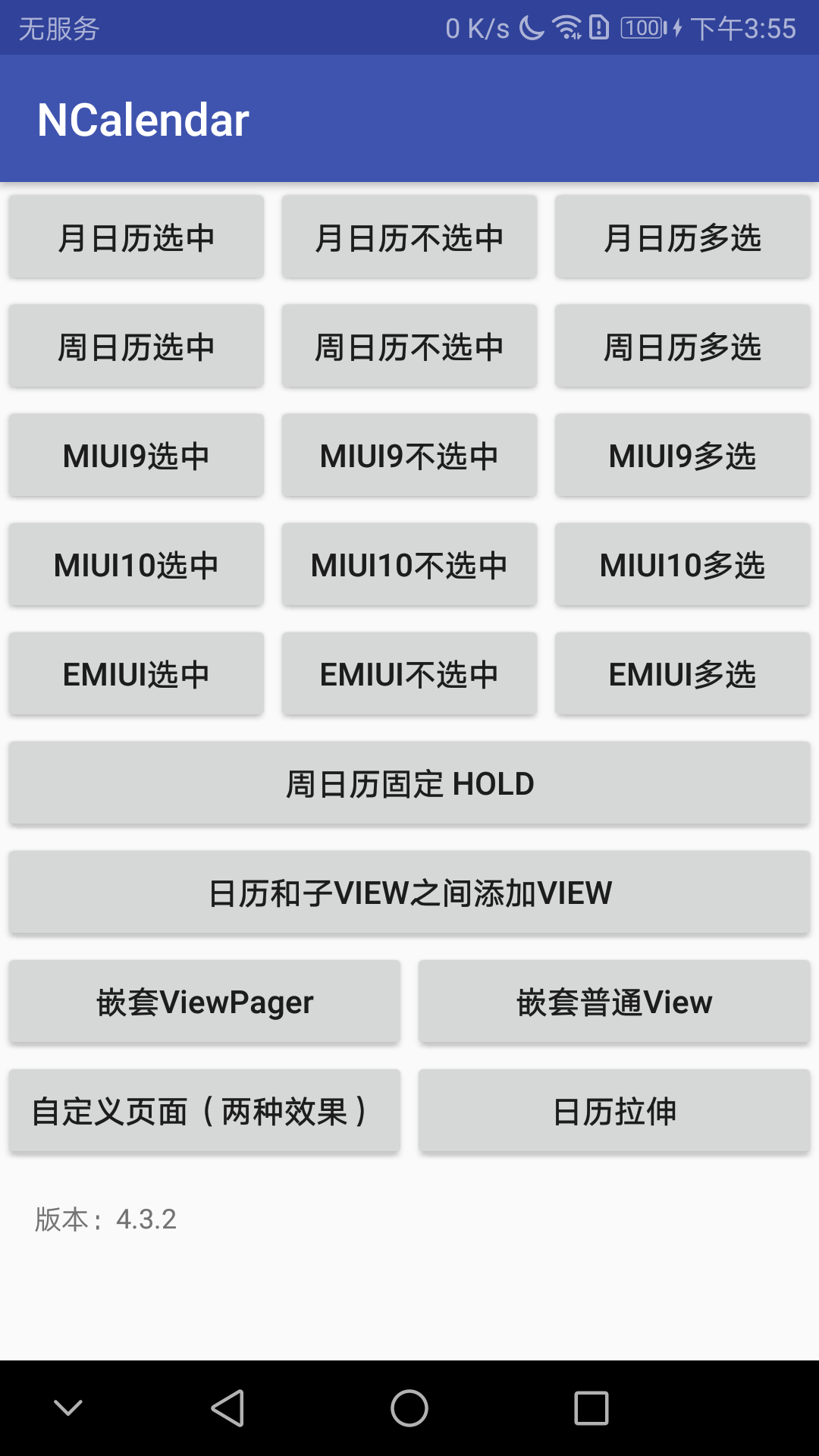
特点:
- 3种常见日历交互方式,MIUI系统日历:miui9、miui10、华为emui,miui9和钉钉日历类似,华为emui和365日历类似
- 月周滑动切换,月周不选中
- 支持多选,设置多选的数量
- 支持设置默认视图,默认周日历或者月日历
- 支持周状态固定,下拉刷新等
- 支持设置一周开始的是周一还是周日
- 可设置日期区间,默认区间从1901-01-01到2099-12-31
- 支持农历,节气、法定节假日等
- 支持添加指示点及设置指示点位置
- 支持各种颜色、距离、位置等属性
- 支持日历和列表之间添加view
- 支持替换农历、颜色等
- 支持自定义日历页面
- 支持内部TargetView为任意View
- 支持日历拉伸功能
效果图:
三、ProgressBar
1.https://github.com/zenoTsai/ArcProgressBar
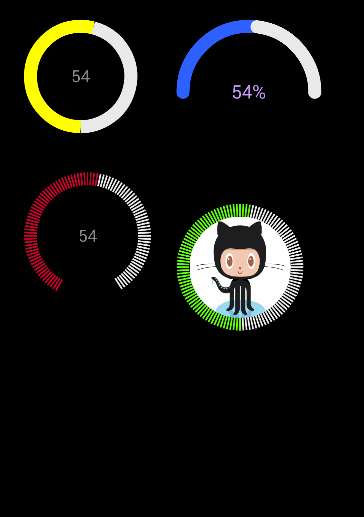
项目提供了四种圆形进度条展示效果,支持自行实现绘制接口来实现想要的效果。
使用方式为,在build.gradle里面增加如下配置:
dependencies {
  compile 'com.czp.arcProgressBar:ArcProgressBar:1.0.1'
}
效果图如下:
四、FloatingWindow
1.https://github.com/renhui/FloatingWindowDemo
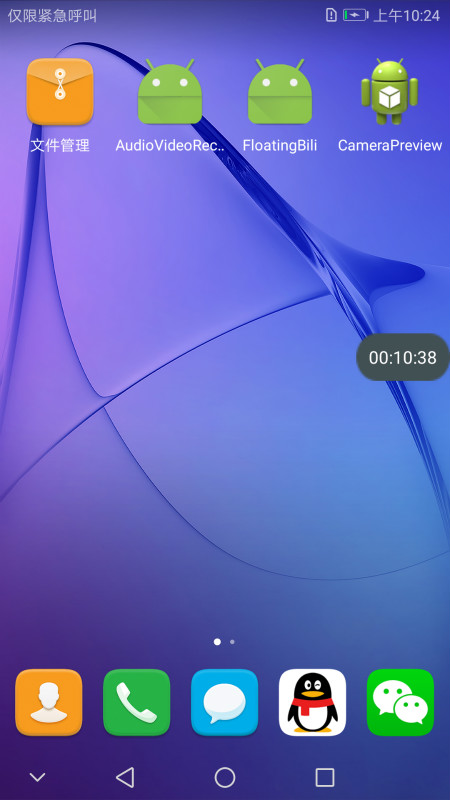
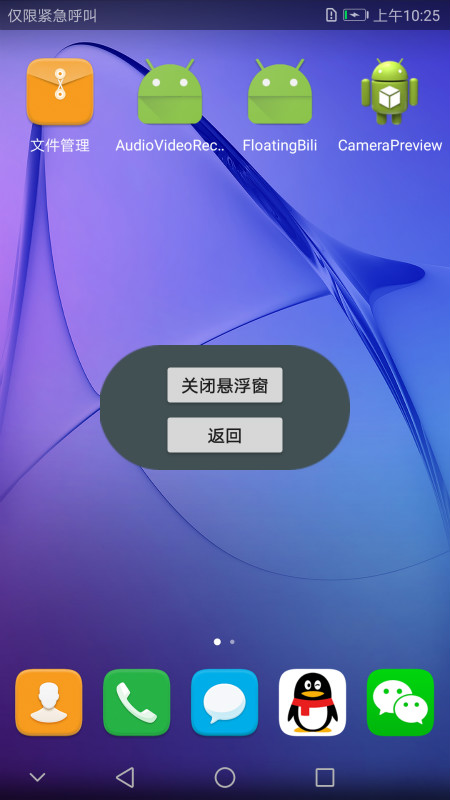
通过 Service + WindowManager 来控制悬浮窗的展示,通过修改展示的内容也可以做他用:
展示效果:
五、WebView
1.https://github.com/tekinarslan/CrosswalkWebview
Cordova 和 CrosswalkWebview 配合一起使用,能够很好的支持H5的展示效果,常用于H5游戏开发。Crosswalk是一款开源的web引擎,在Android4.0以上的系统中使用Crosswalk可以让应用程序在h5方面上获得一致性体验。
效果图:

2.https://github.com/open-android/BridgeWebView
这个项目是一个JS与Java交互的Demo。
效果图如下:

使用方式如下:
1. 在project的build.gradle添加
allprojects {
    repositories {
        maven { url "https://jitpack.io" }
    }
}
2. 在Module的build.gradle添加依赖
compile 'com.github.open-android:BridgeWebView:v1.0'
其他的具体使用方式可以去项目的ReadMe文件中去找。
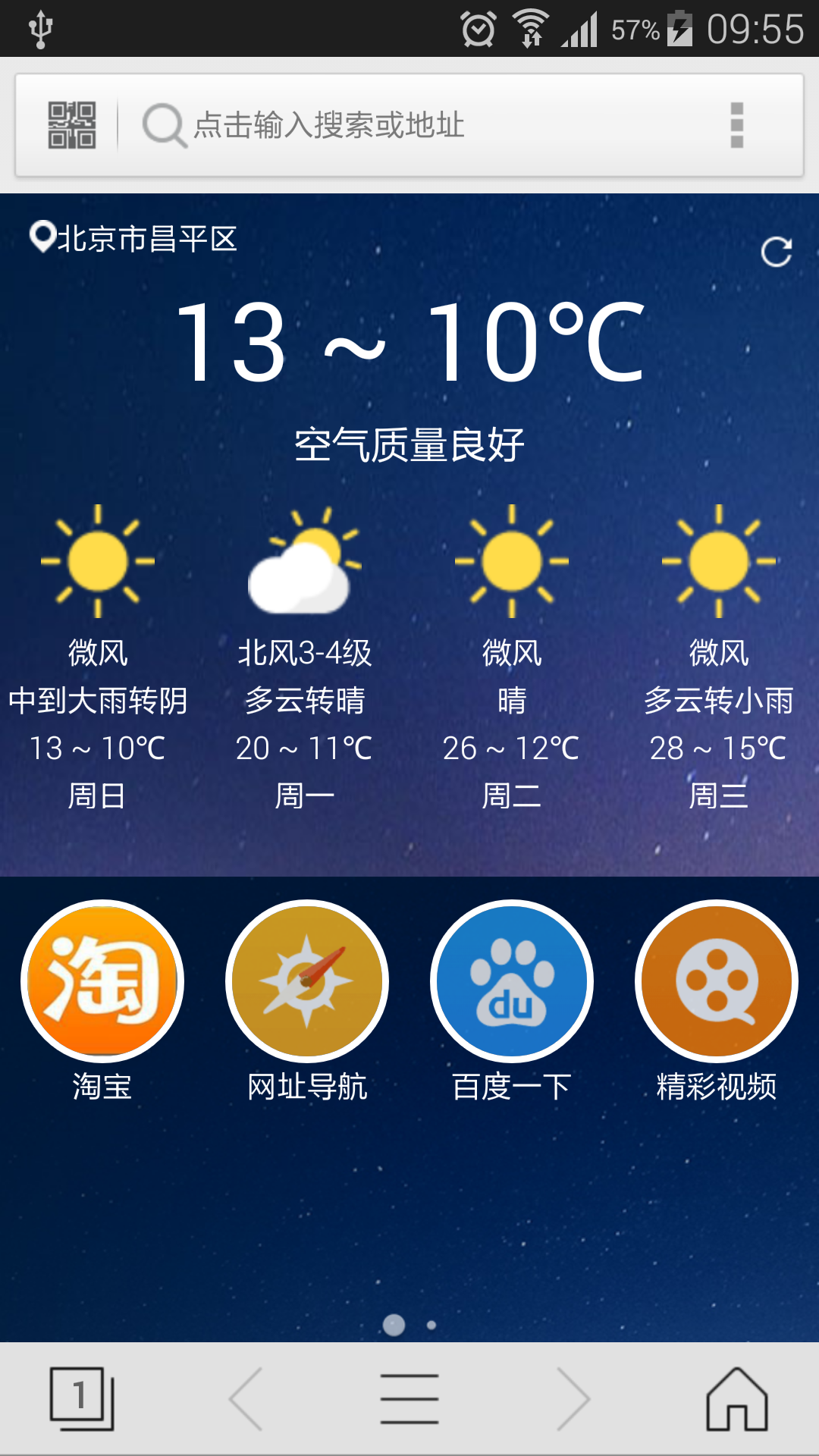
3.https://github.com/mogoweb/365browser
项目基于Chromium for Android,目标是在chromium核心的基础上提供Android WebKit API全兼容的接口,精力集中于浏览器内核精简与完善。
效果图:
六、Chart 图表
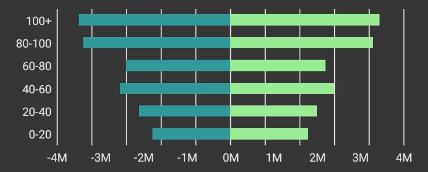
1. https://github.com/diogobernardino/WilliamChart
Williamchart是一个Android库,用于帮助在Android应用程序中实现图表。对于那些想要贡献的人,我的想法不仅仅是实现传统的图表功能,而是在表示和可视化数据时可以愉快和直观的东西。我宁愿保持图表简洁,而不是过度使用。
目前它提供:
LineChartViewBarChartViewHorizontalBarChartViewStackBarChartViewHorizontalStackBarChartView
使用方式:
compile 'com.diogobernardino:williamchart:2.5.0'
效果图:


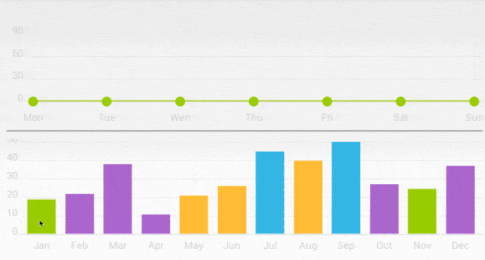
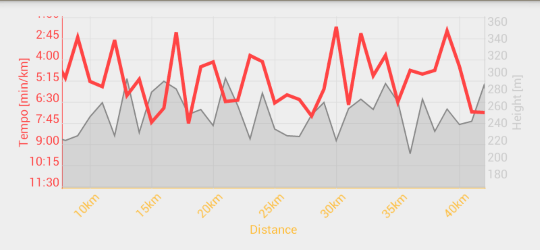
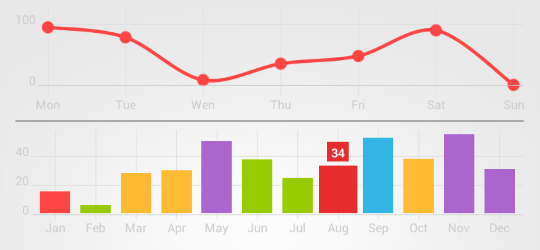
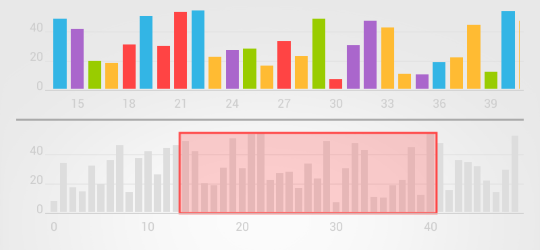
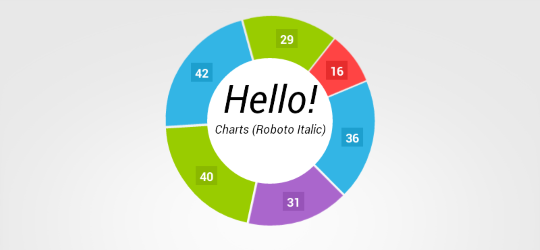
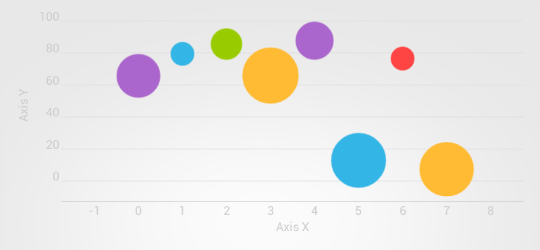
2.https://github.com/lecho/hellocharts-android
适用于Android的图表库兼容API 8+(Android 2.2)。在硬件加速可用时效果最佳,因此建议使用API 14+(Android 4.0)。
特征:
- 折线图(立方线,实线,散点)
- 柱形图(分组,堆叠,负值)
- 饼形图
- 气泡图
- 组合图表(列/行)
- 预览图表(用于柱形图和折线图)
- 缩放(捏合缩放,双击缩放),滚动和闪烁
- 自定义和自动生成的轴(顶部,底部,左侧,右侧,内侧)
- 动画
使用方式:
Android Studio/Gradle
- Maven Central/jCenter, add dependency to your
build.gradle:
dependencies{
    compile 'com.github.lecho:hellocharts-library:1.5.8@aar'
}
- JitPack.io, add
jitpack.iorepositiory and dependency to yourbuild.gradle:
repositories {
       maven {
           url "https://jitpack.io"
       }
   }

   dependencies {
       compile 'com.github.lecho:hellocharts-android:v1.5.8'
   }
效果图:

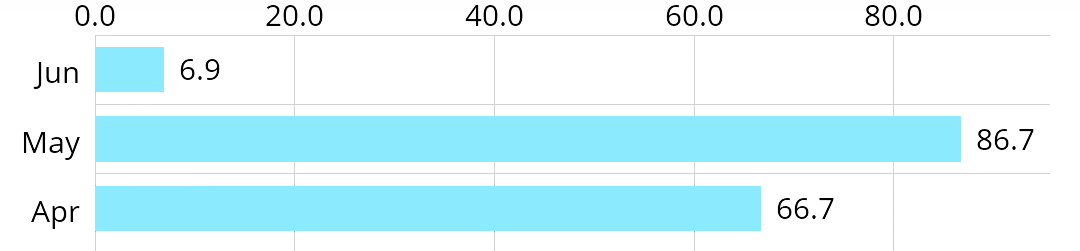
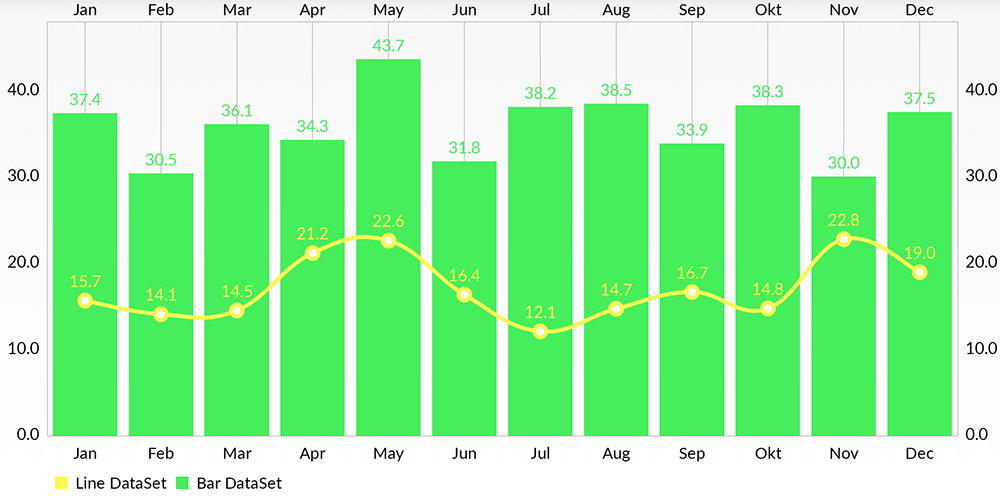
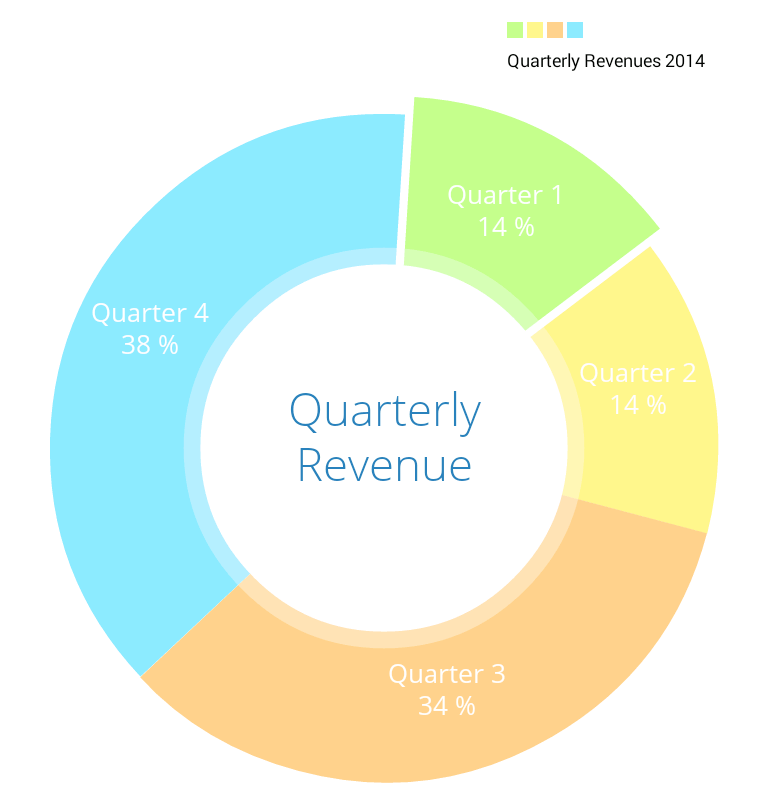
3.https://github.com/PhilJay/MPAndroidChart
一个强大的Android图表视图/图表视图库,支持线条 - 饼图 - 雷达 - 气泡和烛台图表以及缩放,拖动和动画。
使用方式:
Gradle
- Project level
build.gradle
allprojects {
    repositories {
        maven { url 'https://jitpack.io' }
    }
}
- App level
build.gradle
dependencies {
    implementation 'com.github.PhilJay:MPAndroidChart:v3.0.3'
}
Maven
<!-- <repositories> section of pom.xml -->
<repository>
    <id>jitpack.io</id>
   <url>https://jitpack.io</url>
</repository>

<!-- <dependencies> section of pom.xml -->
<dependency>
    <groupId>com.github.PhilJay</groupId>
    <artifactId>MPAndroidChart</artifactId>
    <version>v3.0.3</version>
</dependency>
效果图:
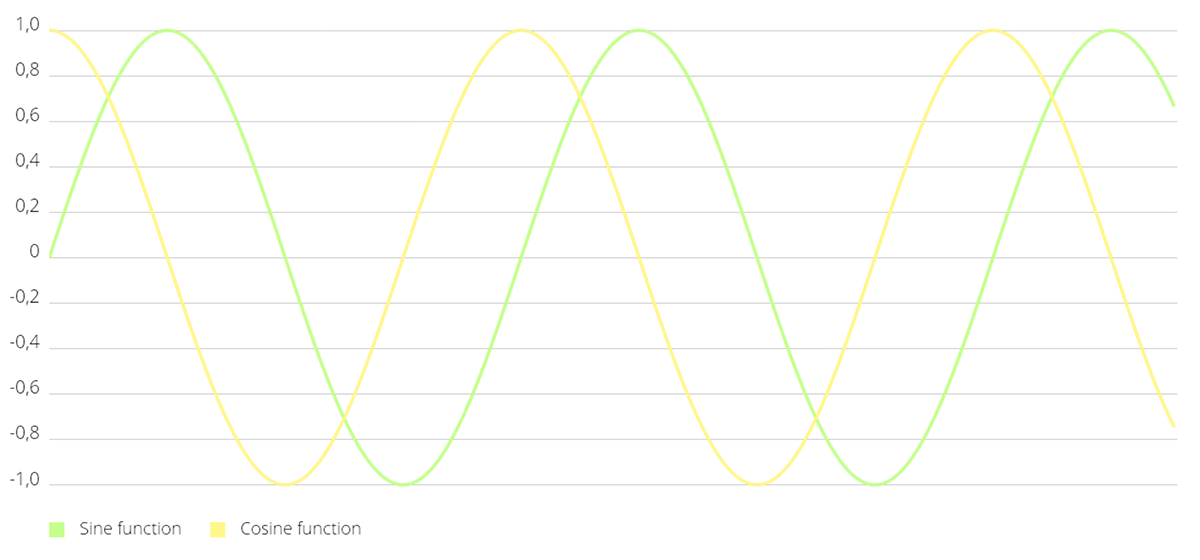
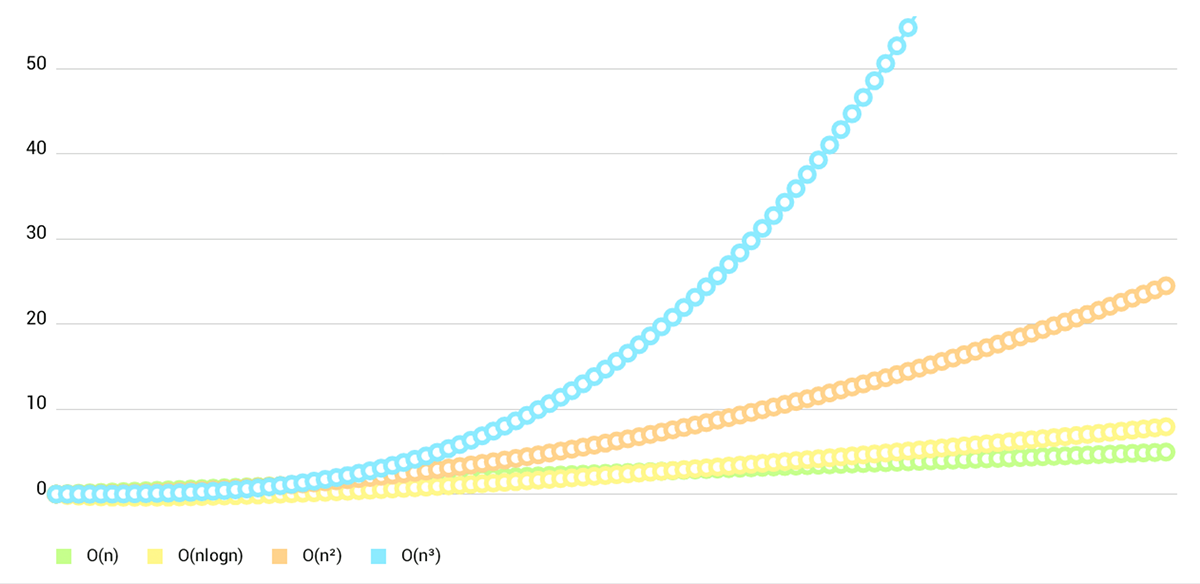
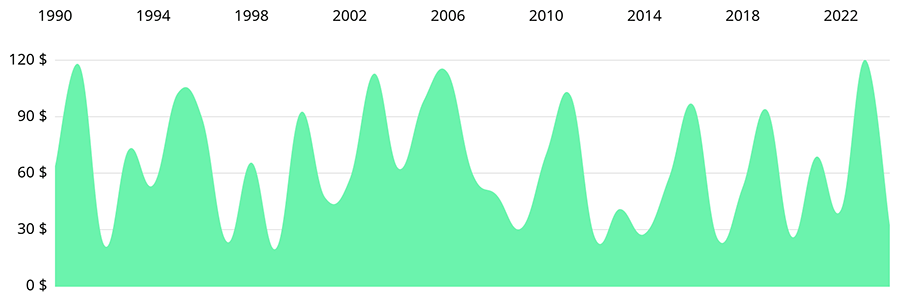
LineChart

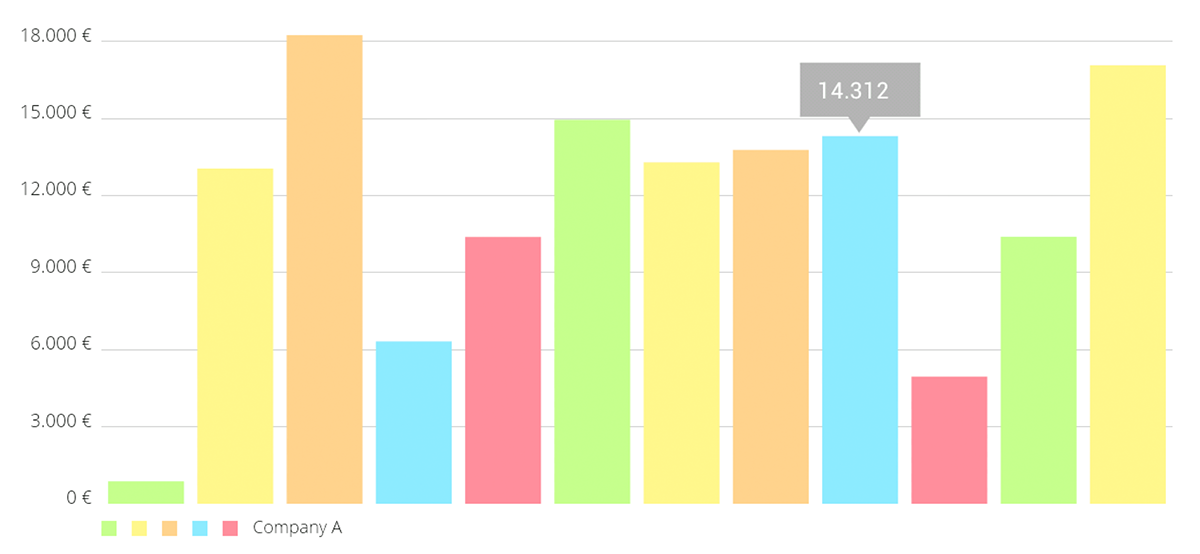
BarChart
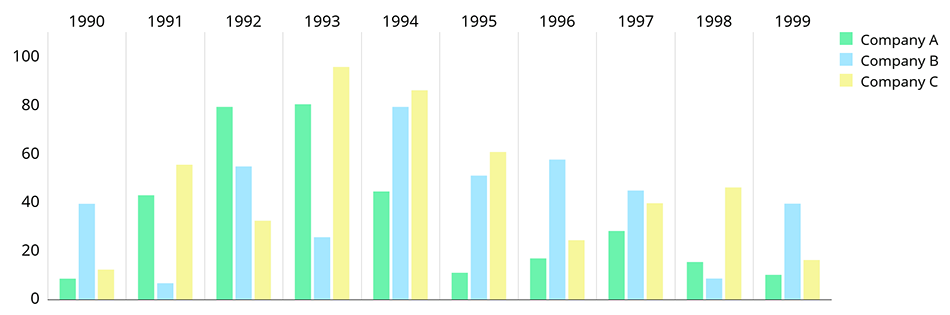
水平条形图
组合图表
PieChart
ScatterChart

CandleStickChart
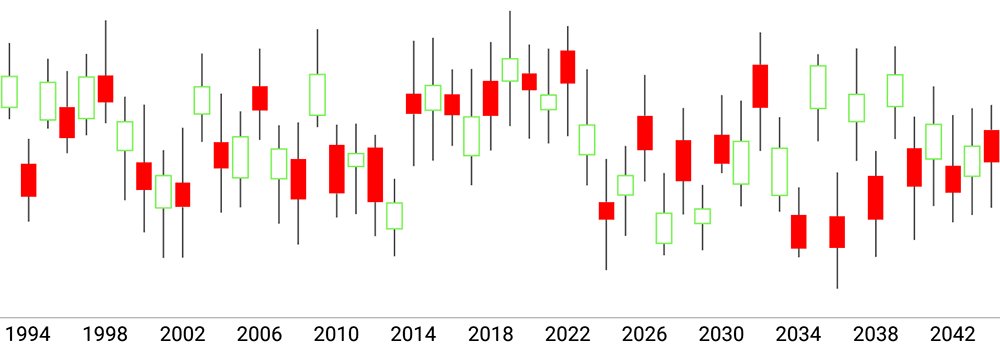
BubbleChart

RadarChart
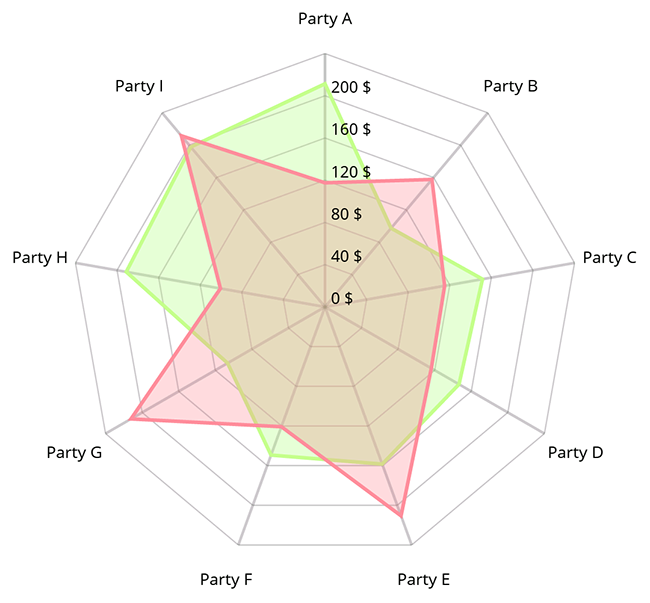
七、待续
Android UI开发之开源控件项目整理的更多相关文章
- 开源整理:Android App新手指引开源控件
开源整理:Android App新手指引开源控件 一个App第一次与用户接触或者发生大版本更新时,常常会用户进行新手引导,而一个好的新手指引,往往能够方便新用户快速了解操作你的应用功能.新手指引的重要 ...
- 转载: 开源整理:Android App新手指引开源控件
http://blog.coderclock.com/2017/05/22/android/open-source-android-app-guide-view-library/ 开源整理:Andro ...
- Win10 UWP开发系列——开源控件库:UWPCommunityToolkit
在开发应用的过程中,不可避免的会使用第三方类库.之前用过一个WinRTXamlToolkit.UWP,现在微软官方发布了一个新的开源控件库—— UWPCommunityToolkit 项目代码托管在G ...
- Android UI组件----ListView列表控件详解
[声明] 欢迎转载,但请保留文章原始出处→_→ 生命壹号:http://www.cnblogs.com/smyhvae/ 文章来源:http://www.cnblogs.com/smyhvae/p/3 ...
- Android UI 统一修改Button控件的样式,以及其它系统控件的默认样式
先介绍下修改原理:首先打开位于android.widget包下面的Button.java文件,这里有一句关键的代码如下: public Button(Context context, Attribut ...
- Android一个炫酷的树状图组织架构图开源控件实现过程
Android一个炫酷的树状图组织架构图开源控件 文章目录 [1 简介] [2 效果展示] [3 使用步骤] [4 实现基本布局流程] [5 实现自由放缩及拖动] [6 实现添加删除及节点动画] [7 ...
- 十二、Android UI开发专题(转)
http://dev.10086.cn/cmdn/bbs/viewthread.php?tid=18736&page=1#pid89255Android UI开发专题(一) 之界面设计 近期很 ...
- Android UI开发专题(转)
http://dev.10086.cn/cmdn/bbs/viewthread.php?tid=18736&page=1#pid89255 Android UI开发专题(一) 之界面设计 近期 ...
- Android 开源控件与常用开发框架开发工具类
Android的加载动画AVLoadingIndicatorView 项目地址: https://github.com/81813780/AVLoadingIndicatorView 首先,在 bui ...
随机推荐
- mysql数据库命令
删除一个表: drop table if exists 表名; 在表中插入行: Insert into 表名 values(, , ,) 创建表: Create table 表名( Id int(10 ...
- 移动开发在路上-- IOS移动开发系列 多线程三
这一次说一点概念性的东西,也是为后边做一些基础 HTTP协议的基本概念 http协议的基本概念 全称“超文本传输协议”,浏览器和服务器之间的通信规则 HTTp协议永远都是客户端发起的请求,服务器回送响 ...
- [TimLinux] Django 中间件
1. 定义 中间件是一个钩子框架,深入到django的请求/响应处理过程中.这是一个轻量.底层插件系统,目的是全局修改django的输入或输出.每一个中间件组件都是用来处理特定的功能.例如django ...
- POJ 3660 cow contest (Folyed 求传递闭包)
N (1 ≤ N ≤ 100) cows, conveniently numbered 1..N, are participating in a programming contest. As we ...
- Mint UI 之loadmore组件的坑:内部元素头部被遮挡了一部分
前端经常会遇到数据分页加载的需求,mint-ui组件为大家提供了loadmore组件 但是我在使用的时候,遇到了一个问题:写好布局和样式以及逻辑之后,我的mt-loadmore标签的头部总是不顶在父元 ...
- mac 删除生成的.DS_Store文件,以及设置不再生成此文件
步骤一:删除当前目录下所有隐藏.DS_store文件(请一定要在当前目录执行) sudo find ./ -name ".DS_Store" -depth -exec rm {} ...
- Linux服务器绑定多网卡IP
需求:在1台Linux上绑定两个公网IP,实现扩展IP用于专用的服务 问题:添加了一个网卡上绑定1个弹性IP,主网卡绑定的公网ip可以正常访问,但是扩展网卡的公网ip无法访问. 原因:没有设置路由规则 ...
- drf源码分析系列---节流(访问频率限制)
使用 from rest_framework.throttling import AnonRateThrottle from rest_framework.generics import ListAP ...
- MySQL的安装、启动和基础配置 —— linux版本
环境和资源地址 *** centos 7 *** http://repo.mysql.com/yum/mysql-5.6-community/ 安装 安装方式一(在线安装): # 查看和mysql有关 ...
- Mysql基于Mysql Cluster+MysqlRouter的集群部署方案
http://note.youdao.com/noteshare?id=a61c4a6ff2b76e5305430eb66eb116e2&sub=4B4B6E8D0E2849F9B0DFB67 ...