
PHP——运行shell命令|脚本
内置函数
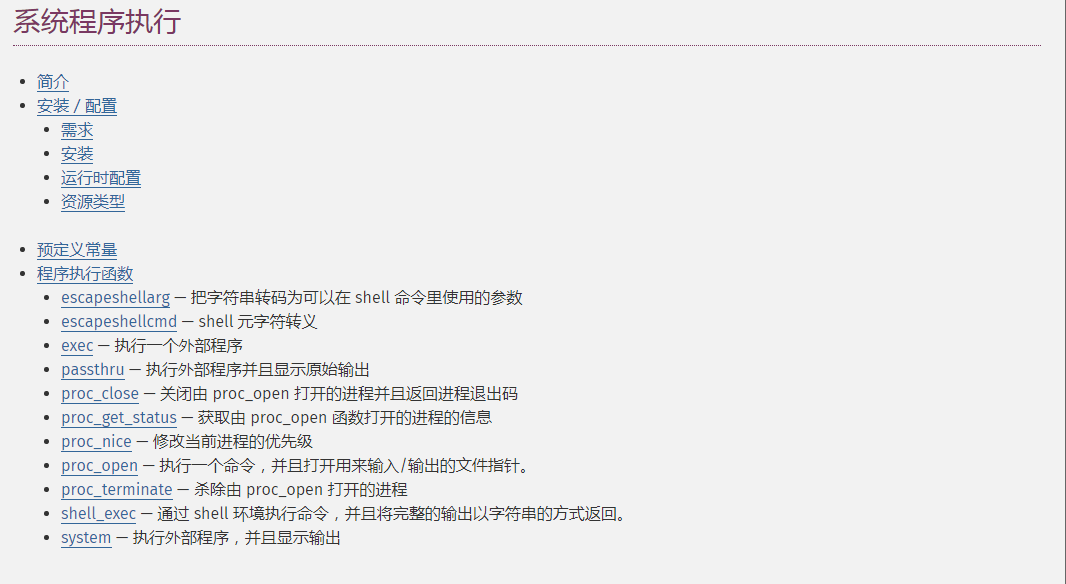
exec
shell_exec

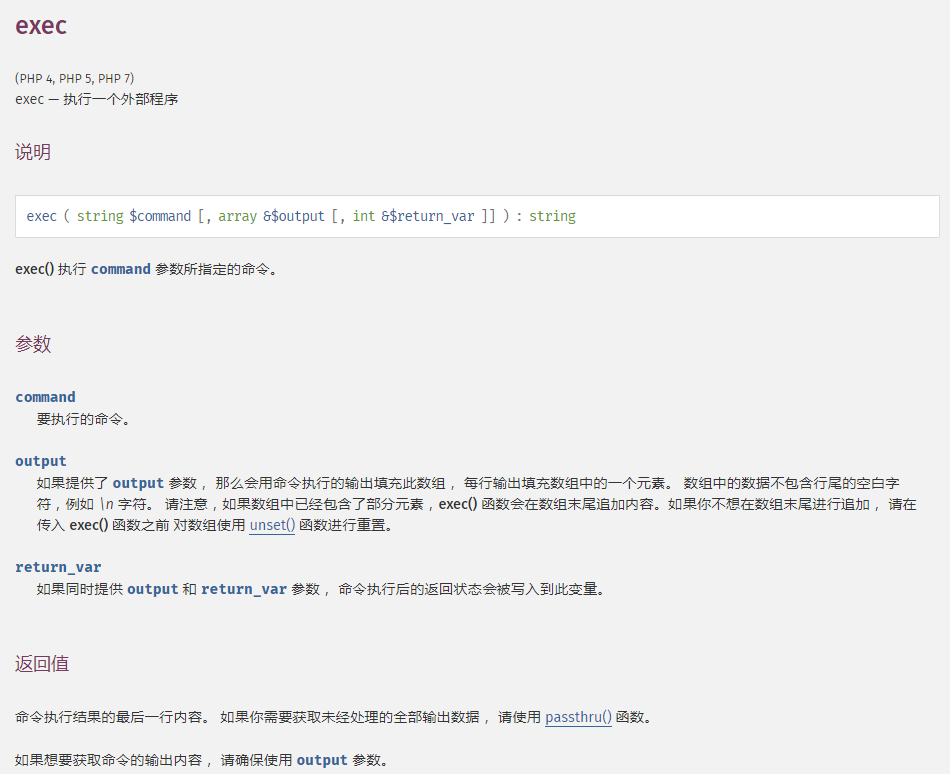
passthru
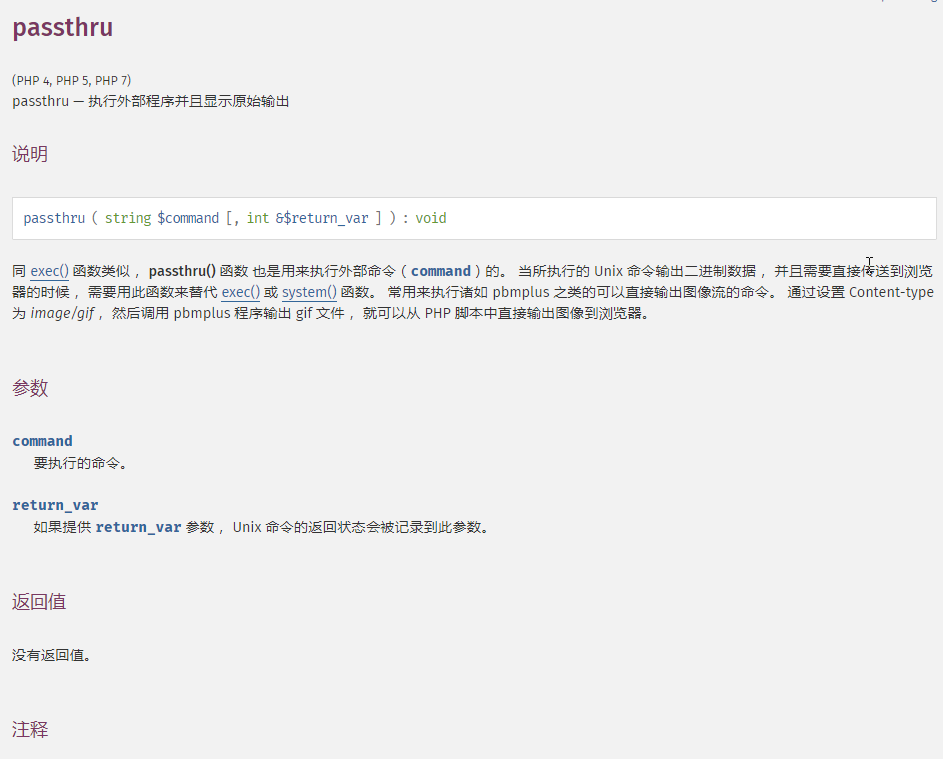
system

配置
打开php.ini配置文件,并从disable_function将用到的函数从禁用中删除,然后重新载入或重启服务

脚本
脚本和小程序代码均位于public目录下
#!/bin/bash

source /etc/profile

time=`date +%Y-%m-%d-%H:%M:%S`

cd /data/wwwroot/虚拟域名/public/miniprogram/

if [  -eq $? ] ; then

         echo "$time INFO 进入目录成功" >> build_log.log

else

         echo "$time ERROR 进入目录失败" >> build_log.log

                exit

fi

#删除之前编译文件

rm -rvf *.zip  dist >> build_log.log

if [  -eq $? ] ; then

         echo "$time INFO 删除成功" >> build_log.log

else

         echo "$time ERROR 删除失败" >> build_log.log

                exit

fi

#编译

npm run build wx $ $ >> /dev/null

if [  -eq $? ] ; then

         echo "$time INFO 编译成功" >> build_log.log

else

         echo "$time ERROR 编译失败" >> build_log.log

                exit

fi

#打包

zip -r $-$time.zip dist >> /dev/null

if [  -eq $? ] ; then

         echo "$time INFO 打包成功" >> build_log.log

else

         echo "$time ERROR 打包失败" >> build_log.log

                exit

fi
配置权限
通过ps aux | grep nginx 可以知道nginx的用户为www

修改所属组和用户
chown -R www:www miniprogram/

chown -R www:www mini.sh
修改权限
chmod -R  miniprogram/

chmod -R  mini.sh
赋予权限
usermod -s /bin/bash www
PHP代码
shell脚本执行成功后会返回0
<?php

namespace app\common\model;

use think\Db;

class WeixinShell extends Common

{

    /**

     * 打包小程序

     * @param array $params

     * @return array

     */

   public function build($params = [])

    {

        $result = [

            'status' => true,

            'msg'    => '编译成功',

            'data'   => [],

        ];

        $version = $params['mini_version'];

        $area = $params['mini_area'];

        system("sh mini.sh {$version} {$area} ", $status);

        $mini = glob("./miniprogram/*.zip");

        $file = $mini['0'];

        $url = $_SERVER['HTTP_HOST'].'/';

        if(isset($_SERVER['HTTPS']) && ('1' == $_SERVER['HTTPS'] || 'on' == strtolower($_SERVER['HTTPS']))){

            $http = 'https://';

        }elseif(isset($_SERVER['SERVER_PORT']) && ('443' == $_SERVER['SERVER_PORT'] )) {

            $http = 'https://';

         }else {

            $http = 'http://';

        }

        if(file_exists($file)){

          $result['data']['url'] = $http.$url.$file;

        }else{

           header("HTTP/1.1 404 Not Found");

        }

        if($status){

           $result['msg'] = '编译失败';

            return $result;

        }else{

            return $result;

        }

     }

}
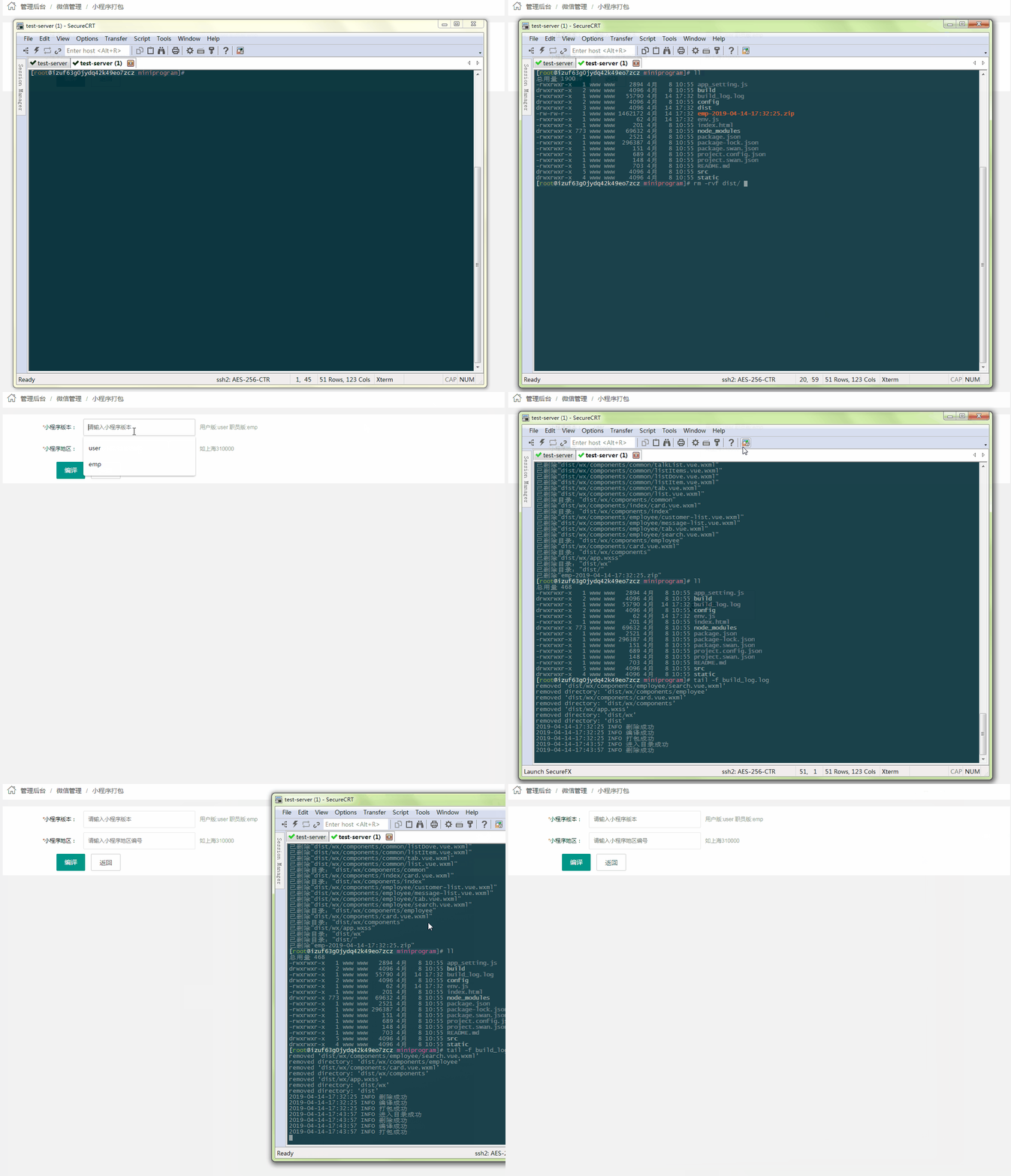
编译成功后返回URL地址,然后前端直接用window.location.href 可实现自动下载
成功示例
PHP——运行shell命令|脚本的更多相关文章
- 由Java代码运行shell命令/脚本
JDK有两种方法自带通Runtime.getRuntime().exec()和ProcessBuilder课上做, 后者是JDK1.5引进后,,政府还提出要放弃使用Runtime顺便做.现的时候就是採 ...
- 在R中运行Shell命令脚本(Call shell commands from R)
aaa.R Args <- commandArgs()cat("Args[1]=",Args[1],"\n")cat("Args[2]=&quo ...
- 4.Vim编辑器与Shell命令脚本
第4章 Vim编辑器与Shell命令脚本 章节简述: 本章首先讲解如何使用Vim编辑器来编写.修改文档,然后通过逐个配置主机名称.系统网卡以及Yum软件仓库参数文件等实验,帮助读者加深Vim编辑器中诸 ...
- 《Linux就该这么学》培训笔记_ch04_Vim编辑器与Shell命令脚本
<Linux就该这么学>培训笔记_ch04_Vim编辑器与Shell命令脚本 文章最后会post上书本的笔记照片. 文章主要内容: Vim编辑器 Shell脚本 流程控制语句 if语句 f ...
- 让你提前认识软件开发(23):怎样在C语言中运行shell命令?
第1部分 又一次认识C语言 怎样在C语言中运行shell命令? [文章摘要] Linux操作系统具备开源等诸多优秀特性,因此在很多通信类软件(主流开发语言为C语言)中,开发平台都迁移到了Linux上, ...
- PHP 反引号运行Shell命令,C程序
/********************************************************************* * PHP 反引号运行Shell命令,C程序 * 说明: ...
- java运行shell命令,chmod 777 xxx,改变权限无效的解决的方法。
在java程序中运行shell命令,改变文件的权限.能够在命令行中运行 chmod 777 <span style="font-family: Arial, Helvetica, sa ...
- Vim编辑器与Shell命令脚本
章节简述: 本章节将教给您如何使用Vim编辑器来编写文档.配置主机名称.网卡参数以及yum仓库 ,熟练使用各个模式和命令快捷键. 我们可以通过Vim编辑器将Linux命令放入合适的逻辑测试语句(if. ...
- 以root用户身份在jenkins中运行shell命令
以下过程是CentOS 1.打开此脚本(使用VIM或其他编辑器): vim /etc/sysconfig/jenkins 2.找到$JENKINS_USER并更改为“root”: $JENKINS_U ...
随机推荐
- 强大的开源企业级数据监控利器Lepus安装与配置管理
开篇介绍 官方网站:http://www.lepus.cc 开源企业级数据库监控系统 简洁.直观.强大的开源数据库监控系统,MySQL/Oracle/MongoDB/Redis一站式性能监控,让数据库 ...
- [书籍]重温《Framework Design Guidelines》
1. 前言 最近重温了<Framework Design Guidelines>. <Framework Design Guidelines>中文名称为<.NET设计规范 ...
- Python全栈开发之路 【第十七篇】:jQuery的位置属性、事件及案例
位置属性 <!DOCTYPE html> <html> <head> <meta charset="UTF-8"> <titl ...
- openstack-KVM-Network
一.网络配置 1.查看网卡信息: lspci | grep Ethernet ethtool -i eth0 (qemu) info network virsh qemu-monitor-comman ...
- JS_左边栏菜单
需求: 要求实现左边栏菜单点击一下就弹开,其他的隐藏.再点击一下就隐藏. 最多只能有一个菜单的详细内容会显示出来. 三个菜单实现联动效果. 代码如下: 1 <!DOCTYPE html> ...
- Python之json使用
一.概念 json是一种通用的数据类型,任何语言都认识 接口返回的数据类型都是json 长得像字典,形式也是k-v { } 其实json是字符串 字符串不能用key.value来取值,要先转成字典才可 ...
- 区块链教程(二):比特币、区块链、以太坊、Hyperledger的关系
不知道大家喜不喜欢音乐! 朋克音乐:诞生于七十年代中期,一种源于六十年代车库摇滚和前朋克摇滚的简单摇滚乐.它由一个简单悦耳的主旋律和三个和弦组成,经过演变,朋克已经逐渐脱离摇滚,成为一种独立的音乐,朋 ...
- 下拉框、下拉控件之Select2
一.Select2的功能简介 select2插件给我们带来了更加友好的交互方式,比如查询控件展开后可通过关键字进行检索 例如: Select2也可以选择带查询控件的选择框... Select2也可以选 ...
- MyBatis源码分析1 参数映射分析
首先我们拿出之前的代码,在如图位置打上断点,开始调试 我们规定了一个mapper接口,而调用了mapper接口的getEmpByIdAndLastName,我们并没有实现这个接口,这是因为Mybati ...
- Python 爬虫 解析库的使用 --- Beautiful Soup
知道了正则表达式的相关用法,但是一旦正则表达式写的有问题,得到的可能就不是我们想要的结果了.而且对于一个网页来说,都有一定的特殊结构和层级关系,而且有很多节点都有id或class来做区分,所以借助它们 ...