
expo-cli & React Native
expo-cli
https://reactnative.dev/docs/environment-setup
You will only need a recent version of Node.js(LTS 12+) and a phone or emulator.
install
https://docs.expo.io/get-started/installation
$ npm i -g expo-cli

# yarn

$ yarn global add expo-cli

$ expo -V

# 3.21.13
$ expo init App_RN

$ cd App_RN && npm start

# OR

$ cd App_RN && yarn start

# OR

$ expo start

# you can open iOS, Android, or web from here, or run them directly with the commands below.

$ yarn android

$ yarn ios

$ yarn web
  "scripts": {

    "start": "expo start",

    "android": "expo start --android",

    "ios": "expo start --ios",

    "web": "expo start --web",

    "eject": "expo eject"

  },
Scan the
QR CodewithExpo Client App
https://itunes.apple.com/app/apple-store/id982107779
https://play.google.com/store/apps/details?id=host.exp.exponent&referrer=www
tutorial
https://docs.expo.io/tutorial/planning/
online simulator
https://snack.expo.io/@xgqfrms/react-native-app
dev & live hot reloading
Expo DevTools is running at http://localhost:19002
Opening DevTools in the browser... (press shift-d to disable)
To run the app with live reloading, choose one of:
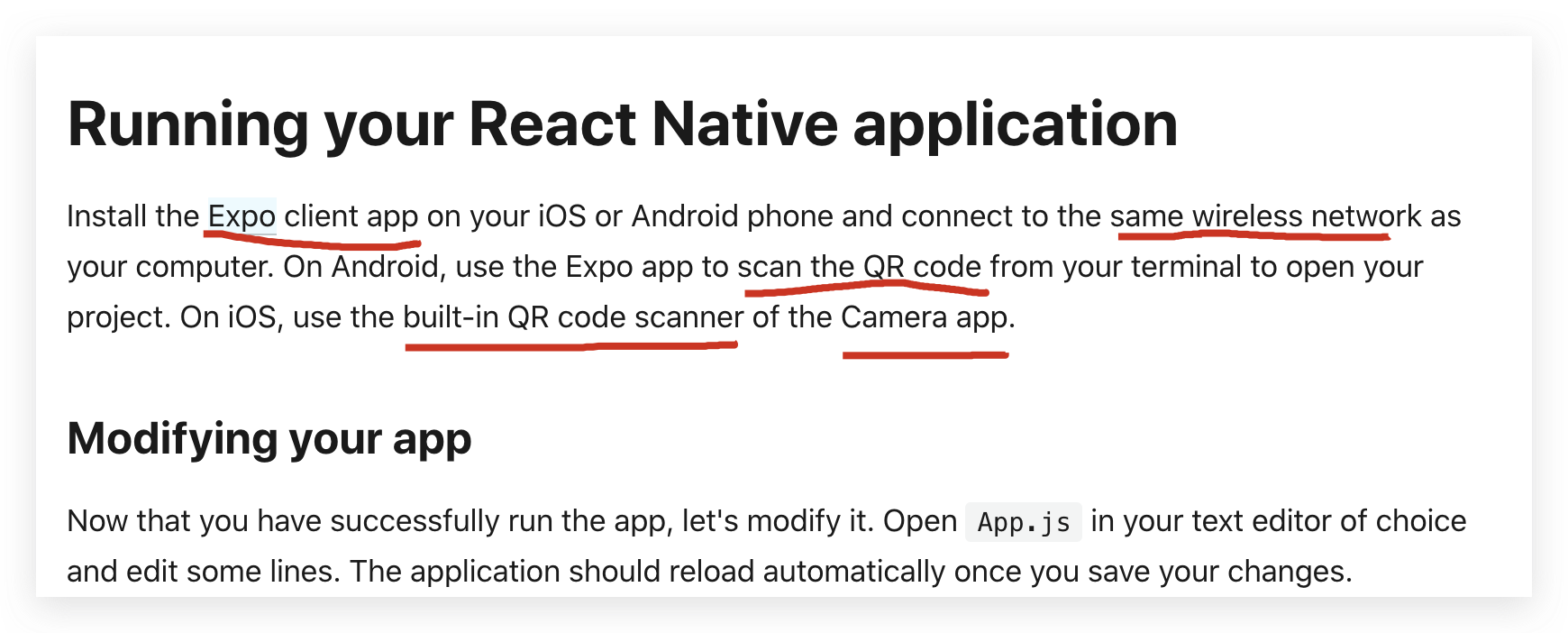
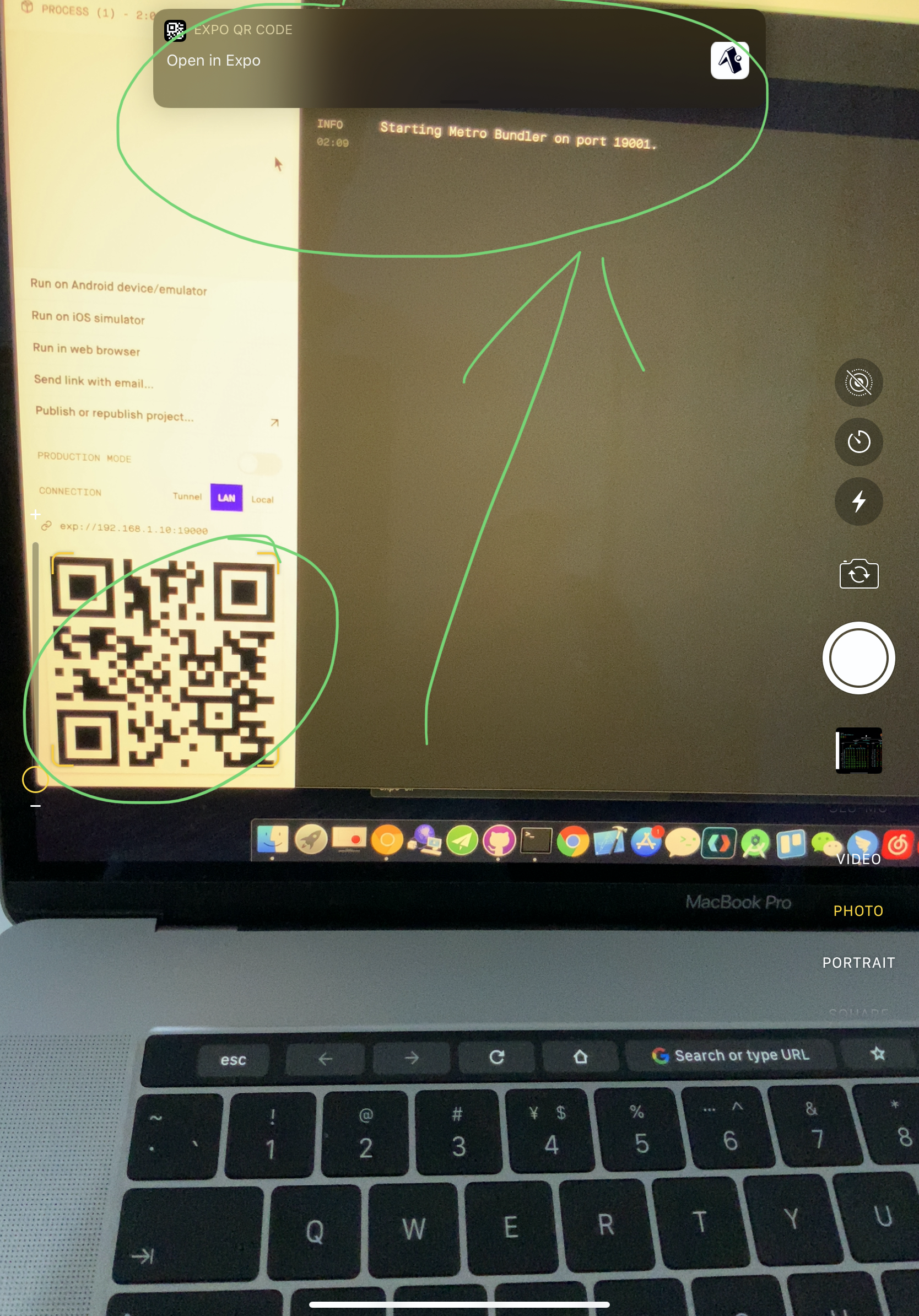
• Scan the QR code above with the Expo app (Android) or the Camera app (iOS).
• Press a for Android emulator, or i for iOS simulator, or w to run on web.
• Press e to send a link to your phone with email.
• Press s to sign in and enable more options.
press Ctrl+C to exit.
Expo Press ? to show a list of all available commands.
› Press a to run on Android device/emulator, or i to run on iOS simulator, or w to run on web.
› Press c to show info on connecting new devices.
› Press d to open DevTools in the default web browser.
› Press shift-d to disable automatically opening DevTools at startup.
› Press e to send an app link with email.
› Press p to toggle production mode. (current mode: development)
› Press r to restart bundler, or shift-r to restart and clear cache.
› Press o to open the project in your editor.
› Press s to sign out. (Signed in as @xgqfrms.)
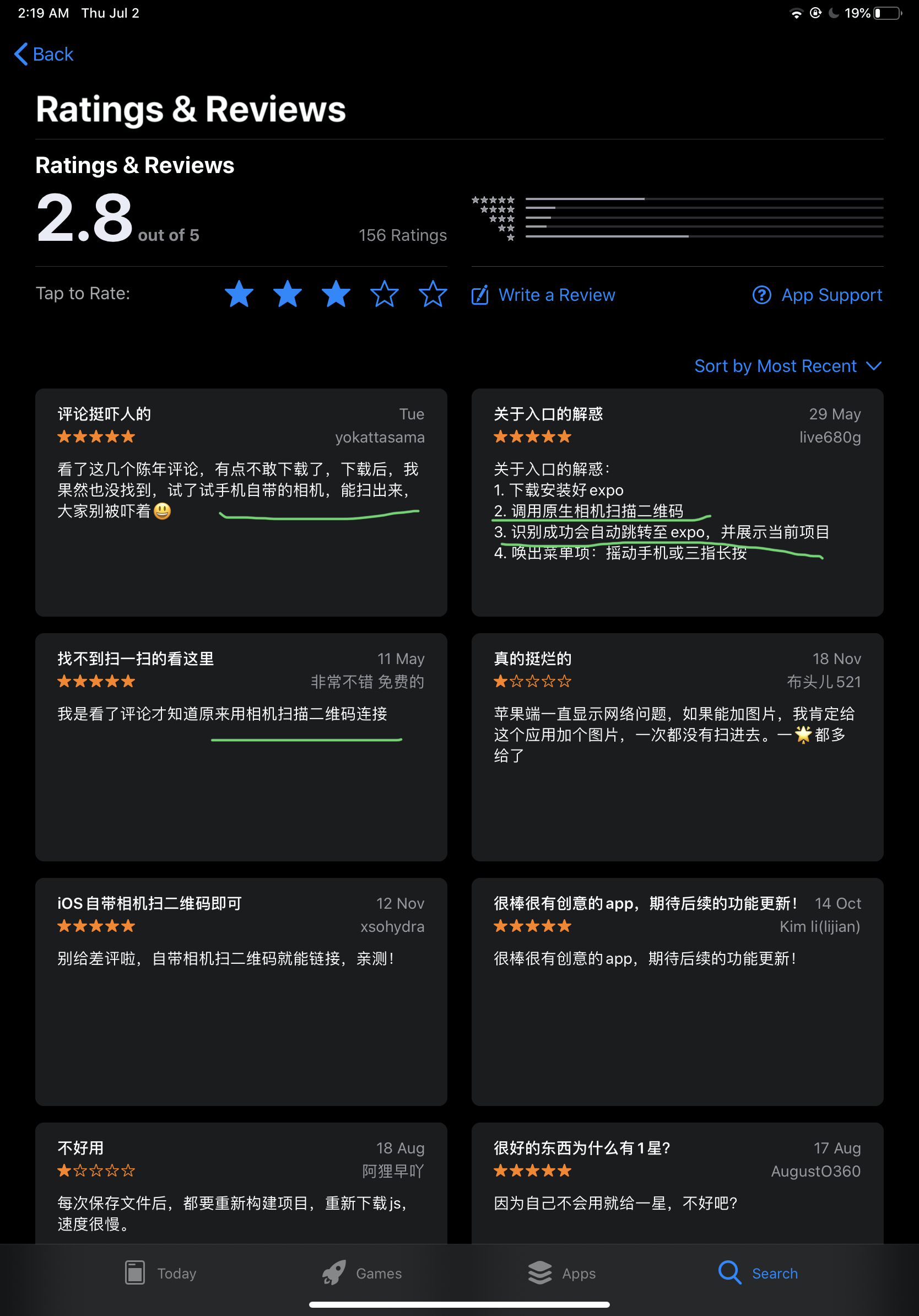
Expo client app & scan QR code
https://reactnative.dev/docs/environment-setup
bug
OK


xgqfrms 2012-2020
www.cnblogs.com 发布文章使用:只允许注册用户才可以访问!
expo-cli & React Native的更多相关文章
- RN 实战 & React Native 实战
RN 实战 & React Native 实战 https://abc.xgqfrms.xyz/react-native-docs/ 0.59 https://github.com/xgqfr ...
- react native Expo适配全面屏/Expo识别全面屏和正常屏
一.最新版本的expo已经默认支持了全面屏,即不会像react native cli一样出现底部黑边 二.但是全面屏通过Dimensions.get('window')获取的高度还是不准确,因为全面屏 ...
- react native 项目使用 expo 二维码扫描失败
今天学习react native,需使用expo在移动端进行调试. npm start 运行项目后,使用expo扫描二维码,始终没有反应.于是决定采用这个方法: 连上手机打开usb调试后,按下‘a’, ...
- Expo大作战(二十一)--expo如何分离(detach),分离后可以比react native更有优势,但也失去了expo的部分优势,
简要:本系列文章讲会对expo进行全面的介绍,本人从2017年6月份接触expo以来,对expo的研究断断续续,一路走来将近10个月,废话不多说,接下来你看到内容,讲全部来与官网 我猜去全部机翻+个人 ...
- Expo大作战(三)--针对已经开发过react native项目开发人员有针对性的介绍了expo,expo的局限性,开发时项目选型注意点等
简要:本系列文章讲会对expo进行全面的介绍,本人从2017年6月份接触expo以来,对expo的研究断断续续,一路走来将近10个月,废话不多说,接下来你看到内容,讲全部来与官网 我猜去全部机翻+个人 ...
- [翻译]Review——24 tips for React Native you probably want to know
Post author: Albert Gao Post link: http://www.albertgao.xyz/2018/05/30/24-tips-for-react-native-you- ...
- React Native初探
前言 很久之前就想研究React Native了,但是一直没有落地的机会,我一直认为一个技术要有落地的场景才有研究的意义,刚好最近迎来了新的APP,在可控的范围内,我们可以在上面做任何想做的事情. P ...
- React Native 项目运行在 Web 浏览器上面
React Native 的出现,让前端工程师拥有了使用 JavaScript 编写原生 APP 的能力.相比之前的 Web app 来说,对于性能和用户体验提升了非常多. 但是 React Nati ...
- 深入浅出 React Native:使用 JavaScript 构建原生应用
深入浅出 React Native:使用 JavaScript 构建原生应用 链接:https://zhuanlan.zhihu.com/p/19996445 原文:Introducing React ...
- React Native 简介:用 JavaScript 搭建 iOS 应用 (1)
[编者按]本篇文章的作者是 Joyce Echessa--渥合数位服务创办人,毕业于台湾大学,近年来专注于协助客户进行 App 软体以及网站开发.本篇文章中,作者介绍通过 React Native 框 ...
随机推荐
- 大数据系列4:Yarn以及MapReduce 2
系列文章: 大数据系列:一文初识Hdfs 大数据系列2:Hdfs的读写操作 大数据谢列3:Hdfs的HA实现 通过前文,我们对Hdfs的已经有了一定的了解,本文将继续之前的内容,介绍Yarn与Yarn ...
- https://dev.mysql.com/doc/refman/8.0/en/savepoint.html
https://dev.mysql.com/doc/refman/8.0/en/savepoint.html
- Python学习【第8篇】:python中的函数
1.python中函数定义方法 def test(x): "This istest" y = x*2+1 return y vaule = test(2)print(vaule)运 ...
- JTS Geometry
JTS Geometry关系判断和分析 JTS Geometry关系判断和分析 1.关系判断 1.1实例 2.关系分析 2.1实例 JTS(Geometry) JTS Geometry关系判断和分析 ...
- ARP病毒系列——基础篇
概念和关系介绍:(ARP.IP.Mac 三者的关系) ARP,全称Address Resolution Protocol,中文名为地址解析协议,它工 ...
- MongoDB:原来我如此简单
为什么要使用 MongoDB 张三大学毕业设计题目是<XXX博客论坛>,他在存储用户评论的时候遇到了一个问题:这些评论数据量非常大,但是价值不是很大,如果存储在 MySQL 数据库中就会浪 ...
- Array循环for、for in、for of、forEach各间优劣
JavaScript中有多种循环Array的方式,你是否常常分不清他们的细微差别,和适用场景.本文将详细梳理各间的优缺点,整理成表以便对比. 循环 可访问element 可访问index 可迭代pro ...
- 最大子阵 DP or 前缀和orb暴力 能过
在一个给定的n*m二维矩阵中求一个子矩阵元素和的最大值. 思路: 1:一个二维矩阵由两个点可以确定,枚举两个点,取子矩阵最大值. 2:在一维矩阵中,求一个序列的最大子段,利用 f[i]=max(f[i ...
- HDU6532 Chessboard (最大费用流)
题意:棋盘上有n个棋子 每个棋子都有收益 现在给定1e5条线 有横着的 竖着的 规定只能在线的一侧选最多ki个棋子 问最大收益 题解:写自闭的一道题 很容易想到是网络流 但是建图有点难 第一道最大费用 ...
- The Balance HDU - 1709 母函数(板子变化)
题意: 现在你被要求用天平和一些砝码来量一剂药.当然,这并不总是可以做到的.所以你应该找出那些不能从范围[1,S]中测量出来的品质.S是所有重量的总质量. 输入一个n,后面有n个数,表示这n个物品的质 ...