
12Flutter页面布局 AspectRatio和Cart卡片组件
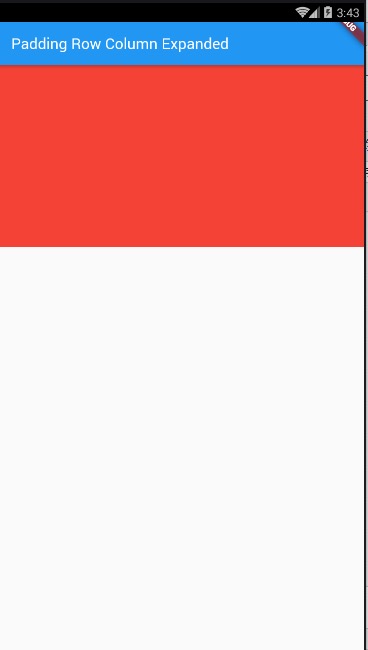
import 'package:flutter/material.dart';

void main() {

  runApp(MyApp());

}

class MyApp extends StatelessWidget {

  @override

  Widget build(BuildContext context) {

    // TODO: implement build

    return MaterialApp(

      home: Scaffold(

        appBar: AppBar(

          title: Text(' AspectRatio、Cart卡片组件'),

        ),

        body: HomeContent(),

      ),

    );

  }

}

class HomeContent extends StatelessWidget {

  @override

  Widget build(BuildContext context) {

    //Stack结合align实现布局:

    return AspectRatio(

      aspectRatio: 2.0/1.0,

      child: Container(

        color: Colors.red,

      ),

    );

  }

}
Cart卡片组件:
demo1:
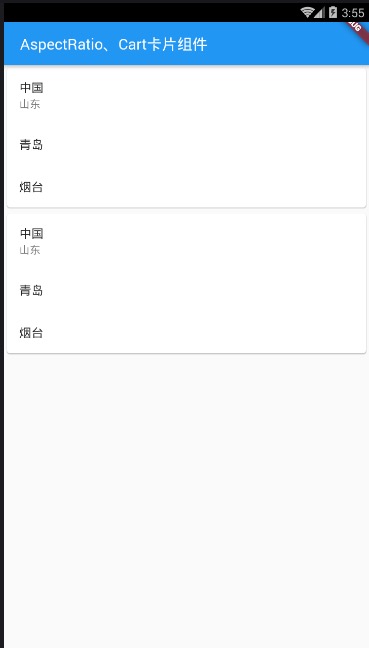
main.dart
import 'package:flutter/material.dart';

void main() {

  runApp(MyApp());

}

class MyApp extends StatelessWidget {

  @override

  Widget build(BuildContext context) {

    // TODO: implement build

    return MaterialApp(

      home: Scaffold(

        appBar: AppBar(

          title: Text(' AspectRatio、Cart卡片组件'),

        ),

        body: HomeContent(),

      ),

    );

  }

}

class HomeContent extends StatelessWidget {

  @override

  Widget build(BuildContext context) {

    //Stack结合align实现布局:

    return ListView(

      children: <Widget>[

        Card(

          child: Column(

            children: <Widget>[

              ListTile(title: Text('中国'), subtitle: Text('山东')),

              ListTile(

                title: Text('青岛'),

              ),

              ListTile(

                title: Text('烟台'),

              )

            ],

          ),

        ),

        Card(

          child: Column(

            children: <Widget>[

              ListTile(title: Text('中国'), subtitle: Text('山东')),

              ListTile(

                title: Text('青岛'),

              ),

              ListTile(

                title: Text('烟台'),

              )

            ],

          ),

        )

      ],

    );

  }

}
demo2:
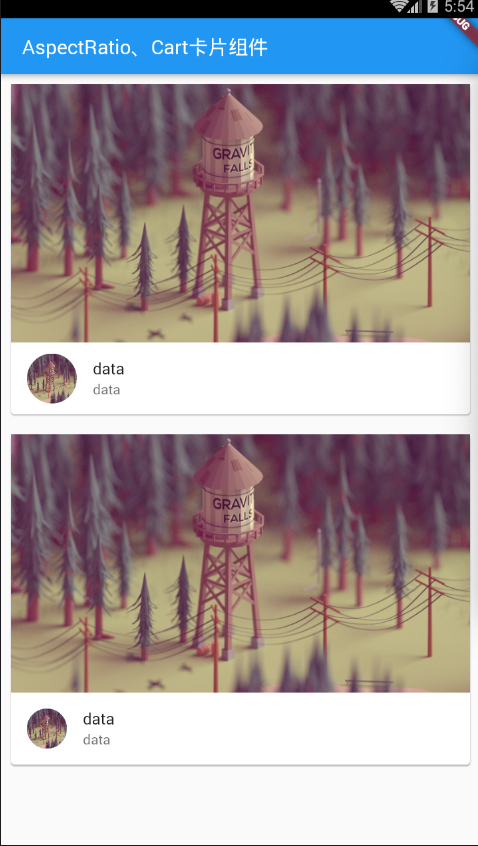
main.dat
demo3:
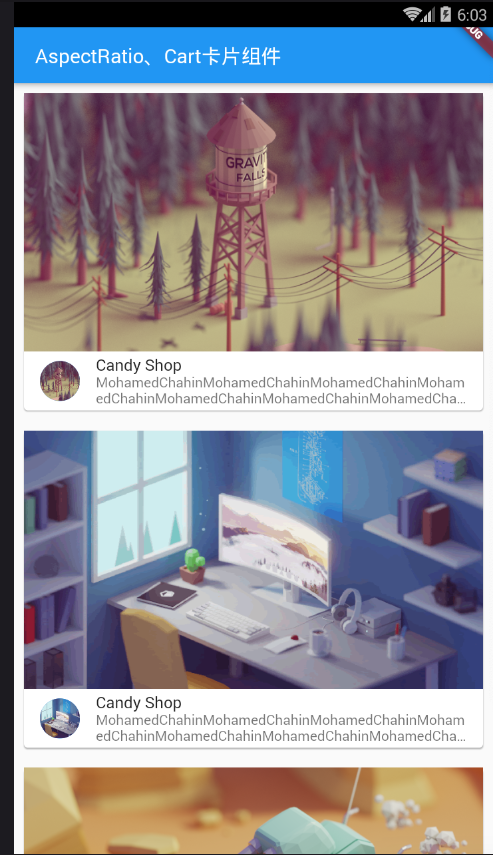
main.dart
import 'package:flutter/material.dart';

import 'res/listData.dart';

void main() {

  runApp(MyApp());

}

class MyApp extends StatelessWidget {

  @override

  Widget build(BuildContext context) {

    // TODO: implement build

    return MaterialApp(

      home: Scaffold(

        appBar: AppBar(

          title: Text(' AspectRatio、Cart卡片组件'),

        ),

        body: HomeContent(),

      ),

    );

  }

}

class HomeContent extends StatelessWidget {

  @override

  Widget build(BuildContext context) {

    //Stack结合align实现布局:

    return ListView(

      children: listData.map((value) {

        return Card(

          margin: EdgeInsets.all(),

          child: Column(

            children: <Widget>[

              AspectRatio(

                aspectRatio:  / ,

                child: Image.network(

                    "${value['imageUrl']}",

                    fit: BoxFit.cover),

              ),

              ListTile(

                  leading: CircleAvatar(

                    backgroundImage: NetworkImage(

                        "${value['imageUrl']}"),

                  ),

                  title: Text("${value['title']}"),

                  subtitle: Text("${value['descripts']}",maxLines:,overflow: TextOverflow.ellipsis,))

            ],

          ),

        );

      }).toList(),

    );

  }

}
listData.dart
List listData=[

  {

    "title":"Candy Shop",

    "author":"Mohamed Chahin",

    "imageUrl":"https://www.itying.com/images/flutter/1.png",

    "descripts":"MohamedChahinMohamedChahinMohamedChahinMohamedChahinMohamedChahinMohamedChahinMohamedChahinMohamedChahinMohamedChahinMohamedChahin"

  },

  {

    "title":"Candy Shop",

    "author":"Mohamed Chahin",

    "imageUrl":"https://www.itying.com/images/flutter/2.png",

    "descripts":"MohamedChahinMohamedChahinMohamedChahinMohamedChahinMohamedChahinMohamedChahinMohamedChahinMohamedChahinMohamedChahinMohamedChahin"

  },

  {

    "title":"Candy Shop",

    "author":"Mohamed Chahin",

    "imageUrl":"https://www.itying.com/images/flutter/3.png",

    "descripts":"MohamedChahinMohamedChahinMohamedChahinMohamedChahinMohamedChahinMohamedChahinMohamedChahinMohamedChahinMohamedChahinMohamedChahin"

  },

  {

    "title":"Candy Shop",

    "author":"Mohamed Chahin",

    "imageUrl":"https://www.itying.com/images/flutter/4.png",

    "descripts":"MohamedChahinMohamedChahinMohamedChahinMohamedChahinMohamedChahinMohamedChahinMohamedChahinMohamedChahinMohamedChahinMohamedChahin"

  },{

    "title":"Candy Shop",

    "author":"Mohamed Chahin",

    "imageUrl":"https://www.itying.com/images/flutter/5.png",

    "descripts":"MohamedChahinMohamedChahinMohamedChahinMohamedChahinMohamedChahinMohamedChahinMohamedChahinMohamedChahinMohamedChahinMohamedChahin"

  }

];
12Flutter页面布局 AspectRatio和Cart卡片组件的更多相关文章
- 10Flutter页面布局 Padding Row Column Expanded组件详解:
Padding组件: main.dart import 'package:flutter/material.dart'; import 'res/listData.dart'; /* flutter页 ...
- Flutter AspectRatio、Card 卡片组件
Flutter AspectRatio 组件 AspectRatio 的作用是根据设置调整子元素 child 的宽高比. AspectRatio 首先会在布局限制条件允许的范围内尽可能的扩展,widg ...
- flutter 页面布局 Paddiing Row Column Expanded 组件
Flutter Paddiing 组件 在 html 中常见的布局标签都有 padding 属性,但是 Flutter 中很多 Widget 是没有 padding 属 性.这个时候我们可以用 Pad ...
- 页面布局 Paddiing Row Column Expanded 组件详解
一.Paddiing 组件 padding EdgeInsetss 设置填充的值 child 组件 return Padding( padding: EdgeIn ...
- AspectRatio图片的宽高比、Card 卡片组件
一.AspectRatio 组件 AspectRatio 的作用是根据设置调整子元素 child 的宽高比. AspectRatio 首先会在布局限制条件允许的范围内尽可能的扩展,widget 的高度 ...
- 046——VUE中组件之使用动态组件灵活设置页面布局
<!DOCTYPE html> <html lang="en"> <head> <meta charset="UTF-8&quo ...
- 13Flutter页面布局 Wrap组件
/* Flutter页面布局Wrap组件: Wrap可以实现流布局,单行的Wrap跟Row表现几乎一致,单列的Wrap则跟Row表现几乎一致. 但Row与Column都是单行单列的.Wrap则突破了这 ...
- 11Flutter页面布局 Stack层叠组件 Stack与Align Stack与Positioned实现定位布局
/* Flutter 页面布局 Stack层叠组件: Stack与Align Stack与Positioned实现定位布局: Flutter Stack组件: Stack表示堆得意思,我们可以用Sta ...
- 《React后台管理系统实战 :二》antd左导航:cmd批量创建子/目录、用antd进行页面布局、分离左导航为单独组件、子路由、动态写左导航、css样式相对陷阱
一.admin页面布局及路由创建 0)cmd批量创建目录及子目录 //创建各个目录,及charts和子目录bar md home category product role user charts\b ...
随机推荐
- APP中的第三方“支付”功能测试建议
目前市场上APP中带有支付功能的产品有非常多,那么APP中带有第三方支付功能的产品在这一模块该如何测试才尽可能的确保测试完整性. 正常流程: 正常使用支付宝.微信.银行卡(目前使用最多的第三方支付方式 ...
- 14.Vue组件
1.定义Vue组件 什么是组件: 组件的出现,就是为了拆分Vue实例的代码量的,能够让我们以不同的组件,来划分不同的功能模块,将来我们需要什么样的功能,就可以去调用对应的组件即可: 组件化和模块化的不 ...
- pyecharts各省人口GDP可视化分析
版权声明:本文为博主原创文章,转载 请注明出处:https://blog.csdn.net/sc2079/article/details/82503569 9月9日更:本篇博客数据下载:链接:http ...
- Mha-Atlas-MySQL高可用方案实践
一,mysql-mha环境准备 1.1 实验环境: 1.1 实验环境: 主机名 IP地址(NAT) 描述 mysql-master eth0:10.1.1.154 系统:CentOS6.5(6.x都可 ...
- Python 文件操作(1)
今天大佬给了个A文件给我,里面存放了机密数据. 什么机密数据??? 有帅哥的联系方式吗? 赶紧打开来看一下 1.open() 函数基本版 Python大佬有个内置开文件的函数open(), 专门开文件 ...
- 单元测试框架之unittest(三)
一.摘要 前边的文章我们看到执行测试用例的是通过调用unittest.mian()函数,它会将模块的测试用例收集起来并执行,然而当我们的测试用例增多了以后,这样的执行非常不灵活而且没有效率,我们更愿意 ...
- Java基础-异常处理机制 及异常处理的五个关键字:try/catch/finally/throw /throws
笔记: /** 异常处理机制: 抓抛模型 * 1."抛", 一旦抛出,程序终止! printStackTrace()显示异常路径! * 2."抓", 抓住异常 ...
- TCP/UDP Socket调试工具提供了TCP Server,TCP Client,UDP Server,UDP Client,UDP Group 五种Socket调试方案。
一.TCP通信测试: 1) 创建TCP Server: 选中左方的TCP Server, 然后点击”创建”按钮,软件弹出监听端口输入框 输入监听端口后,即创建了一个在指定端口上进行监听的TCP S ...
- JS 禁用按钮10秒方法
方式一:禁用10秒,10秒钟后可用 /** * 按钮禁用10秒 * @param submitButtonName 按钮ID名 */ function disabledSubmitButton(sub ...
- Collections(一)
方法注释 /** * Returns an immutable list containing only the specified object. * The returned list is se ...