
GifCam
转载:http://blog.bahraniapps.com/?page_id=21
下载 http://pan.baidu.com/s/1c0vdHIw
GifCam
Note:
GifCam comes free from any harmful/adware software. I found some websites host GifCam and bundle it with malware/adware/toolbars..
make sure to get it from this official webpage latest version 3.1.
 GifCam is easy and fun animated gif making app.
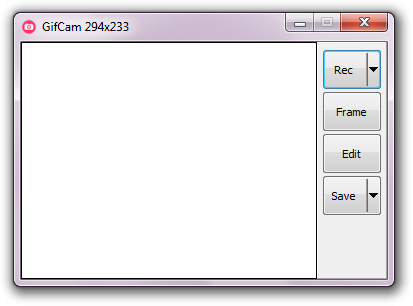
GifCam has a nice idea where the app works like a camera that stays on top of all windows so you can move it and resize it to record your desired area.
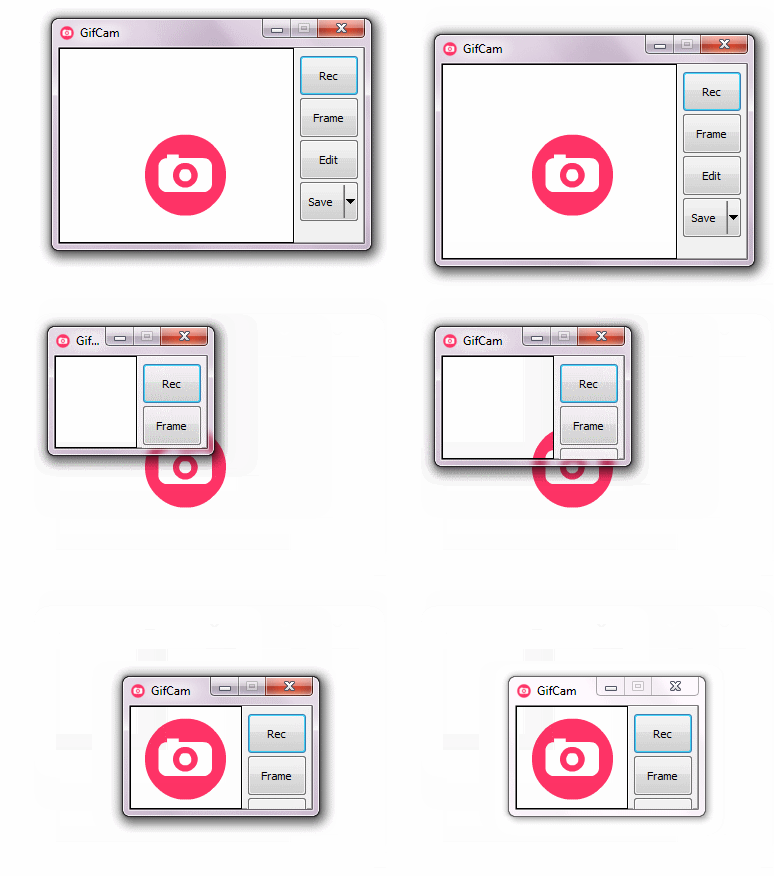
When you’re ready, click “Rec” to start recording or click “Frame” to record a single frame.
GifCam is practical
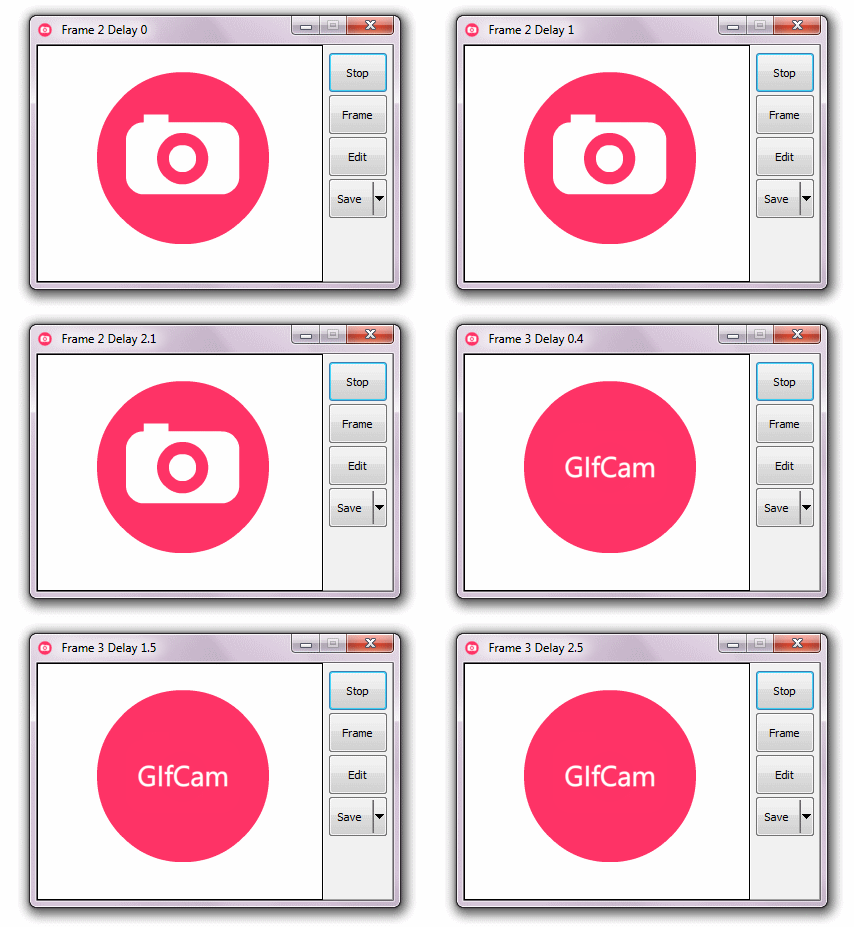
While recording whenever GifCam finds the previous frame is same as the new recorded one it automatically adds delays (milliseconds the frame stays on screen) instead of adding a new frame and increasing gif size.
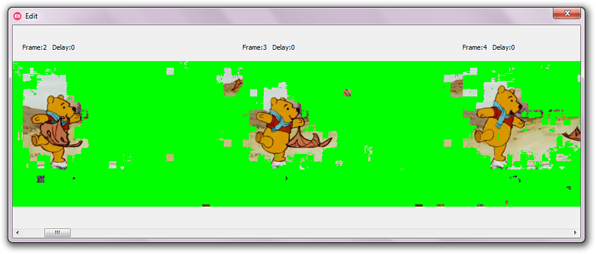
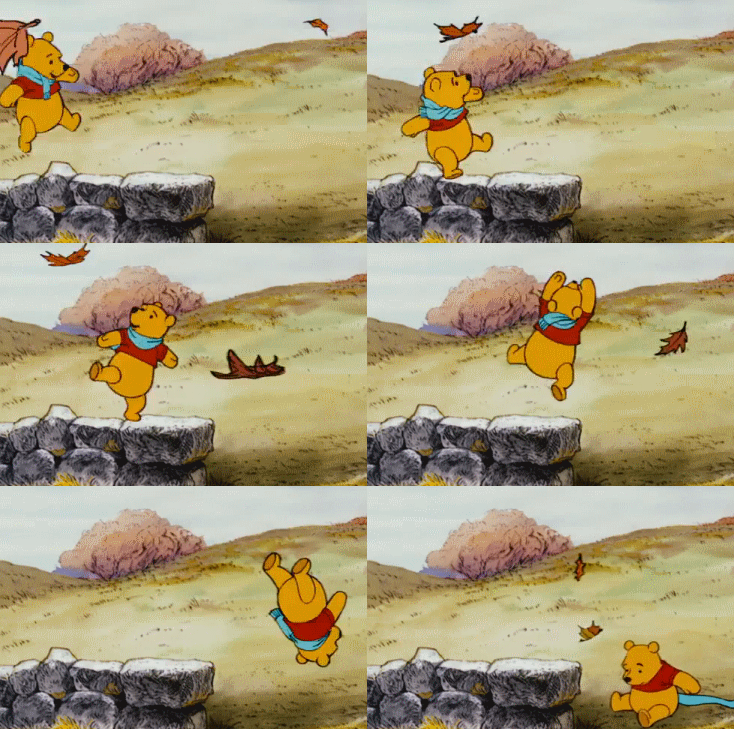
Add to this GifCam doesn’t draw the whole frame it draws greenscreen (transparent pixels) by comparing the alternately frames and just draw the different pixels, that saves a lot of kilobytes.
Editing
GifCam comes with simple and powerful frames editing,
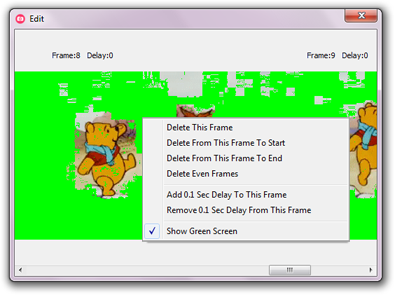
To delete frames/add or remove delays, click on “Edit” button then right click on the frame you want to edit :
Saving
When you done recording and editing,
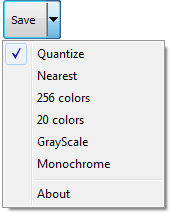
you can save your gif in 5 color reduction formats.
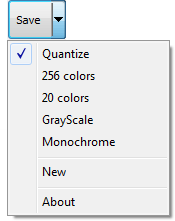
*Windows XP doesn’t support “split button” natively so right click on the save button to get the save menu.
GifCam can be used in many creative ways like:
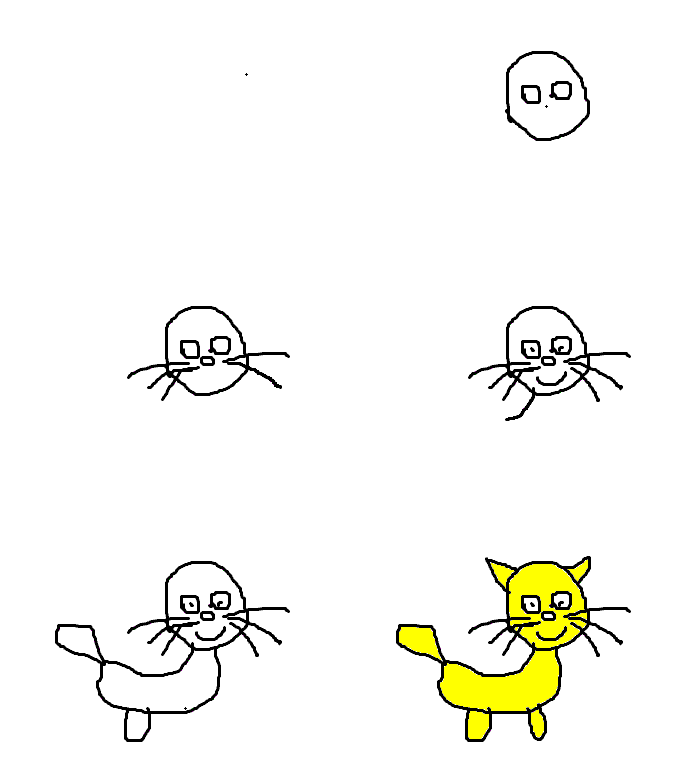
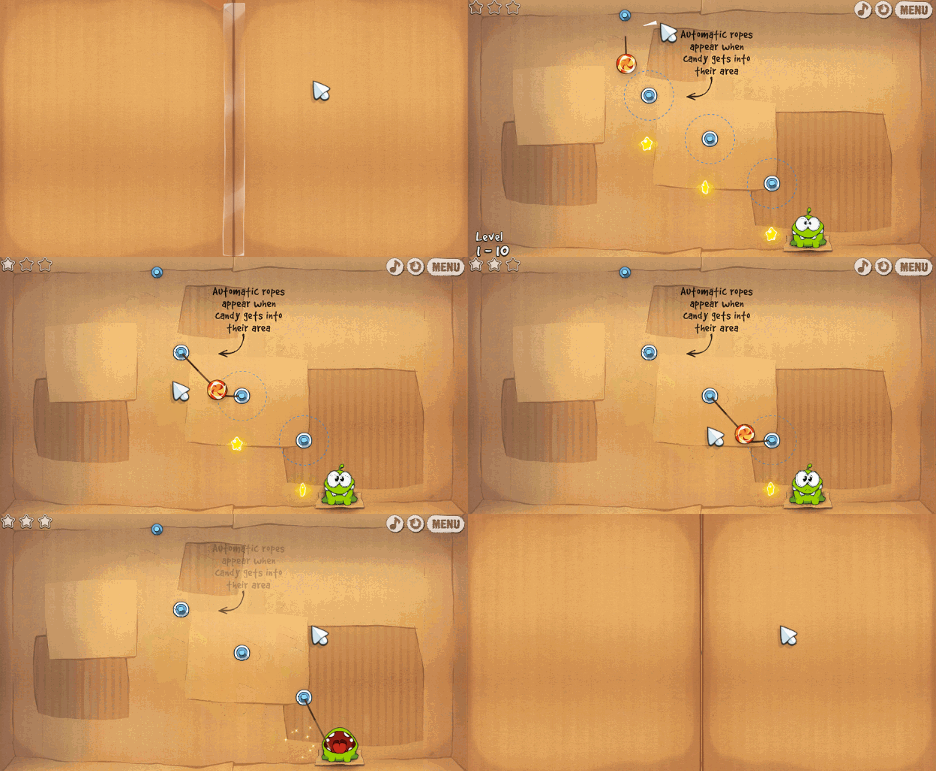
creating an animated painting using MS Paint (264 frames just 17.4 KB !!)
or delivering an animated message in notepad (123 frames just 13.4 KB !!)

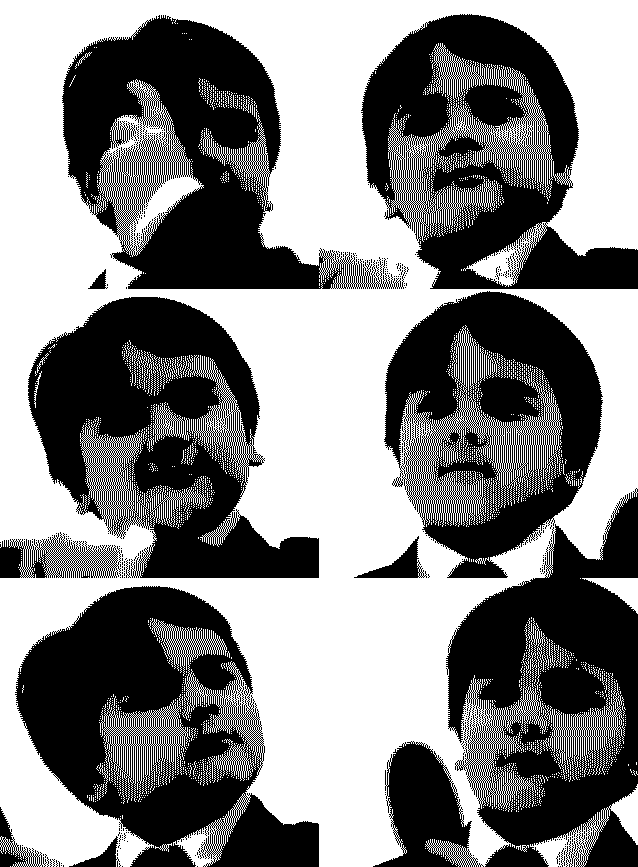
or creating a retro gif (monochrome color redaction) from YouTube video (41 frames 219 KB)
Version 2.0
updated 3/June/2013
- Add text : with Add text you can write some text in one line or more, set the frames range, position the text , align it left/center/right , add shadow and change the font with the native Windows font dialog.

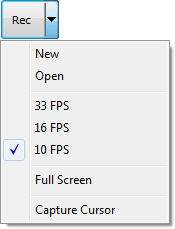
- Two more Frame rate options for more smooth gif:Open: open a gif file as you are the one who record it, so you can continue record , edit the frames and the delays, or save it to other color redaction format.
- 10 FPS(0.1 second delay) the default.
- 16 FPS(0.06 second delay) minimum accepted delay in all major browsers.
- 33 FPS(0.03 second delay)
minimum accepted delay in modern browsers, notice that some browsers doesn’t accept 0.03 delay between frames and round it to 10 FPS(0.1 second delay).
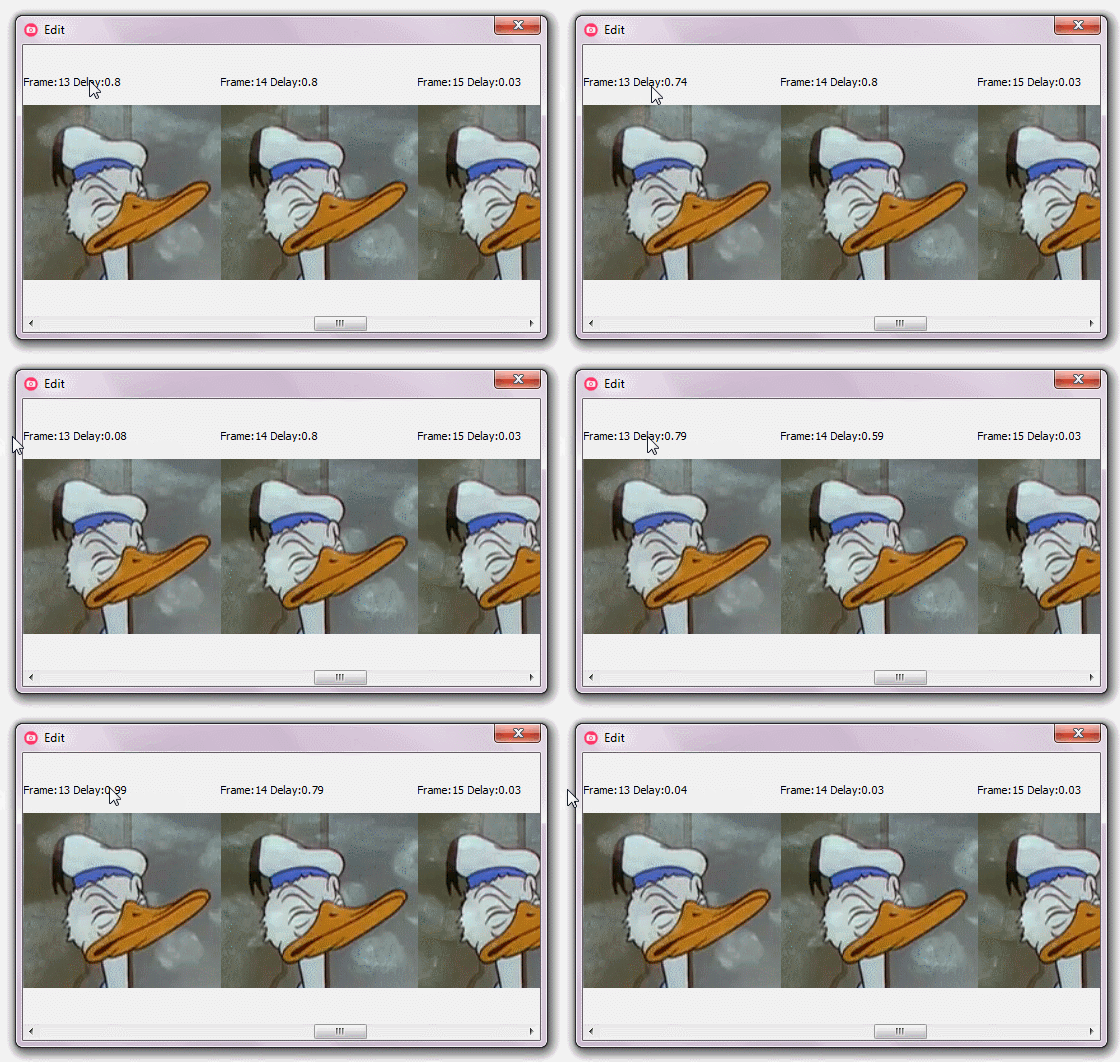
- A new way to adjust frames delay: By dragging the delay label (each pixel = 0.01 second)
Shift + dragging will add/remove delays to/from all frames (0.03 second is the minimum delay).
- Disable GreenScreen: Shift + Save Button(or any save redaction option).
- Capture cursor: useful for demonstrating the mouse interaction.
- Nearest: Nearest Uses the (nearest color matching algorithm) which produce a less size gif (this depends on how nearest the colors are).
- Full Screen: GifCam ignore recording area and capture the Full Screen.
- Recording different frames dimensions (resize while recording).
- One Gigabyte Memory usage limit: to prevent slowing down the system.
- Getting the recording area dimensions while resizing the app.
- Other bugs fixes and tweaks.
Version 3.0
updated 3/december/2013
Version 3.0 comes with five Sweet features and some minor fixes:
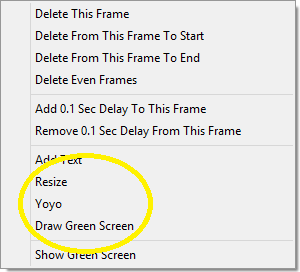
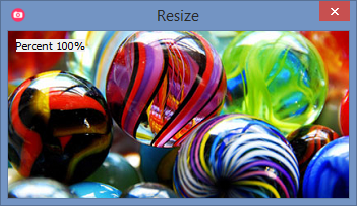
- Resize: anti-aliasing resize frames by percentage.

- Yoyo: adds reverse frames.
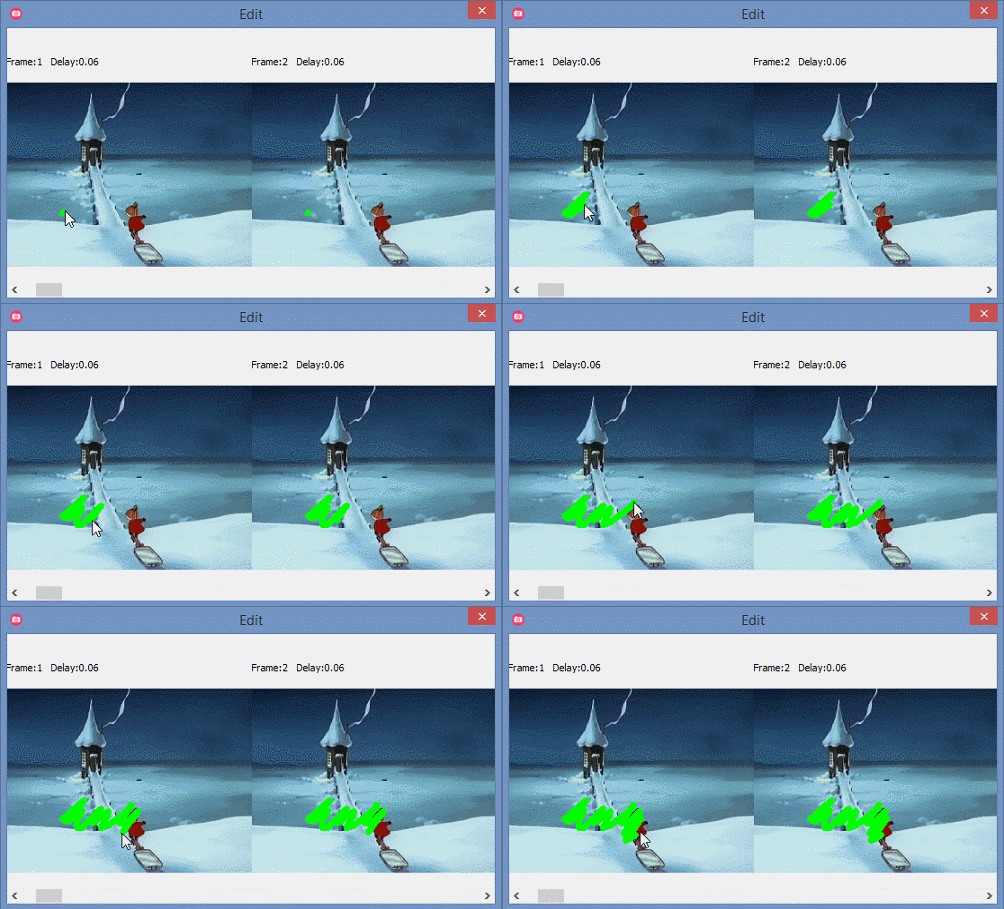
- Draw Green Screen: with this feature you can create part moving part still gif “cinemagraph” (press shift to draw on one frame).
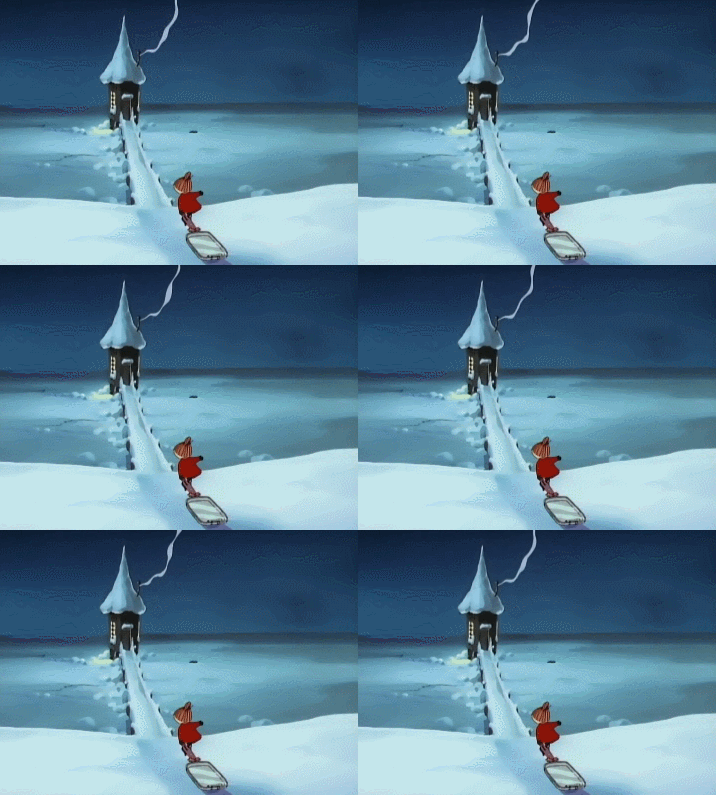
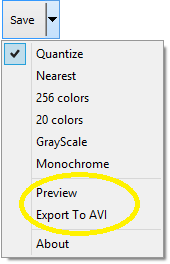
- Preview: preview with size.
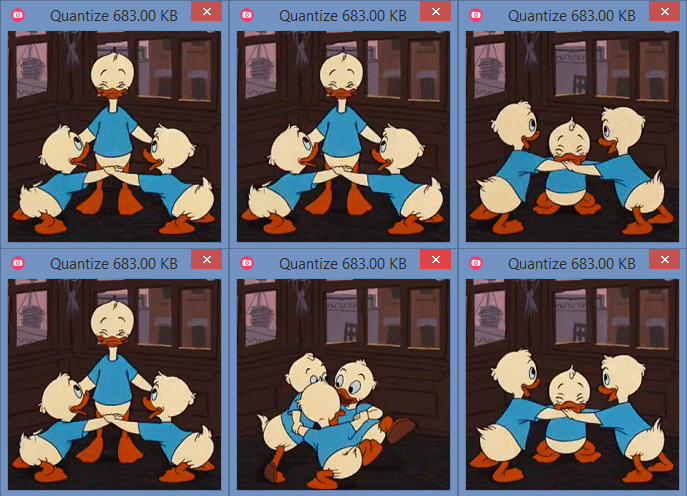
- Export To AVI: export your record to uncompressed video.
GifCam的更多相关文章
- GIF录制神器GifCam
前几天偶然看到一款神器:GifCam! GifCam是什么? 一款录制gif动画图片的小软件,小到不足一兆. 使用方法(简单到不可思议) 百度 GifCam 下载: 不用安装,直接打开gifcam: ...
- [置顶] 我的Android进阶之旅------>介绍一款集录制与剪辑为一体的屏幕GIF 动画制作工具 GifCam
由于上一篇文章:我的Android进阶之旅------>Android之动画之Frame Animation实例 中展示的是Frame动画效果,但是之前我是将图片截取下来,不好说明确切的动画过程 ...
- 工具软件推荐——GifCam
博文里面的动态gif图片都是使用这款软件录制的,可以选择帧率,清晰度,并且编辑每一帧的图片,非常好用,特此推荐~ 注意: GifCam 是一款免费绿色的软件. 大家尽量在官方下载 下载地址. 最新的版 ...
- 我的Android进阶之旅------>介绍一款集录制与剪辑为一体的屏幕GIF 动画制作工具 GifCam
由于上一篇文章:我的Android进阶之旅------>Android之动画之Frame Animation实例 中展示的是Frame动画效果,但是之前我是将图片截取下来,不好说明确切的动画过程 ...
- PCB 录屏工具Screen2Exe GifCam ScreenToGif
我们完成的软件作品后,需要向客户或领导演示软件功能介绍,这里力推3款录屏工具 一.Screen2Exe工具,录制exe视频文件 下载地址 http://pcbren.cn/ShareFiles/Sc ...
- 推荐一款可以丰富博文GIF免费录制工具——GifCam
在网上写博文,看别人添加gif图片很好奇,于是尝试制作并传递了一次,确实挺有意思的,于是分享一下. gifcam是一个绿色的,可以录制GIF动图的小软件,十分适合用来录制电脑的各种操作. 在这里附上工 ...
- Gif截屏工具 - GifCam
如果你需要录制截屏并保存成gif图片格式,那么你一定不能错过GifCam这个神奇的小工具.它虽然只有600K,但功能不可小觑. GifCam (Gif相机) 是一款免费且非常优秀的视频录制/剪辑的GI ...
- Android中手机录屏并转换GIF的两种方式
之前在博文中为了更好的给大家演示APP的实现效果,本人了解学习了几种给手机录屏的方法,今天就给大家介绍两种我个人用的比较舒服的两种方法: (1)配置adb环境后,使用cmd命令将手机界面操作演示存为视 ...
- 免费制作gif图片工具
怎样制作gif图片在你的blog里面呢? 今天给大家推荐一款免费的gif制作软件:GifCam 上面用到的下载地址: http://downloads.tomsguide.com/GifCam,030 ...
随机推荐
- PartialView
一.客户端直接请求分部视图(如使用AJAX) Return PartialView() 不加载布局页面,不执行_ViewStart.cshtml AJAX /Home/LoginPart 二.视图 ...
- 转】mysql数据库delete数据时不支持表别名
原博文出自于: http://www.cnblogs.com/xdp-gacl/p/4012853.html 感谢! 今天在帮同事查看一条删除的SQL语句执行出错的问题 SQL语句如下: 1 DELE ...
- Flex布局如何让子类在超出边界时隐藏掉
在flex4中,因为必须添加<s:Scroller>标签才能出现滚动条,如果一个容器例如Panel没有添加滚动条,那么添加到Panel中的child的位置如果超出了Panel的边界,那么这 ...
- tomcat 粗略笔记
GlobalNamingResources 存在于server.xml中,定义全局公共数据源,如果host中有大量引用相同的数据源,那么可以都配在这里 <GlobalNamingResource ...
- plutil工具
作用: 检查元素文件语法: 转换格式.支持xml binary json: 插入key-value: 打印内部信息: 详细解释: -lint check ...
- [置顶] 两台一级域名相同二级域名不同的服务器,怎么共享session
比如www.hongchangfirst.com和video.hongchangfirst.com两个域名,一级域名相同,二级域名不同.每个服务器运行着不同的功能模块或者不同的子系统,他们使用不同的二 ...
- 计算直线的交点数(hdu1466简单的dp)
题意:平面上有n条直线,且无三线共点,问这些直线能有多少种不同交点数.比如,如果n=2,则可能的交点数量为0(平行)或者1(不平行). 思路:动态规划,想办法记忆化搜索,当前状态和之前状态结合起来 d ...
- iOS Framework lipo报错 lipo: can't map input file
fatal error: /Applications/Xcode.app/Contents/Developer/Toolchains/XcodeDefault.xctoolchain/usr/bin/ ...
- [LeetCode] Consecutive Numbers 连续的数字 --数据库知识(mysql)
1. 题目名称 Consecutive Numbers 2 .题目地址 https://leetcode.com/problems/consecutive-numbers/ 3. 题目内容 写一个 ...
- PaaS平台资源
http://www.vagrantup.com/ http://www.docker.com/