
如何递归执行view的动画
如何递归执行view的动画
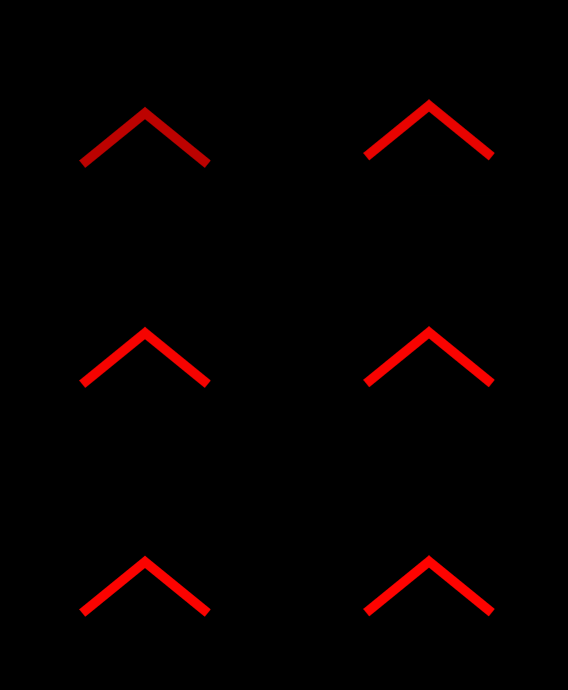
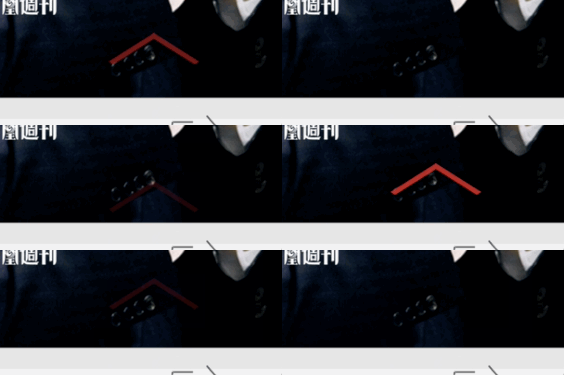
效果:
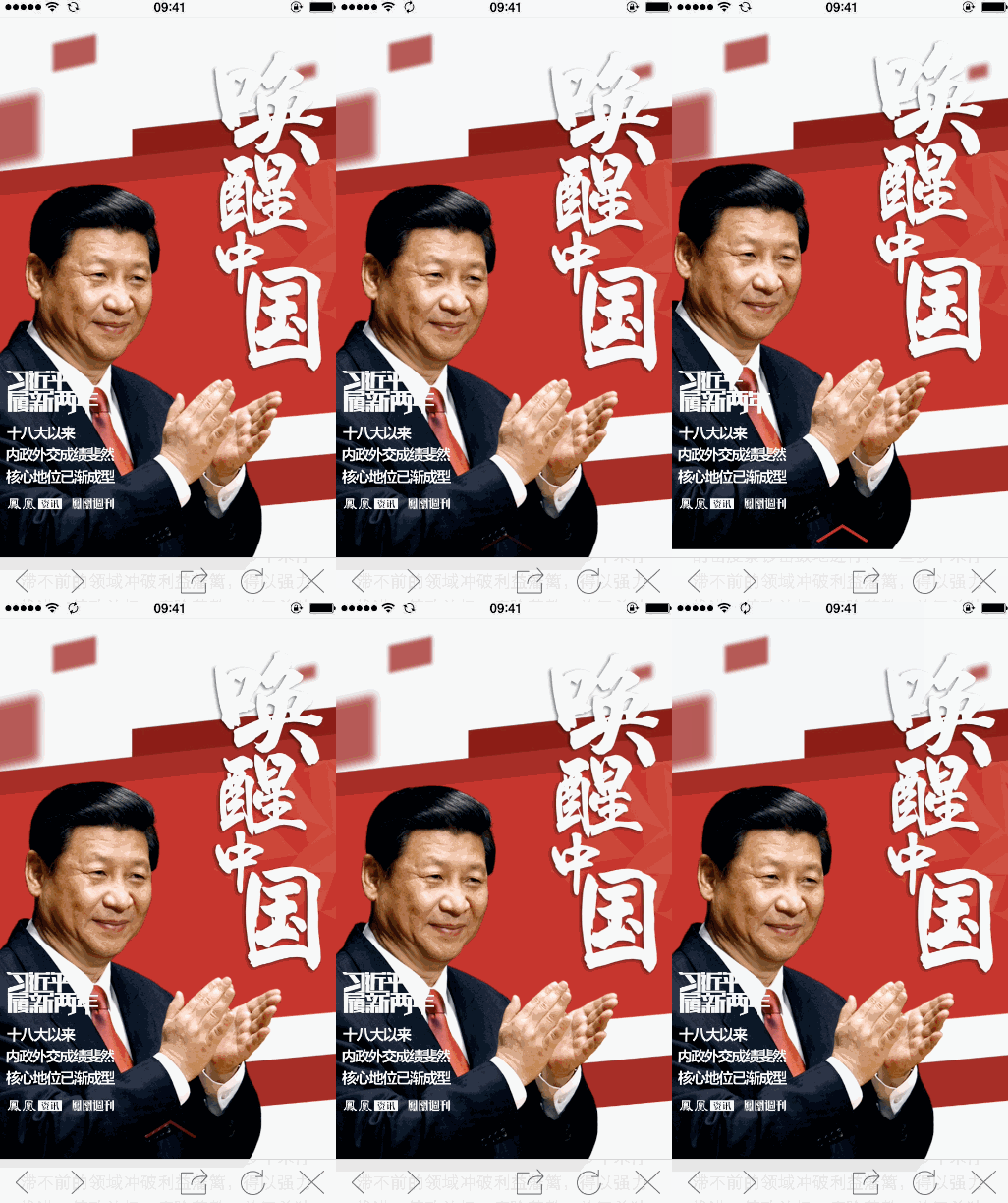
山寨的源头:
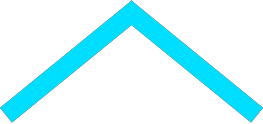
图片素材:

源码:
//

//  ViewController.m

//  RepeatAnimationView

//

//  Created by YouXianMing on 15/1/30.

//  Copyright (c) 2015年 YouXianMing. All rights reserved.

//

#import "ViewController.h"

@interface ViewController ()

@property (nonatomic, strong) UIImageView *imageView;

@property (nonatomic) CGRect   startRect;

@property (nonatomic) CGRect   centerRect;

@property (nonatomic) CGRect   endRect;

@property (nonatomic) CGFloat  distanceFromStartToCenter;

@property (nonatomic) CGFloat  distanceFromCenterToEnd;

@end

@implementation ViewController

- (void)viewDidLoad {

    [super viewDidLoad];

    self.distanceFromStartToCenter = .f;

    self.distanceFromCenterToEnd   = .f;

    // 背景色

    self.view.backgroundColor = [UIColor blackColor];

    // 红色图片

    self.imageView        = [[UIImageView alloc] initWithImage:[UIImage imageNamed:@"red"]];

    self.imageView.center = self.view.center;

    self.imageView.alpha  = ;

    [self.view addSubview:self.imageView];

    // 设置rect

    self.startRect    = self.imageView.frame;

    CGRect tmpRect    = self.startRect;

    tmpRect.origin.y -= self.distanceFromStartToCenter;

    self.centerRect   = tmpRect;

    tmpRect           = self.centerRect;

    tmpRect.origin.y -= self.distanceFromCenterToEnd;

    self.endRect      = tmpRect;

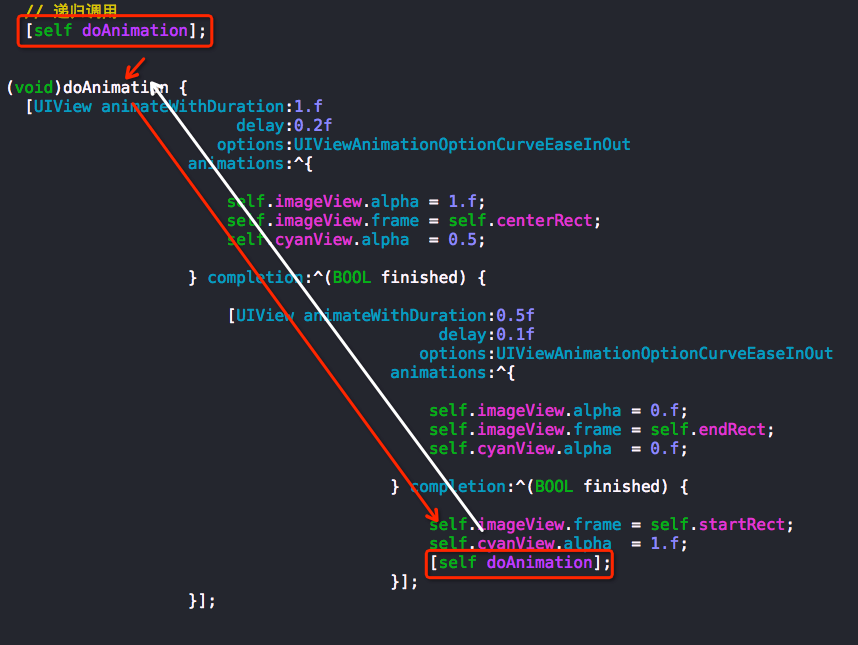
    // 递归调用

    [self doAnimation];

}

- (void)doAnimation {

    [UIView animateWithDuration:.f

                          delay:0.2f

                        options:UIViewAnimationOptionCurveEaseInOut

                     animations:^{

                         self.imageView.alpha = .f;

                         self.imageView.frame = self.centerRect;

                     } completion:^(BOOL finished) {

                         [UIView animateWithDuration:0.5f

                                               delay:0.1f

                                             options:UIViewAnimationOptionCurveEaseInOut

                                          animations:^{

                                              self.imageView.alpha = .f;

                                              self.imageView.frame = self.endRect;

                                          } completion:^(BOOL finished) {

                                              self.imageView.frame = self.startRect;

                                              [self doAnimation];

                                          }];

                     }];

}

@end
//

//  ViewController.m

//  RepeatAnimationView

//

//  Created by YouXianMing on 15/1/30.

//  Copyright (c) 2015年 YouXianMing. All rights reserved.

//

#import "ViewController.h"

@interface ViewController ()

@property (nonatomic, strong) UIImageView *imageView;

@property (nonatomic, strong) UIImageView *cyanView;

@property (nonatomic) CGRect   startRect;

@property (nonatomic) CGRect   centerRect;

@property (nonatomic) CGRect   endRect;

@property (nonatomic) CGFloat  distanceFromStartToCenter;

@property (nonatomic) CGFloat  distanceFromCenterToEnd;

@end

@implementation ViewController

- (void)viewDidLoad {

    [super viewDidLoad];

    self.distanceFromStartToCenter = .f;

    self.distanceFromCenterToEnd   = .f;

    // 背景色

    self.view.backgroundColor = [UIColor blackColor];

    // 红色图片

    self.imageView        = [[UIImageView alloc] initWithImage:[UIImage imageNamed:@"red"]];

    self.imageView.center = self.view.center;

    self.imageView.alpha  = ;

    [self.view addSubview:self.imageView];

    self.cyanView       = [[UIImageView alloc] initWithFrame:self.imageView.bounds];

    self.cyanView.image = [UIImage imageNamed:@"cyan"];

    [self.imageView addSubview:self.cyanView];

    // 设置rect

    self.startRect    = self.imageView.frame;

    CGRect tmpRect    = self.startRect;

    tmpRect.origin.y -= self.distanceFromStartToCenter;

    self.centerRect   = tmpRect;

    tmpRect           = self.centerRect;

    tmpRect.origin.y -= self.distanceFromCenterToEnd;

    self.endRect      = tmpRect;

    // 递归调用

    [self doAnimation];

}

- (void)doAnimation {

    [UIView animateWithDuration:.f

                          delay:0.2f

                        options:UIViewAnimationOptionCurveEaseInOut

                     animations:^{

                         self.imageView.alpha = .f;

                         self.imageView.frame = self.centerRect;

                         self.cyanView.alpha  = 0.5;

                     } completion:^(BOOL finished) {

                         [UIView animateWithDuration:0.5f

                                               delay:0.1f

                                             options:UIViewAnimationOptionCurveEaseInOut

                                          animations:^{

                                              self.imageView.alpha = .f;

                                              self.imageView.frame = self.endRect;

                                              self.cyanView.alpha  = .f;

                                          } completion:^(BOOL finished) {

                                              self.imageView.frame = self.startRect;

                                              self.cyanView.alpha  = .f;

                                              [self doAnimation];

                                          }];

                     }];

}

@end
如何递归执行view的动画的更多相关文章
- 同时对view延时执行两个动画时候的现象
同时对view延时执行两个动画时候的现象 对于view延时执行了两个动画后,会将第一个动画效果终止了,直接在第一个动画的view的最后的状态上接执行后续的动画效果,也就是说,我们可以利用这个特性来写分 ...
- 多文件目录下makefile文件递归执行编译所有c文件
首先说说本次嵌套执行makefile文件的目的:只需make根目录下的makefile文件,即可编译所有c文件,包括子目录下的. 意义:自动化编译行为,以后编译自己的c文件时可把这些makefile文 ...
- 【转】多文件目录下makefile文件递归执行编译所有c文件
首先说说本次嵌套执行makefile文件的目的:只需make根目录下的makefile文件,即可编译所有c文件,包括子目录下的. 意义:自动化编译行为,以后编译自己的c文件时可把这些makefile文 ...
- 算法笔记_017:递归执行顺序的探讨(Java)
目录 1 问题描述 2 解决方案 2.1 问题化简 2.2 定位输出测试 2.3 回顾总结 1 问题描述 最近两天在思考如何使用蛮力法解决旅行商问题(此问题,说白了就是如何求解n个不同字母的所有不同排 ...
- 用同步的方式执行jQuery异步动画
在编写jQuery动画时,通过回调函数进行动画队列的编排,但当回调过多,往往会出现这样的代码: $(".box1").fadeIn(1000,function(){ $(" ...
- 看完这篇再不会 View 的动画框架,我跪搓衣板
引言 众所周知,一款没有动画的 app,就像没有灵魂的肉体,给用户的体验性很差.现在的 android 在动画效果方面早已空前的发展,1.View 动画框架 2.属性动画框架 3.Drawable 动 ...
- iOS的view翻转动画实现--代码老,供参考
新建一个view-based模板工程,在ViewController文件中添加下面的代码,即可实现翻转效果: - (void)viewDidLoad { [super viewDidLoad]; // ...
- Android添加系统级顶层窗口 和 WindowManager添加view的动画问题
当Dialog有编辑框时如果选择会弹菜单窗口就不要用 Context applicationContext = mainActivity.getApplicationContext(); AlertD ...
- Makefile笔记之二------make的递归执行
1.make的递归过程指的是: 在Makefile中使用"make"作为一个命令来执行本身或者其它makefile文件的过程. 2.递归的意义: 当前目录下存在一个"su ...
随机推荐
- mssql 注入
注入查阅 .返回的是连接的数据库名 .作用是获取连接用户名 .将数据库备份到Web目录下面 ;backup database 数据库名 to disk='c:\inetpub\wwwroot\1.db ...
- 算法之经典排序-冒泡排序(bubble sort)
冒泡排序 它重复地走访过要排序的数列,一次比较两个元素,如果他们的顺序错误就把他们交换过来.走访数列的工作是重复地进行直到没有再需要交换,也就是说该数列已经排序完成. 这个算法的名字由来是因为越大的元 ...
- (转载)GRASP职责分配原则
GRASP (职责分配原则) 要学习设计模式,有些基础知识是我们必须要先知道的,设计模式是关于类和对象的一种高效.灵活的使用方式,也就是说,必须先有类和对象,才能有设计模式的用武之地,否则一切都是空谈 ...
- 转自IBM:Apache HTTP Server 与 Tomcat 的三种连接方式介绍
http://www.ibm.com/developerworks/cn/opensource/os-lo-apache-tomcat/index.html 整合 Apache Http Server ...
- MVC缓存(一)
//OutputCache是设置缓存,参数Duration设置缓存的过期时间,OutputCache可以加到Controller上,也可以加到Action上,但是当Controller与Action都 ...
- flash builder注释字体看不清
window-preferences-flex-editiors-syntex coloring-ActionScript-Comment (窗口-首选项-flashbuilder-编辑器-语法着色- ...
- Java常用的排序算法三
Merge Sort :归并排序:用递归的思想,分解成单个元素的排序,在归并 代码: import java.util.*; public class MergeSort { public stati ...
- 如何让code变得更易读
从开始编码到现在,从没有意识去如何去写出更加规范,更加易读的代码,只是按照需求将某一功能进行实现.下面是最近在网上搜索查看的一些通用的知识点,做一记录. 单一抽象层次 单一抽象层次是指一个函数或者方法 ...
- 面向对象(基础oop)之进入继承
大家好,我叫李京阳,,很高兴认识大家,之所以我想开一个自己的博客,就是来把自己所了解的知识点通过自己的话写一下,希望被博客园的朋友们点评和一起讨论一下,也希望从博客园中多认识一些软件开发人员!现在我开 ...
- 一:SpringCloud
一:前提知识+相关说明 前提知识:springmvc+spring/springboot+mybatis+maven+git...... cloud技术的五大神兽: 面试题: 什么是微服务? 微服务之 ...