
css 给图片添加滤镜效果,透明层毛玻璃效果
我们用的第一个滤镜是sepia(),他会给图片增加一整降饱和度的橙色染色效果
原图
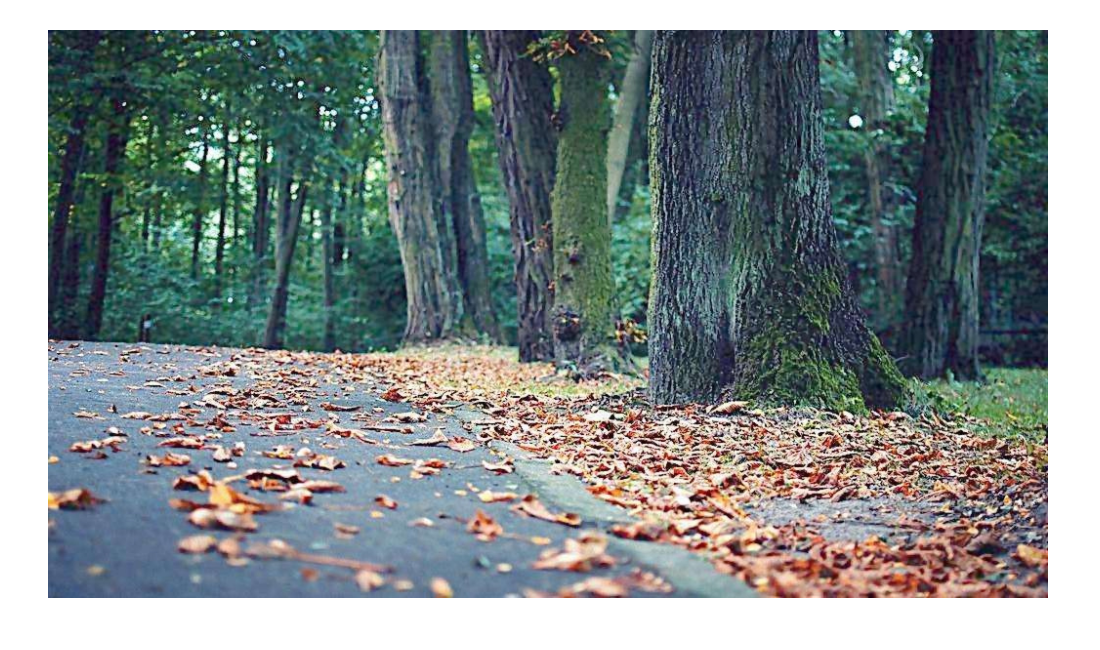
添加sepia滤镜的效果
 img{

     width:100%;

     transition: .5s filter;

     filter:sepia(2);

   }

   img:hover{

     filter:none;

   }

给色度添加饱和度可以用saturate()
filter: saturate(4);
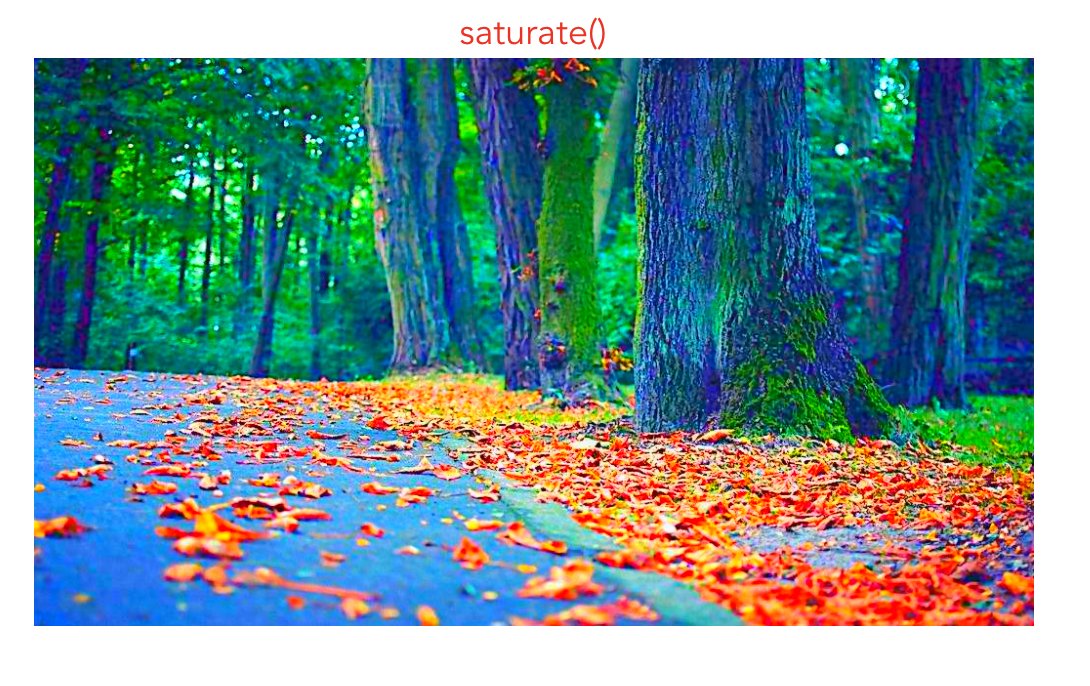
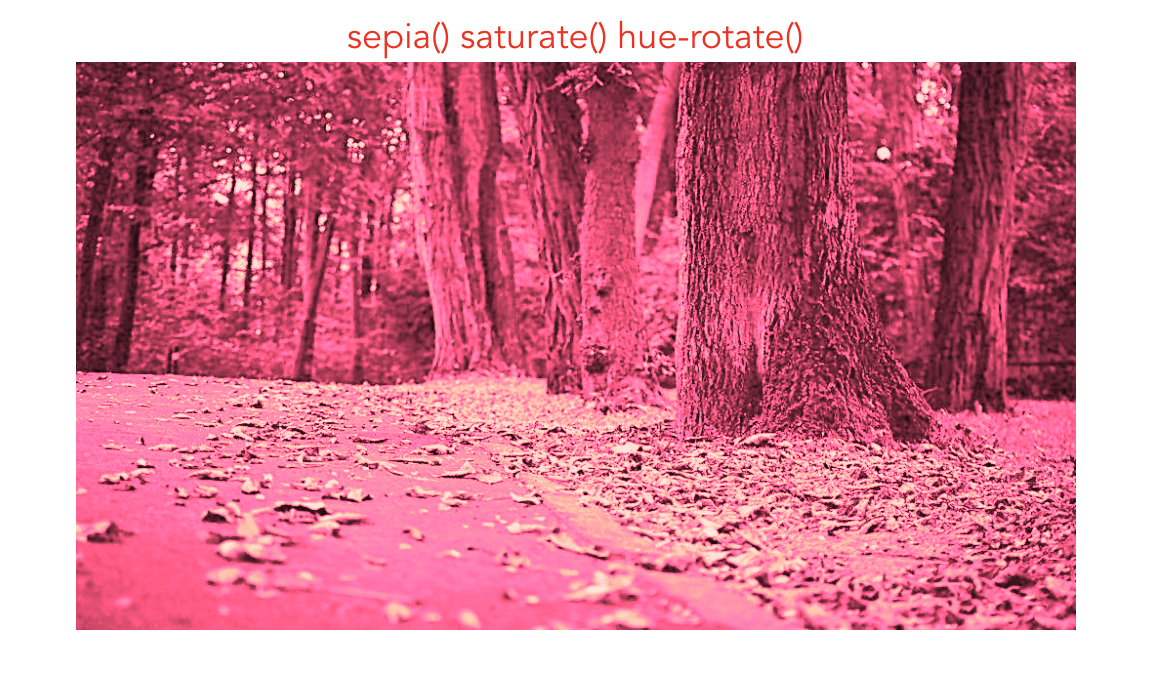
两个同时添加的效果
filter:sepia(2) saturate(4);

filter:sepia(1) saturate(4) hue-rotate(295deg);
还有一种毛玻璃的效果如下
html
<div class="box">

      <p class='p'> An international forum for the world's major

         bay areas launched a new cooperation platform over

         the weekend to exchange resources and development

         ideas, with bay areas in China and the United States

         also standing to benefit.

      </p>

</div>
css
.box {

  margin: 0 auto;

  width: 500px;

  height: 300px;

  color: #fff;

  background: url('../assets/pic.jpg') 0 / cover;

  display: flex;

  justify-content: center;

  align-items: center;

}

.p{

  position:relative;

  padding: 15px;

  background:hsla(0 ,0% ,100%,.3);

  width: 350px;

  font-size:1.2em;

  overflow:hidden;

  z-index:;

}

.p::before{

  content:'';

  z-index:-1;

  position:absolute;

  top:;left:;right:;bottom:;

  filter:blur(20px);

  margin:-10px;

  background: url('../assets/pic.jpg') 0 / cover;

}
效果图

css 给图片添加滤镜效果,透明层毛玻璃效果的更多相关文章
- 小tip: 使用CSS将图片转换成模糊(毛玻璃)效果
去年盛夏之时,曾写过“小tip: 使用CSS将图片转换成黑白”一文,本文的模式以及内容其实走得是类似路线.CSS3 → SVG → IE filter → canvas. 前段时间,iOS7不是瓜未熟 ...
- [转] 小tip: 使用CSS将图片转换成模糊(毛玻璃)效果 ---张鑫旭
by zhangxinxu from http://www.zhangxinxu.com本文地址:http://www.zhangxinxu.com/wordpress/?p=3804 去年盛夏之时, ...
- 使用CSS为图片添加边框的几种方法
css的应用十分广泛,即便用在图片的效果中也是方法多样,本文下面就介绍五种为图片添加特殊效果边框的CSS写法阴影效果 通过使用带有一些padding之的背景图来添加阴影效果. HTML <img ...
- 使用CSS为图片添加更多趣味的5种方法
使用Photoshop为每个图片添加某种样式虽然可行,但会是相当乏味且困难的长久工作.下面要介绍的CSS技巧将帮助你从痛苦中解脱出来! 阴影效果 通过使用带有一些padding之的背景图来添加阴影效果 ...
- Swift - 给图片添加滤镜效果(棕褐色老照片滤镜,黑白滤镜)
Core Image是一个强大的滤镜处理框架.它除了可以直接给图片添加各种内置滤镜,还能精确地修改鲜艳程度, 色泽, 曝光等,下面通过两个样例演示如何给UIImage添加滤镜. 1,棕褐色滤镜 - ...
- css3为图片添加鼠标移入放大效果
只需要为添加效果的图片定义一个伪类 img.zoom-img:hover { -webkit-transform: scale(1.15); -webkit-transition-timing-fun ...
- CSS 背景图片 添加 重复和定位。
<!doctype html><html lang="en"> <head> <meta charset="UTF-8" ...
- CSS背景图片垂直居中center不起效果完美解决
背景图片居中CSS如下 background:#4892fe url("<%=basePath%>/img/login_bg.jpg") no-repeat cente ...
- css中图片有缩放和转动效果
现在html中利用div来包裹住一张图片. <div class="xuanzhuan"> <img src="images/top.png" ...
随机推荐
- MyEclipse中android 项目如何解决第三方jar无法关联源码的问题( The JAR of this class file belongs to container 'Android Private Libraries' which does not allow modifications to source attachments on its entries.)
若我们要为第三方jar(android-support-v4.jar)关联源码通常的做法是 右键项目 单击菜单Properties 单击菜单 Java Build Path 单击 Libraries ...
- dns轮训python
环境 python3 先安装dnspython模块 httpclient模块 resolver模块 pip install dnspython pip install hhtpclient pip i ...
- Linux账号管理与ALC权限设定(一)
UID 与 GID UID用户的编号 GID 用户群组的编号 账号登录时,有一个对应的文本来记录某个账户的UID与GID.然后获得这个UID去对应的密码文本中,取得密码进行比对,然后登陆. 保 ...
- ida x32 dbg 动态调试
http://www.xrwcn.com/html/8.html 0x20019u 注册表 RegOpenKeyEx函数 LONG RegOpenKeyEx( HKEY hKey, // handle ...
- Android——谷歌官方下拉刷新控件SwipeRefreshLayout(转)
转自:http://blog.csdn.net/zouzhigang96/article/details/50476402 版权声明:本文为博主原创文章,未经博主允许不得转载. 前言: 如今谷歌推出了 ...
- 【Luogu】【关卡2-15】动态规划的背包问题(2017年10月)【还差一道题】
任务说明:这是最基础的动态规划.不过如果是第一次接触会有些难以理解.加油闯过这个坎. 01背包二维数组优化成滚动数组的时候有坑有坑有坑!!!必须要downto,downto,downto 情景和代码见 ...
- C++使用cout输出中文,打印出来是乱码
windows下的控制台使用的是gbk编码.你输出的是unicode.在Vs中更改高级保存选项,将Unicode改为GB类型(比如GB18030)
- 使用cordova network-information 插件监听手机网络状态
在使用html5配合cordova做webapp时,有时需要实时监测手机的网络 状况.html5里面是没有相关的js的,这时就需要在cordova里找相关插件了. 一.插件查找 1.在cordova中 ...
- Java 基础 - 单行初始化数组 Initialize array in one line
Code: public class ClassName { private char[] value = new char[]{'a','b'}; private char[] value2 = { ...
- 一场comet常规赛的台前幕后
有出题的想法大概是#8比完之后,#8的比赛较易,应该是符合https://info.cometoj.com 上的常规赛难度说明. 我们几个觉得我们一定可以出质量更高的题. 那个时候在玩线段树的时碰巧想 ...