
linux ubuntu 本地镜像 软件源 制作方法
1、配置当前软件源,镜像非常大,所以首先要配置一下载速度快的软件源http://fffo.blog.163.com/blog/static/2119130682014322104136601/2、安装镜像软件 并 修改镜像参数文件
1)、安装apt-mirror
sudo apt-get install apt-mirror
2)、修改mirror.list
http://www.linuxidc.com/Linux/2014-08/105415.htm
sudo gedit /etc/apt/mirror.list
文件内容如下:
——————————————引用开始——————————————————
############# config ##################
#
# set base_path /var/spool/apt-mirror [镜像存放目录位置,可根据磁盘容量情况进行更改]
#
# if you change the base path you must create the directories below with write privileges
#
# set mirror_path $base_path/mirror
# set skel_path $base_path/skel
# set var_path $base_path/var
# set cleanscript $var_path/clean.sh
# set defaultarch <running host architecture>
set nthreads 3 [下载进程,默认20,建议3]
set _tilde 0
#
############# end config ##############
deb http://archive.ubuntu.com/ubuntu jaunty main restricted universe multiverse
deb http://archive.ubuntu.com/ubuntu jaunty-updates main restricted universe multiverse
deb http://archive.ubuntu.com/ubuntu jaunty-backports main restricted universe multiverse
deb http://archive.ubuntu.com/ubuntu jaunty-security main restricted universe multiverse
deb http://archive.ubuntu.com/ubuntu jaunty-proposed main restricted universe multiverse
deb http://archive.ubuntu.org.cn/ubuntu-cn/ jaunty main restricted universe multiverse
[需要进行镜像的APT软件源地址,选择速度较快的官方源或国内源]
#deb-src http://archive.ubuntu.com/ubuntu jaunty main restricted universe multiverse
#deb-src http://archive.ubuntu.com/ubuntu jaunty-updates main restricted universe multiverse
#deb-src http://archive.ubuntu.com/ubuntu jaunty-backports main restricted universe multiverse
#deb-src http://archive.ubuntu.com/ubuntu jaunty-security main restricted universe multiverse
#deb-src http://archive.ubuntu.com/ubuntu jaunty-proposed main restricted universe multiverse
[不需要源代码,用#进行地址屏蔽]
clean http://archive.ubuntu.com/ubuntu
clean http://archive.ubuntu.org.cn/ubuntu-cn
[镜像完成后对本地镜像和软件源进行比较]
——————————————引用结束——————————————————
3、创建镜像根目录
mkidr /var/spool/apt-mirror
4、开始镜像(支持断点续传,任何中断都不会照成影响)
1)sudo apt-mirror
定时执行上面的命令,可以达到定时同步远程仓库的效果
2)完成镜像后进行清理多余文件
sudo /var/spool/apt-mirror/var/clean.sh
5、使用本地源
cd /etc/apt
sudo mv source.list source.list.bak
sudo vim source.list
加入如下内容
deb file:///var/spool/apt-mirror/mirror/archive.ubuntu.com/ubuntu/ jaunty main restricted universe multiverse
deb file:///var/spool/apt-mirror/mirror/archive.ubuntu.com/ubuntu/ jaunty-backports restricted universe multiverse
deb file:///var/spool/apt-mirror/mirror/archive.ubuntu.com/ubuntu/ jaunty-proposed main restricted universe multiverse
deb file:///var/spool/apt-mirror/mirror/archive.ubuntu.com/ubuntu/ jaunty-security main restricted universe multiverse
deb file:///var/spool/apt-mirror/mirror/archive.ubuntu.com/ubuntu/ jaunty-updates main restricted universe multiverse
deb file:///var/spool/apt-mirror/mirror/archive.ubuntu.org.cn/ubuntu-cn/ jaunty main restricted universe multiverse
6、发布到局域网
1)安装Apache2
sudo apt-get install apache2
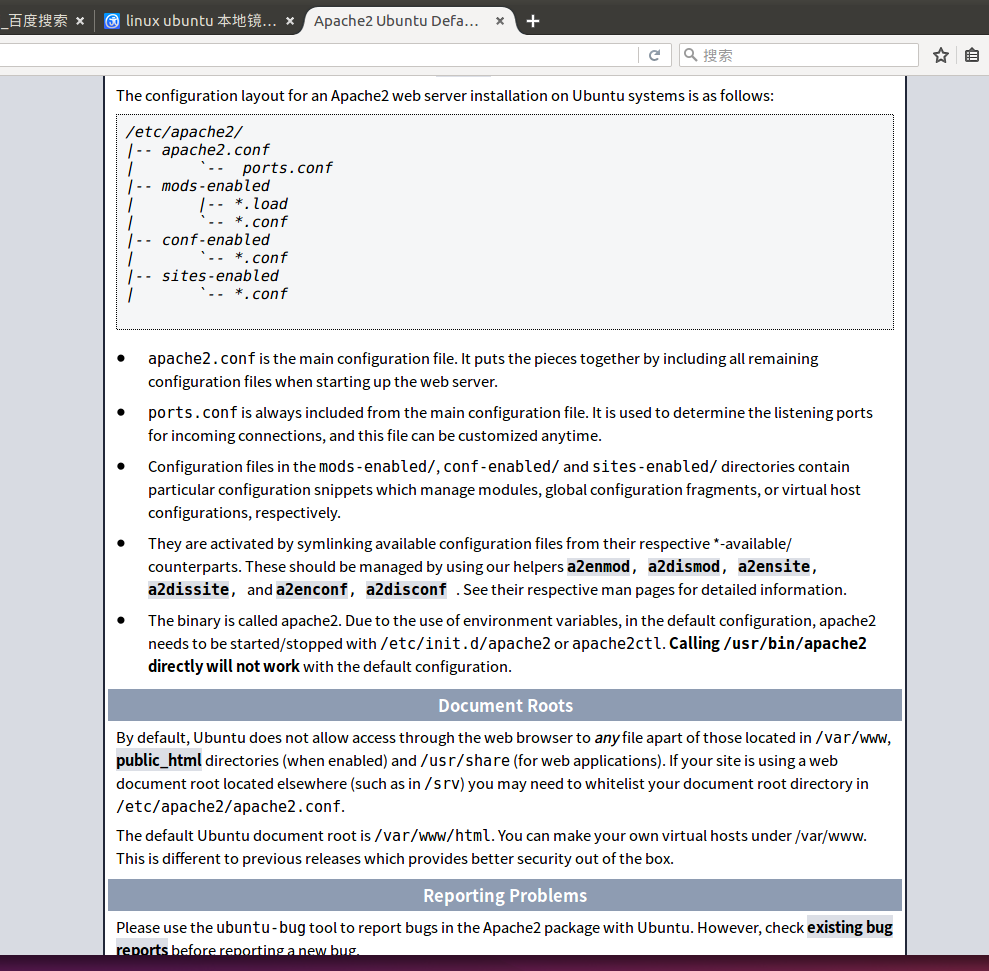
2)建立符号连接,将镜像与Apache虚拟目录联系起来
sudo ln -s /var/spool/apt-mirror/mirror/archive.ubuntu.com/ubuntu/ /var/www/html/ubuntu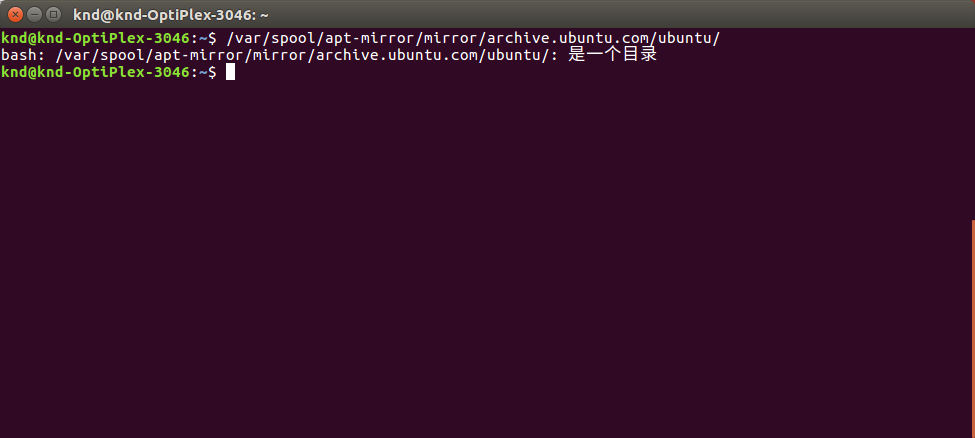
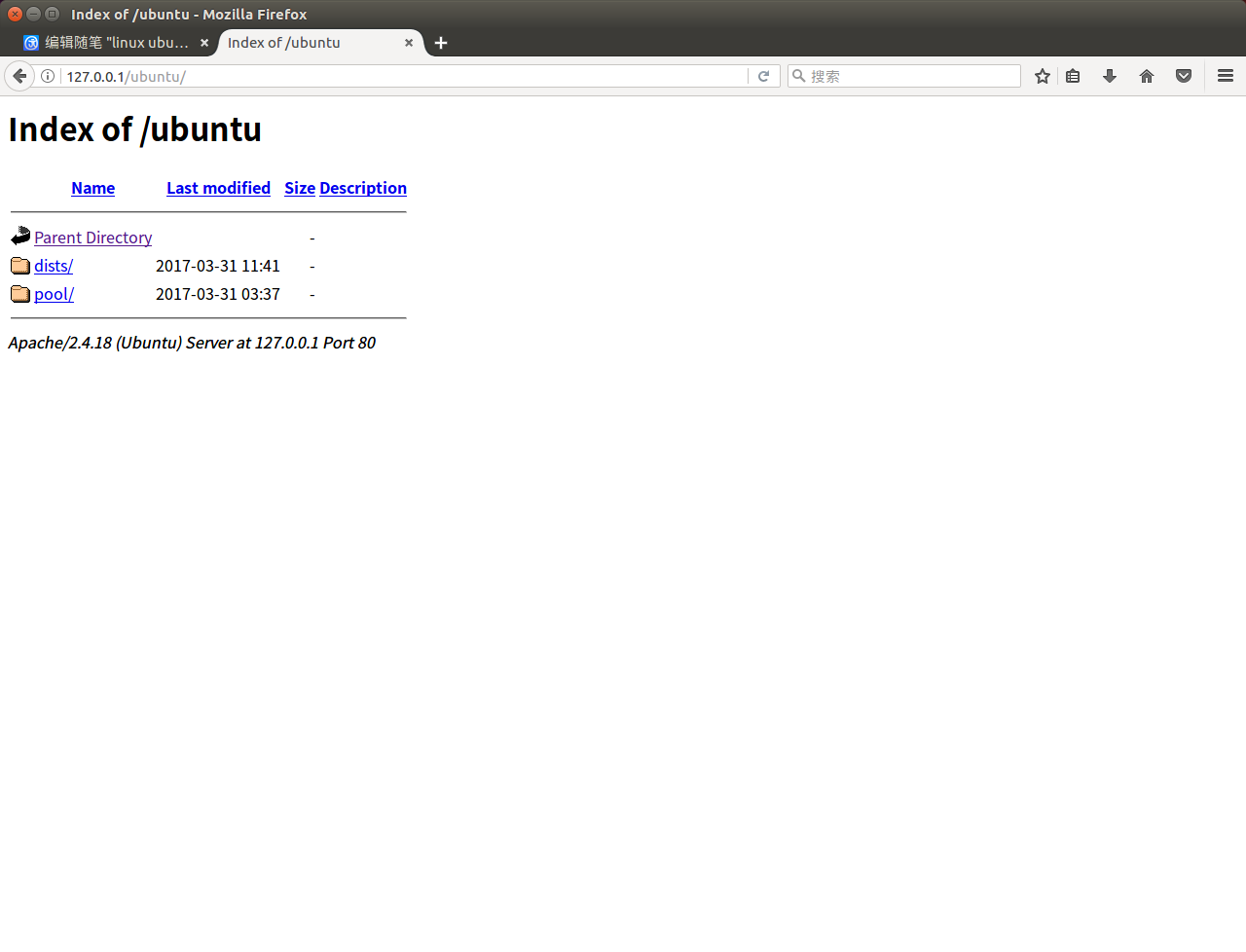
3)局域网中每个用户,修改sources.list文件
cd /etc/apt
sudo cp sources.list sources.list.bak
sudo vim source.list
加入如下内容
deb http://192.168.0.10/ubuntu jaunty main restricted universe multiverse
deb http://192.168.0.10/ubuntu jaunty-backports restricted universe multiverse
deb http://192.168.0.10/ubuntu jaunty-proposed main restricted universe multiverse
deb http://192.168.0.10/ubuntu jaunty-security main restricted universe multiverse
deb http://192.168.0.10/ubuntu jaunty-updates main restricted universe multiverse
deb http://192.168.0.10/ubuntu-cn jaunty main restricted universe multiverse
linux ubuntu 本地镜像 软件源 制作方法的更多相关文章
- linux centos&Ubuntu&RedHat更换软件源
linux三大版本更换软件源 前排提示,有的源可能已经失效,如果发现请留言或自行寻找其他源. 1.centos mv /etc/yum.repos.d/CentOS-Base.repo [--path ...
- 创建本地yum软件源,为本地Package安装Cloudera Manager、Cloudera Hadoop及Impala做准备
一.包管理工具及CentOS的yum 1.包管理工具如何发现可以用的包 包管理工具依赖一系列软件源,工具下载源的信息存储在配置文件中,其位置随某包管理工具不同而变化 使用yum的RedHat/Cent ...
- ubuntu修改软件源的方法
最快方法--替换法 刚安装好的ubutun,打开source.list后,用vim替换的方法将所有的us提付出替换为 cn,然后保存退出,更新即可. # vim /etc/apt/source.lis ...
- [linux]ubuntu修改镜像源
sudo apt-get update 更新源 sudo apt-get install package 安装包 sudo apt-get remove package 删除包 sudo apt-ca ...
- 韦东山linux学习之ubuntu 9.10 软件源 问题
跟着开发板视频学习,安装了ubuntu9.10,然而由于现在官方已经不再提供软件更新的服务,软件我一直安装不上,搞了两天终于解决了. 一.安装VMware,配置等等就不详细说了,安装好系统后,网能连上 ...
- UBUntu 软件 源配置方法
近期公司产品须要添加一个功能,就是版本号自己主动更新.使用apt-get 实现. apt-get 软件源配置的方法,參见本人资源里的共享.以下是代码中作为升级的一部分. FILE *fp; ...
- Ubuntu系统的软件源更换
参考:https://www.daweibro.com/node/142 什么是Ubuntu的软件源? 我们在使用Debian或者Ubuntu的apt-get工具来安装需要的软件时,其实就是从服务器获 ...
- ubuntu 16.04软件源
来源:模板:16.04source deb http://cn.archive.ubuntu.com/ubuntu/ xenial main restricted universe multive ...
- ubuntu修改163软件源
cd /etc/apt cat sources.list sudo su root sudo echo '' > sources.list nano sources.list 复制163软件源 ...
随机推荐
- postman—环境切换和设置变量
postman提供了environment管理功能,想要在多个环境中测试,比如在测试环境.灰度环境.生产环境等,只需要用同样的接口,切换下环境即可,非常方便.具体步骤: 一.切换环境 1.点击界面右上 ...
- vmware不显示usb图标解决办法
一.1.打开service.msc服务. 2.在“服务”中启动“VMware USB Arbitration Service”服务项. 3.重启vmware 二.如果有安全软件要设置vmware ...
- 面试题42:计算逆波兰表达式(RPN)
这是一个比较简单的题目,借助栈可以轻松实现逆波兰表达式. 题目描述: Evaluate the value of an arithmetic expression in Reverse Polish ...
- MapReduce几种提交方式
本地模式运行 1.在Windows里的IDE直接运行main方法,会将job提交给本地执行器localjobrunner执行 ---本地存放Hadoop安装包 ---输入输出数据可以放在本地路径下(c ...
- [IMX6]Android6.0移植和分析
0. 知识点 中断(设备树) [IMX6]设备树分析--dts 1. 编译 Android6.0内核移植(1):分析编译日志 Android6.0内核移植(2):kernel编译内核 单独烧录kern ...
- javascript实例——鼠标特效篇(包含2个实例)
鼠标是现在电脑的基本配置之一,也是最常用的输入命令的工具之一.本文将将一些与鼠标有关系的特效. 1.跟随鼠标移动的彩色星星 如题,会根据鼠标的移动而移动,并在鼠标周围随机来回移动,让人感觉在放大缩小. ...
- VM CentOS 问题汇总
1. 锁定文件失败 / 模块启动失败 如下图问题: 原因分析: 虚拟机为了防止有多虚拟机共用一个虚拟磁盘(就是后 缀为.vmdk那个文件)造成数据的丢失等问题,每次启动虚拟机时会给每个虚拟磁盘加一个磁 ...
- asp.net MVC 文件流导出Excel
<form id="FormEsExcel" action="/**/ExportEsExcelData" method="post" ...
- SQL Server如何存储特殊字符、上标、下标
测试验证特殊符号能否存入数据库中: 其中,像一些普通单位符号比如“ ° ′"﹩ $ ﹠ & £¥ ‰ % ℃ ¤ ¢℉”可以正常录入没有问题,但是万分号“‱”之上就不可以了,录入后显 ...
- Windows2012开机启动项设置
最简单方式 开始->运行->输入shell:startup 在打开的启动文件夹中,将需要启动程序的快捷方式复制进去,完工 重启试试吧 https://blog.csdn.net/tmton ...