
CSS3之animation属性
CSS中的animation属性可用于为许多其他CSS属性设置动画,例如颜色,背景色,高度或宽度。 每个动画都需要使用@keyframes这种at-rule语句定义,然后使用animation属性来调用它,如下所示:
.element {

  animation: pulse 5s infinite;

}

@keyframes pulse {

  0% {

    background-color: #001F3F;

  }

  100% {

    background-color: #FF4136;

  }

}

<!DOCTYPE html>

<html>

<head lang="zh-CN">

    <meta charset="UTF-8">

    <meta name="viewport" content="width=device-width,initial-scale=1,maximum-scale=1,user-scalable=no">

    <title></title>

    <style>

        .element {

            width: 100%;

            height: 100%;

            animation: pulse 5s infinite;

        }

        @keyframes pulse {

            0% {

                background-color: #001F3F;

            }

            100% {

                background-color: #FF4136;

            }

        }

        html,

        body {

            height: 100%;

        }

    </style>

</head>

<body>

    <div class="element"></div>

</body>

</html>
每个@keyframes的 at-rule CSS语句规则都定义了在动画过程中的特定时刻应该发生的情况。 例如,0%是动画的开始,而100%是动画的结束。可以通过简写animation属性或它的八个子属性控制这些关键帧,以更好地控制应该如何操纵这些关键帧。
子属性
animation-name:声明要操纵的@keyframes规则的名称。
animation-duration:动画完成一个周期所需的时间。
animation-timing-function:建立预设的加速曲线,例如缓动或线性。
animation-delay:加载元素到动画序列开始之间的时间。
animation-direction:设置循环后动画的方向。 其默认值在每个周期重置。
animation-iteration-count:应该执行动画的次数。
animation-fill-mode:设置在动画之前/之后应用的值。
例如,您可以将动画的最后状态设置为保留在屏幕上,或者可以将其设置为切换回动画开始之前的状态。
animation-play-state:暂停/播放动画。
可以如下面所示使用这些子属性:
@keyframes stretch {

  /* 这里声明动画动作 */

}

.element {

  animation-name: stretch;

  animation-duration: 1.5s;

  animation-timing-function: ease-out;

  animation-delay: 0s;

  animation-direction: alternate;

  animation-iteration-count: infinite;

  animation-fill-mode: none;

  animation-play-state: running;

}

/* 等同于*/

.element {

  animation:

    stretch

    1.5s

    ease-out

    0s

    alternate

    infinite

    none

    running;

}

<!DOCTYPE html>

<html>

<head lang="zh-CN">

    <meta charset="UTF-8">

    <meta name="viewport" content="width=device-width,initial-scale=1,maximum-scale=1,user-scalable=no">

    <title></title>

    <style>

        .element {

            height: 250px;

            width: 250px;

            margin: 0 auto;

            background-color: red;

            animation-name: stretch;

            animation-duration: 1.5s;

            animation-timing-function: ease-out;

            animation-delay: 0;

            animation-direction: alternate;

            animation-iteration-count: infinite;

            animation-fill-mode: none;

            animation-play-state: running;

        }

        @keyframes stretch {

            0% {

                transform: scale(.3);

                background-color: red;

                border-radius: 100%;

            }

            50% {

                background-color: orange;

            }

            100% {

                transform: scale(1.5);

                background-color: yellow;

            }

        }

        body,

        html {

            height: 100%;

        }

        body {

            display: flex;

            align-items: center;

            justify-content: center;

        }

    </style>

</head>

<body>

    <div class="element"></div>

</body>

</html>
以下是这些子属性中每个属性可以采用的值的完整列表:
|
animation-timing-function
|
ease, ease-out, ease-in, ease-in-out, linear, cubic-bezier(x1, y1, x2, y2) (e.g. cubic-bezier(0.5, 0.2, 0.3, 1.0))
|
|
animation-duration
|
Xs or Xms
|
|
animation-delay
|
Xs or Xms
|
|
animation-iteration-count
|
X
|
|
animation-fill-mode
|
forwards, backwards, both, none
|
|
animation-direction
|
normal, alternate
|
|
animation-play-state
|
paused, running, running
|
多个步骤
如果动画具有相同的开始和结束属性,则在@keyframes中用逗号分隔0%和100%值很有用:
@keyframes pulse {

  0%, 100% {

    background-color: yellow;

  }

  50% {

    background-color: red;

  }

}
多个动画
您也可以用逗号分隔值,以在选择器上声明多个动画。 在下面的示例中,我们想在@keyframe中更改圆的颜色,同时还要将其与另一边左右轻轻一碰。
.element {

  animation:

    pulse 3s ease infinite alternate,

    nudge 5s linear infinite alternate;

}
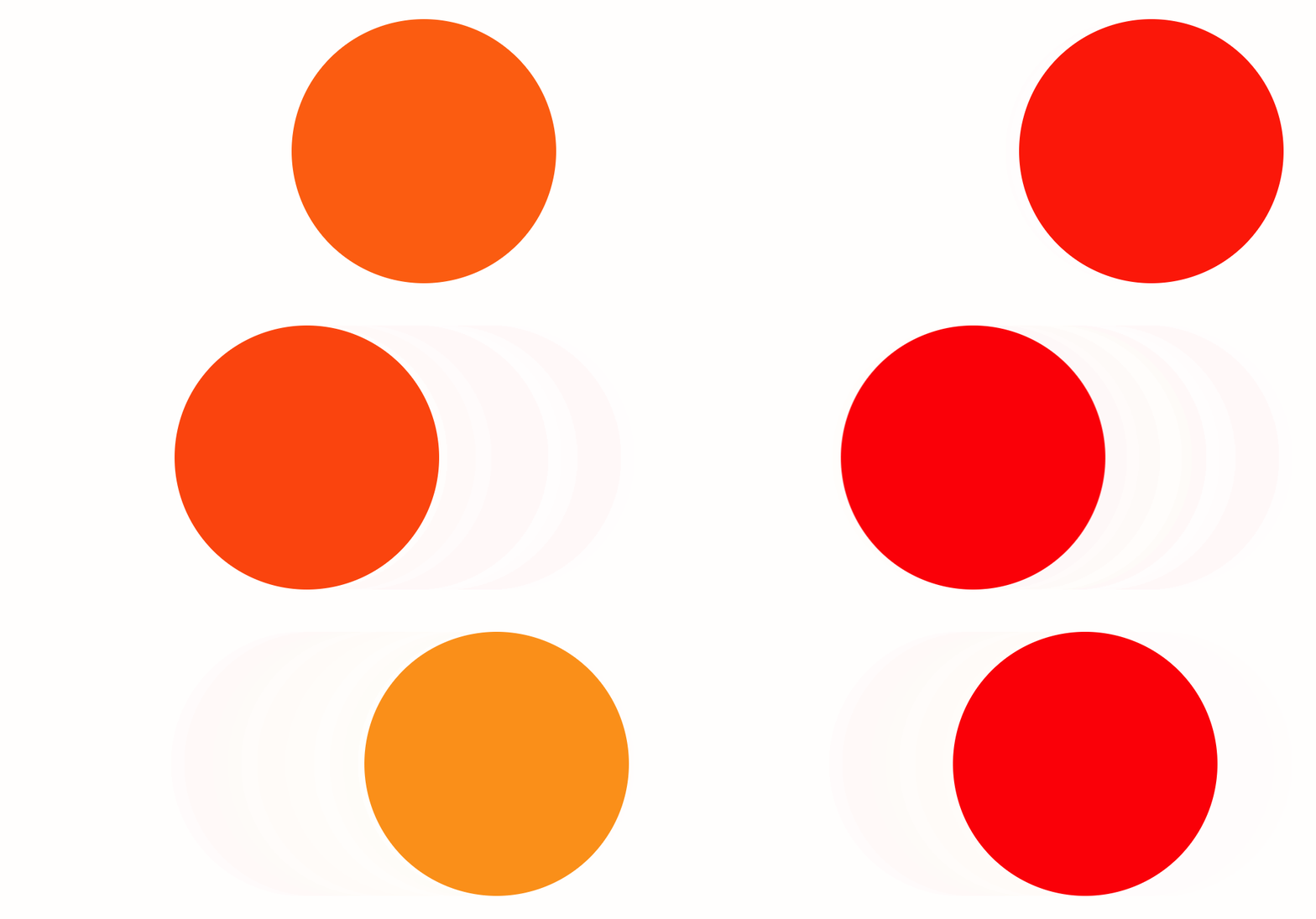
<!DOCTYPE html>

<html>

<head lang="zh-CN">

    <meta charset="UTF-8">

    <meta name="viewport" content="width=device-width,initial-scale=1,maximum-scale=1,user-scalable=no">

    <title></title>

    <style>

        .element {

            height: 400px;

            width: 400px;

            background-color: red;

            animation:

                pulse 3s ease infinite alternate,

                nudge 5s linear infinite alternate;

            border-radius: 100%;

        }

        @keyframes pulse {

            0%,

            100% {

                background-color: red;

            }

            50% {

                background-color: orange;

            }

        }

        @keyframes nudge {

            0%,

            100% {

                transform: translate(0, 0);

            }

            50% {

                transform: translate(150px, 0);

            }

            80% {

                transform: translate(-150px, 0);

            }

        }

        html,

        body {

            height: 100%;

        }

        body {

            display: flex;

            align-items: center;

            justify-content: center;

        }

    </style>

</head>

<body>

    <div class="element"></div>

</body>

</html>
性能
对大多数属性进行动画处理是性能方面的考虑,因此在对任何属性进行动画处理之前,我们应谨慎行事。 但是,可以安全地对某些组合进行动画处理:
transform: translate()
transform: scale()
transform: rotate()
opacity
哪些属性可以设置动画?
MDN有一个可以设置动画的CSS属性列表。 可设置动画的属性倾向于颜色和数字。 不可动画属性的一个示例是背景图像。
CSS3之animation属性的更多相关文章
- css3中animation属性animation-timing-function知识点以及其属性值steps()
在animation中最重要的其实就是时间函数(animation-timing-function)这个属性,他决定了你的动画将以什么样的速度执行,所以最关键的属性值也就是cubic-bezier(n ...
- css3使用animation属性实现炫酷效果
animation-name 动画名称,可以有多个值,用逗号隔开,表示绑定了多个动画 animation-name属性为动画指定一个名称 animation-name兼容主流的浏览器,不过还是需要加前 ...
- css3 animation 属性众妙
转自:凹凸实验室(https://aotu.io/notes/2016/11/28/css3-animation-properties/) 本文不会详细介绍每个 css3 animation 属性(需 ...
- CSS3中动画属性transform、transition和animation
Transform:变形 在网页设计中,CSS被习惯性的理解为擅长表现静态样式,动态的元素必须借助于javascript才可以实现,而CSS3的出现改变了这一思维方式.CSS3除了增加革命性的创新功能 ...
- CSS3学习之 animation 属性
发现animation这个新属性很有趣,在此学习,并整理下! 浏览器支持: Internet Explorer 10.Firefox 以及 Opera 支持 animation 属性: Safari ...
- CSS3中动画属性transform、transition 和 animation
CSS3中和动画有关的属性有三个 transform.transition 和 animation.下面来一一说明: transform 从字面来看transform的释义为改变,使 ...
- CSS3 Transform、Transition和Animation属性总结
CSS3的三个与变形和动画啊相关的属性: Transform 浏览器支持情况: Internet Explorer 10.Firefox.Opera 支持 transform 属性. Internet ...
- CSS3 animation属性中的steps实现GIF动图(逐帧动画)
相信 animation 大家都用过很多,知道是 CSS3做动画用的.而我自己就只会在 X/Y轴 上做位移旋转,使用 animation-timing-function 规定动画的速度曲线,常用到的 ...
- css3中的animation属性
作用:通过给元素添加animation属性,可以赋予该元素动画效果. <!DOCTYPE html><html> <head> <styl ...
随机推荐
- ansible-playbook-roles目录结构
1. ansible-角色-roles目录结构 角色是基于已知文件结构自动加载某些vars_files,任务和处理程序的方法.按角色对内容进行分组还可以轻松与其他用户共享角色. ...
- 为什么在M3架构中 PC总是返回加4
由于CPU是3级流水线的方式运行.在执行第一条指令时候,已经对第二条指令译码,对第三条指令取值. PC总是指向正在取值的指令.由于在M3架构中,采用Thumb-2指令,每个指令占据2个字节,所以PC总 ...
- go-zero 如何应对海量定时/延迟任务?
一个系统中存在着大量的调度任务,同时调度任务存在时间的滞后性,而大量的调度任务如果每一个都使用自己的调度器来管理任务的生命周期的话,浪费cpu的资源而且很低效. 本文来介绍 go-zero 中 延迟操 ...
- 学不动了!微信官方推出 Web 前端和小程序统一框架 Kbone
听说最近微信官方推出了一个统一 Web 前端和小程序的框架 -- Kbone ,特意去看了下... 为什么微信要搞Kbone? 微信小程序的底层模型和 Web 端不同,开发者无法直接把 Web 端的代 ...
- 飞翔---------双重线性dp
题目: 鹰最骄傲的就是翱翔,但是鹰们互相都很嫉妒别的鹰比自己飞的快,更嫉妒其他的鹰比自己飞行的有技巧.于是,他们决定举办一场比赛,比赛的地方将在一个迷宫之中. 这些鹰的起始点被设在一个N*M矩阵的左下 ...
- python GDAL 读写shp文件
gdal包用于处理栅格数据,ogr用于处理矢量数据. 1 #!C:\Program Files\pythonxy\python\python.exe 2 #-*- coding:gb2312 -*- ...
- Helium文档14-WebUI自动化-hover鼠标悬浮
前言 hover 实现功能是将鼠标光标悬停在给定的元素或点上 入参介绍 element def hover(element): """ :param element: T ...
- C# 判断当前目录是否存在不存在则创建
/// <summary> /// 判断目录是否存在不存在则创建 /// </summary> /// <param name="Path">& ...
- Vue踩坑日记-This dependency was not found:element-ui.js
该问题为在Vue启动项目时候报错找不到element-ui模块 解决办法:打开CMD 控制台 CD到项目根目录 我的目录(C:\Users\Administrator\Desktop\cms-heli ...
- MVC单文件上传
前言 现在来写下最基础的单文件上传,完成后可以扩展成各种不同的上传方式 HTML <input id="Input_File" type="file" / ...