
springBoot mybatis mysql pagehelper layui 分页
<!-- 加入 pagehelper 分页插件  jar包-->
<dependency>
    <groupId>com.github.pagehelper</groupId>
    <artifactId>pagehelper-spring-boot-starter</artifactId>
    <version>1.2.5</version>
</dependency>

在 application.properties 加上
#开启分页
# 指定数据库
pagehelper.helperDialect=mysql
# 需要启用 不然会报空数据的
pagehelper.reasonable=true
# 默认值false,分页插件会从查询方法的参数值中
pagehelper.supportMethodsArguments=true
# 用于从对象中根据属性名取值
pagehelper.params=count=countSql

接收 前端传过来的 页码 和 条数
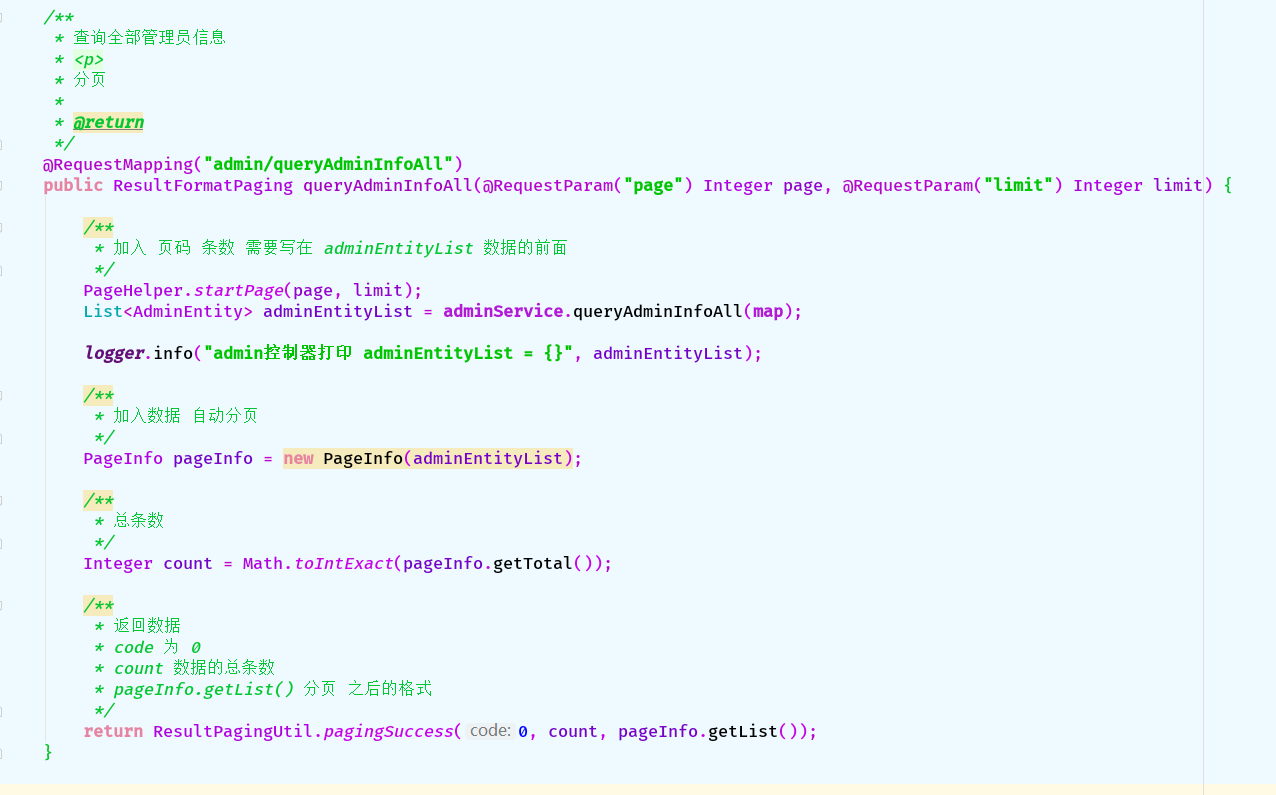
java 后台 代码如下:
@RequestMapping("admin/queryAdminInfoAll")
public ResultFormatPaging queryAdminInfoAll(@RequestParam("page") Integer page, @RequestParam("limit") Integer limit) {
    /**
     * 加入 页码 条数 需要写在 adminEntityList 数据的前面
     */
    PageHelper.startPage(page, limit);
    List<AdminEntity> adminEntityList = adminService.queryAdminInfoAll(map);

    logger.info("admin控制器打印 adminEntityList = {}", adminEntityList);

    /**
     * 加入数据 自动分页
     */
    PageInfo pageInfo = new PageInfo(adminEntityList);

    /**
     * 总条数
     */
    Integer count = Math.toIntExact(pageInfo.getTotal());

    /**
     * 返回数据
     * code 为 0
     * count 数据的总条数
     * pageInfo.getList() 分页 之后的格式
     */
    return ResultPagingUtil.pagingSuccess(0, count, pageInfo.getList());
}
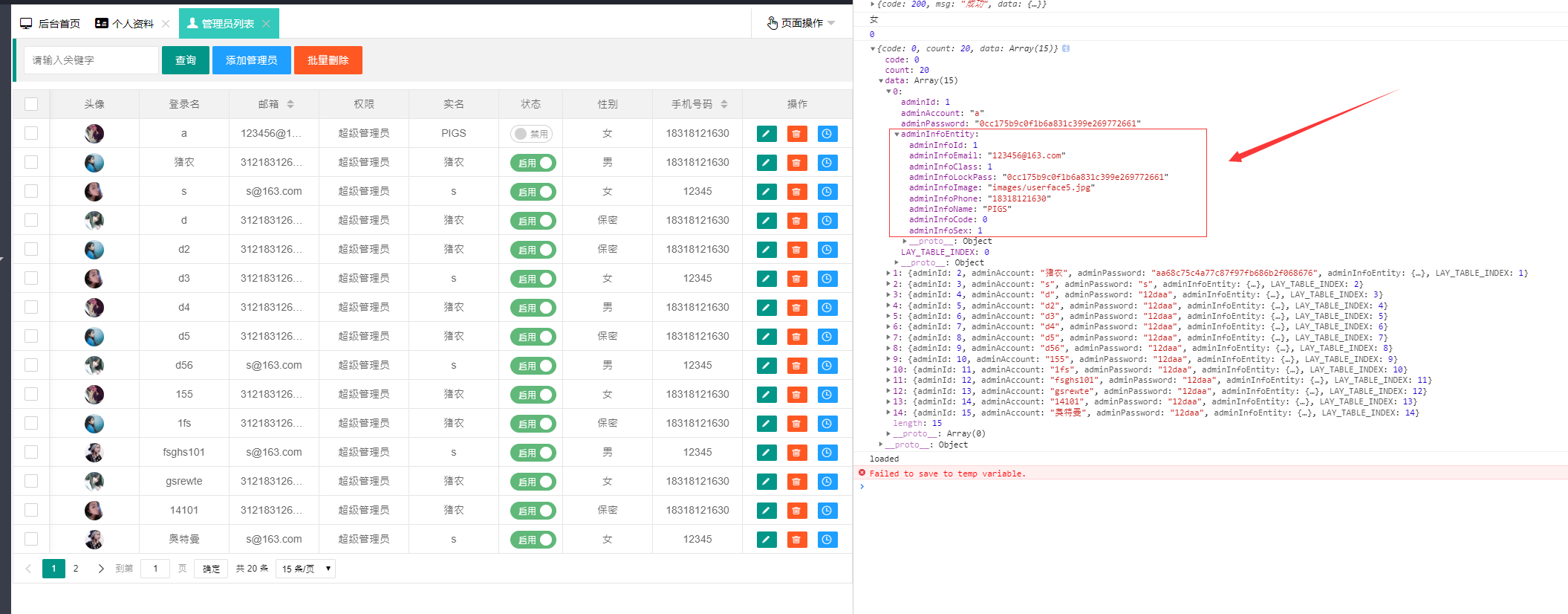
# 前端 layui 分页 浏览器打印的数据结构 由于 是数据包含着数据 我采用layui 提供的 templet 模板
 {
    field: 'adminInfoEntity', title: '手机号码', sort: true,
    templet: function (data) {
        return '<span>' + data.adminInfoEntity.adminInfoPhone + '</span>'
    }
}
layui js 代码:
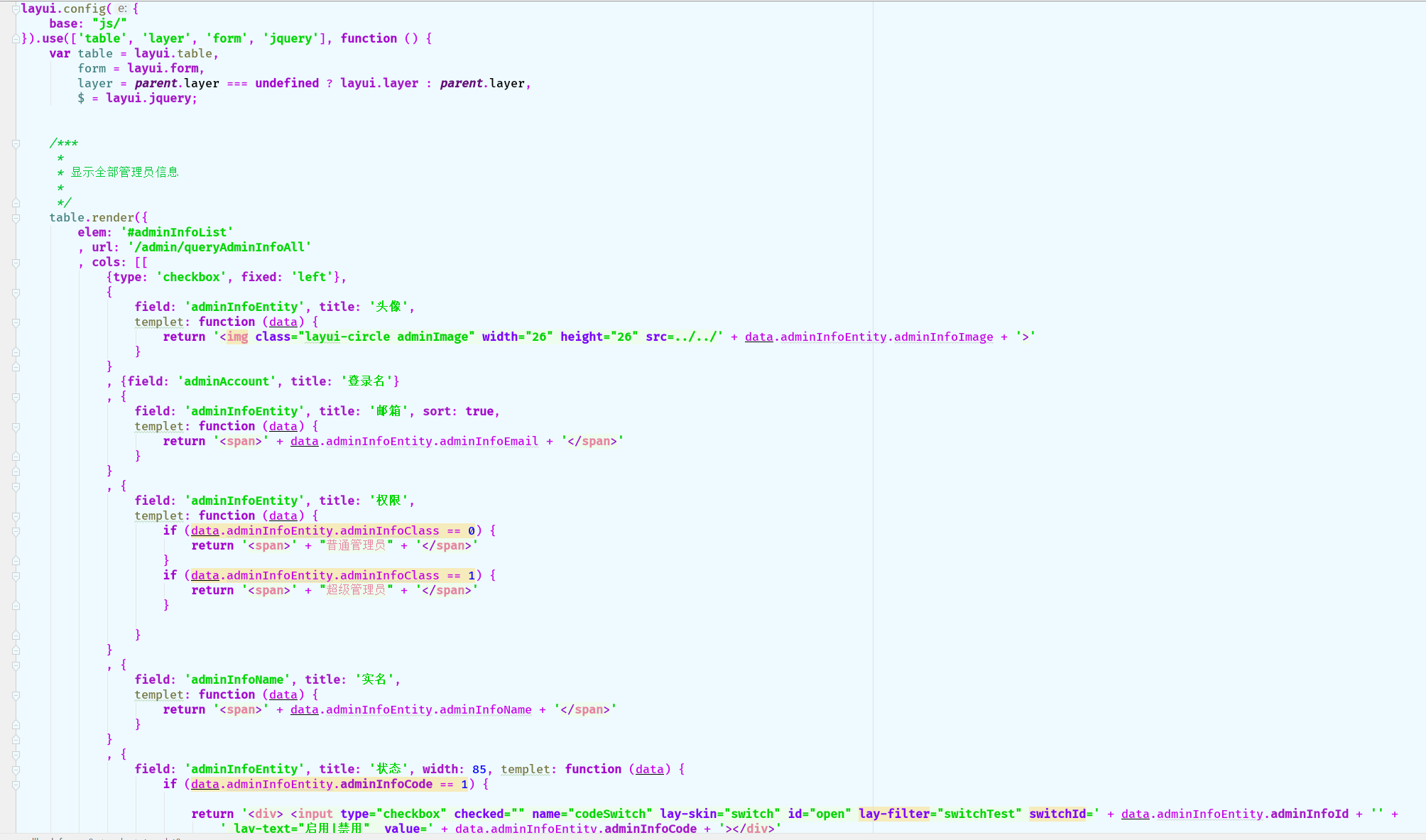
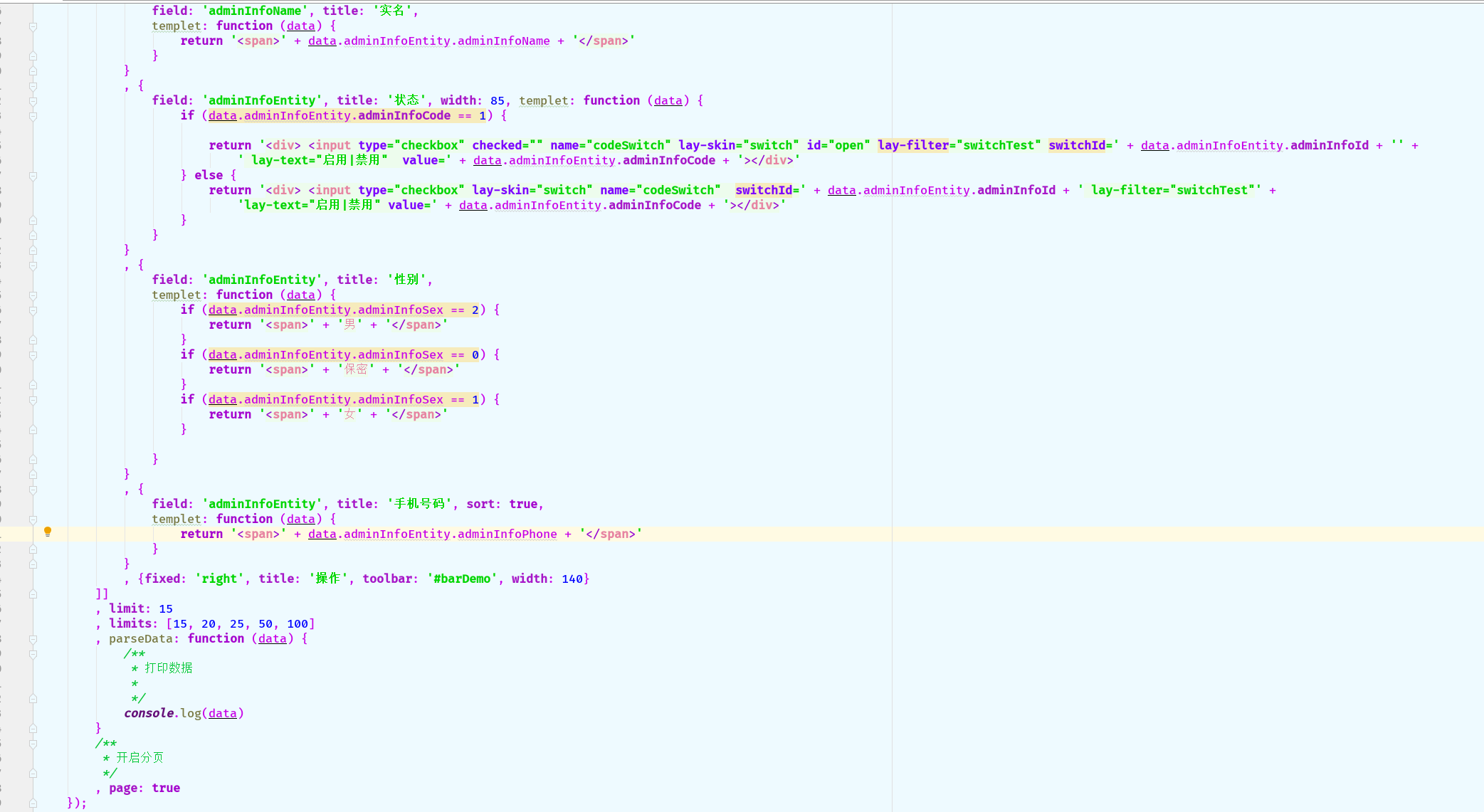
table.render({
    elem: '#adminInfoList'
    , url: '/admin/queryAdminInfoAll'
    , cols: [[
        {type: 'checkbox', fixed: 'left'},
        {
            field: 'adminInfoEntity', title: '头像',
            templet: function (data) {
                return '<img class="layui-circle adminImage" width="26" height="26" src=../../' + data.adminInfoEntity.adminInfoImage + '>'
            }
        }
        , {field: 'adminAccount', title: '登录名'}
        , {
            field: 'adminInfoEntity', title: '邮箱', sort: true,
            templet: function (data) {
                return '<span>' + data.adminInfoEntity.adminInfoEmail + '</span>'
            }
        }
        , {
            field: 'adminInfoEntity', title: '权限',
            templet: function (data) {
                if (data.adminInfoEntity.adminInfoClass == 0) {
                    return '<span>' + "普通管理员" + '</span>'
                }
                if (data.adminInfoEntity.adminInfoClass == 1) {
                    return '<span>' + "超级管理员" + '</span>'
                }

            }
        }
        , {
            field: 'adminInfoName', title: '实名',
            templet: function (data) {
                return '<span>' + data.adminInfoEntity.adminInfoName + '</span>'
            }
        }
        , {
            field: 'adminInfoEntity', title: '状态', width: 85, templet: function (data) {
                if (data.adminInfoEntity.adminInfoCode == 1) {

                    return '<div> <input type="checkbox" checked="" name="codeSwitch" lay-skin="switch" id="open" lay-filter="switchTest" switchId=' + data.adminInfoEntity.adminInfoId + '' +
                        ' lay-text="启用|禁用"  value=' + data.adminInfoEntity.adminInfoCode + '></div>'
                } else {
                    return '<div> <input type="checkbox" lay-skin="switch" name="codeSwitch"  switchId=' + data.adminInfoEntity.adminInfoId + ' lay-filter="switchTest"' +
                        'lay-text="启用|禁用" value=' + data.adminInfoEntity.adminInfoCode + '></div>'
                }
            }
        }
        , {
            field: 'adminInfoEntity', title: '性别',
            templet: function (data) {
                if (data.adminInfoEntity.adminInfoSex == 2) {
                    return '<span>' + '男' + '</span>'
                }
                if (data.adminInfoEntity.adminInfoSex == 0) {
                    return '<span>' + '保密' + '</span>'
                }
                if (data.adminInfoEntity.adminInfoSex == 1) {
                    return '<span>' + '女' + '</span>'
                }

            }
        }
        , {
            field: 'adminInfoEntity', title: '手机号码', sort: true,
            templet: function (data) {
                return '<span>' + data.adminInfoEntity.adminInfoPhone + '</span>'
            }
        }
        , {fixed: 'right', title: '操作', toolbar: '#barDemo', width: 140}
    ]]
    , limit: 15
    , limits: [15, 20, 25, 50, 100]
    , parseData: function (data) {
        /**
         * 打印数据
         *
         */
        console.log(data)
    }
    /**
     * 开启分页
     */
    , page: true
});
html 代码:
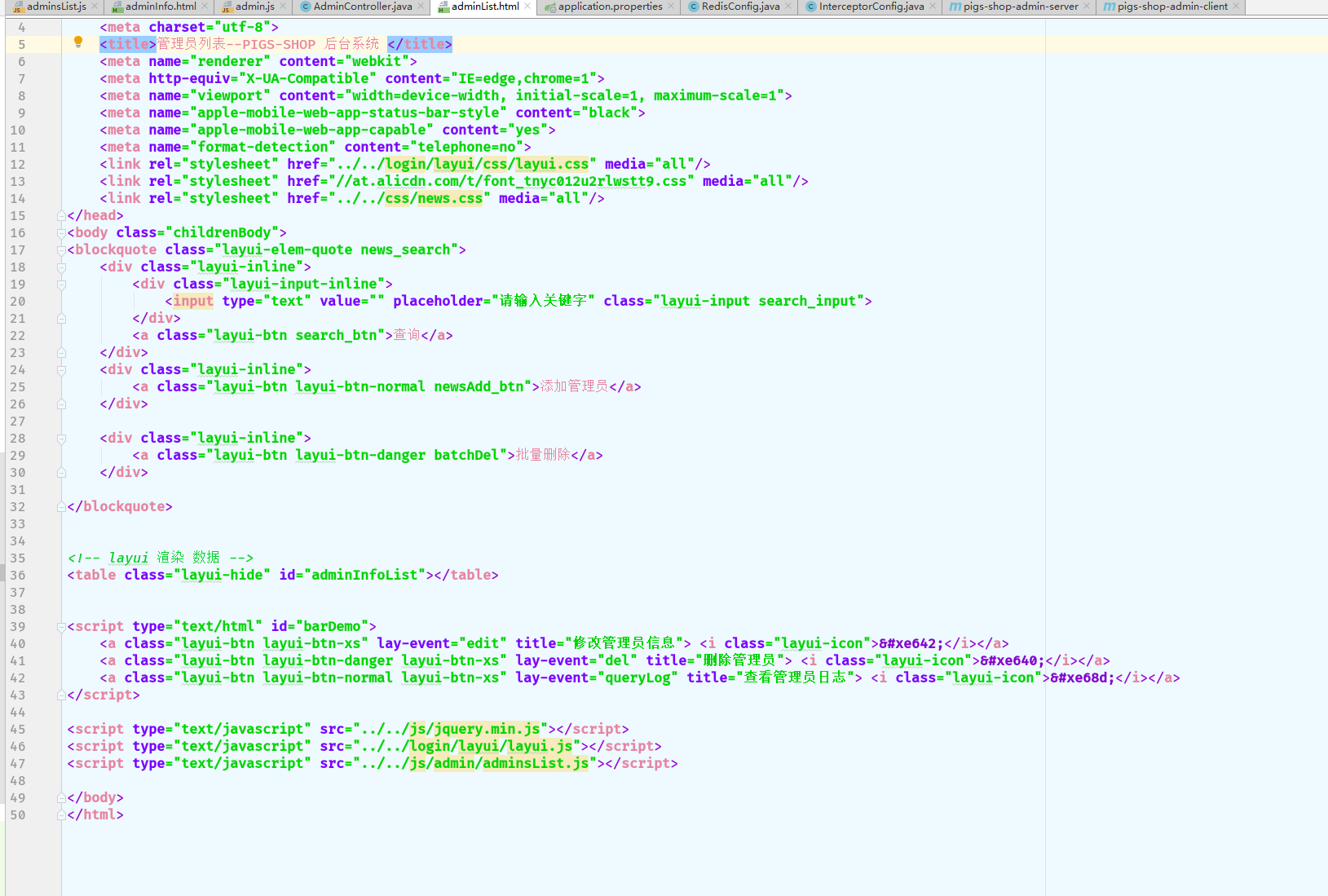
<table class="layui-hide" id="adminInfoList"></table> <script type="text/html" id="barDemo">
<a class="layui-btn layui-btn-xs" lay-event="edit" title="修改管理员信息"> <i class="layui-icon"></i></a>
<a class="layui-btn layui-btn-danger layui-btn-xs" lay-event="del" title="删除管理员"> <i class="layui-icon"></i></a>
<a class="layui-btn layui-btn-normal layui-btn-xs" lay-event="queryLog" title="查看管理员日志"> <i class="layui-icon"></i></a>
</script>
如问题请留言 感谢观看
springBoot mybatis mysql pagehelper layui 分页的更多相关文章
- 7、SpringBoot+Mybatis整合------PageHelper简单分页
开发工具:STS 代码下载链接:https://github.com/theIndoorTrain/SpringBoot_Mybatis/tree/1d30d2a573ce6784149a28af9b ...
- SpringBoot+Mybatis配置Pagehelper分页插件实现自动分页
SpringBoot+Mybatis配置Pagehelper分页插件实现自动分页 **SpringBoot+Mybatis使用Pagehelper分页插件自动分页,非常好用,不用在自己去计算和组装了. ...
- Springboot+Mybatis+MySQL实例练习时踩坑记录
最近刚开始学习后端,直接让上手学习Springboot+Mybatis+MySQL对CRUD的实例,虽然实例不难,但是上面的三个知识我都不懂,就有点为难我了 所以经常遇到一个点卡自己很久的情况,这里列 ...
- springboot成神之——springboot+mybatis+mysql搭建项目简明demo
springboot+mybatis+mysql搭建项目简明demo 项目所需目录结构 pom.xml文件配置 application.properties文件配置 MyApplication.jav ...
- 【SpringBoot】SpringBoot/MyBatis/MySql/thymeleaf/Log4j整合工程
工程下载地址:https://files.cnblogs.com/files/xiandedanteng/MMSpringWeb20191027-1.rar 工程目录结构如图: 1.创建工程 有些网文 ...
- SpringBoot+MyBatis+Mysql 6.X 版本日期型数据获,时间错乱,jason序列化时间相差8小时问题
新项目是用的springboot+mybatis+mysql 6.0.6版本的驱动包来搭建的,在使用的过程中遇到以下2个问题 从mysql取的的数据日期时间,与真实的时间往后错乱了14个小时. spr ...
- SpringBoot+Mybatis+MySql 自动生成代码 自动分页
一.配置文件 <!-- 通用mapper --> <dependency> <groupId>tk.mybatis</groupId> <arti ...
- 从 0 使用 SpringBoot MyBatis MySQL Redis Elasticsearch打造企业级 RESTful API 项目实战
大家好!这是一门付费视频课程.新课优惠价 699 元,折合每小时 9 元左右,需要朋友的联系爱学啊客服 QQ:3469271680:我们每课程是明码标价的,因为如果售价为现在的 2 倍,然后打 5 折 ...
- SpringBoot+MyBatis+MySQL读写分离(实例)
1. 引言 读写分离要做的事情就是对于一条SQL该选择哪个数据库去执行,至于谁来做选择数据库这件事儿,无非两个,要么中间件帮我们做,要么程序自己做.因此,一般来讲,读写分离有两种实现方式.第一种是 ...
随机推荐
- zookeeper伪分布式集群搭建
zookeeper集群搭建注意点: 配置数据文件myid1/2/3对应server.1/2/3 通过zkCli.sh -server [ip]:[port]检测集群是否 ...
- VMware 虚拟机重启后获取不到ip的问题
问题: VMware 虚拟机重启后获取不到ip,如图: 解决: 打开windows服务管理器,将VMware相关服务启动. 验证: 重启网络服务后,成功获取ip.
- /lib64/libc.so.6: version `GLIBC_2.18' not found报错解决
今日安装一区块链服务时报错:/lib64/libc.so.6: version `GLIBC_2.18' not found,检查后现有的glibc版本是2.17,然后参考https://www.ji ...
- 接口自动化测试平台 http://120.79.232.23
接口自动化测试平台 http://120.79.232.23 T Name Latest commit message Commit time .idea 修改自动化用例修改接口时,其他接口信息被删的 ...
- 年薪5w和50w的人,区别到底在哪?
年薪5w和50w的人,区别到底在哪? 2017-02-22 阿青 360投资圈 文/ 阿青 许多人在职场摸爬滚打很多年并不顺利,薪酬一直上不去.职场鸡汤喝了不少,也掌握了不少职场技能,工作经验也颇为丰 ...
- redis笔记之一
NoSQL简介 全称是Not Only SQL,泛指菲关系型数据库,它是通过键值对存储数据并且将数据存储在内存中.而像mysql,sql server这些通过关系表存数据的就叫关系型数据库 为什么需要 ...
- ansible使用指北(二)
前言在上一篇文章里我们了解了ansible的常用模块,今天我们来了解下ansible-playbook,ansbile-playbook是一系统ansible命令的集合,其利用yaml 语言编写,an ...
- nginx图片过滤处理模块http_image_filter_module安装配置
http_image_filter_module是nginx提供的集成图片处理模块,支持nginx-0.7.54以后的版本,在网站访问量不是很高磁盘有限不想生成多余的图片文件的前提下可,就可以用它实时 ...
- 微软发布Microsoft Concept Graph和Microsoft Concept Tagging模型
Concept Graph和Microsoft Concept Tagging模型"> 当我们在讨论人工智能时,请注意,我们通常在讨论弱人工智能. 虽然我们现有的资源与之前可谓不同 ...
- ElasticSearch系列四 CURD
1: ES 类似JPA操作 1.1 编写实体类 1.2 编写映射文件 xxx.json 1.3编写repository继承 ElasticSearchrepository 1.4 编写admin 的C ...