
docker 二进制安装
首先所属环境为内网并且服务器拥有的开发环境不确定,需要跑当前服务所需代码,所以优先选择使用docker
docker 文档地址
https://docs.docker.com
在 install 中存在 Install Docker Engine from binaries 二进制安装
https://download.docker.com/linux/static/stable/x86_64/ 选择自己所需的docker 版本。
下载下来之后是一个 tar 压缩包。之后可以按照官网指令进行。
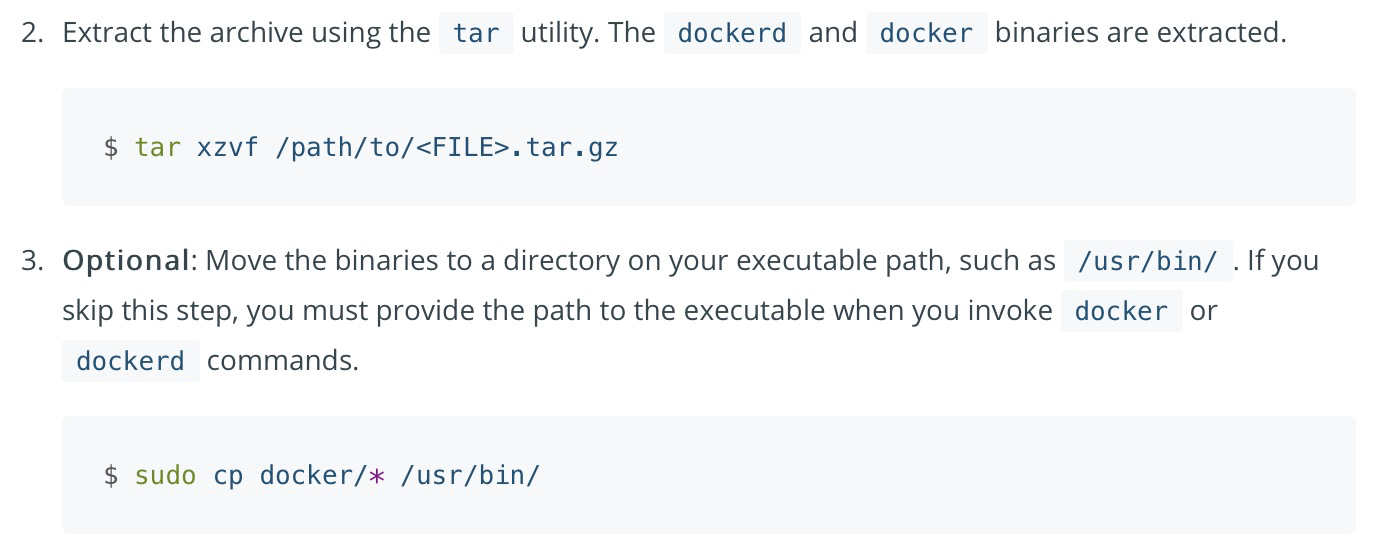
此时的docker 无法跟随服务器进行自启动,所以需要继续进行配置。
vi /usr/lib/systemd/system/docker.service #复制docker.service 内容
systemctl daemon-reload
systemctl start docker
systemctl status docker
systemctl enable docker
docker.service 内容 此内容为 https://www.runoob.com/docker/centos-docker-install.html 中 curl -sSL https://get.daocloud.io/docker | sh 安装的docker 所拥有的,更改了下 docker 镜像内容
[Unit]

Description=Docker Application Container Engine

Documentation=https://docs.docker.com

After=network-online.target firewalld.service containerd.service

Wants=network-online.target

# 此处需要删除 docker.socket

# 参考此篇文章 https://www.cnblogs.com/fat-girl-spring/p/14236356.html

Requires=containerd.service

[Service]

Type=notify

# the default is not to use systemd for cgroups because the delegate issues still

# exists and systemd currently does not support the cgroup feature set required

# for containers run by docker

# 服务器存储时最大存储空间为 /home 路径下,所以需要修改docker 镜像的存储位置

# 参考此篇文章修改 docker.service 的镜像存储位置 https://www.modb.pro/db/47890

ExecStart=/usr/bin/dockerd  --graph=/usr/local/docker/dockerd --containerd=/run/containerd/containerd.sock

ExecReload=/bin/kill -s HUP $MAINPID

TimeoutSec=0

RestartSec=2

Restart=always

# Note that StartLimit* options were moved from "Service" to "Unit" in systemd 229.

# Both the old, and new location are accepted by systemd 229 and up, so using the old location

# to make them work for either version of systemd.

StartLimitBurst=3

# Note that StartLimitInterval was renamed to StartLimitIntervalSec in systemd 230.

# Both the old, and new name are accepted by systemd 230 and up, so using the old name to make

# this option work for either version of systemd.

StartLimitInterval=60s

# Having non-zero Limit*s causes performance problems due to accounting overhead

# in the kernel. We recommend using cgroups to do container-local accounting.

LimitNOFILE=infinity

LimitNPROC=infinity

LimitCORE=infinity

# Comment TasksMax if your systemd version does not support it.

# Only systemd 226 and above support this option.

TasksMax=infinity

# set delegate yes so that systemd does not reset the cgroups of docker containers

Delegate=yes

# kill only the docker process, not all processes in the cgroup

KillMode=process

OOMScoreAdjust=-500

[Install]

WantedBy=multi-user.target
** https://docs.docker.com
** https://www.modb.pro/db/47890
** https://www.runoob.com/docker/centos-docker-install.html
** https://www.cnblogs.com/fat-girl-spring/p/14236356.html
docker 二进制安装的更多相关文章
- centos7下docker二进制安装
问题描述: 内网离线环境下,安装docker.二进制来的还是快点,或者内网搭建yum的epel仓库! 环境: centos7.x docker-18.9.0 x86_64 static //二进制 ...
- Docker 二进制安装docker
https://blog.csdn.net/bruce_yds/article/details/80035714
- Centos7 二进制安装 Kubernetes 1.13
目录 1.目录 1.1.什么是 Kubernetes? 1.2.Kubernetes 有哪些优势? 2.环境准备 2.1.网络配置 2.2.更改 HOSTNAME 2.3.配置ssh免密码登录登录 2 ...
- centos中docker的安装
之前学习docker的时候,是在windows上直接使用可执行文件安装的,最近需要在自己的服务器上安装docker,特此了解了一下如何安装,这里补一下. 小白学Docker之基础篇 小白学Docker ...
- [sql]mysql5.6cmake安装/mysql5.7二进制安装
centos7上cmake编译安装mysql-5.6.36.tar.gz 系统环境 - 环境(安装前规划好主机名,mysql编译过程会用) [root@n1 mysql-5.6.36]# cat /e ...
- Docker - CentOS 安装 Docker 和 Docker-Compose
目录 介绍 Docker Docker-Conpose 安装 Docker CE 系统要求 使用 YUM 安装 配置加速器 安装 Docker-Compose 介绍 Docker Docker 是一个 ...
- docker快速安装jenkins
用过docker的人,可能真的很难忍受再一步步二进制安装了,好了话不多说,感慨一下jenkins实现自动化发布构建真的很方便. 推荐一个学习的好地方https://m.w3cschool.cn/jen ...
- 【爬坑系列】之kubernetes环境搭建:二进制安装与镜像安装
准备: 网上教如何编译与安装kubernetes的教程很多,需要提前准备的也很多,比如关闭selinux,防火墙啦....但有一点一定要注意,编译kubernetes源码时要求有2G内存,这个可是实打 ...
- Docker从安装部署到Hello World
Docker 是 PaaS 提供商 dotCloud 开源的一个基于 LXC 的高级容器引擎,源代码托管在 Github 上, 基于go语言并遵从Apache2.0协议开源.Docker 是一个开源的 ...
- 二进制安装K8S集群V1.16.3
centos linux7.5 cat > /etc/hosts << EOF 192.168.199.221 master 192.168.199.222 node1 192.16 ...
随机推荐
- 01-Sed简介
1 Sed简介 Sed(Stream EDitor)为Uninx系统上提供将编辑工作自动化的编辑器,使用者无需直接编辑数据.使用者可以利用Sed所提供的20多种不同的函数,进行不同的编辑动作. Sed ...
- 阿里云kafka使用记录(python版本)
kafka端 consumer vpc版代码 import socket from kafka import KafkaConsumer from kafka.errors import Ka ...
- Springboot+Dplayer+RabbitMQ实现视频弹幕延时入库
编写之初,在网上找了很多关于springboot整合dplayer实现弹幕的方式,发现案例很少,然后自己就着手写一个小项目,分享给大家~ 注:Dplayer版本:v1.22.2 流程:前端自定义弹幕发 ...
- Java 进阶P-2.5+P-2.6
包 Java 包(package) 为了更好地组织类,Java 提供了包机制,用于区别类名的命名空间. 包的作用 1.把功能相似或相关的类或接口组织在同一个包中,方便类的查找和使用. 2.如同文件夹一 ...
- Unity - 自定义Log
嗨,崽崽们大家好.实在是不知道写个啥了,最近总是恍惚,今儿偷个懒吧,给大家推荐一个小黑自己写的小型日志工具,在一些小项目中管够使用了. 那有人会问了,Unity不是自带日志么,为什么还要自己做个小工具 ...
- bash原样输出字符串中的换行
➜ code $ cat test.sh #!/bin/bash nr="`cat -`"\" echo "$nr" echo $nr echo &q ...
- 完整工作流整合方案,自定义配置,Java+Vue+Activiti@附配套文档
前言 activiti工作流引擎项目,企业erp.oa.hr.crm等企事业办公系统轻松落地,一套完整并且实际运用在多套项目中的案例,满足日常业务流程审批需求. 一.项目形式 springboot+v ...
- Sentry 后端云原生中间件实践 ClickHouse PaaS ,为 Snuba 事件分析引擎提供动力
目录(脑图) ClickHouse PaaS 云原生多租户平台(Altinity.Cloud) 官网:https://altinity.cloud PaaS 架构概览 设计一个拥有云原生编排能力.支持 ...
- ES的数据结构
1 ES的数据结构 es使用怎样的数据结构来存储数据呢 通过以下四种的逻辑组合来存储数据:索引.类型.文档和字段. 1.1 index索引 数据属于哪个索引?不同的数据用不同的索引来区分. 比如 当前 ...
- JAVA虚拟机10---内存分配策略
1.简介 对象的内存分配,从概念上讲,应该都是在堆上分配(而实际上也有可能经过即时编译后被拆散为标量类型并间接地在栈上分配).在经典分代的设计下,新生对象通常会分配在新生代中,少数情况下(例如对象大小 ...