
模仿慕课网一步步发布一个开源库到 JCenter




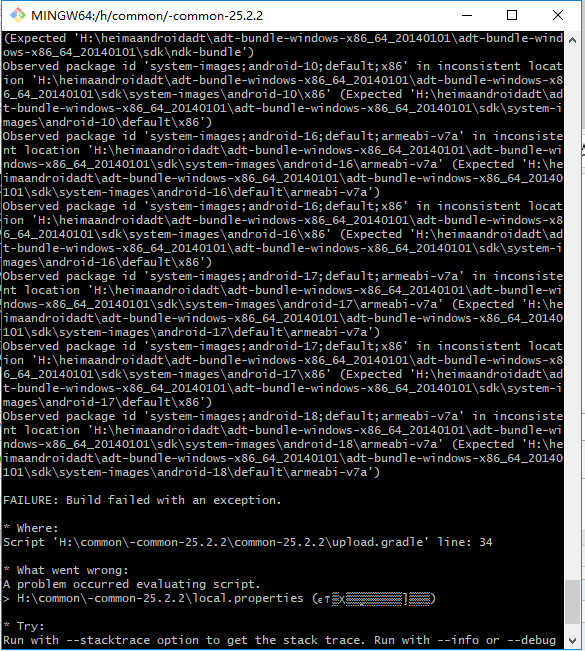

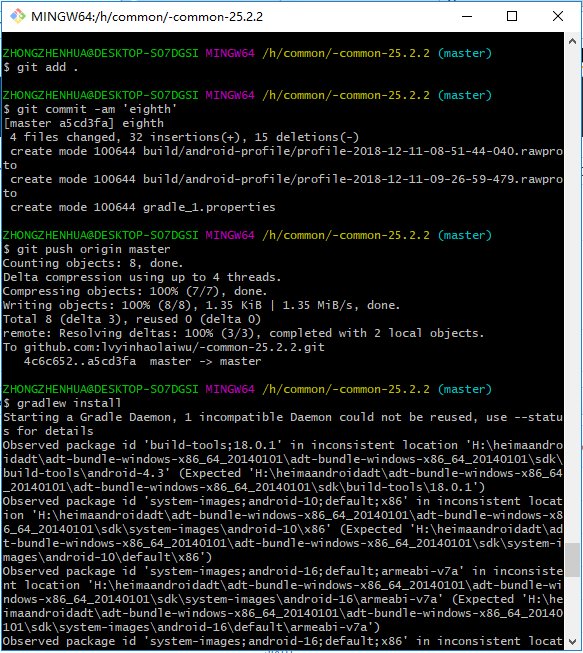

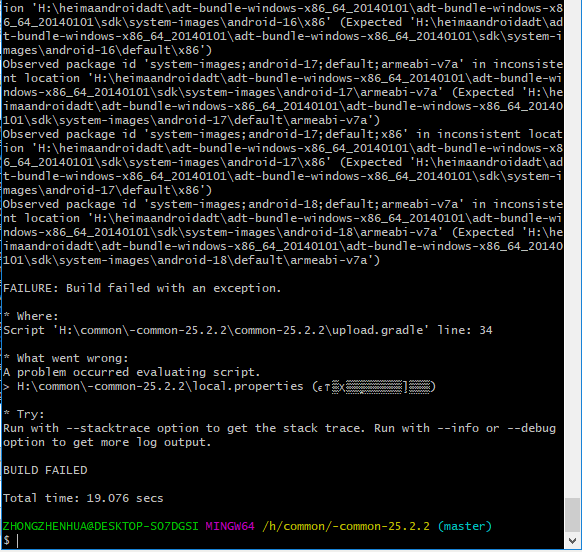
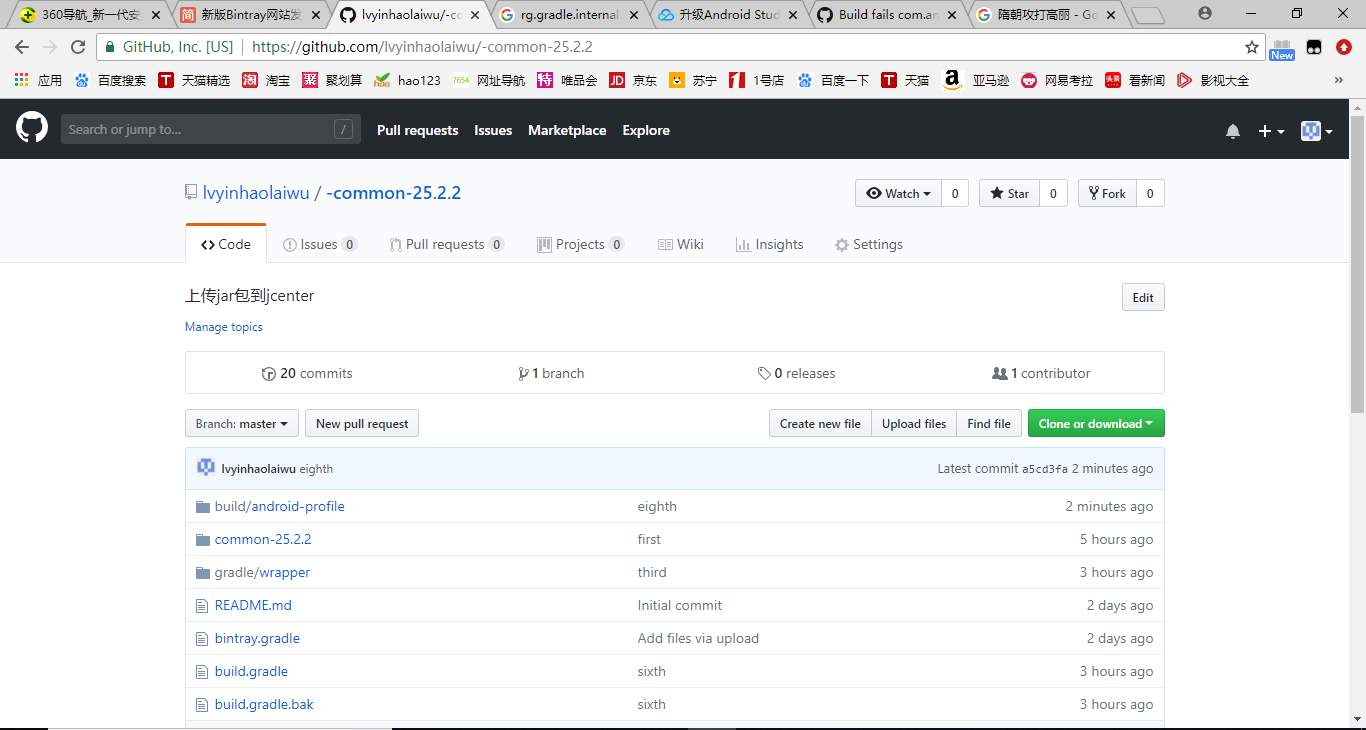
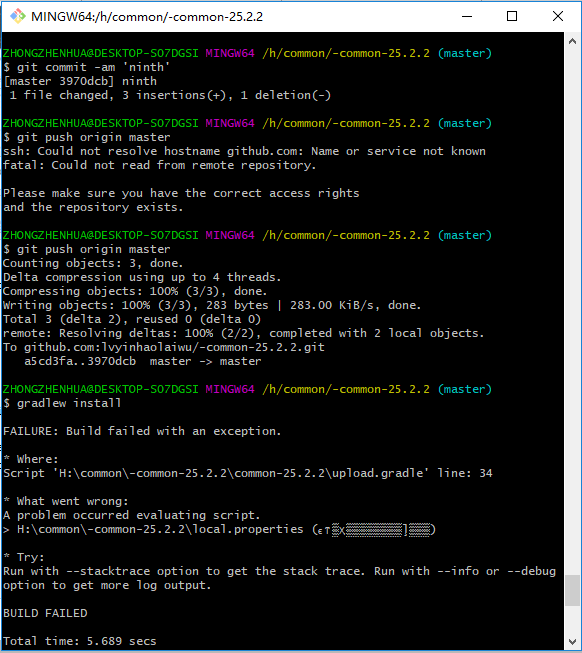
H:\common\-common-25.2.2\upload.gradle
// Bintray

/*

Properties properties = new Properties()

properties.load(project.rootProject.file('local.properties').newDataInputStream())

bintray {

    user = properties.getProperty("bintray.user")

    key = properties.getProperty("bintray.apikey")

    println user

    println key

    configurations = ['archives']

    pkg {

        repo = bintrayRepo

        name = bintrayName

        desc = libraryDescription

        websiteUrl = siteUrl

        vcsUrl = gitUrl

        licenses = allLicenses

        publish = true

        publicDownloadNumbers = true

        version {

            desc = libraryDescription

            gpg {

                sign = true //Determines whether to GPG sign the files. The default is false

                passphrase = properties.getProperty("bintray.gpg.password")

                //Optional. The passphrase for GPG signing'

            }

        }

    }

}

*/
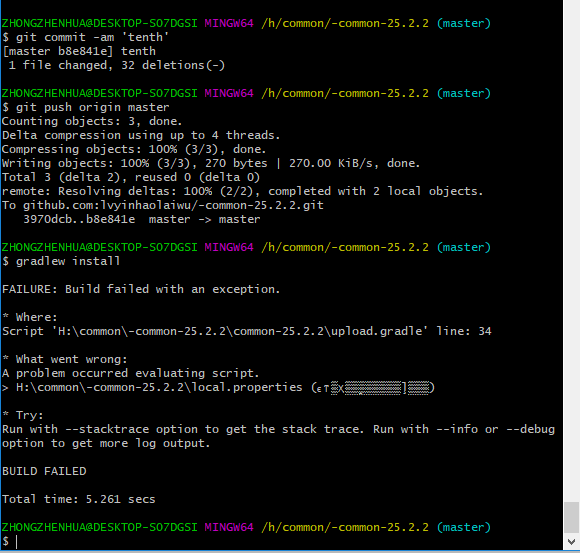
H:\common\-common-25.2.2\common-25.2.2\upload.gradle
Properties properties = new Properties()
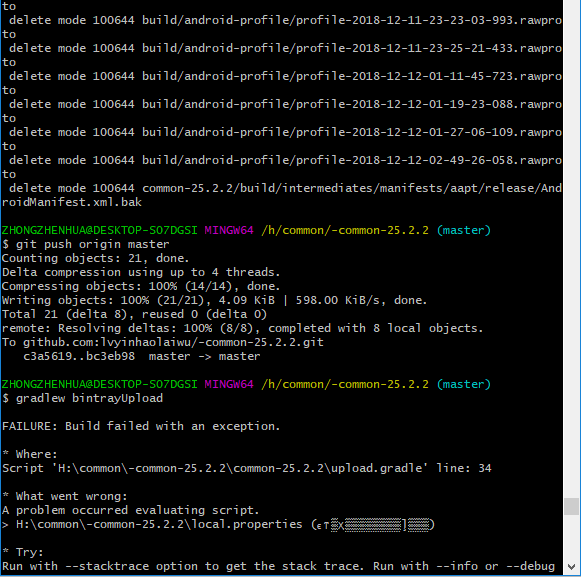
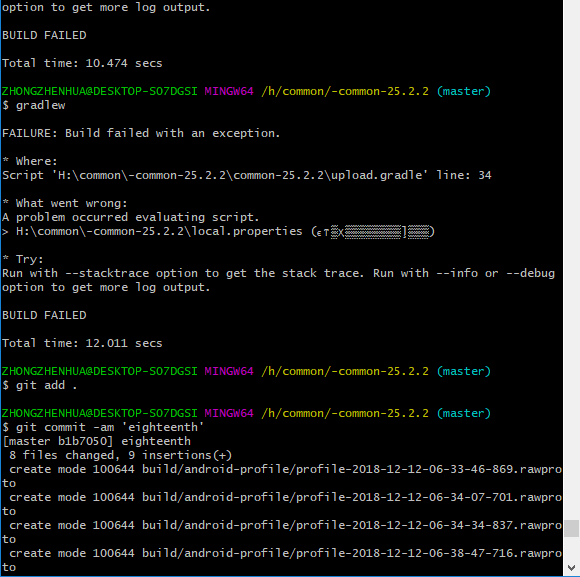
properties.load(project.rootProject.file('local.properties').newDataInputStream())
user = properties.getProperty("bintray.user")
key = properties.getProperty("bintray.apikey")
println user
println key
pkg {
repo = bintrayRepo
name = bintrayName
desc = libraryDescription
websiteUrl = siteUrl
vcsUrl = gitUrl
licenses = allLicenses
publish = true
publicDownloadNumbers = true
version {
desc = libraryDescription
gpg {
sign = true //Determines whether to GPG sign the files. The default is false
passphrase = properties.getProperty("bintray.gpg.password")
//Optional. The passphrase for GPG signing'
}
}
}
}
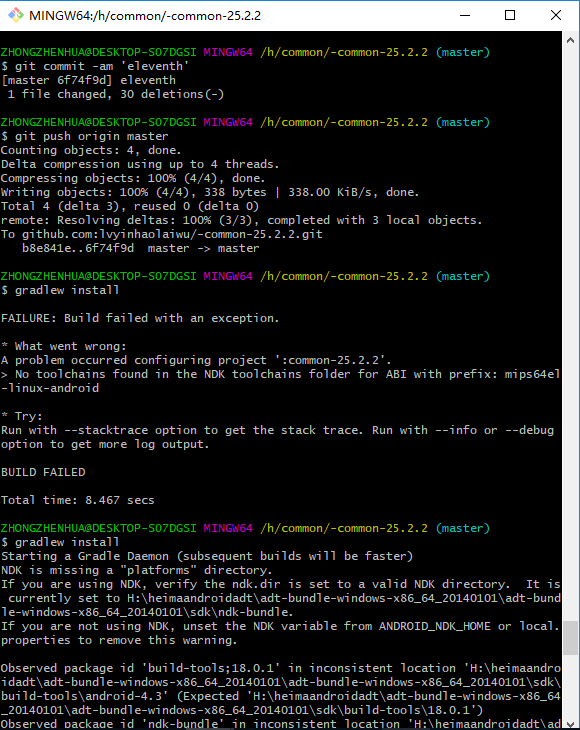











H:\common\-common-25.2.2\local.properties
## This file must *NOT* be checked into Version Control Systems,

# as it contains information specific to your local configuration.

#

# Location of the SDK. This is only used by Gradle.

# For customization when using a Version Control System, please read the

# header note.

#Mon Dec 10 07:59:28 CST 2018

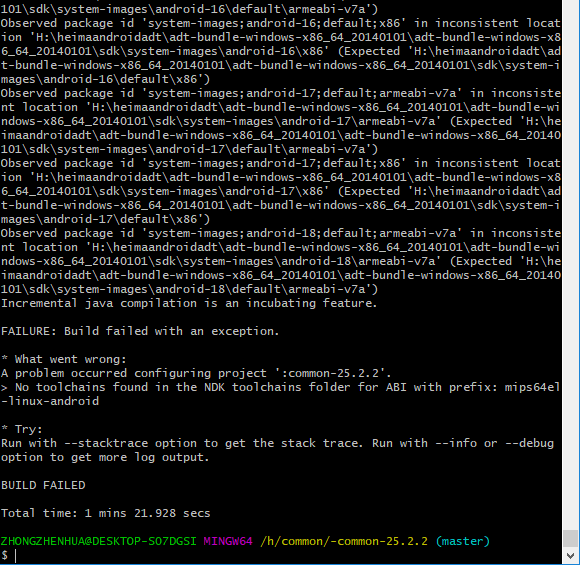
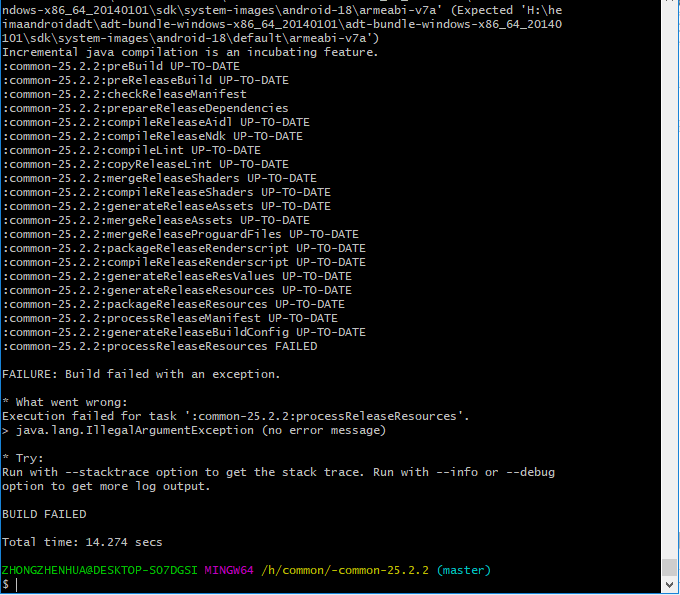
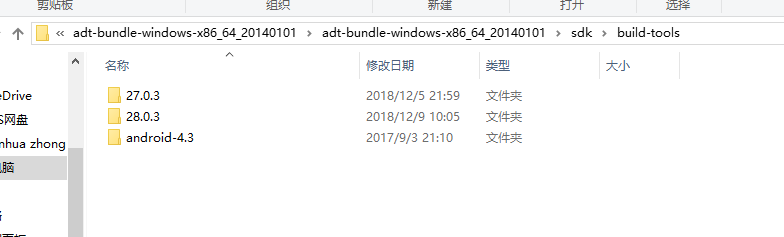
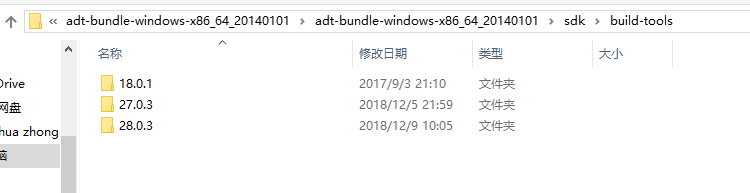
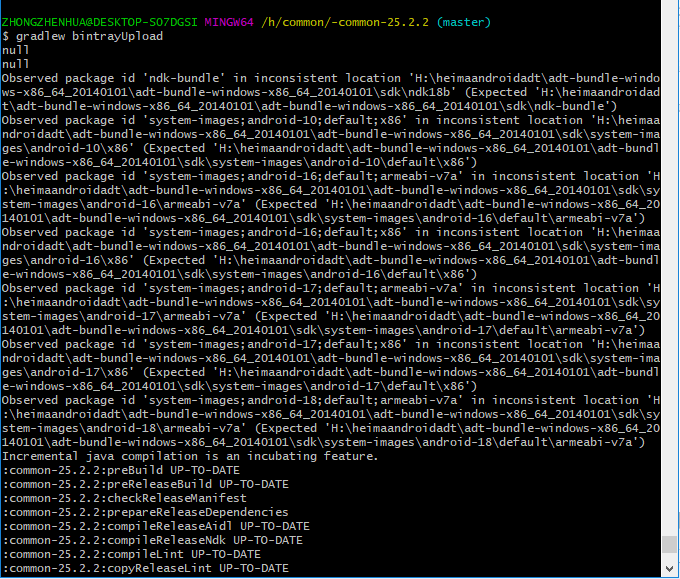
ndk.dir=H\:\\heimaandroidadt\\adt-bundle-windows-x86_64_20140101\\adt-bundle-windows-x86_64_20140101\\sdk\\ndk9d

sdk.dir=H\:\\heimaandroidadt\\adt-bundle-windows-x86_64_20140101\\adt-bundle-windows-x86_64_20140101\\sdk


模仿慕课网一步步发布一个开源库到 JCenter的更多相关文章
- 教你一步步发布一个开源库到 JCenter
今天想来分享下,如何一步步自己发布一个开源库到 JCenter 这方面的博客网上已经特别多了,所以本篇并不打算仅仅只是记录流程步骤而已,而是尽可能讲清楚,为什么需要有这个步骤,让大伙知其然的同时还知其 ...
- 发布开源库到JCenter所遇到的一些问题记录
这周末自己瞎折磨了下,如何发布开源库到 JCenter,然后这过程中碰到了一些问题,在此记录分享一下 本篇是基于上一篇:教你一步步发布一个开源库到 JCenter 介绍的流程.步骤中所遇到的问题,所以 ...
- 手把手图文并茂教你发布Android开源库
转载请把头部出处链接和尾部二维码一起转载,本文出自逆流的鱼,文章链接: http://blog.csdn.net/hejjunlin/article/details/52452220 经常逛githu ...
- 发布Android开源库,看这个文章就够了!
最近在Flipboard实习期间写了一个轮播工具,技术上没什么难点,不过动画效果还是不错的,决定改改代码写个库开源出去.项目地址:http://github.com/chengdazhi/Decent ...
- 【Hades】ades是一个开源库,基于JPA和Spring构建,通过减少开发工作量显著的改进了数据访问层的实现
几乎每个应用系统都需要通过访问数据来完成工作.要想使用领域设计方法,你就需要为实体类定义和构建资源库来实现领域对象的持久化.目前开发人员经常使用JPA来实现持久化库.JPA让持久化变得非常容易,但是仍 ...
- [转]使用Gradle发布Android开源项目到JCenter
转自:http://blog.csdn.net/maosidiaoxian/article/details/43148643 使用Gradle发布Android开源项目到JCenter 分类: G ...
- 使用Gradle发布Android开源项目到JCenter
喜欢做些开源项目的朋友,相信有不少人都希望能把自己的项目发布到公共的中央仓库,如maven中央仓库,以供别人方便地集成使用.而使用了Android Studio的同学,应该也对gradle和jcent ...
- 发布一个开源极致的javascript模板引擎tpl.js
tpl.js(大家直接去https://git.oschina.net/tianqiq/tpl.js这个上面看) 简介 tpl.js是一个比较极致(极小,极快,极简单)的js模板引擎,可以在各种js环 ...
- 基于第三方开源库的OPC服务器开发指南(4)——后记:与另一个开源库opc workshop库相关的问题
平心而论,我们从样例服务器的代码可以看出,利用LightOPC库开发OPC服务器还是比较啰嗦的,网上有人提出opc workshop库就简单很多,我千辛万苦终于找到一个05年版本的workshop库源 ...
随机推荐
- Games Delphi developers play
Original link: Games Delphi developers play Delphi game developers are stupid people having too ma ...
- 【Android】SDK工具学习 - adb
ADB(Android Debug Bridge) 小白笔记 学习资料 adb简要介绍 adb 是一个 C/S 架构的命令行工具,主要由 3 部分组成: 运行在 PC 端的 Client : 可以通过 ...
- Robot Framework接口测试(4)
现在我们已经做好了进行接口测试的必要准备:1.拼接发送的报文:2.发送报文的方法.现在我们实现RF上的接口测试. 我们先对发送的方法进行一下封装: 1.拼接报文方法: #coding : utf-8 ...
- openid和unionId的区别
转:http://blog.csdn.net/wo849533144long/article/details/50194623
- fn project Message Queues 配置
Message Queues A message queue is used to coordinate asynchronous function calls that run through ...
- C# 反射之SqlDatareader转换为Model实体.
虽说反射的效率比较低,但是在当今的时代,盛行的大数据,以及高并发的产生,硬件的产能正在逐渐的提升,所以我们可以用空间来换取时间.反射所消耗的那些性能问题其实在企业级开发而言也就无所谓了.二 : 反射得 ...
- GitFlow在命令行的使用
gitflow安装 在命令行直接使用yum安装 yum install gitflow 如果本地的yum源中不存在gitflow,可以尝试添加EPEL源 CentOS6.5: # 下载 wget ht ...
- yum安装报错“rpmts_HdrFromFdno: Header V3 DSA signature: NOKEY, key ID 1e5e0159”
Do not forget to set gpgkey when installing the oracle-validated rpm Read more: http://oracletoday.b ...
- nextSibling VS nextElementSibling
2. nextSibling vs nextElementSibling { //FF { 在Firefox中,link2的nextSibling并不是link3,因为两者之间有一个换行符. 这被认为 ...
- Redhat下 Apache, php, mysql的默认安装路径
apache: 如果采用RPM包安装,安装路径应在 /etc/httpd目录下 apache配置文件:/etc/httpd/conf/httpd.conf Apache模块路径:/usr/sbin/a ...