
Error524 源站处理超时 Error 524: A timeout occurred
https://su.baidu.com/helps/index.html#/4/5a61e4b5b34f697f13234a5b
Error524 源站处理超时
更新时间:2018-01-19 20:29:41
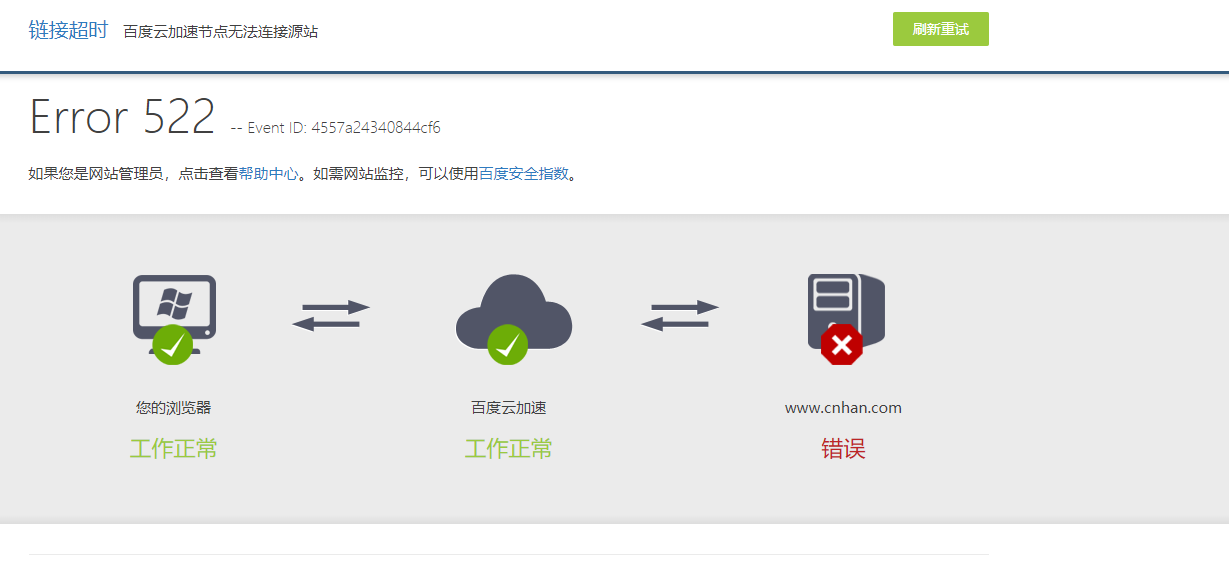
出现524错误,说明我们节点可以连接到源站,但是源站响应请求消耗的时间太长导致超时;这个错误通常是源站运行一个大任务导致的,如php应用程序或数据库查询,这样web服务器必须在任务完成前进行等待。请检查一下您源站的运行情况!
https://support.cloudflare.com/hc/en-us/articles/200171926-Error-524-A-timeout-occurred
Overview
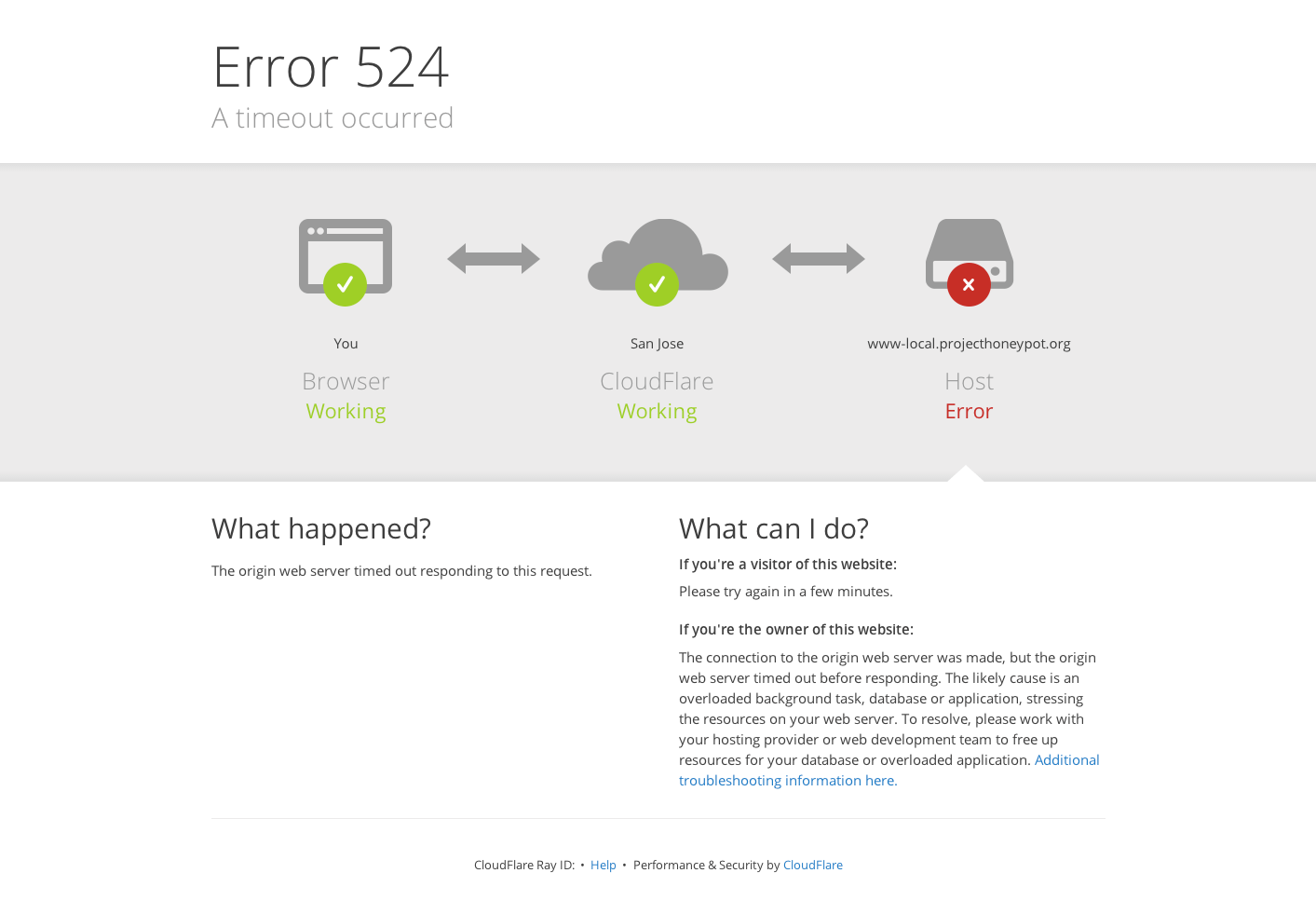
Error 524 error indicates that Cloudflare made a successful TCP connection to the origin web server, but the origin did not reply with an HTTP response before the connection timed out.
Typically, Cloudflare waits 100 seconds for an HTTP response. If the origin doesn't respond in that time, Cloudflare closes the connection and serves Error 524.
Common causes
The most common causes for Error 524 are:
- A long-running process on the origin web server, such as a slow application or database query, for which the web server must wait before it can respond to a request
- An overloaded origin web server
Troubleshoot Error 524
Below, you will find several suggestions for trying to resolve Error 524.
Check origin server resources
Check the origin server's available resources, including CPU and RAM, as well as overall traffic levels. Low memory or a high CPU load could signal a resource problem.
If you're unable to verify these resources on your own, check with your host or a system administrator.
Migrate long-running processes
If you regularly run HTTP requests that take over 100 seconds to complete (for example large data exports), consider moving those long-running processes to a subdomain that is not proxied by Cloudflare. That subdomain would have the orange cloud icon toggled to grey in the Cloudflare DNS Settings. Note that you cannot use a Page Rule to circumvent Error 524.
Adjust Railgun settings
If you use Cloudflare Railgun, Error 524 can also manifest if the time specified by lan.timeout is exceeded. lan.timeout defaults to 30 seconds, so if you're seeing 524 errors with Railgun enabled, try setting this value higher.
Log origin server response time
If you have modify access on the origin web server configuration files, you can log how long the server took to respond to a request by modifying the log format.
Most web servers store the response time as a variable that you can add to your log configuration file.
Apache declares logging format in the LogFormat or CustomLog directives, depending on whether you are making a global change or just for specific virtual hosts.
Response time is stored as the %T variable. See the Apache mod_log_config documentation.
For Nginx, you can modify the log_format directive. Response time is stored as the $request_time variable. See the logging documentation.
Measure response time with cURL
You can use cURL in the Terminal window (on MacOS and Linux) to measure how long a request takes to respond. cURL has a write-out flag which allows you to print specific information about a request using custom variables. See the documentation.
You can use the %{time_connect} and %{time_starttransfer} variables to measure how long it takes to connect to the origin server, as well as the time it takes for the origin to return a response (i.e., time to first byte), using the following command:
curl -vso /dev/null -w "Connect: %{time_connect} \n TTFB: %{time_starttransfer} \n
Total time: %{time_total} \n" http://www.example.com
You can send this request directly to your origin server using the server's IP address and passing a host header:
curl -vso /dev/null -w "Connect: %{time_connect} \n TTFB: %{time_starttransfer} \n Total time: %{time_total} \n"

-H ‘Host: www.example.com’ <http://1.2.3.4
At the bottom of the output for these commands, you’ll see three fields, similar to:
Connect: 0.154

TTFB: 1.734

Total time: 1.784
Connect indicates how long it took to establish a TCP connection to the server. This should a relatively low value.
TTFB indicates the time it took to generate a response.
If you see the response taking longer than 100 seconds, you know that it would trigger an Error 524 via Cloudflare.
Error524 源站处理超时 Error 524: A timeout occurred的更多相关文章
- IntelliJ IDEA连接cvs超时Error refreshing view: Timeout while trying to connect to host
在使用IntelliJ IDEA连接cvs的时候,有时会报超时错误: Error refreshing view: Timeout while trying to connect to host: 1 ...
- centos7内网源站建设
centos7内网源站建设 1.部署环境: 系统:Centos7 x86_64 应用服务:nginx.createrepo.reposync 镜像源:https://mirrors.aliyun.co ...
- 脚本检测CDN节点资源是否与源站资源一致
需求: 1.所有要检测的资源url放到一个单独文件中 2.检测cdn节点资源大小与源站文件大小是否一致 3.随机抽查几个资源,检查md5sum是否一致 4.使用多线程,可配置线程数 代码目录: hex ...
- 如何绕过CDN找源站ip?
这是一个总结帖,查了一下关于这个问题的国内外大大小小的网站,对其中说的一些方法总结归纳形成,里面具体发现ip的方法不是原创,所有参考的原贴都也贴在了后面,大家可以自行看看原贴. 首先,先要明确一个概念 ...
- f5源站获取http/https访问的真实源IP解决方案
1.背景 F5负载均衡设备,很多场景下需要采用旁挂的方式部署.为了保证访问到源站的数据流的request和response的TCP路径一致,f5采用了snat机制.但是这样导致源站上看到的来源IP都是 ...
- git源站安装
##下载源站 wget https://www.kernel.org/pub/software/scm/git/git-2.15.0.tar.xz ##安装依赖组件 yum install curl- ...
- 为什么IP检验和发现错误直接丢弃而不是要求源站重发
纠错控制由上层(传输层)执行IP首部中的源站地址也可能出错,请错误的源地址重传数据报是 没有意义的
- 镜像回源主要用于无缝迁移数据到OSS,即服务已经在自己建立的源站或者在其他云产品上运行,需要迁移到OSS上,但是又不能停止服务,此时可利用镜像回写功能实现。
管理回源设置_管理文件_开发指南_对象存储 OSS-阿里云 https://help.aliyun.com/document_detail/31865.html 通过回源设置,对于获取数据的请求以多种 ...
- wl18xx module crash with "wlcore: ERROR ELP wakeup timeout!"
[ 111.322967] wlcore: ERROR ELP wakeup timeout![ 111.327636] ------------[ cut here ]------------[ 1 ...
随机推荐
- POJ 1703 Find them, Catch them 并查集的应用
题意:城市中有两个帮派,输入中有情报和询问.情报会告知哪两个人是对立帮派中的人.询问会问具体某两个人的关系. 思路:并查集的应用.首先,将每一个情报中的两人加入并查集,在询问时先判断一下两人是否在一个 ...
- css 让两个div重叠
做网页的时候在div里放了一个别的网页的天气插件,但是点击了会跳到广告页面的,想去网上找个禁止div点击的方法,可是发现没有,用了js的方法好像也没有成功,后来觉得还是用两个层重叠的方法来阻止点击,虽 ...
- 【Salvation】——人物角色动画实现
写在前面:这个角色动画主要使用JavaScript编写脚本,在Unity3D游戏引擎的环境中实现. 一.显示角色并实现镜像效果 1.显示贴图: create→cube→修改名称为player,位置归0 ...
- appium在MAC上环境搭建
1. 安装.启动Appium bixiaopeng@bixiaopeng ~$ npm install -g appium Password: npm http GET https://registr ...
- 数字精确运算BigDecimal经常用法
import java.math.BigDecimal; public class Arith { /** * 因为Java的简单类型不可以精确的对浮点数进行运算,这个工具类提供精 * 确的浮 ...
- Win8 恢复传统启动菜单 for 多系统
如果你安装了Win7和Win8,启动的时候得先启动到Win8然后再启动到Win7,很怀念原来的启动选择器,这里给你方法了~ 当前系统是Win8的输入 bcdedit /set {current} bo ...
- frame框架及其实例
框架概念 : 谓框架便是网页画面分成几个框窗,同时取得多个 URL.只需要 <FRAMESET> <FRAME> 即可,面所有框架标记需要放在一个总起的 html 档,这个档案 ...
- prop()方法和attr()方法以及区别
prop()方法: prop() 方法设置或返回被选元素的属性和值. 当该方法用于返回属性值时,则返回第一个匹配元素的值. 当该方法用于设置属性值时,则为匹配元素集合设置一个或多个属性/值对. 注意: ...
- No bean named 'cxf' is defined
1.错误描写叙述 严重:Exception starting filter CXFServlet org.springframework.beans.factory.NoSuchBea ...
- C# 请求Web Api 接口,返回的json数据直接反序列化为实体类
须要的引用的dll类: Newtonsoft.Json.dll.System.Net.Http.dll.System.Net.Http.Formatting.dll Web Api接口为GET形式: ...