
201771010141 周强 面向对象程序设计(Java)第12周作业
实验十二 图形程序设计
实验时间 2018-11-14
1、实验目的与要求
(1) 掌握Java GUI中框架创建及属性设置中常用类的API;
(2) 掌握Java GUI中2D图形绘制常用类的API;
(3) 了解Java GUI中2D图形中字体与颜色的设置方法;
(4) 了解Java GUI中2D图像的载入方法。
2、实验内容和步骤
实验1: 导入第10章示例程序,测试程序并进行代码注释。
测试程序1:
l 运行下列程序,观察程序运行结果。
|
import javax.swing.*; public class SimpleFrameTest { public static void main(String[] args) { JFrame frame = new JFrame(); frame.setBounds(0, 0,300, 200); frame.setDefaultCloseOperation(JFrame.EXIT_ON_CLOSE); frame.setVisible(true); } } |
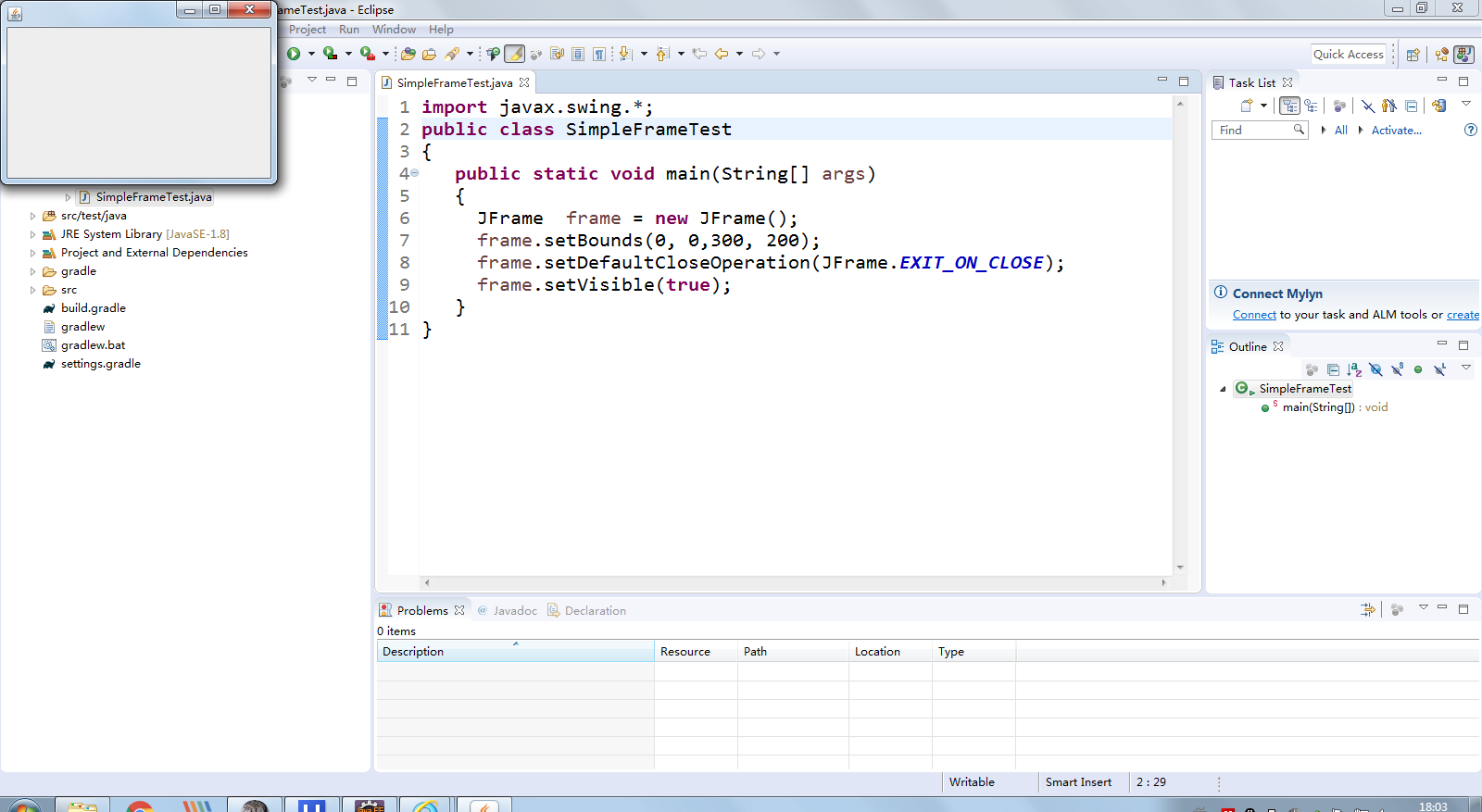
l 在elipse IDE中调试运行教材407页程序10-1,结合程序运行结果理解程序;与上面程序对比,思考异同;
import java.awt.*;

import javax.swing.*;

/**

 * @version 1.33 2015-05-12

 * @author Cay Horstmann

 */

public class SimpleFrameTest

{

   public static void main(String[] args)

   {

      EventQueue.invokeLater(() ->

         {

            SimpleFrame frame = new SimpleFrame();

            frame.setDefaultCloseOperation(JFrame.EXIT_ON_CLOSE);

            frame.setVisible(true);

         });

   }

}

class SimpleFrame extends JFrame

{

   private static final int DEFAULT_WIDTH = ;

   private static final int DEFAULT_HEIGHT = ;

   public SimpleFrame()

   {

      setSize(DEFAULT_WIDTH, DEFAULT_HEIGHT);

   }

}
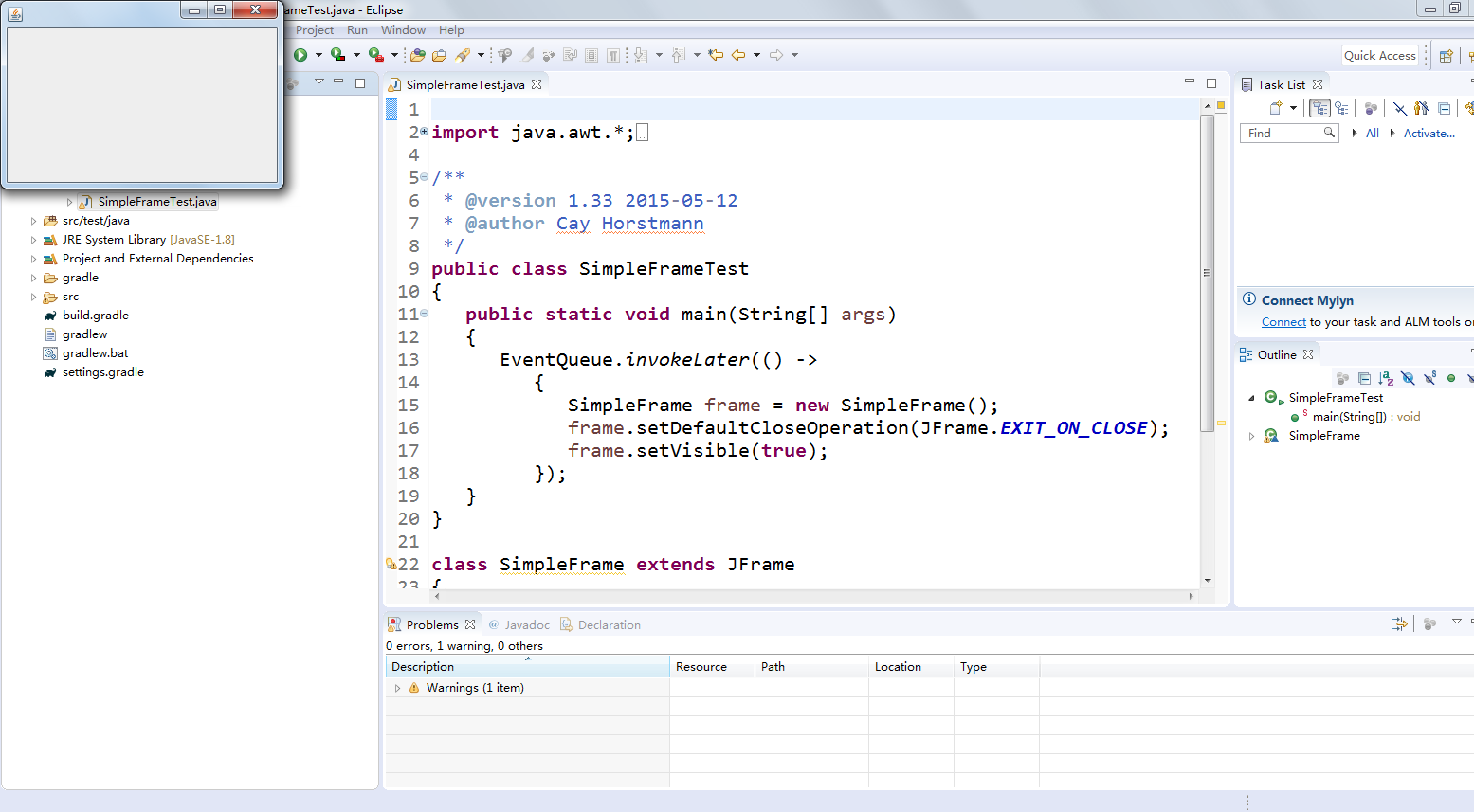
l 掌握空框架创建方法;
l 了解主线程与事件分派线程概念;
l 掌握GUI顶层窗口创建技术。
测试程序2:
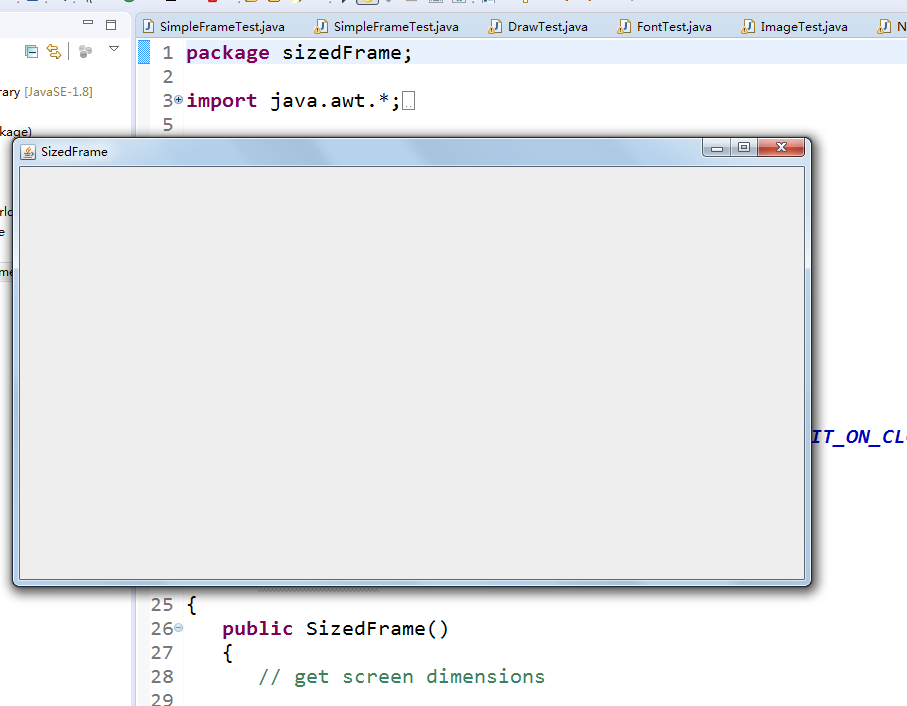
l 在elipse IDE中调试运行教材412页程序10-2,结合程序运行结果理解程序;
l 掌握确定框架常用属性的设置方法。
package sizedFrame;
import java.awt.*;
import javax.swing.*;
/**
* @version 1.34 2015-06-16
* @author Cay Horstmann
*/
public class SizedFrameTest
{
public static void main(String[] args)
{
EventQueue.invokeLater(() ->
{
JFrame frame = new SizedFrame();
frame.setTitle("SizedFrame");
frame.setDefaultCloseOperation(JFrame.EXIT_ON_CLOSE);
frame.setVisible(true);
});
}
}
class SizedFrame extends JFrame
{
public SizedFrame()
{
// get screen dimensions
Toolkit kit = Toolkit.getDefaultToolkit();
Dimension screenSize = kit.getScreenSize();
int screenHeight = screenSize.height;
int screenWidth = screenSize.width;
// set frame width, height and let platform pick screen location
setSize(screenWidth / 2, screenHeight / 2);
setLocationByPlatform(true);
// set frame icon
Image img = new ImageIcon("icon.gif").getImage();
setIconImage(img);
}
}
测试程序3:
l 在elipse IDE中调试运行教材418页程序10-3,结合运行结果理解程序;
l 掌握在框架中添加组件;
l 掌握自定义组件的用法。
package notHelloWorld;
import javax.swing.*;
import java.awt.*;
/**
* @version 1.33 2015-05-12
* @author Cay Horstmann
*/
public class NotHelloWorld
{
public static void main(String[] args)
{
EventQueue.invokeLater(() ->
{
JFrame frame = new NotHelloWorldFrame();
frame.setTitle("NotHelloWorld");
frame.setDefaultCloseOperation(JFrame.EXIT_ON_CLOSE);
frame.setVisible(true);
});
}
}
/**
* A frame that contains a message panel
*/
class NotHelloWorldFrame extends JFrame
{
public NotHelloWorldFrame()
{
add(new NotHelloWorldComponent());
pack();
}
}
/**
* A component that displays a message.
*/
class NotHelloWorldComponent extends JComponent
{
public static final int MESSAGE_X = 75;
public static final int MESSAGE_Y = 100;
private static final int DEFAULT_WIDTH = 300;
private static final int DEFAULT_HEIGHT = 200;
public void paintComponent(Graphics g)
{
g.drawString("Not a Hello, World program", MESSAGE_X, MESSAGE_Y);
}
public Dimension getPreferredSize() { return new Dimension(DEFAULT_WIDTH, DEFAULT_HEIGHT); }
}

测试程序4:
l 在elipse IDE中调试运行教材424 -425页程序10-4,结合程序运行结果理解程序;
l 掌握2D图形的绘制方法。
package draw;
import java.awt.*;
import java.awt.geom.*;
import javax.swing.*;
/**
* @version 1.33 2007-05-12
* @author Cay Horstmann
*/
public class DrawTest
{
public static void main(String[] args)
{
EventQueue.invokeLater(() ->
{
JFrame frame = new DrawFrame();
frame.setTitle("DrawTest");
frame.setDefaultCloseOperation(JFrame.EXIT_ON_CLOSE);
frame.setVisible(true);
});
}
}
/**
* A frame that contains a panel with drawings
*/
class DrawFrame extends JFrame
{
public DrawFrame()
{
add(new DrawComponent());
pack();
}
}
/**
* A component that displays rectangles and ellipses.
*/
class DrawComponent extends JComponent
{
private static final int DEFAULT_WIDTH = 400;
private static final int DEFAULT_HEIGHT = 400;
public void paintComponent(Graphics g)
{
Graphics2D g2 = (Graphics2D) g;
// draw a rectangle
double leftX = 100;
double topY = 100;
double width = 200;
double height = 150;
Rectangle2D rect = new Rectangle2D.Double(leftX, topY, width, height);
g2.draw(rect);
// draw the enclosed ellipse
Ellipse2D ellipse = new Ellipse2D.Double();
ellipse.setFrame(rect);
g2.draw(ellipse);
// draw a diagonal line
g2.draw(new Line2D.Double(leftX, topY, leftX + width, topY + height));
// draw a circle with the same center
double centerX = rect.getCenterX();
double centerY = rect.getCenterY();
double radius = 150;
Ellipse2D circle = new Ellipse2D.Double();
circle.setFrameFromCenter(centerX, centerY, centerX + radius, centerY + radius);
g2.draw(circle);
}
public Dimension getPreferredSize() { return new Dimension(DEFAULT_WIDTH, DEFAULT_HEIGHT); }
}

测试程序5:
l 在elipse IDE中调试运行教材432页-433程序10-5,结合程序运行结果理解程序;
l 了解2D图形中字体的设置的方法;
package font;
import java.awt.*;
import java.awt.font.*;
import java.awt.geom.*;
import javax.swing.*;
/**
* @version 1.34 2015-05-12
* @author Cay Horstmann
*/
public class FontTest
{
public static void main(String[] args)
{
EventQueue.invokeLater(() ->
{
JFrame frame = new FontFrame();
frame.setTitle("FontTest");
frame.setDefaultCloseOperation(JFrame.EXIT_ON_CLOSE);
frame.setVisible(true);
});
}
}
/**
* A frame with a text message component
*/
class FontFrame extends JFrame
{
public FontFrame()
{
add(new FontComponent());
pack();
}
}
/**
* A component that shows a centered message in a box.
*/
class FontComponent extends JComponent
{
private static final int DEFAULT_WIDTH = 300;
private static final int DEFAULT_HEIGHT = 200;
public void paintComponent(Graphics g)
{
Graphics2D g2 = (Graphics2D) g;
String message = "Happy every day!";
Font f = new Font("Serif", Font.BOLD, 36);
g2.setFont(f);
// measure the size of the message
FontRenderContext context = g2.getFontRenderContext();
Rectangle2D bounds = f.getStringBounds(message, context);
// set (x,y) = top left corner of text
double x = (getWidth() - bounds.getWidth()) / 2;
double y = (getHeight() - bounds.getHeight()) / 2;
// add ascent to y to reach the baseline
double ascent = -bounds.getY();
double baseY = y + ascent;
// draw the message
g2.drawString(message, (int) x, (int) baseY);
g2.setPaint(Color.LIGHT_GRAY);
// draw the baseline
g2.draw(new Line2D.Double(x, baseY, x + bounds.getWidth(), baseY));
// draw the enclosing rectangle
Rectangle2D rect = new Rectangle2D.Double(x, y, bounds.getWidth(), bounds.getHeight());
g2.draw(rect);
}
public Dimension getPreferredSize() { return new Dimension(DEFAULT_WIDTH, DEFAULT_HEIGHT); }
}

测试程序6:
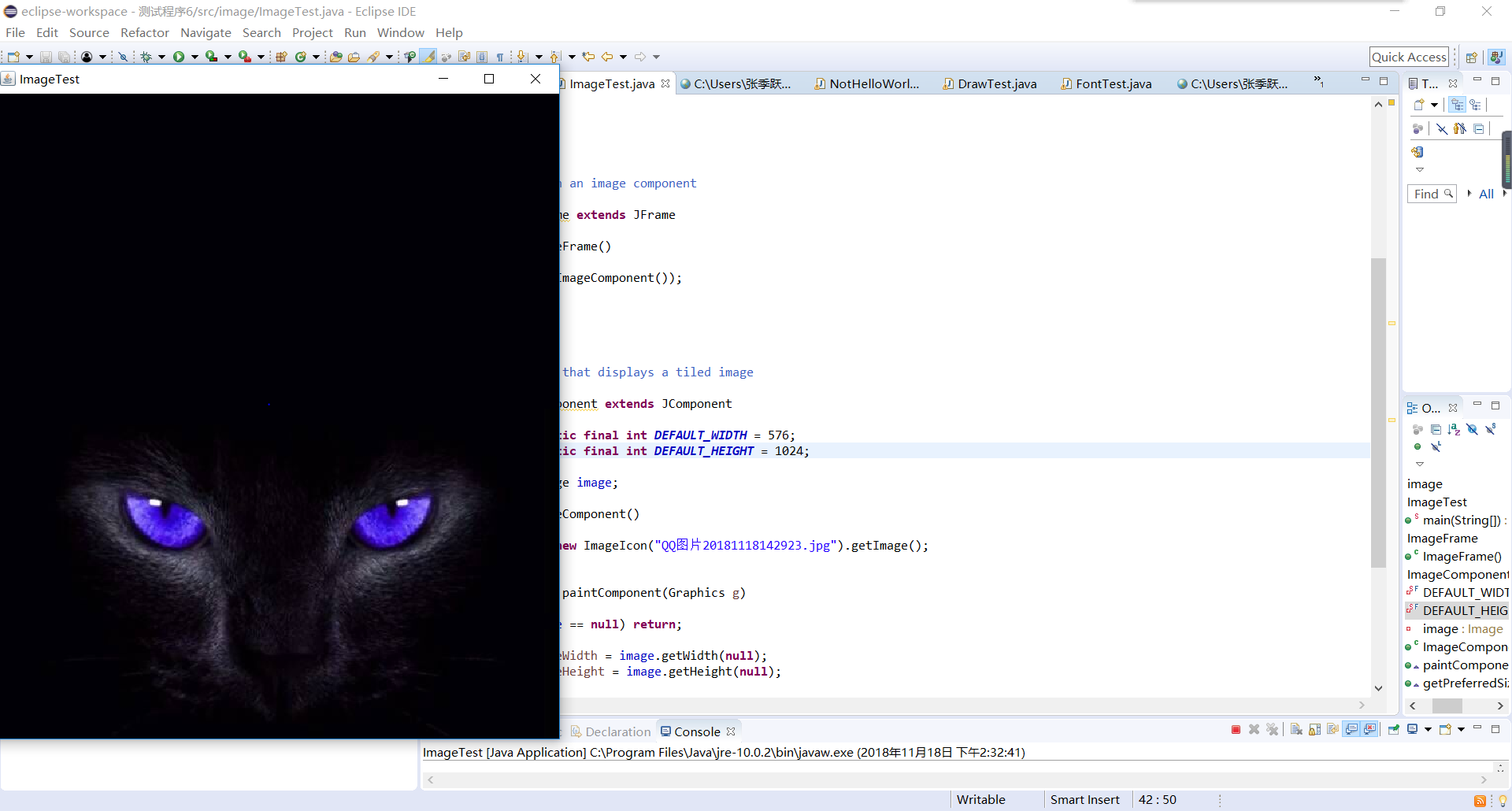
l 在elipse IDE中调试运行教材436页-437程序10-6,结合程序运行结果理解程序;
l 了解2D图形图像的显示方法。
import java.awt.*;
import javax.swing.*;
/**
* @version 1.34 2015-05-12
* @author Cay Horstmann
*/
public class ImageTest
{
public static void main(String[] args)
{
EventQueue.invokeLater(() ->
{
JFrame frame = new ImageFrame();
frame.setTitle("ImageTest");
frame.setDefaultCloseOperation(JFrame.EXIT_ON_CLOSE);
frame.setVisible(true);
});
}
}
/**
* A frame with an image component
*/
class ImageFrame extends JFrame
{
public ImageFrame()
{
add(new ImageComponent());
pack();
}
}
/**
* A component that displays a tiled image
*/
class ImageComponent extends JComponent
{
private static final int DEFAULT_WIDTH = 576;
private static final int DEFAULT_HEIGHT = 1024;
private Image image;
public ImageComponent()
{
image = new ImageIcon("QQ图片20181118142923.jpg").getImage();
}
public void paintComponent(Graphics g)
{
if (image == null) return;
int imageWidth = image.getWidth(null);
int imageHeight = image.getHeight(null);
// draw the image in the upper-left corner
g.drawImage(image, 0, 0, null);
// tile the image across the component
for (int i = 0; i * imageWidth <= getWidth(); i++)
for (int j = 0; j * imageHeight <= getHeight(); j++)
if (i + j > 0)
g.copyArea(0, 0, imageWidth, imageHeight, i * imageWidth, j * imageHeight);
}
public Dimension getPreferredSize() { return new Dimension(DEFAULT_WIDTH, DEFAULT_HEIGHT); }
}
201771010141 周强 面向对象程序设计(Java)第12周作业的更多相关文章
- 201771010134杨其菊《面向对象程序设计java》第九周学习总结
第九周学习总结 第一部分:理论知识 异常.断言和调试.日志 1.捕获 ...
- 扎西平措 201571030332《面向对象程序设计 Java 》第一周学习总结
<面向对象程序设计(java)>第一周学习总结 正文开头: 项目 内容 这个作业属于哪个课程 https://www.cnblogs.com/nwnu-daizh/ 这个作业的要求在哪里 ...
- 201871010132-张潇潇《面向对象程序设计(java)》第一周学习总结
面向对象程序设计(Java) 博文正文开头 项目 内容 这个作业属于哪个课程 https://www.cnblogs.com/nwnu-daizh/ 这个作业的要求在哪里 https://www.cn ...
- 杨其菊201771010134《面向对象程序设计Java》第二周学习总结
第三章 Java基本程序设计结构 第一部分:(理论知识部分) 本章主要学习:基本内容:数据类型:变量:运算符:类型转换,字符串,输入输出,控制流程,大数值以及数组. 1.基本概念: 1)标识符:由字母 ...
- 201871010115——马北《面向对象程序设计JAVA》第二周学习总结
项目 内容 这个作业属于哪个课程 https://www.cnblogs.com/nwnu-daizh/ 这个作业的要求在哪里 https://www.cnblogs.com/nwnu-daizh/p ...
- 201871010124 王生涛《面向对象程序设计JAVA》第一周学习总结
项目 内容 这个作业属于哪个课程 https://www.cnblogs.com/nwnu-daizh/ 这个作业的要求在哪里 https://edu.cnblogs.com/campus/xbsf/ ...
- 201871010132——张潇潇《面向对象程序设计JAVA》第二周学习总结
项目 内容 这个作业属于哪个课程 https://www.cnblogs.com/nwnu-daizh/ 这个作业的要求在哪里 https://www.cnblogs.com/nwnu-daizh/p ...
- 201771010123汪慧和《面向对象程序设计Java》第二周学习总结
一.理论知识部分 1.标识符由字母.下划线.美元符号和数字组成, 且第一个符号不能为数字.标识符可用作: 类名.变量名.方法名.数组名.文件名等.第二部分:理论知识学习部分 2.关键字就是Java语言 ...
- 面向对象程序设计--Java语言第二周编程题:有秒计时的数字时钟
有秒计时的数字时钟 题目内容: 这一周的编程题是需要你在课程所给的时钟程序的基础上修改而成.但是我们并不直接给你时钟程序的代码,请根据视频自己输入时钟程序的Display和Clock类的代码,然后来做 ...
随机推荐
- [GXOI/GZOI2019]宝牌一大堆
感觉比ZJOI的麻将要休闲很多啊. 这个题就是一个最优化问题,没有面子的特殊牌型可以直接用复杂度较低的贪心判掉. 有面子的话就是一个经典dp.(曾经还在ZJOI写过这个毒瘤东西 大概就是存一下对子,面 ...
- c#+Unity3D
Windows系统unity3d中的快捷键 自己整理常用; f2 改名 shift + 三维轴中间:45度 点击左键时 F:聚焦 V顶点贴合 ws拉近拉远 ad左右 qe 上下 长按右键 自由调换视角 ...
- php国家或者编码英文字母排序
1.直接复制传入需要排序的字符,然后可以把返回的数据当key,传送给前台function getFirstCharter($str){ if(empty($str)){return '';} $fch ...
- Table 类(数据表基类)
只修改数据表某条记录的部分字段(究极进化): public class TableHelper { private Dictionary<string, object> temp; pub ...
- C++标准模板库(STL)之Priority_Queue
1.Priority_Queue的常用用法 priority_queue:优先队列,底层是使用堆来实现的.优先队列中,队首元素一定是当前队列中优先级最高的哪一个. a (优先级3),b(优先级4),c ...
- ERP新人防坑指南
本文作为初入ERP行业的新人的防坑指南,讲解了一些常见犯的错,这样也少走一些弯路,如果你是老鸟,请绕过 :-) 本文关联的代码使用kotlin编写,请自行转换为c#.java等你熟悉的语言,表述的坑在 ...
- DBLookupCombobox实现下拉联动
这次用DBLookupCombobox实现省份-城市-地区的下拉联动,用以学习DBLookupCombobox的一些用法 效果图: 首先建立数据表(数据表形式可以多种多样:数据库表.文本.xml等,最 ...
- Nuget连接失败的问题
---恢复内容开始--- .net 项目开发管理中我们经常使用Nuget管理我们的类库.由于某些原因 nuget v3的镜像源https://api.nuget.org/v3/index.json 经 ...
- js检测页面离开
window.location = 'yjk://app.h5.ihaozhuo.com?page=livetrailer&videoLiveId=' + parseInt(this.Requ ...
- Java调用第三方接口工具类(json、form)
1.JSON值访问 /** * 调用对方接口方法 * @param path 对方或第三方提供的路径 * @param data 向对方或第三方发送的数据,大多数情况下给对方发送JSON数据让对方解析 ...