
(转)VSCode调试go语言出现:exec: "gcc": executable file not found in %PATH%
原文:https://www.cnblogs.com/zsy/p/5958170.html
1、问题描述
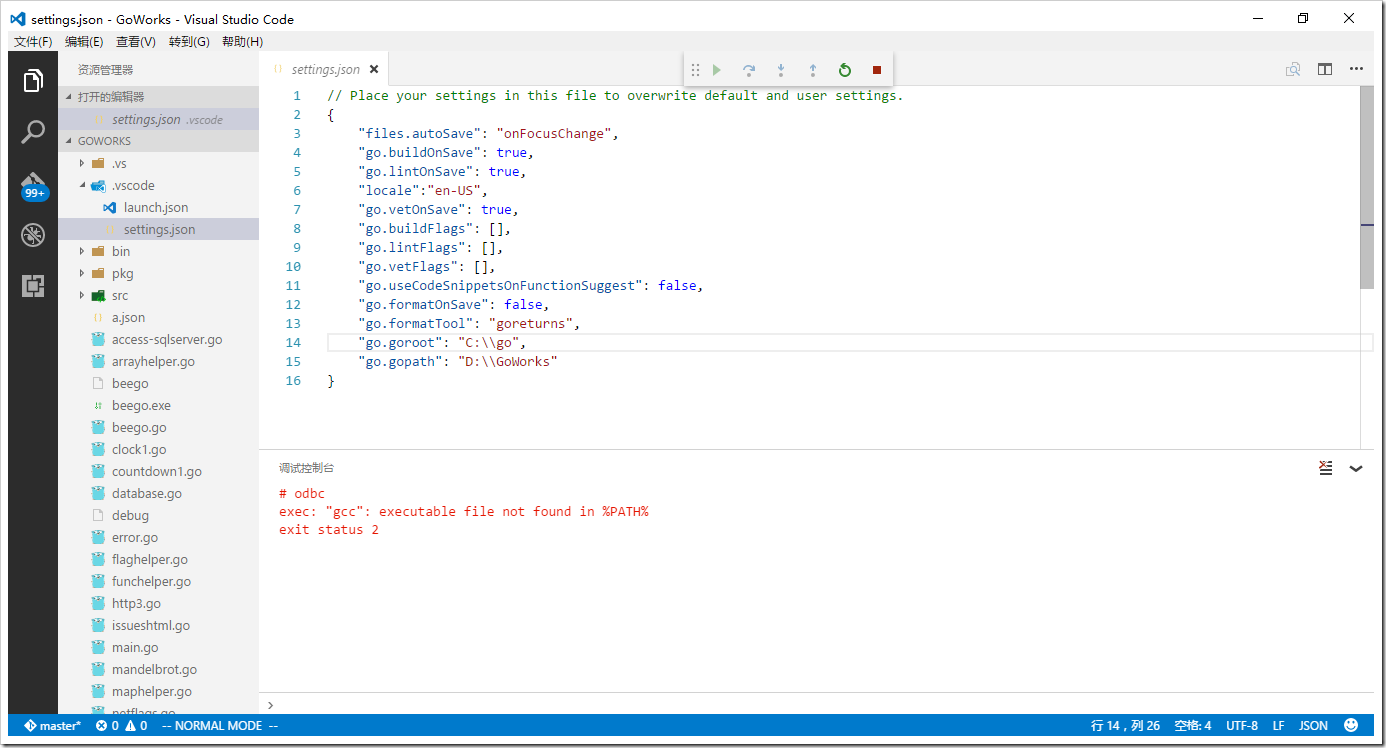
由于安装VS15 Preview 5,搞的系统由重新安装一次;在用vscdoe编译go语言时,出现以下问题:
# odbc
exec: "gcc": executable file not found in %PATH%
exit status 2
2、解决方案
2.1 mingw 64
MinGW分为较早开发的MinGW32和之后为编译64位程序开发的MinGW-w64,MinGW32只能编译32位的程序,而mingw64不仅能编译64位程序,也能编译32位程序,还能进行交叉编译,即在32位主机上编译64位程序,在64位主机上编译32位程序。
由于用的window10 企业版64位操作系统,要下载mingw 64位(官网地址:http://mingw-w64.org/doku.php),下载地址:https://sourceforge.net/projects/mingw-w64/
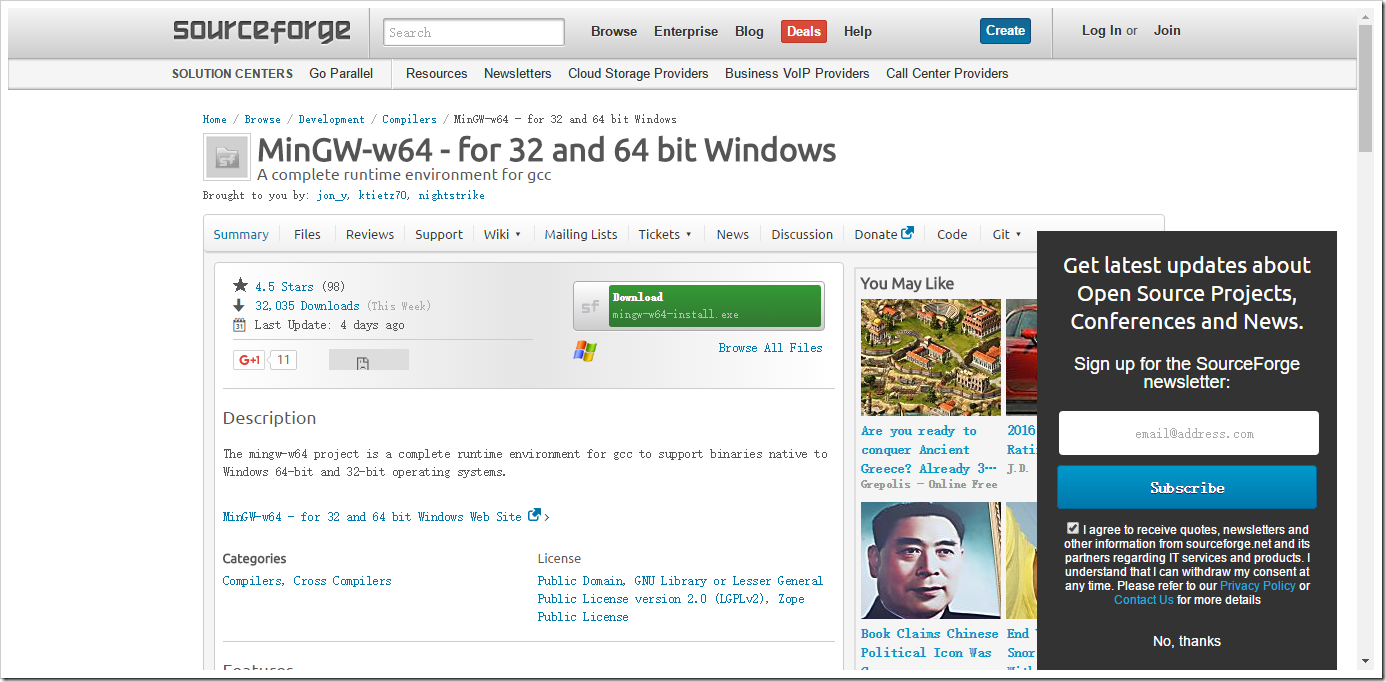
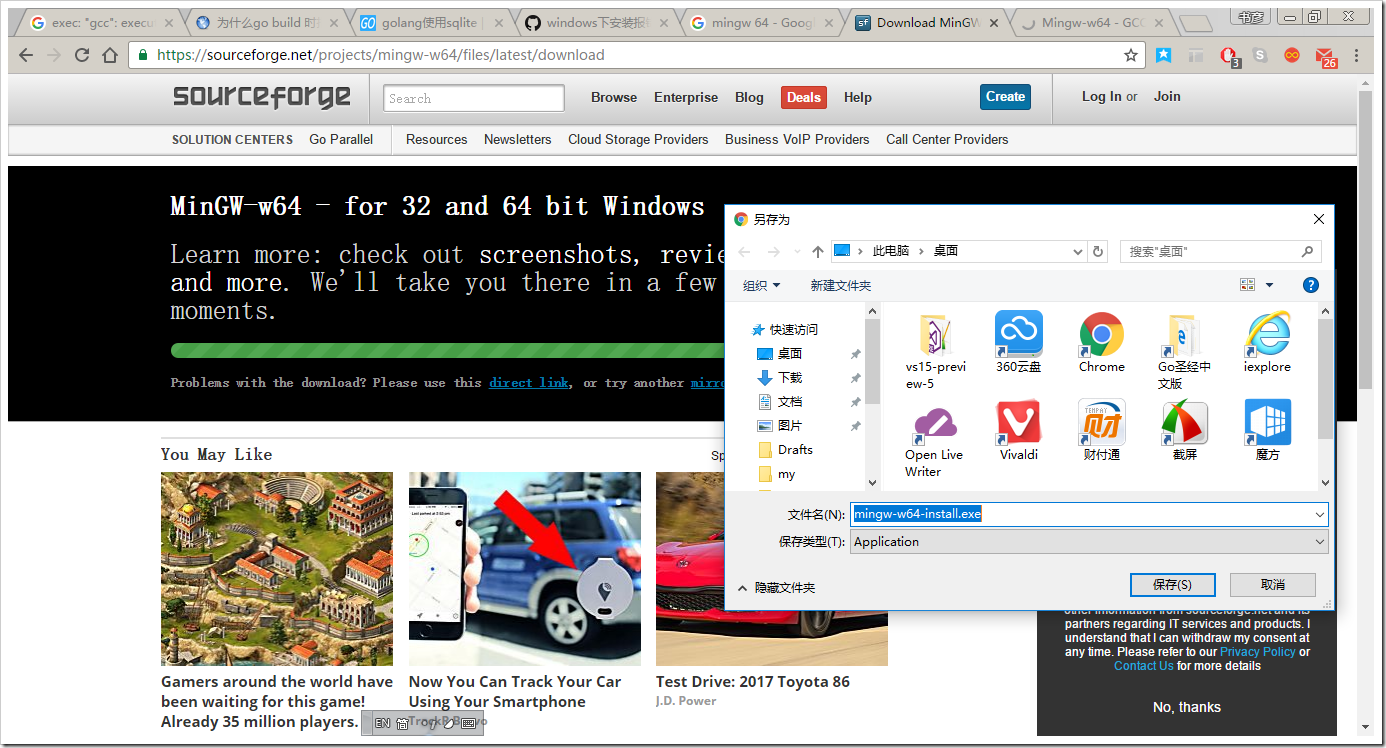
点击“Download”按钮,
2.2 安装须知
在使用mingw64之前,由于其支持较多的编译类型,所以其安装包较多,需要了解其安装包的命名规则:http://sourceforge.net/apps/trac/mingw-w64/wiki/download%20filename%20structure
一般采用personal文件夹下的两个版本的包编译64位程序:https://sourceforge.net/projects/mingw-w64/files/Toolchains%20targetting%20Win64/Personal%20Builds/
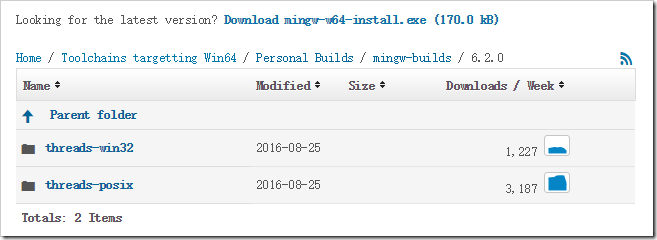
threads-win32是编译目标程序是32位,threads-posix是编译目标程序是64位
2.3 安装过程
下载mingw-w64-install.exe之后进行安装(离线安装,比较慢,可以):
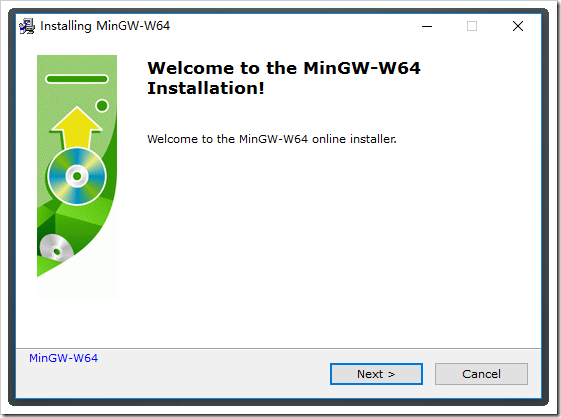
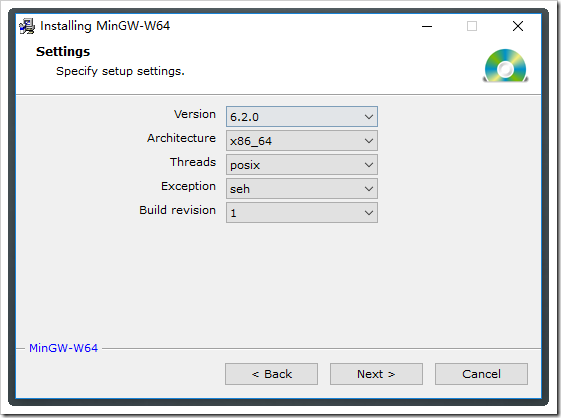
根据系统环境,选择相关配置:
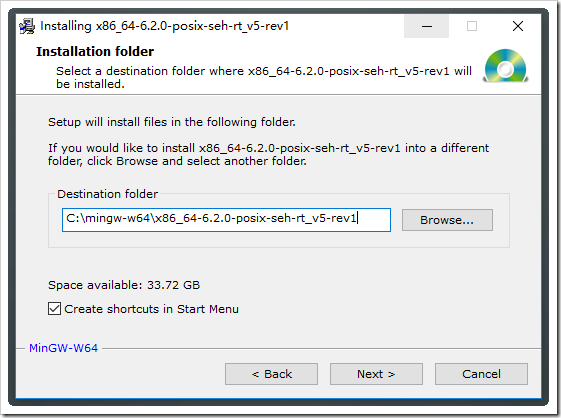
选择安装路径:
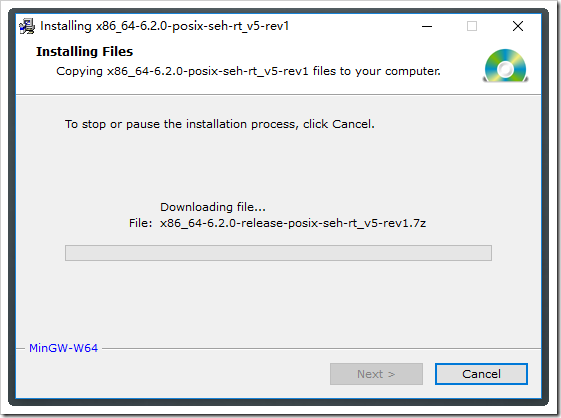
下载比较慢,耐心等待……
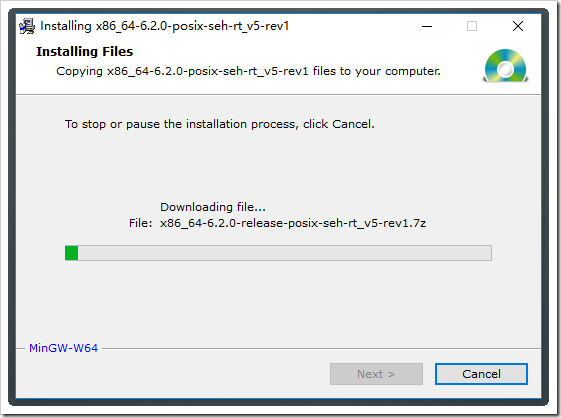
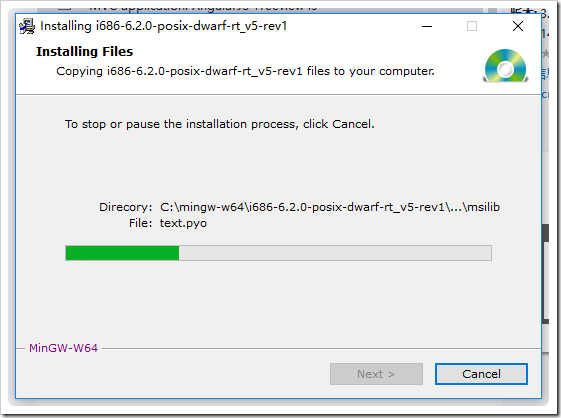
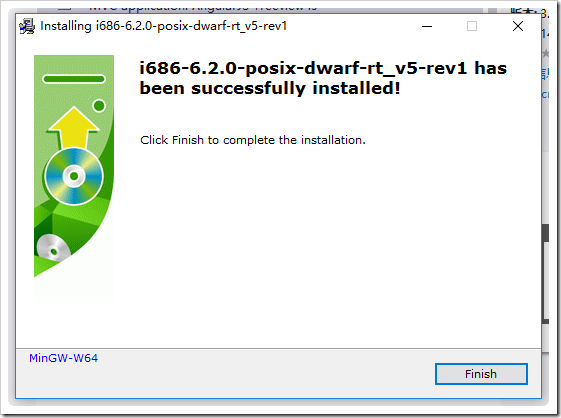
这个安装过程是在折磨人,可以下载对应的压缩包。
2.3 环境测试
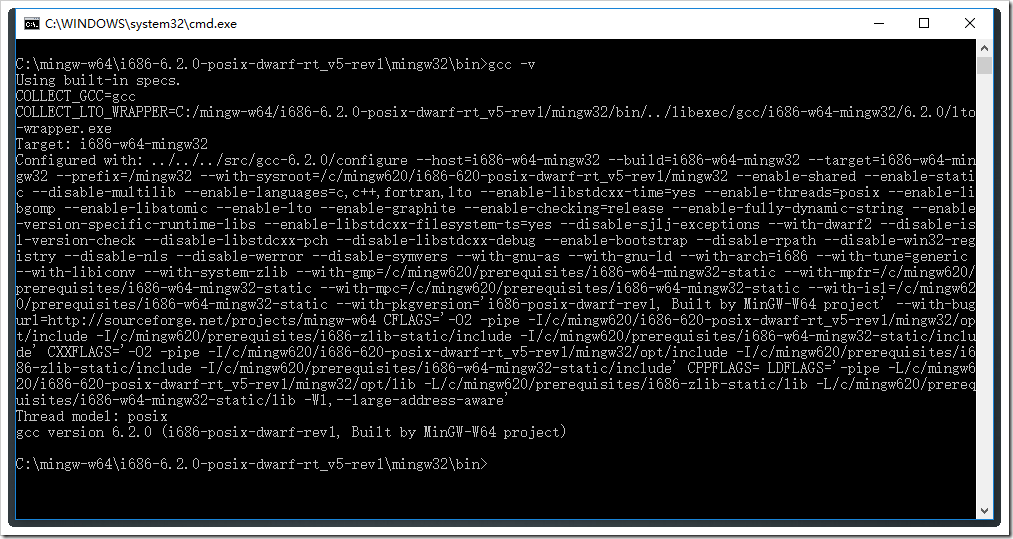
在cmd下,打开C:\mingw-w64\i686-6.2.0-posix-dwarf-rt_v5-rev1\mingw32\bin目录,输入gcc -v,出现如下图,说明安装成功:
2.4 卸载
转到C:\mingw-w64\i686-6.2.0-posix-dwarf-rt_v5-rev1目录,双击uninstall.exe打开卸载程序,如下图:
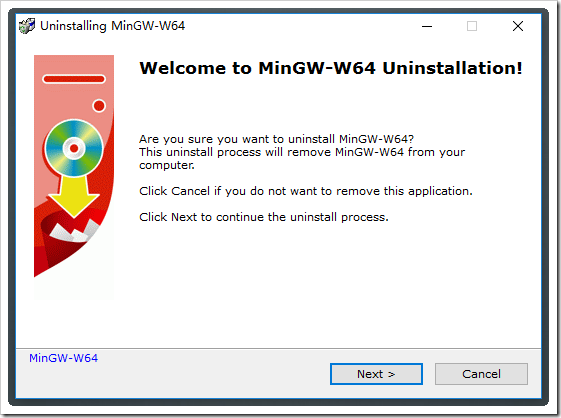
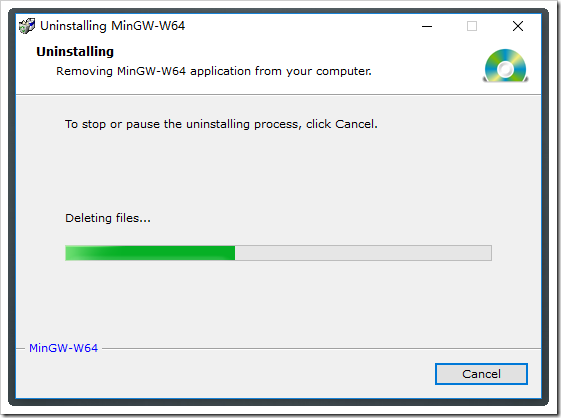
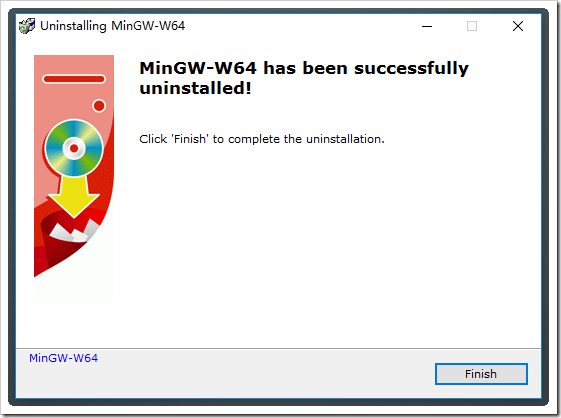
2.5 通过压缩包安装
下载压缩包,解压到C:\mingw64目录下,如下图:

在cmd窗口下,转到C:\mingw64\bin,输入gcc -v,显示如下:
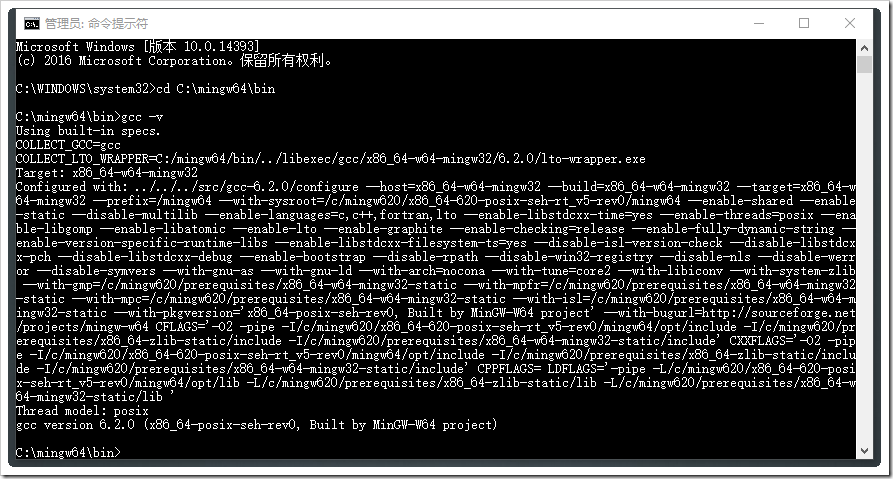
OK,到此,两种方法都成功。
3、应用测试
安装成功后,如何让go编译器调用gcc呢?需要设置环境变量path,如下添加C:\mingw64\bin到path环境变量值下:

最后需要重启电脑
再次编译go语言,问题已解决~~~~
(转)VSCode调试go语言出现:exec: "gcc": executable file not found in %PATH%的更多相关文章
- CentOS VSCode调试go语言出现:exec: "gcc": executable file not found in PATH
CentOS VSCode调试go语言出现:exec: "gcc": executable file not found in PATH 解决方案: 执行如下命令安装GCC,然后重 ...
- VSCode调试go语言出现:exec: "gcc": executable file not found in %PATH%
1.问题描述 由于安装VS15 Preview 5,搞的系统由重新安装一次:在用vscdoe编译go语言时,出现以下问题: # odbcexec: "gcc": executabl ...
- go exec: "gcc": executable file not found in %PATH%
win下使用go,在进行go run build.go时,提示 exec: "gcc": executable file not found in %PATH% 原因是sqlitl ...
- Go丨语言package github.com/Go-SQL-Driver/MySQL: exec: "git": executable file not found in %PATH%解决方法
Go语言在添加第三方MySQL驱动的时候报错: go: missing Git command. See https://golang.org/s/gogetcmd package github.co ...
- gogs仓库管理软件 exec: "git-upload-pack": executable file not found in $PATH
当配置完个人中心的ssh公钥的时候,在客户端拉取代码的时候,提示如下错误: Cloning into 'comix-b2m'... Gogs: Internal error fatal: Could ...
- exec: "docker-proxy": executable file not found in $PATH
在执行 docker run 操作的时候,一直报如下错误: [root@etcd1 vagrant]# docker run --name redis-6379 -p 6379:6379 -d --r ...
- 【解决】OCI runtime exec failed......executable file not found in $PATH": unknown
[问题]使用docker exec + sh进入容器时报错 [root@localhost home]# docker exec -it container-test bash OCI runtime ...
- docker: Error response from daemon: OCI runtime create failed: container_linux.go:345: starting container process caused "exec: \"ping\": executable file not found in $PATH": unknown.
docker: Error response from daemon: OCI runtime create failed: container_linux.go:345: starting cont ...
- OCI runtime exec failed: exec failed: container_linux.go:380: starting container process caused: exec: "ip": executable file not found in $PATH: unknown (Docker容器没有ip addr命令:exec ip addr 报错)
一.报错 1.报错信息1: OCI runtime exec failed: exec failed: container_linux.go:380: starting container proce ...
随机推荐
- QT 窗体控件的透明度设置(三种方法)
整个窗体 当设置QT的窗体(QMainWindow, QDialog)时,直接用 targetForm->setWindowOpacity() 函数即可实现,效果为窗体及窗体内所有控件都透明 ...
- SICP 1.11-1.13
1.11 递归版本 (define (f n) (cond ((< n ) n) ()) (* (f (- n )) ) (* (f (- n )) ))))) 迭代版本 (define (f ...
- symfony 数据库表生成实体、迁移数据库
从数据库表生成实体 1. 由数据库生成模型: php bin/console doctrine:mapping:convert --from-database yml D:\db\ D:\test_b ...
- PostMessage和SendMessage有什么区别?(有EnumChildWindowsProc的例子)
PostMessage只是把消息放入队列,不管其他程序是否处理都返回,然后继续执行;而SendMessage必须等待其他程序处理消息后才返回,继续执行.PostMessage的返回值表示PostMes ...
- seajs教程(一):基本用法
介绍 SeaJS 是一个适用于 Web 浏览器端的模块加载器.使用 SeaJS,可以更好地组织 JavaScript 代码. Sea.js 遵循 CMD 规范,模块化JS代码.依赖的自动加载.配置的简 ...
- WebAPI增加Area以支持无限层级同名Controller
原文:WebAPI增加Area以支持无限层级同名Controller 微软的WebAPI默认实现逻辑 默认实现中不支持同名Controller,否则在访问时会报HttpError,在网上找到了各种路由 ...
- C#高性能大容量SOCKET并发(二):SocketAsyncEventArgs封装
原文:C#高性能大容量SOCKET并发(二):SocketAsyncEventArgs封装 1.SocketAsyncEventArgs介绍 SocketAsyncEventArgs是微软提供的高性能 ...
- 使用Boost的DLL库管理动态链接库
Boost 1.61新增了一个DLL库,跟Qt中的QLibrary类似,提供了跨平台的动态库链接库加载.调用等功能.http://www.boost.org/users/history/version ...
- 配置QSslConfiguration让客户端程序跳过本地SSL验证
大家下午好哦.今天我们在重新制作我们萌梦聊天室的时候,出现了这样的问题.那就是我们的客户端能够对qtdream.com服务器进行登录,但是不能对localhost服务器(也就是本机啦)进行登录.这究竟 ...
- Ansible的安装与使用初探
一.环境准备 网络配置 管理端:192.168.237.201 受控端:192.168.237.202.192.168.237.203(一共2台) 硬件信息 CPU:1核 内存:512MB 磁盘:10 ...