
任务36:应用Jwtbearer Authentication
任务36:应用Jwtbearer Authentication
D:\MyDemos\jesse
新建项目:dotnet new webapi --name JwtAuthSample
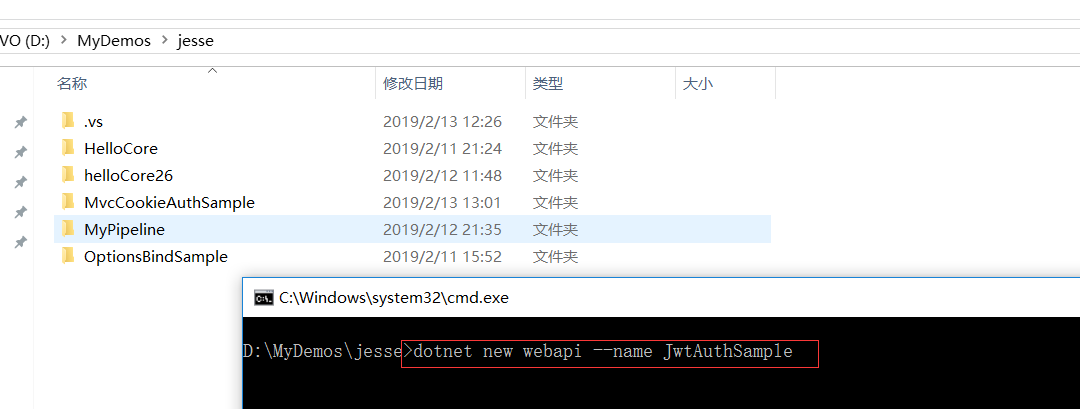
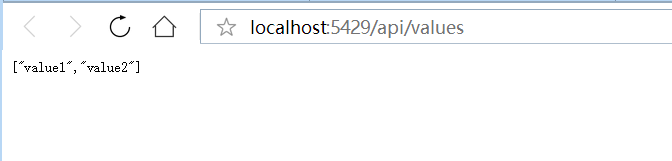
VS2017运行项目:http://localhost:5429/api/values
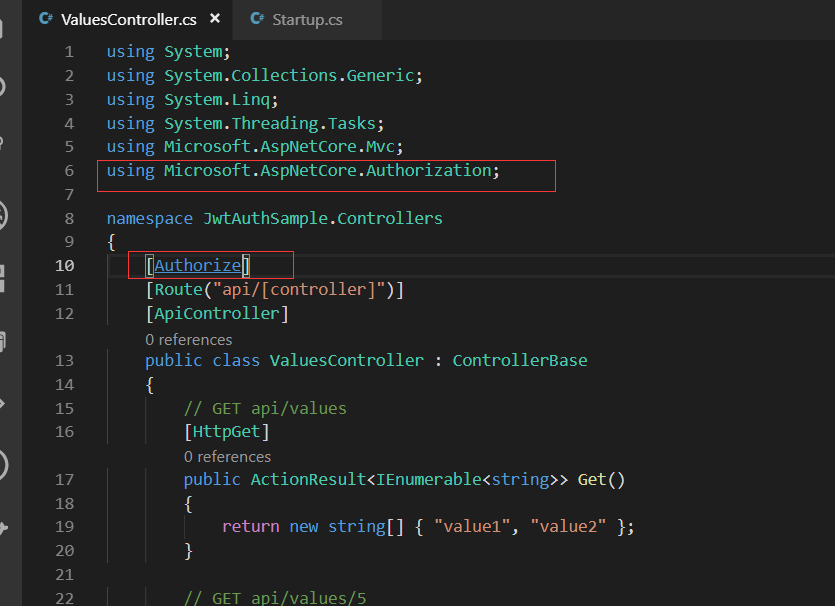
using Microsoft.AspNetCore.Authorization;
因为我本机安装的是asp.net core 2.2的项目,所以用VScode去dotnet run的方式运行不行,默认创建的api项目是https的
于是我改用VS2017去打开创建的项目:项目的属性 取消SSL
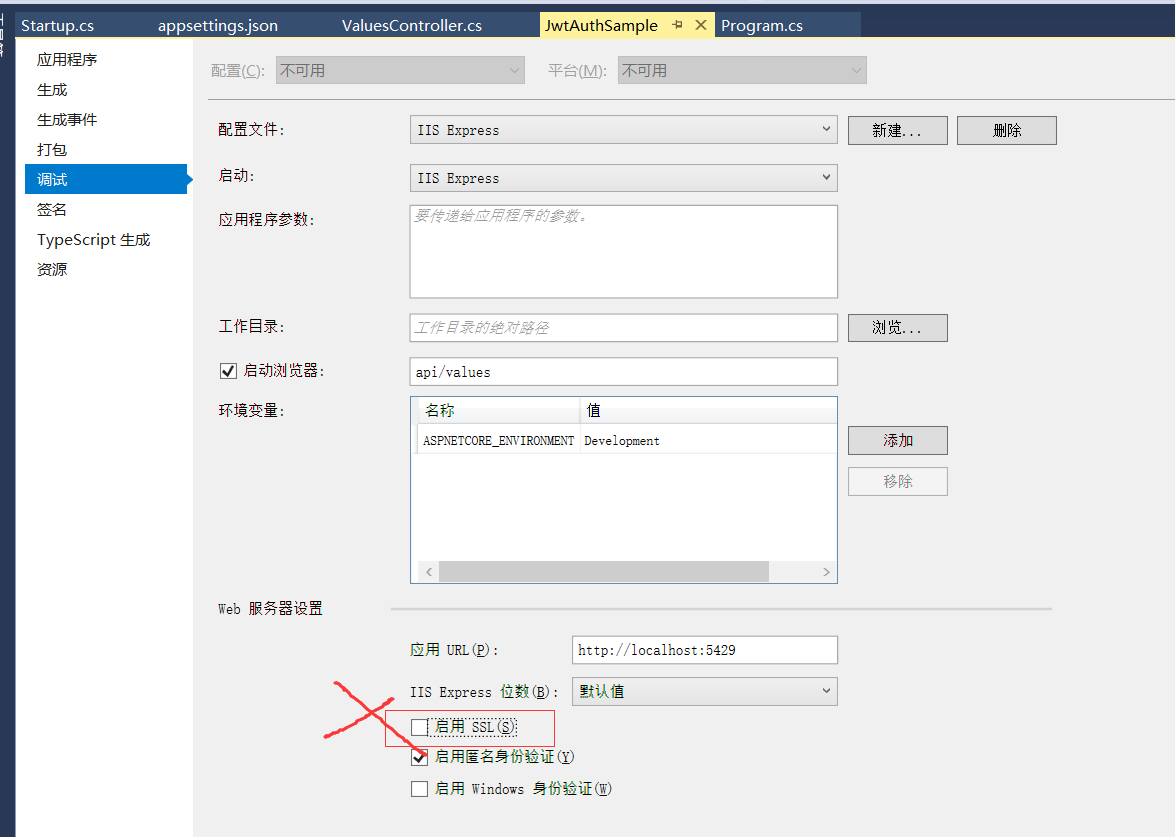
然后用VS运行项目:
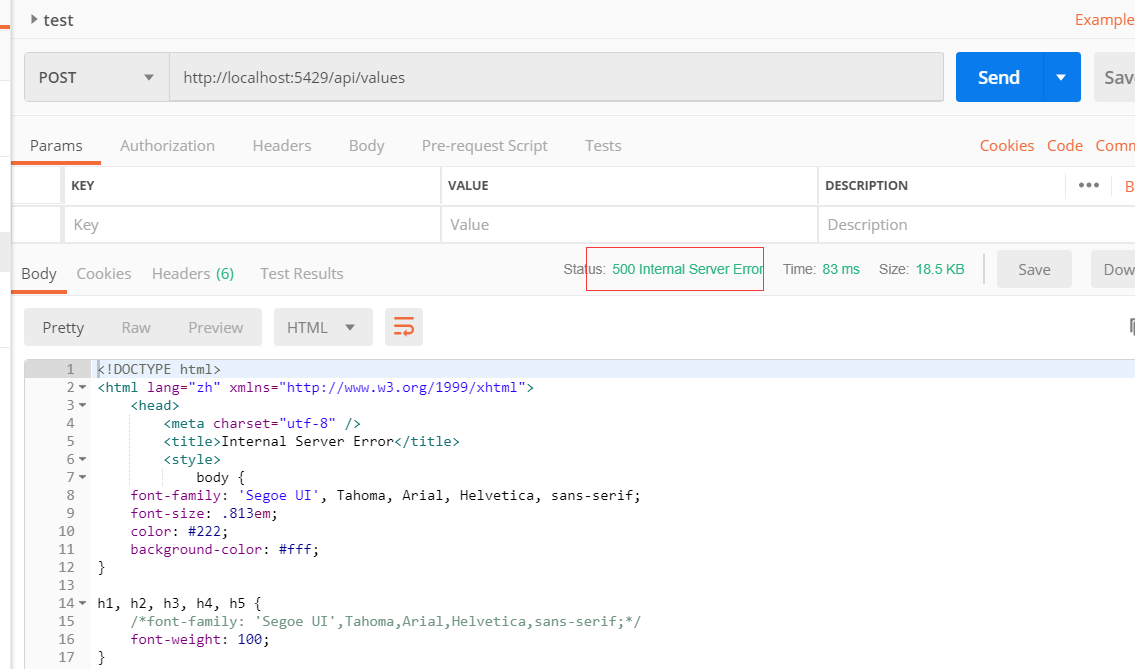
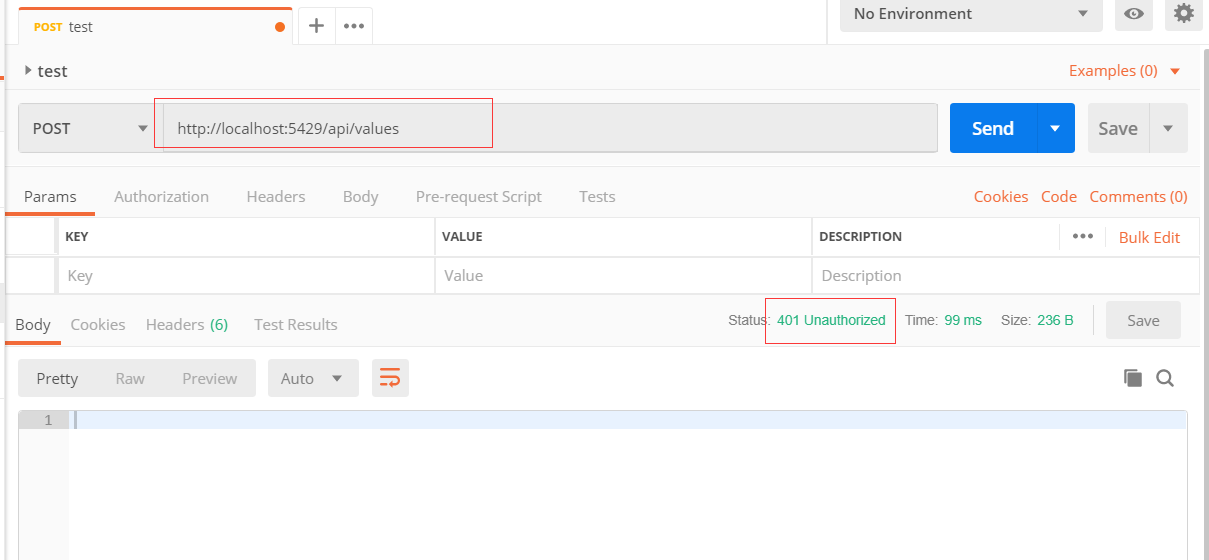
加上authorize以后返回 500:
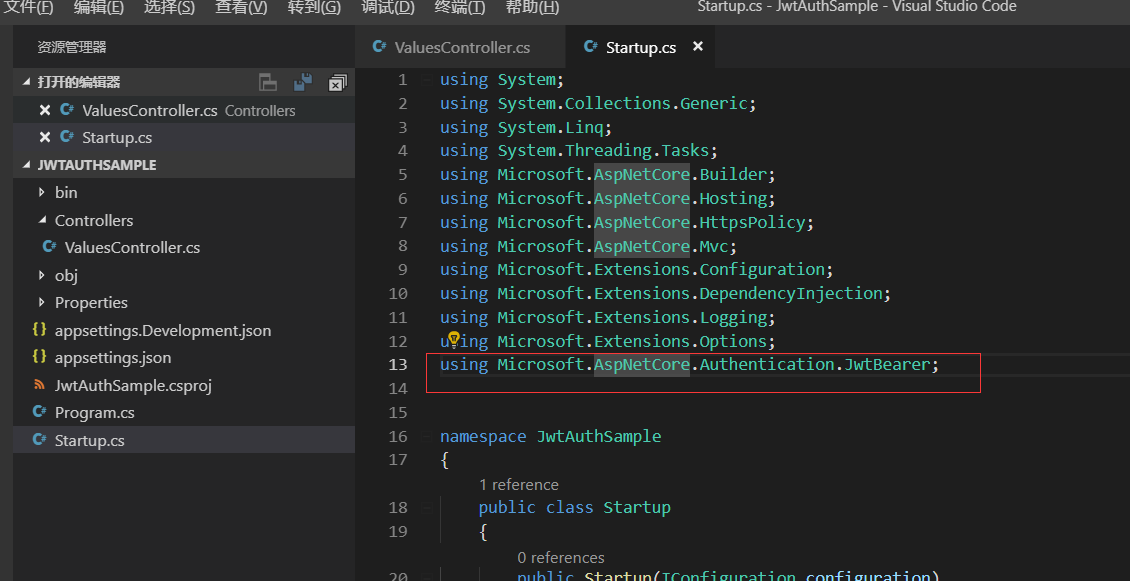
引入
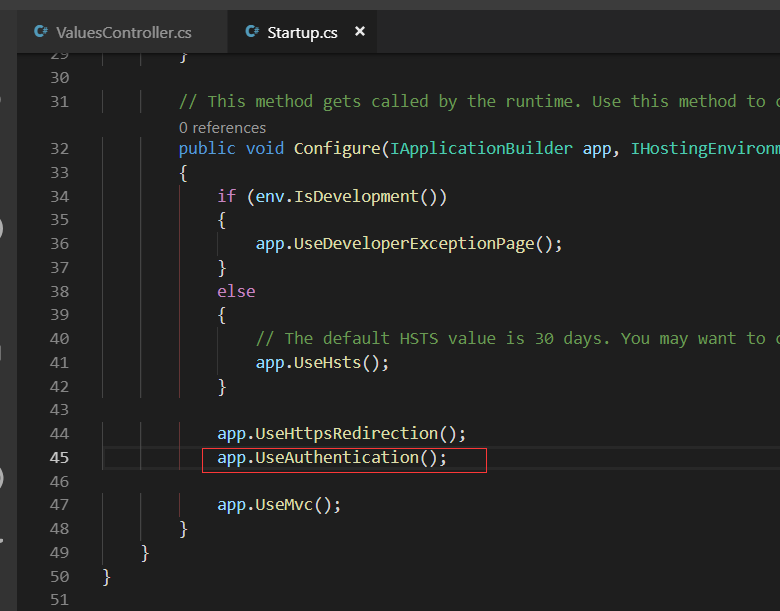
Startup.cs内加上这个middleware
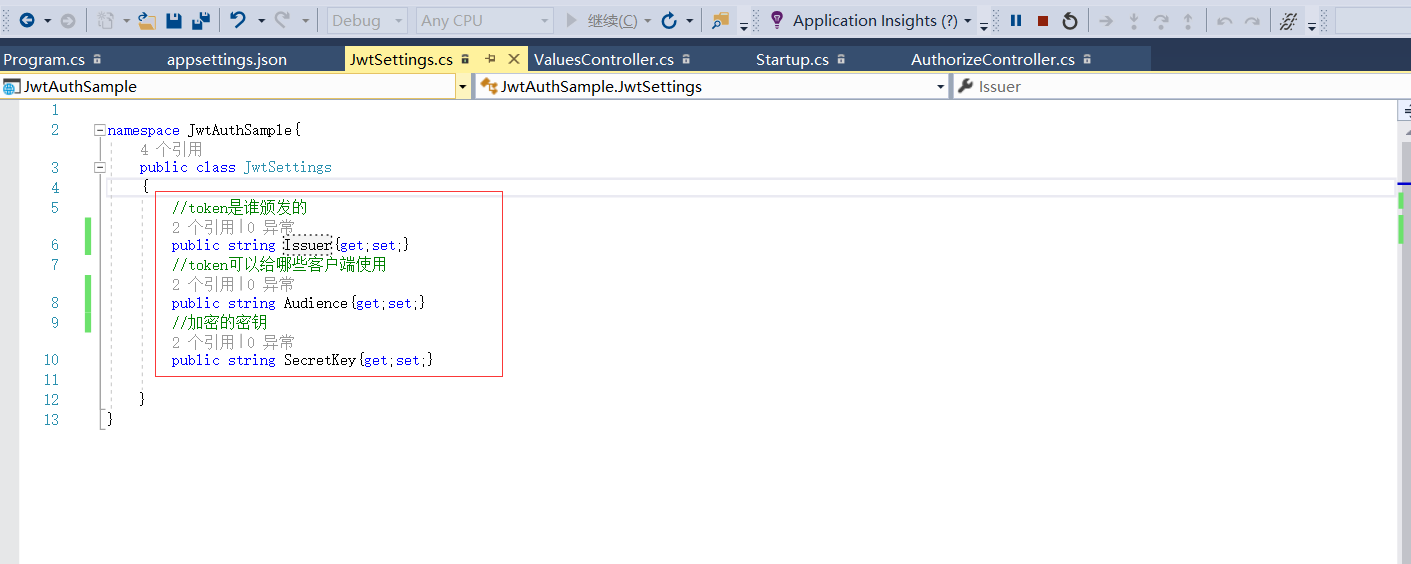
新建文件夹Models并在里面创建类:
JwtSettings.cs

namespace JwtAuthSample{

    public class JwtSettings

    {

        //token是谁颁发的

        public string Issuer{get;set;}

        //token可以给哪些客户端使用

        public string Audience{get;set;}

        //加密的密钥

        public string SecretKey{get;set;}

    }

}
需要给jwt设置一些配置信息:
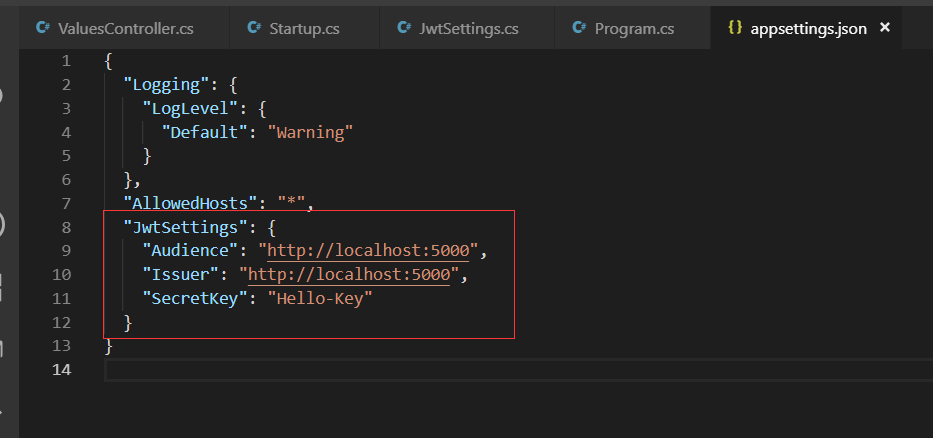
 "JwtSettings": {

    "Audience": "http://localhost:5000",

    "Issuer": "http://localhost:5000",

    "SecretKey": "Hello-Key"

  }

 services.Configure<JwtSettings>(Configuration);

 var jwtSettings=new JwtSettings();

 Configuration.Bind("JwtSettings",jwtSettings);
上面是认证middleware的配置
下面是认证jwt middleware的配置
在这个命名空间内:using Microsoft.IdentityModel.Tokens; 有对称加密的一种方式:SymmetricSecurityKey
IssuerSigningKey=new SymmetricSecurityKey(这里的参数要用utf-8),所以要引入命名空间system.Text;

这样就完成了jwt的配置
    public void ConfigureServices(IServiceCollection services)
        {
            services.Configure<JwtSettings>(Configuration.GetSection("JwtSettings"));

            var jwtSettings = new JwtSettings();
            Configuration.Bind("JwtSettings", jwtSettings);
            services.AddAuthentication(Options =>
            {
                Options.DefaultAuthenticateScheme = JwtBearerDefaults.AuthenticationScheme;
                Options.DefaultChallengeScheme = JwtBearerDefaults.AuthenticationScheme;
            })
            .AddJwtBearer(o =>
            {
                o.TokenValidationParameters = new Microsoft.IdentityModel.Tokens.TokenValidationParameters
                {
                    ValidIssuer = jwtSettings.Issuer,
                    ValidAudience = jwtSettings.Audience,
                    IssuerSigningKey = new SymmetricSecurityKey(Encoding.UTF8.GetBytes(jwtSettings.SecretKey))
                };
            });

            services.AddMvc().SetCompatibilityVersion(CompatibilityVersion.Version_2_2);
        }
任务36:应用Jwtbearer Authentication的更多相关文章
- C# 实现Jwtbearer Authentication
Jwtbearer Authentication 什么是JWT JWT(JSON Web Token), 顾名思义就是在Web上以JSON格式传输的Token(RFC 7519). 该Token被设计 ...
- 【ASP.NET Core快速入门】(十一)应用Jwtbearer Authentication、生成jwt token
准备工作 用VSCode新建webapi项目JwtAuthSample,并打开所在文件夹项目 dotnet new webapi --name JwtAuthSample 编辑JwtAuthSampl ...
- 菜鸟入门【ASP.NET Core】11:应用Jwtbearer Authentication、生成jwt token
准备工作 用VSCode新建webapi项目JwtAuthSample,并打开所在文件夹项目 dotnet new webapi --name JwtAuthSample 编辑JwtAuthSampl ...
- 36-应用Jwtbearer Authentication
新建.net core webapi项目 E:\coding\netcore>dotnet new webapi --name JwtAuthSample 创建需要用到的实体对象类 namesp ...
- Nancy基于JwtBearer认证的使用与实现
前言 最近在看JSON Web Token(Jwt)相关的东西,但是发现在Nancy中直接使用Jwt的组件比较缺乏,所以就在空闲时间写了一个. 这个组件是开源的,不过目前只支持.NET Core,后续 ...
- [转]C# 实现Jwt bearer Authentication
本文转自:https://www.cnblogs.com/aishangyipiyema/p/9262642.html 什么是JWT JWT(JSON Web Token), 顾名思义就是在Web上以 ...
- NET CORE Learning
ASP.NET Core 基础教程https://www.cnblogs.com/lonelyxmas/tag/ASP.NET%20Core%20%E5%9F%BA%E7%A1%80%E6%95%99 ...
- ASP.NET Core快速入门_学习笔记汇总
第2章 配置管理 任务12:Bind读取配置到C#实例 任务13:在Core Mvc中使用Options 任务14:配置的热更新 任务15:配置框架设计浅析 第3章 依赖注入 任务16:介绍- 任务1 ...
- ASP.NET Core快速入门(第5章:认证与授权)--学习笔记
课程链接:http://video.jessetalk.cn/course/explore 良心课程,大家一起来学习哈! 任务31:课时介绍 1.Cookie-based认证与授权 2.Cookie- ...
随机推荐
- 【mac】屏幕截图快捷键
这里只说四种 1.command+shift+4 截图是区域截图,会自动保存在桌面上 2.command+shift+control+4 区域截图,截图会自动保存在剪切板中,然后你可以通过comman ...
- 游戏server主程白皮书-序言
在从事游戏开发的6年时间里面.涉及的内容包含运营平台.GM工具.MMORPG.FPS游戏. 游戏都已经上线而且稳定执行.单server的承载量在1万-5万之间.对于这种成绩我自己还是比較惬意了.期间得 ...
- Python基础语法07--面向对象+正则表达式
Python 面向对象 Python从设计之初就已经是一门面向对象的语言,正因为如此,在Python中创建一个类和对象是很容易的.本章节我们将详细介绍Python的面向对象编程. 如果你以前没有接触过 ...
- 【C#】高级语言特有的单例模式
public class Singleton { private Singleton () { } // 变量标记为 readonly.第一次引用类的成员或创建实例时,仅仅实例化一次instance对 ...
- JDBC MYSQL 学习笔记(一) JDBC 基本使用
1.JDBC简单介绍 SUN公司为了简化.统一对数据库的操作,定义了一套Java操作数据库的规范.称之为JDBC. JDBC全称为:Java Data Base Connectivity(java数据 ...
- 线段树区间更新,区间统计+离散化 POJ 2528 Mayor's posters
题意:有一个非常长的板子(10000000长),在上面贴n(n<=10000)张海报.问最后从外面能看到几张不同的海报. 由于板子有10000000长,直接建树肯定会爆,所以须要离散化处理,对于 ...
- android 文件读取(assets)
assets文件夹资源的访问 assets文件夹里面的文件都是保持原始的文件格式,需要用AssetManager以字节流的形式读取文件. 1. 先在Activity里面调用g ...
- SQL Server故障转移集群
在XenServer集群上给客户搭建一个应用服务,要求有负载均衡,Web服务器用Windows Server 2008 R2 + IIS,数据库Sql Server 2008 R2,并且使用SAN存储 ...
- 李洪强iOS开发之-修改状态栏的字体的颜色
李洪强iOS开发之-修改状态栏的字体的颜色 修改的效果: -(void)viewDidAppear:(BOOL)animated { [super viewDidAppear:animated]; [ ...
- linux 输入子系统(4) intput_dev 接口描述
Name struct input_dev - represents an input device Synopsis struct input_dev { const char * name; // ...