
【Python】【基础知识】【内置函数】【help的使用方法】
原英文帮助文档:
help([object])
Invoke the built-in help system. (This function is intended for interactive use.) If no argument is given, the interactive help system starts on the interpreter console. If the argument is a string, then the string is looked up as the name of a module, function, class, method, keyword, or documentation topic, and a help page is printed on the console. If the argument is any other kind of object, a help page on the object is generated.
This function is added to the built-in namespace by the site module.
Changed in version 3.4: Changes to pydoc and inspect mean that the reported signatures for callables are now more comprehensive and consistent.
————————(我是分割线)————————
中文解释
调用内置的帮助系统。(这个函数用于交互模式使用)
如果未给出参数,则交互帮助系统将在解释器控制台上启动。
示例:
>>> help

Type help() for interactive help, or help(object) for help about object.

>>> help()

Welcome to Python 3.7's help utility!

If this is your first time using Python, you should definitely check out

the tutorial on the Internet at https://docs.python.org/3.7/tutorial/.

Enter the name of any module, keyword, or topic to get help on writing

Python programs and using Python modules.  To quit this help utility and

return to the interpreter, just type "quit".

To get a list of available modules, keywords, symbols, or topics, type

"modules", "keywords", "symbols", or "topics".  Each module also comes

with a one-line summary of what it does; to list the modules whose name

or summary contain a given string such as "spam", type "modules spam".

help> abs

Help on built-in function abs in module builtins:

abs(x, /)

    Return the absolute value of the argument.

help> input

Help on built-in function input in module builtins:

input(prompt=None, /)

    Read a string from standard input.  The trailing newline is stripped.

    The prompt string, if given, is printed to standard output without a

    trailing newline before reading input.

    If the user hits EOF (*nix: Ctrl-D, Windows: Ctrl-Z+Return), raise EOFError.

    On *nix systems, readline is used if available.

help> input()

No Python documentation found for 'input()'.

Use help() to get the interactive help utility.

Use help(str) for help on the str class.

help> quit

You are now leaving help and returning to the Python interpreter.

If you want to ask for help on a particular object directly from the

interpreter, you can type "help(object)".  Executing "help('string')"

has the same effect as typing a particular string at the help> prompt.

>>>
---退出帮助模式使用quit
如果参数是字符串,则该字符串将作为模块、函数、类、方法、关键字或文档主题的名称查找,并在控制台上打印帮助页。
>>> help("time")

Help on built-in module time:

NAME

    time - This module provides various functions to manipulate time values.

DESCRIPTION

    There are two standard representations of time.  One is the number

    of seconds since the Epoch, in UTC (a.k.a. GMT).  It may be an integer

    or a floating point number (to represent fractions of seconds).

    The Epoch is system-defined; on Unix, it is generally January 1st, 1970.

    The actual value can be retrieved by calling gmtime(0).

    The other representation is a tuple of 9 integers giving local time.

    The tuple items are:

      year (including century, e.g. 1998)

      month (1-12)

      day (1-31)

      hours (0-23)

      minutes (0-59)

      seconds (0-59)

      weekday (0-6, Monday is 0)

      Julian day (day in the year, 1-366)

      DST (Daylight Savings Time) flag (-1, 0 or 1)

    If the DST flag is 0, the time is given in the regular time zone;

    if it is 1, the time is given in the DST time zone;

    if it is -1, mktime() should guess based on the date and time.

CLASSES

    builtins.tuple(builtins.object)

        struct_time

    class struct_time(builtins.tuple)

     |  struct_time(iterable=(), /)
.
.
.
.
.
.
如果参数是任何其他类型的对象,则会生成该对象的帮助页。
>>> a = "test"

>>> help(a)

Help on package test:

NAME

    test - # Dummy file to make this directory a package.

PACKAGE CONTENTS

    __main__

    _test_multiprocessing

    ann_module

    ann_module2

    ann_module3

    audiotests

    autotest

    bad_coding

    bad_coding2

    bad_getattr

    bad_getattr2

    bad_getattr3

    badsyntax_3131

    badsyntax_future10

    badsyntax_future3

    badsyntax_future4

    badsyntax_future5

    badsyntax_future6

    badsyntax_future7

    badsyntax_future8

    badsyntax_future9

    badsyntax_pep3120

    bisect

    bytecode_helper
.
.
.
.
.
.
>>> help("ls")

No Python documentation found for 'ls'.

Use help() to get the interactive help utility.

Use help(str) for help on the str class.
此函数由站点模块添加到内置命名空间中。
版本3.4中的更改:pydoc和inspect的更改意味着所报告的可调用签名现在更加全面和一致。
———————(我是分割线)————————
————————(我是分割线)————————
参考:
1. Python 3.7.2 documentation
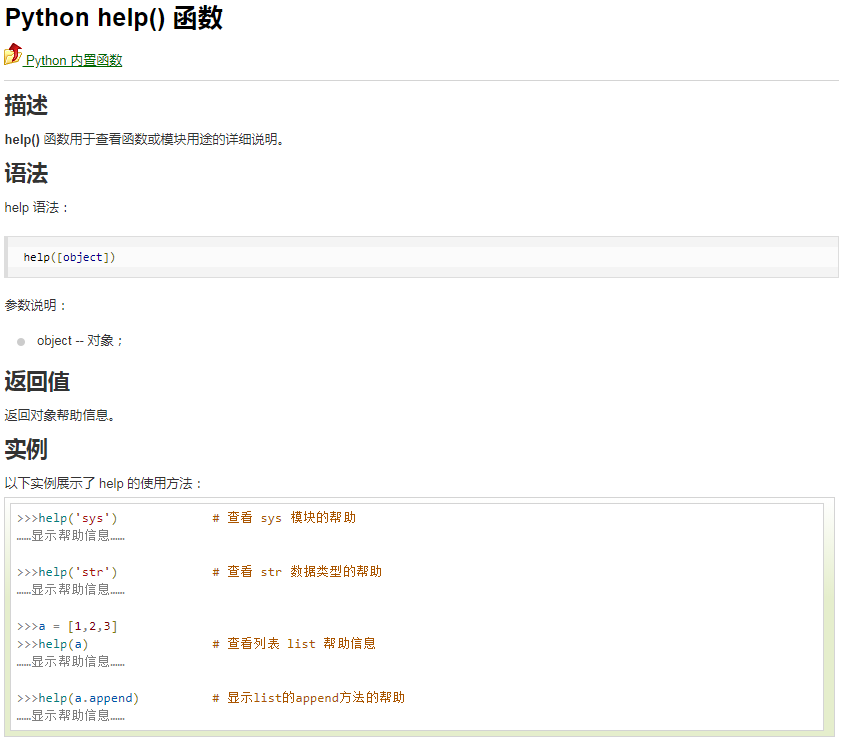
2. RUNOOB.COM:https://www.runoob.com/python/python-func-help.html
备注:
初次编辑时间:2019年9月21日21:08:21
环境:Windows 7 / Python 3.7.2
【Python】【基础知识】【内置函数】【help的使用方法】的更多相关文章
- 十六. Python基础(16)--内置函数-2
十六. Python基础(16)--内置函数-2 1 ● 内置函数format() Convert a value to a "formatted" representation. ...
- 十五. Python基础(15)--内置函数-1
十五. Python基础(15)--内置函数-1 1 ● eval(), exec(), compile() 执行字符串数据类型的python代码 检测#import os 'import' in c ...
- python基础(15):内置函数(一)
1. 内置函数 什么是内置函数? 就是python给你提供的,拿来直接⽤的函数,比如print,input等等,截⽌到python版本3.6.2 python⼀共提供了68个内置函数.他们就是pyth ...
- python基础(内置函数+文件操作+lambda)
一.内置函数 注:查看详细猛击这里 常用内置函数代码说明: # abs绝对值 # i = abs(-123) # print(i) #返回123,绝对值 # #all,循环参数,如果每个元素为真,那么 ...
- Python基础:内置函数
本文基于Python 3.6.5的标准库文档编写,罗列了英文文档中介绍的所有内建函数,并对其用法进行了简要介绍. 下图来自Python官网:展示了所有的内置函数,共计68个(14*4+12),大家可以 ...
- 第六篇:python基础_6 内置函数与常用模块(一)
本篇内容 内置函数 匿名函数 re模块 time模块 random模块 os模块 sys模块 json与pickle模块 shelve模块 一. 内置函数 1.定义 内置函数又被称为工厂函数. 2.常 ...
- Python基础编程 内置函数
内置函数 内置函数(一定记住并且精通) print()屏幕输出 int():pass str():pass bool():pass set(): pass list() 将一个可迭代对象转换成列表 t ...
- Python基础_内置函数
Built-in Functions abs() delattr() hash() memoryview() set() all() dict() help() min() setat ...
- python基础(16):内置函数(二)
1. lamda匿名函数 为了解决⼀些简单的需求⽽设计的⼀句话函数 # 计算n的n次⽅ def func(n): return n**n print(func(10)) f = lambda n: n ...
- 学习PYTHON之路, DAY 4 - PYTHON 基础 4 (内置函数)
注:查看详细请看https://docs.python.org/3/library/functions.html#next 一 all(), any() False: 0, Noe, '', [], ...
随机推荐
- docker stack /swarm 替代 docker-compose 进行部署
之前一直用docker-compose开发了几个单例的service, 今天开始压力测试, 结果发现postgres的CPU负载很重, 就想设置cpus 结果发现docker-compose V3之后 ...
- codevs 2291 糖果堆 x
题目描述 Description [Shadow 1]第一题 WJMZBMR买了很多糖果,分成了N堆,排成一列.WJMZBMR说,如果Shadow能迅速求出第 ...
- 一步一步理解线段树——转载自JustDoIT
一步一步理解线段树 目录 一.概述 二.从一个例子理解线段树 创建线段树 线段树区间查询 单节点更新 区间更新 三.线段树实战 -------------------------- 一 概述 线段 ...
- 第03组 Alpha冲刺(3/4)
队名:不等式方程组 组长博客 作业博客 团队项目进度 组员一:张逸杰(组长) 过去两天完成的任务: 文字/口头描述: 制定了初步的项目计划,并开始学习一些推荐.搜索类算法 GitHub签入纪录: 暂无 ...
- Nginx常见配置
特别提示:本人博客部分有参考网络其他博客,但均是本人亲手编写过并验证通过.如发现博客有错误,请及时提出以免误导其他人,谢谢!欢迎转载,但记得标明文章出处:http://www.cnblogs.com/ ...
- LeetCode 63. 不同路径 II(Unique Paths II)
题目描述 一个机器人位于一个 m x n 网格的左上角 (起始点在下图中标记为“Start” ). 机器人每次只能向下或者向右移动一步.机器人试图达到网格的右下角(在下图中标记为“Finish”). ...
- c 使用lua 示例
#include <stdio.h> #include <string.h> #include <lua.h> #include <lauxlib.h> ...
- (转)常用 HTTP 状态码对照表
Code 含义 100 客户端应当继续发送请求.这个临时响应是用来通知客户端它的部分请求已经被服务器接收,且仍未被拒绝.客户端应当继续发送请求的剩余部分,或者如果请求已经完成,忽略这个响应.服务器必须 ...
- Jeecg页面标签规则
1.表单字段重复校验方法 <input name="departname" class="inputxt" value="${depart.de ...
- Android studio 自动导入(全部)包 import (转)
原文: https://blog.csdn.net/buaaroid/article/details/44979629 1. Android studio 只有import单个包的快捷键:A ...