
[GPU] Install H2O.ai
一、前言
主页:https://www.h2o.ai/products/h2o4gpu/
采用GPU,能否成为超越下面链接中实验的存在?
[ML] LIBSVM Data: Classification, Regression, and Multi-label
Solver Classes
Among others, the solver can be used for the following classes of problems
- GLM: Lasso, Ridge Regression, Logistic Regression, Elastic Net Regulariation
- KMeans
- Gradient Boosting Machine (GBM) via XGBoost
- Singular Value Decomposition(SVD) + Truncated Singular Value Decomposition
- Principal Components Analysis(PCA)
Real time bench mark: https://www.youtube.com/watch?v=LrC3mBNG7WU,速度快二十倍。
二、安装
注意事项:安装升级驱动时,先切换为x-windows状态;安装cuda时,不安装自带的驱动,因为之前已经安装过了。
hadoop@unsw-ThinkPad-T490:~/NVIDIA_CUDA-.1_Samples/bin/x86_64/linux/release$ nvidia-smi

Thu Nov  ::

+-----------------------------------------------------------------------------+

| NVIDIA-SMI 440.31       Driver Version: 440.31       CUDA Version: 10.2     |

|-------------------------------+----------------------+----------------------+

| GPU  Name        Persistence-M| Bus-Id        Disp.A | Volatile Uncorr. ECC |

| Fan  Temp  Perf  Pwr:Usage/Cap|         Memory-Usage | GPU-Util  Compute M. |

|===============================+======================+======================|

|     GeForce MX250       Off  | :3C:00.0 Off |                  N/A |

| N/A   58C    P0    N/A /  N/A |    390MiB /  2002MiB |      %      Default |

+-------------------------------+----------------------+----------------------+

+-----------------------------------------------------------------------------+

| Processes:                                                       GPU Memory |

|  GPU       PID   Type   Process name                             Usage      |

|=============================================================================|

|                G   /usr/lib/xorg/Xorg                           190MiB |

|                G   /usr/bin/gnome-shell                         136MiB |

|                G   ...uest-channel-token=    59MiB |

+-----------------------------------------------------------------------------+
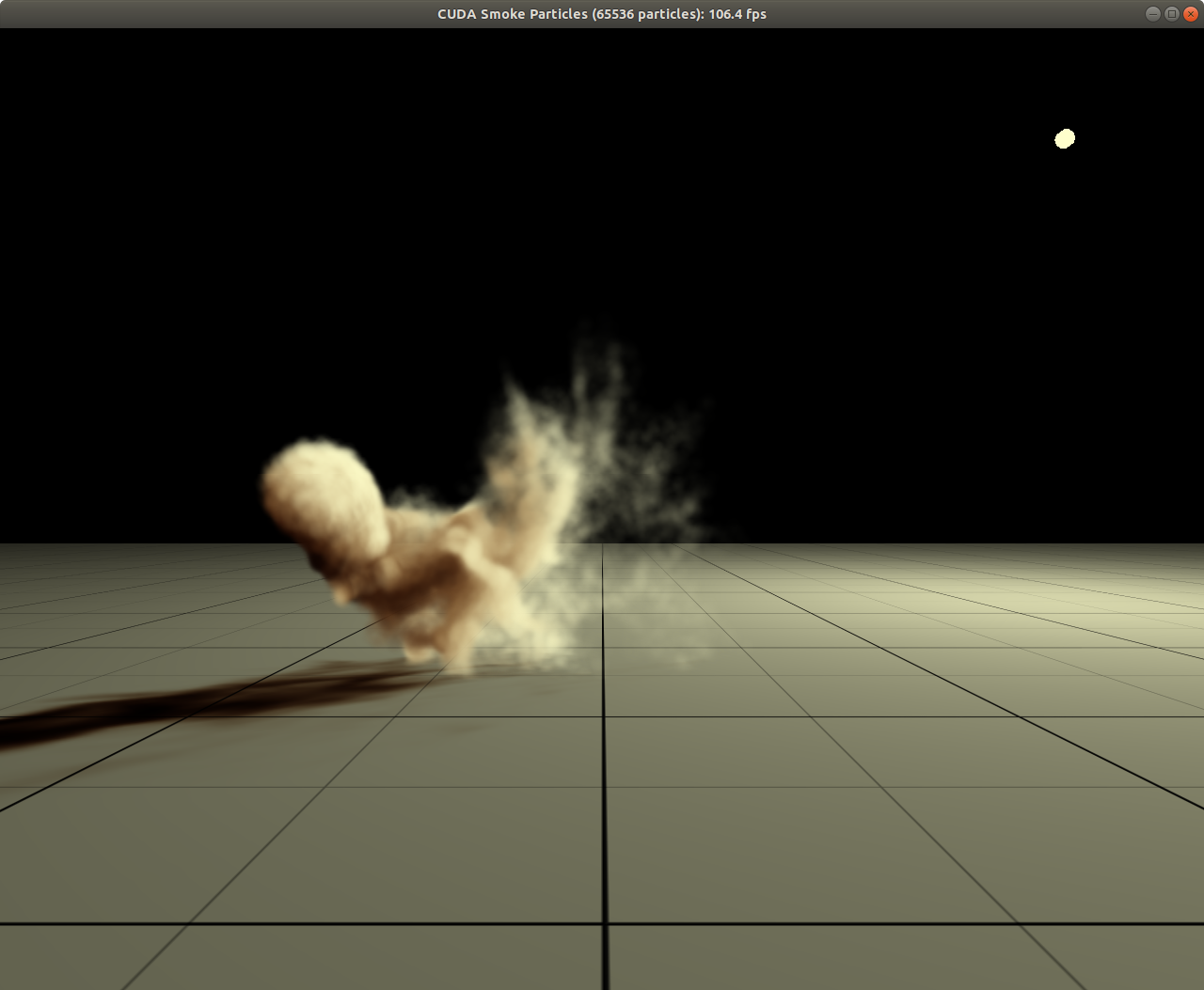
三、测试
当迭代更多次时,h2o的优势开始显现;至于“预测”,cpu已经非常快。
import os

import time

from sklearn.linear_model import MultiTaskLasso, Lasso

from sklearn.datasets import load_svmlight_file

from sklearn.metrics import r2_score

from sklearn.metrics import mean_squared_error

import h2o4gpu

import h2o4gpu.util.import_data as io

import h2o4gpu.util.metrics as metrics

import pandas as pd

import numpy as np

#from joblib import Memory

#mem = Memory("./mycache")

# This maybe a tricky way to load files.

##@mem.cache

def get_data():

    data = load_svmlight_file("/home/hadoop/YearPredictionMSD")

    return data[0], data[1]

print("Loading data.")

train_x, train_y = load_svmlight_file("/home/hadoop/YearPredictionMSD")

train_x = train_x.todense()

test_x, test_y = load_svmlight_file("/home/hadoop/YearPredictionMSD.t")

test_x = test_x.todense()

for max_iter in [100, 500, 1000, 2000, 4000, 8000]:

    print("="*80)

    print("Setting up solver, msx_iter is {}".format(max_iter))

    model = h2o4gpu.Lasso(alpha=0.01, fit_intercept=False, max_iter=max_iter)

    #model = Lasso(alpha=0.1, fit_intercept=False, max_iter=500)

    time_start=time.time()

    model.fit(train_x, train_y)

    time_end=time.time()

    print('train totally cost {} sec'.format(time_end-time_start))

    time_start=time.time()

    y_pred_lasso = model.predict(test_x)

    y_pred_lasso = np.squeeze(y_pred_lasso)

    time_end=time.time()

    print('test totally cost {} sec'.format(time_end-time_start))

    print(y_pred_lasso.shape )

    print(test_y.shape )

    print(y_pred_lasso[:10])

    print(test_y[:10])

    mse = mean_squared_error(test_y, y_pred_lasso)

    print("mse on test data : %f" % mse)

    r2_score_lasso = r2_score(test_y, y_pred_lasso)

    print("r^2 on test data : %f" % r2_score_lasso)
End.
[GPU] Install H2O.ai的更多相关文章
- H2O.ai初步使用
1.官网下载最新稳定版,https://www.h2o.ai/download/ ,如果点击下载无反应,请使用ie浏览器 2.解压h2o-3.18.0.10.zip到目录h2o-3.18.0.10 3 ...
- [GPU] Machine Learning on C++
一.MPI为何物? 初步了解:MPI集群环境搭建 二.重新认识Spark 链接:https://www.zhihu.com/question/48743915/answer/115738668 马铁大 ...
- H2O Driverless AI
H2O Driverless AI(H2O无驱动人工智能平台)是一个自动化的机器学习平台,它给你一个有着丰富经验的“数据科学家之盒”来完成你的算法. 使AI技术得到大规模应用 各地的企业都意识到人工智 ...
- 在windows上极简安装GPU版AI框架(Tensorflow、Pytorch)
在windows上极简安装GPU版AI框架 如果我们想在windows系统上安装GPU版本的AI框架,比如GPU版本的tesnorflow,通常我们会看到类似下面的安装教程 官方版本 安装CUDA 安 ...
- AI - H2O - 第一个示例
1 - Iris数据集 Iris数据集是常用的机器学习分类实验数据集,特点是数据量很小,可以快速学习. 数据集包含150个数据集,分为3类,每类50个数据,每个数据包含4个属性. Sepal.Leng ...
- AI解决方案:边缘计算和GPU加速平台
AI解决方案:边缘计算和GPU加速平台 一.适用于边缘 AI 的解决方案 AI 在边缘蓬勃发展.AI 和云原生应用程序.物联网及其数十亿的传感器以及 5G 网络现已使得在边缘大规模部署 AI 成为可能 ...
- 2018年终总结之AI领域开源框架汇总
2018年终总结之AI领域开源框架汇总 [稍显活跃的第一季度] 2018.3.04——OpenAI公布 “后见之明经验复现(Hindsight Experience Reply, HER)”的开源算法 ...
- 2018 AI产业界大盘点
2018 AI产业界大盘点 大事件盘点 “ 1.24——Facebook人工智能部门负责人Yann LeCun宣布卸任 Facebook人工智能研究部门(FAIR)的负责人Yann LeCun宣布卸 ...
- Gradient Boosting, Decision Trees and XGBoost with CUDA ——GPU加速5-6倍
xgboost的可以参考:https://xgboost.readthedocs.io/en/latest/gpu/index.html 整体看加速5-6倍的样子. Gradient Boosting ...
随机推荐
- 多线程threading模块
python的多线程编程 简介 多线程编程技术可以实现代码并行性,优化处理能力,同时功能的更小划分可以使代码的可重用性更好.Python中threading和Queue模块可以用来实现多线程编程. 详 ...
- wampserver apache 500 Internal Server Error解决办法
Internal Server ErrorThe server encountered an internal error or misconfiguration and was unable to ...
- java线程基础巩固---策略模式在Thread和Runnable中的应用分析
在上篇[http://www.cnblogs.com/webor2006/p/7709647.html]中已经学习了Runnable出现的好处,其实这种设计是采用的一种策略模式,所以为了进一步理解Ru ...
- unreal 抓mobile 管线
把renderdoc挂到生成的exe上 用命令行 “路径\xx.uproject” scenename -game -FeatureLevelES31 -windowed -resx=1920 -re ...
- .net System.Net.Mail 之用SmtpClient发送邮件Demo
private static bool sendMail() { try { //接收人邮箱 string SendTo = "XXXXX@163.com ...
- 6、DockerFile解析:三步走、保留字指令
1.dockerfiel是什么 1.是什么 Dockerfile是用来构建Docker镜像的构建文件,是由一系列命令和参数构成的脚本. 2.构建三步骤 编写Dockerfile文件 docker bu ...
- PHP mysqli_multi_query() 函数
实例 执行多个针对数据库的查询: <?php $con=mysqli_connect("localhost","my_user","my_pas ...
- Spring bean 实现InitializingBean和DisposableBean接口实现初始化和销毁前操作
# InitializingBean接口> Spring Bean 实现这个接口,重写afterPropertiesSet方法,这样spring初始化完这个实体类后会调用这个方法```@Over ...
- HTML JS 弹层后底部页面禁止滚动处理
1.打开新页面时需要禁止鼠标滚轮,禁止页面滑动: 1 2 3 4 在调用显示层时加上这句js代码就可以了: document.documentElement.style.overflow = &quo ...
- Python数据抓取(1) —数据处理前的准备
(一)数据抓取概要 为什么要学会抓取网络数据? 对公司或对自己有价值的数据,80%都不在本地的数据库,它们都散落在广大的网络数据,这些数据通常都伴随着网页的形式呈现,这样的数据我们称为非结构化数据 如 ...