
Python爬虫基础--爬取车模照片
import urllib
from urllib import request, parse
from lxml import etree

class CarModel:

    def __init__(self, search_name='车模', search_page=50, begin_page=1):
        self.name = search_name
        self.url = 'https://tieba.baidu.com/f?'
        self.search_page = search_page
        self.begin_page = begin_page
        self.tie_ba_list = []
        self.number = 0
        self.header = {'User_agent':'Mozilla/5.0 (Macintosh; Intel Mac OS X 10_14_2) AppleWebKit/537.36 (KHTML, like Gecko) Chrome/71.0.3578.98 Safari/537.36'}

    def download_img(self, link, page_num, index01, index02):
        img_ = urllib.request.Request(link)
        respos = urllib.request.urlopen(img_)
        img_data = respos.read()
        file = open('../image/{0}_{1}_{2}.jpg'.format(page_num, index01, index02), 'wb')
        file.write(img_data)
        file.close()

    def find_image(self, link, page_num, index01):
        requests = urllib.request.Request(headers=self.header, url=link)
        responses = urllib.request.urlopen(requests)
        html = responses.read()     # 获取html信息
        new_html = etree.HTML(html)     # 将html转换
        image_link = new_html.xpath('//img[@class="BDE_Image"]/@src')   # xpath进行信息抽取
        tmp_num = 0
        for i in image_link:
            tmp_num += 1    # 进行图片编号
            self.download_img(i, page_num, index01, tmp_num)

    def find_link(self, link, page_num):
        requests = urllib.request.Request(headers=self.header, url=link)
        responses = urllib.request.urlopen(requests)
        html = responses.read().decode('utf-8')
        new_html = etree.HTML(html)
        # 寻找图片超链接
        link_list = new_html.xpath('//div[@class="threadlist_lz clearfix"]/div/a/@href')
        tmp_num = 0
        for i in link_list:
            tmp_num += 1
            tmp_link = 'https://tieba.baidu.com{0}'.format(i)
            self.find_image(tmp_link, page_num, tmp_num)

    def begin(self):
        for i in range(self.begin_page, self.search_page+1):
            tmp_pn = (i-1)*50
            words_01 = {'kw': self.name}
            words_02 = {'pn': tmp_pn}
            words_01 = urllib.parse.urlencode(words_01)
            words_02 = urllib.parse.urlencode(words_02)
            tmp_url ='{0}{1}&ie=utf-8&{2}'.format(self.url, words_01, words_02)
            self.find_link(tmp_url, tmp_pn/50)

if __name__ == '__main__':
    car = CarModel()
    car.begin()
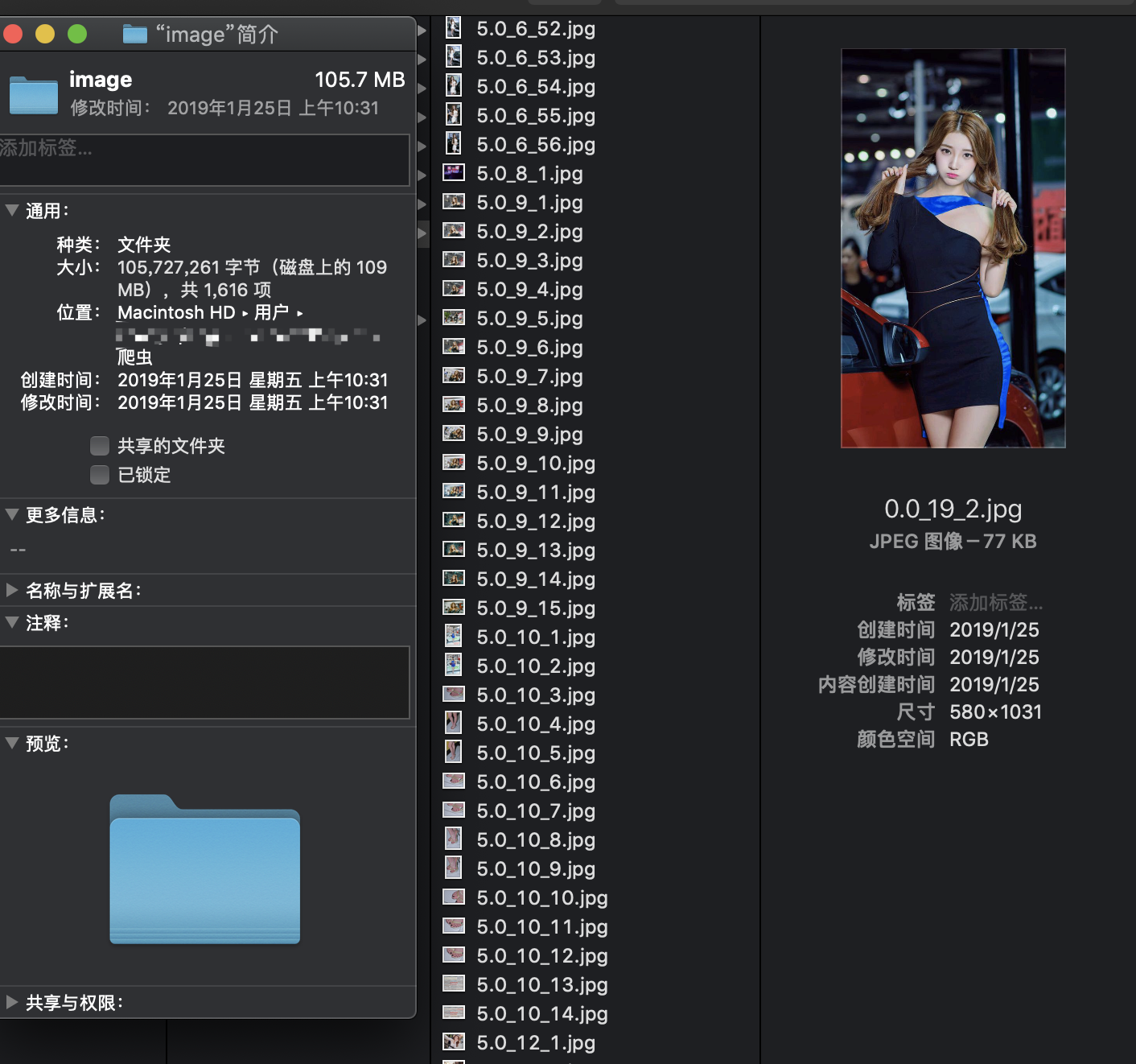
最终爬取效果
Python爬虫基础--爬取车模照片的更多相关文章
- Python爬虫之爬取淘女郎照片示例详解
这篇文章主要介绍了Python爬虫之爬取淘女郎照片示例详解,文中通过示例代码介绍的非常详细,对大家的学习或者工作具有一定的参考学习价值,需要的朋友们下面随着小编来一起学习学习吧 本篇目标 抓取淘宝MM ...
- python --爬虫基础 --爬取今日头条 使用 requests 库的基本操作, Ajax
'''思路一: 由于是Ajax的网页,需要先往下划几下看看XHR的内容变化二:分析js中的代码内容三:获取一页中的内容四:获取图片五:保存在本地 使用的库1. requests 网页获取库 2.fro ...
- Python爬虫之爬取慕课网课程评分
BS是什么? BeautifulSoup是一个基于标签的文本解析工具.可以根据标签提取想要的内容,很适合处理html和xml这类语言文本.如果你希望了解更多关于BS的介绍和用法,请看Beautiful ...
- [Python爬虫] Selenium爬取新浪微博客户端用户信息、热点话题及评论 (上)
转载自:http://blog.csdn.net/eastmount/article/details/51231852 一. 文章介绍 源码下载地址:http://download.csdn.net/ ...
- from appium import webdriver 使用python爬虫,批量爬取抖音app视频(requests+Fiddler+appium)
使用python爬虫,批量爬取抖音app视频(requests+Fiddler+appium) - 北平吴彦祖 - 博客园 https://www.cnblogs.com/stevenshushu/p ...
- Python爬虫之爬取站内所有图片
title date tags layut Python爬虫之爬取站内所有图片 2018-10-07 Python post 目标是 http://www.5442.com/meinv/ 如需在非li ...
- python爬虫实战---爬取大众点评评论
python爬虫实战—爬取大众点评评论(加密字体) 1.首先打开一个店铺找到评论 很多人学习python,不知道从何学起.很多人学习python,掌握了基本语法过后,不知道在哪里寻找案例上手.很多已经 ...
- 初次尝试python爬虫,爬取小说网站的小说。
本次是小阿鹏,第一次通过python爬虫去爬一个小说网站的小说. 下面直接上菜. 1.首先我需要导入相应的包,这里我采用了第三方模块的架包,requests.requests是python实现的简单易 ...
- python 爬虫之爬取大街网(思路)
由于需要,本人需要对大街网招聘信息进行分析,故写了个爬虫进行爬取.这里我将记录一下,本人爬取大街网的思路. 附:爬取得数据仅供自己分析所用,并未用作其它用途. 附:本篇适合有一定 爬虫基础 crawl ...
随机推荐
- CSDN日报20170416 ——《为什么程序猿话少钱多死得早?》
[程序人生]为什么程序猿话少钱多死得早? 作者:文奇 我在想,程序猿都是话少吗?不一定吧.像我和我的同学.都是话非常多啊. 可是经历过非常多事的如今.再想想,发现事实的确如此.程序猿确实话少. 我是一 ...
- javascript推断浏览器类型
<script> window["MzBrowser"]={};(function() { if(MzBrowser.platform) return; var ua ...
- Struts简单介绍
一.在介绍struts之前,先来了解一下什么是MVC框架吧. 1.MVC介绍 MVC全名是Model View Controller.是模型(model)-视图(view)-控制器(controlle ...
- JeeCG团队招聘啦!
JeeCG团队招聘啦! 小团队攻坚,创业氛围浓厚.盼望有激情的你增加. 岗位描写叙述: 1,负责Jeecg.jeewx 微信管理系统相关的研发工作.2,高度參与整个产品设计.參与微信相关项目开发.3. ...
- 8 Reasons why SharePoint is Bad for Your Business 8个理由告诉你,为什么SharePoint对你的业务有害
8 Reasons why SharePoint is Bad for Your Business 8个理由告诉你,为什么SharePoint对你的业务有害 SharePoint近期已 ...
- hdu 2883 kebab(时间区间压缩 && dinic)
kebab Time Limit: 2000/1000 MS (Java/Others) Memory Limit: 32768/32768 K (Java/Others) Total Subm ...
- android中LocalBroadcastManager的使用
今天遇到一个acitivity之间通信的问题,因为我们是用TabActivity包裹了Activity(我们称之为A).所以这两个Activity是同一时候存在的.当在TabActivity中启动其它 ...
- 【BZOJ】2140 稳定婚姻
[解析]Hash,离散化.Tarjan [分析] 对于每一个名字.首先离散化成编号. 用hash或者其它,反正不要最主要的即可了.否则O(N^2L)会爆掉. 然后请參考:http://www.cnbl ...
- ios weak和strong的差别
The difference is that an object will be deallocated as soon as there are no strong pointers to it. ...
- jstl 标签 循环 序号
大家好: 今天搜了一天.最终找到它了,尽管不是我想要的,可是为了我辛苦的一天.我也要记录下: <c:forEach items="${signBusList}" var ...