
08 . Vue脚手架安装,使用,自定义配置和Element-UI导入使用
Vue脚手架
Vue脚手架可以快速生成Vue项目基础的架构。
安装3.x版本的Vue脚手架
/*

			npm install -g @vue/cli@3.3

*/
基于3.3版本的脚手架命令创建Vue项目
/*

     1.  命令:vue create my-project

       		选择Manually select features(选择特性以创建项目)

     2.  勾选特性可以用空格进行勾选。

             ? Please pick a preset: Manually select features

             ? Check the features needed for your project:

             ◉ Babel

             ◯ TypeScript

             ◯ Progressive Web App (PWA) Support

             ◉ Router

             ◯ Vuex

             ◯ CSS Pre-processors

            ❯◉ Linter / Formatter

             ◯ Unit Testing

             ◯ E2E Testing

     3.  ? Use history mode for router? (Requires proper server setup for index fallback in production) (Y/n)  n

       是否选用历史模式的路由:n

     4.  ? Please pick a preset: Manually select features

          ? Check the features needed for your project: Babel, Router, Linter

          ? Use history mode for router? (Requires proper server setup for index fallback in production) No

          ? Pick a linter / formatter config:

            ESLint with error prevention only

            ESLint + Airbnb config

          ❯ ESLint + Standard config

            ESLint + Prettier

       ESLint选择:ESLint + Standard config

    5.  ? Please pick a preset: Manually select features

        ? Check the features needed for your project: Babel, Router, Linter

        ? Use history mode for router? (Requires proper server setup for index fallback in production) No

        ? Pick a linter / formatter config: Standard

        ? Pick additional lint features: (Press <space> to select, <a> to toggle all, <i> to invert selection

        )

        ❯◉ Lint on save

         ◯ Lint and fix on commit

       何时进行ESLint语法校验:Lint on save

   6. ? Please pick a preset: Manually select features

      ? Check the features needed for your project: Babel, Router, Linter

      ? Use history mode for router? (Requires proper server setup for index fallback in production) No

      ? Pick a linter / formatter config: Standard

      ? Pick additional lint features: (Press <space> to select, <a> to toggle all, <i> to invert selection

      )Lint on save

      ? Where do you prefer placing config for Babel, PostCSS, ESLint, etc.?

        In dedicated config files

      ❯ In package.json

       babel,postcss等配置文件如何放置:In dedicated config files(单独使用文件进行配置)

       是否保存为模板:n

       使用哪个工具安装包:npm

       cd 项目名

       npm run dev

*/
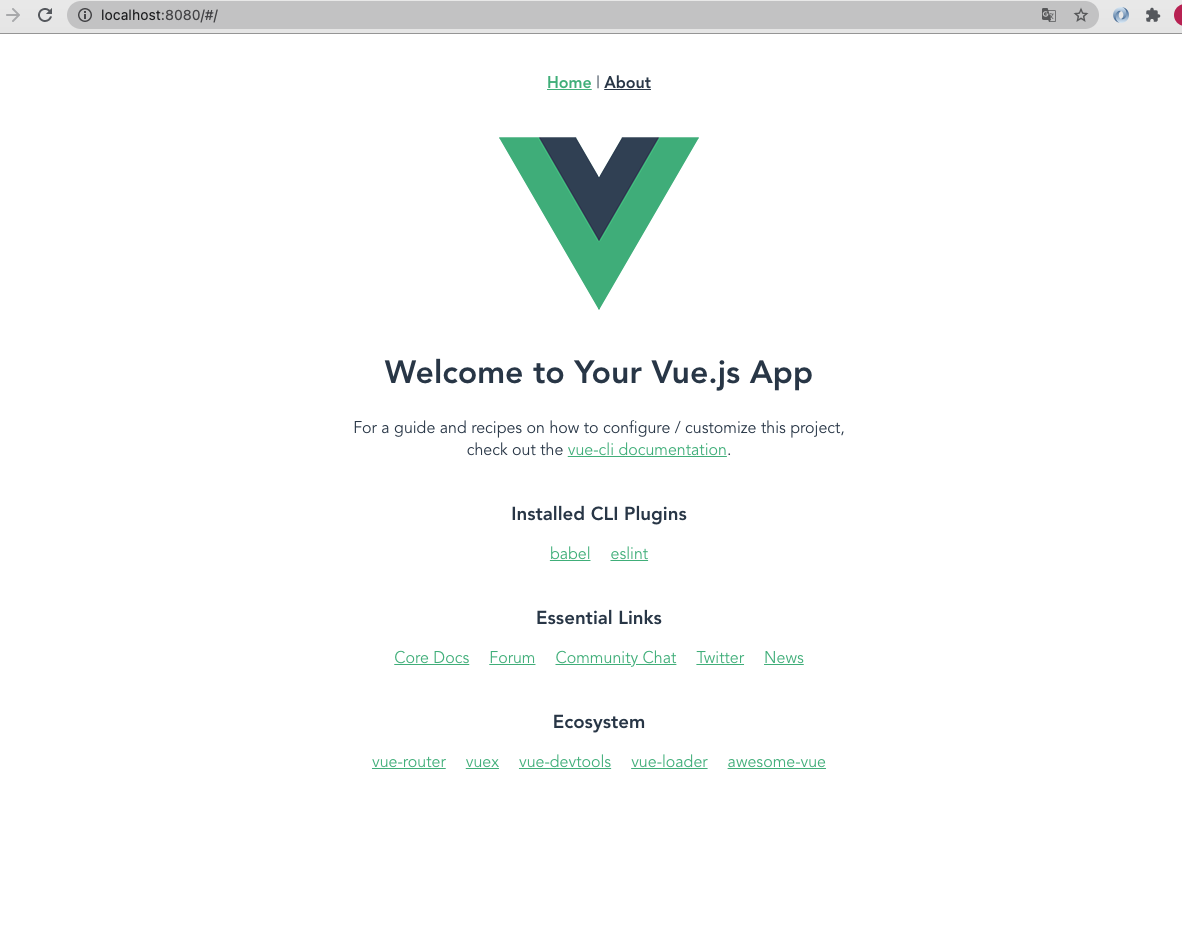
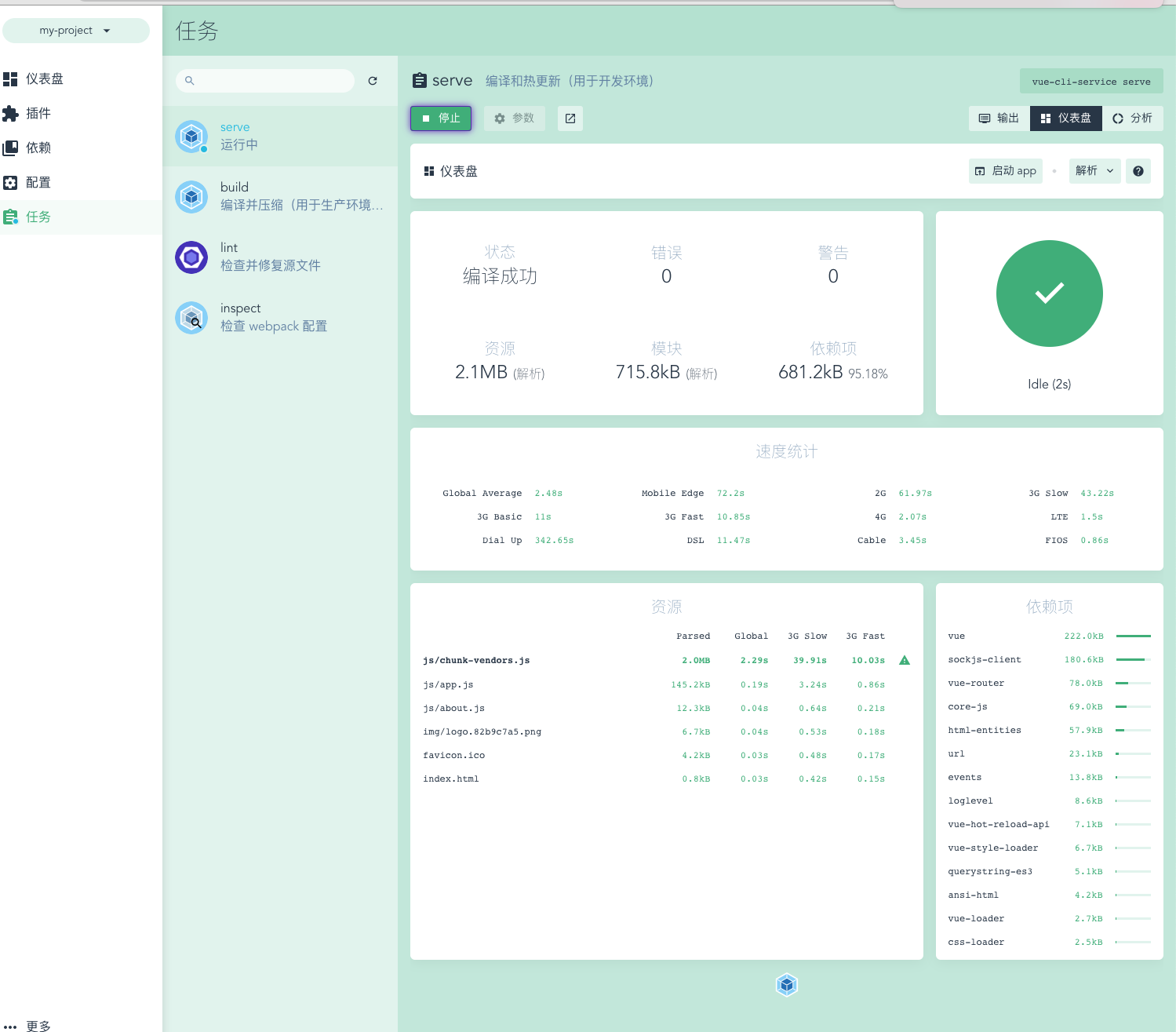
基于UI界面创建Vue项目
/*

		   命令:vue ui

       在自动打开的创建项目网页中配置项目信息。

*/
基于2.x的旧模板,创建Vue项目
/*

		   npm install -g @vue/cli-init

       vue init webpack my-project

*/
分析Vue脚手架生成的项目结构
/*

			    node_modules:依赖包目录

          public:静态资源目录

          src:源码目录

          src/assets:资源目录

          src/components:组件目录

          src/views:视图组件目录

          src/App.vue:根组件

          src/main.js:入口js

          src/router.js:路由js

          babel.config.js:babel配置文件

          .eslintrc.js:

*/
Vue脚手架的自定义配置
/*

		A.通过 package.json 进行配置 [不推荐使用]

				因为package.json主要用来管理包的配置信息, 为了方便维护,推荐将vue脚手架相关的配置,单独定义到vue.config.js配置文件中.

        "vue":{

            "devServer":{

                "port":"9990",

                "open":true

            }

        }

    B.通过单独的配置文件进行配置,创建vue.config.js

        module.exports = {

            devServer:{

                port:8888,

                open:true

            }

        }

*/
Element-UI简介
Element-UI安装
Element-UI:一套基于2.0的桌面端组件库
官网地址:http://element-cn.eleme.io/#/zh-CN
组件库
/*

		   npm install element-ui -S

*/
Element-UI导入使用
/*

		    import ElementUI from "element-ui";

    		import "element-ui/lib/theme-chalk/index.css";

    		Vue.use(ElementUI)

*/

// 复制一段element-ui代码到App.vue上

<el-row>

  <el-button>默认按钮</el-button>

  <el-button type="primary">主要按钮</el-button>

  <el-button type="success">成功按钮</el-button>

  <el-button type="info">信息按钮</el-button>

  <el-button type="warning">警告按钮</el-button>

  <el-button type="danger">危险按钮</el-button>

</el-row>
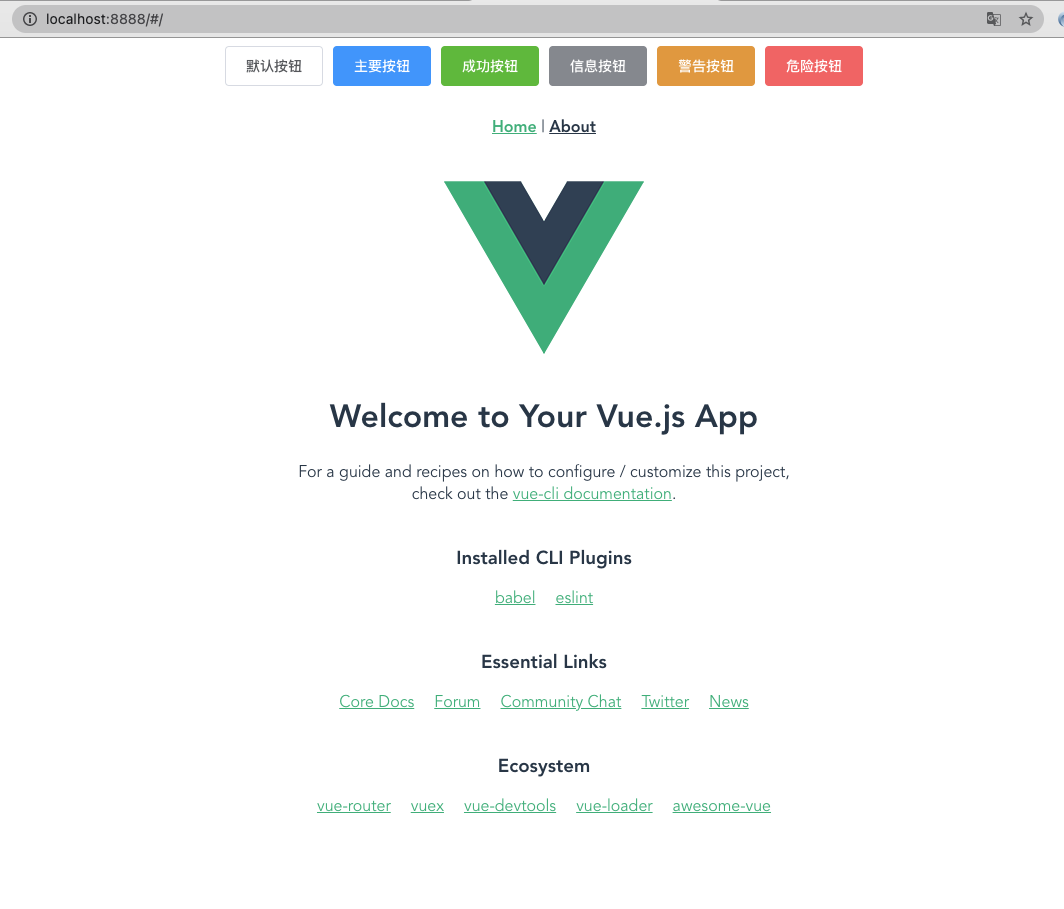
使用请看官网文档,很详细
https://element.eleme.cn/#/zh-CN/component/quickstart
08 . Vue脚手架安装,使用,自定义配置和Element-UI导入使用的更多相关文章
- npm安装使用及vue脚手架安装
公司在前端用vue开发项目,那就学习下啦,第一步,在安装vue-devtools过程中,npm作为官方manual installtion方式,肯定必不可少. NPM是随同NodeJS一起安装的包管理 ...
- vue开发搭建(npm安装 + vue脚手架安装)
一.概念 1.npm: Nodejs下的包管理器. 2.webpack: 它主要的用途是通过CommonJS的语法,把所有浏览器端需要发布的静态资源,做相应的准备,比如资源的合并和打包. 3.vue ...
- vue脚手架安装,新建项目,打包
1.安装node.js 从node官网下载并安装node,安装步骤很简单,只要一路“next”就可以了. 2.安装cnpm 淘宝镜像 npm install -g cnpm --registry=ht ...
- vue脚手架安装步骤vue-cli
1.环境搭建 安装node.js: 从node.js官网下载并安装node,安装过程很简单. npm 版本需要大于 3.0,如果低于此版本需要升级它: # 查看版本 $ npm -v 2.3 ...
- vue脚手架安装
1. 脚手架: 如何: 1. 安装脚手架的工具命令: npm i -g @vue/cli 电脑安装完命令后 : 直接创建 vue create 文件夹名字 2. 用命令反 ...
- vue 脚手架安装
首先安装node.js npm 配置全局安装路径和缓存 node 安装路径下新建两个目录,node_cache和node_global npm config set prefix "E:\n ...
- ES中文分词器安装以及自定义配置
之前我们创建索引,查询数据,都是使用的默认的分词器,分词效果不太理想,会把text的字段分成一个一个汉字,然后搜索的时候也会把搜索的句子进行分词,所以这里就需要更加智能的分词器IK分词器了. ik分词 ...
- vue-cli的项目中关于axios的全局配置,结合element UI,配置全局loading,header中做token传输
在src目录中建立plugins文件夹,在文件夹内建立axios.js文件 "use strict"; import Vue from 'vue'; import axios fr ...
- vue 脚手架搭建新项目以及element-ui等vue组件的使用
vue快速搭建项目(前提是你的电脑已经安装了node的环境和vue脚手架安装,不会的自行百度) 1:打开终端: 这里说下此时位置是在User下的lijuntao文件夹下面,我一般会在桌面新建一个文件夹 ...
随机推荐
- spring boot:用rocketmq消息订阅实现删除购物车商品功能(spring boot 2.3.3)
一,为什么要使用消息队列实现删除购物车商品功能? 消息队列主要用来处理不需要立刻返回结果的业务, 常见的例子: 用户在下单后,要清除原购物车中的商品, 这个处理过程不需要马上实现也不需要返回结果给用户 ...
- centos8平台用NetworkManager/nmcli管理网络
一,centos8上,网络服务的管理需要NetworkManager服务 1,NetworkManager的服务操作 启动 [root@localhost network-scripts]# syst ...
- samesite-cookie详解(译文)
Cookie是便于向网站添加持久化状态的方式之一.随着时间推移,它们的能力得到了扩展和进化,也造成了很多历史遗留问题.为了解决这个问题,浏览器产商(包括Chrome,Firefox,和Edge)改变了 ...
- Aspose.Words实现邮件合并功能和打印
前言 最近公司要做一个B/S架构的web打印系统,主要是可以上传.下载.邮件合并.打印等等,还有就是角色的分配.用户的创建.日志记录等等,跟一般的web系统一样.可能不一样的就是需求:想把excel的 ...
- js一些注意事项
0.正则表达式,千万不能加引号 1.json对象的key必须用双引号,否则parse时可能出错: json对象不能直接存储时间对象,需要将时间对象加双引号转为字符串,存储,然后对表示时间的属性进行ne ...
- DRF (学习第一部)
目录 Web应用模式 API接口 RESTful API 规范 序列化 Django Rest_Framework 环境安装预与配置 序列化器 -Serializer Web应用模式 在开发web应用 ...
- Java nio Client端简单示例
java nio是一种基于Channel.Selector.Buffer的技术,它是一种非阻塞的IO实现方式 以下Client端示例 public class ClientNio { public s ...
- Redis【一】 RESP协议
https://redis.io/topics/protocol RESP:redis序列化协议 client-server交流 二进制安全的 网络层 client端建立tcp连接到Server po ...
- Spring学习-Bean的基本概念知识
4月份开始复习一遍spring相关知识.让自己巩固一下spring大法的深奥益处,所以就看了大佬的博客,转载留下来日后继续研读.认为重点的标记为红色 转载自:http://www.cnblogs.co ...
- 数据结构(C++)——链栈
结点结构 typedef char ElemType; typedef struct LkStackNode{ ElemType data; LkStackNode *next; }*Stack,SN ...