
08 . Vue脚手架安装,使用,自定义配置和Element-UI导入使用
Vue脚手架
Vue脚手架可以快速生成Vue项目基础的架构。
安装3.x版本的Vue脚手架
/*

			npm install -g @vue/cli@3.3

*/
基于3.3版本的脚手架命令创建Vue项目
/*

     1.  命令:vue create my-project

       		选择Manually select features(选择特性以创建项目)

     2.  勾选特性可以用空格进行勾选。

             ? Please pick a preset: Manually select features

             ? Check the features needed for your project:

             ◉ Babel

             ◯ TypeScript

             ◯ Progressive Web App (PWA) Support

             ◉ Router

             ◯ Vuex

             ◯ CSS Pre-processors

            ❯◉ Linter / Formatter

             ◯ Unit Testing

             ◯ E2E Testing

     3.  ? Use history mode for router? (Requires proper server setup for index fallback in production) (Y/n)  n

       是否选用历史模式的路由:n

     4.  ? Please pick a preset: Manually select features

          ? Check the features needed for your project: Babel, Router, Linter

          ? Use history mode for router? (Requires proper server setup for index fallback in production) No

          ? Pick a linter / formatter config:

            ESLint with error prevention only

            ESLint + Airbnb config

          ❯ ESLint + Standard config

            ESLint + Prettier

       ESLint选择:ESLint + Standard config

    5.  ? Please pick a preset: Manually select features

        ? Check the features needed for your project: Babel, Router, Linter

        ? Use history mode for router? (Requires proper server setup for index fallback in production) No

        ? Pick a linter / formatter config: Standard

        ? Pick additional lint features: (Press <space> to select, <a> to toggle all, <i> to invert selection

        )

        ❯◉ Lint on save

         ◯ Lint and fix on commit

       何时进行ESLint语法校验:Lint on save

   6. ? Please pick a preset: Manually select features

      ? Check the features needed for your project: Babel, Router, Linter

      ? Use history mode for router? (Requires proper server setup for index fallback in production) No

      ? Pick a linter / formatter config: Standard

      ? Pick additional lint features: (Press <space> to select, <a> to toggle all, <i> to invert selection

      )Lint on save

      ? Where do you prefer placing config for Babel, PostCSS, ESLint, etc.?

        In dedicated config files

      ❯ In package.json

       babel,postcss等配置文件如何放置:In dedicated config files(单独使用文件进行配置)

       是否保存为模板:n

       使用哪个工具安装包:npm

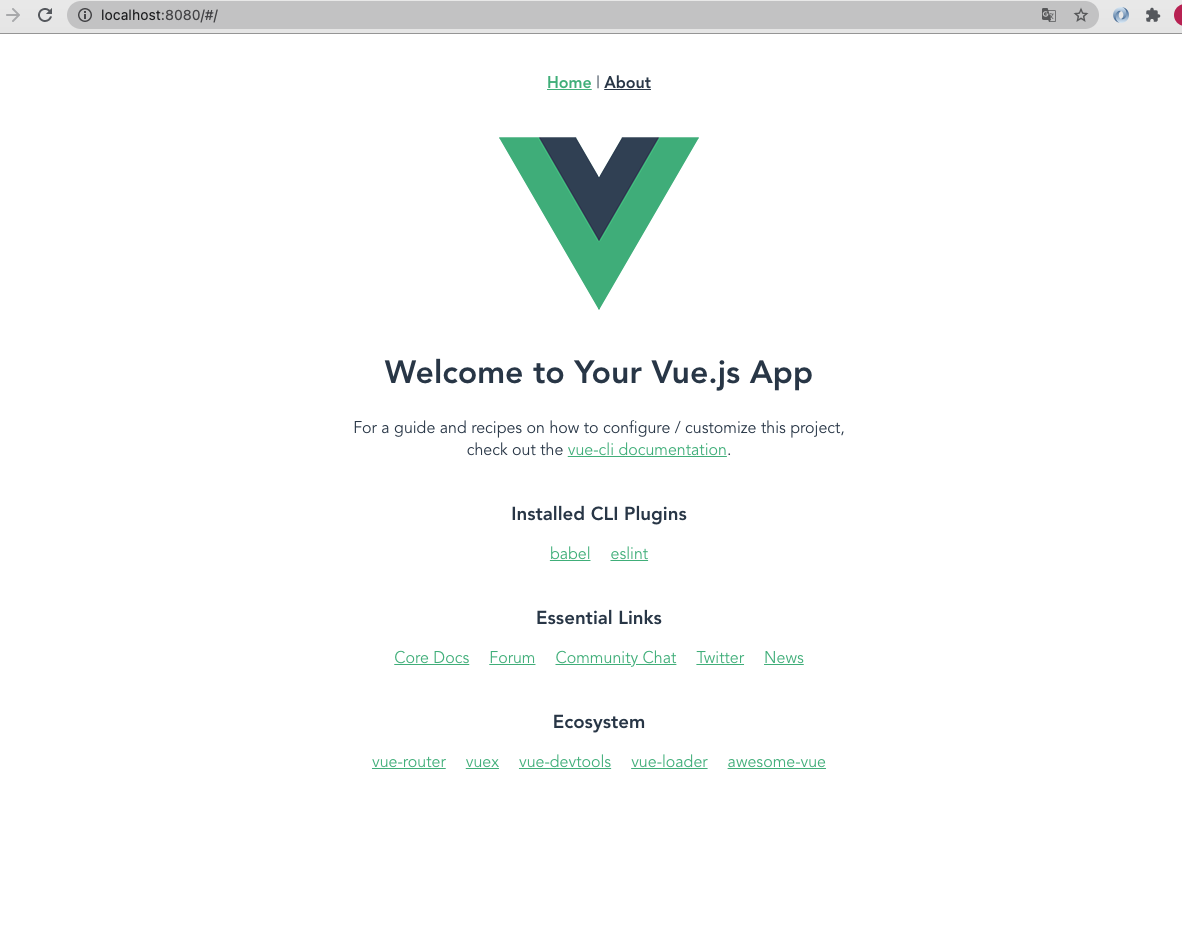
       cd 项目名

       npm run dev

*/
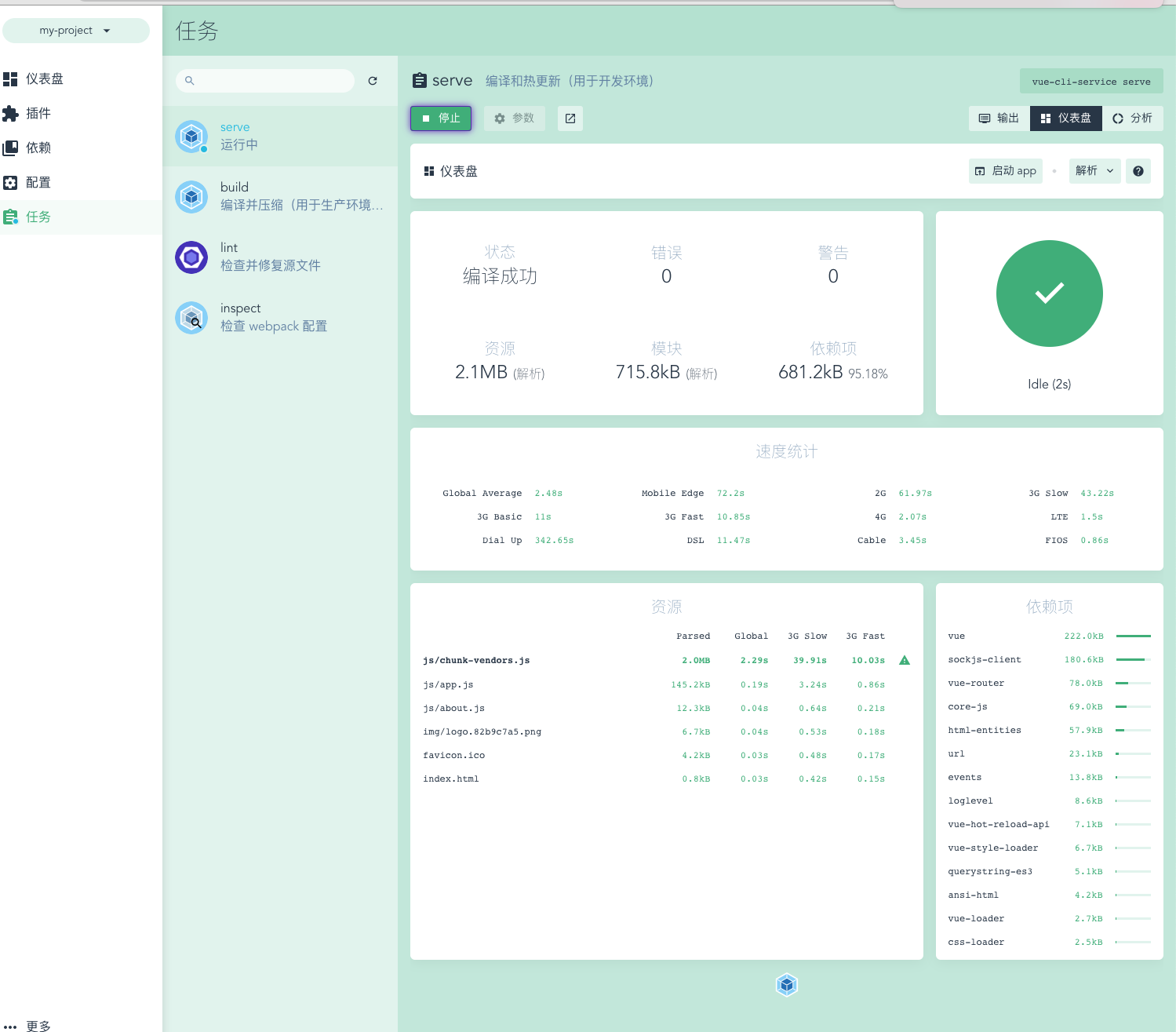
基于UI界面创建Vue项目
/*

		   命令:vue ui

       在自动打开的创建项目网页中配置项目信息。

*/
基于2.x的旧模板,创建Vue项目
/*

		   npm install -g @vue/cli-init

       vue init webpack my-project

*/
分析Vue脚手架生成的项目结构
/*

			    node_modules:依赖包目录

          public:静态资源目录

          src:源码目录

          src/assets:资源目录

          src/components:组件目录

          src/views:视图组件目录

          src/App.vue:根组件

          src/main.js:入口js

          src/router.js:路由js

          babel.config.js:babel配置文件

          .eslintrc.js:

*/
Vue脚手架的自定义配置
/*

		A.通过 package.json 进行配置 [不推荐使用]

				因为package.json主要用来管理包的配置信息, 为了方便维护,推荐将vue脚手架相关的配置,单独定义到vue.config.js配置文件中.

        "vue":{

            "devServer":{

                "port":"9990",

                "open":true

            }

        }

    B.通过单独的配置文件进行配置,创建vue.config.js

        module.exports = {

            devServer:{

                port:8888,

                open:true

            }

        }

*/
Element-UI简介
Element-UI安装
Element-UI:一套基于2.0的桌面端组件库
官网地址:http://element-cn.eleme.io/#/zh-CN
组件库
/*

		   npm install element-ui -S

*/
Element-UI导入使用
/*

		    import ElementUI from "element-ui";

    		import "element-ui/lib/theme-chalk/index.css";

    		Vue.use(ElementUI)

*/

// 复制一段element-ui代码到App.vue上

<el-row>

  <el-button>默认按钮</el-button>

  <el-button type="primary">主要按钮</el-button>

  <el-button type="success">成功按钮</el-button>

  <el-button type="info">信息按钮</el-button>

  <el-button type="warning">警告按钮</el-button>

  <el-button type="danger">危险按钮</el-button>

</el-row>
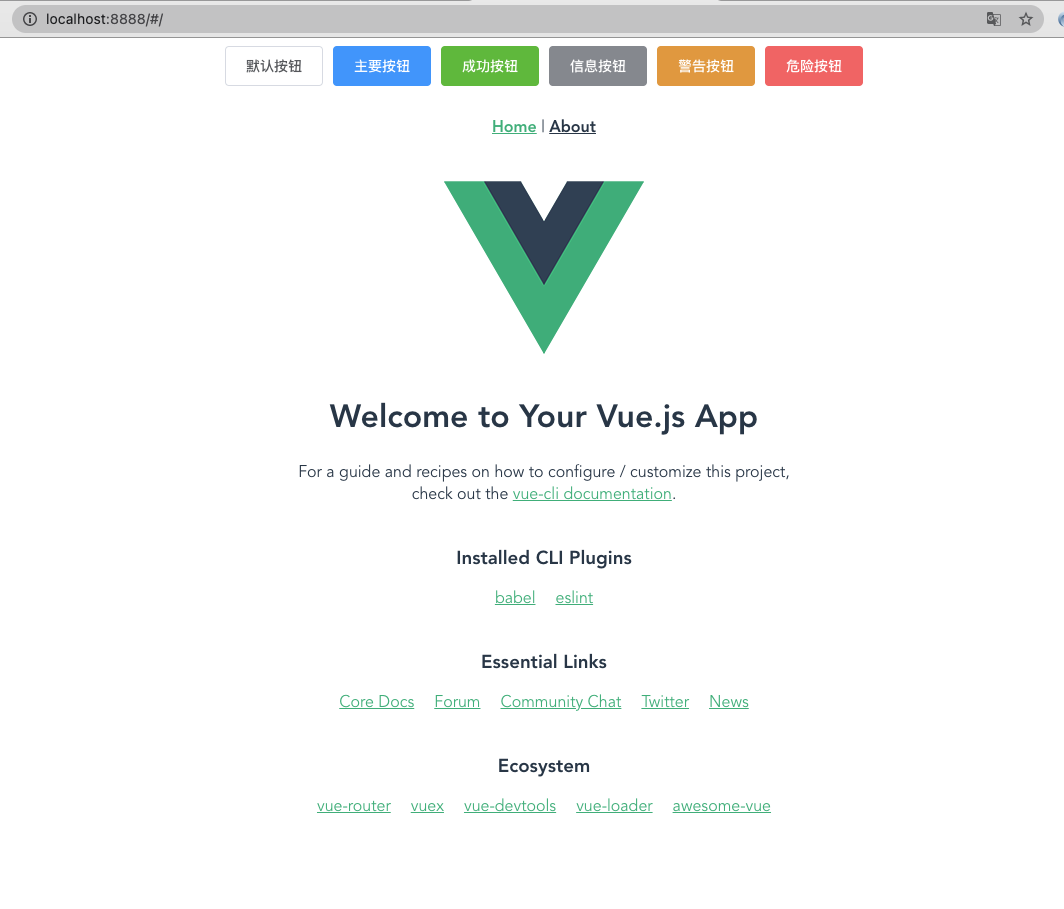
使用请看官网文档,很详细
https://element.eleme.cn/#/zh-CN/component/quickstart
08 . Vue脚手架安装,使用,自定义配置和Element-UI导入使用的更多相关文章
- npm安装使用及vue脚手架安装
公司在前端用vue开发项目,那就学习下啦,第一步,在安装vue-devtools过程中,npm作为官方manual installtion方式,肯定必不可少. NPM是随同NodeJS一起安装的包管理 ...
- vue开发搭建(npm安装 + vue脚手架安装)
一.概念 1.npm: Nodejs下的包管理器. 2.webpack: 它主要的用途是通过CommonJS的语法,把所有浏览器端需要发布的静态资源,做相应的准备,比如资源的合并和打包. 3.vue ...
- vue脚手架安装,新建项目,打包
1.安装node.js 从node官网下载并安装node,安装步骤很简单,只要一路“next”就可以了. 2.安装cnpm 淘宝镜像 npm install -g cnpm --registry=ht ...
- vue脚手架安装步骤vue-cli
1.环境搭建 安装node.js: 从node.js官网下载并安装node,安装过程很简单. npm 版本需要大于 3.0,如果低于此版本需要升级它: # 查看版本 $ npm -v 2.3 ...
- vue脚手架安装
1. 脚手架: 如何: 1. 安装脚手架的工具命令: npm i -g @vue/cli 电脑安装完命令后 : 直接创建 vue create 文件夹名字 2. 用命令反 ...
- vue 脚手架安装
首先安装node.js npm 配置全局安装路径和缓存 node 安装路径下新建两个目录,node_cache和node_global npm config set prefix "E:\n ...
- ES中文分词器安装以及自定义配置
之前我们创建索引,查询数据,都是使用的默认的分词器,分词效果不太理想,会把text的字段分成一个一个汉字,然后搜索的时候也会把搜索的句子进行分词,所以这里就需要更加智能的分词器IK分词器了. ik分词 ...
- vue-cli的项目中关于axios的全局配置,结合element UI,配置全局loading,header中做token传输
在src目录中建立plugins文件夹,在文件夹内建立axios.js文件 "use strict"; import Vue from 'vue'; import axios fr ...
- vue 脚手架搭建新项目以及element-ui等vue组件的使用
vue快速搭建项目(前提是你的电脑已经安装了node的环境和vue脚手架安装,不会的自行百度) 1:打开终端: 这里说下此时位置是在User下的lijuntao文件夹下面,我一般会在桌面新建一个文件夹 ...
随机推荐
- swoole一键协程
swoole4.x后支持一键协程 加上后,开启一键协程化后,MySQL.Redis.Curl 等操作会变成异步 IO //此行代码后,文件操作,sleep,Mysqli,PDO,streams等都变成 ...
- centos8环境安装配置rsync
一,查看本地centos的版本: [root@localhost lib]# cat /etc/redhat-release CentOS Linux release 8.1.1911 (Core) ...
- lumen路由
$router->get('/', function () use ($router) { return config('options.author'); }); $router->ge ...
- switch host 切换本地host
百度网盘提取地址 提取码: 753r 下载后放到软件目录即可使用
- ssm整合之web.xml文件
<!DOCTYPE web-app PUBLIC "-//Sun Microsystems, Inc.//DTD Web Application 2.3//EN" " ...
- mock.js 学习
安装 npm install mockjs 使用 // 引入 import Mock from 'mockjs' Mock.setup({ timeout: '200 - 400' }) const ...
- vue组件使用name属性来生成递归组件
先来个简单的数据 1 lists = [{ 2 id: 1, 3 title: '第一层', 4 children: [{ 5 id: 3, 6 title: '第二层', 7 children: [ ...
- 实现多Realm时,可能会出现的问题
问题背景 在实现多Realm时,扩展了ModularRealmAuthenticator 和 UsernamePasswordToken,于是在MyAuthenticationToken token ...
- 专攻知识小点——回顾JavaWeb中的servlet(二)
续前篇... ServletConfig对象 Servlet的配置对象,ServletConfig对象作用域只能在一个Servlet类中使用.每个Servlet类都维护一个ServletConfig对 ...
- JUC---08ForkJion(分支合并)
一.什么是ForkJion Fork/Join框架是Java7提供的并行执行任务框架,思想是将大任务分解成小任务,然后小任务又可以继续分解,然后每个小任务分别计算出结果再合并起来,最后将汇总的结果作为 ...