
【代码笔记】iOS-先选择城市,然后,跳转Tabbar
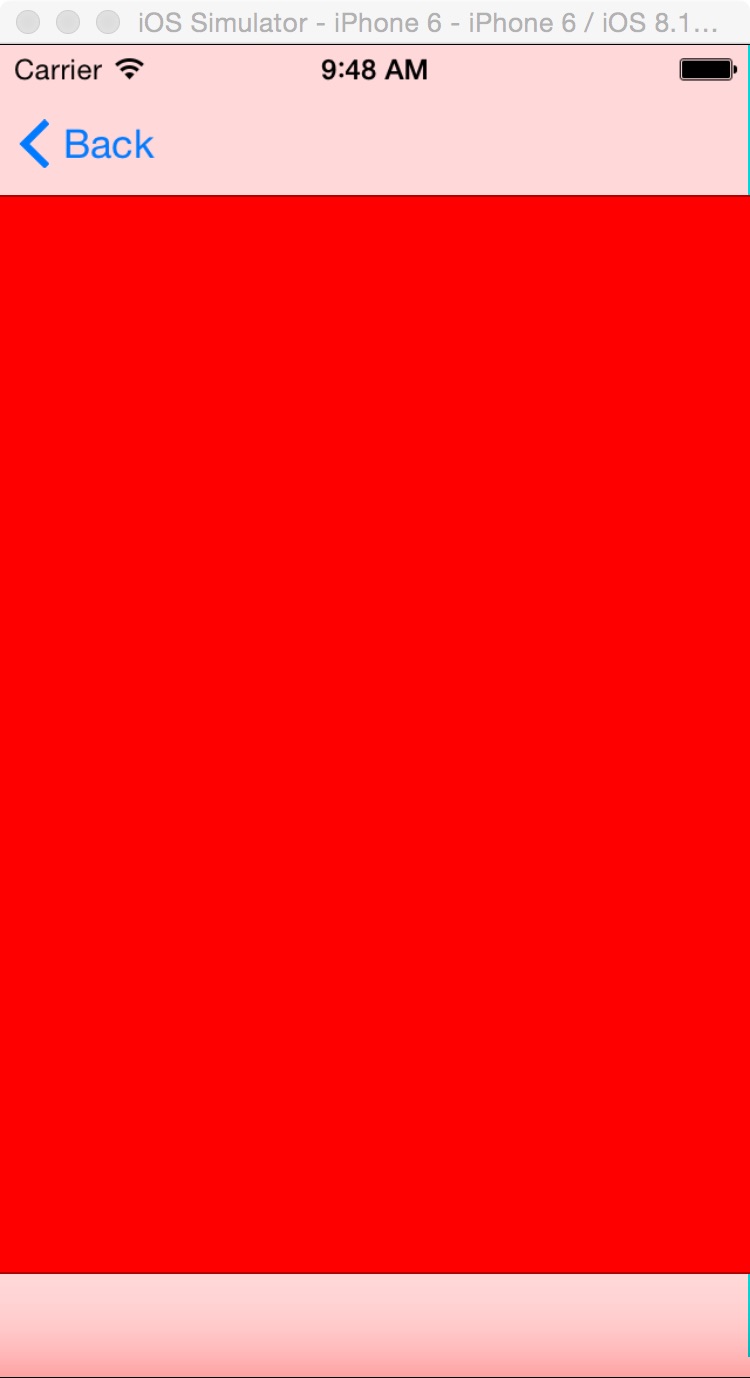
一,效果图。

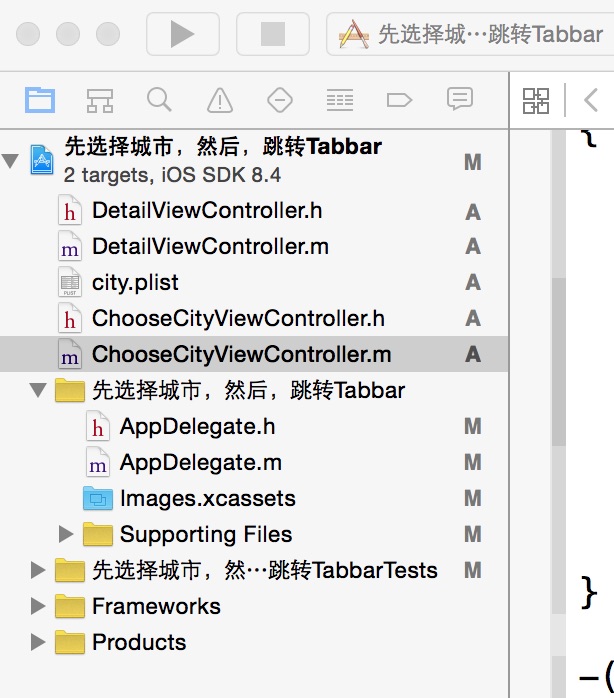
二,工程图。
三,代码。
ChooseCityViewController.h

#import <UIKit/UIKit.h>

@interface ChooseCityViewController : UIViewController

<UITableViewDelegate,UITableViewDataSource>

{

    NSMutableArray * dataArray;

    UITableView * mTableView;

}

@end
ChooseCityViewController.m
#import "ChooseCityViewController.h"

#import "DetailViewController.h"

@interface ChooseCityViewController ()

@end

@implementation ChooseCityViewController

- (id)initWithNibName:(NSString *)nibNameOrNil bundle:(NSBundle *)nibBundleOrNil

{

    self = [super initWithNibName:nibNameOrNil bundle:nibBundleOrNil];

    if (self) {

        // Custom initialization

    }

    return self;

}

- (void)viewDidLoad

{

    [super viewDidLoad];

    // Do any additional setup after loading the view.

    //读取plist文件

    [self readPlistFile];

    //初始化tableView

    [self initTableView];

}

#pragma -mark -functions

-(void)readPlistFile

{

    dataArray = [[NSMutableArray alloc] initWithCapacity:0];

    NSString * path = [[NSBundle mainBundle] pathForResource:@"city" ofType:@"plist"];

    NSDictionary * dict = [[NSDictionary alloc] initWithContentsOfFile:path];

    NSEnumerator * enumerator = [dict keyEnumerator];

    NSString * key;

    while (key = [enumerator nextObject]) {

        NSDictionary * t = [dict objectForKey:key];

        [dataArray addObject:t];

    }

    NSLog(@"%@",dataArray);

}

-(void)initTableView

{

    mTableView = [[UITableView alloc] initWithFrame:self.view.bounds style:UITableViewStylePlain];

    mTableView.delegate = self;

    mTableView.dataSource = self;

    mTableView.autoresizingMask = UIViewAutoresizingFlexibleHeight;

    [self.view addSubview:mTableView];

}

#pragma -UITableViewDelegate

-(NSInteger)tableView:(UITableView *)tableView numberOfRowsInSection:(NSInteger)section

{

    return [dataArray count];

}

-(UITableViewCell *)tableView:(UITableView *)tableView cellForRowAtIndexPath:(NSIndexPath *)indexPath

{

    static NSString * ID = @"cellID";

    UITableViewCell * cell = [tableView dequeueReusableCellWithIdentifier:ID];

    if (cell == nil)

    {

        cell = [[UITableViewCell alloc] initWithStyle:UITableViewCellStyleSubtitle reuseIdentifier:ID];

    }

    NSDictionary *dict = [dataArray objectAtIndex:indexPath.row];

    cell.textLabel.text = [dict objectForKey:@"city_name"];

    return cell;

}

-(void)tableView:(UITableView *)tableView didSelectRowAtIndexPath:(NSIndexPath *)indexPath

{

    NSDictionary * dict = [dataArray objectAtIndex:indexPath.row];

    //把所选择的城市保存到本地

    [[NSUserDefaults standardUserDefaults] setObject:[dict objectForKey:@"city_id"] forKey:@"city_id"];

    [[NSUserDefaults standardUserDefaults] setObject:[dict objectForKey:@"city_name"] forKey:@"city_name"];

    //跳转到另一个有tabbar的页面

    DetailViewController *detail=[[DetailViewController alloc]init];

    [self.navigationController pushViewController:detail animated:NO];

}

- (void)didReceiveMemoryWarning

{

    [super didReceiveMemoryWarning];

    // Dispose of any resources that can be recreated.

}
【代码笔记】iOS-先选择城市,然后,跳转Tabbar的更多相关文章
- 【代码笔记】iOS-点击城市中的tableView跳转到旅游景点的tableView,下面会有“显示”更多。
一,效果图. 二,工程图. 三,代码. RootViewController.h #import <UIKit/UIKit.h> @interface RootViewController ...
- 【代码笔记】iOS-页面之间的跳转效果
一,工程图. 二,代码. RootViewController.m -(void)touchesBegan:(NSSet *)touches withEvent:(UIEvent *)event { ...
- 【代码笔记】iOS-plist获得城市列表
一,工程图. 二,代码. - (void)viewDidLoad { [super viewDidLoad]; // Do any additional setup after loading the ...
- IOS开发笔记 IOS如何访问通讯录
IOS开发笔记 IOS如何访问通讯录 其实我是反对这类的需求,你说你读我的隐私,我肯定不愿意的. 幸好ios6.0 以后给了个权限控制.当打开app的时候你可以选择拒绝. 实现方法: [plain] ...
- h5手机端下拉选择城市
<!doctype html><html> <head> <meta http-equiv="Content-Type& ...
- jquery实现输入框聚焦,键盘上下键选择城市
在最近有个项目中 需要实现当文本框聚焦的时候,可以键盘上下键选择内容,按enter键的时候,把内容传到输入框中,如图所示: 实现代码如下: /** *输入框聚焦,键盘上下键选择城市 */ ;(func ...
- 【hadoop代码笔记】hadoop作业提交之汇总
一.概述 在本篇博文中,试图通过代码了解hadoop job执行的整个流程.即用户提交的mapreduce的jar文件.输入提交到hadoop的集群,并在集群中运行.重点在代码的角度描述整个流程,有些 ...
- 笔记-iOS 视图控制器转场详解(上)
这是一篇长文,详细讲解了视图控制器转场的方方面面,配有详细的示意图和代码,为了使得文章在微信公众号中易于阅读,seedante 辛苦将大量长篇代码用截图的方式呈现,另外作者也在 Github 上附上了 ...
- IOS 如何选择delegate、notification、KVO?
IOS 如何选择delegate.notification.KVO? 博客分类: IOS 前面分别讲了delegate.notification和KVO的实现原理,以及实际使用步骤,我们心中不禁有 ...
随机推荐
- AOE网的关键路径的计算
求关键路径,只需理解顶点(事件)和边(活动)各自的两个特征属性以及求法即可: Ø 先根据首结点的Ve(j)=0由前向后(正拓扑序列)计算各顶点的最早发生时间 Ø 再根据终结点的Vl(j)等于它的V ...
- 1Z0-053 争议题目解析86
1Z0-053 争议题目解析86 考试科目:1Z0-053 题库版本:V13.02 题库中原题为: 86.Your production database is running in archivel ...
- php中调用WebService接口
一.背景 调用第三方短信提供商的WebService接口. 二.介绍 1.WebService三要素: SOAP(Simple Object Access Protocol) 用来描述传递信息的格式 ...
- T-SQL CROSS APPLY、MERGE
写在前面 刚才看项目里一个存储过程,也是好长时间没有使用Sql Server2008了,好多写法和函数感觉到陌生,这就遇到了CROSS APPLY 和MERGE的语法,两者之前完全没接触过. 所以专门 ...
- 用MVC做支付宝手机网页支付问题
支付宝支付接口手机网页支付 从官网扒下来的demo阿里做得还是相当不错的,只要参数改正确了基本上都是能跑通,WebForm的没什么大问题,这次要讲的主要是几个要注意的问题,因为是用MVC来做. 1.要 ...
- 详解用Navicat工具将Excel中的数据导入Mysql中
第一步:首先需要准备好有数据的excel: 第二步:选择"文件"->"另存为",保存为"CSV(逗号分隔)(*.csv)",将exce ...
- cordova加载层、进度条、文件选择插件
在做cordova项目的时候,感觉应用的响应速度跟原生应用比相差甚远,一个主要问题就是如加载层.进度条等弹出对话框的效率不行.毕竟项目中的这些弹框都是用dom拼成的,dom的渲染效率和原生控件比起来慢 ...
- Microsoft Azure News(6) Azure新F系列虚拟机
<Windows Azure Platform 系列文章目录> 我们知道Azure虚拟机的CPU和内存是固定搭配的,不可以按照用户的想法随意更改. 在有些时候,我们需要虚拟机CPU核心数量 ...
- Azure Application Gateway (2) 面向公网的Application Gateway
<Windows Azure Platform 系列文章目录> 本章将介绍如何创建面向公网的Application Gateway,我们需要准备以下工作: 1.创建新的Azure Reso ...
- CoCreateInstance调用返回代码0x80040154的一种解决方法
引言 前面的一篇博文中总结了开发Windows Thumbnail Handler的一些经验.在公司实际项目中,需要同时针对图片和视频实现缩略图.同时还要在图片和视频文件的顶部加上LOGO.像如下这样 ...