
原生Js_实现广告弹窗
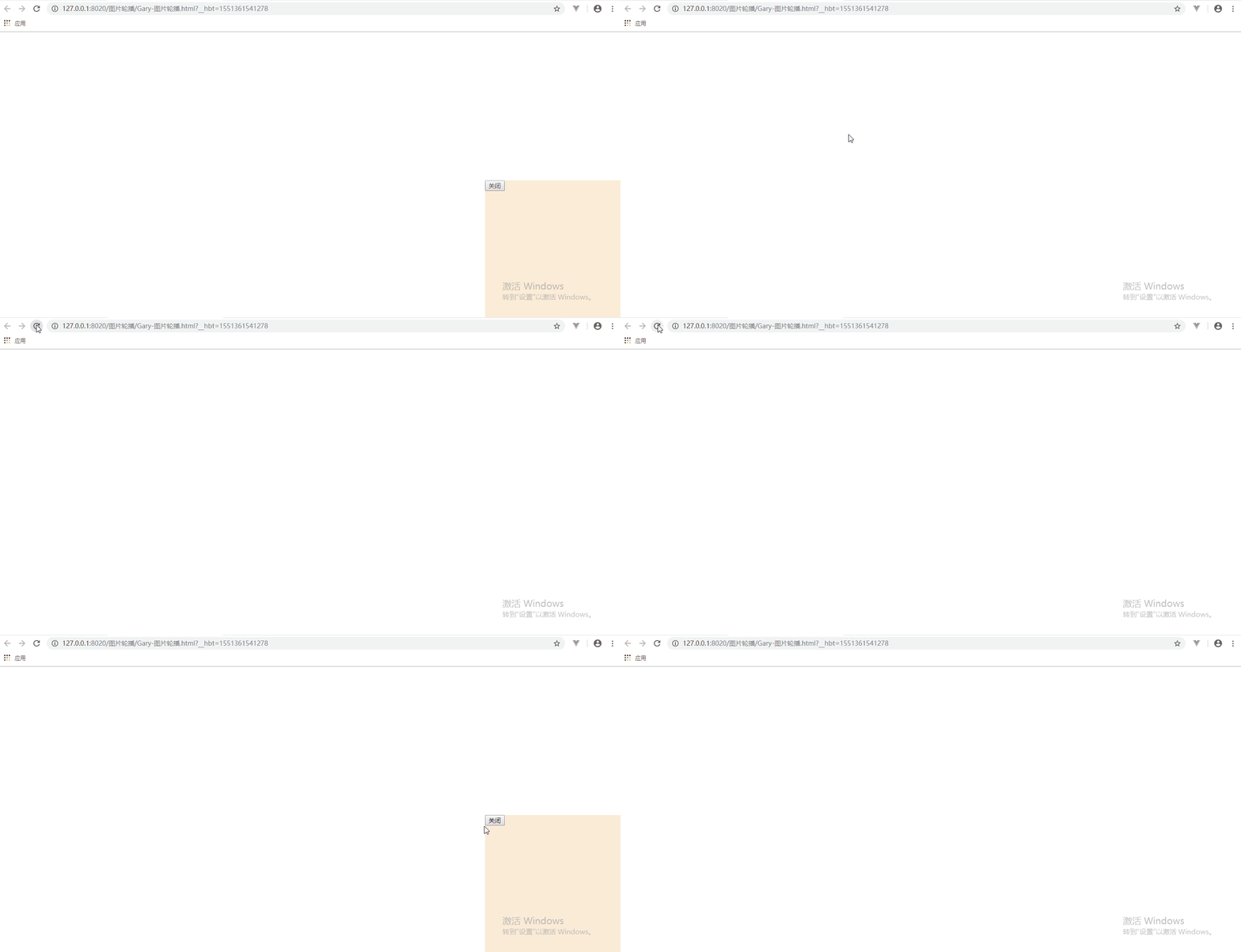
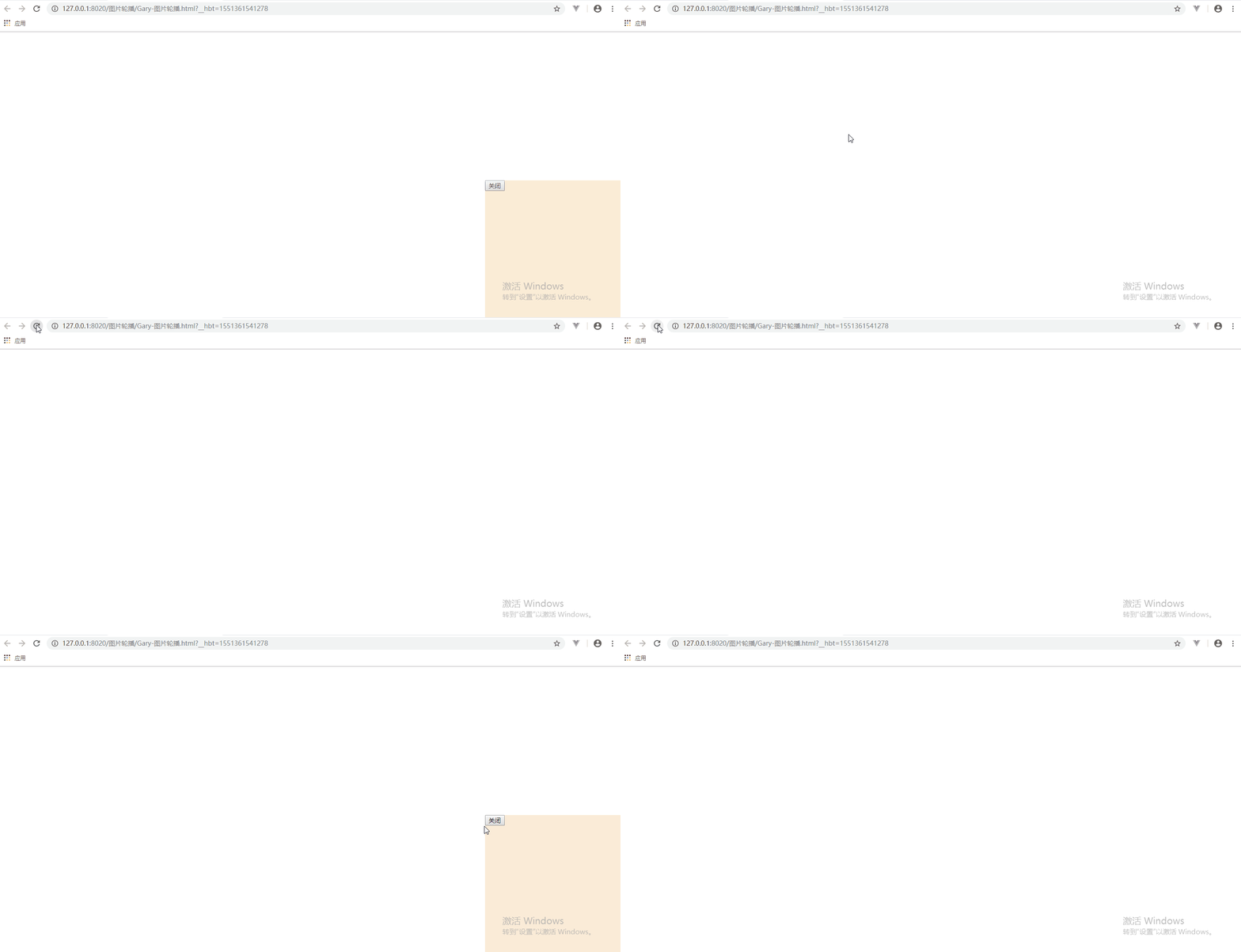
广告样式当页面加载后5s刷新在右下角
<!DOCTYPE html>

<html>

    <head>

        <meta charset="utf-8" />

        <title>Gary图片轮播</title>

        <style type="text/css">

            #ad{

                width:300px;

                height: 300px;

                background-color:antiquewhite;

                /*绝对定位放置到浏览器右下角,即使有下拉条时广告弹窗也不会改变位置*/

                position: fixed;

                bottom:0px;

                right: 0px;

                display: none;

            }

        </style>

        <script type="text/javascript">

            function init(){

                setTimeout(showAd,2000)

            }

            function showAd(){

                var ad = document.getElementById("ad");

                ad.style.display ="block";

            }

            function closeAd(){

                var ad = document.getElementById("ad");

                ad.style.display ="none";

            }

        </script>

    </head>

    <body onload="init()">

            <div id="ad">

                <button onclick="closeAd()">关闭</button>

            </div>

    </body>

</html>
Gary-图片轮播.html
实现过程
设置广告弹窗样式,将广告样式固定与页面右下角
    <body onload="init()">

            <div id="ad">

            </div>

    </body>
<style type="text/css">

            #ad{

                width:300px;

                height: 300px;

                background-color:antiquewhite;

                /*绝对定位放置到浏览器右下角,即使有下拉条时广告弹窗也不会改变位置*/

                position: fixed;

                bottom:0px;

                right: 0px;

                /*display: none;*/

            }

        </style>

设置广告每隔5秒显示出来
            function init(){

                setTimeout(showAd,2000)

            }

            function showAd(){

                var ad = document.getElementById("ad");

                ad.style.display ="block";

            }
添加Button按钮实现广告的关闭
    <body onload="init()">

            <div id="ad">

                <button onclick="closeAd()">关闭</button>

            </div>

    </body>
            function closeAd(){

                var ad = document.getElementById("ad");

                ad.style.display ="none";

            }
<!DOCTYPE html>

<html>

    <head>

        <meta charset="utf-8" />

        <title>Gary图片轮播</title>

        <style type="text/css">

            #ad{

                width:300px;

                height: 300px;

                background-color:antiquewhite;

                /*绝对定位放置到浏览器右下角,即使有下拉条时广告弹窗也不会改变位置*/

                position: fixed;

                bottom:0px;

                right: 0px;

                display: none;

            }

        </style>

        <script type="text/javascript">

            function init(){

                setTimeout(showAd,2000)

            }

            function showAd(){

                var ad = document.getElementById("ad");

                ad.style.display ="block";

            }

            function closeAd(){

                var ad = document.getElementById("ad");

                ad.style.display ="none";

            }

        </script>

    </head>

    <body onload="init()">

            <div id="ad">

                <button onclick="closeAd()">关闭</button>

            </div>

    </body>

</html>
Gary-图片轮播.html
原生Js_实现广告弹窗的更多相关文章
- 原生JS实现各种经典网页特效——Banner图滚动、选项卡切换、广告弹窗等
在制作网页过程中,我们可能会遇到各种常用的经典网页特效,比如Banner图片滚动.选项卡循环播放.右下角广告弹窗.评论提交展示.选项动态增删.剪刀石头布小游戏等等等...是不是感觉都见到过这些场景.那 ...
- js广告弹窗
生活中我们经常遇到一些烦人的广告页面,比方说弹窗,悬浮等等各种广告.有的同事甚至都下一个屏蔽广告插件到浏览器上.这样就防止了广告的干扰. 但是我们学前端的必须是要知道广告弹窗这个做的过程,甚至是它的原 ...
- jQuery实现广告弹窗
首先设置一个固定的窗口位于右下角,效果如下: 代码: jQuery实现广告弹窗.html 之后将该窗口初始设为隐藏,通过代码实现3秒自动显示,5秒自动隐藏,其效果如下: <!DOCTYPE ht ...
- jquery.cookie广告弹窗点击关闭后一天弹一次
jquery.cookie广告弹窗点击关闭后一天弹一次 <!DOCTYPE html PUBLIC "-//W3C//DTD XHTML 1.0 Transitional//EN&qu ...
- JQ广告弹窗&随机抽奖————JQ
1.JQ广告弹窗 <div id="flo"> <img src="image.jpeg"> </div> <scri ...
- 谷歌chrome浏览器www.tradeadexchange.com广告弹窗跳转劫持病毒
近期大量网友出现chrome浏览器被劫持的情况,表现如下: · 点击(访问)任意网站任意链接均有概率弹出www.tradeadexchange.com. · ...
- 原生 js 模拟 alert 弹窗
复制头部的 js 代码到你的 js 文件的任何地方,调用Chef.alert方法传入相应的参数即可并没有什么功能,只是一个提示的作用,可能样式比 alert 的弹窗好看点,css是写在js里的,只要你 ...
- css广告弹窗满屏跑
window.onload=function(){ //广告滚动 var oneInner = $('#divid')[0]; //定时器 var a1a = setInterval(moves,10 ...
- 原生js控制控制--弹窗的显示和隐藏
以防浪费大家的时间,还是先上效果图吧,满足您的需求就往下look吧. 重要知识点:点击其他地方,也就是除了小叉子之外的地方也能够关闭弹窗哦.代码已标红 html代码: <button id ...
随机推荐
- Scala学习三——数组相关操作
一.若长度固定则使用Array,若长度可能有变化则使用ArrayBuffer 固定长度数组: 如val nums=new Array[Int](10) //10个整型数组,所有元素初始化为0; val ...
- Sharepoint 开启App 配置App
如果没有Enable app,打开app store的时候出出现错误: Sorry, apps are turned off. If you know who runs the server, tel ...
- vs2010 回车、退格键等不能用
有时候在vs2010中,突然回退键.回车键.方向键就用不了了,百度一堆方法,最后找到按Alt+Enter,就可以用了.
- EF入门-CRUD操作
一.EF数据查询假设我们已经定义好了context:private AccountContext db = new AccountContext(); 1.[基本查询] 查询所有var users = ...
- HDU3085NightmareII题解--双向BFS
题目链接 http://acm.hdu.edu.cn/showproblem.php?pid=3085 分析 大意就是一个男孩和一个女孩在网格里,同时还有两个鬼,男孩每轮走三步,女孩每轮走一步,与鬼曼 ...
- kbmMW 5.09.00是个必须升级的版本!
这几天遇到的几个问题,从5.08.10升级到5.09.00,自然解决了! 所以建议大家都升级到这个版本. 例如我遇到的问题: 1.在线程中使用ClientQuery注意的问题 2.Invalid pr ...
- Maxwell平滑升级流程
1. 同步配置文件 copy之前的配置文件 2 关掉监控程序 如果有的话 3 kill掉之前的maxwell程序 4 查询已经读取到的position位置,然后重启服务 ...
- stm32定时器计数功能
stm32的外部时钟源模式2和外部时钟源模式1都可以用来实现计数功能,他们的区别是什么呢? 以上2种模式对应不同的管脚输入: 外部时钟源模式2 <-->TIMx_ETR 外部时钟源模式1 ...
- Redis的keyspace notification(键空间通知)
文章来源https://www.cnblogs.com/tinywan/p/5903988.html 一.需求分析: 设置了生存时间的Key,在过期时能不能有所提示? 如果能对过期Key有个监听,如何 ...
- redis 的启动、关闭 判断其是否在运行中
#检查后台进程是否正在运行 ps -ef |grep redis ps aux | grep redis #检测6379端口是否在监听 netstat -lntp | grep 6379 #使用配置文 ...