
jQuery实现广告弹窗
首先设置一个固定的窗口位于右下角,效果如下:
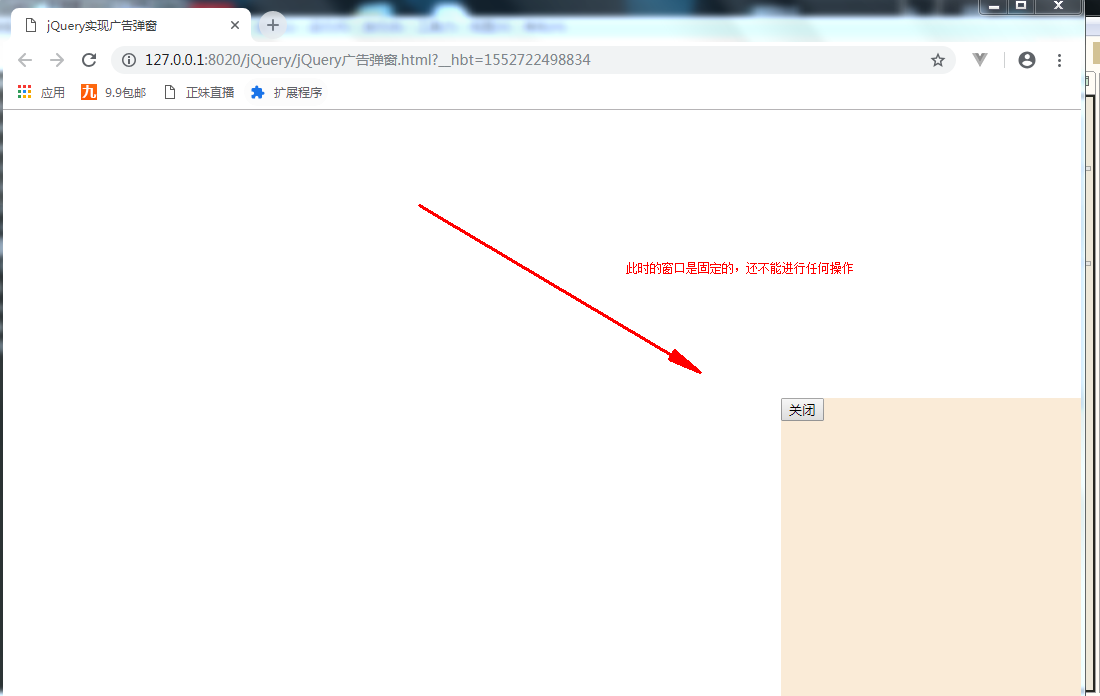
代码:
jQuery实现广告弹窗.html
之后将该窗口初始设为隐藏,通过代码实现3秒自动显示,5秒自动隐藏,其效果如下:

 <!DOCTYPE html>

 <html>

     <head>

         <meta charset="UTF-8">

         <title>jQuery实现广告弹窗</title>

         <script type="text/javascript" src="js/jquery-3.3.1.js" ></script>

         <style type="text/css" >

             #ad{

                 width: 300px;

                 height: 300px;

                 background-color: antiquewhite;

                 position: fixed;

                 bottom: 0;

                 right: 0;

                 display: none;

             }

         </style>

         <script type="text/javascript">

             setTimeout(function(){

                 $("#ad").show();

             },3000);//3秒之后就显示

             setTimeout(function(){

                 $("#ad").hide();

             },5000);//5秒之后就隐藏

     </script>

     </head>

     <body>

         <div id="ad">

             <button>关闭</button>

         </div>

     </body>

 </html>
实现3秒自动显示 5秒自动隐藏.html
最后通过代码实现点击事件,最终效果如下:
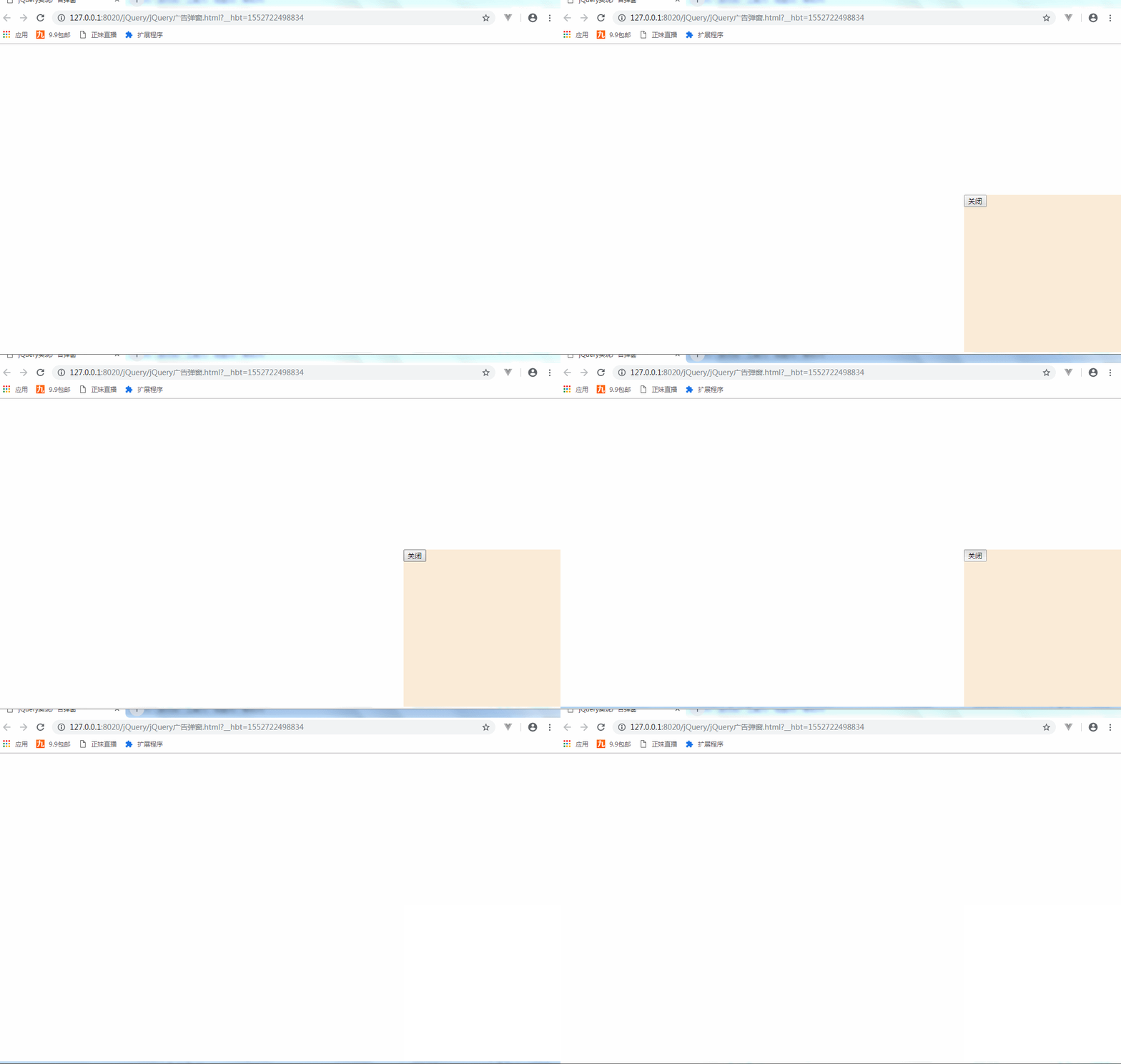
实现通过代码实现点击事件核心代码:
jQuery:
$(function(){

                $("#closeBtn").click(function(){

                    $("#ad").hide();

                });

            });
html:
<button id="closeBtn">关闭</button>
最终所有的代码:
<!DOCTYPE html>

<html>

    <head>

        <meta charset="UTF-8">

        <title>jQuery实现广告弹窗</title>

        <script type="text/javascript" src="js/jquery-3.3.1.js" ></script>

        <style type="text/css" >

            #ad{

                width: 300px;

                height: 300px;

                background-color: antiquewhite;

                position: fixed;

                bottom: 0;

                right: 0;

                display: none;

            }

        </style>

        <script type="text/javascript">

            setTimeout(function(){

                $("#ad").show();

            },3000);//3秒之后就显示

            setTimeout(function(){

                $("#ad").hide();

            },5000);//5秒之后就隐藏

            $(function(){

                $("#closeBtn").click(function(){

                    $("#ad").hide();

                });

            });

    </script>

    </head>

    <body>

        <div id="ad">

            <button id="closeBtn">关闭</button>

        </div>

    </body>

</html>
jQuery实现广告弹窗.html
通过另一种方式执行点击事件来进行窗口的显示与隐藏:

另一种方式执行点击事件来进行窗口的显示与隐藏的核心代码:
 setTimeout(function(){

                $("#ad").toggle()

            },1000);

            $(function(){

                $("#closeBtn").click(function(){

                    $("#ad").toggle();

                });

            });
<!DOCTYPE html>

<html>

    <head>

        <meta charset="UTF-8">

        <title>jQuery实现广告弹窗</title>

        <script type="text/javascript" src="js/jquery-3.3.1.js" ></script>

        <style type="text/css" >

            #ad{

                width: 300px;

                height: 300px;

                background-color: antiquewhite;

                position: fixed;

                bottom: 0;

                right: 0;

                display: none;

            }

        </style>

        <script type="text/javascript">

//            setTimeout(function(){

//                $("#ad").show();

//

//            },3000);//3秒之后就显示

//

//            setTimeout(function(){

//                $("#ad").hide();

//

//            },5000);//5秒之后就隐藏

//            $(function(){

//                $("#closeBtn").click(function(){

//                    $("#ad").hide();

//                });

//            });

            setTimeout(function(){

                $("#ad").toggle()

            },1000);

            $(function(){

                $("#closeBtn").click(function(){

                    $("#ad").toggle();

                });

            });

    </script>

    </head>

    <body>

        <div id="ad">

            <button id="closeBtn">关闭</button>

        </div>

    </body>

</html>
通过toggle实现弹窗.html
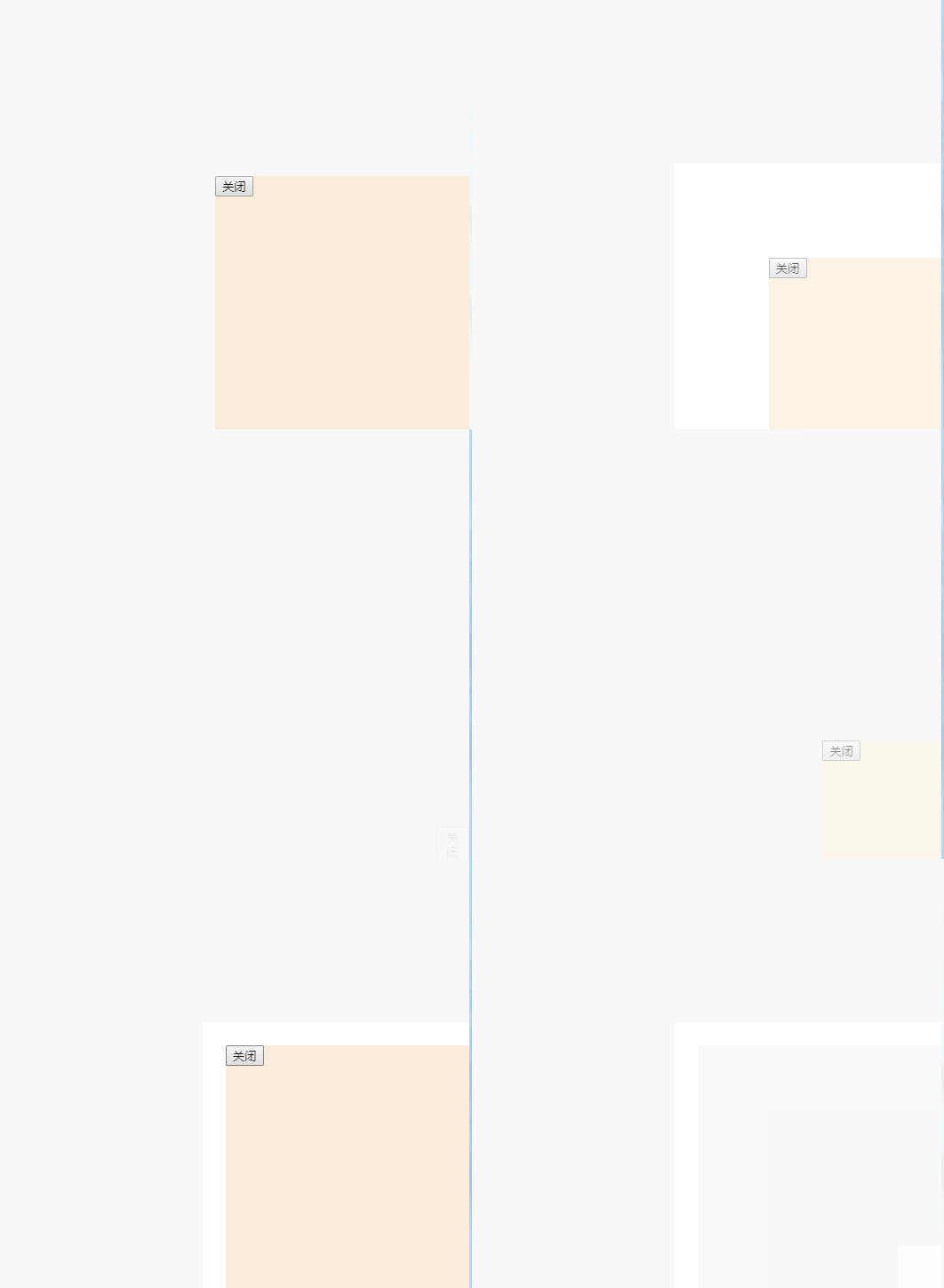
当然也可以实现窗口进行动画的显示:
有这样的几个参数:slow fast 毫秒数(速度)
show() //相当于 display:block
第一个参数slow fast 毫秒数(速度)
第二个参数是回调函数
hide()
第一个参数是速度
第二个参数是回调函数
Toggle
如果是显示的就隐藏
如果是隐藏的就显示
参数slow的效果:

参数fast比参数slow快,效果如下:

参数 毫秒数(速度)自定义 例如:3秒,效果如下:
jQuery实现广告弹窗的更多相关文章
- jquery.cookie广告弹窗点击关闭后一天弹一次
jquery.cookie广告弹窗点击关闭后一天弹一次 <!DOCTYPE html PUBLIC "-//W3C//DTD XHTML 1.0 Transitional//EN&qu ...
- 原生JS实现各种经典网页特效——Banner图滚动、选项卡切换、广告弹窗等
在制作网页过程中,我们可能会遇到各种常用的经典网页特效,比如Banner图片滚动.选项卡循环播放.右下角广告弹窗.评论提交展示.选项动态增删.剪刀石头布小游戏等等等...是不是感觉都见到过这些场景.那 ...
- JQ广告弹窗&随机抽奖————JQ
1.JQ广告弹窗 <div id="flo"> <img src="image.jpeg"> </div> <scri ...
- JQuery实现广告效果(滚动切换)
JQuery实现广告效果(滚动切换) Html+css 效果如上图 代码: <!DOCTYPE html> <html> <head lang="en&qu ...
- js广告弹窗
生活中我们经常遇到一些烦人的广告页面,比方说弹窗,悬浮等等各种广告.有的同事甚至都下一个屏蔽广告插件到浏览器上.这样就防止了广告的干扰. 但是我们学前端的必须是要知道广告弹窗这个做的过程,甚至是它的原 ...
- jQuery手风琴广告展示插件
效果说明:当鼠标移动到已折叠广告的标题后,折叠当前已展开的广告,并同步展开相应的折叠广告.这种Accordion效果,看似简单,但因为存在动画同步的问题,不能简单地用两个animate()来实现.必须 ...
- jQuery的dialog弹窗实现
jQuery实现dialog弹窗: html代码如下: <input type="button" onclick="performances();" va ...
- JQuery漂浮广告代码
<!doctype html><html><head><meta charset="utf-8"><title>jque ...
- 原生Js_实现广告弹窗
广告样式当页面加载后5s刷新在右下角 <!DOCTYPE html> <html> <head> <meta charset="utf-8" ...
随机推荐
- 大牛推荐的10本学习 Python 的好书
Python:蛇亚目蟒科,主要包括分布于非洲及亚洲的无毒蟒蛇. Python:Richard Clabaugh拍摄的恐怖电影,2000年发行. Python:澳大利亚汽车公司. Python:英国偶发 ...
- 建模:通过ES平铺关系型数据库多表的数据
问:建模要从一个限界上下文中来建模,是否可以简单的把几张表进行笛卡尔乘积方式的平铺? 答:不能,原因之一,数据量会急剧增长:原因之二,这样的平铺是毫无意义的,必须要定义一个维度,在这个维度上根据需求约 ...
- ie8以下兼容圆角等css3的属性
<!--[if lt IE 10]> <script type="text/javascript" src="PIE.js"></ ...
- 查看CPU信息
基础知识 示例: 开发机器是1个物理CPU,4核8线程,Intel(R) Core(TM) i7-3770 CPU @ 3.40GHz 基础 i3:2核模拟4线程,无睿频 i5:4核模拟4线程,有睿频 ...
- .Net Core:身份认证组件
类库组件 .NET Core的身份认证使用的类库如下图:常用的 Microsoft.AspNetCore.Authorization Microsoft.AspNetCore.Authorizatio ...
- WebAPI安全
1.Oauth Oauth2.0各语言版本公认框架https://oauth.net/code/
- eclipse显示xml提示
当网速比较慢时,可以添加本地的dtd. window下的preferces,输入xml,找到xml catalog 接着
- sqli-labs(五)——盲注(boolean盲注以及时间盲注)
第八关: 没有查询信息,输入id=1' 报错 ,也没有报错信息,这里应该是个盲注 使用boolean的盲注吧 先判断boolean的盲注可行 输入id=1' and '1'='1' %23 页面正常 ...
- Ajax三级联动
全国省市县查询 html代码 <!doctype html> <html> <head> <meta charset="utf-8"> ...
- Code Review(转)
Code Review是一种通过复查代码提高代码质量的过程,在XP方法中占有极为重要的地位,也已经成为软件工程中一个不可缺少的环节.本文通过对Code Review的一些概念和经验的探讨,就如何进行C ...