
l5-repository基本使用--结合使用artisan
一、从头开始创建
1、执行以下artisan:
php artisan make:entity Student
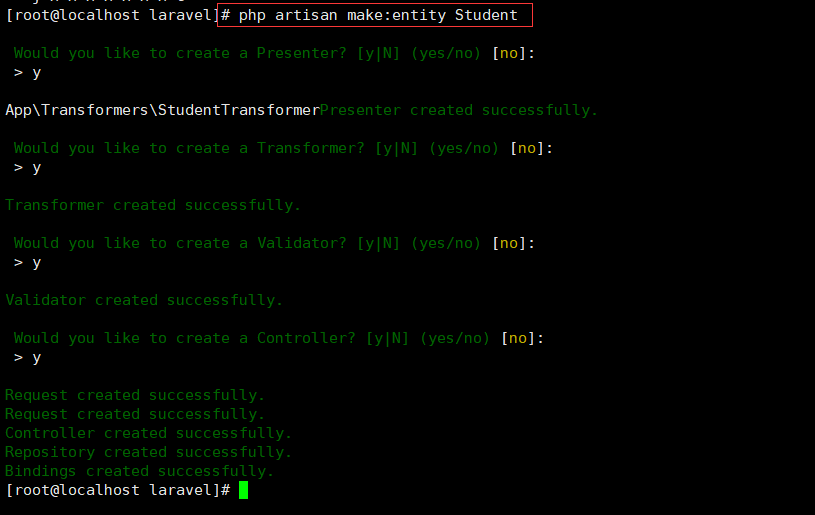
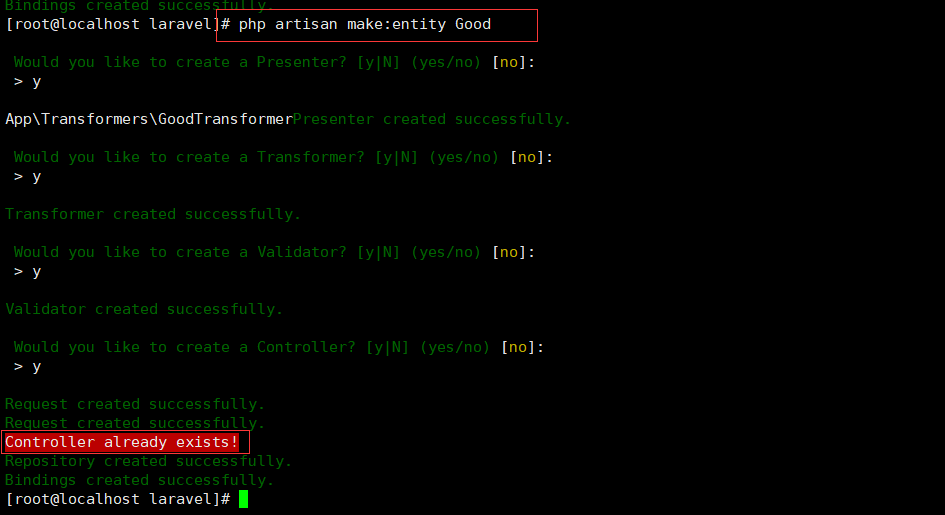
如果某个文件已经存在,则不会创建新的文件去覆盖原有的文件,案例如下:
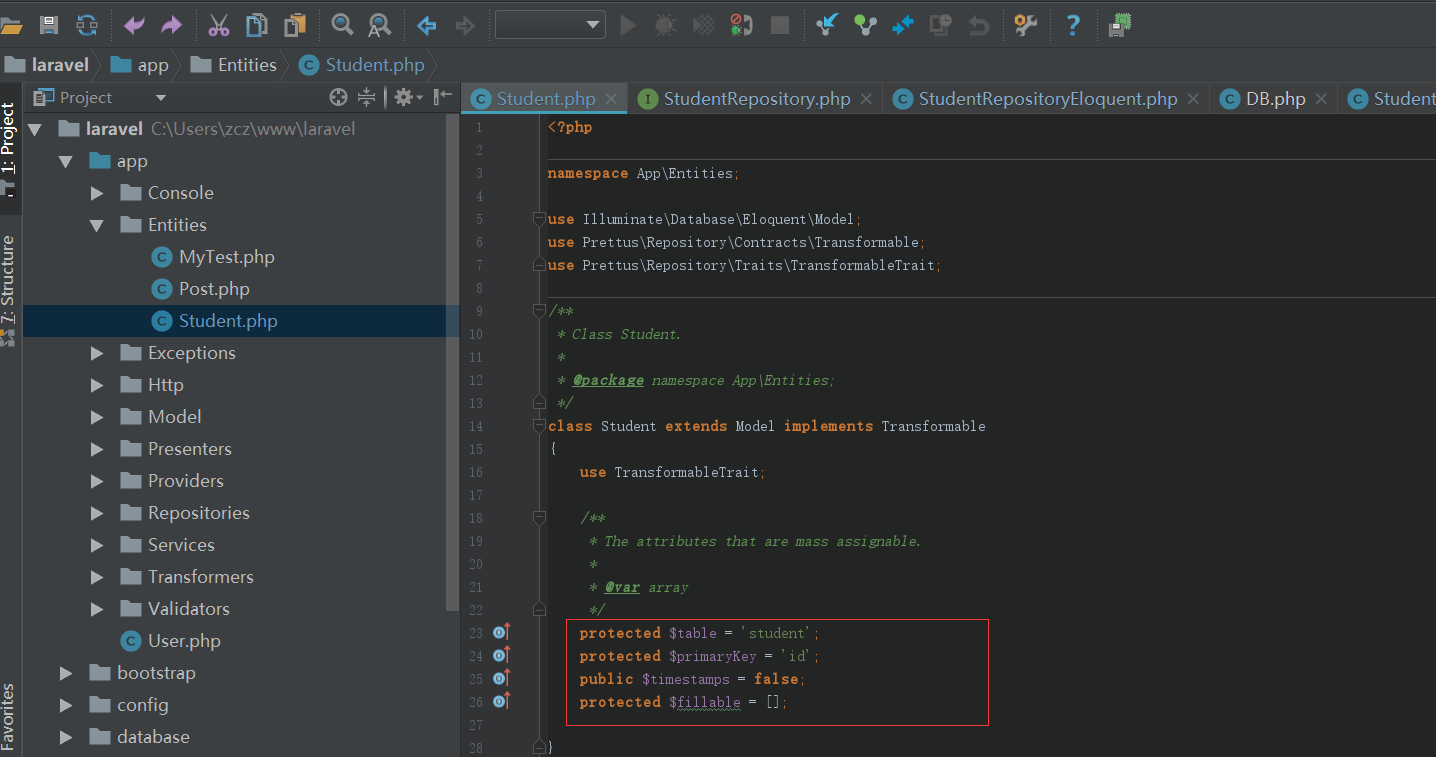
2、修改model:Student.php
    protected $table = 'student';

    protected $primaryKey = 'id';

    public $timestamps = false;

    protected $fillable = [];
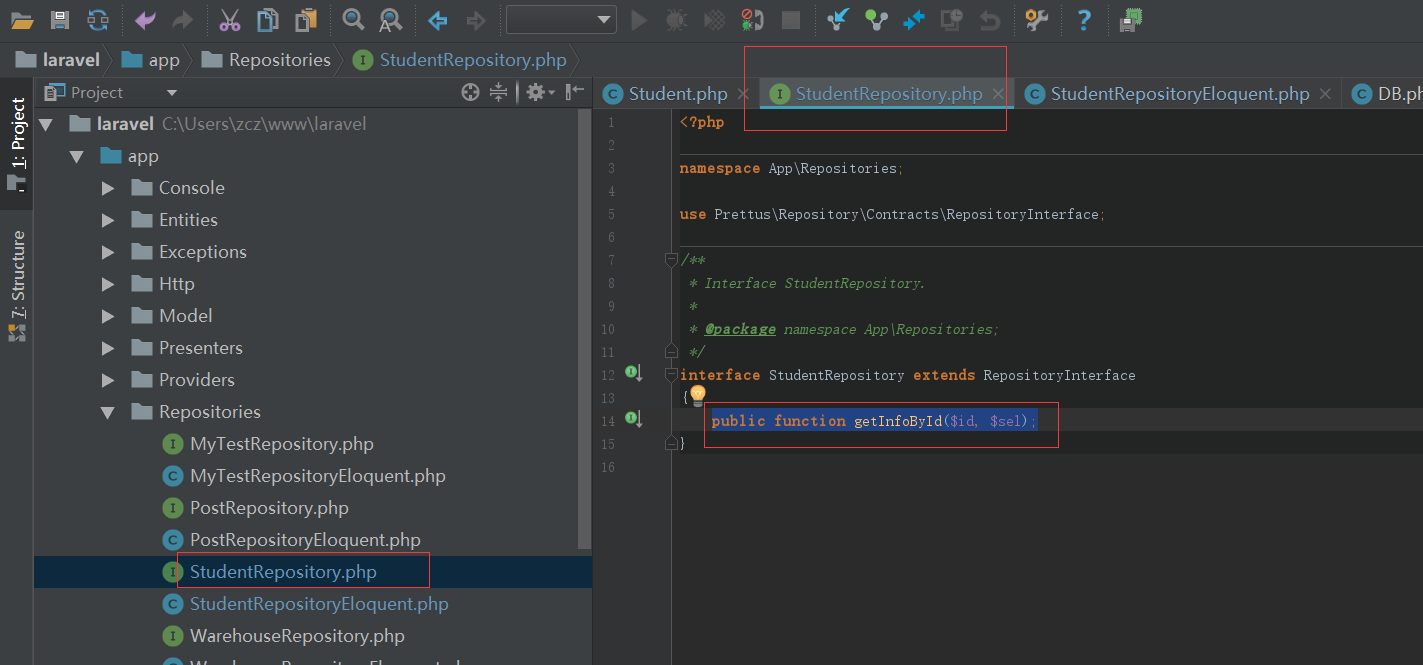
3、StudentRepository.php增加方法:
public function getInfoById($id, $sel);
4、StudentRepositoryEloquent.php添加方法:
use Illuminate\Support\Facades\DB;
    public function getInfoById($id, $sel)

    {

        return $this->model

                    ->select(DB::raw(implode(',', $sel)))

                    ->where('id', $id)

                    ->first();

    }
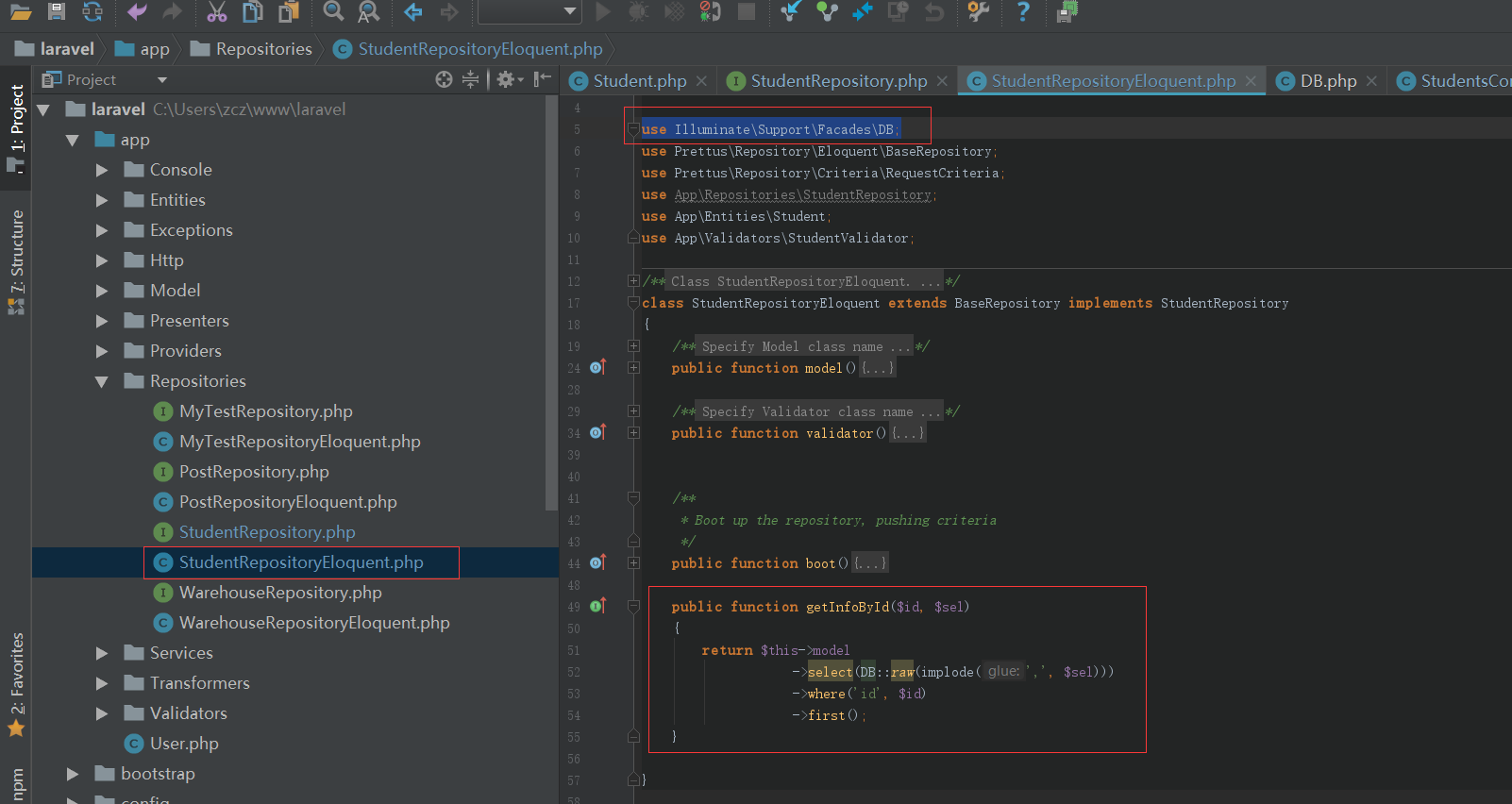
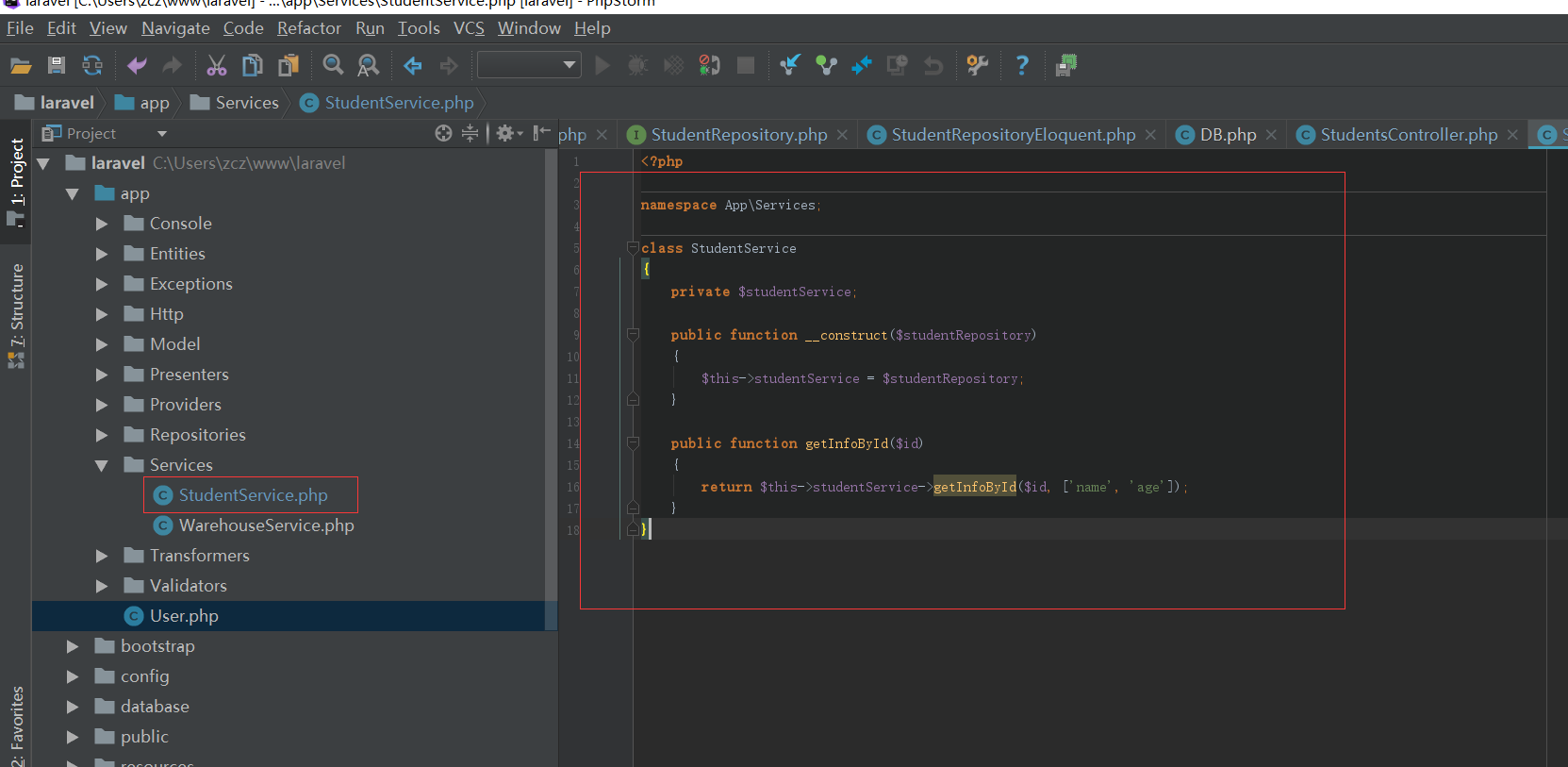
5、新增StudentService.php
<?php

namespace App\Services;

class StudentService

{

    private $studentRepository;

    public function __construct($studentRepository)

    {

        $this->studentRepository = $studentRepository;

    }

    public function getInfoById($id)

    {

        return $this->studentRepository->getInfoById($id, ['name', 'age']);

    }

}
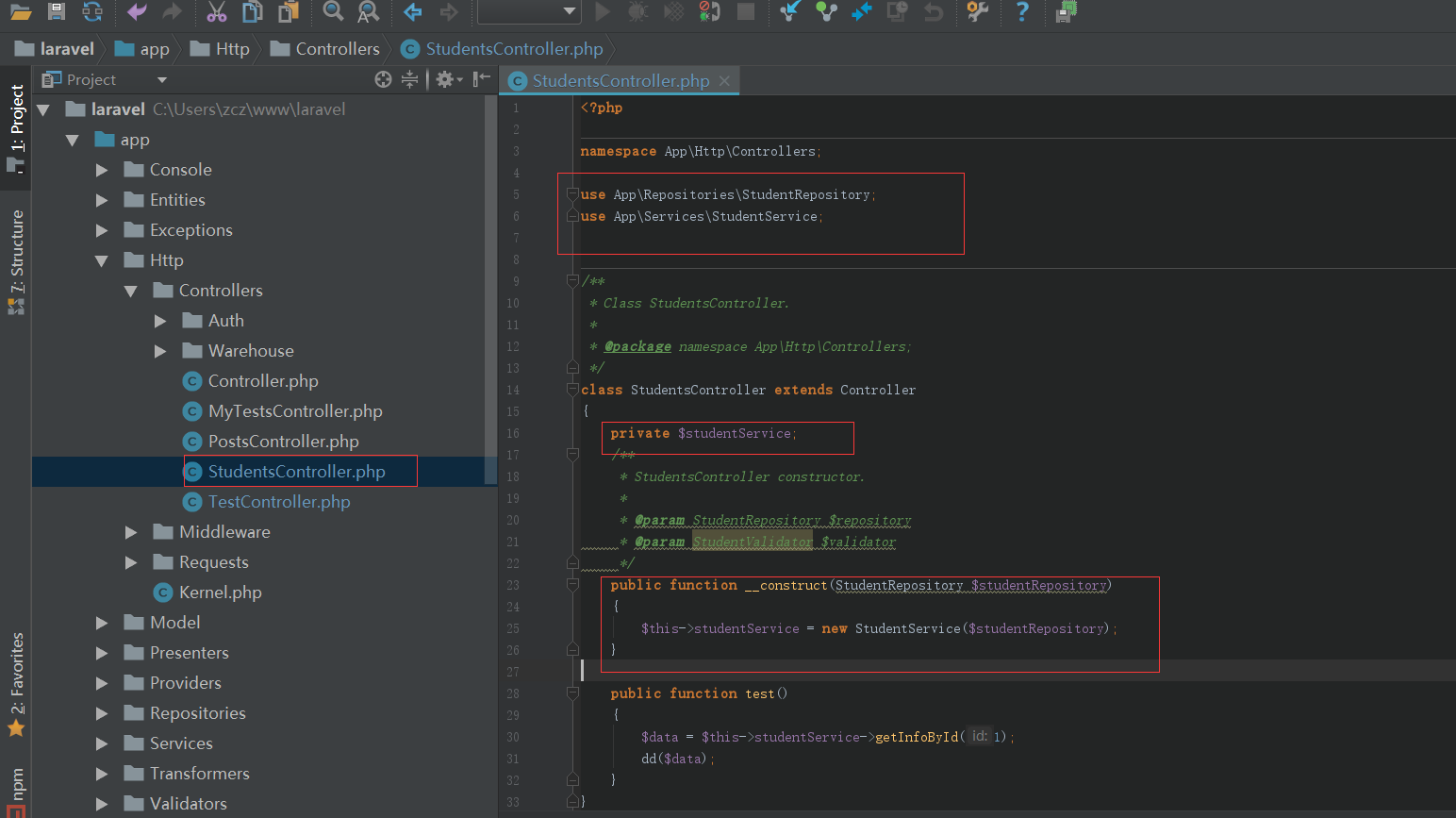
6、修改控制器:StudentsController.php
<?php

namespace App\Http\Controllers;

use App\Repositories\StudentRepository;

use App\Services\StudentService;

/**

 * Class StudentsController.

 *

 * @package namespace App\Http\Controllers;

 */

class StudentsController extends Controller

{

    private $studentService;

    /**

     * StudentsController constructor.

     *

     * @param StudentRepository $repository

     * @param StudentValidator $validator

     */

    public function __construct(StudentRepository $studentRepository)

    {

        $this->studentService = new StudentService($studentRepository);

    }

    public function test()

    {

        $data = $this->studentService->getInfoById();

        dd($data);

    }

}
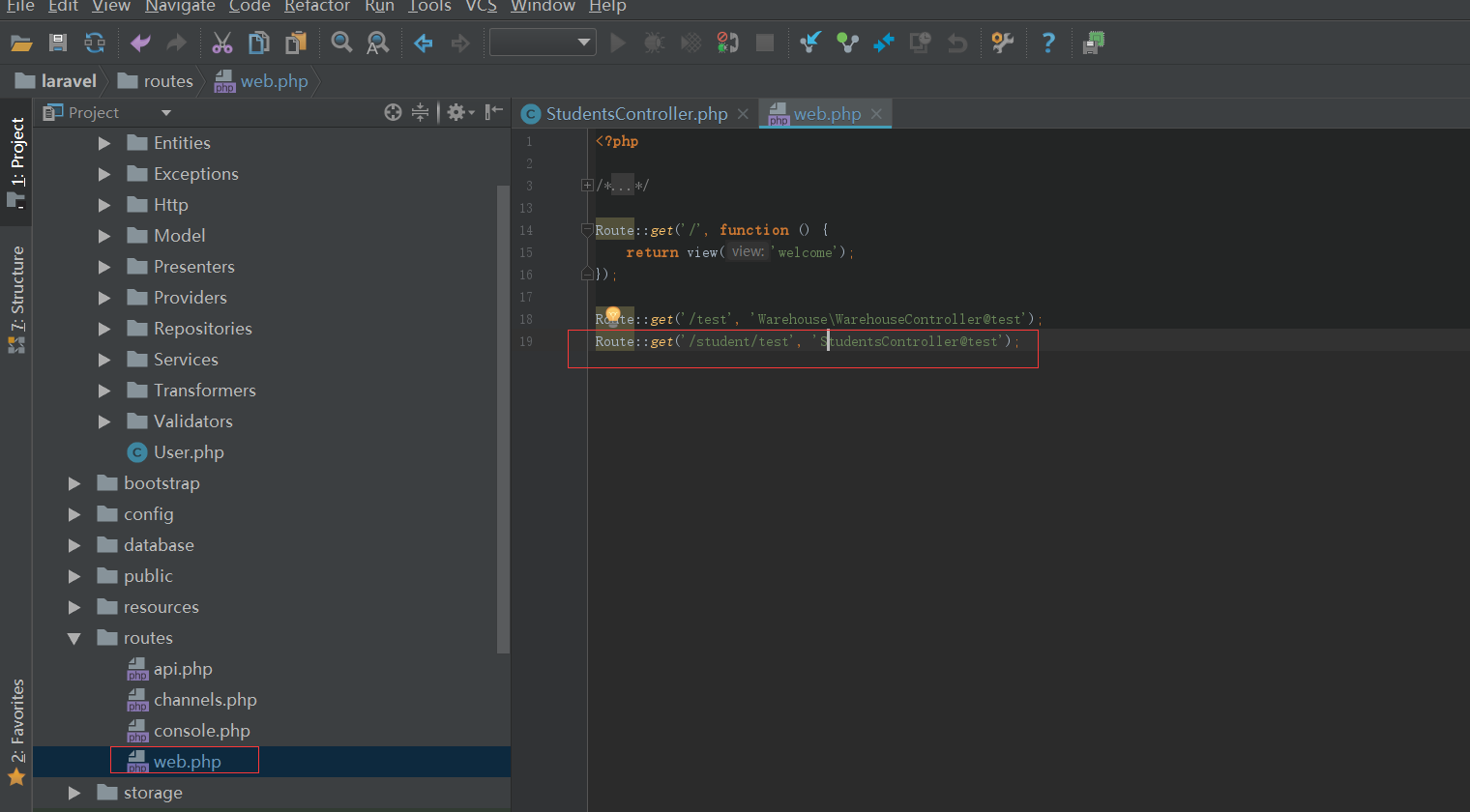
7、然后添加必要的路由,即可获得数据
Route::get('/student/test', 'StudentsController@test');

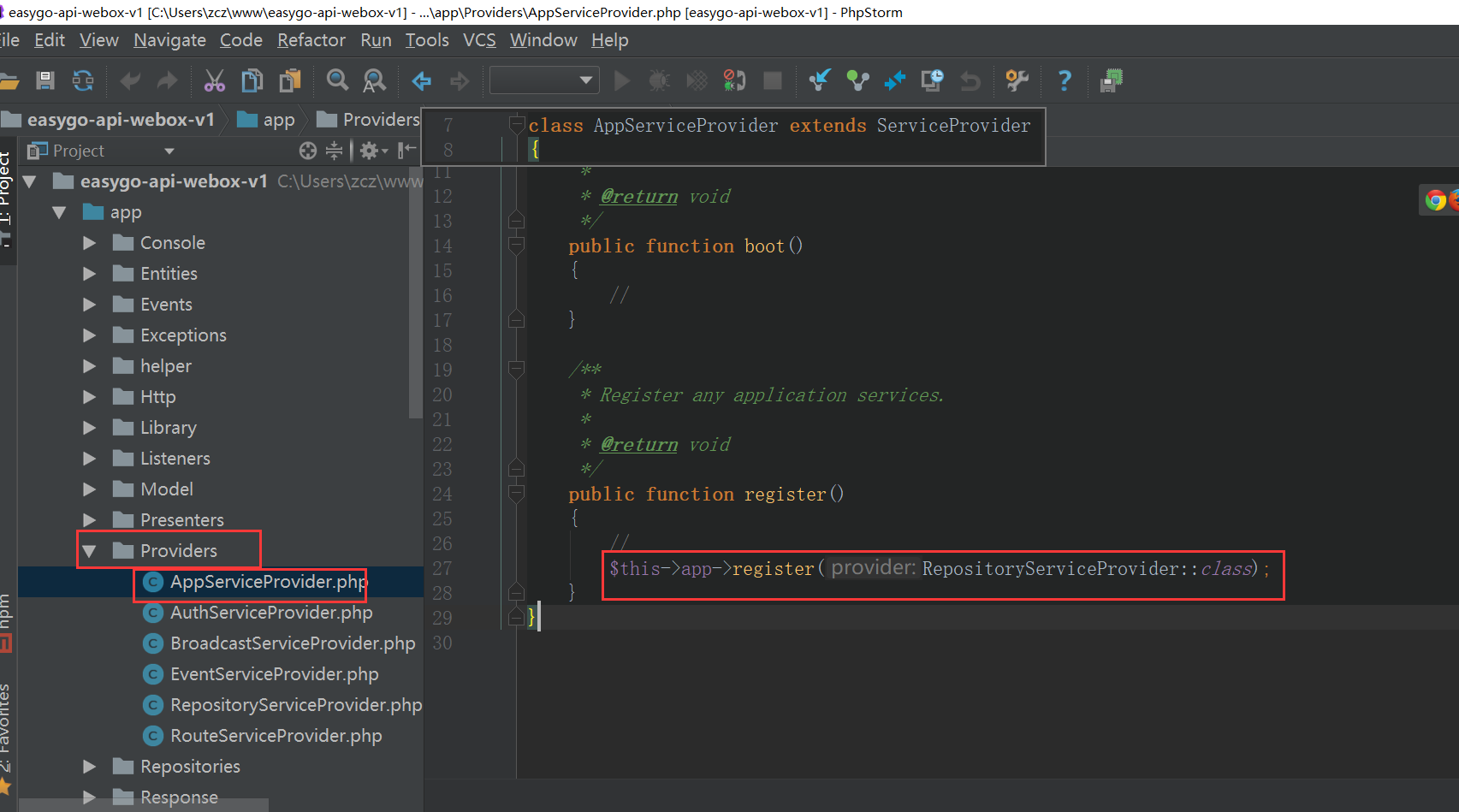
8、注册RepositoryServiceProvider:
l5-repository基本使用--结合使用artisan的更多相关文章
- laravel 开发辅助工具
laravel 开发辅助工具 配置 添加服务提供商 将下面这行添加至 config/app.php 文件 providers 数组中: 'providers' => [ ... App\Plug ...
- laravel 5.0 artisan 命令列表(中文简体)
#php artisan list Laravel Framework version Usage: [options] command [arguments] Options(选项): --help ...
- Lavarel artisan 命令
[alex@iZ25c5aeyiiZ yiqizou3.0]# php artisan list Laravel Framework version Usage: command [options] ...
- Lumen Repository(仓储)
在 Laravel 5 中使用 Repository 模式实现业务逻辑和数据访问的分离:http://laravelacademy.org/post/3063.html Eloquent: 集合:ht ...
- Laravel Repository Pattern
Laravel Repository Pattern The Repository Pattern can be very helpful to you in order to keep your ...
- Laravel 中使用 Repository 模式
在本文中,我会向你展示如何在 Laravel 中从头开始实现 repository 设计模式.我将使用 Laravel 5.8.3 版,但 Laravel 版本不是最重要的.在开始写代码之前,你需要了 ...
- L5 Swagger 使用说明
网上看了看,关于这个扩展介绍很少.今天工作恰好用到,研究了一下,觉得有必要分享一下. 一. 简介: 这个包是Swagger-php和Swagger-ui的封装,适用于Laravel5. 二.版本要求 ...
- Laravel artisan 命令
获取命令列表 php artisan Laravel Framework 7.26.0 Usage: command [options] [arguments] Options: -h, --help ...
- DDD 领域驱动设计-谈谈 Repository、IUnitOfWork 和 IDbContext 的实践(3)
上一篇:<DDD 领域驱动设计-谈谈 Repository.IUnitOfWork 和 IDbContext 的实践(2)> 这篇文章主要是对 DDD.Sample 框架增加 Transa ...
随机推荐
- 你真的懂了redis的数据结构吗?redis内部数据结构和外部数据结构揭秘
原文链接:https://mp.weixin.qq.com/s/hKpAxPE-9HJgV6GEdV4WoA Redis有哪些数据结构? 字符串String.字典Hash.列表List.集合Set.有 ...
- 语句-python while,for
1.while语句-死循环 #死循环,while只有条件为假时才跳出循环 while True: print('一个小苹果') 2.while语句-带有计数格式的循环 #带有计数格式的循环 var = ...
- 安装kibana
下载kibana5.1.1或者5.1.2版本的deb包,然后用dpkg命令安装 安装后启动位置在 /usr/share/kibana/bin中,在该目录下运行 ./kibana 即可启动 启动前应该先 ...
- 跟我一起玩Win32开发(24):计时器
有好些时间没写博客了,今天要来耍一下计时器,就是我们常说的Timer,它虽然不是什么复杂的东西,也称不 上牛X,不过,用处还是不少的,对于那些需要每隔一定时间执行一次的任务,那是相当有用. 先来认识一 ...
- 洛谷P2502[HAOI2006]旅行
题目: Z小镇是一个景色宜人的地方,吸引来自各地的观光客来此旅游观光.Z小镇附近共有N个景点(编号为1,2,3,-,N),这些景点被M条道路连接着,所有道路都是双向的,两个景点之间可能有多条道路.也许 ...
- About set HDU - 4680
https://vjudge.net/problem/HDU-4680 一直想写,终于写完了... 要点: 这个set不需要去重 操作4的做法就是暴力枚举取的数(最开始两个取set中最小两个,设这次取 ...
- 洛谷 P3400 仓鼠窝
卡常 #pragma GCC optimize(2) #include<cstdio> #include<algorithm> #include<cstring> ...
- 168 Excel Sheet Column Title Excel表列名称
给定一个正整数,返回它在Excel表中相对应的列名称.示例: 1 -> A 2 -> B 3 -> C ... 26 -> Z 27 -&g ...
- Android屏幕适配-安卓切图
一.Android中的单位 1.dp(dip):density-independent pixels,这并不是一个绝对的单位,而只是一个相对的概念,代表的是屏幕写对角线上每inch上像素点的个数. 2 ...
- CF778B(round 402 div.2 E) Bitwise Formula
题意: Bob recently read about bitwise operations used in computers: AND, OR and XOR. He have studied t ...