
Google Authentication的实现 - Odoo 安全登录
在前边的一篇文章中,我们提到了利用二次验证增强Odoo登录的可靠性:http://www.cnblogs.com/kfx2007/p/6023991.html
今天我们来具体实现这一步:
后端的实现
我们需要一个地方来存储二次验证的安全码,拓展用户字段:
class res_users(models.Model):

    _inherit='res.users'

    enable_google_auth = fields.Boolean(u'启用Google两步验证')

    otp_str = fields.Char('QR Codes')

    google_auth_img = fields.Binary('Google Authontication QR',compute="_get_qr_img")
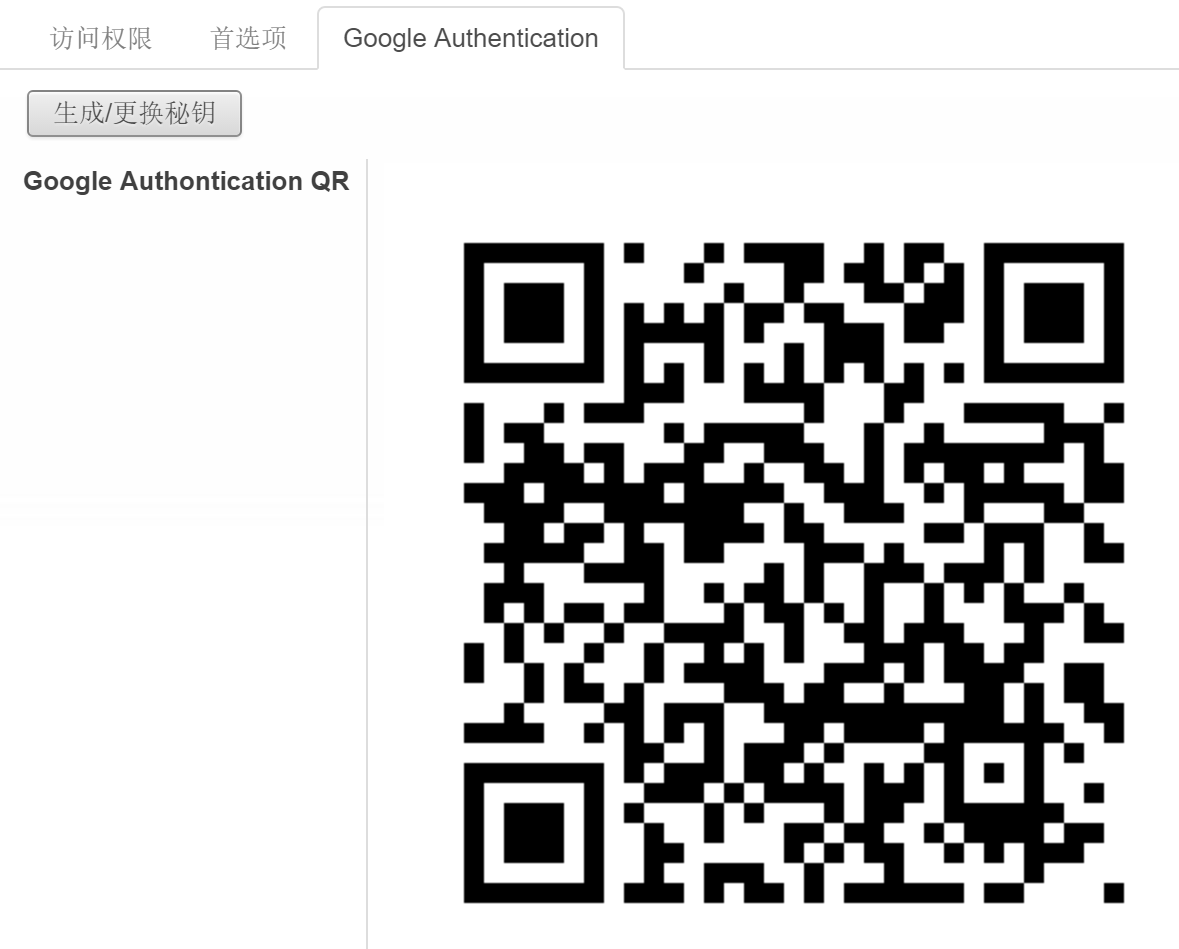
安全码采用随机字符,并用二维码的方式呈现出来:
    @api.one

    def btn_gen(self):

        base32 = pyotp.random_base32()

        self.otp_str = base32

    @api.one

    def _get_qr_img(self):

        #check login

        if '@' not in self.login:

            raise except_orm(_('Error!'),_('Invlid Login!'))

        totp = pyotp.TOTP(self.otp_str)

        qrcodes = totp.provisioning_uri(self.login)

        img = qrcode.make(qrcodes)

        buf = StringIO.StringIO()

        img.save(buf,'PNG')

        self.google_auth_img = buf.getvalue().encode('base64')
这里需要注意的是,web页面并不能直接将python的image展示出来,需要将其用base64 encode之后展示出来。
前端的实现
根据个人需求,前端的验证方式可以有多种,这里以密码+6位随机数字的方式为例:
class google(openerp.addons.web.controllers.main.Home):

    @http.route('/web/login',type='http',auth='public',website=True)

    def web_login(self,*args,**kargs):

        if request.httprequest.method=='POST' and not request.params.get('qsso'):

            #Check Google Authentication

            uids = request.registry.get('res.users').search(request.cr,openerp.SUPERUSER_ID,[('login','=',request.params['login'])])

            qcontext={}

            if not len(uids):

                qcontext['error'] =  _("User doesn't exist! Please contact system administrator!")

            user = request.registry.get('res.users').browse(request.cr,openerp.SUPERUSER_ID,uids)

            if user.enable_google_auth and user.otp_str:

                totp = pyotp.TOTP(user.otp_str)

                otpcode = totp.now()

                check_code = request.params['password'][-6:]

                check_passwd = request.params['password'][:-6]

                if request.params['password'][-6:] == otpcode:

                    request.params['password']=check_passwd

                    return super(google,self).web_login(*args,**kargs)

                else:

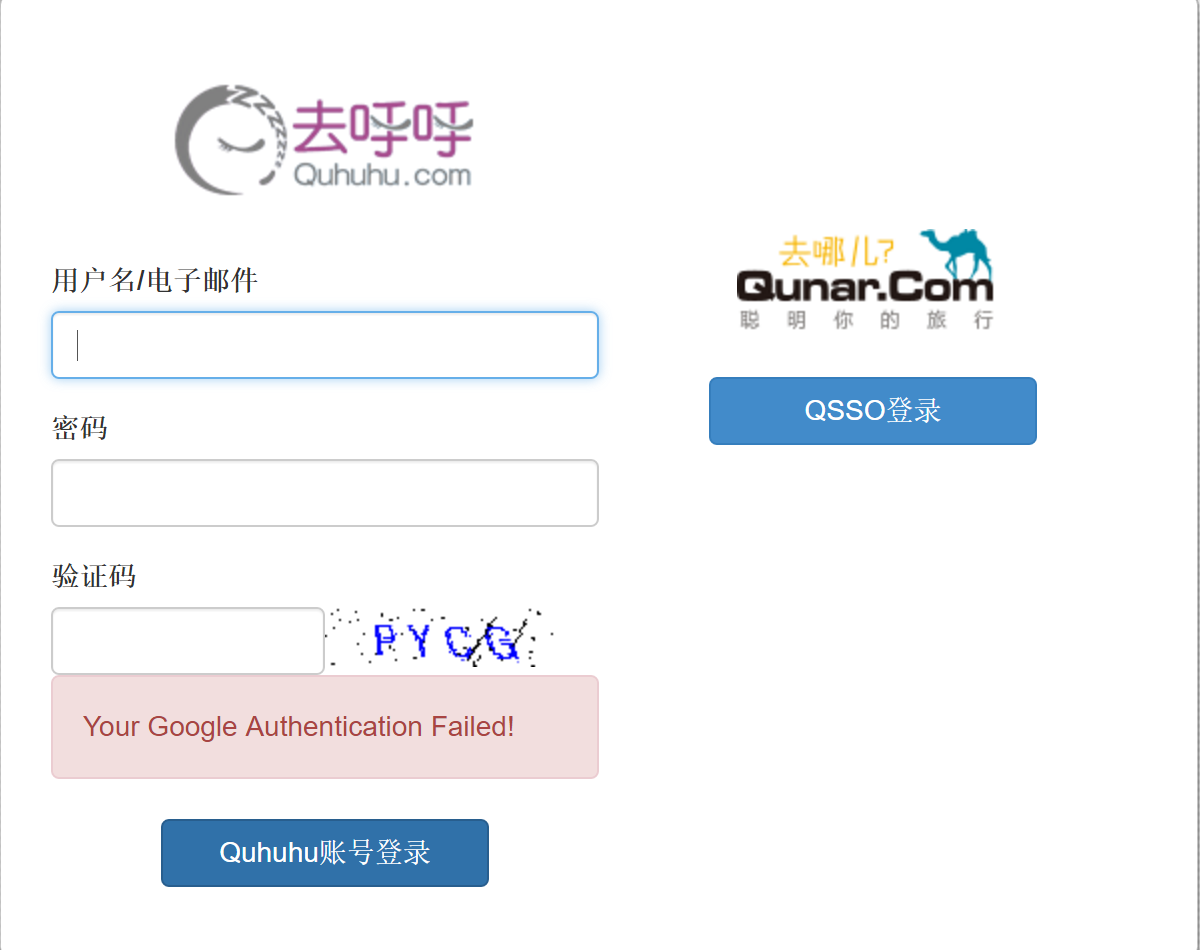
                    qcontext['error'] = 'Your Google Authentication Failed!'

                    return request.render('web.login', qcontext)

        return super(google,self).web_login(*args,**kargs)
主要的思路是当用户传过来的密码 截取后6位与生成的6位验证码进行验证,如果验证通过再去验证前几位的密码字符,否则直接不允许登录。
效果图如下:
登录界面失败以后的界面:
Google Authentication的实现 - Odoo 安全登录的更多相关文章
- ldap + kerberos + google authentication 实现两步验证
第一步:ldap + kerberos 整合 ,参考之前的文章 第二步:google authentication 安装配置,参考之前的文章 第三步:整合 ldap + kerberos + goo ...
- centos 6 SSH配置Google Authentication 验证
创建工作目录: mkdir google-authentication 1. 安装二维码生成依赖 #wget http://fukuchi.org/works/qrencode/qrencode-3. ...
- Google Authentication 机制原理
Google Authenticator,谷歌身份认证器,Google公司推出的一款动态口令工具,旨在解决大家Google账户遭到恶意攻击的问题.该工具主要基于TOTP(Time-Based One- ...
- 利用OTP为odoo增强安全访问
两次验证是广泛应用于各大站点的验证机制,我们今天利用Google Authentication来实现Odoo的两次验证,防止撞库或密码泄露等引起的安全问题. 1. 二次验证的原理 参见 http:// ...
- 【Linux】使用Google Authenticator 实现ssh登录双因素认证
一般来说,使用ssh远程登录服务器,只需要输入账号和密码,显然这种方式不是很安全.为了安全着想,可以使用GoogleAuthenticator(谷歌身份验证器),以便在账号和密码之间再增加一个验证码, ...
- Linux下部署SSH登录时的二次身份验证环境记录(利用Google Authenticator)
一般来说,使用ssh远程登录服务器,只需要输入账号和密码,显然这种方式不是很安全.为了安全着想,可以使用GoogleAuthenticator(谷歌身份验证器),以便在账号和密码之间再增加一个验证码, ...
- Centos6.5SSH登录使用google二次验证
一般ssh登录服务器,只需要输入账号和密码,但为了更安全,在账号和密码之间再增加一个google的动态验证码.谷歌身份验证器生成的是动态验证码,默认30秒更新 工具/原料 CentOS 6.5 X ...
- ssh密码登录+ Google Authenticator 实现双向认证
通常我们直接通过ssh输入密码连接服务器,但这样很容易出现暴力破解情况,所以我们可以结合google的动态认证+ssh密码,这样能够大大的提升登陆的安全. 简单来说,就是当用户通过ssh登陆系统时,先 ...
- Linux下使用Google Authenticator配置SSH登录动态验证码
1.一般ssh登录服务器,只需要输入账号和密码.2.本教程的目的:在账号和密码之间再增加一个验证码,只有输入正确的验证码之后,再输入密码才能登录.这样就增强了ssh登录的安全性.3.账号.验证码.密码 ...
随机推荐
- 关于httpd服务的安装、配置
httpd是Apache超文本传输协议(HTTP)服务器的主程序.通常,httpd不应该被直接调用,而应该在linux系统中由 apachectl 调用.接下来我们将了解有关httpd服务的安装与配置 ...
- 存储过程 Row_number() 分页
---恢复内容开始--- 自己之前一直是使用的通用的存储过程 ,也是封装好的只要传表名 + 条件 等等 来到新环境 让自己写一个存储过程, 没办法 自己就需要写一个咯 之前写的比较多的是 按 top ...
- CentOS7 安装中文帮助手册
1.首先确定系统安装中文字体否 locale 2.rpm安装中文帮助手册 挂在光盘 将man-pages-zh-CN-1.5.2-4.el7.noarch.rpm拷贝到本机 rpm -ivh man- ...
- 非旋treap模板
bzoj3580 非旋转treap 在大神教导下发现split一段区间时先split右边再split左边比较好写 #include <cstdio> #include <cstdli ...
- wap支付宝接口的问题
今天在支付宝接口开发时,遇到的两个坑 第一个: https://doc.open.alipay.com/doc2/detail.htm?spm=a219a.7629140.0.0.8nHr4i& ...
- Jmeter发送Java请求
1.创建一个Java工程 2.把Jmeter的lib\ext目录下的ApacheJMeter_java.jar.ApacheJMeter_core.jar文件添加进该项目的Build Path 3.创 ...
- SVN基本指令
Svn使用: Versions: Cornerstone: 如果命令行不出来,可以设置commonsline Tools 命令行:svn heip 获取服务器端数据 svn checkout 远端ur ...
- 【MySQL】 查询某个数据库有多少张数据表
SELECT COUNT(*) TABLES, table_schema FROM information_schema.TABLES WHERE table_schema = 'performanc ...
- mysql优化
一.优化事项 1. 数据库(表)设计合理 (不合理设计导致内伤) 我们的表设计要符合3NF 3范式(规范的模式) , 有时我们需要适当的逆范式.2. sql语句的优化(索引,常用小技巧 ...
- Git命令参考手册(文本版)
git init # 初始化本地git仓库(创建新仓库) git config --global user.name "xxx" # 配置用户名 git config --glob ...