
Quickstart: Embed a Power BI Report Server report using an iFrame in SharePoint Server
In this quickstart you will learn how to embed a Power BI Report Server report by using an iFrame in a SharePoint page. If you are working with SharePoint Online, Power BI Report Server must be publicly accessible. In SharePoint Online, the Power BI Web Part that works with the Power BI service doesn’t work with Power BI Report Server.
Prerequisites
- You will need to have Power BI Report Server installed and configured.
- You will need to have Power BI Desktop optimized for Power BI Report Server installed.
- You will need to have a SharePoint environment installed and configured.
Creating the Power BI Report Server report URL
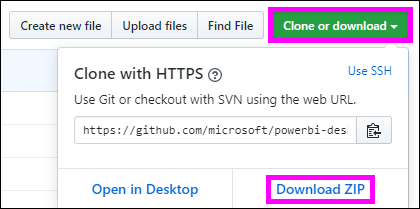
Download the sample from GitHub - Blog Demo.
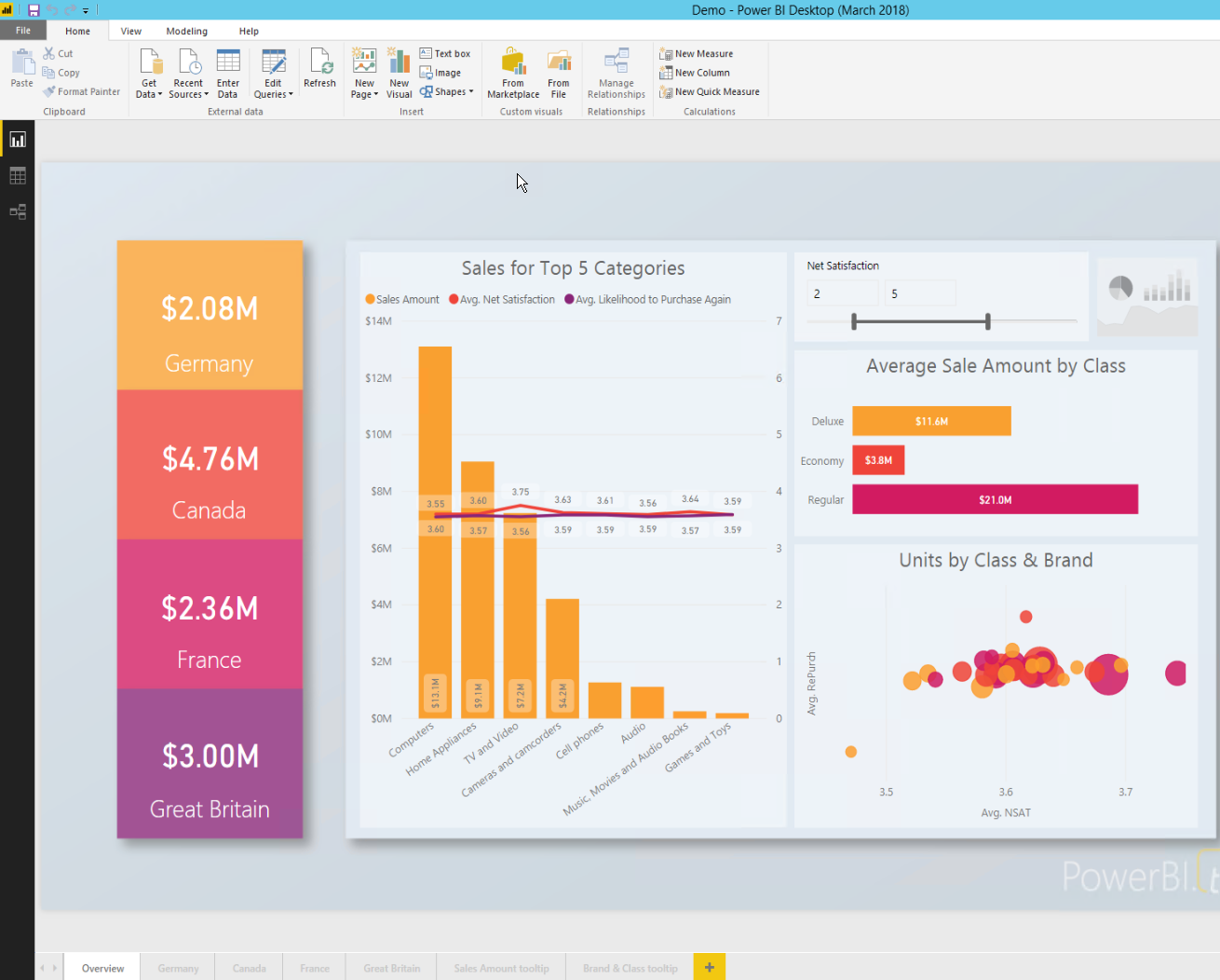
Open the sample PBIX file from GitHub in Power BI Desktop optimized for Power BI Report Server.
Save the report to the Power BI Report Server.

View report in the Web Portal.
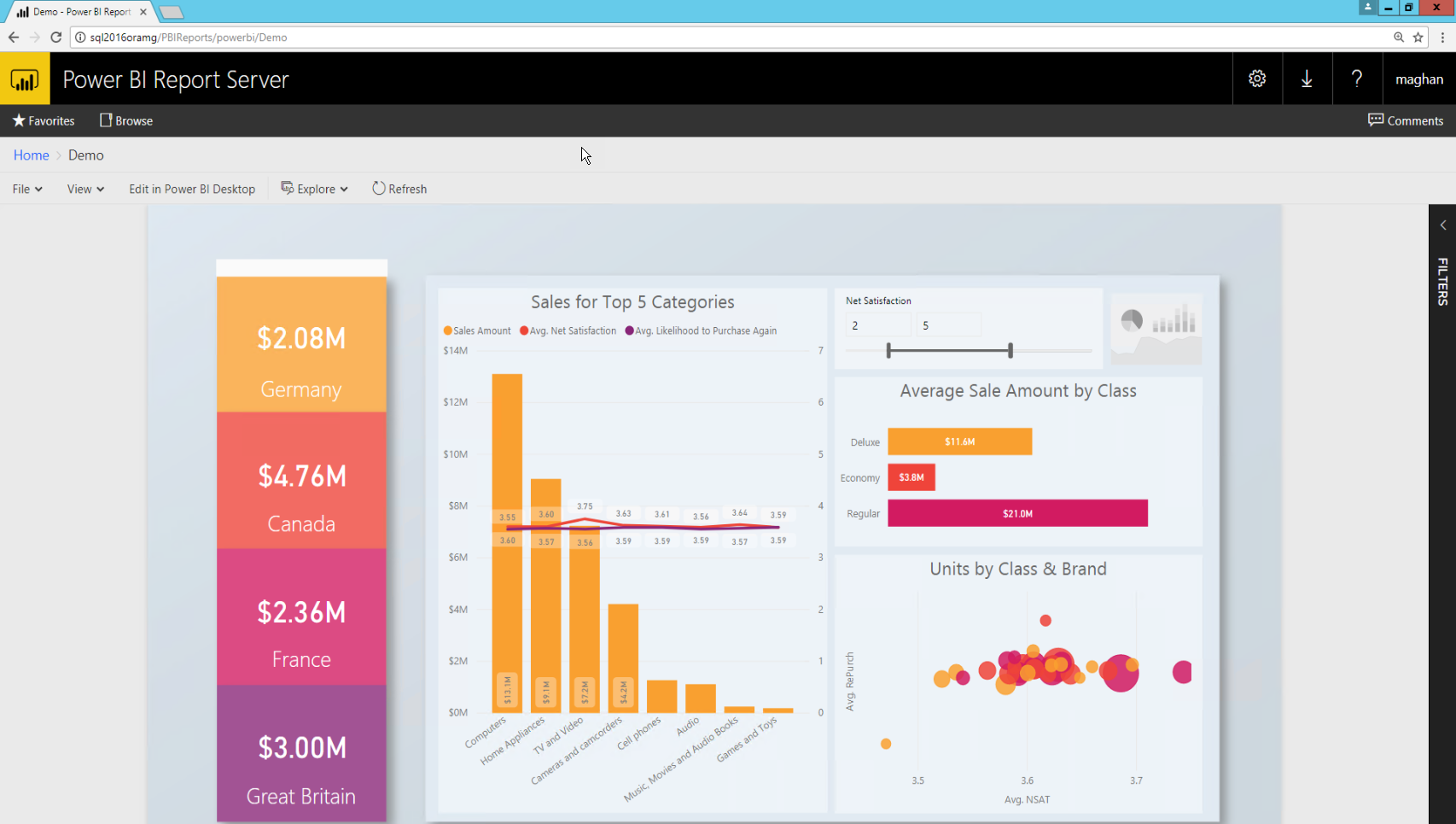
Capturing the URL parameter
Once you have your URL, you can create an iFrame within a SharePoint page, to host the report. For any Power BI Report Server report URL you can add a querystring parameter of ?rs:embed=true to embed your report into an iFrame.
For example: http://myserver/reports/powerbi/Sales?rs:embed=true
Embedding a Power BI Report Server report in a SharePoint iFrame
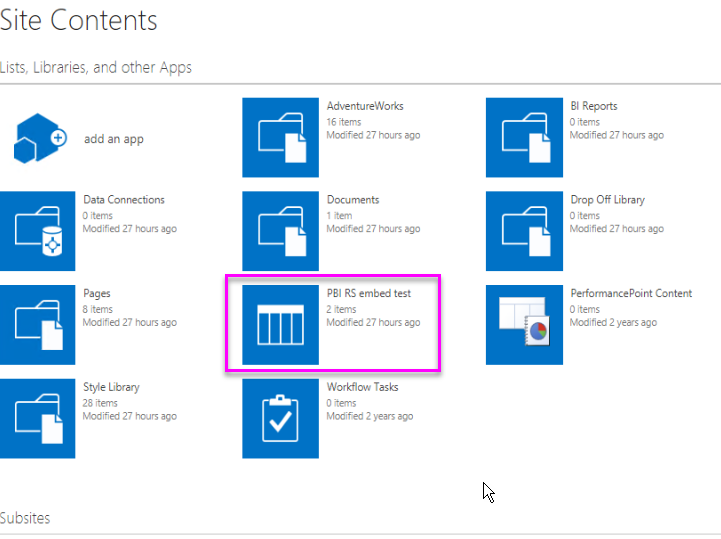
Navigate to a SharePoint Site Contents page.
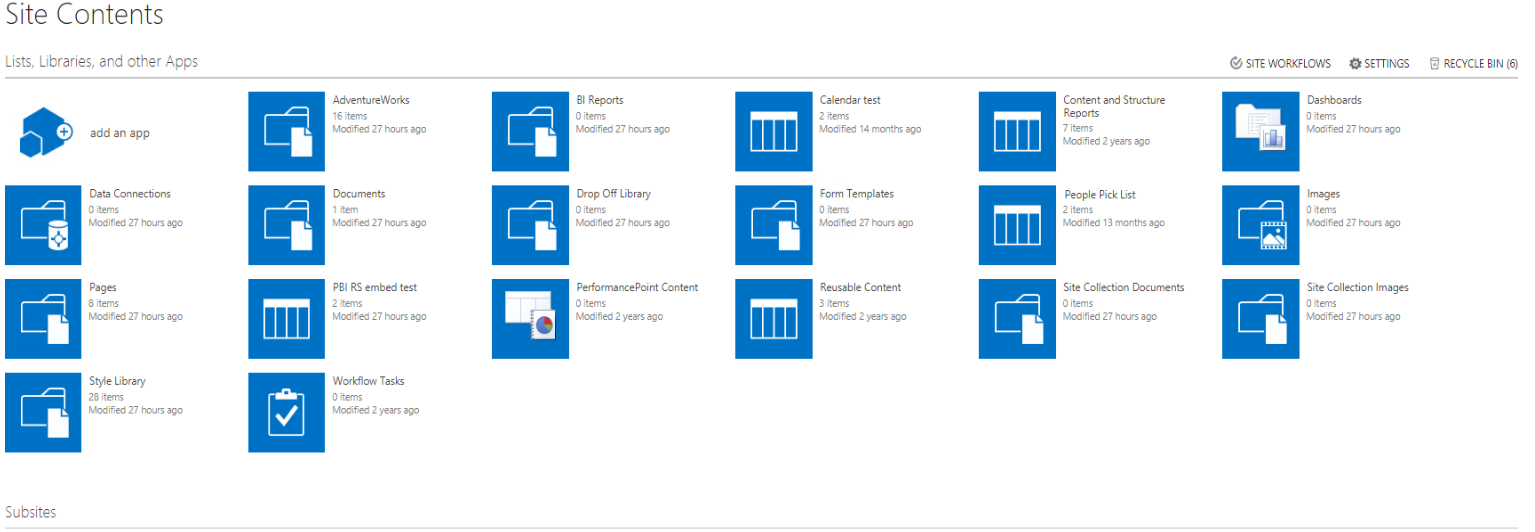
Choose the page where you want to add your report.
Select the gear on the top right and select Edit Page.

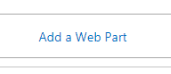
Select Add Web Part.
Under Categories select Media and Content, under Parts, select Content Editor, and then select Add.


Select Click here to add new content.

In the ribbon select the Format Text tab then select Edit Source.

In the Edit Source window paste your iFrame code and select OK.

For example:
Copy<iframe width="800" height="600" src="http://myserver/reports/powerbi/Sales?rs:embed=true" frameborder="0" allowFullScreen="true"></iframe>
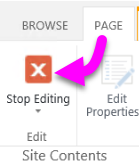
In the ribbon select the Page tab and select Stop Editing.
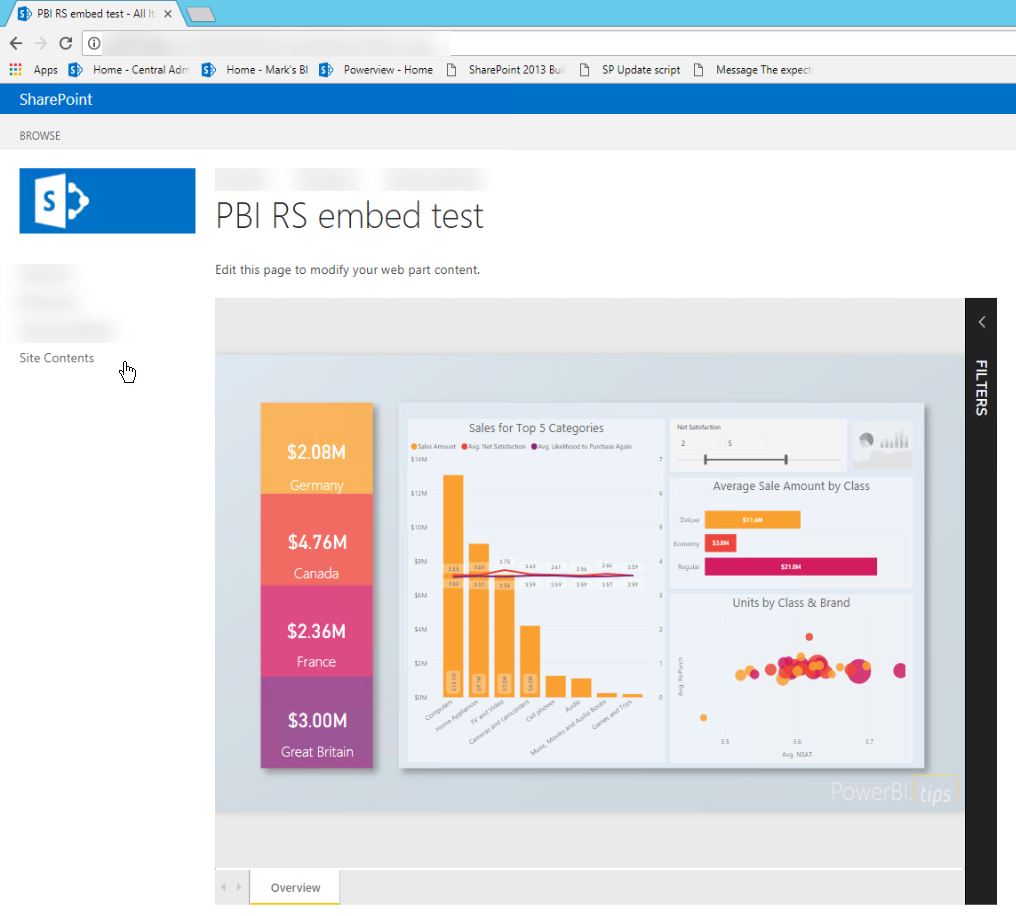
Now you should see the report on the page.
Quickstart: Embed a Power BI Report Server report using an iFrame in SharePoint Server的更多相关文章
- 微软Power BI报表服务器学习总览
今天,微软宣布了8月更新Power BI Report Server!此版本包含一些新功能,包括一些备受期待的项目,如报表主题,条件格式改进和报表页面工具提示. 报告 报告主题 用于触发操作的按钮 组 ...
- 微软Power BI 每月功能更新系列——8月Power BI 新功能学习
Power BI Desktop 8月新功能摘要 Power BI 产品八月发布的新版本又刷新了大家所期待的一些功能,它可以更方便的解决我们从用户那里听到的一些最重要的请求:其中最令人兴奋的是我们的导 ...
- Tutorial: Importing and analyzing data from a Web Page using Power BI Desktop
In this tutorial, you will learn how to import a table of data from a Web page and create a report t ...
- 2019微软Power BI 每月功能更新系列——Power BI 4月版本功能完整解读
Power BI4月份的更新对整个产品进行了重大更新.此版本增加了基于DAX表达式定义视觉效果标题和按钮URL的功能.本月Power BI也新增了许多新的连接器,现在可以使用几种预览连接器,包括Pow ...
- 2019 Power BI最Top50面试题,助你面试脱颖而出系列<下>
Q:什么是附加题? A:这就是常说的送分可选题,可做可不做:也可以说是加分项,是难点提升题. Power BI 面试题 — 附加题 33)什么是 Power View? 答案: Power View是 ...
- 自助分析工具Power BI的简介和应用
作为一名资深的IT技术人,特别喜欢学习和尝试新技术,也勇于接受挑战,勇于创新,不仅能发现问题,更要解决实际的疑难杂症,闲暇时光也乐于分享一些技术干货.记得2017年的时候,华章出版社的编辑通过网上找到 ...
- Power BI for Office 365 概览
伴随着数据量的日益增长,通过自服务式的商业智能把数据转换成辅助决策支持的工具,越来越成为迫切的需求.在以前,处理这些数据往往只是IT人员范围内的事,但是通过Power BI for Office 36 ...
- 系统升级日记(2)- 升级到SharePoint Server 2013
最近一段时间在公司忙于将各类系统进行升级,其最主要的目标有两个,一个是将TFS2010升级到TFS2013,另外一个是将SharePoint 2010升级到SharePoint 2013.本记录旨在记 ...
- 部署解决方案包 (SharePoint Server 2010)
转:http://technet.microsoft.com/zh-cn/library/cc262995(v=office.14).aspx 本文介绍各个解决方案包,及其在 Microsoft Sh ...
随机推荐
- Go开发之路(目录)
知识点 1. Go语言 简介 2. Go语言 基本语法 3. Go语言 strings以及strconv的使用 4. Go语言 时间和日期类型 5. Go语言 指针类型 6. Go语言 流程控制 7. ...
- 跨域iframe如何实现高度自适应?
经常有项目会要求实现iframe高度自适应,如果是同域的还好说,如果是跨域的,父页面没有办法操作子页面,想要正确获取子页面高度的话,可以采用以下办法: 方法一:使用HTML5 postMessage ...
- 免费开源ERP-成功案例分析(2)
Odoo用户案例 Odoo用户概要 关于Odoo全球的用户,我们来看一些数据: Odoo目前全球有300万使用者 Odoo系统上每天新创建的数据库超过1000个 Odoo和Word.Excel.Pow ...
- Xaramin IOS 开发常见问题
调试时提示找不到obj某某文件,勾选后编译,再取消勾选后再次调试 APP不能上网(而且无法通过配置允许上网的APP,因为根本 找不到需要的APP),不要使用IOS11测试版本,自动禁网 截图路径 %U ...
- MAC终端常用语法
这篇文章的重点不在于说是对终端语法的讲解,而是方便大家做语法备忘. 方便查找对应终端语法.所以使用了表格形式对常用终端语法进行了汇总, 但是并没有很多的讲解部分. 当然了这里记录的也都是十分基础的语法 ...
- (最详细)小米MIX的Usb调试模式在哪里打开的教程
当我们使用安卓手机链接pc的时候,或者使用的有些应用比如我们团队营销团队当使用的应用引号精灵,以前老版本就需要开启Usb调试模式下使用,现当新版本不需要了,如果手机没有开启Usb调试模式,pc则没法成 ...
- ADB和Fastboot最新版的谷歌官方下载链接
ADB和Fastboot for Windows https://dl.google.com/android/repository/platform-tools-latest-windows.zip ...
- Ubuntu 18.04 安装博通(Broadcom)无线网卡驱动
目录 Ubuntu 18.04 安装博通(Broadcom)无线网卡驱动 Package gcc is not configured yet. 解决办法 history history | grep ...
- iOS开发之Swift 4 JSON 解析指南
Apple 终于在 Swift 4 的 Foundation 的模块中添加了对 JSON 解析的原生支持. 虽然已经有很多第三方类库实现了 JSON 解析,但是能够看到这样一个功能强大.易于使用的官方 ...
- git 命令添加整个文件夹以及文件夹下的内容
对于一个文件夹提交到服务器上,喜欢用 git add .(后面为".") 这种情况对于一个文件夹的还是很有用的,但出现了多个不同文件夹后,要分别提交就不能这么用了, 可以使用如下指 ...