
iOS:自定义模态动画 --UIPresentationController
UIPresentationController :展示控制器,是iOS8的一个新特性,用来展示模态窗口的。它是所有模态控制器的管理者。
即:
1> 管理所有Modal出来的控制器
2> 管理所有通过- (void)presentViewController:(UIViewController *)viewControllerToPresent animated: (BOOL)flag completion:(void (^)(void))completion方法显示出来的控制器
3> 管理\监听切换控制器的过程
4> presentingViewController:后面的控制器
5> presentedViewController:前面的控制器
6> presentedView:前面的控制器的view
注意:
1.只要调用了[self presentViewController: animated: completion:]方法
2.首先会创建一个UIPresentationController
3.然后由UIPresentationController管理控制器的切换
拓展:
1、系统给定的集中模态动画展示样式modalPresentationStyle有如下几种:
typedef NS_ENUM(NSInteger, UIModalPresentationStyle) {
UIModalPresentationFullScreen = 0,
UIModalPresentationPageSheet NS_ENUM_AVAILABLE_IOS(3_2),
UIModalPresentationFormSheet NS_ENUM_AVAILABLE_IOS(3_2),
UIModalPresentationCurrentContext NS_ENUM_AVAILABLE_IOS(3_2),
UIModalPresentationCustom NS_ENUM_AVAILABLE_IOS(7_0),
UIModalPresentationOverFullScreen NS_ENUM_AVAILABLE_IOS(8_0),
UIModalPresentationOverCurrentContext NS_ENUM_AVAILABLE_IOS(8_0),
UIModalPresentationPopover NS_ENUM_AVAILABLE_IOS(8_0),
UIModalPresentationNone NS_ENUM_AVAILABLE_IOS(7_0) = -1,
};
2、系统给定的集中模态动画过渡样式modalTransstionStyle有如下几种:
typedef NS_ENUM(NSInteger, UIModalTransitionStyle) {
UIModalTransitionStyleCoverVertical = 0,
UIModalTransitionStyleFlipHorizontal,
UIModalTransitionStyleCrossDissolve,
UIModalTransitionStylePartialCurl NS_ENUM_AVAILABLE_IOS(3_2),
};
由于给定的东西毕竟有限,有的时候不能满足自己需要的动画效果,此时我们可以自己自定义modal动画,做出炫目的动画。
过程:其实做自定义的modal动画还是比较复杂的,因为我既需要自定义动画展示样式类,也需要自定义动画过渡样式类,并且要实现这两个类对应的协议,设置过渡代理,然后实现协议方法。
下面就是具体的实例,自定义modal动画:
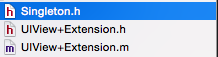
导入必要的第三方源文件,方便后面代码的复用
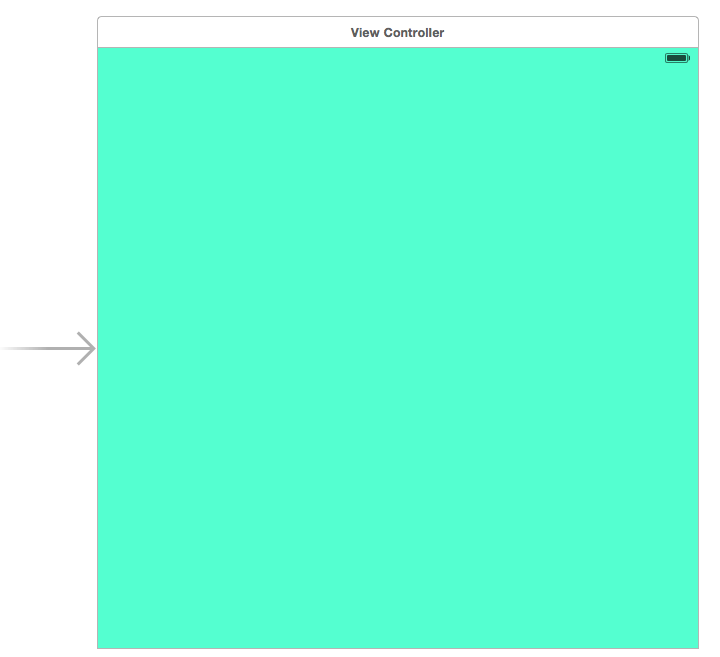
在故事板中设置ViewController控制器的视图颜色
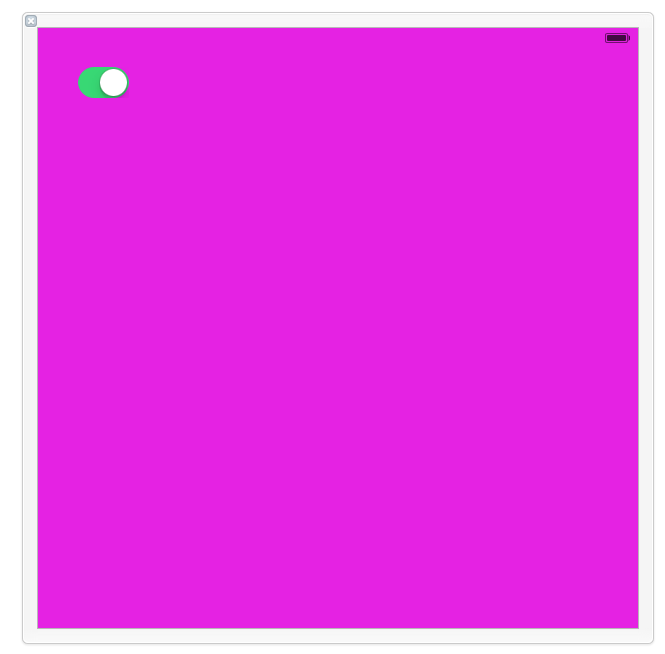
创建一个secondViewController.h/.m/.xib文件,设置视图颜色
创建自定义的动画展示样式类CustomPresentationController.h/.m文件,直接继承自UIPresentationController
.h文件:
#import <UIKit/UIKit.h>

@interface CustomPresentationController : UIPresentationController

@end
.m文件:重写下面的几个方法
#import "CustomPresentationController.h"

@implementation CustomPresentationController

//可以改变被模态的控制器视图的尺寸

//- (CGRect)frameOfPresentedViewInContainerView

//{

//

//    /**  containerView是容纳presentedView的一个容器  */

//    //return CGRectMake(0,50,self.containerView.frame.size.width,self.containerView.frame.size.height-100);

//

//    return CGRectInset(self.containerView.bounds, 0, 50);

//}

//过渡即将开始时的处理

- (void)presentationTransitionWillBegin

{

    self.presentedView.frame = self.containerView.frame;

    [self.containerView addSubview:self.presentedView];

}

- (void)presentationTransitionDidEnd:(BOOL)completed

{

}

- (void)dismissalTransitionWillBegin

{

}

//过渡消失时的处理

- (void)dismissalTransitionDidEnd:(BOOL)completed

{

    [self.presentedView removeFromSuperview];

}

@end
创建自定义的动画过渡样式类CustomAnimationTransition.h/.m文件,实现UIViewControllerAnimatedTransitioning协议
.h文件:
#import <UIKit/UIKit.h>

@interface CustomAnimationTransition : NSObject<UIViewControllerAnimatedTransitioning>

@property (assign,nonatomic)BOOL presented;

@end
.m文件:主要实现下面这两个方法来设置自己需要的动画过渡
#import "CustomAnimationTransition.h"

#import "UIView+Extension.h"

const CGFloat duration = 1.0f;

@implementation CustomAnimationTransition

#pragma mark -<UIViewControllerAnimatedTransitioning>

//动画时间

- (NSTimeInterval)transitionDuration:(id <UIViewControllerContextTransitioning>)transitionContext

{

    return duration;

}

//设置过渡动画(modal和dismiss的动画都需要在这里处理)

- (void)animateTransition:(id <UIViewControllerContextTransitioning>)transitionContext

{

    // UITransitionContextToViewKey,

    // UITransitionContextFromViewKey.

    //出来的动画

    if (self.presented) {

        UIView *toView = [transitionContext viewForKey:UITransitionContextToViewKey];

        //toView.y = -toView.height;  //设置动画从上往下进来

        toView.x = toView.width;      //设置动画从右往左进来

        //设置动画3D旋转

        //toView.layer.transform = CATransform3DMakeRotation(M_PI_2, 1, 1, 0);

        [UIView animateWithDuration:duration animations:^{

            //toView.y = 0;

            toView.x = 0;

            //toView.layer.transform = CATransform3DIdentity;

        } completion:^(BOOL finished) {

            //动画完成后,视图上的事件才能处理

            [transitionContext completeTransition:YES];

        }];

    }

    //销毁的动画

    else

    {

        [UIView animateWithDuration:duration animations:^{

            UIView *fromView = [transitionContext viewForKey:UITransitionContextFromViewKey];

            //fromView.y = -fromView.height;

            fromView.x = -fromView.width;     //从右往左出去

            //fromView.layer.transform = CATransform3DMakeRotation(M_PI_2, 1, 1, 0);

        } completion:^(BOOL finished) {

            //动画完成后,视图上的事件才能处理

            [transitionContext completeTransition:YES];

        }];

    }

}

@end
创建一个单例的动画类,将ViewController控制器类中实现的UIViewControllerTransitionDelegate协议的方法全部在该类Transition.m文件中实现,主控制器只需要创建这个单例类对象并将它设置为代理即可。
.h文件:
#import <UIKit/UIKit.h>

#import "Singleton.h"

@interface Transition : NSObject<UIViewControllerTransitioningDelegate>

SingletonH(Transition);

@end
.m文件:返回动画展示样式和动画过渡样式
#import "Transition.h"

#import "CustomPresentationController.h"

#import "CustomAnimationTransition.h"

@implementation Transition

SingletonM(Transition);

#pragma mark - <UIViewControllerTransitioningDelegate>

//返回展示样式

-(UIPresentationController *)presentationControllerForPresentedViewController:(UIViewController *)presented presentingViewController:(UIViewController *)presenting sourceViewController:(UIViewController *)source

{

    return [[CustomPresentationController alloc]initWithPresentedViewController:presented presentingViewController:presenting];

}

//展示的动画

- (id <UIViewControllerAnimatedTransitioning>)animationControllerForPresentedController:(UIViewController *)presented presentingController:(UIViewController *)presenting sourceController:(UIViewController *)source

{

    CustomAnimationTransition *animation = [[CustomAnimationTransition alloc]init];

    animation.presented = YES;

    return animation;

}

//关闭时的动画

- (id <UIViewControllerAnimatedTransitioning>)animationControllerForDismissedController:(UIViewController *)dismissed

{

    CustomAnimationTransition *animation = [[CustomAnimationTransition alloc]init];

    animation.presented = NO;

    return animation;

}

@end
在ViewController的.m文件中实现动画测试如下:
#import "ViewController.h"

#import "SecondViewController.h"

#import "UIView+Extension.h"

#import "Transition.h"

@interface ViewController ()

@end

@implementation ViewController

- (void)viewDidLoad {

    [super viewDidLoad];

}

- (void)touchesBegan:(NSSet *)touches withEvent:(UIEvent *)event {

    SecondViewController *second = [[SecondViewController alloc]init];

    //设置展示样式(自定义)

    second.modalPresentationStyle = UIModalPresentationCustom;//设置过渡代理(UIPresentationController)

    second.transitioningDelegate = [Transition sharedTransition];

    [self presentViewController:second animated:YES completion:nil];

}

@end
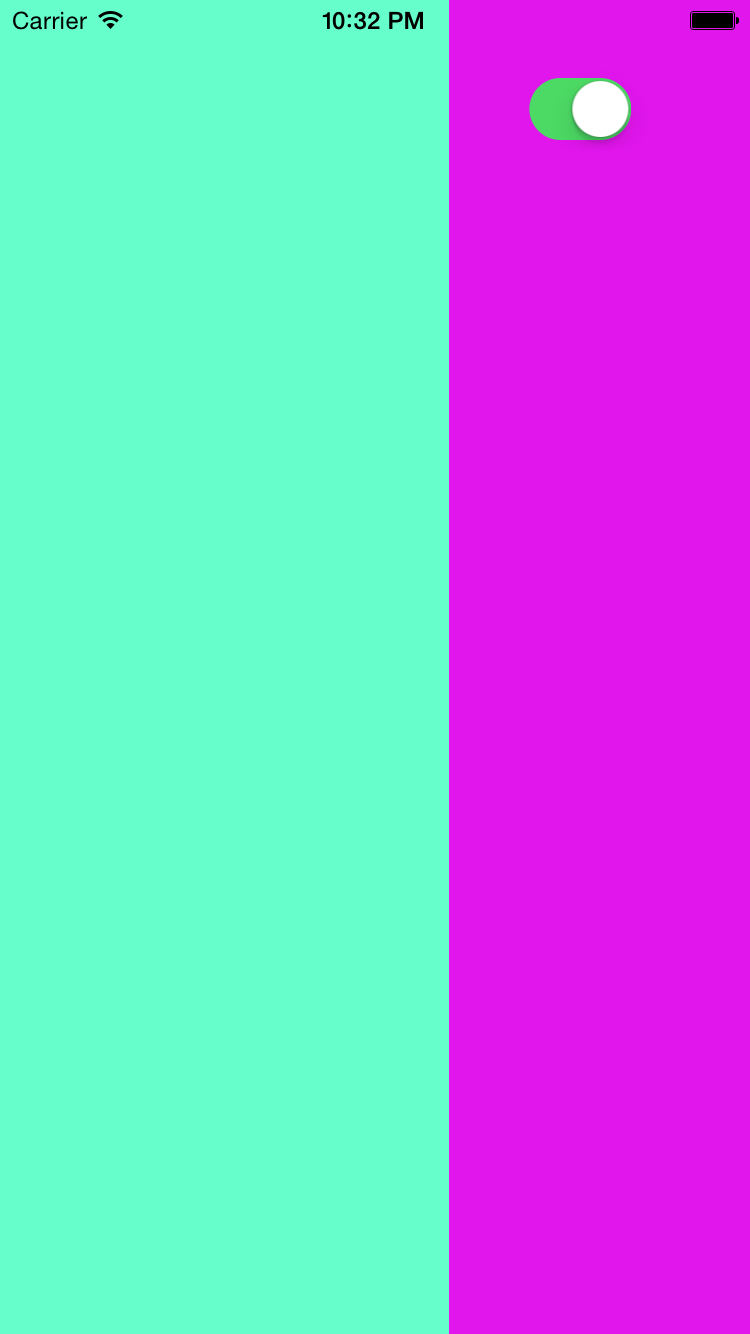
演示结果:从右往左进入,接着往左出去
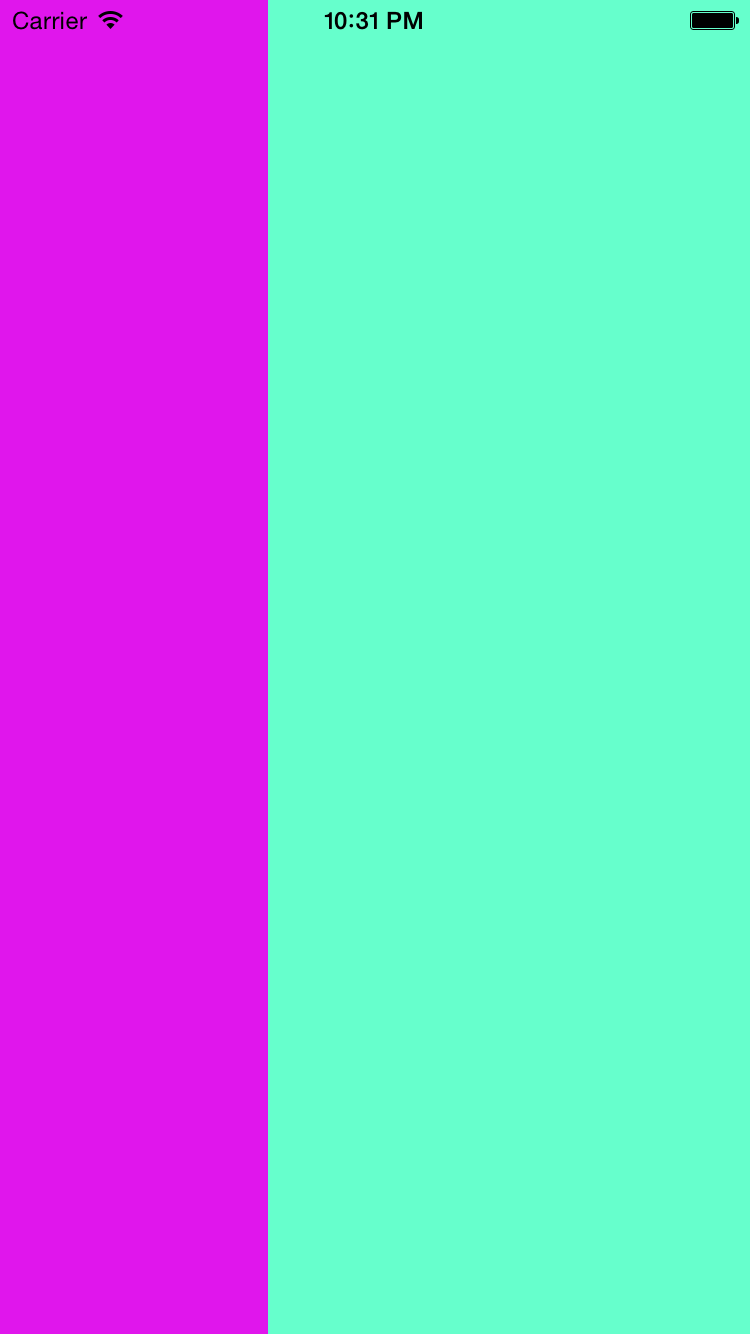
iOS:自定义模态动画 --UIPresentationController的更多相关文章
- UIPresentationController - iOS自定义模态弹出框
参考: https://developer.apple.com/library/archive/featuredarticles/ViewControllerPGforiPhoneOS/Definin ...
- iOS自定义转场动画实战讲解
iOS自定义转场动画实战讲解 转场动画这事,说简单也简单,可以通过presentViewController:animated:completion:和dismissViewControllerA ...
- iOS 自定义转场动画
代码地址如下:http://www.demodashi.com/demo/12955.html 一.总效果 本文记录分享下自定义转场动画的实现方法,具体到动画效果:新浪微博图集浏览转场效果.手势过渡动 ...
- iOS学习笔记-自定义过渡动画
代码地址如下:http://www.demodashi.com/demo/11678.html 这篇笔记翻译自raywenderlick网站的过渡动画的一篇文章,原文用的swift,由于考虑到swif ...
- iOS 自定义转场动画浅谈
代码地址如下:http://www.demodashi.com/demo/11612.html 路漫漫其修远兮,吾将上下而求索 前记 想研究自定义转场动画很久了,时间就像海绵,挤一挤还是有的,花了差不 ...
- 【iOS系列】-自定义Modar动画
[iOS系列]-自定义Modar动画.md 我们需要做的最终的modar动画的效果是这样的, 就是点击cell,cell发生位移,慢慢的到第二个界面上的.为了做出这样的动画效果,我们需要以下的知识. ...
- iOS精美过度动画、视频会议、朋友圈、联系人检索、自定义聊天界面等源码
iOS精选源码 iOS 精美过度动画源码 iOS简易聊天页面以及容联云IM自定义聊天页面的实现思路 自定义cell的列表视图实现:置顶.拖拽.多选.删除 SSSearcher仿微信搜索联系人,高亮搜索 ...
- iOS 转场动画探究(一)
什么是转场动画: 转场动画说的直接点就是你常见的界面跳转的时候看到的动画效果,我们比较常见的就是控制器之间的Push和Pop,还有Present和Dismiss的时候设置一下系统给我们的modalTr ...
- iOS 转场动画探究(二)
这篇文章是接着第一篇写的,要是有同行刚看到的话建议从前面第一篇看,这是第一篇的地址:iOS 转场动画探究(一) 接着上一篇写的内容: 上一篇iOS 转场动画探究(一)我们说到了转场要素的第四点,把那个 ...
随机推荐
- Snakes and Ladders LightOJ - 1151( 概率dp+高斯消元)
Snakes and Ladders LightOJ - 1151 题意: 有100个格子,从1开始走,每次抛骰子走1~6,若抛出的点数导致走出了100以外,则重新抛一次.有n个格子会单向传送到其他格 ...
- swiper伸缩侧边菜单栏
<!DOCTYPE html> <html lang="en"> <head> <meta charset="utf-8&quo ...
- CSS清除浮动常用方法小结 CSS clear both {overflow:auto;zoom:1;}
常用的清除浮动的方法有以下三种: 此为未清除浮动源代码,运行代码无法查看到父级元素浅黄色背景 <!DOCTYPE html><html><head> <met ...
- codechef AUG17 T1 Chef and Rainbow Array
Chef and Rainbow Array Problem Code: RAINBOWA Chef likes all arrays equally. But he likes some array ...
- 基于CSOCKET的Client简单实例(转)
原文转自 http://blog.csdn.net/badagougou/article/details/78410382 第一步:创建一个基类为CSOCKET类的新类,Cclient,并在主对话框类 ...
- git代码仓库迁移(从github到oschina)【转】
转自:http://blog.csdn.net/a5244491/article/details/44807937 版权声明:本文为博主原创文章,未经博主允许不得转载. 因为一些特殊原因,需要将公司原 ...
- insmod模块加载过程代码分析1【转】
转自:http://blog.chinaunix.net/uid-27717694-id-3966290.html 一.概述模块是作为ELF对象文件存放在文件系统中的,并通过执行insmod程序链接到 ...
- C语言字节对齐问题详解【转】
引言 转自:http://www.cnblogs.com/clover-toeic/p/3853132.html 考虑下面的结构体定义: 1 typedef struct{ 2 char c1; 3 ...
- 关闭vs警告
禁用所有编译器警告 当“解决方案资源管理器”中有项目选中时,在“项目”菜单上单击“属性”. 单击“编译”选项卡. 选中“禁用所有警告”复选框. 禁用单个编译器警告 在“解决方案资源管理器”中选定一个项 ...
- hdu 5155(递推)
Harry And Magic Box Time Limit: 2000/1000 MS (Java/Others) Memory Limit: 32768/32768 K (Java/Othe ...