
用python画小王八裤(turtle库)
一,采用Python语言如何画一朵玫瑰花
工具/原料
Python语言包
Win10
一、 准备
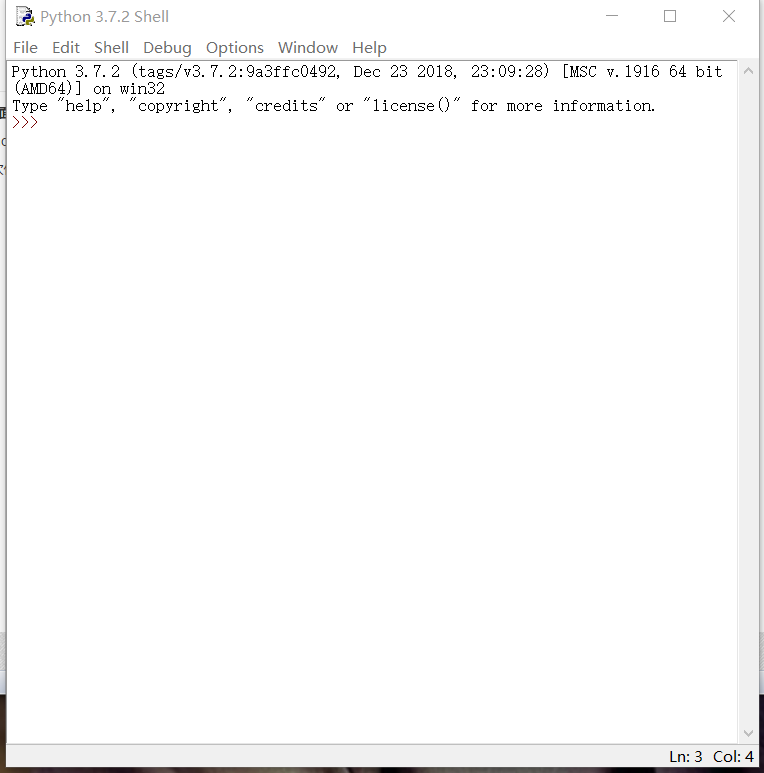
1、 打开界面:
打开python
2、 创建文件

二、 编程
1、 编写画图:
from turtle import *
#global pen and speed
pencolor("black")
fillcolor("red")
speed(50)
s=0.15
#init poistion
penup()
goto(0,600*s)
pendown()
begin_fill()
circle(200*s,30)
for i in range(60):
lt(1)
circle(50*s,1)
circle(200*s,30)
for i in range(4):
lt(1)
circle(100*s,1)
circle(200*s,50)
for i in range(50):
lt(1)
circle(50*s,1)
circle(350*s,65)
for i in range(40):
lt(1)
circle(70*s,1)
circle(150*s,50)
for i in range(20):
rt(1)
circle(50*s,1)
circle(400*s,60)
for i in range(18):
lt(1)
circle(50*s,1)
fd(250*s)
rt(150)
circle(-500*s,12)
lt(140)
circle(550*s,110)
lt(27)
circle(650*s,100)
lt(130)
circle(-300*s,20)
rt(123)
circle(220*s,57)
end_fill()
lt(120)
fd(280*s)
lt(115)
circle(300*s,33)
lt(180)
circle(-300*s,33)
for i in range(70):
rt(1)
circle(225*s,1)
circle(350*s,104)
lt(90)
circle(200*s,105)
circle(-500*s,63)
penup()
goto(170*s,-330*s)
pendown()
lt(160)
for i in range(20):
lt(1)
circle(2500*s,1)
for i in range(220):
rt(1)
circle(250*s,1)
fillcolor('green')
penup()
goto(670*s,-480*s)
pendown()
rt(140)
begin_fill()
circle(300*s,120)
lt(60)
circle(300*s,120)
end_fill()
penup()
goto(180*s,-850*s)
pendown()
rt(85)
circle(600*s,40)
penup()
goto(-150*s,-1300*s)
pendown()
begin_fill()
rt(120)
circle(300*s,115)
lt(75)
circle(300*s,100)
end_fill()
penup()
goto(430*s,-1370*s)
pendown()
rt(30)
circle(-600*s,35)
done()
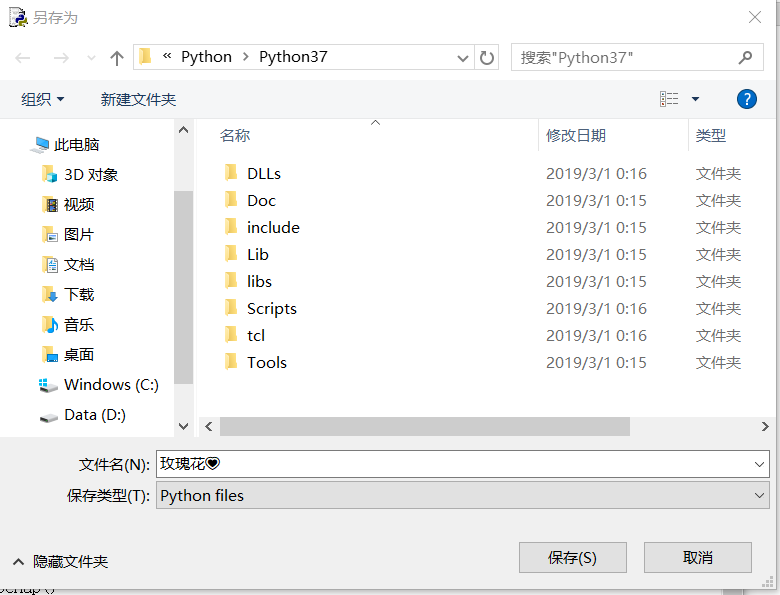
2、保存脚本
三、 查看效果
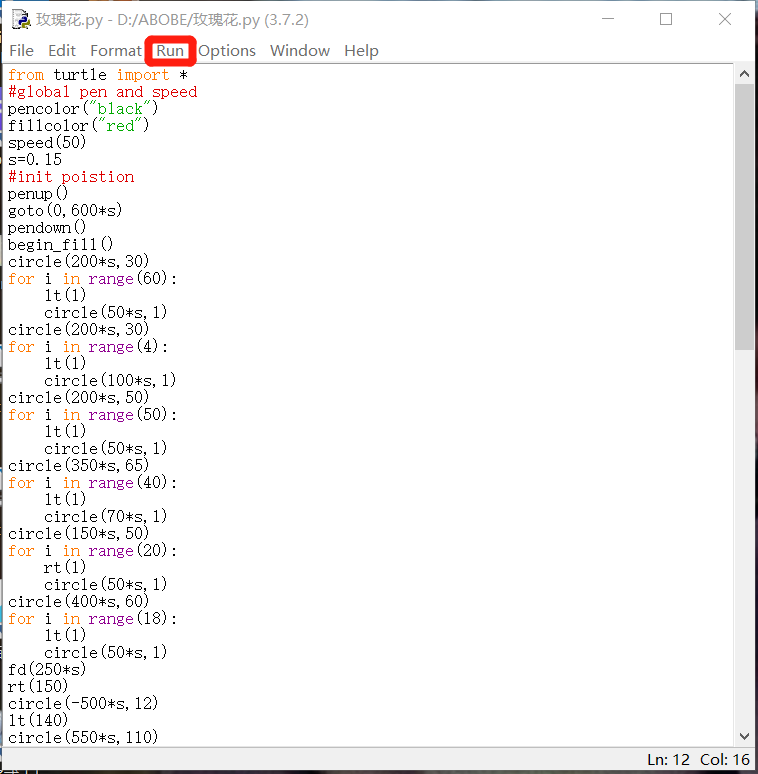
1.运行代码:
回到脚本编辑页,单击“run”-“run module”,如图所示。
2、 执行效果:
我们可以看到我们画图的过程,这是其中的一个画图片段。

3、 结果:
如图,我们画出了一朵美丽的玫瑰花

二、小太阳
1、以下的准备顺序同上,所以就不多说啦
2、以下是代码
from turtle import*
color('red','yellow’)
begin_fill()
while True:
forward(300)
left(170)
if abs(pos())<1:
break
end_fill()
done()
3、查看效果:
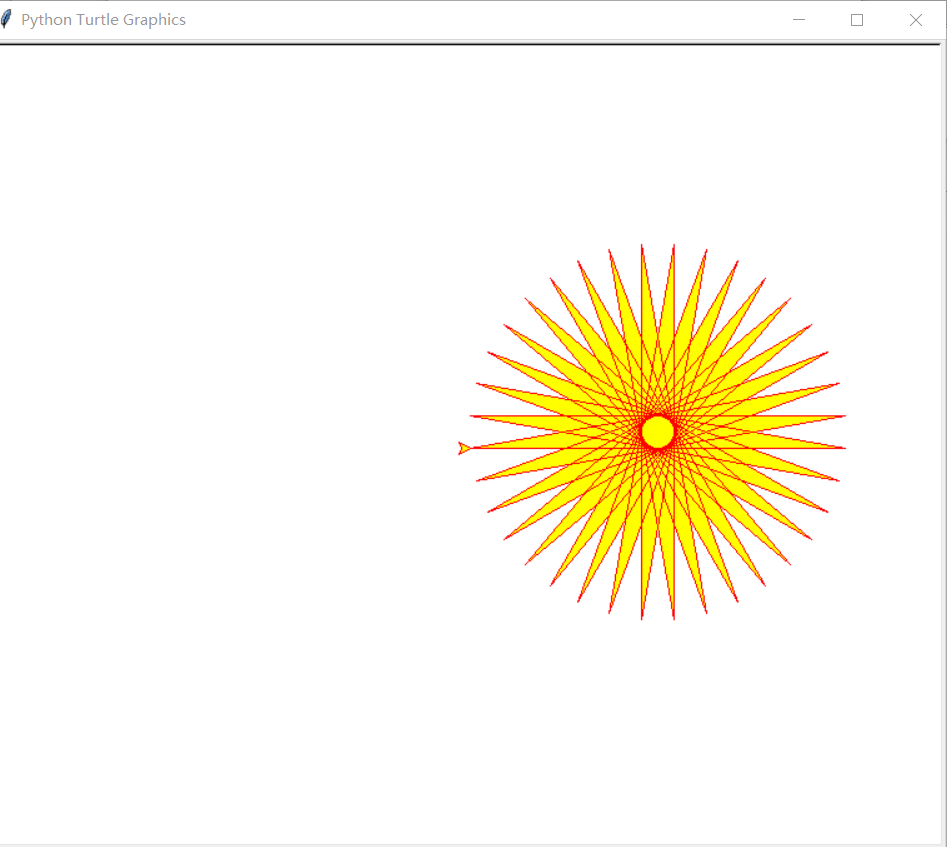
以上只是一个小朋友的作业,如果错误或雷同,请指教!
用python画小王八裤(turtle库)的更多相关文章
- Python 【绘制图及turtle库的使用】
前言 最近翻到一篇知乎,上面有不少用Python(大多是turtle库)绘制的树图,感觉很漂亮,整理了一下,挑了一些觉得不错的代码分享给大家(这些我都测试过,确实可以生成喔~赶快去试一下吧) one ...
- 【python画圆】pip安装库时出现Read timed out.解决办法
昨天第一次用python画圆,当时并没有安装numpy库(导入数据包)和matplotlib库(导入图形包),于是尝试用pip安装库 首先,我先更新了pip,如下图: 顺便附上成功截图: 然后安装nu ...
- Python画各种 3D 图形Matplotlib库
回顾 2D 作图 用赛贝尔曲线作 2d 图.此图是用基于 Matplotlib 的 Path 通过赛贝尔曲线实现的,有对赛贝尔曲线感兴趣的朋友们可以去学习学习,在 matplotlib 中,figur ...
- Python编程练习:使用 turtle 库完成玫瑰花的绘制
绘制效果: 源代码: import turtle # 设置初始位置 turtle.penup() turtle.left(90) turtle.fd(200) turtle.pendown() tur ...
- Python编程练习:使用 turtle 库完成叠边形的绘制
绘制效果: 源代码: # 叠边形 import turtle turtle.setup(650,350,200,200) turtle.penup() turtle.fd(-100) turtle.l ...
- Python编程练习:使用 turtle 库完成正方形的绘制
绘制效果: 源代码: # 正方形 import turtle turtle.setup(650, 350, 200, 200) turtle.penup() turtle.pendown() turt ...
- Python编程练习:使用 turtle 库完成六边形的绘制
绘制效果: 源代码: # 六边形 import turtle turtle.setup(650, 350, 200, 200) turtle.penup() turtle.pendown() turt ...
- 一篇文教你使用python Turtle库画出“精美碎花小清新风格树”快来拿代码!
Turtle库手册可以查询查询 python图形绘制库turtle中文开发文档及示例大全,手册中现有示例,不需要自己动手就可以查看演示. 使用Turtle画树,看了一下网上的代码,基本上核心的方法是使 ...
- python turtle库的几个小demo
一.先上图 一个同切圆和五角星 上代码 import turtle #同切圆 turtle.pensize(2) turtle.circle(10) turtle.circle(40) turtle. ...
随机推荐
- C - Friends and Subsequences
Mike and !Mike are old childhood rivals, they are opposite in everything they do, except programming ...
- Java8 中的 default
之前的版本里 interface 中的方法必须是抽象方法,不能有方法体.现在可以添加 interface 内方法,只需要在方法的前面加一个 default 关键字,表示属于接口内部默认存在的方法. 如 ...
- Javascript 异步处理与计时跳转
实现计时跳转的代码: <html lang="en"> <head> <meta charset="UTF-8"> < ...
- LPVOID 没有类型的指针
可以将LPVOID类型的变量赋值给任意类型的指针,比如在参数传递时就可以把任意类型传递给一个LPVOID类型为参数的方法,然后在方法内再将这个“任意类型”从传递时的“LPVOID类型”转换回来. 示例 ...
- export及export default的区别
在JavaScript ES6中,export与export default均可用于导出常量.函数.文件.模块等,你可以在其它文件或模块中通过import+(常量 | 函数 | 文件 | 模块)名的方 ...
- 细说一下position(定位),以及其他的小知识
细说:position 位置 1.只要使用定位,必须要有一个相对的参照物.relative 2.具体定位的那个1元素需要加position:absolute:绝对的 绝对的:就是具体到某一个 ...
- fastdfs-nginx-module-master的一些奇怪的特点
测试环境和生产环境分别是两套fastdfs,但是网络没有隔离,今天发现一个奇怪的现象就是测试环境的文件,通过生产环境的入口,居然也可以访问到,我草了,奇怪了 研究发现功劳是fastdfs-nginx- ...
- HTML、CSS知识点,面试开发都会需要--No.1 HTML
No.1 HTML 1.网页结构 网页结构一般都包含文档声明DOCTYPE,并且在head中的meta应该包含编码格式.关键字.网页描述信息.简单格式如下: <!DOCTYPE html&g ...
- day20 二十、加密模块、操作配置文件、操作shell命令、xml模块
一.加密模块 1.hashlib模块:加密 ①有解密的加密方式 ②无解密的加密方式:碰撞检查 -- 1)不同数据加密后的结果一定不一致 -- 2)相同数据的加密结果一定是一致的 import hash ...
- J2EE快速开发框架
地址: http://git.oschina.net/blind/app 项目简介 使用Maven对项目进行模块化管理,提高项目的易开发性.扩展性. 实现了通用的系统管理模块功能,包含:用户.角色.权 ...