
springMVC框架下——通用接口之图片上传接口
我所想要的图片上传接口是指服务器端在完成图片上传后,返回一个可访问的图片地址。
spring mvc框架下图片上传非常简单,如下
 @RequestMapping(value="/uploadImg", method=RequestMethod.POST)

 @ResponseBody

 public String uploadImg(@RequestParam(value="img")MultipartFile img){

     File f = new File("/data/images");

     try{

         FileUtils.copyInputStreamToFile(img.getInputStream(), f);

     }catch(Exception e){

         e.printStackTrace();

     }

     return "上传成功";

 }
非常简单吧!
 <form action="http://localhost/component/common/uploadImg" method="post" enctype="multipart/form-data">

     头像:<input type="file" name="img" /><br/>

     <input type="image" src="./images/img_submit.gif" />

 </form>
以上仅仅只是能够上传文件而已,而我们还要能返回一个图片地址,这个图片地址要能在浏览器中直接访问,如下:
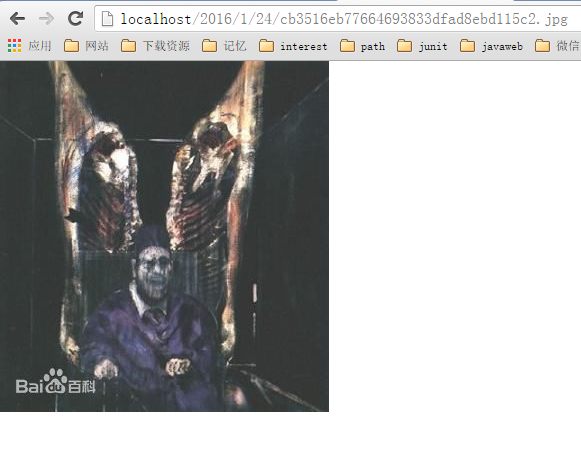
直接代码吧!
controller层
 @RequestMapping(value="/uploadImg", method=RequestMethod.POST)

 @ResponseBody

 public String uploadImg(@RequestParam(value="img")MultipartFile img, HttpServletResponse response){

     JSONObject result = new JSONObject();

     boolean flag = true;

     try {

         flag = pictureUploadService.upload(img, result);

     } catch (Exception e) {

         result.put("mess", "调用失败");

         flag = false;

         e.printStackTrace();

     }

     result.put("flag", flag);

     response.setContentType("text/html;charset=UTF-8");

     //解决跨域名访问问题

     response.setHeader("Access-Control-Allow-Origin", "*");

     return result.toString();

 }
service层
 /**

  * 上传图片

  * @param file

  * @param params

  * @return

  * @throws Exception

  */

 public boolean upload(MultipartFile file, JSONObject params) throws Exception{

     //过滤合法的文件类型

     String fileName = file.getOriginalFilename();

     String suffix = fileName.substring(fileName.lastIndexOf(".")+1);

     String allowSuffixs = "gif,jpg,jpeg,bmp,png,ico";

     if(allowSuffixs.indexOf(suffix) == -1){

         params.put("resultStr", "not support the file type!");

         return false;

     }

     //获取网络地址、本地地址头部

     Properties config = new Properties();

     config.load(this.getClass().getClassLoader().getResourceAsStream("config.properties"));

     String urlPath = config.getProperty("urlRoot");

     String localPath = config.getProperty("localRoot");

     //创建新目录

     String uri = File.separator + DateUtil.getNowDateStr(File.separator);

     File dir = new File(localPath + uri);

     if(!dir.exists()){

         dir.mkdirs();

     }

     //创建新文件

     String newFileName = StringUtil.getUniqueFileName();

     File f = new File(dir.getPath() + File.separator + newFileName + "." + suffix);

     //将输入流中的数据复制到新文件

     FileUtils.copyInputStreamToFile(file.getInputStream(), f);

     //创建Picture对象

     Picture pic = new Picture();

     pic.setLocalPath(f.getAbsolutePath());

     pic.setName(f.getName());

     pic.setUrl(urlPath + uri.replace("\\", "/") + "/" + newFileName + "." + suffix);

     pic.setAddTime(new Date());

     //插入到数据库

     //...

     params.put("resultStr", pic.getUrl());

     return true;

 }
(暂时没有dao层,我在properties中配置网络地址的域名以及本地文件存储目录)
上传文件有几个地方需要注意:
- 上传文件的中文乱码(这个暂不考虑,毕竟要实现的是图片上传)
- 限制上传文件大小(文件过大,会导致服务器不堪重负),这个我们在spring mvc的配置文件中进行限制
 <beans:bean id="multipartResolver" class="org.springframework.web.multipart.commons.CommonsMultipartResolver">

     <beans:property name="defaultEncoding" value="utf-8" />

     <beans:property name="maxUploadSize" value="10485760000" />

     <beans:property name="maxInMemorySize" value="40960" />

 </beans:bean>
- 限制上传文件类型(这个我们在service层进行处理)
- 如果一个文件夹下面保存超过1000个文件,就会影响文件访问性能,所以上传的文件要分散存储(这个分散策略有多种,不必拘泥于一种。我这里偷懒用了年月日作为目录层级)
 /**

  * 获取当前日期字符串

  * @param separator

  * @return

  */

 public static String getNowDateStr(String separator){

     Calendar now = Calendar.getInstance();

     int year = now.get(Calendar.YEAR);

     int month = now.get(Calendar.MONTH)+1;

     int day = now.get(Calendar.DATE);

     return year + separator + month + separator + day;

} - 上传成功后保存的文件不能重名(即文件名要唯一)
 //生成唯一的文件名

 public static String getUniqueFileName(){

     String str = UUID.randomUUID().toString();

     return str.replace("-", "");

 }
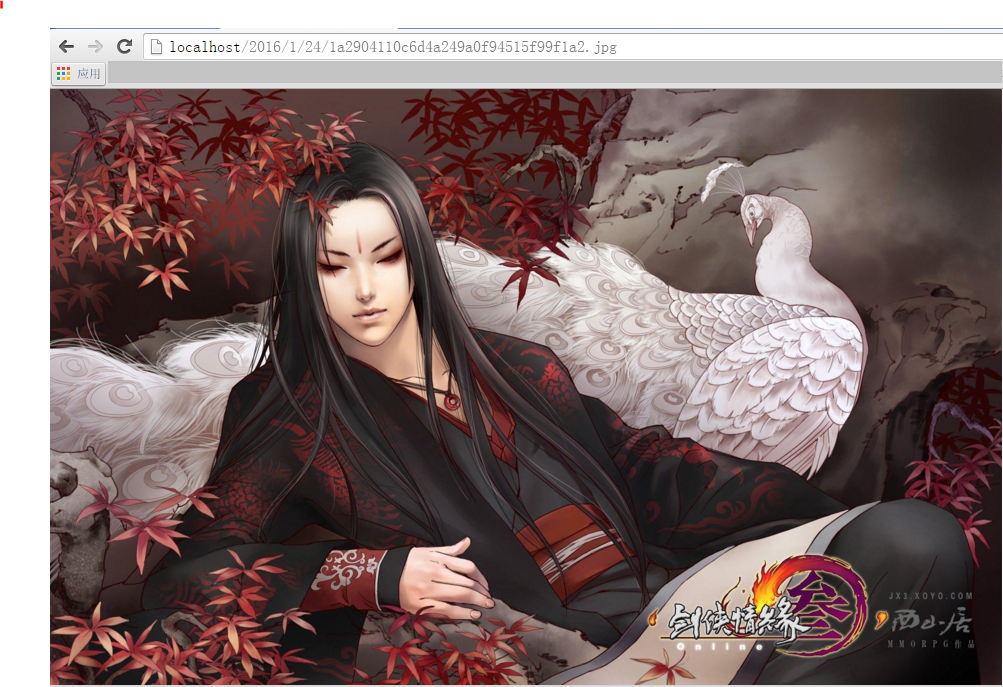
上传图片流程如下:

点击上传后,返回

在浏览器中输入上面的这个图片地址访问,然后出现
springMVC框架下——通用接口之图片上传接口的更多相关文章
- Asp.NetCoreWebApi图片上传接口(二)集成IdentityServer4授权访问(附源码)
写在前面 本文地址:http://www.cnblogs.com/yilezhu/p/9315644.html 作者:yilezhu 上一篇关于Asp.Net Core Web Api图片上传的文章使 ...
- (SSM框架)实现小程序图片上传(配小程序源码)
阅读本文约"2分钟" 又是一个开源小组件啦! 因为刚好做到这个小功能,所以就整理了一下,针对微信小程序的图片(文件)上传! 原业务是针对用户反馈的图片上传.(没错,本次还提供小程序 ...
- springmvc上传图片并显示--支持多图片上传
实现上传图片功能在Springmvc中很好实现.现在我将会展现完整例子. 开始需要在pom.xml加入几个jar,分别是: <dependency> <groupId>comm ...
- 用海豚框架(DolphinPHP)实现单/多图片上传时,如何获得图片路径
用框架实现图片上传很简单,就不多说了,然后这个框架的实现机制是这样的,我们选择图片,点击上传,他会将图片保存在uploads下,以当天时间和随机字母作为图片名,然后在返回个数字,这个数字是这个图片的i ...
- SpringMVC框架(四)文件的上传下载,上下文路径
文件目录: SpringMVC配置文件: <?xml version="1.0" encoding="UTF-8"?> <beans xmln ...
- vue下实现input实现图片上传,压缩,拼接以及旋转
背景 作为一名前端工作人员,相信大家在开发系统的时候,经常有遇到需要这么一种需求,就是需要为用户保存上传的图片,很多小白遇到这个问题的时候,都会虎躯一震,以为会是一个棘手的问题,当你读完这篇文章的时候 ...
- layedit图片上传接口案列
html部分 <divclass="layui-form-item"> <labelfor="tname"class="layui- ...
- thinkphp5图片上传接口
public function avatarUpload() { $file = request()->file('file'); $filePath = 'avatar'; $width = ...
- 简单总结下关于blob的图片上传
我是从一本书上看到了Azure Blob,然后在网上浪了一会儿,发现了这篇文章,里面他已经把重点的则重地方讲完了,"飞机票:http://www.cnblogs.com/sparkdev/p ...
随机推荐
- linux下动态库so文件的一些认识
转自:http://mypyg.iteye.com/blog/845915 个人创作,欢迎指错. 牵扯到ELF格式,gcc编译选项待补,简单实用的说明一下,对Linux下的so文件有个实际性的认识. ...
- Android开发之日历控件实现
Android开发之日历控件实现:以下都是转载的. 日历控件 日历控件 日历控件 日历控件
- loj 1108(spfa判负环)
题目链接:http://acm.hust.edu.cn/vjudge/problem/viewProblem.action?id=26823 思路:题目的意思是求出所有的能够到达负环的点.负环很好求, ...
- windows脚本定时执行
linux下可以直接用cron定时任务,window下可以使用schtasks 命令代替. 第一次在win7 cmd输入: schtasks 如果出现错误:“错误:无法加载列表资源” 的问题原因很简单 ...
- JVM的类装载子系统
在JAVA虚拟机中,负责查找并装载类型的那部分被称为类装载子系统. JAVA虚拟机有两种类装载器:启动类装载器和用户自定义类装载器.前者是JAVA虚拟机实现的一部分,后者则是Java程序的一部分.由不 ...
- 2016.6.17 计算机网络复习要点之PPP协议
点对点协议PPP是目前使用最广泛的数据链路层协议. 1.PPP协议的特点: **我们知道因特网用户通常需要连接到某个ISP才能接入到因特网,PPP协议就是用计算机和ISP进行通信时所使用的数据链路层协 ...
- Playmaker Input篇教程之引入的核心概念
Playmaker Input篇教程之引入的核心概念 Playmaker Input引入的核心概念 Playmaker引入了4个核心概念:状态机.动作.变量和事件.了解它们是学习操作Playmaker ...
- mysql之对触发器的操作
1. 为什么要使用触发器? 触发器与函数有些类似,都需要声明,执行.但是触发器的执行不是由程序调用,也不是由手工启动,而是由事件来触发,激活,从而实现执行. 当触发DELETE,INSERT,UPDA ...
- 递推DP URAL 1081 Binary Lexicographic Sequence
题目传送门 题意:问第k个长度为n的01串是什么(不能有相邻的1) 分析:dp[i][0/1] 表示前i个,当前第i个放1或0的方案数,先预处理计算,dp[i][1]只能有dp[i-1][0]转移过来 ...
- iOS汉字中提取首字母
NSMutableString *mutableStr = [[NSMutableString alloc]initWithString:string]; if (CFStringTransform( ...