
第2章 构建springboot工程 2-1 构建SpringBoot第一个demo
以后的趋势肯定是以一个微服务为主导的,
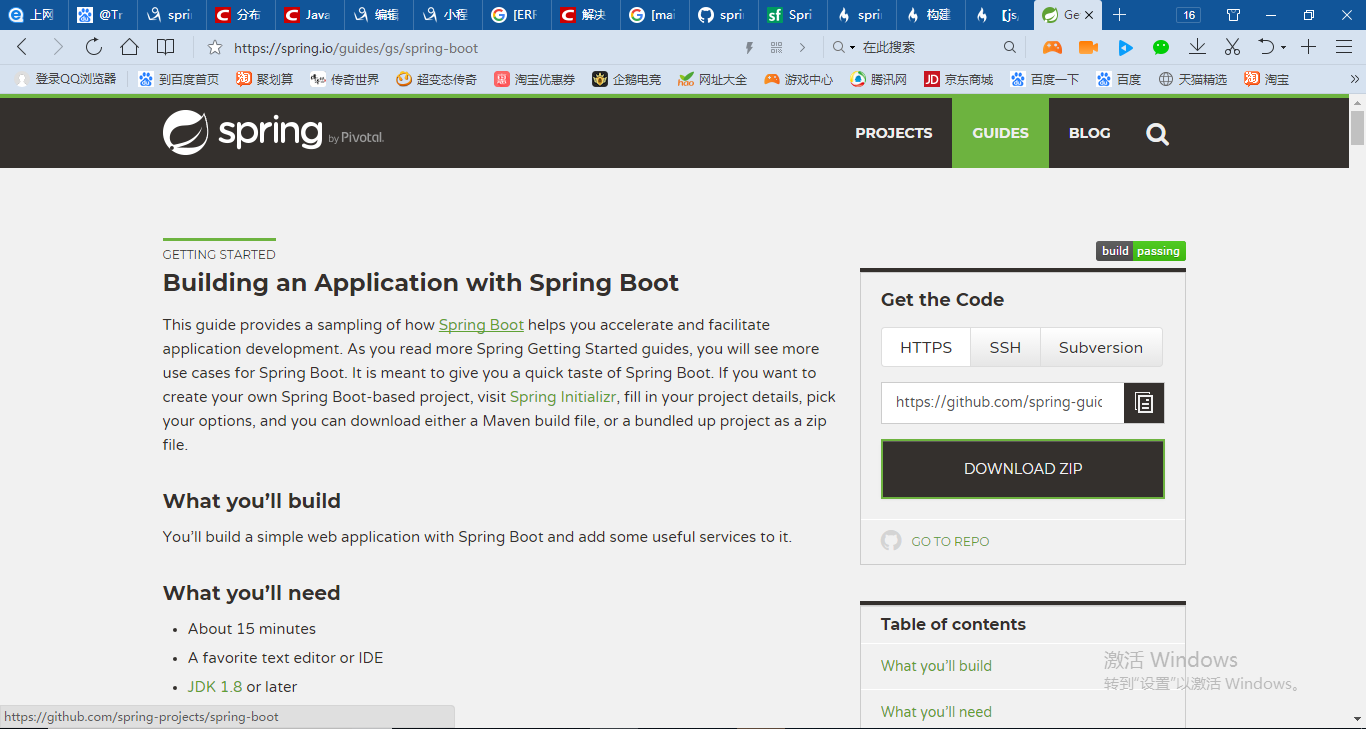
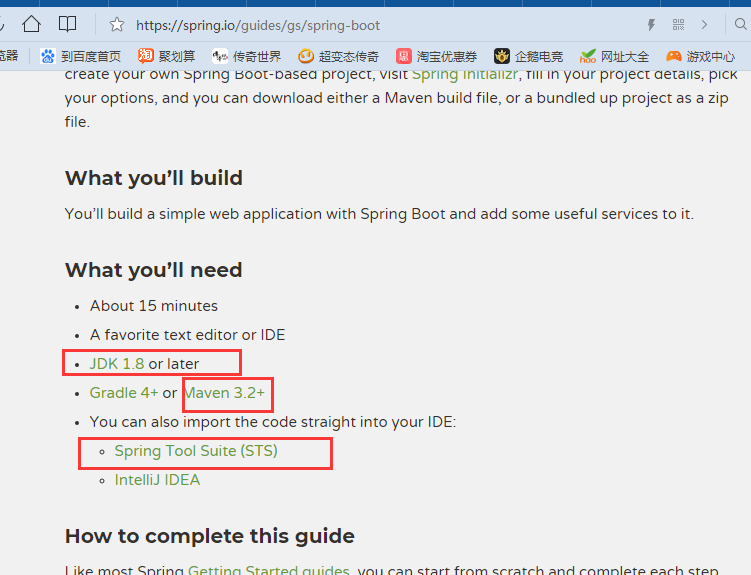
Spring-Boot的指导
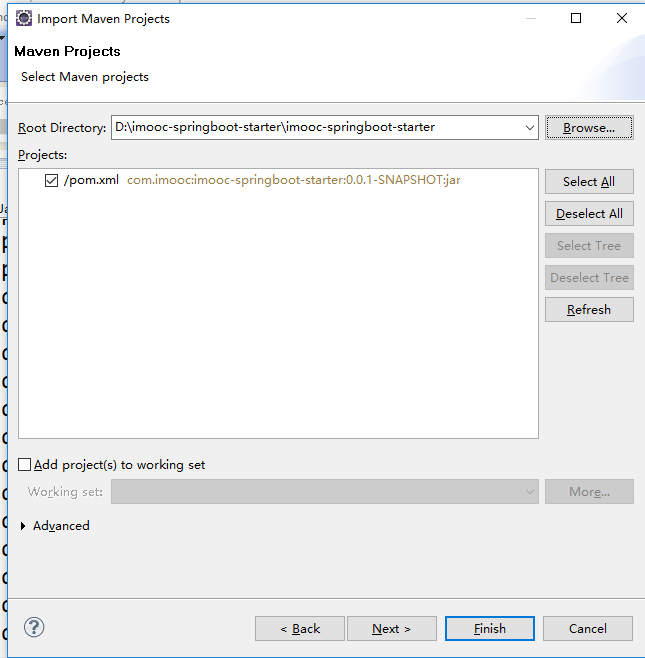
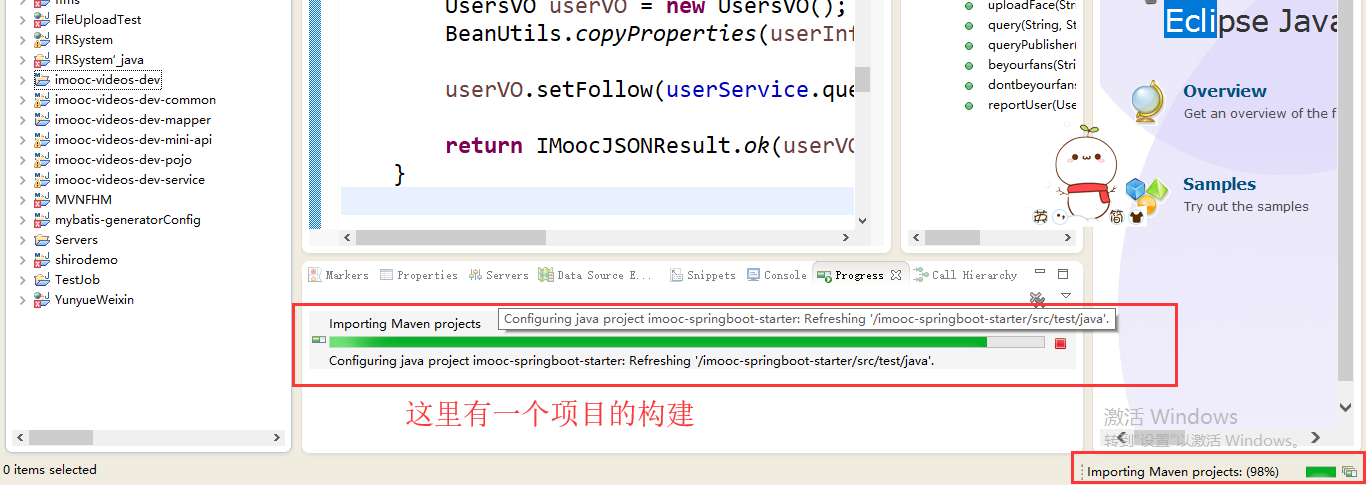
Maven整个环境构建之前的整个项目其实是一个很普通的J2SE项目,它构建完之后会进行重构,重构为Maven的一个项目路径。可以看到Maven项目基础的结构就是这样子。
我们可以先看一下/imooc-springboot-starter/pom.xml,pom报错了
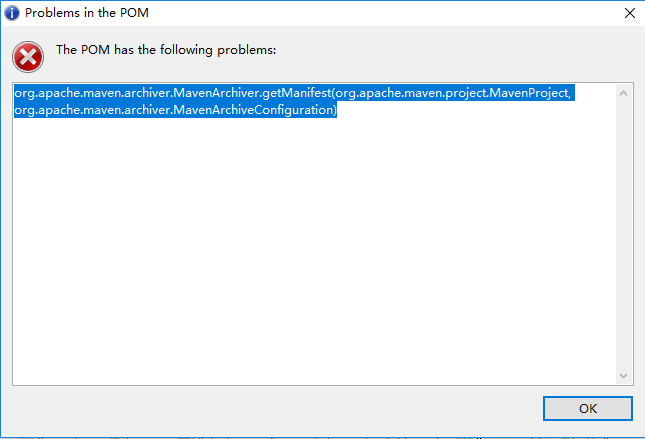
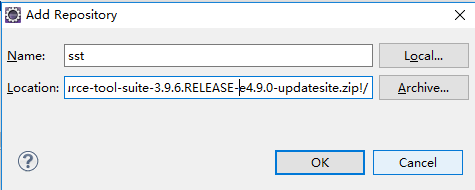
安装STS插件(springsource-tool-suite-3.9.6.RELEASE-e4.9.0-updatesite)之后再说吧
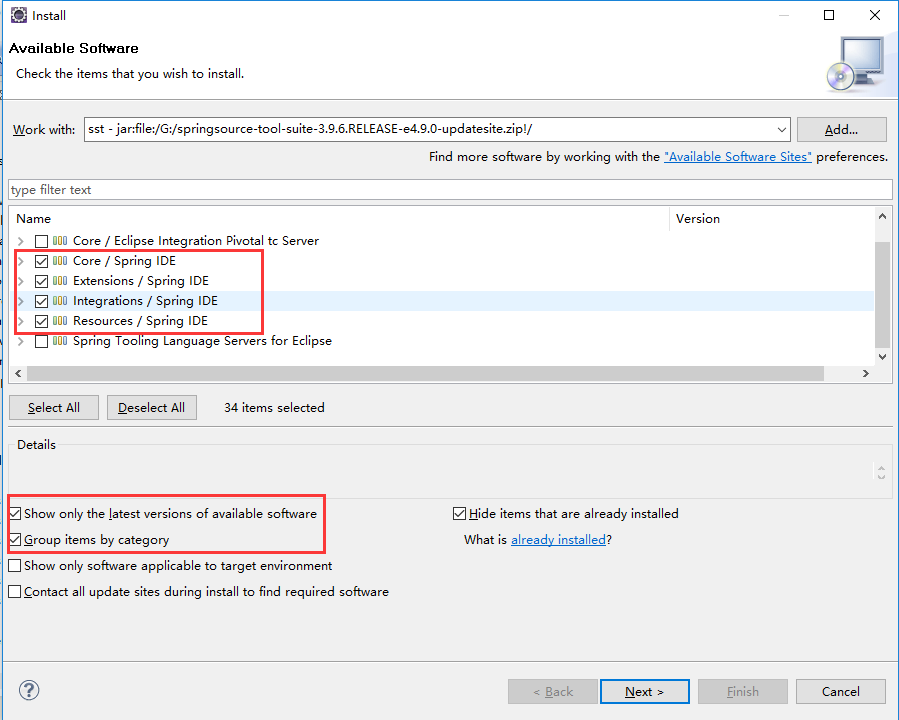
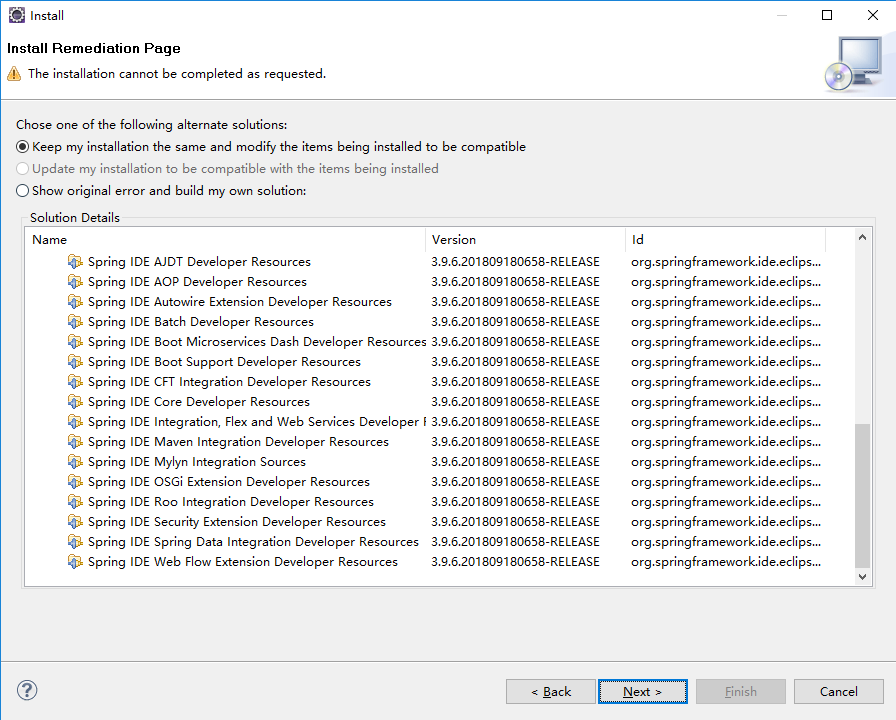
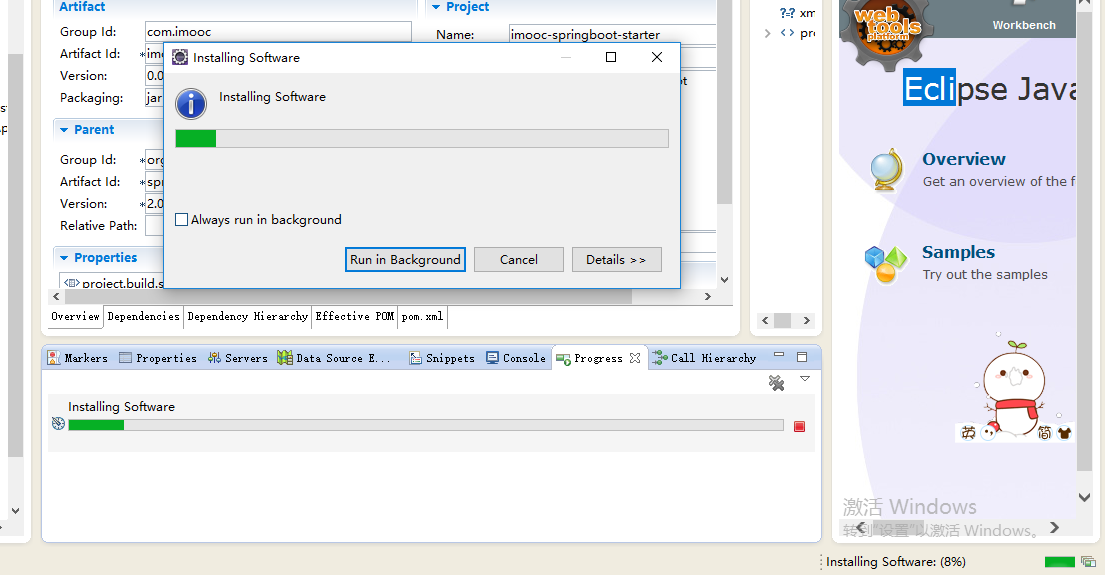

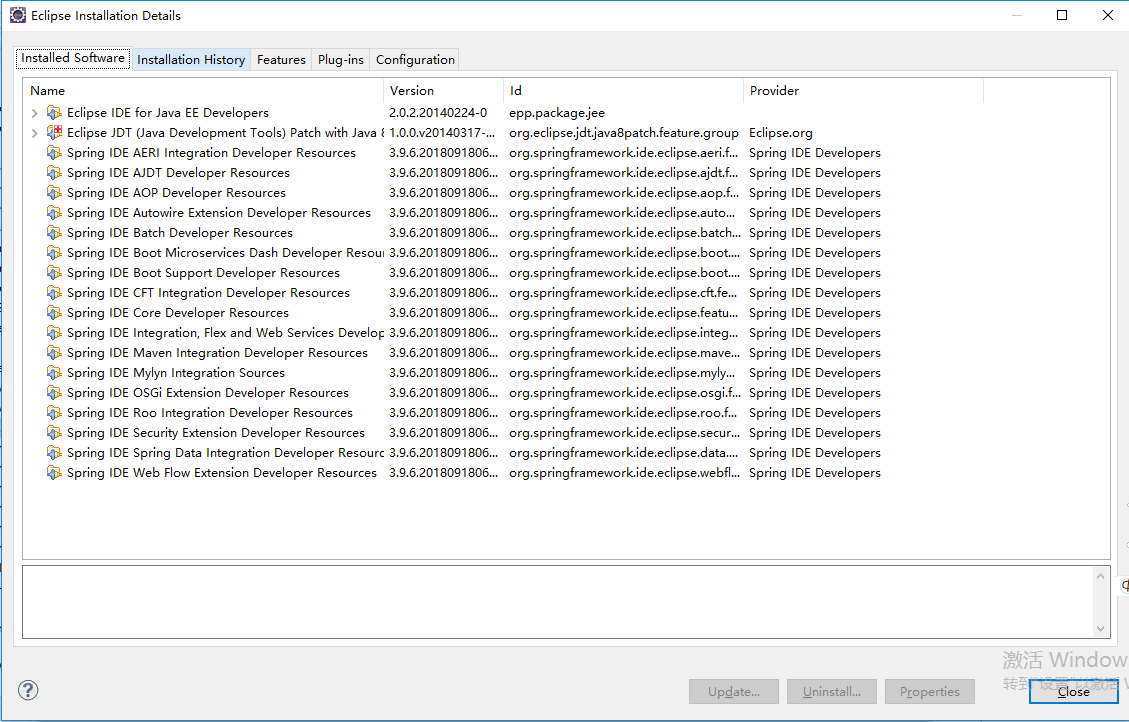
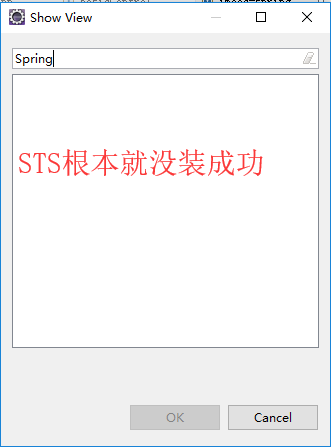
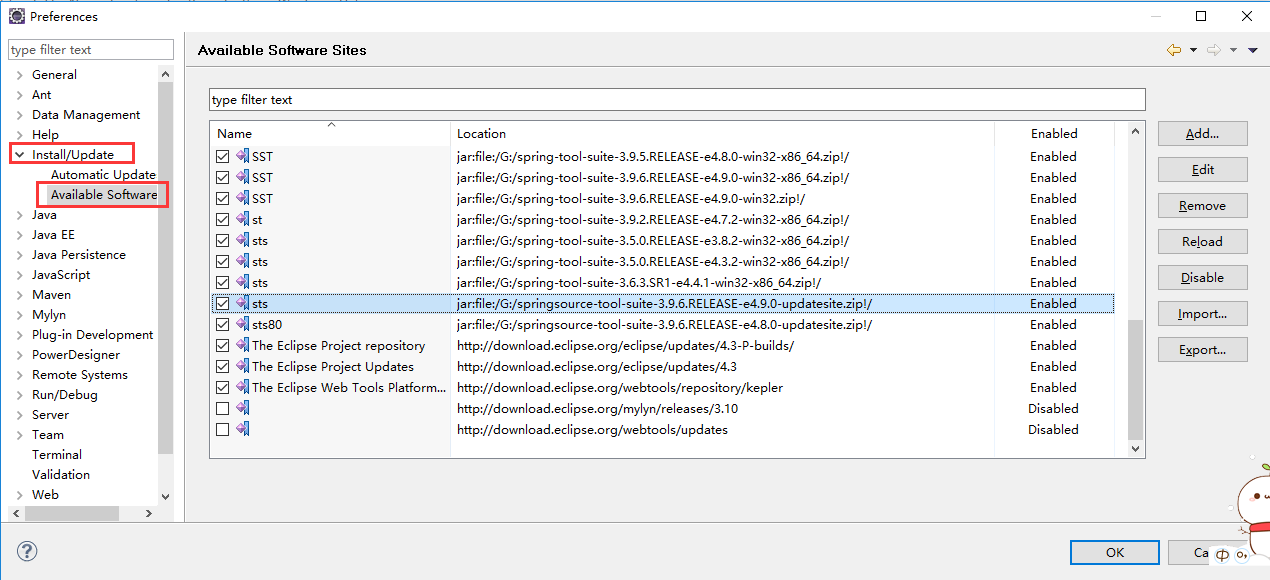
Cannot complete the install because one or more required items could not be found.

  Software being installed: Spring IDE Web Flow Extension (optional) 3.9.6.201809180658-RELEASE (org.springframework.ide.eclipse.webflow.feature.feature.group 3.9.6.201809180658-RELEASE)

  Missing requirement: Spring IDE Live Beans Graph 3.9.6.201809180658-RELEASE (org.springframework.ide.eclipse.beans.ui.livegraph 3.9.6.201809180658-RELEASE) requires 'bundle org.eclipse.zest.core [1.0.0,2.0.0)' but it could not be found

  Cannot satisfy dependency:

    From: Spring IDE Core (required) 3.9.6.201809180658-RELEASE (org.springframework.ide.eclipse.feature.feature.group 3.9.6.201809180658-RELEASE)

    To: org.springframework.ide.eclipse.beans.ui.livegraph [3.9.6.201809180658-RELEASE]

  Cannot satisfy dependency:

    From: Spring IDE Web Flow Extension (optional) 3.9.6.201809180658-RELEASE (org.springframework.ide.eclipse.webflow.feature.feature.group 3.9.6.201809180658-RELEASE)

    To: org.springframework.ide.eclipse.feature.feature.group 0.0.0
Cannot complete the install because one or more required items could not be found.

  Software being installed: Spring IDE Web Flow Extension (optional) 3.9.6.201809180658-RELEASE (org.springframework.ide.eclipse.webflow.feature.feature.group 3.9.6.201809180658-RELEASE)

  Missing requirement: Spring IDE Live Beans Graph 3.9.6.201809180658-RELEASE (org.springframework.ide.eclipse.beans.ui.livegraph 3.9.6.201809180658-RELEASE) requires 'bundle org.eclipse.zest.core [1.0.0,2.0.0)' but it could not be found

  Cannot satisfy dependency:

    From: Spring IDE Core (required) 3.9.6.201809180658-RELEASE (org.springframework.ide.eclipse.feature.feature.group 3.9.6.201809180658-RELEASE)

    To: org.springframework.ide.eclipse.beans.ui.livegraph [3.9.6.201809180658-RELEASE]

  Cannot satisfy dependency:

    From: Spring IDE Web Flow Extension (optional) 3.9.6.201809180658-RELEASE (org.springframework.ide.eclipse.webflow.feature.feature.group 3.9.6.201809180658-RELEASE)

    To: org.springframework.ide.eclipse.feature.feature.group 0.0.0
安装GEF插件GEF-Update-3.9.1
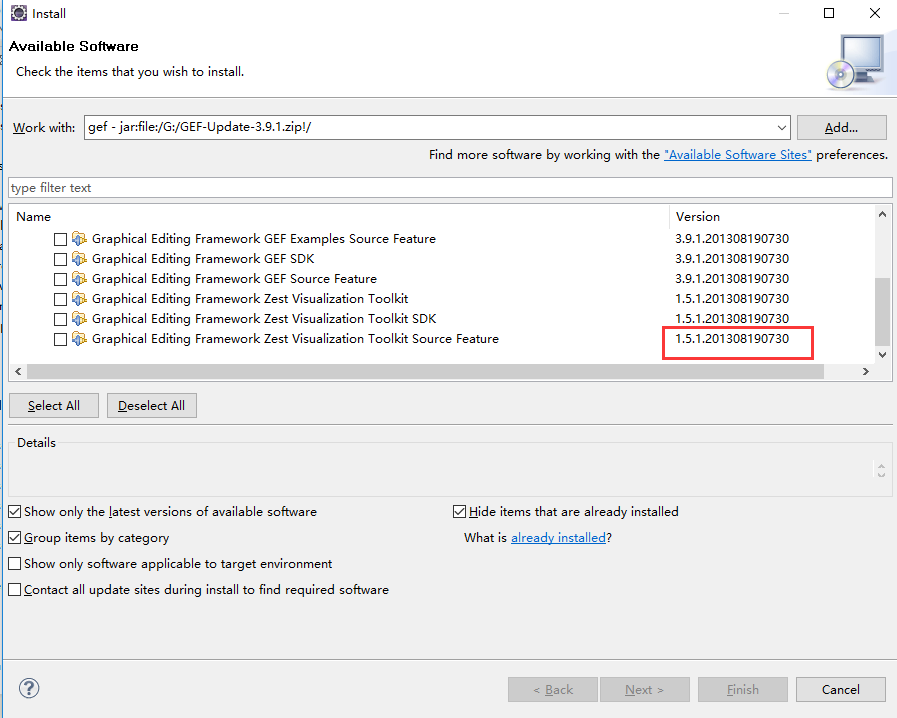
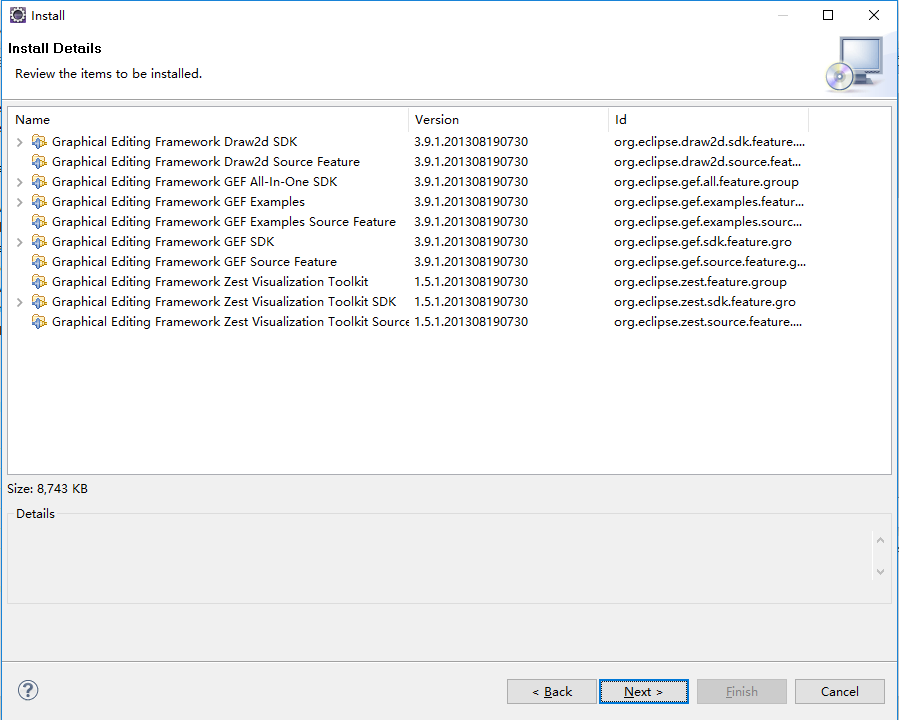
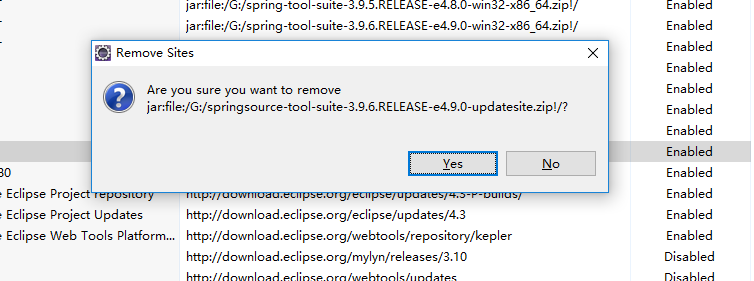
删了springsource-tool-suite-3.9.6.RELEASE-e4.9.0-updatesite重新装一遍,看来还有依赖没有安装
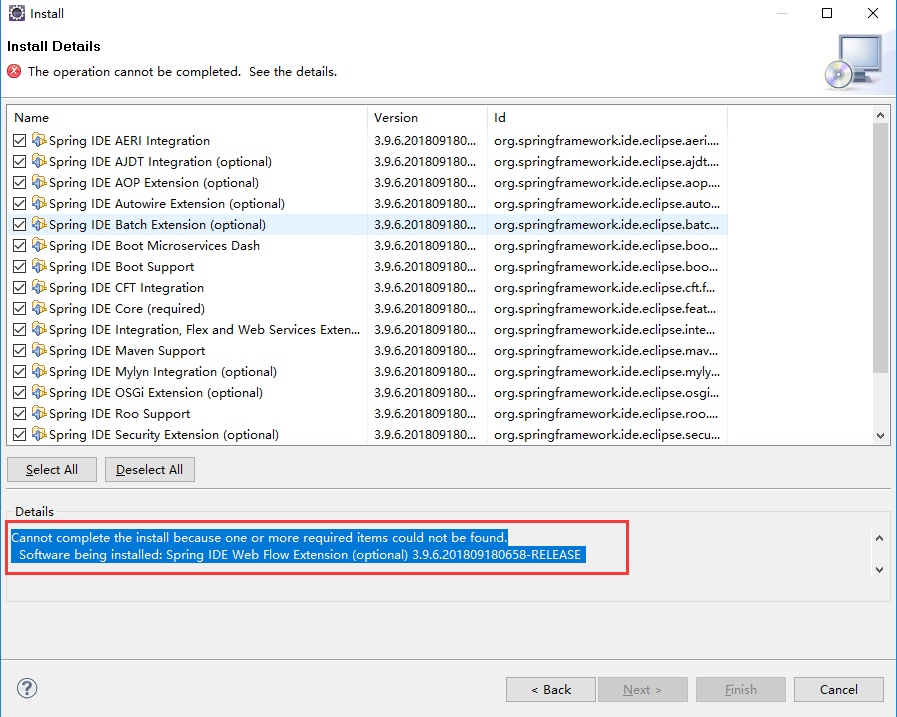
Cannot complete the install because one or more required items could not be found.

  Software being installed: Spring IDE Web Flow Extension (optional) 3.9.6.201809180658-RELEASE (org.springframework.ide.eclipse.webflow.feature.feature.group 3.9.6.201809180658-RELEASE)

  Missing requirement: Spring IDE Live Beans Graph 3.9.6.201809180658-RELEASE (org.springframework.ide.eclipse.beans.ui.livegraph 3.9.6.201809180658-RELEASE) requires 'bundle org.json 0.0.0' but it could not be found

  Cannot satisfy dependency:

    From: Spring IDE Core (required) 3.9.6.201809180658-RELEASE (org.springframework.ide.eclipse.feature.feature.group 3.9.6.201809180658-RELEASE)

    To: org.springframework.ide.eclipse.beans.ui.livegraph [3.9.6.201809180658-RELEASE]

  Cannot satisfy dependency:

    From: Spring IDE Web Flow Extension (optional) 3.9.6.201809180658-RELEASE (org.springframework.ide.eclipse.webflow.feature.feature.group 3.9.6.201809180658-RELEASE)

    To: org.springframework.ide.eclipse.feature.feature.group 0.0.0
拷贝json-20180813.jar到C:\Users\ZHONGZHENHUA\Desktop\eclipse-jee-kepler-SR2-win32-x86_64\eclipse\plugins目录下,问题就解决了。但是重启eclipse安装sst又报了另外一个错
Cannot complete the install because one or more required items could not be found.

  Software being installed: Spring IDE Web Flow Extension (optional) 3.9.6.201809180658-RELEASE (org.springframework.ide.eclipse.webflow.feature.feature.group 3.9.6.201809180658-RELEASE)

  Missing requirement: Boot UI Support 3.9.6.201809180658-RELEASE (org.springframework.ide.eclipse.boot.wizard 3.9.6.201809180658-RELEASE) requires 'bundle javax.ws.rs 2.0.1' but it could not be found

  Cannot satisfy dependency:

    From: Spring IDE Buildship Integration 3.9.6.201809180658-RELEASE (org.springframework.ide.eclipse.buildship 3.9.6.201809180658-RELEASE)

    To: bundle org.springframework.ide.eclipse.boot.wizard 0.0.0

  Cannot satisfy dependency:

    From: Spring IDE Core (required) 3.9.6.201809180658-RELEASE (org.springframework.ide.eclipse.feature.feature.group 3.9.6.201809180658-RELEASE)

    To: org.springframework.ide.eclipse.buildship [3.9.6.201809180658-RELEASE]

  Cannot satisfy dependency:

    From: Spring IDE Web Flow Extension (optional) 3.9.6.201809180658-RELEASE (org.springframework.ide.eclipse.webflow.feature.feature.group 3.9.6.201809180658-RELEASE)

    To: org.springframework.ide.eclipse.feature.feature.group 0.0.0
坑爹的换了最新的eclipse-jee-2018-09-win32-x86_64之后就行了
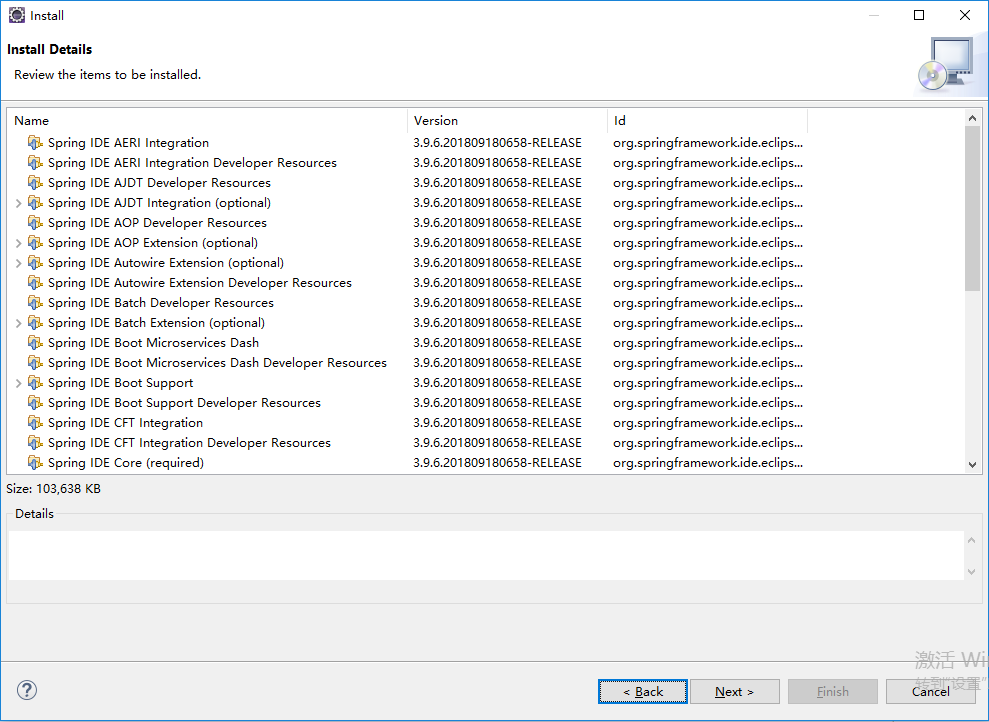
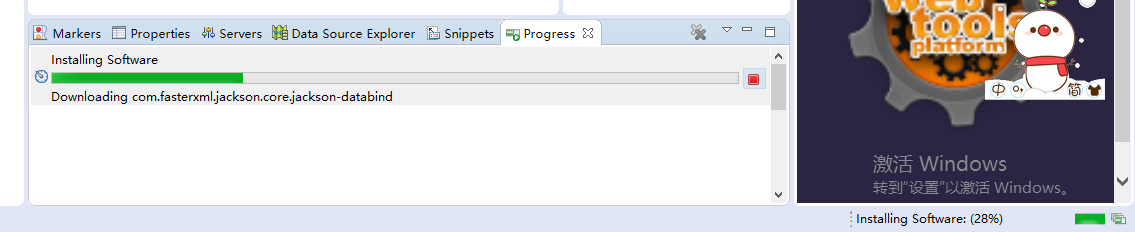

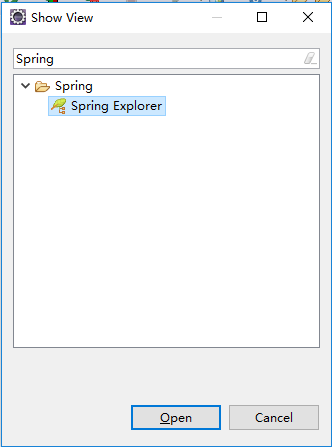
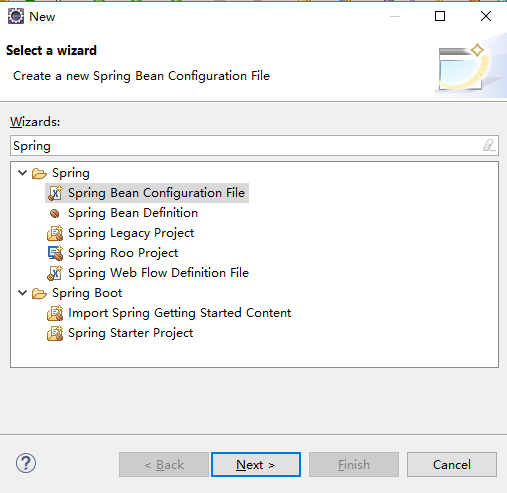 STS安装成功了。
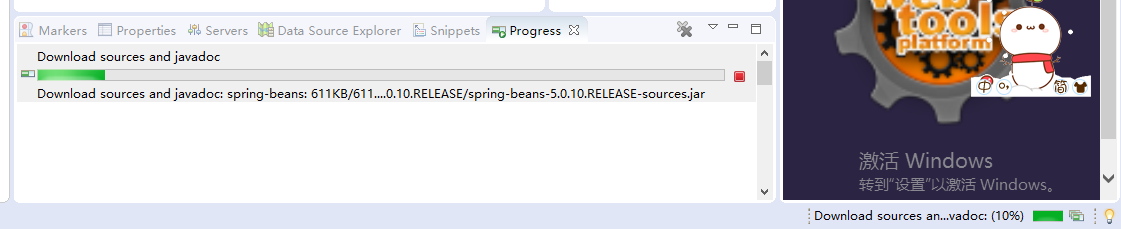

我们继续看一下/imooc-springboot-starter/pom.xml,

    <groupId>com.imooc</groupId>

    <artifactId>imooc-springboot-starter</artifactId>

    <version>0.0.1-SNAPSHOT</version>

    <packaging>jar</packaging>
groupId、项目名、版本。packaging直接使用jar,因为我们可以直接使用它内部的一个tomcat即可。
<name>imooc-springboot-starter</name>

    <description>Demo project for Spring Boot</description>
这是项目描述,不用管
    <parent>

        <groupId>org.springframework.boot</groupId>

        <artifactId>spring-boot-starter-parent</artifactId>

        <version>2.0.6.RELEASE</version>

        <relativePath/> <!-- lookup parent from repository -->

    </parent>
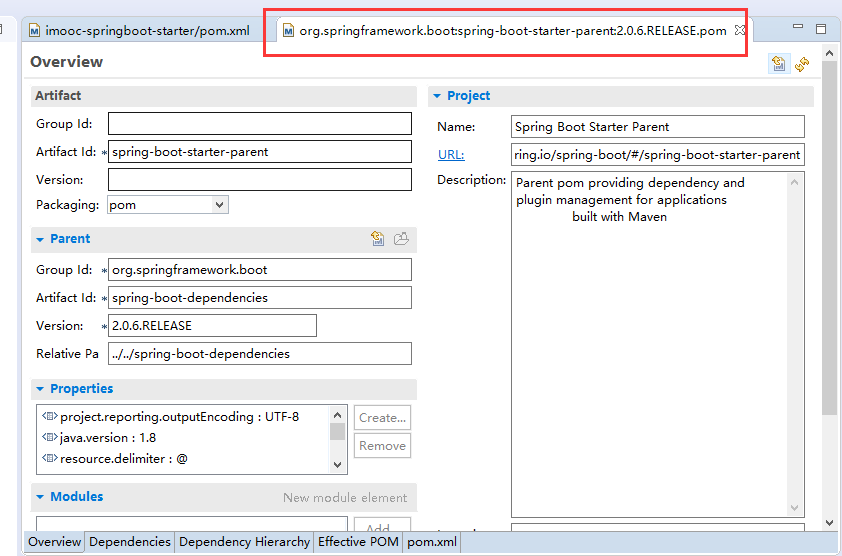
我们只需要引入spring-boot-starter-parent这一个,就可以把相关所有的jar包全部都可以引进来。这个包里面已经把相关的Spring所有的一些包全部都引入进来,并且它已经配好了相关的配置文件。
    <properties>

        <project.build.sourceEncoding>UTF-8</project.build.sourceEncoding>

        <project.reporting.outputEncoding>UTF-8</project.reporting.outputEncoding>

        <java.version>1.8</java.version>

    </properties>
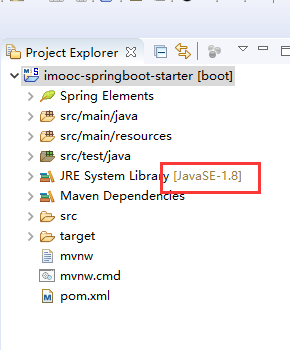
java版本号也是1.8
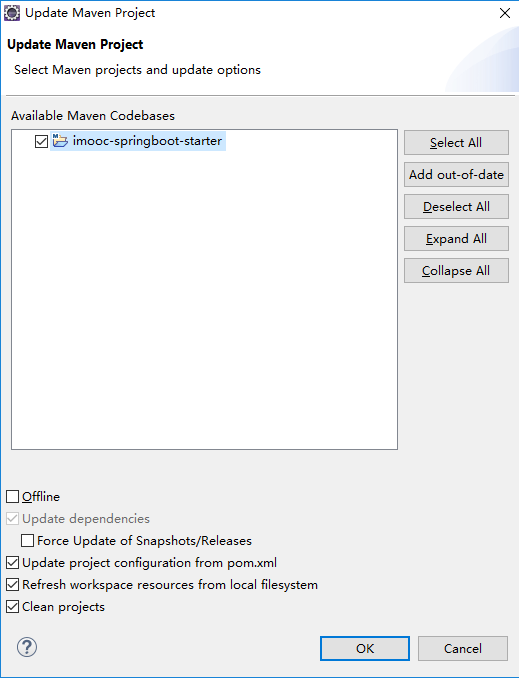
点击项目工程imooc-springboot-starter右键Maven->Update Project,重新的clean,这个时候它的版本就是1.8。

    <build>

        <plugins>

            <plugin>

                <groupId>org.springframework.boot</groupId>

                <artifactId>spring-boot-maven-plugin</artifactId>

            </plugin>

        </plugins>

    </build>
Maven的一个插件
删掉无用的/imooc-springboot-starter/src/test/java/com/imooc/imoocspringbootstarter/ImoocSpringbootStarterApplicationTests.java、/imooc-springboot-starter/mvnw、/imooc-springboot-starter/mvnw.cmd
整个项目是通过/imooc-springboot-starter/src/main/java/com/imooc/imoocspringbootstarter/ImoocSpringbootStarterApplication.java去运行的。
SpringBootApplication代表我们整个应用程序,它的主类就是ImoocSpringbootStarterApplication。运行它就是代表我们整个项目启动了。
修改包名com.imooc.imoocspringbootstarter为com.imooc,把ImoocSpringbootStarterApplication作为顶类,也就是置顶的一个类。因为SpringBoot它有一个默认的配置,它所有的类都必须在com.imooc以下,比如com.imooc.controller、com.imooc.pojo、com.imooc.entity、com.imooc.service、com.imooc.mapper,只有在这种情况下它才会去取得它相应的注解。
修改启动类ImoocSpringbootStarterApplication为ImoocApplication,没有必要改的太长。
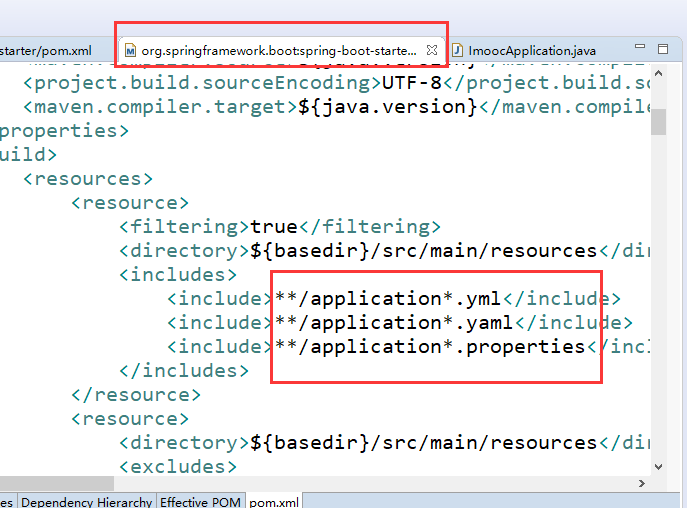
yml和properties其实用法是一模一样的,它只不过是以一个树形结构去展示。properties是全部展开的。我们这里是以properties为主。
右击/imooc-springboot-starter/src/main/java/com/imooc/ImoocApplication.java Run As Spring Boot App运行整个项目,
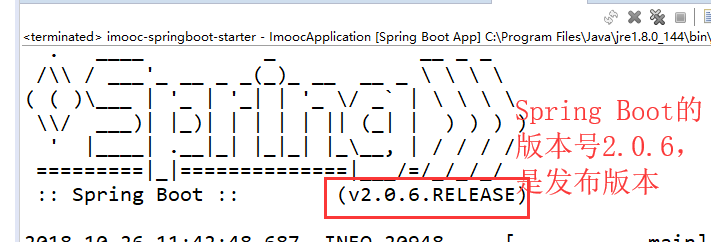
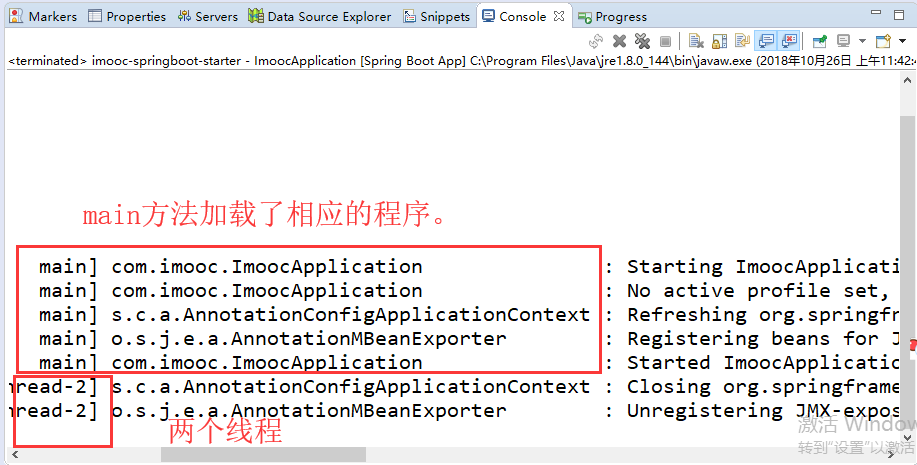
/imooc-springboot-starter/src/main/java/com/imooc/ImoocApplication.java相当于是一个J2SE的程序。
@RestController 它会以一个所有是字符串的形式去访问数据。使用这个web环境我们还是需要在pom里面引入一些额外的组件,我们必须要引入这个web组件。
        <dependency>

            <groupId>org.springframework.boot</groupId>

            <artifactId>spring-boot-starter-web</artifactId>

        </dependency>
/imooc-springboot-starter/src/main/java/com/imooc/controller/HelloController.java
package com.imooc.controller;

import org.springframework.web.bind.annotation.RequestMapping;

import org.springframework.web.bind.annotation.RestController;

@RestController

public class HelloController {

    @RequestMapping("/hello")

    public Object hello() {

        return "hello springboot~~";

    }

}
/imooc-springboot-starter/src/main/java/com/imooc/ImoocApplication.java
package com.imooc;

import org.springframework.boot.SpringApplication;

import org.springframework.boot.autoconfigure.SpringBootApplication;

@SpringBootApplication

public class ImoocApplication {

    public static void main(String[] args) {

        SpringApplication.run(ImoocApplication.class, args);

    }

}
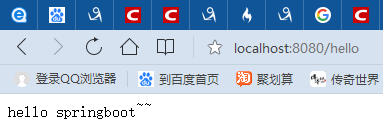
我们这个controller已经成功了。这个写法简化了很多SpirngMVC的配置,我们可以省略了SpringMVC.xml。
pom.xml
<?xml version="1.0" encoding="UTF-8"?>

<project xmlns="http://maven.apache.org/POM/4.0.0" xmlns:xsi="http://www.w3.org/2001/XMLSchema-instance"

    xsi:schemaLocation="http://maven.apache.org/POM/4.0.0 http://maven.apache.org/xsd/maven-4.0.0.xsd">

    <modelVersion>4.0.0</modelVersion>

    <groupId>com.imooc</groupId>

    <artifactId>imooc-springboot-starter</artifactId>

    <version>0.0.1-SNAPSHOT</version>

    <packaging>jar</packaging>

    <name>imooc-springboot-starter</name>

    <description>Demo project for Spring Boot</description>

    <parent>

        <groupId>org.springframework.boot</groupId>

        <artifactId>spring-boot-starter-parent</artifactId>

        <version>2.0.6.RELEASE</version>

        <relativePath/> <!-- lookup parent from repository -->

    </parent>

    <properties>

        <project.build.sourceEncoding>UTF-8</project.build.sourceEncoding>

        <project.reporting.outputEncoding>UTF-8</project.reporting.outputEncoding>

        <java.version>1.8</java.version>

    </properties>

    <dependencies>

        <dependency>

            <groupId>org.springframework.boot</groupId>

            <artifactId>spring-boot-starter</artifactId>

        </dependency>

        <dependency>

            <groupId>org.springframework.boot</groupId>

            <artifactId>spring-boot-starter-web</artifactId>

        </dependency>

    </dependencies>

    <build>

        <plugins>

            <plugin>

                <groupId>org.springframework.boot</groupId>

                <artifactId>spring-boot-maven-plugin</artifactId>

            </plugin>

        </plugins>

    </build>

</project>
第2章 构建springboot工程 2-1 构建SpringBoot第一个demo的更多相关文章
- 构建SpringBoot第一个Demo
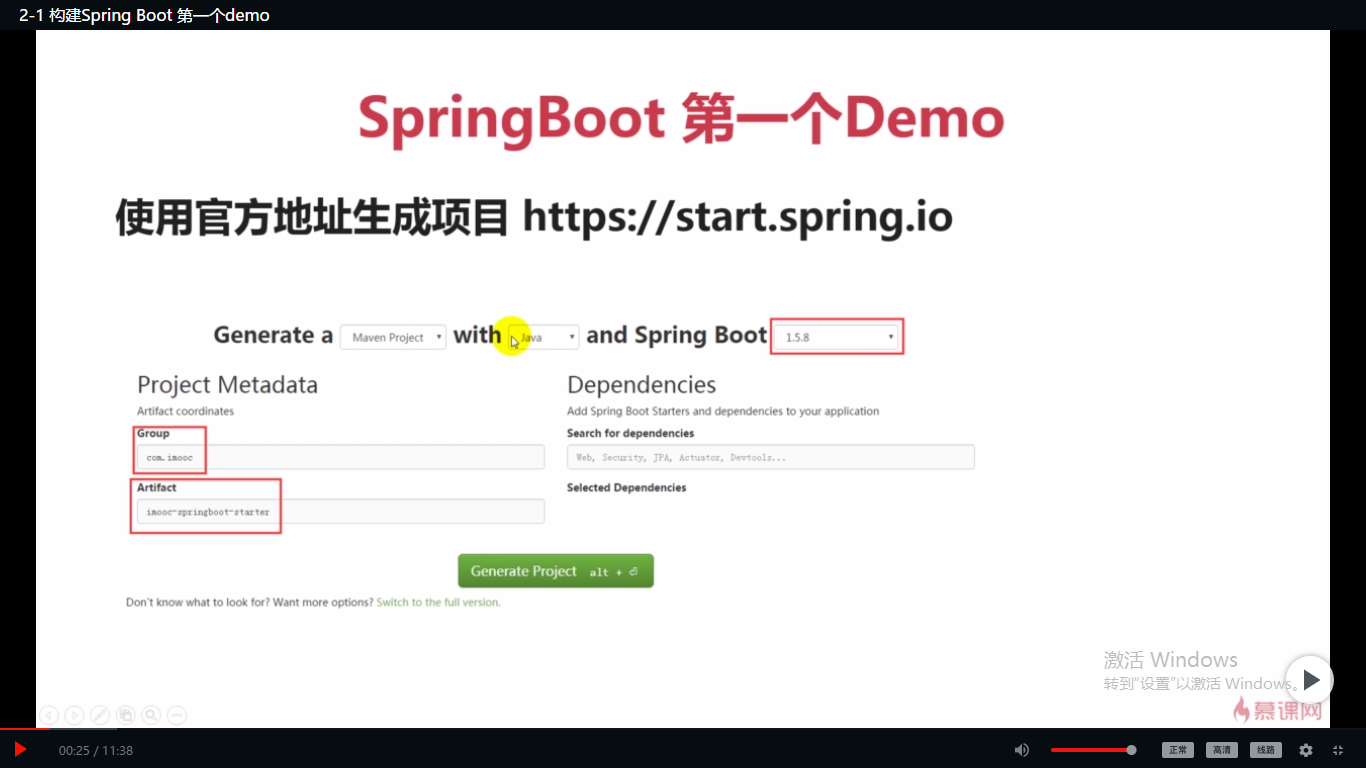
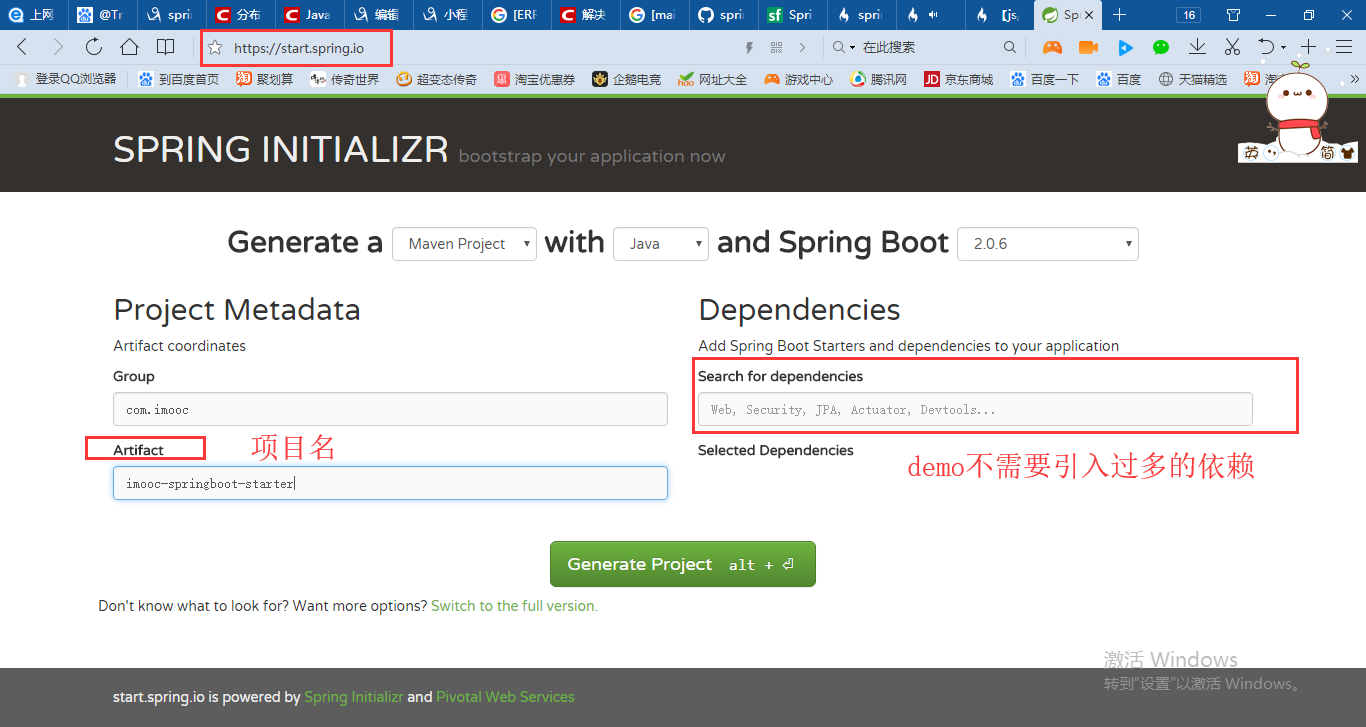
使用官方地址生成项目 https://start.spring.io Generate:可以选择Maven或者Gradle构建项目 语言:我想一般都是Java 接下来选择SpringBoot的版本, ...
- Spring Boot2 系列教程 (二) | 第一个 SpringBoot 工程详解
微信公众号:一个优秀的废人 如有问题或建议,请后台留言,我会尽力解决你的问题. 前言 哎呦喂,按照以往的惯例今天周六我的安排应该是待在家学学猫叫啥的.但是今年这种日子就可能一去不复返了,没法办法啊.前 ...
- 第2章 构建springboot工程 2-2 使用Spring官方STS搭建SpringBoot工程
项目名demo,SpringBoot的版本2.0.6 删了/demo/mvnw和/demo/mvnw.cmd.static文件夹包含静态文件,比如CSS.JS.templates文件夹是放模板的,Sp ...
- (转) SpringBoot非官方教程 | 第一篇:构建第一个SpringBoot工程
简介 spring boot 它的设计目的就是为例简化开发,开启了各种自动装配,你不想写各种配置文件,引入相关的依赖就能迅速搭建起一个web工程.它采用的是建立生产就绪的应用程序观点,优先于配置的惯例 ...
- 01构建第一个SpringBoot工程
第一篇:构建第一个SpringBoot工程 文章指导 学习笔记 学习代码 创建项目 创建工程:Idea-> new Project ->Spring Initializr ->填写g ...
- SpringBoot非官方教程 | 第一篇:构建第一个SpringBoot工程
转载请标明出处: https://www.fangzhipeng.com/springboot/2017/07/11/springboot1 本文出自方志朋的博客 简介 spring boot 它的设 ...
- (二十三)IDEA 构建一个springboot工程,以及可能遇到的问题
一.下载安装intellij IEDA 需要破解 二.创建springboot工程 其他步骤省略,创建好的工程结构如下图: 三.配置springoboot工程 3.1 如上图src/main目录下只有 ...
- SpringBoot工程热部署
SpringBoot工程热部署 1.在pom文件中添加热部署依赖 <!-- 热部署配置 --> <dependency> <groupId>org.springfr ...
- springboot系列(二) 创建springboot工程
本文转载自:https://www.cnblogs.com/magicalSam/p/7171716.html 简介 Spring Boot是由Pivotal团队提供的全新框架,其设计目的是用来简化新 ...
- 使用 IDEA 配合 Dockerfile 部署 SpringBoot 工程
准备 SpringBoot 工程 新建 SpringBoot 项目,默认的端口是 8080 ,新建 Controller 和 Mapping @RestController public class ...
随机推荐
- ES6-let命令
let命令 用于声明变量,但是声明的变量只能在let命令所在的代码块内有效, { let a = 10; var b = 1; } 其中,a在代码块的外部是调用不到的.对于for循环的计数器里面,就很 ...
- 转 postfix邮件服务下mailq、postmap、postqueue 、 postsuper等用法
1.Mailq 功能说明:显示待寄邮件的清单. 语 法:mailq [-q] 补充说明:mailq可列出待寄邮件的清单,包括邮件ID,邮件大小,邮件保存时间,寄信人,收信人,以及邮件无法寄出的原因,提 ...
- MySql按周/月/日分组统计数据的方法
知识关键词:DATE_FORMAT select DATE_FORMAT(create_time,'%Y%u') weeks,count(caseid) count from tc_case grou ...
- Linux tar命令总结
压缩 tar –cvf jpg.tar *.jpg 将目录里所有jpg文件打包成tar.jpg tar –czf jpg.tar.gz *.jpg 将目录里所有jpg文件打包成jpg.tar后, ...
- kylin_异常_02_java.lang.NoClassDefFoundError: org/apache/hadoop/hive/conf/HiveConf 解决办法
一.异常现象 在kylin的web管理界面,设置hive数据源时,报错: 查找kylin的日志时发现,弹出提示框的原因是因为出现错误: ERROR [http-bio-7070-exec-10] co ...
- LeetCode OJ:Minimum Size Subarray Sum(最小子数组的和)
Given an array of n positive integers and a positive integer s, find the minimal length of a subarra ...
- HihoCoder 1190连通性·四
连通性·四 时间限制:10000ms 单点时限:1000ms 内存限制:256MB 描述 小Hi和小Ho从约翰家回到学校时,网络所的老师又找到了小Hi和小Ho. 老师告诉小Hi和小Ho:之前的分组出了 ...
- 性能测试工具BenchmarkDotnet
.NET Core中的性能测试工具BenchmarkDotnet https://www.cnblogs.com/lwqlun/p/9671611.html 背景介绍 之前一篇博客中,我们讲解.NET ...
- LeetCode Sum of Square Numbers
原题链接在这里:https://leetcode.com/problems/sum-of-square-numbers/description/ 题目: Given a non-negative in ...
- django模型models.py文件内容理解
首先,要理解这句话:模型是你的数据的唯一的.权威的信息源.它包含你所存储数据的必要字段和行为.通常,每个模型对应数据库中唯一的一张表 基础:每个模型都是django.db.models.Model的一 ...