
第2章 构建springboot工程 2-1 构建SpringBoot第一个demo
以后的趋势肯定是以一个微服务为主导的,
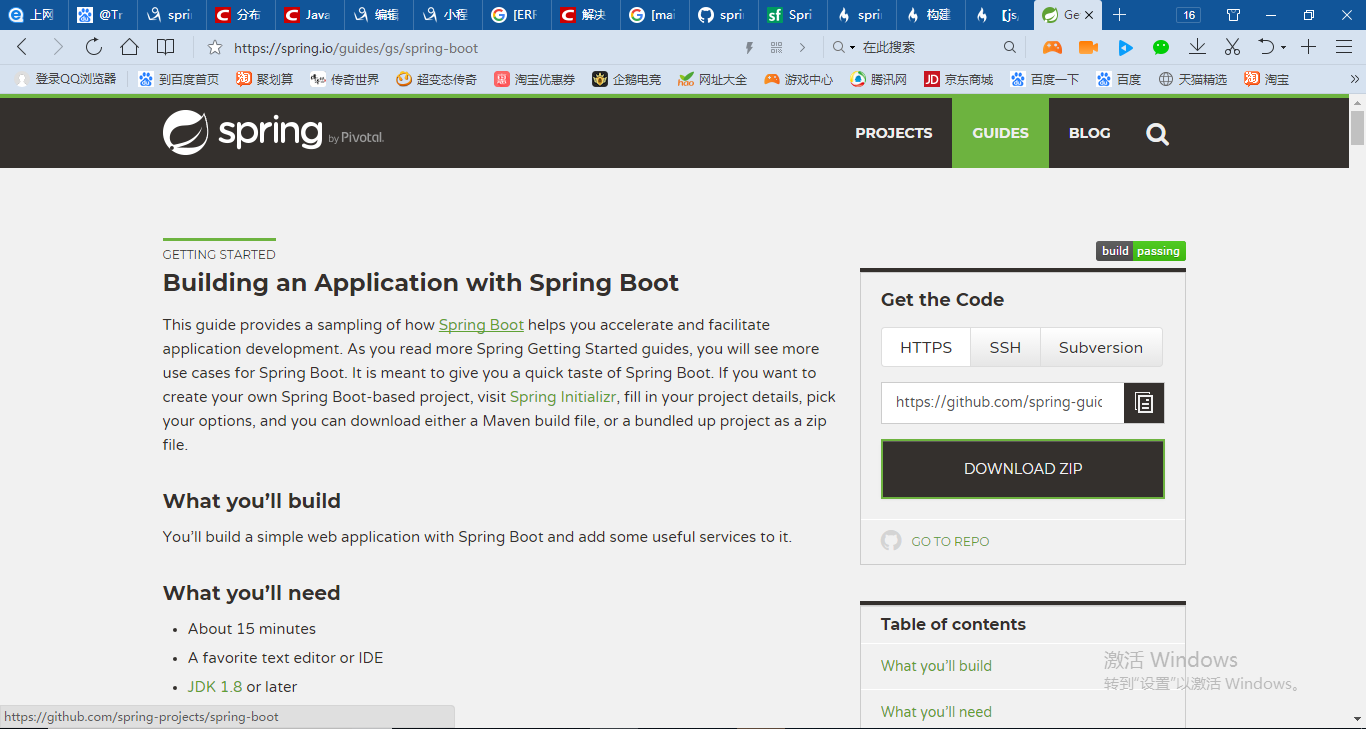
Spring-Boot的指导
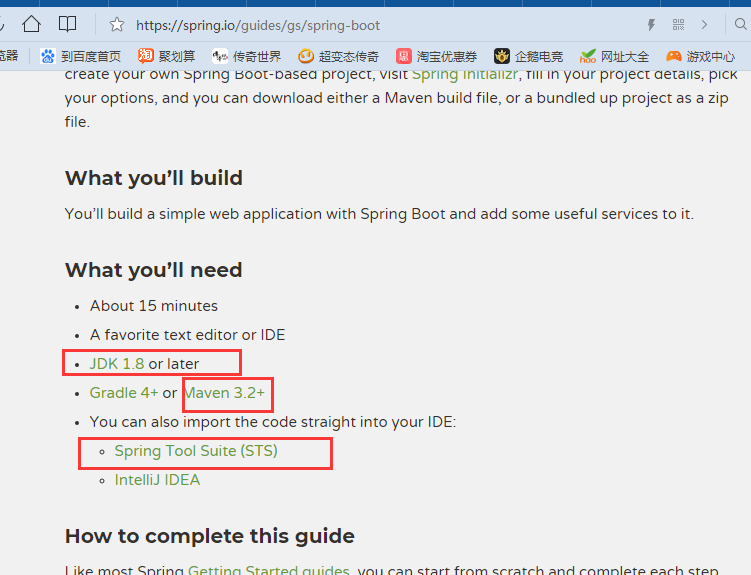
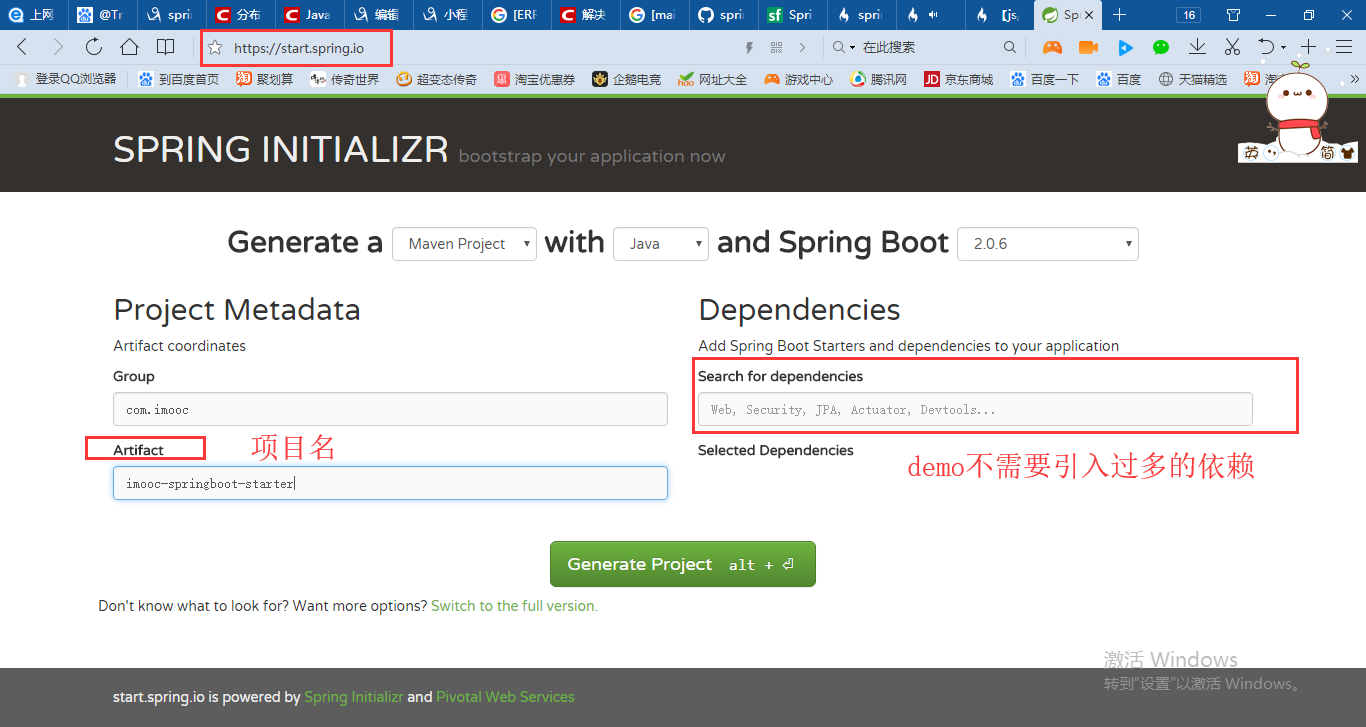
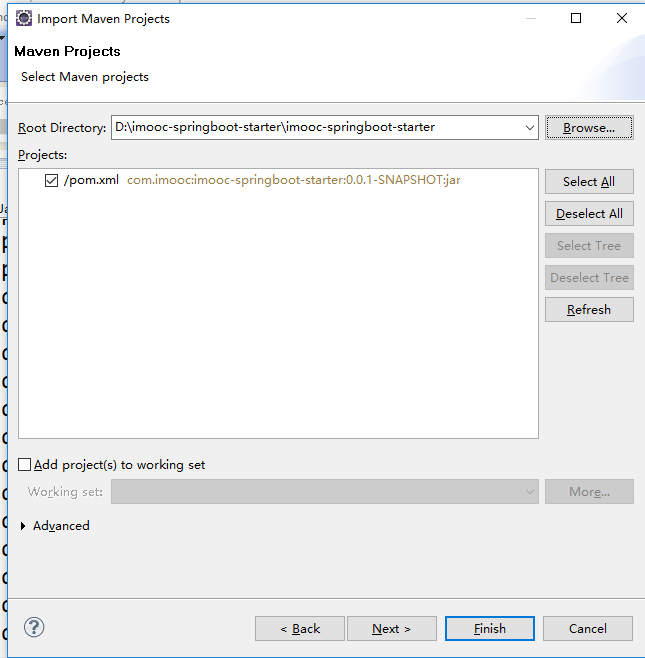
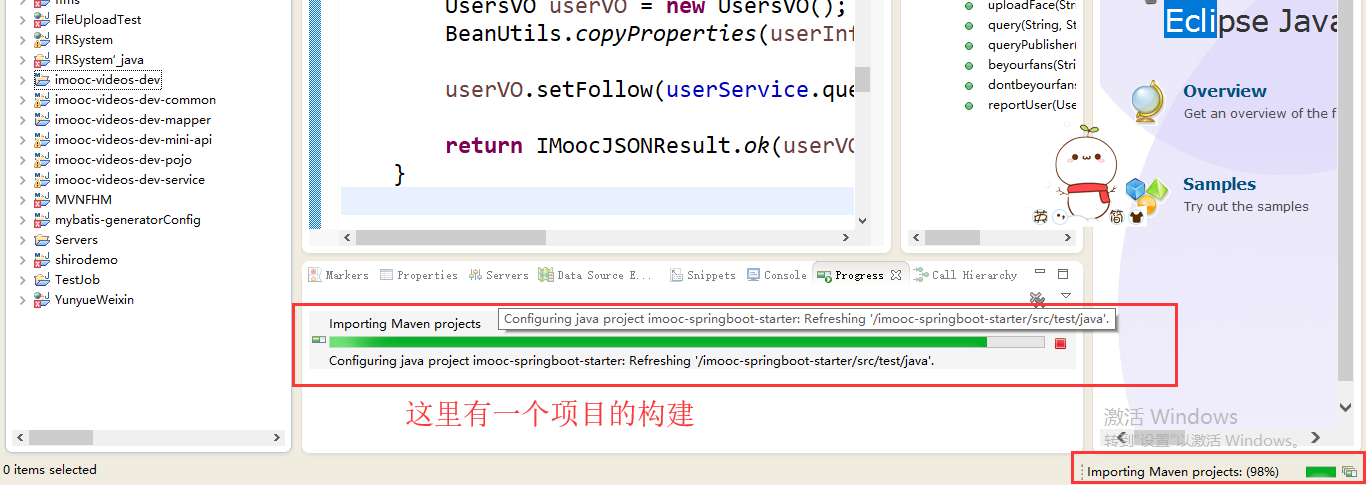
Maven整个环境构建之前的整个项目其实是一个很普通的J2SE项目,它构建完之后会进行重构,重构为Maven的一个项目路径。可以看到Maven项目基础的结构就是这样子。
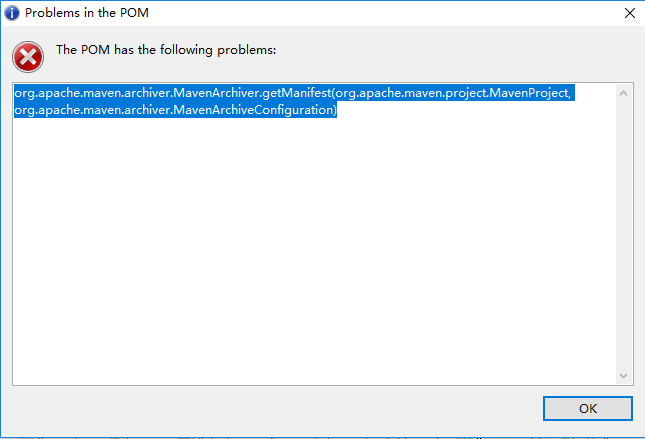
我们可以先看一下/imooc-springboot-starter/pom.xml,pom报错了
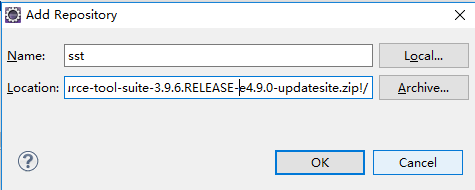
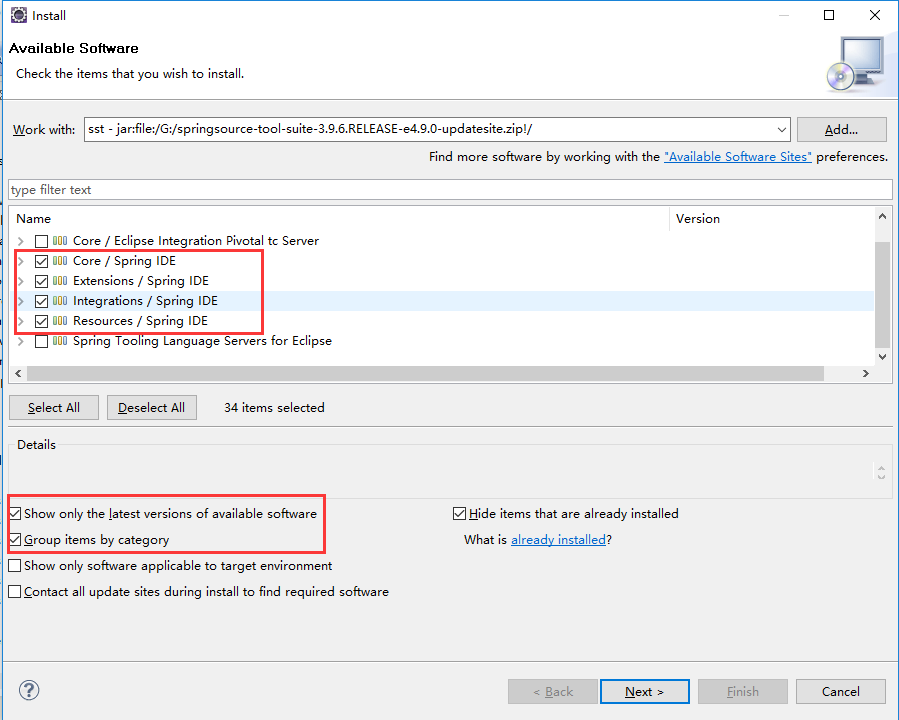
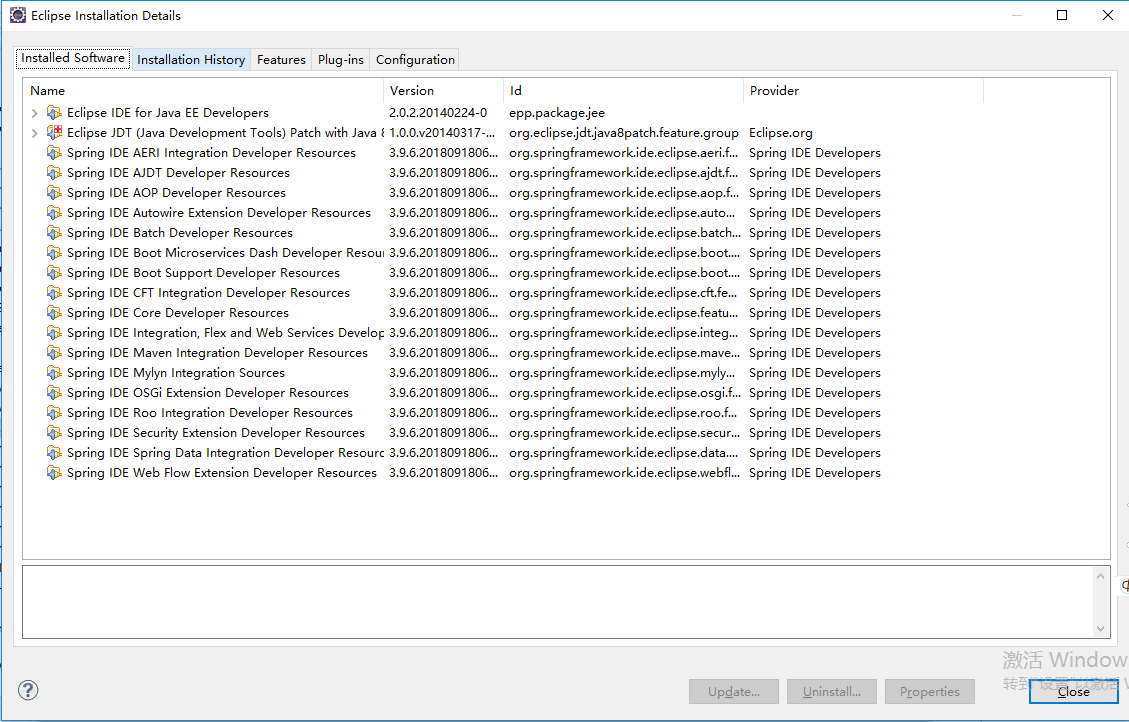
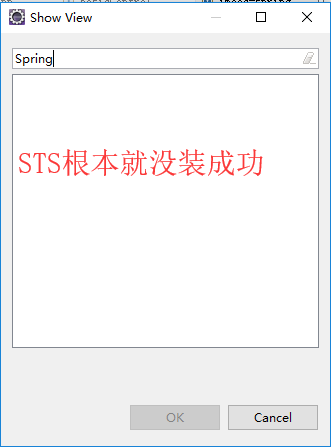
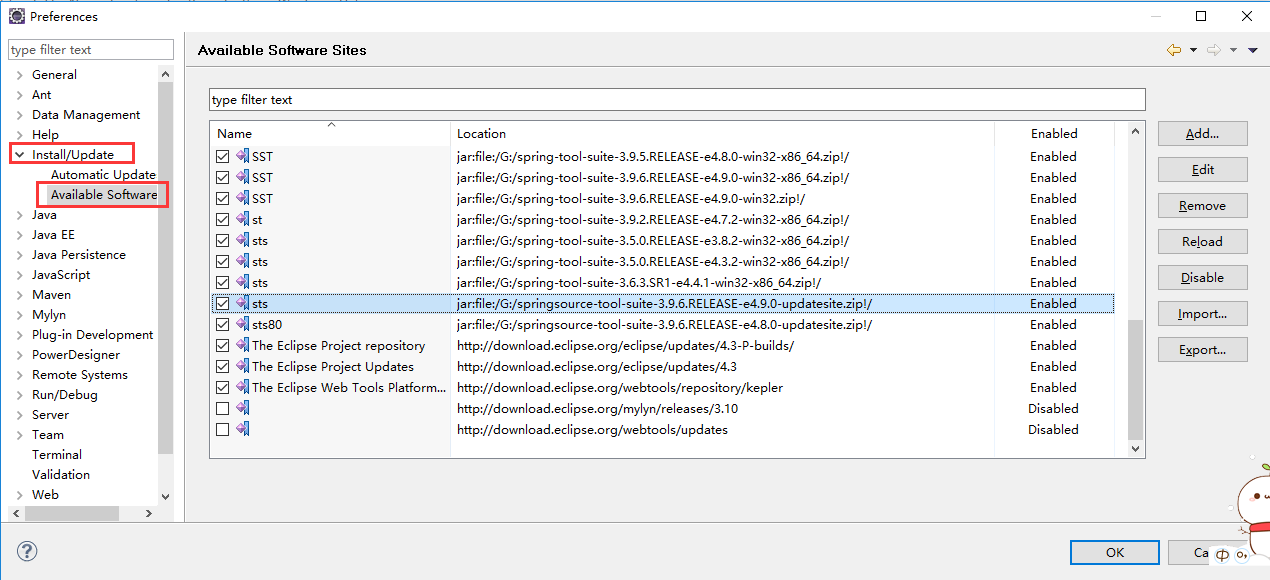
安装STS插件(springsource-tool-suite-3.9.6.RELEASE-e4.9.0-updatesite)之后再说吧
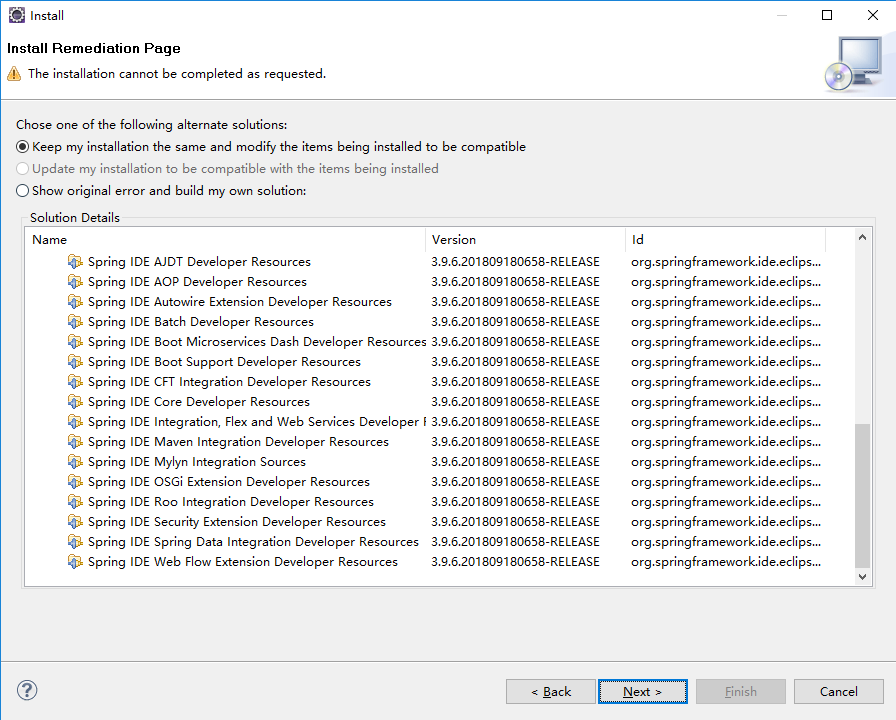
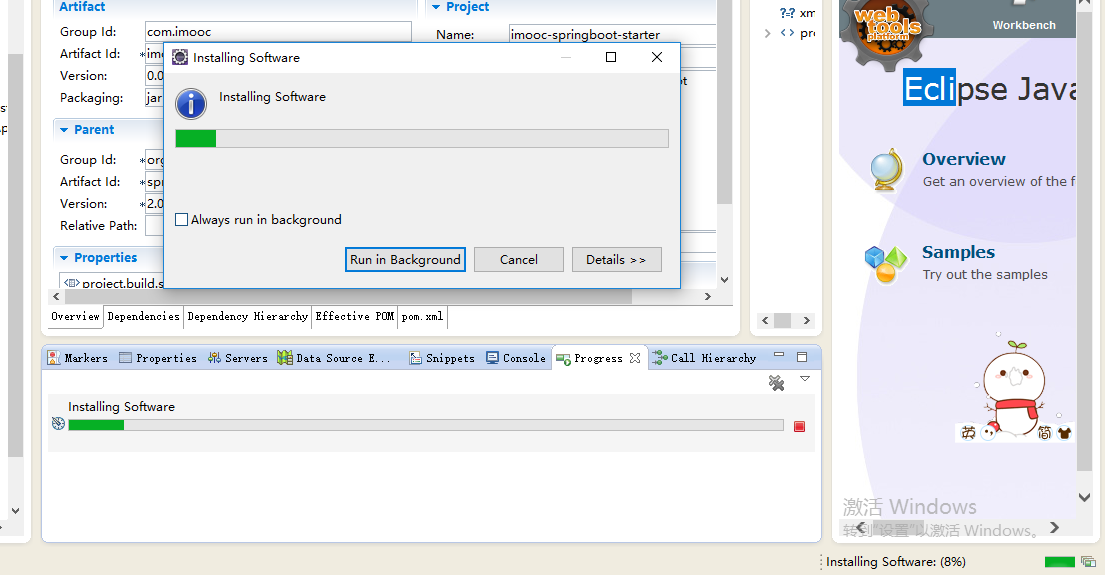

Cannot complete the install because one or more required items could not be found.

  Software being installed: Spring IDE Web Flow Extension (optional) 3.9.6.201809180658-RELEASE (org.springframework.ide.eclipse.webflow.feature.feature.group 3.9.6.201809180658-RELEASE)

  Missing requirement: Spring IDE Live Beans Graph 3.9.6.201809180658-RELEASE (org.springframework.ide.eclipse.beans.ui.livegraph 3.9.6.201809180658-RELEASE) requires 'bundle org.eclipse.zest.core [1.0.0,2.0.0)' but it could not be found

  Cannot satisfy dependency:

    From: Spring IDE Core (required) 3.9.6.201809180658-RELEASE (org.springframework.ide.eclipse.feature.feature.group 3.9.6.201809180658-RELEASE)

    To: org.springframework.ide.eclipse.beans.ui.livegraph [3.9.6.201809180658-RELEASE]

  Cannot satisfy dependency:

    From: Spring IDE Web Flow Extension (optional) 3.9.6.201809180658-RELEASE (org.springframework.ide.eclipse.webflow.feature.feature.group 3.9.6.201809180658-RELEASE)

    To: org.springframework.ide.eclipse.feature.feature.group 0.0.0
Cannot complete the install because one or more required items could not be found.

  Software being installed: Spring IDE Web Flow Extension (optional) 3.9.6.201809180658-RELEASE (org.springframework.ide.eclipse.webflow.feature.feature.group 3.9.6.201809180658-RELEASE)

  Missing requirement: Spring IDE Live Beans Graph 3.9.6.201809180658-RELEASE (org.springframework.ide.eclipse.beans.ui.livegraph 3.9.6.201809180658-RELEASE) requires 'bundle org.eclipse.zest.core [1.0.0,2.0.0)' but it could not be found

  Cannot satisfy dependency:

    From: Spring IDE Core (required) 3.9.6.201809180658-RELEASE (org.springframework.ide.eclipse.feature.feature.group 3.9.6.201809180658-RELEASE)

    To: org.springframework.ide.eclipse.beans.ui.livegraph [3.9.6.201809180658-RELEASE]

  Cannot satisfy dependency:

    From: Spring IDE Web Flow Extension (optional) 3.9.6.201809180658-RELEASE (org.springframework.ide.eclipse.webflow.feature.feature.group 3.9.6.201809180658-RELEASE)

    To: org.springframework.ide.eclipse.feature.feature.group 0.0.0
安装GEF插件GEF-Update-3.9.1
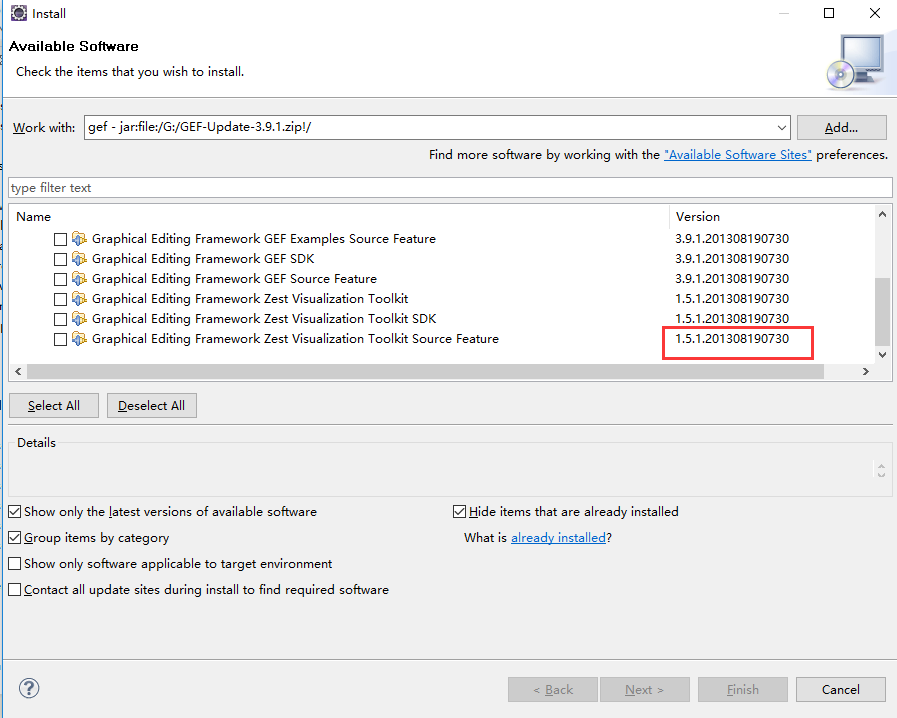
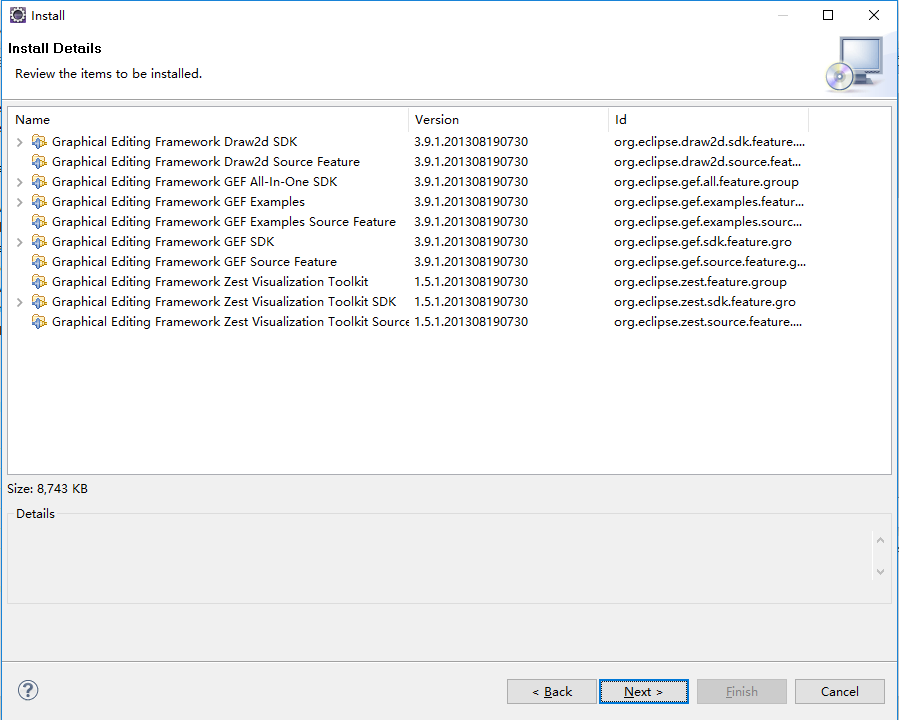
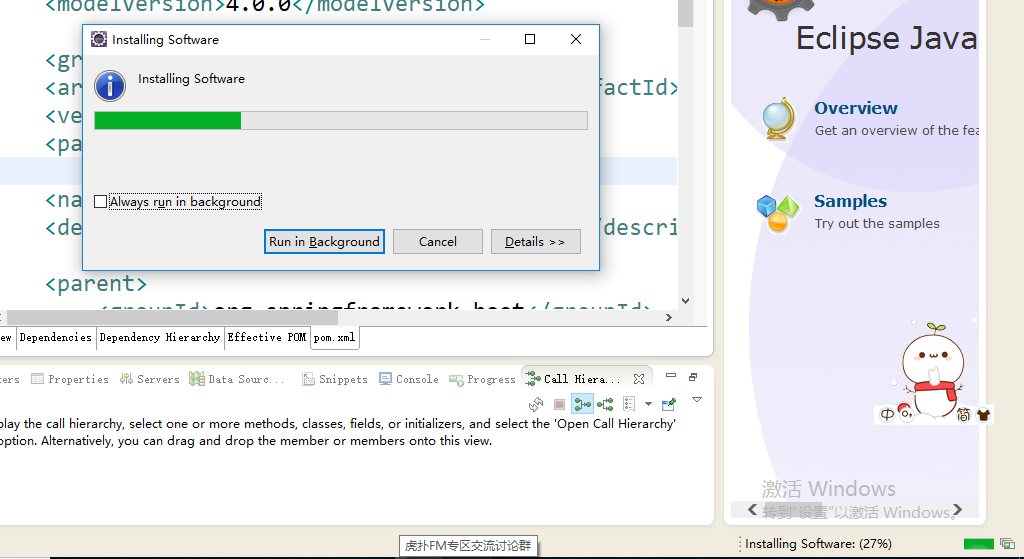
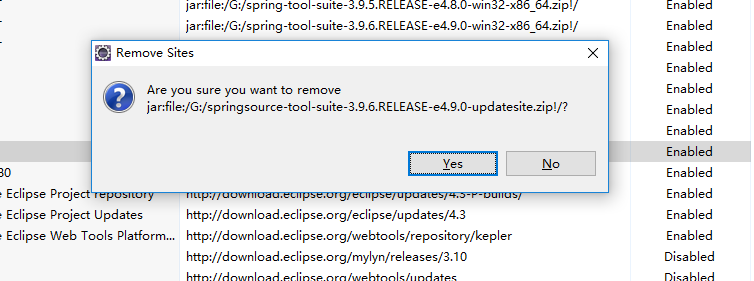
删了springsource-tool-suite-3.9.6.RELEASE-e4.9.0-updatesite重新装一遍,看来还有依赖没有安装
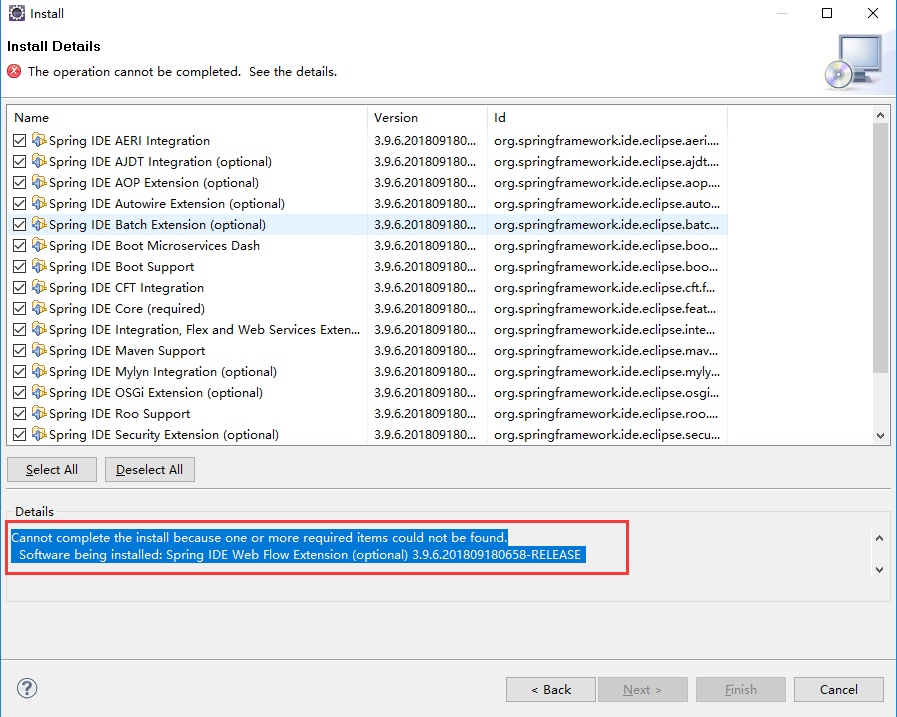
Cannot complete the install because one or more required items could not be found.

  Software being installed: Spring IDE Web Flow Extension (optional) 3.9.6.201809180658-RELEASE (org.springframework.ide.eclipse.webflow.feature.feature.group 3.9.6.201809180658-RELEASE)

  Missing requirement: Spring IDE Live Beans Graph 3.9.6.201809180658-RELEASE (org.springframework.ide.eclipse.beans.ui.livegraph 3.9.6.201809180658-RELEASE) requires 'bundle org.json 0.0.0' but it could not be found

  Cannot satisfy dependency:

    From: Spring IDE Core (required) 3.9.6.201809180658-RELEASE (org.springframework.ide.eclipse.feature.feature.group 3.9.6.201809180658-RELEASE)

    To: org.springframework.ide.eclipse.beans.ui.livegraph [3.9.6.201809180658-RELEASE]

  Cannot satisfy dependency:

    From: Spring IDE Web Flow Extension (optional) 3.9.6.201809180658-RELEASE (org.springframework.ide.eclipse.webflow.feature.feature.group 3.9.6.201809180658-RELEASE)

    To: org.springframework.ide.eclipse.feature.feature.group 0.0.0
拷贝json-20180813.jar到C:\Users\ZHONGZHENHUA\Desktop\eclipse-jee-kepler-SR2-win32-x86_64\eclipse\plugins目录下,问题就解决了。但是重启eclipse安装sst又报了另外一个错
Cannot complete the install because one or more required items could not be found.

  Software being installed: Spring IDE Web Flow Extension (optional) 3.9.6.201809180658-RELEASE (org.springframework.ide.eclipse.webflow.feature.feature.group 3.9.6.201809180658-RELEASE)

  Missing requirement: Boot UI Support 3.9.6.201809180658-RELEASE (org.springframework.ide.eclipse.boot.wizard 3.9.6.201809180658-RELEASE) requires 'bundle javax.ws.rs 2.0.1' but it could not be found

  Cannot satisfy dependency:

    From: Spring IDE Buildship Integration 3.9.6.201809180658-RELEASE (org.springframework.ide.eclipse.buildship 3.9.6.201809180658-RELEASE)

    To: bundle org.springframework.ide.eclipse.boot.wizard 0.0.0

  Cannot satisfy dependency:

    From: Spring IDE Core (required) 3.9.6.201809180658-RELEASE (org.springframework.ide.eclipse.feature.feature.group 3.9.6.201809180658-RELEASE)

    To: org.springframework.ide.eclipse.buildship [3.9.6.201809180658-RELEASE]

  Cannot satisfy dependency:

    From: Spring IDE Web Flow Extension (optional) 3.9.6.201809180658-RELEASE (org.springframework.ide.eclipse.webflow.feature.feature.group 3.9.6.201809180658-RELEASE)

    To: org.springframework.ide.eclipse.feature.feature.group 0.0.0
坑爹的换了最新的eclipse-jee-2018-09-win32-x86_64之后就行了
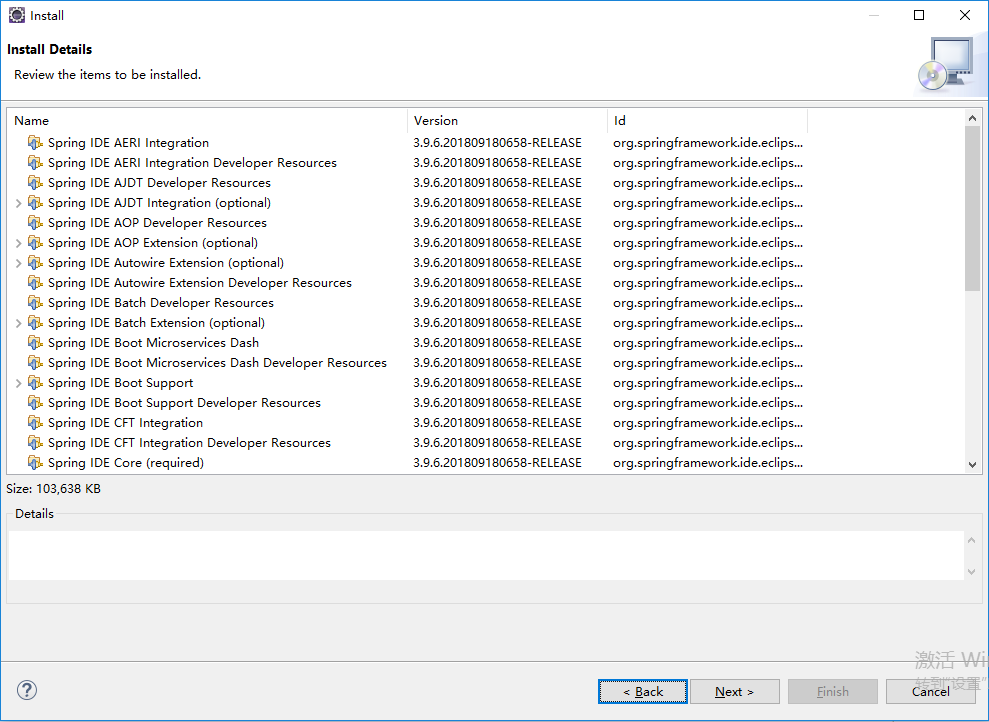
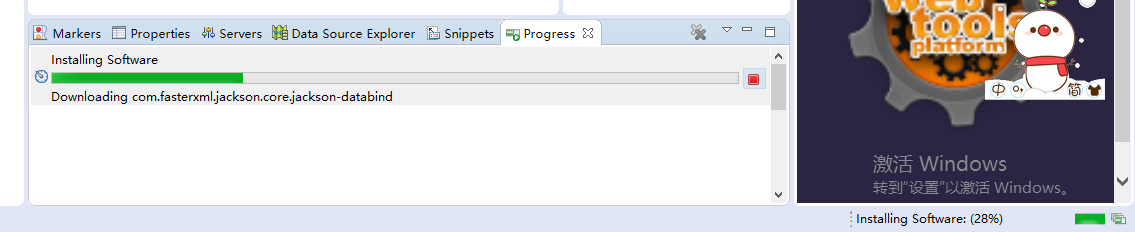

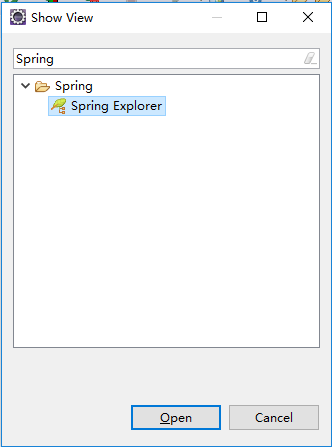
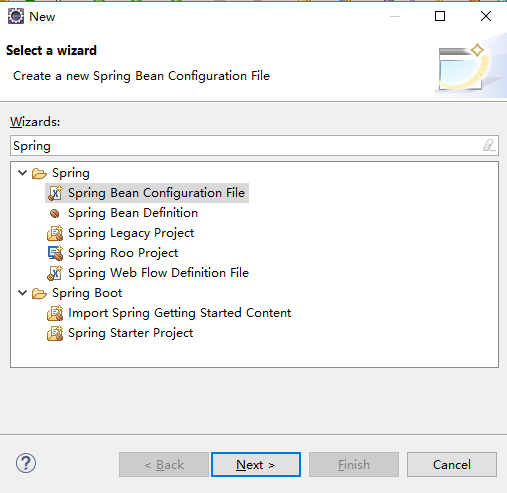 STS安装成功了。
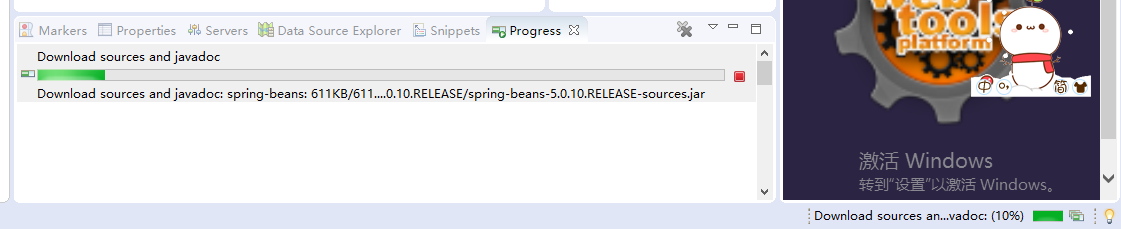

我们继续看一下/imooc-springboot-starter/pom.xml,

    <groupId>com.imooc</groupId>

    <artifactId>imooc-springboot-starter</artifactId>

    <version>0.0.1-SNAPSHOT</version>

    <packaging>jar</packaging>
groupId、项目名、版本。packaging直接使用jar,因为我们可以直接使用它内部的一个tomcat即可。
<name>imooc-springboot-starter</name>

    <description>Demo project for Spring Boot</description>
这是项目描述,不用管
    <parent>

        <groupId>org.springframework.boot</groupId>

        <artifactId>spring-boot-starter-parent</artifactId>

        <version>2.0.6.RELEASE</version>

        <relativePath/> <!-- lookup parent from repository -->

    </parent>
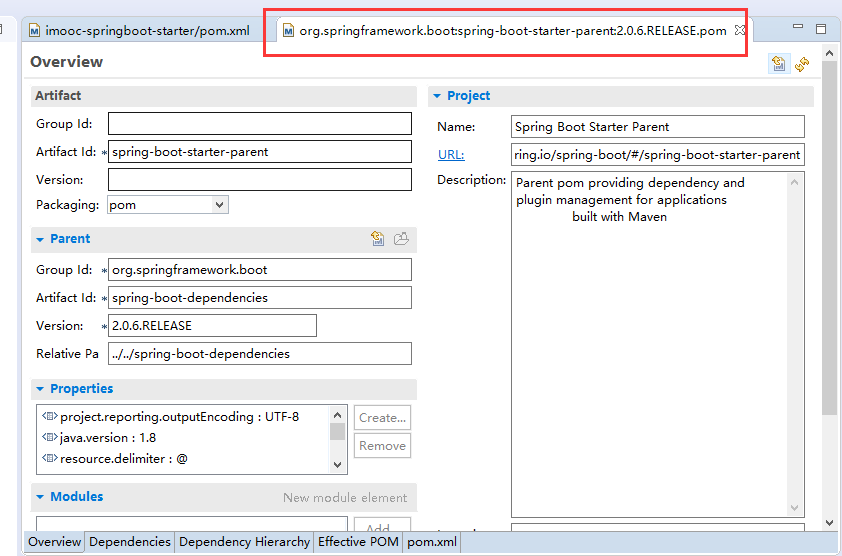
我们只需要引入spring-boot-starter-parent这一个,就可以把相关所有的jar包全部都可以引进来。这个包里面已经把相关的Spring所有的一些包全部都引入进来,并且它已经配好了相关的配置文件。
    <properties>

        <project.build.sourceEncoding>UTF-8</project.build.sourceEncoding>

        <project.reporting.outputEncoding>UTF-8</project.reporting.outputEncoding>

        <java.version>1.8</java.version>

    </properties>
java版本号也是1.8
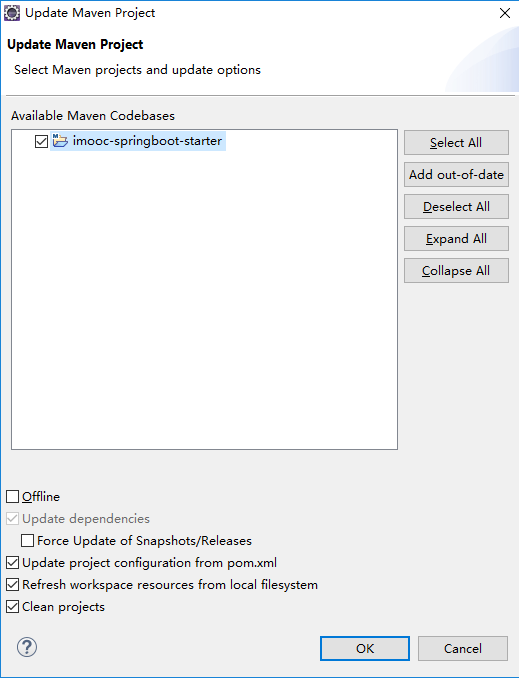
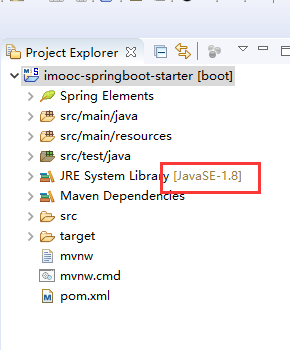
点击项目工程imooc-springboot-starter右键Maven->Update Project,重新的clean,这个时候它的版本就是1.8。

    <build>

        <plugins>

            <plugin>

                <groupId>org.springframework.boot</groupId>

                <artifactId>spring-boot-maven-plugin</artifactId>

            </plugin>

        </plugins>

    </build>
Maven的一个插件
删掉无用的/imooc-springboot-starter/src/test/java/com/imooc/imoocspringbootstarter/ImoocSpringbootStarterApplicationTests.java、/imooc-springboot-starter/mvnw、/imooc-springboot-starter/mvnw.cmd
整个项目是通过/imooc-springboot-starter/src/main/java/com/imooc/imoocspringbootstarter/ImoocSpringbootStarterApplication.java去运行的。
SpringBootApplication代表我们整个应用程序,它的主类就是ImoocSpringbootStarterApplication。运行它就是代表我们整个项目启动了。
修改包名com.imooc.imoocspringbootstarter为com.imooc,把ImoocSpringbootStarterApplication作为顶类,也就是置顶的一个类。因为SpringBoot它有一个默认的配置,它所有的类都必须在com.imooc以下,比如com.imooc.controller、com.imooc.pojo、com.imooc.entity、com.imooc.service、com.imooc.mapper,只有在这种情况下它才会去取得它相应的注解。
修改启动类ImoocSpringbootStarterApplication为ImoocApplication,没有必要改的太长。
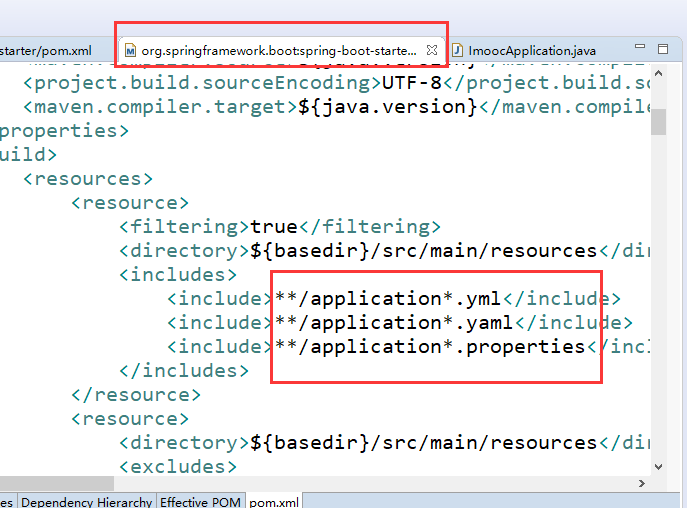
yml和properties其实用法是一模一样的,它只不过是以一个树形结构去展示。properties是全部展开的。我们这里是以properties为主。
右击/imooc-springboot-starter/src/main/java/com/imooc/ImoocApplication.java Run As Spring Boot App运行整个项目,
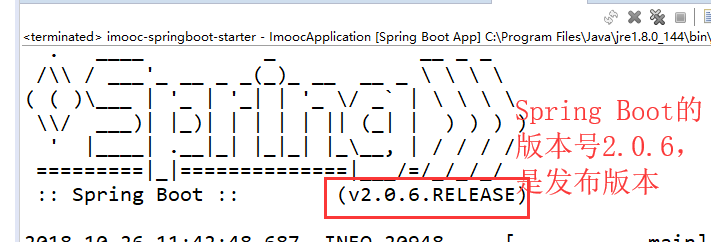
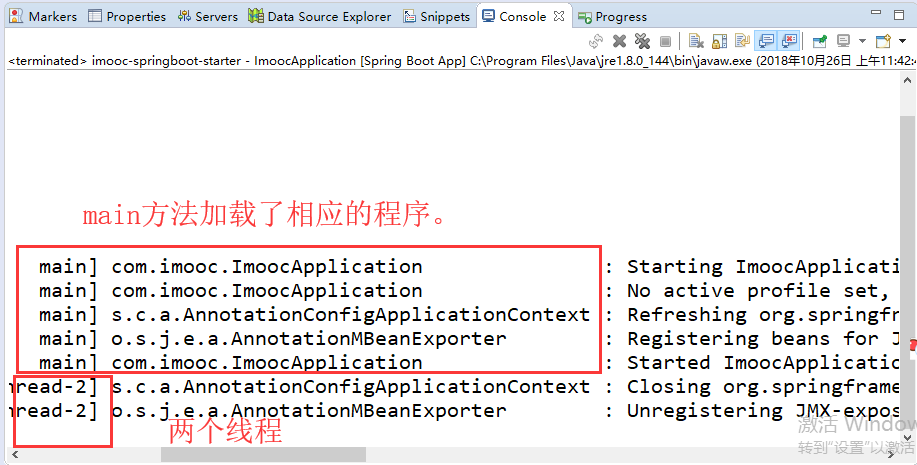
/imooc-springboot-starter/src/main/java/com/imooc/ImoocApplication.java相当于是一个J2SE的程序。
@RestController 它会以一个所有是字符串的形式去访问数据。使用这个web环境我们还是需要在pom里面引入一些额外的组件,我们必须要引入这个web组件。
        <dependency>

            <groupId>org.springframework.boot</groupId>

            <artifactId>spring-boot-starter-web</artifactId>

        </dependency>
/imooc-springboot-starter/src/main/java/com/imooc/controller/HelloController.java
package com.imooc.controller;

import org.springframework.web.bind.annotation.RequestMapping;

import org.springframework.web.bind.annotation.RestController;

@RestController

public class HelloController {

    @RequestMapping("/hello")

    public Object hello() {

        return "hello springboot~~";

    }

}
/imooc-springboot-starter/src/main/java/com/imooc/ImoocApplication.java
package com.imooc;

import org.springframework.boot.SpringApplication;

import org.springframework.boot.autoconfigure.SpringBootApplication;

@SpringBootApplication

public class ImoocApplication {

    public static void main(String[] args) {

        SpringApplication.run(ImoocApplication.class, args);

    }

}
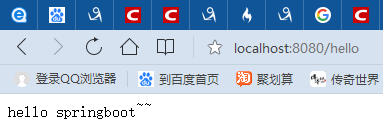
我们这个controller已经成功了。这个写法简化了很多SpirngMVC的配置,我们可以省略了SpringMVC.xml。
pom.xml
<?xml version="1.0" encoding="UTF-8"?>

<project xmlns="http://maven.apache.org/POM/4.0.0" xmlns:xsi="http://www.w3.org/2001/XMLSchema-instance"

    xsi:schemaLocation="http://maven.apache.org/POM/4.0.0 http://maven.apache.org/xsd/maven-4.0.0.xsd">

    <modelVersion>4.0.0</modelVersion>

    <groupId>com.imooc</groupId>

    <artifactId>imooc-springboot-starter</artifactId>

    <version>0.0.1-SNAPSHOT</version>

    <packaging>jar</packaging>

    <name>imooc-springboot-starter</name>

    <description>Demo project for Spring Boot</description>

    <parent>

        <groupId>org.springframework.boot</groupId>

        <artifactId>spring-boot-starter-parent</artifactId>

        <version>2.0.6.RELEASE</version>

        <relativePath/> <!-- lookup parent from repository -->

    </parent>

    <properties>

        <project.build.sourceEncoding>UTF-8</project.build.sourceEncoding>

        <project.reporting.outputEncoding>UTF-8</project.reporting.outputEncoding>

        <java.version>1.8</java.version>

    </properties>

    <dependencies>

        <dependency>

            <groupId>org.springframework.boot</groupId>

            <artifactId>spring-boot-starter</artifactId>

        </dependency>

        <dependency>

            <groupId>org.springframework.boot</groupId>

            <artifactId>spring-boot-starter-web</artifactId>

        </dependency>

    </dependencies>

    <build>

        <plugins>

            <plugin>

                <groupId>org.springframework.boot</groupId>

                <artifactId>spring-boot-maven-plugin</artifactId>

            </plugin>

        </plugins>

    </build>

</project>
第2章 构建springboot工程 2-1 构建SpringBoot第一个demo的更多相关文章
- 构建SpringBoot第一个Demo
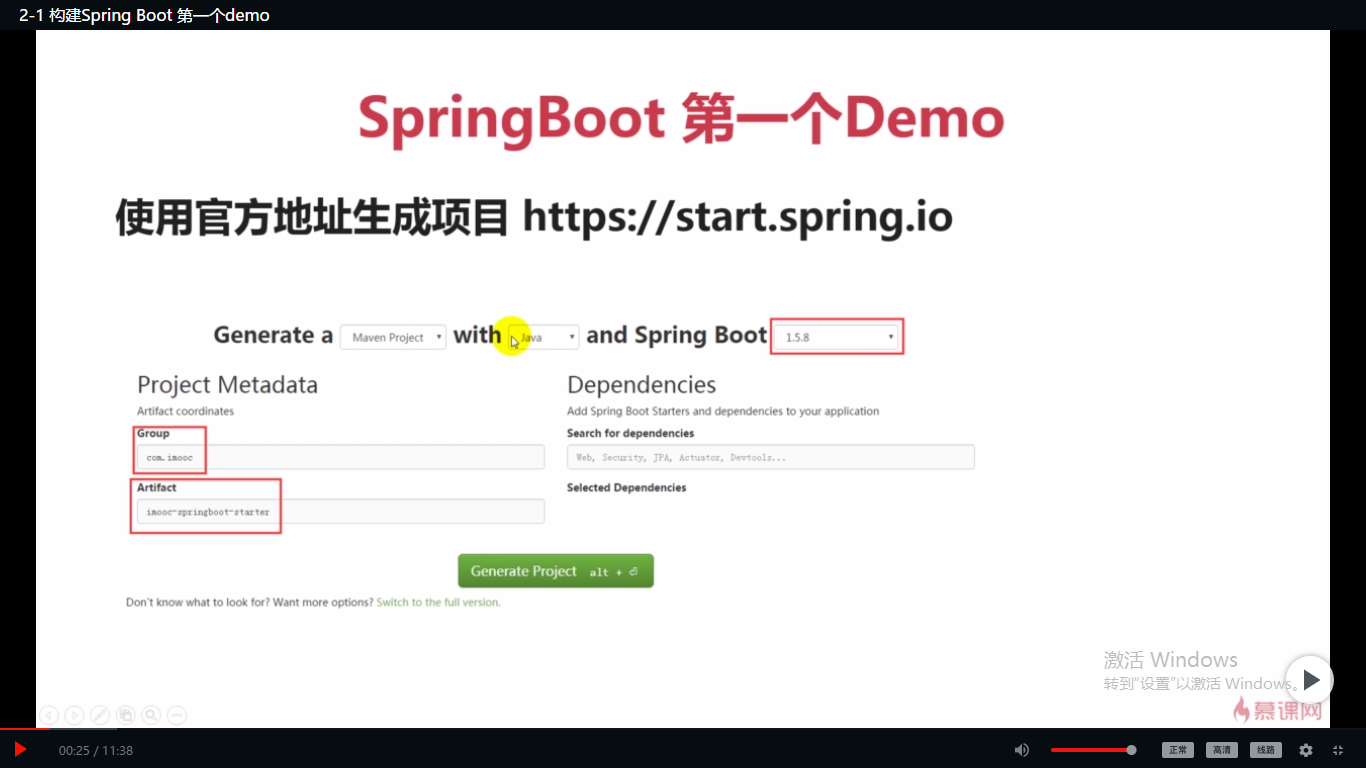
使用官方地址生成项目 https://start.spring.io Generate:可以选择Maven或者Gradle构建项目 语言:我想一般都是Java 接下来选择SpringBoot的版本, ...
- Spring Boot2 系列教程 (二) | 第一个 SpringBoot 工程详解
微信公众号:一个优秀的废人 如有问题或建议,请后台留言,我会尽力解决你的问题. 前言 哎呦喂,按照以往的惯例今天周六我的安排应该是待在家学学猫叫啥的.但是今年这种日子就可能一去不复返了,没法办法啊.前 ...
- 第2章 构建springboot工程 2-2 使用Spring官方STS搭建SpringBoot工程
项目名demo,SpringBoot的版本2.0.6 删了/demo/mvnw和/demo/mvnw.cmd.static文件夹包含静态文件,比如CSS.JS.templates文件夹是放模板的,Sp ...
- (转) SpringBoot非官方教程 | 第一篇:构建第一个SpringBoot工程
简介 spring boot 它的设计目的就是为例简化开发,开启了各种自动装配,你不想写各种配置文件,引入相关的依赖就能迅速搭建起一个web工程.它采用的是建立生产就绪的应用程序观点,优先于配置的惯例 ...
- 01构建第一个SpringBoot工程
第一篇:构建第一个SpringBoot工程 文章指导 学习笔记 学习代码 创建项目 创建工程:Idea-> new Project ->Spring Initializr ->填写g ...
- SpringBoot非官方教程 | 第一篇:构建第一个SpringBoot工程
转载请标明出处: https://www.fangzhipeng.com/springboot/2017/07/11/springboot1 本文出自方志朋的博客 简介 spring boot 它的设 ...
- (二十三)IDEA 构建一个springboot工程,以及可能遇到的问题
一.下载安装intellij IEDA 需要破解 二.创建springboot工程 其他步骤省略,创建好的工程结构如下图: 三.配置springoboot工程 3.1 如上图src/main目录下只有 ...
- SpringBoot工程热部署
SpringBoot工程热部署 1.在pom文件中添加热部署依赖 <!-- 热部署配置 --> <dependency> <groupId>org.springfr ...
- springboot系列(二) 创建springboot工程
本文转载自:https://www.cnblogs.com/magicalSam/p/7171716.html 简介 Spring Boot是由Pivotal团队提供的全新框架,其设计目的是用来简化新 ...
- 使用 IDEA 配合 Dockerfile 部署 SpringBoot 工程
准备 SpringBoot 工程 新建 SpringBoot 项目,默认的端口是 8080 ,新建 Controller 和 Mapping @RestController public class ...
随机推荐
- 按键(ESC ,F1,F2等)——wpf的命令处理方法
WPF窗体的命令绑定 方法一:使用代码 <WpfUI:View.CommandBindings> <CommandBinding Command="Help" ...
- C#中List<object>.Clear()方法和实例化new List<object>()操作的结果分析
本文主要的目的是想简单的探讨一下C#中List针对内存的操作过程,以便以后遇到该种情况可以避免走进误区,内容非常简单,只是在此作为记录.能帮到人最好,帮不到就当给自己提个醒.C#将复杂的指针操作全都隐 ...
- coco2d-js 节点的属性和动作
记录一些coco简单的属性和动作,位置,锚点,透明度,大小,移动等 /*属性*/ if(!true){ var sprite1 = new cc.Sprite(res.Sp1); var sprite ...
- js动态拼接参数到请求的url上
var queryConfig={ "page" : "index", "method" : 2, //1:按照方法A查看 2:按照方法B查 ...
- html5 video 监听播放结束. 最好获取html标签而不是id。
<!DOCTYPE html> <html lang="en"> <head> <meta charset="UTF-8&quo ...
- EF 连接oracle 基础连接失败 问题解决
以此记录今天犯下的错误:
- poj2263 zoj1952 Heavy Cargo(floyd||spfa)
这道题数据范围小,方法比较多.我用floyd和spfa分别写了一下,spfa明显有时间优势. 一个小技巧在于:把城市名称对应到数字序号,处理是用数字. 方法一:spfa #include<ios ...
- 浅学soap--------1
无wsdl文件: Clint.php //客户端 <?php $soap = new SoapClient(null,array('uri'=>'server','location'=&g ...
- .NET MVC 异步提交和返回参数
一.后台页面中的接收方法和返回写法 Jsonresult意味着返回值是json格式,也可以是string或者int等其他类型. Httppost代表只接受Post方法. Mvc中返回Jsonresul ...
- 消息队列mq总结(重点看,比较了主流消息队列框架)
转自:http://blog.csdn.net/konglongaa/article/details/52208273 http://blog.csdn.net/oMaverick1/article/ ...