
C# 截图ScreenCapture,保存
简化版:
using System;

using System.Collections.Generic;

using System.Linq;

using System.Text;

using System.Threading.Tasks;

using System.Drawing;

using System.Windows.Forms;

using System.IO;

using System.Drawing.Imaging;

namespace ConsoleApp346

{

    class Program

    {

        [STAThread]

        static void Main(string[] args)

        {

            ScreenCapture();

        }

        static void ScreenCapture()

        {

            Rectangle bounds = Screen.GetBounds(System.Drawing.Point.Empty);

            using (Bitmap bitmap = new Bitmap(bounds.Width, bounds.Height))

            {

                using (Graphics g = Graphics.FromImage(bitmap))

                {

                    g.CopyFromScreen(System.Drawing.Point.Empty, System.Drawing.Point.Empty, bounds.Size);

                }

                string fullName = Directory.GetCurrentDirectory() + "\\" + DateTime.Now.ToString("yyyyMMddHHmmssffff") + ".jpg";

                bitmap.Save(fullName, ImageFormat.Jpeg);

            }

        }

    }

}
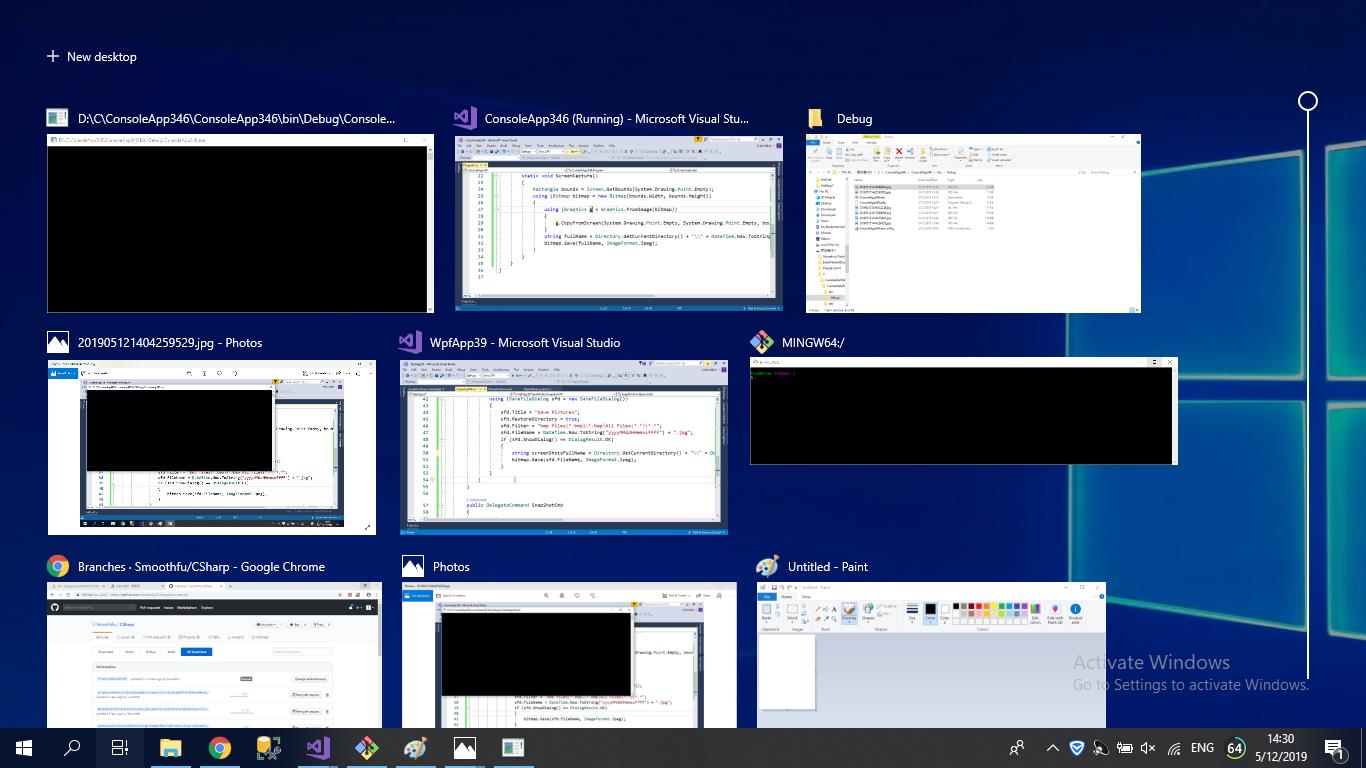
效果如图:
 using System;

 using System.Collections.Generic;

 using System.Linq;

 using System.Text;

 using System.Threading.Tasks;

 using System.Drawing;

 using System.Windows.Forms;

 using System.IO;

 using System.Drawing.Imaging;

 namespace ConsoleApp346

 {

     class Program

     {

         [STAThread]

         static void Main(string[] args)

         {

             ScreenCapture();

         }

         static void ScreenCapture()

         {

             Rectangle bounds = Screen.GetBounds(System.Drawing.Point.Empty);

             using (Bitmap bitmap = new Bitmap(bounds.Width, bounds.Height))

             {

                 using (Graphics g = Graphics.FromImage(bitmap))

                 {

                     g.CopyFromScreen(System.Drawing.Point.Empty, System.Drawing.Point.Empty, bounds.Size);

                 }

                 using (SaveFileDialog sfd = new SaveFileDialog())

                 {

                     sfd.Title = "Save Pictures";

                     sfd.InitialDirectory = Directory.GetCurrentDirectory();

                     sfd.RestoreDirectory = true;

                     sfd.Filter = "bmp files(*.bmp)|*.bmp|All Files(*.*)|*.*";

                     sfd.FileName = DateTime.Now.ToString("yyyyMMddHHmmssffff") + ".jpg";

                     if (sfd.ShowDialog() == DialogResult.OK)

                     {

                         bitmap.Save(sfd.FileName, ImageFormat.Jpeg);

                     }

                 }

             }

         }

     }

 }
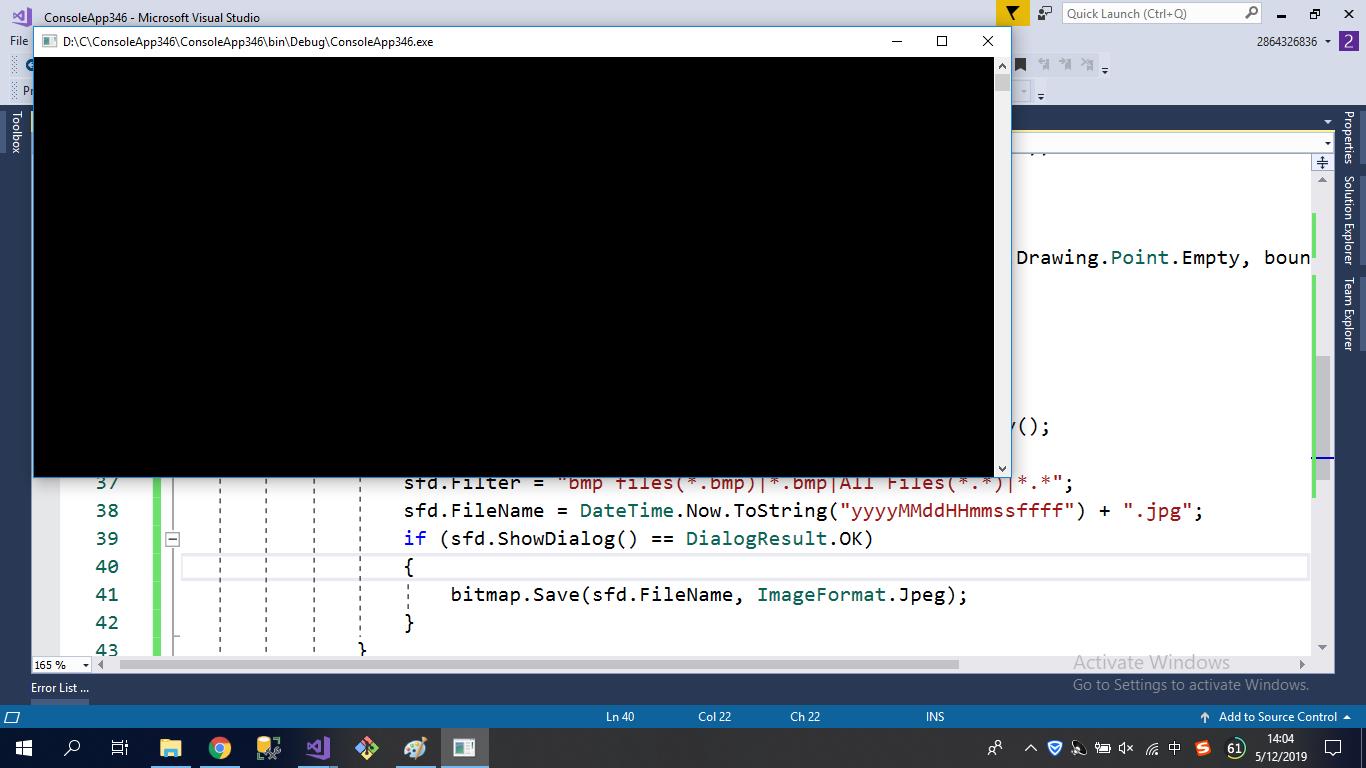
效果如下所示:

using System;
using System.Collections.Generic;
using System.Linq;
using System.Text;
using System.Threading.Tasks;
using System.Drawing;
using System.Windows.Forms;
using System.IO;
using System.Drawing.Imaging; namespace ConsoleApp346
{
class Program
{
[STAThread]
static void Main(string[] args)
{
ScreenCapture(); } static void ScreenCapture()
{
Rectangle bounds = Screen.GetBounds(System.Drawing.Point.Empty);
using (Bitmap bitmap = new Bitmap(bounds.Width, bounds.Height))
{
using (Graphics g = Graphics.FromImage(bitmap))
{
g.CopyFromScreen(System.Drawing.Point.Empty, System.Drawing.Point.Empty, bounds.Size);
} using (SaveFileDialog sfd = new SaveFileDialog())
{
sfd.Title = "Save Pictures";
sfd.InitialDirectory = Directory.GetCurrentDirectory();
sfd.RestoreDirectory = true;
sfd.Filter = "bmp files(*.bmp)|*.bmp|All Files(*.*)|*.*";
sfd.FileName = DateTime.Now.ToString("yyyyMMddHHmmssffff") + ".jpg";
if (sfd.ShowDialog() == DialogResult.OK)
{
bitmap.Save(sfd.FileName, ImageFormat.Jpeg);
}
}
}
}
}
}
C# 截图ScreenCapture,保存的更多相关文章
- [Android] 拍照、截图、保存并显示在ImageView控件中
近期在做Android的项目,当中部分涉及到图像处理的内容.这里先讲述怎样调用Camera应用程序进行拍照,并截图和保存显示在ImageView控件中以及遇到的困难和解决方法. PS:作者购买 ...
- opencv 截图并保存
opencv 截图并保存(转载) 代码功能:选择图像中矩形区,按S键截图并保存,Q键退出. #include<opencv2/opencv.hpp> #include<iostrea ...
- html2canvas插件对整个网页或者网页某一部分截图并保存为图片
html2canvas能够实现在用户浏览器端直接对整个或部分页面进行截屏.这个脚本将当前页面渲染成一个canvas图片,通过读取DOM并将不同的样式应用到这些元素上实现.它不需要来自服务器任何渲染,整 ...
- 对html进行截图并保存为本地图片
<!DOCTYPE html> <html> <head> <meta charset="UTF-8"> <title> ...
- Unity3D随意截图并保存
http://blog.csdn.net/awnuxcvbn/article/details/9199245 效果 代码 <pre name="code" class=&qu ...
- Python+Selenium练习篇之21-如何截图并保存
本文介绍如何利用Selenium的方法进行截图,在测试过程中,是有必要截图,特别是遇到错误的时候进行截图.在selenium for python中主要有三个截图方法,我们挑选其中最常用的一种. ge ...
- Python3.X Selenium 自动化测试中如何截图并保存成功
在selenium for python中主要有三个截图方法,我们挑选其中最常用的一种. 挑最常用的:get_screenshot_as_file() 相关代码如下:(下面的代码可直接复制) # co ...
- selenium 页面截图并保存
import java.io.File; import java.io.IOException; import org.apache.commons.io.FileUtils; import org. ...
- 利用HTML5的Video进行视频截图并保存到本地
<!doctype html> <html> <head> <meta charset="utf-8"> <title> ...
随机推荐
- WPF自定义控件的制作
因为有时候需要定制化的控件,需要多个控件的组合及复杂功能的集成,这样可以考虑自定义用户控件.下面分享一个简单的数值增减功能的自定义控件作为说明. 效果图如下: 1.创建自定义用户控件(添加->新 ...
- WPF属性绑定实现双向变化
WPF依赖项属性可以实现属性的绑定,成功绑定之后只要修改后台绑定的属性,即可UI同步自动更新绑定的值,无需手动刷新界面:同样,前台的值变化后,通过获取绑定的属性值也可获取UI变化后的值,实现双向变化的 ...
- 高强度学习训练第五天总结:JAVA对象+GC
第五天了.. 理清了Java对象的创建过程,分配内存,线程安全性,对象头和对象的访问定位 理清了JVM GC的发展历史,算法,例如: 可达性分析 引用计数法 标记-清楚法 复制算法 标记-整理算法 分 ...
- HTML中引用CSS的几种方法
HTML中引用CSS的方法主要有 行内样式 内嵌式 链接式 导入样式 行内样式 指写在标签里的Style元素的值 <p style="color: #FF0000;"> ...
- QP编码详解
- 原理 QP编码是一种使用可打印的ASCII字符 (如字母.数字与"=")表示各种编码格式下的字符.其方法是将一个8bit的字符表示成两个16进制数,并在前面加一个"= ...
- 9.智能快递柜SDK(串口型锁板)
1.智能快递柜(开篇) 2.智能快递柜(终端篇) 3.智能快递柜(通信篇-HTTP) 4.智能快递柜(通信篇-SOCKET) 5.智能快递柜(通信篇-Server程序) 6.智能快递柜(平台篇) 7. ...
- Android 工程的创建
还望支持个人博客站:http://www.enjoytoday.cn 本章节主要介绍如何开始Android工程的创建和android开发过程中需要的一些简单的技巧和知识.首篇文章主要介绍如何开始And ...
- 我所认为的RESTful API最佳实践
我所认为的RESTful API最佳实践 不要纠结于无意义的规范 在开始本文之前,我想先说这么一句:RESTful 真的很好,但它只是一种软件架构风格,过度纠结如何遵守规范只是徒增烦恼,也违背了使用它 ...
- crawlscrapy简单使用方法
crawlscrapy简单使用方法 1.创建项目:scrapy startproject 项目名例如:scrapy startproject wxapp windows下,cmd进入项目路径例如d:\ ...
- Costco
1 会员制,并不是Costco成功的关键原因 Costco最早开始推行会员制的时候,其实遭遇了巨大的失败. 人们当时是不接受,也不理解会员制度的,没有多少人来办会员,Costco差点就死掉了. 那Co ...