
CSS——div垂直居中及div内文字垂直居中
最近做demo时,经常需要div垂直居中或者让div内文字相对div垂直居中。水平居中比较简单,就不多说了,这里主要记录一下垂直居中的一些方法。
一、div垂直居中的一些方法:
1.当height、width固定大小时,
<!DOCTYPE html>

<html>

    <head>

        <meta charset="utf-8">

        <title>垂直居中</title>

        <style>

            html,body{

                margin: 0px;

                padding: 0px;

                height: 100%;

                width: 100%;

            }

            .div1{

                width: 300px;

                height: 300px;

                background: red;

                margin: 0 auto; /*水平居中*/

                position: relative;

                top: 50%; /*偏移*/

                margin-top: -150px;

            }

        </style>

    </head>

    <body>

        <div class="div1"></div>

    </body>

</html>
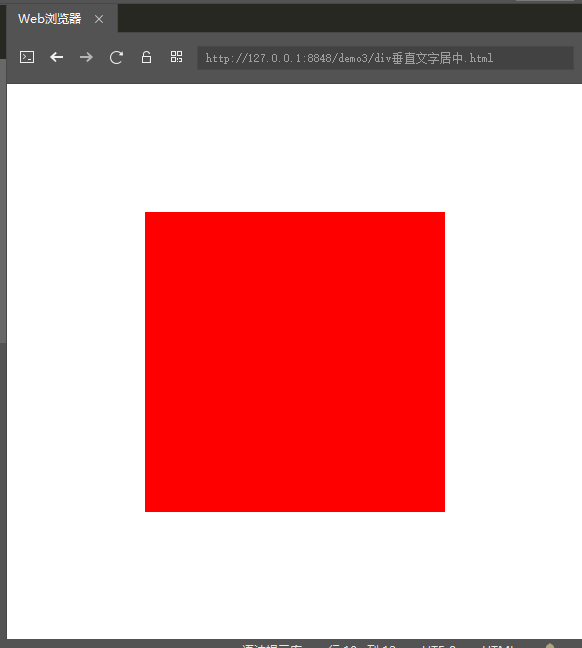
运行结果:
2.当height、width大小是百分比时,有如下三种方法可以实现:
法一:使用CSS3的transform属性
<!DOCTYPE html>

<html>

    <head>

        <meta charset="utf-8">

        <title>垂直居中</title>

        <style>

            html,body{

                margin: 0px;

                padding: 0px;

                height: 100%;

                width: 100%;

            }

            .div1{

                height: 30%;

                width: 30%;

                background: green;

                position: relative;

                top: 50%;

                transform: translateY(-50%);/* 元素往下位移自身高度50%的距离 */

            }

        </style>

    </head>

    <body>

        <div class="div1"></div>

    </body>

</html>
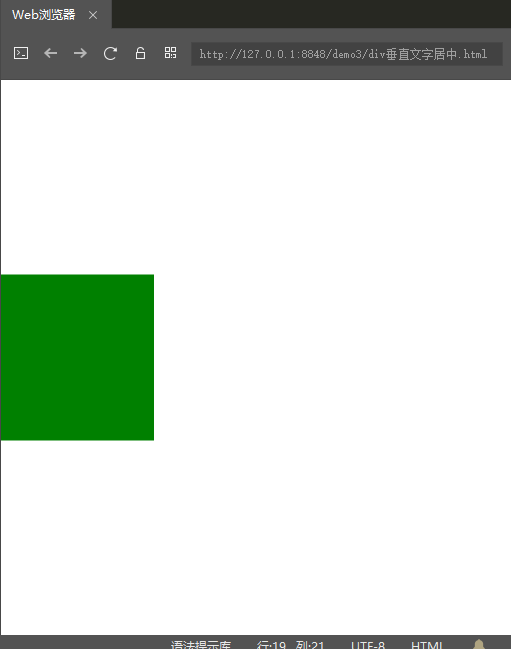
运行效果:
法二:使用CSS3的弹性布局(flex)
<!DOCTYPE html>

<html>

    <head>

        <meta charset="utf-8">

        <title>垂直居中</title>

        <style>

            html,body{

                margin: 0px;

                padding: 0px;

                height: 100%;

                width: 100%;

            }

            .div1{

                height: 100%;

                width: 100%;

                display: flex;/*设置为弹性容器*/

                align-items: center; /*定义div1的元素垂直居中*/

                justify-content: center; /*定义div1的里的元素水平居中*/

                background: green;

            }

            .div2{

                width: 50%;

                height: 50%;

                background: red;

            }

        </style>

    </head>

    <body>

        <div class="div1">

            <div class="div2"></div>

        </div>

    </body>

</html>
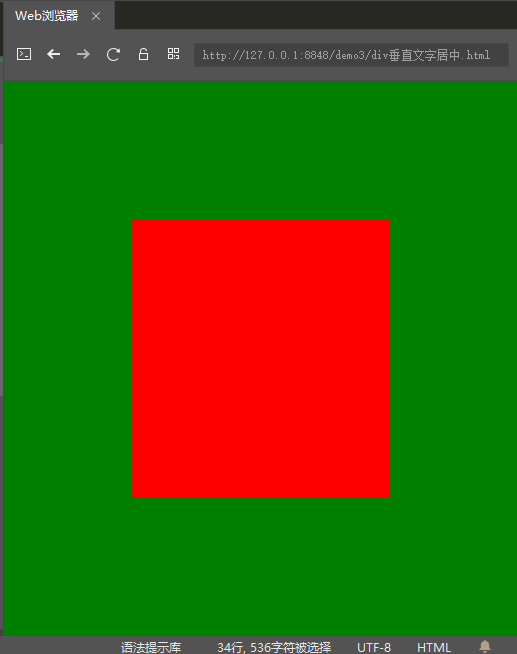
运行效果:
法三:绝对定位时的一种巧妙方法
<!DOCTYPE html>

<html>

    <head>

        <meta charset="utf-8">

        <title>垂直居中</title>

        <style>

            html,body{

                margin: 0px;

                padding: 0px;

                height: 100%;

                width: 100%;

            }

            .div1{

                height: 50%;

                width: 50%;

                background: red;

                position:absolute; /*这里必须是absolute绝对定位*/

                left: 0;

                right: 0;

                top: 0;

                bottom: 0;

                margin:auto;

            }

        </style>

    </head>

    <body>

        <div class="div1"></div>

    </body>

</html>
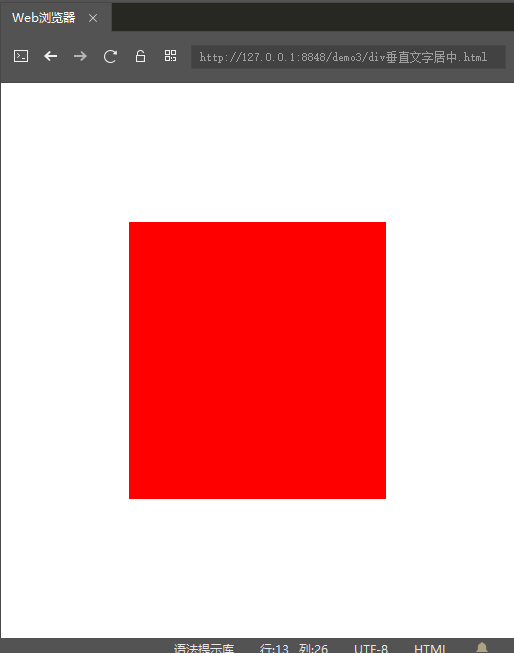
运行效果:
二、div内文字相对div垂直居中的一些方法:
1.当height、width固定大小时,有如下两种方法可以实现:
法一:只要保证line-height和height相同,即可保证div内的文字垂直居中
<!DOCTYPE html>

<html>

    <head>

        <meta charset="utf-8">

        <title>文字垂直居中</title>

        <style>

            html,body{

                margin: 0px;

                padding: 0px;

                height: 100%;

                width: 100%;

            }

            .div1{

                height: 100px;

                line-height: 100px;

                width: 100px;

                background: red;

            }

        </style>

    </head>

    <body>

        <div class="div1">我的文字1</div>

    </body>

</html>
运行效果:

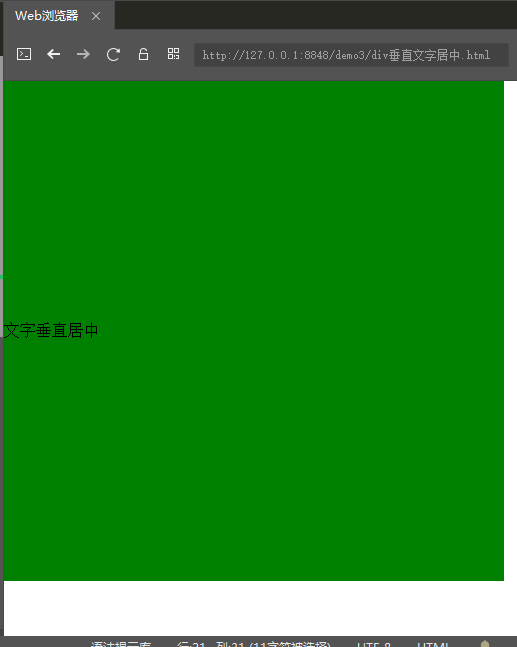
法二:利用table-cell实现
<!DOCTYPE html>

<html>

    <head>

        <meta charset="utf-8">

        <title>垂直居中</title>

        <style>

            html,body{

                margin: 0px;

                padding: 0px;

                height: 100%;

                width: 100%;

            }

            .div1{

                /*这里的宽和高必须固定*/

                height: 500px;

                width: 500px;

                display:table-cell;

                vertical-align: middle;

                background: green;

            }

        </style>

    </head>

    <body>

        <div class="div1">文字垂直居中</div>

    </body>

</html>
运行效果:
2.当height、width是百分比大小时,上面的方法就不适用了,用如下方法:
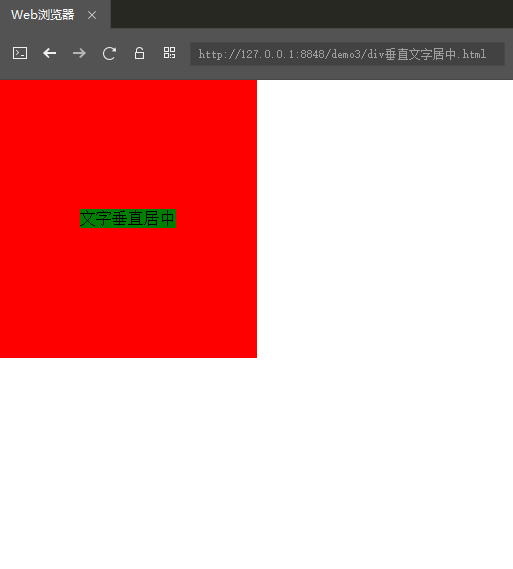
法一:借鉴了CSS3的弹性布局(flex)
<!DOCTYPE html>

<html>

    <head>

        <meta charset="utf-8">

        <title>垂直居中</title>

        <style>

            html,body{

                margin: 0px;

                padding: 0px;

                height: 100%;

                width: 100%;

            }

            .div1{

                /*这里的宽和高必须固定*/

                height: 50%;

                width: 50%;

                background: red;

                display: flex;/*设置为弹性容器*/

                align-items: center; /*定义div1的元素垂直居中*/

                justify-content: center; /*定义div1的里的元素水平居中*/

            }

            .div2{

                background: green;

            }

        </style>

    </head>

    <body>

        <div class="div1">

            <div class="div2">文字垂直居中</div>

        </div>

    </body>

</html>
运行效果:
----------------------------------分割线--------------------------------
以上就是我目前知道的一些方法,如果后期还有新的方法,我会及时更新,方便自己,也方便他人。
CSS——div垂直居中及div内文字垂直居中的更多相关文章
- 关于DIV内文字垂直居中的写法
最近在写UI,或多或少用到了CSS,在这记录一下,今天用到的DIV内文字垂直居中的写法, 因为所做的项目都是基于WebKit内核浏览器演示的,所以我们今天采用的是-webkit-box的写法: dis ...
- css实现行内文字垂直居中
之前本人一直使用浮动.相对定位.绝对定位和display:table等css的方法进行定位.网上得知flex可实现弹性布局,符合未来发展趋势,随尝试. 1:让盒子行内文字垂直居中,解决思路是讲文字的行 ...
- css实现固定高度及未知高度文字垂直居中的完美解决方案
在工作当中我们经常碰到类似于"固定高度文字垂直居中及未知高度垂直居中问题",或者 "图片垂直居中问题",而我们最容易会想到使用表格来垂直居中,或者如果是单行文字 ...
- html框内文字垂直居中的方法
由于无法知道框内文字的高度,很难确定垂直空间的位置.vertical-align:middle仅对td元素有效,无论单行和多行均可实现垂直居中.
- 用CSS如何实现单行图片与文字垂直居中
图片样式为 以下为引用的内容:.style img{vertical-align:middle;.....} 如果STYLE中有其它如INPUT或其它内联元素可写成 以下为引用的内容:.style i ...
- div在固定高的文字垂直居中
<div style='display:table; height:100px;'> <div style='display:table-cell; vertical-align: ...
- React-Native组件之Text内文字垂直居中方案
style: { height: 100, textAlign: 'center', textAlignVertical: 'center', } 以上方法在Android上显示水平垂直居中, 但在I ...
- 解决Firefox下input button内文字垂直居中
众所周知,在Firefox下input type=”button”的文字是不好居中的,原因在于Firefox自己比较二,弄了个私有属性,导致以下问题的出现: 按钮左右本身有2px的间距(FF私有属性写 ...
- css解决td单元格内文字溢出
<table>标签加样式:table-layout:fixed;(一定要加,否则下面定义的td的样式都不起作用了) <td>加样式:overflow:hidden;text-o ...
随机推荐
- __x__(16)0906第三天__层叠样式表CSS简介
层叠样式表CSS Cascading Style Sheets 用来为网页创建样式表,通过样式表对网页进行装饰. 所谓层叠,就是将网页想象成一层一层的结构,层次高的将覆盖层次低的. CSS可以为网页的 ...
- (64)Wangdao.com第十天_JavaScript 对象的 toString() 方法改变输出
JavaScript 对象的 toString() 方法改变输出 在平常,我们 console.log(对象); // 会打印 [Object Object] 但是我们想要更详细的输出,此时,我 ...
- AJAX-快速上手(四个步骤)
## 1, ajax ajax是使用js进行在不重新加载页面的情况下,使得页面局部刷新.而传统的页面加载即需要,重新加载整个页面.它的加载是异步进行的,即在加载的同时,页面的其他部分可以正常使用,不会 ...
- 6、echarts使用的坑
实例化id值要用唯一的,一个项目中不能用同一个id, 不然后面的样式覆盖前面的,且后面样式不显示.
- python全栈开发 * 继承性 层叠性 盒模型 标准文档流 * 180809
---恢复内容开始--- 一继承性 1.继承: 给父级设置一些属性,子级继承了父级的该属性,这就是我们的css中的继承. 2. 可继承: color . font-*(size). text-*(de ...
- laradock
配置xdebug:http://m.php.cn/article/407434.html
- session and cookie
cookie cookie是由W3C组织提出,最早由Netscape社区发展的一种机制.目前Cookie已经成为标准,所有的主流浏览器如IE.Netscape.Firefox.Opera等都支持Coo ...
- org.springframework.boot.web.server.WebServerException: Unable to create tempDir. java.io.tmpdir is set to C:\Users\ADMINI~1\AppData\Local\Temp\2\
问题原因:springboot创建临时文件找不到对应的目录 解决办法:1. 重新指定临时文件位置 java -Djava.io.tempdir=D:/tmpdir -jar -my_project. ...
- opencart分类筛选逻辑修改为并且条件
opencart分类筛选模式默认是或的逻辑,满足条件1或条件2都展现出来,如果想要改成既满足条件1又满足条件2要怎么改呢?有一个插件可以实现,FixFilter OC2x,可以修改默认的筛选条件 1. ...
- linux 按文件大小排序
1.按文件大小查看文件 a.降序:ls -lsh moudaen@morton:~$ ls -lsh total 20M 20M -rw-r–r– 1 moudaen 65536 20M Nov 11 ...