
vue仿微信网页版|vue+web端聊天室|仿微信客户端vue版
一、项目介绍
基于Vue2.5.6+Vuex+vue-cli+vue-router+vue-gemini-scrollbar+swiper+elementUI等技术混合架构开发的仿微信web端聊天室——vueWebChat,实现了发送消息、表情(动图),图片、视频预览,右键菜单、截屏、截图可直接粘贴至文本框进行发送。
二、技术框架
- MVVM框架:Vue2.5.6
- 状态管理:Vuex
- 页面路由:Vue-router
- iconfont图标:阿里巴巴字体图标库
- 自定义滚动条:vue-gemini-scrollbar
- 弹窗组件:element-ui(饿了么前端UI库)
- 环境配置:node.js + cnpm + webpack
- 高德地图:vue-amap
- 图片预览:vue-photo-preview

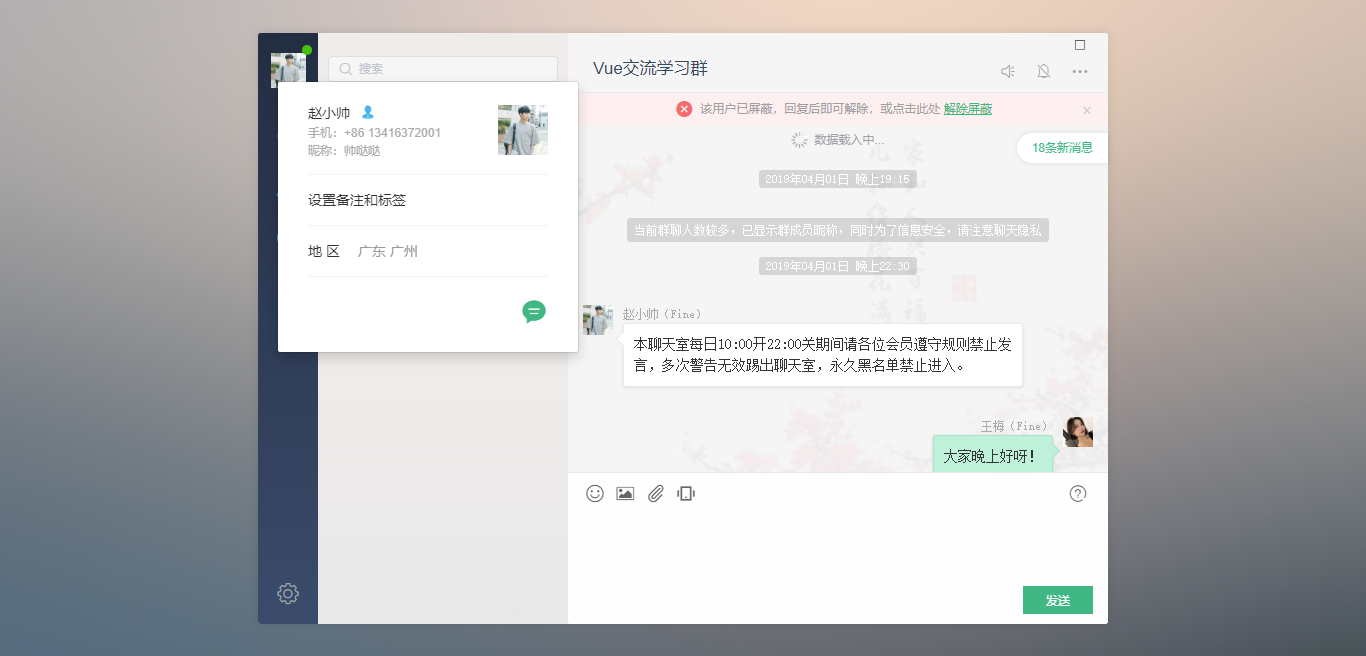
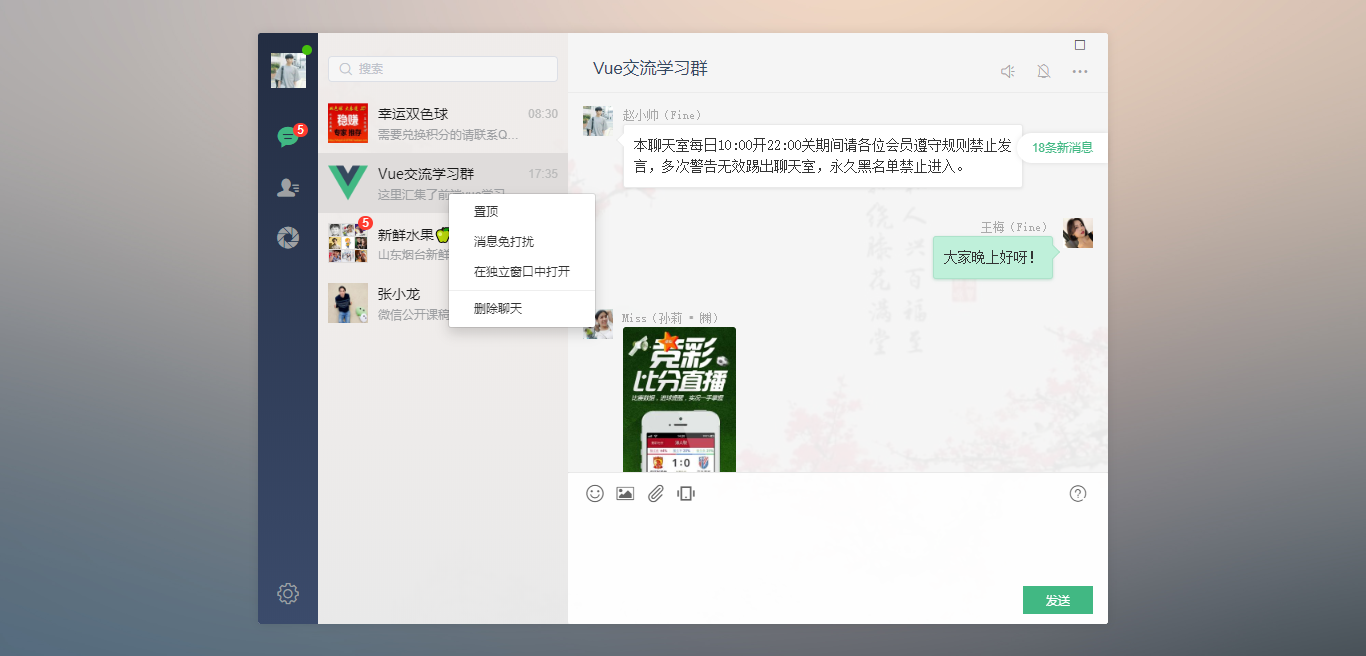

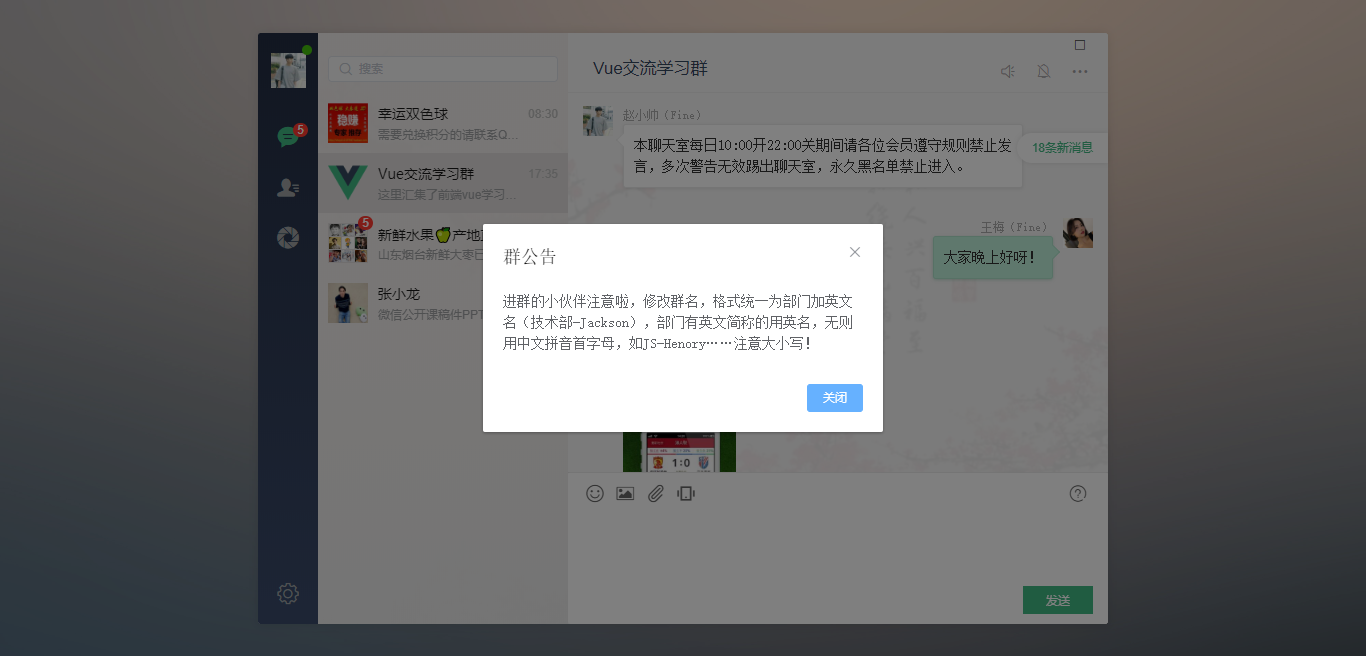
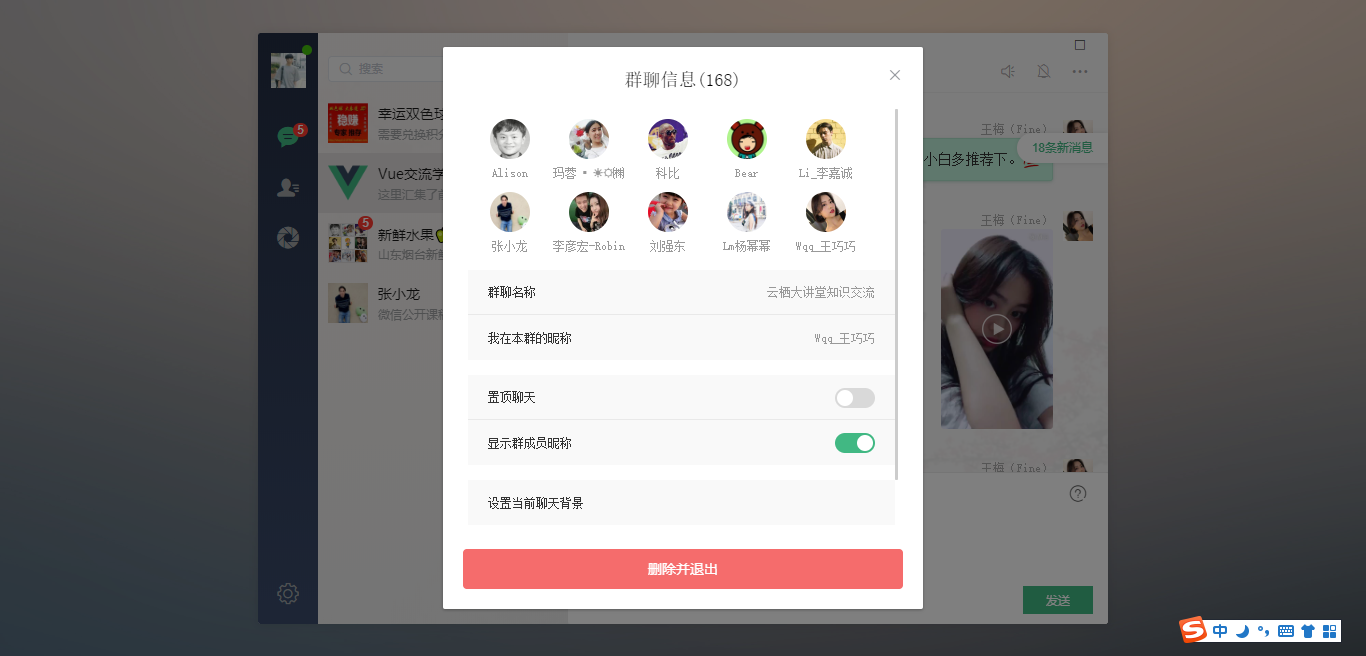

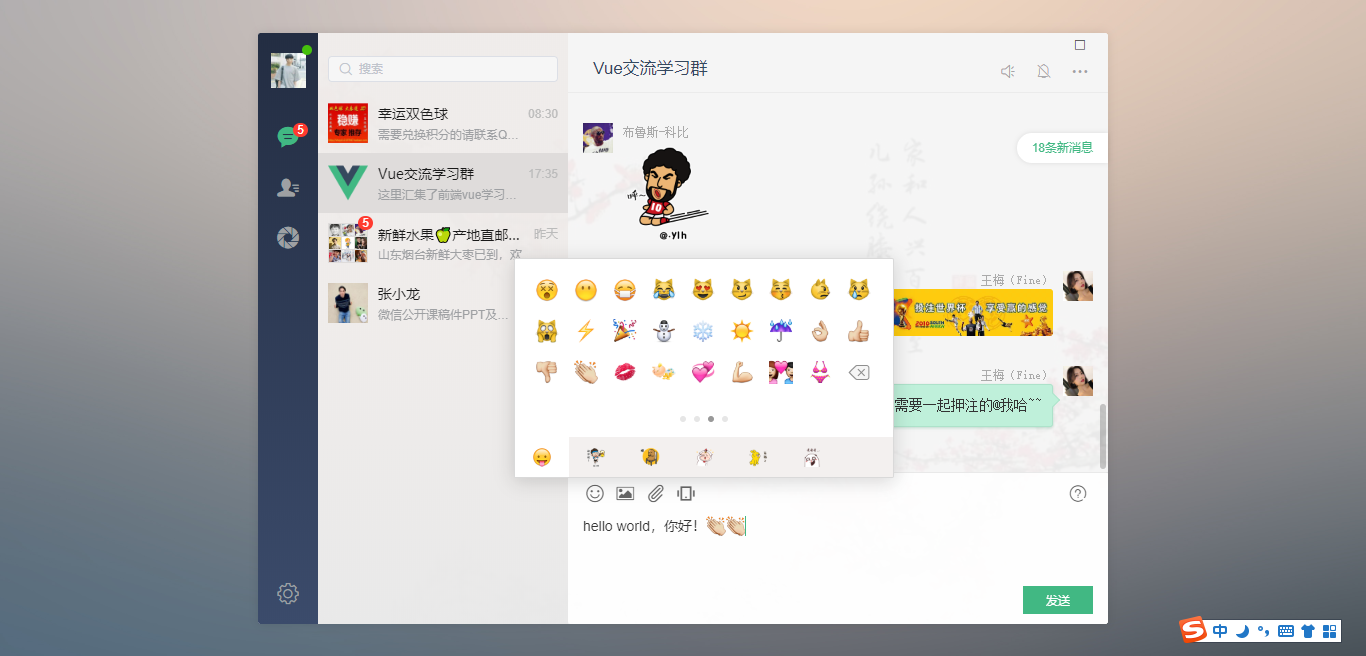
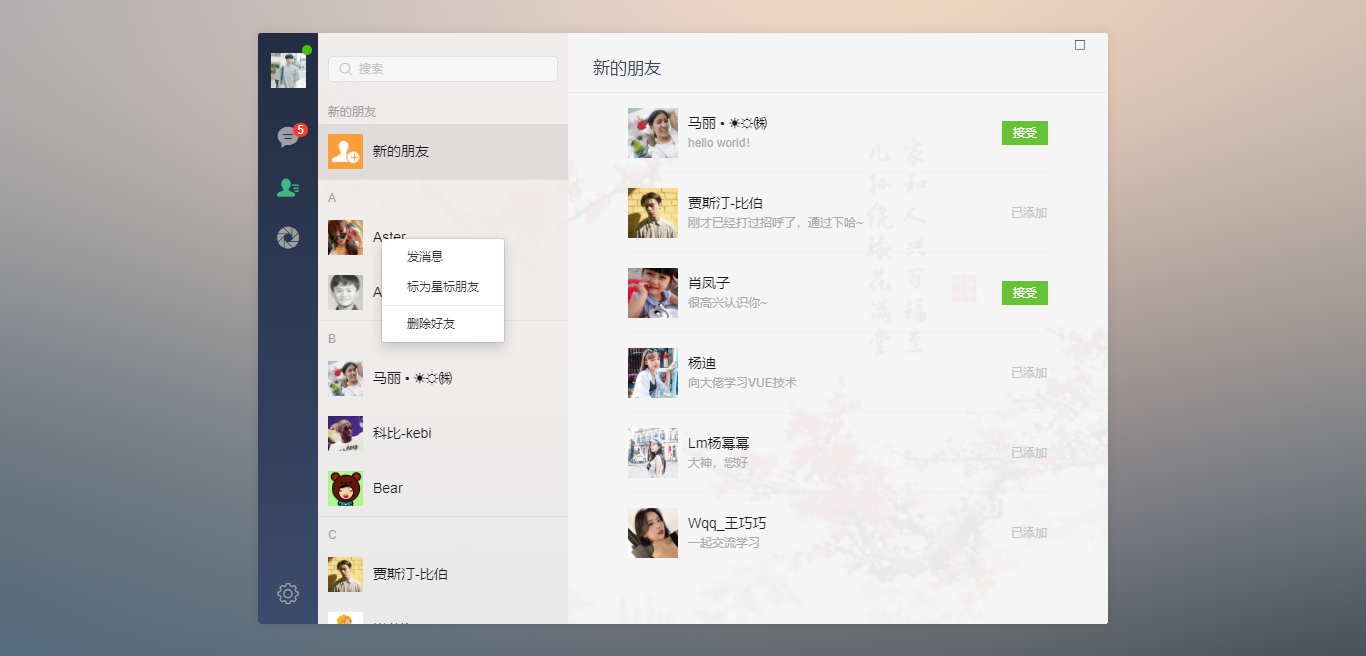

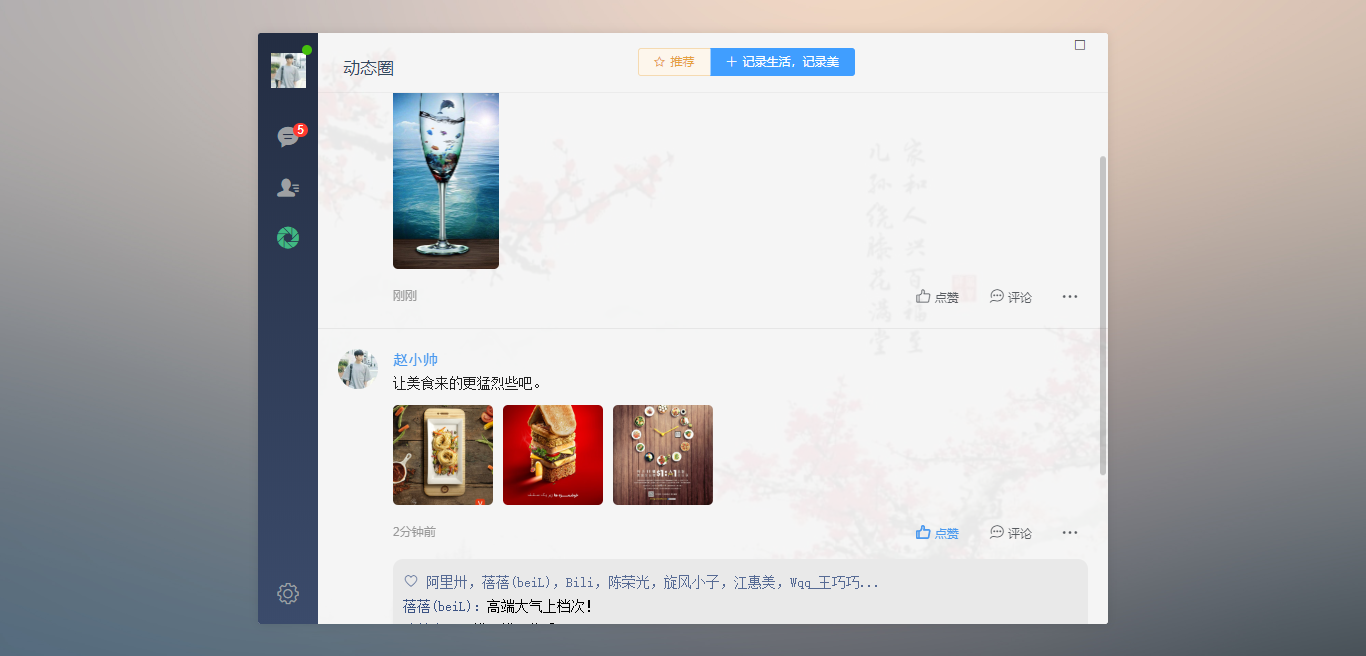
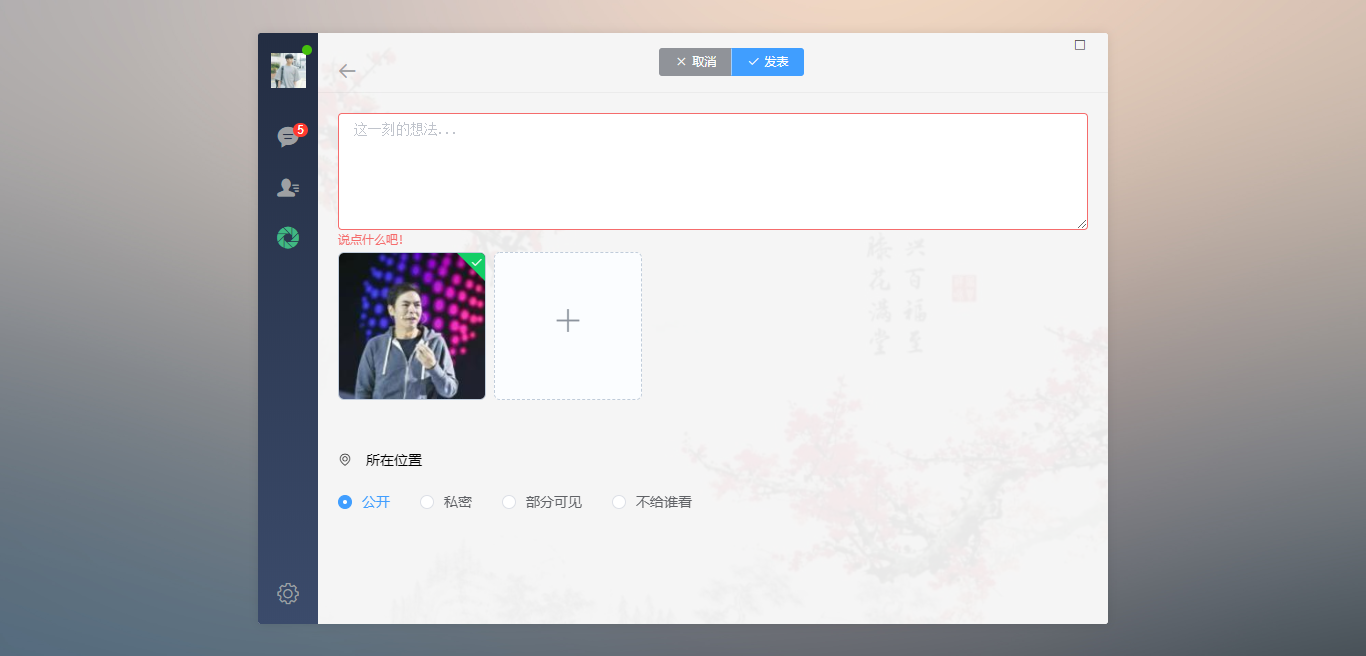
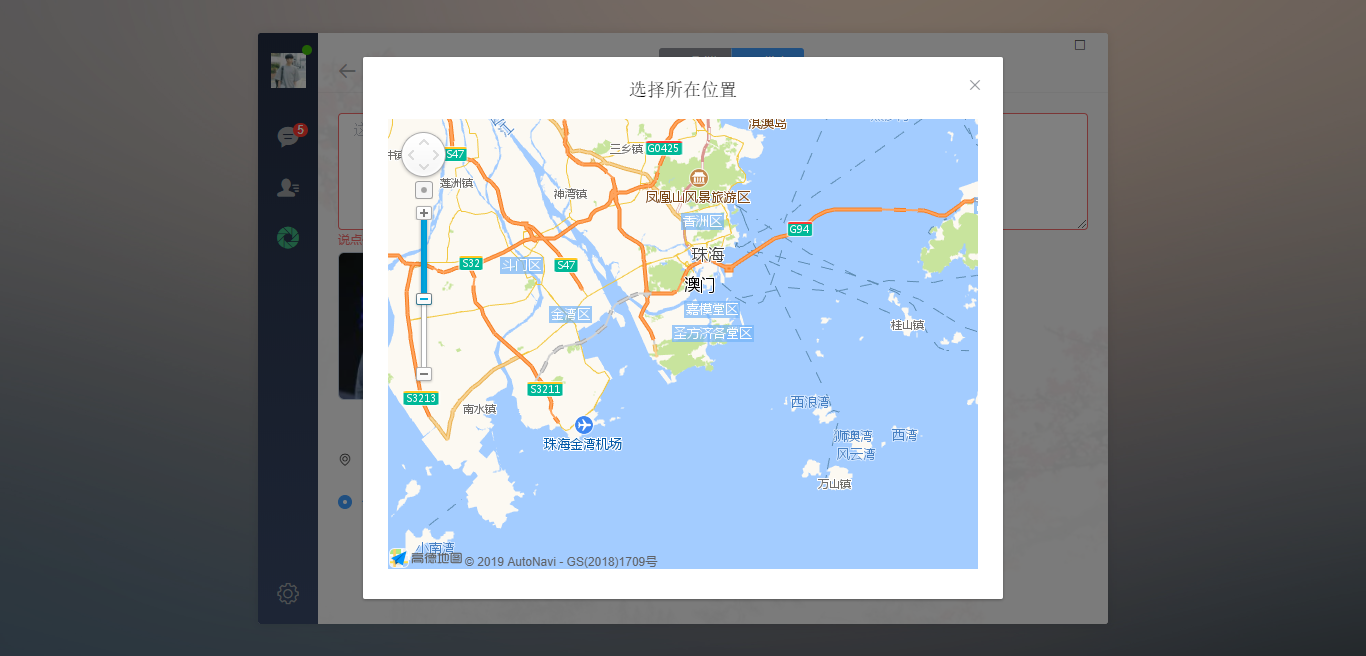
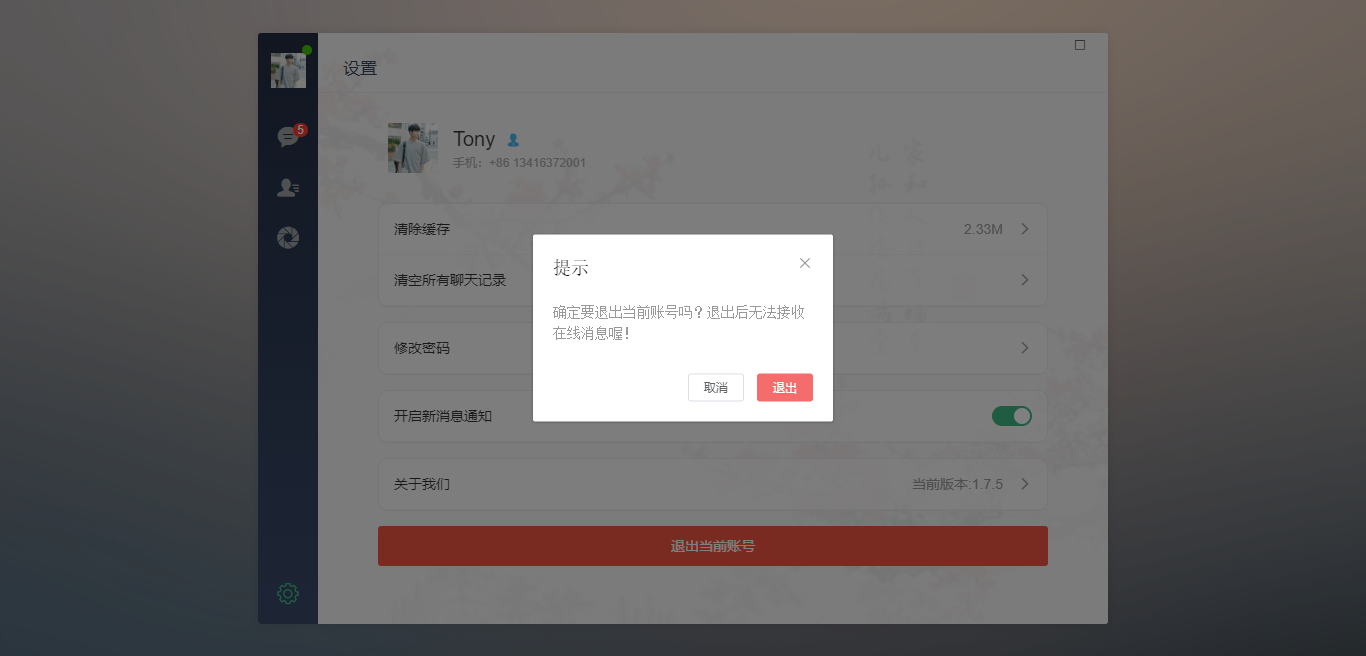
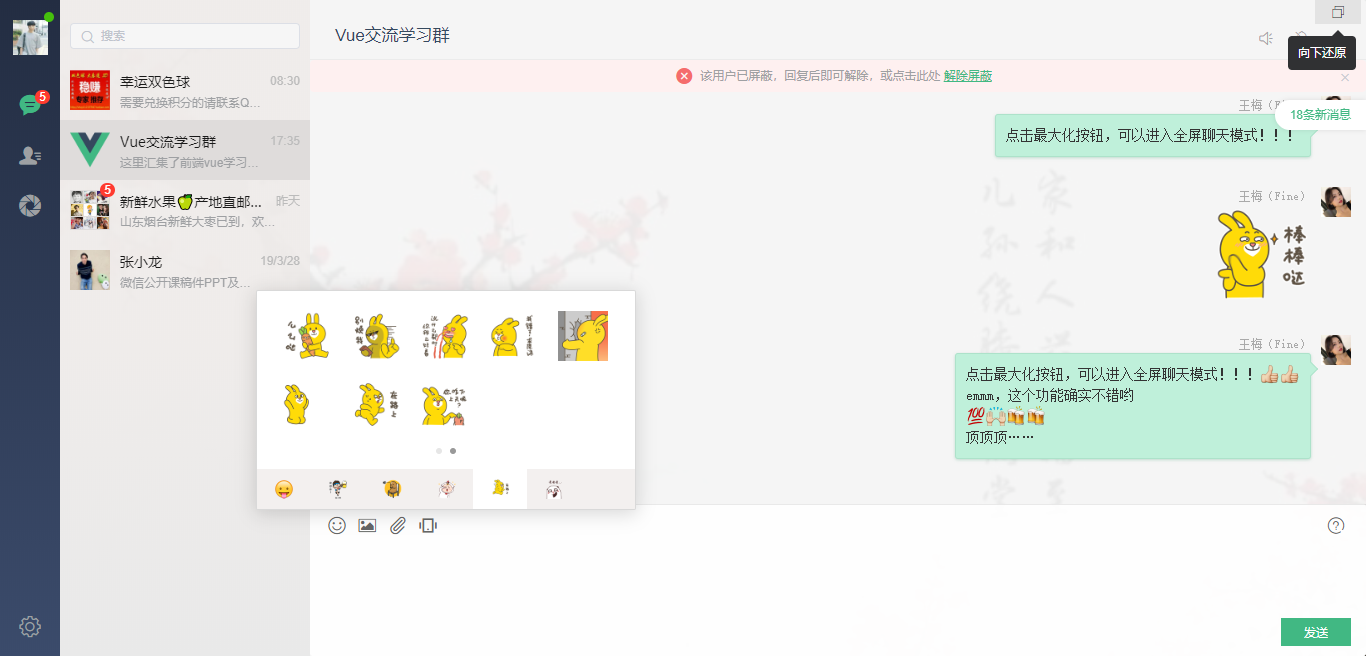
◆ 点击右上角最大化按钮,可以进行全屏切换
◆ 引入公共及全局组件配置components.js
/*

    引入公共及全局组件配置

*/

// 引入侧边栏及联系人

import winBar from './components/winbar'

import sideBar from './components/sidebar'

import recordList from './components/recordList'

import contactList from './components/contact'

// 引入jquery

import $ from 'jquery'

// 引入wcPop弹窗插件

import wcPop from './assets/js/wcPop/wcPop'

import './assets/js/wcPop/skin/wcPop.css'

// 引入饿了么pc端UI库

import elementUI from 'element-ui'

import 'element-ui/lib/theme-chalk/index.css'

// 引入图片预览插件

import photoPreview from 'vue-photo-preview'

import 'vue-photo-preview/dist/skin.css'

// 引入自定义滚动条插件

import geminiScrollbar from 'vue-gemini-scrollbar'

// 引入加载更多插件

import infiniteLoading from 'vue-infinite-scroll'

// 引入高德地图

import vueAMap from 'vue-amap'

const install = Vue => {

    // 注册组件

    Vue.component('win-bar', winBar)

    Vue.component('side-bar', sideBar)

    Vue.component('record-list', recordList)

    Vue.component('contact-list', contactList)

    // 应用实例

    Vue.use(elementUI)

    Vue.use(photoPreview, {

        loop: false,

        fullscreenEl: true, //是否全屏

        arrowEl: true, //左右按钮

    });

    Vue.use(geminiScrollbar)

    Vue.use(infiniteLoading)

    Vue.use(vueAMap)

    vueAMap.initAMapApiLoader({

        key: "e1dedc6bdd765d46693986ff7ff969f4",

        plugin: [

            "AMap.Autocomplete", //输入提示插件

            "AMap.PlaceSearch", //POI搜索插件

            "AMap.Scale", //右下角缩略图插件 比例尺

            "AMap.OverView", //地图鹰眼插件

            "AMap.ToolBar", //地图工具条

            "AMap.MapType", //类别切换控件,实现默认图层与卫星图、实施交通图层之间切换的控制

            "AMap.PolyEditor", //编辑 折线多,边形

            "AMap.CircleEditor", //圆形编辑器插件

            "AMap.Geolocation" //定位控件,用来获取和展示用户主机所在的经纬度位置

        ],

        uiVersion: "1.0"

    });

}

export default install
◆ 主页面模板
<template>

  <div id="app">

    <div class="vChat-wrapper flexbox flex-alignc">

      <div class="vChat-panel" style="background-image: url(src/assets/img/placeholder/vchat__panel-bg01.jpg);">

        <div class="vChat-inner flexbox">

          <!-- //顶部按钮(最大、最小、关闭) -->

          <win-bar></win-bar>

          <!-- //侧边栏 -->

          <side-bar></side-bar>

          <keep-alive>

            <router-view class="flex1 flexbox"></router-view>

          </keep-alive>

        </div>

      </div>

    </div>

  </div>

</template>

<script>

export default {

  name: 'app',

  data () {

    return {

    }

  },

  methods: {

  },

}

</script>

<style>

/* 引入公共样式 */

@import './assets/fonts/iconfont.css';

@import './assets/css/reset.css';

@import './assets/css/layout.css';

</style>
◆ vue文本框实现截图粘贴发送图片:
// 【截图粘贴图片】

document.getElementById('J__wcEditor').addEventListener('paste',function(e){

    var cbd = e.clipboardData;

    var ua = window.navigator.userAgent;

    // 没有数据

    if (!(e.clipboardData && e.clipboardData.items)) {

        return;

    }

    // Mac平台下Chrome49版本以下 复制Finder中的文件的Bug Hack掉

    if(cbd.items && cbd.items.length === 2 && cbd.items[0].kind === "string" && cbd.items[1].kind === "file" &&

        cbd.types && cbd.types.length === 2 && cbd.types[0] === "text/plain" && cbd.types[1] === "Files" &&

        ua.match(/Macintosh/i) && Number(ua.match(/Chrome\/(\d{2})/i)[1]) < 49){

        return;

    }

    for(var i = 0; i < cbd.items.length; i++){

        var item = cbd.items[i];

        console.log(item);

        console.log(item.kind);

        if(item.kind == "file"){

            var blob = item.getAsFile();

            if(blob.size === 0){

                return;

            }

            // 插入图片记录

            var reader = new FileReader();

            reader.readAsDataURL(blob);

            reader.onload = function(){

                var _img = this.result;

                var _tpl = [

                    '<li class="me">\

                        <div class="content">\

                            <p class="author">王梅(Fine)</p>\

                            <div class="msg picture"><img class="img__pic" src="'+ _img + '" preview="1" /></div>\

                        </div>\

                        <a class="avatar" href="/contact/uinfo"><img src="src/assets/img/uimg/u__chat-img11.jpg" /></a>\

                    </li>'

                ].join("");

                $("#J__chatMsgList").append(_tpl);

                setTimeout(() => {

                    $("#J__geminiScrollbar .gm-scroll-view").animate({ scrollTop: $("#J__chatMsgList").height() }, 0);

                    $(".fixGeminiscrollHeight").show();

                    setTimeout(() => { $(".fixGeminiscrollHeight").hide();}, 300);

                }, 17);

            }

        }

    }

});
◆ 表情处理及视频预览:
// >>> 【表情、动图swiper切换模块】--------------------------

var emotionSwiper;

function setEmotionSwiper(tmpl) {

    var _tmpl = tmpl ? tmpl : $("#J__emotionFootTab ul li.cur").attr("tmpl");

    $("#J__swiperEmotion .swiper-container").attr("id", _tmpl);

    $("#J__swiperEmotion .swiper-wrapper").html($("." + _tmpl).html());

    emotionSwiper = new Swiper('#' + _tmpl, {

        // loop: true,

        // autoplay: true,

        // 分页器

        pagination: {

            el: '.pagination-emotion', clickable: true,

        },

    });

}

// 表情模板切换

$("body").on("click", "#J__emotionFootTab ul li.swiperTmpl", function () {

    // 先销毁swiper

    emotionSwiper && emotionSwiper.destroy(true, true);

    var _tmpl = $(this).attr("tmpl");

    $(this).addClass("cur").siblings().removeClass("cur");

    setEmotionSwiper(_tmpl);

});

// >>> 【视频预览模块】--------------------------

$("body").on("click", "#J__chatMsgList li .video", function () {

    var _src = $(this).find("img").attr("videoUrl"), _video;

    var videoIdx = wcPop({

        id: 'wc__previewVideo',

        skin: 'fullscreen',

        // content: '<video id="J__videoPreview" width="100%" height="100%" controls="controls" x5-video-player-type="h5" x5-video-player-fullscreen="true" webkit-playsinline preload="auto"></video>',

        content: '<video id="J__videoPreview" width="100%" height="100%" controls="controls" preload="auto"></video>',

        shade: false,

        xclose: true,

        style: 'background: #000;padding-top:48px;',

        anim: 'scaleIn',

        show: function(){

            _video = document.getElementById("J__videoPreview");

            _video.src = _src;

            if (_video.paused) {

                _video.play();

            } else {

                _video.pause();

            }

            // 播放结束

            _video.addEventListener("ended", function(){

                _video.currentTime = 0;

            });

            // 退出全屏

            _video.addEventListener("x5videoexitfullscreen", function(){

                wcPop.close(videoIdx);

            })

        }

    });

});

vue仿微信网页版|vue+web端聊天室|仿微信客户端vue版的更多相关文章
- h5移动端聊天室|仿微信界面聊天室|h5多人聊天室
今年的FIFA世界杯甚是精彩,最近兴致高涨就利用HTML5开发了一个手机端仿微信界面聊天室,该h5聊天室采用750px全新伸缩flex布局,以及使用rem响应式配合fontsize.js,页面弹窗则是 ...
- 分享基于 websocket 网页端聊天室
博客地址:https://ainyi.com/67 有一个月没有写博客了,也是因为年前需求多.回家过春节的原因,现在返回北京的第二天,想想,应该也要分享技术专题的博客了!! 主题 基于 websock ...
- Ext JS学习第十六天 事件机制event(一) DotNet进阶系列(持续更新) 第一节:.Net版基于WebSocket的聊天室样例 第十五节:深入理解async和await的作用及各种适用场景和用法 第十五节:深入理解async和await的作用及各种适用场景和用法 前端自动化准备和详细配置(NVM、NPM/CNPM、NodeJs、NRM、WebPack、Gulp/Grunt、G
code&monkey Ext JS学习第十六天 事件机制event(一) 此文用来记录学习笔记: 休息了好几天,从今天开始继续保持更新,鞭策自己学习 今天我们来说一说什么是事件,对于事件 ...
- Tauri-Vue3桌面端聊天室|tauri+vite3仿微信|tauri聊天程序EXE
基于tauri+vue3.js+vite3跨桌面端仿微信聊天实例TauriVue3Chat. tauri-chat 运用最新tauri+vue3+vite3+element-plus+v3layer等 ...
- 如何使用css来让图片居中不变形 微信小程序和web端适用
图片变形很多人祭奠出了妖魔鬼怪般的各种大法,比如使用jq来写,或者使用css表达式来写.今天我总结的是使用css3来写,唯一最大缺点就是对一些浏览器版本不够兼容.下面就是关于如何使用css来让图片居中 ...
- angular版聊天室|仿微信界面IM聊天|NG2+Node聊天实例
一.项目介绍 运用angular+angular-cli+angular-router+ngrx/store+rxjs+webpack+node+wcPop等技术实现开发的仿微信angular版聊天室 ...
- WebRTC实现网页版多人视频聊天室
因为产品中要加入网页中网络会议的功能,这几天都在倒腾 WebRTC,现在分享下工作成果. 话说 WebRTC Real Time Communication 简称 RTC,是谷歌若干年前收购的一项技术 ...
- java 开发 websocket 网页端聊天室
博客地址:https://ainyi.com/67 WebSocket协议是基于TCP的一种新的网络协议.它实现了浏览器与服务器全双工(full-duplex)通信——允许服务器主动发送信息给客户端. ...
- 基于Spring 4.0 的 Web Socket 聊天室/游戏服务端简单架构
在现在很多业务场景(比如聊天室),又或者是手机端的一些online游戏,都需要做到实时通信,那怎么来进行双向通信呢,总不见得用曾经很破旧的ajax每隔10秒或者每隔20秒来请求吧,我的天呐(),这尼玛 ...
随机推荐
- s4-3 CSMA
载波侦听多路访问协议 CSMA:Carrier Sense Multiple Access 特点:"先听后发" 改进ALOHA协议的侦听/发送策略 分类 非持续式 持 ...
- vs2013查看代码性能后删除保存的性能查看文件导致再打开提示未找到与约束匹配的导出
1.关闭VS: 2.删除C:/Users//AppData/Local/Microsoft/VisualStudio/12.0/ComponentModelCache文件夹下所有文件及文件夹: 3.重 ...
- 实现数组(java)
一,数组 java中有对数组的数据结构:数组就是一个存放固定数据的结构. 数组的声明举例:int [] array=new int [3],与之相同的是private in [ ] array; a ...
- matlab中的结构体
今天用imfinfo函数 >> K = imfinfo(‘colorbar_copy1.jpg’) K = 包含以下字段的 struct: Filename: 'E:\matlab\col ...
- 鼠标经过,显示悬浮DIV
属牛人的本命佛是虚空藏菩萨.属牛人可佩戴属牛黄玉本命佛来提升财运,黄玉的金黄色代表蒸蒸日上,而“金黄”也就是“黄金”的到(倒)来,象征着富贵与财气,佩戴可以招财招富贵,同时黄玉亦是希望之石,可带来智慧 ...
- C++编译器详解(一)
C/C++编译器-cl.exe的命令选项 和在IDE中编译相比,命令行模式编译速度更快,并可以避免被IDE产生的一些附加信息所干扰,本文将介绍微软C/C++编译器命令行模式设定和用法. 1.设置环境变 ...
- winSocket编程(一)WSAStartup
/******************************************************************** 更新日期:2017-11-07 10:33:08* 进度:完 ...
- android-基础编程-democoderjoy-架构篇
设计这个demo很简单,针对每个控件放到一个listitem中去,主activity继承之listActivity,这样再override其单击效果进入到每个控件. 主界面流程 1.继承 MainAc ...
- php实现网站四则运算。
1.设计思路: 在index.php中建立两个表单,有两个提交,一个跳转到fourArithmeticOperation.php,这里保存用户输入的参数到config.txt中,留给main函数调出. ...
- 界面及Activity参数设置
去标题栏(在onCreate中) requestWindowFeature(Window.FEATURE_NO_TITLE); 设置全屏(在onCreate中) getWindow().setFlag ...