
react网页版聊天|仿微信、微博web版|react+pc端仿微信实例
一、项目介绍
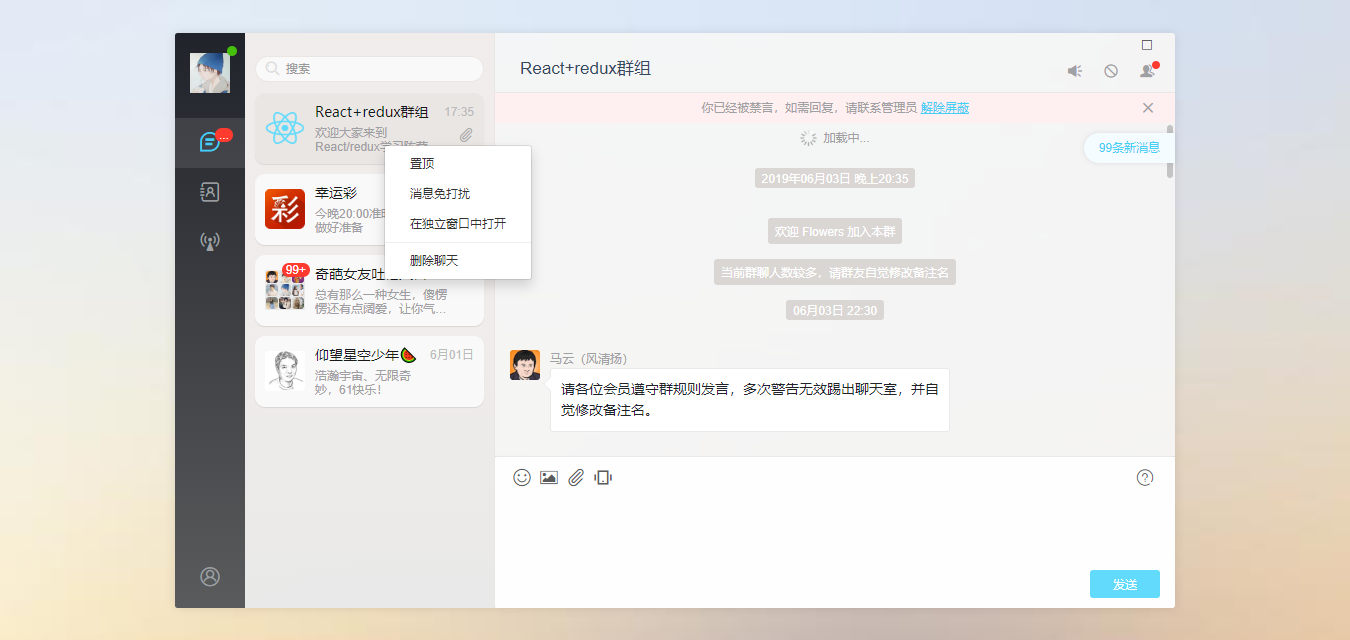
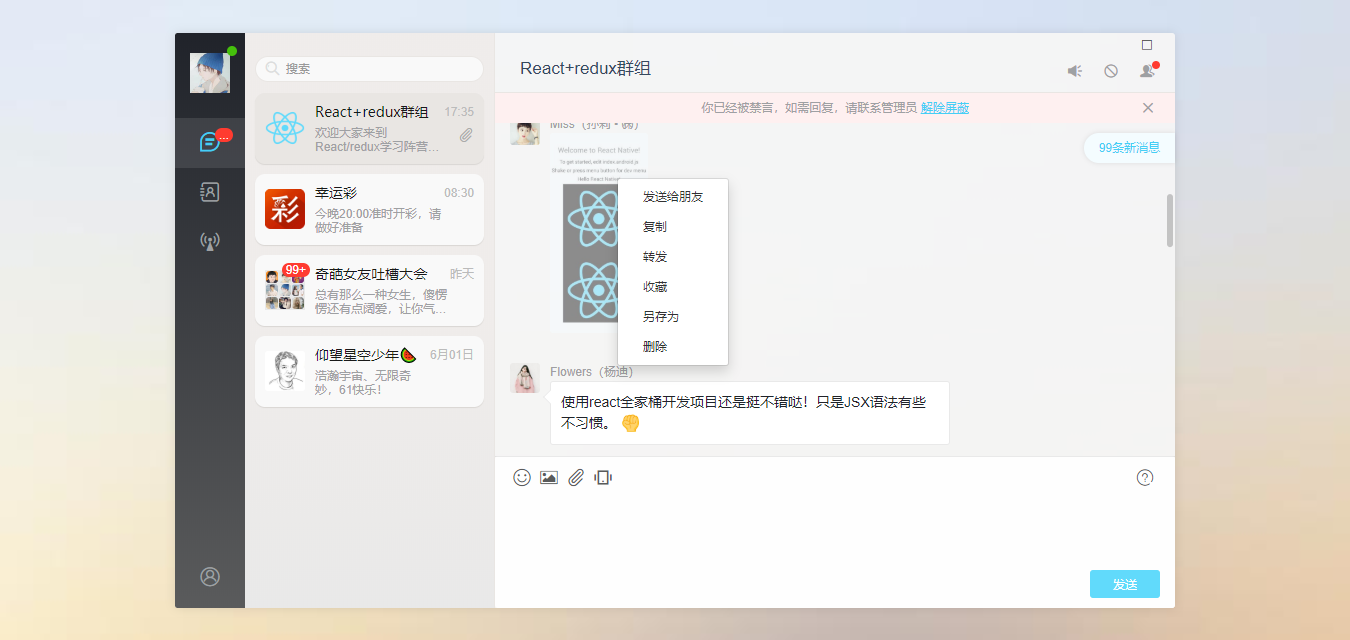
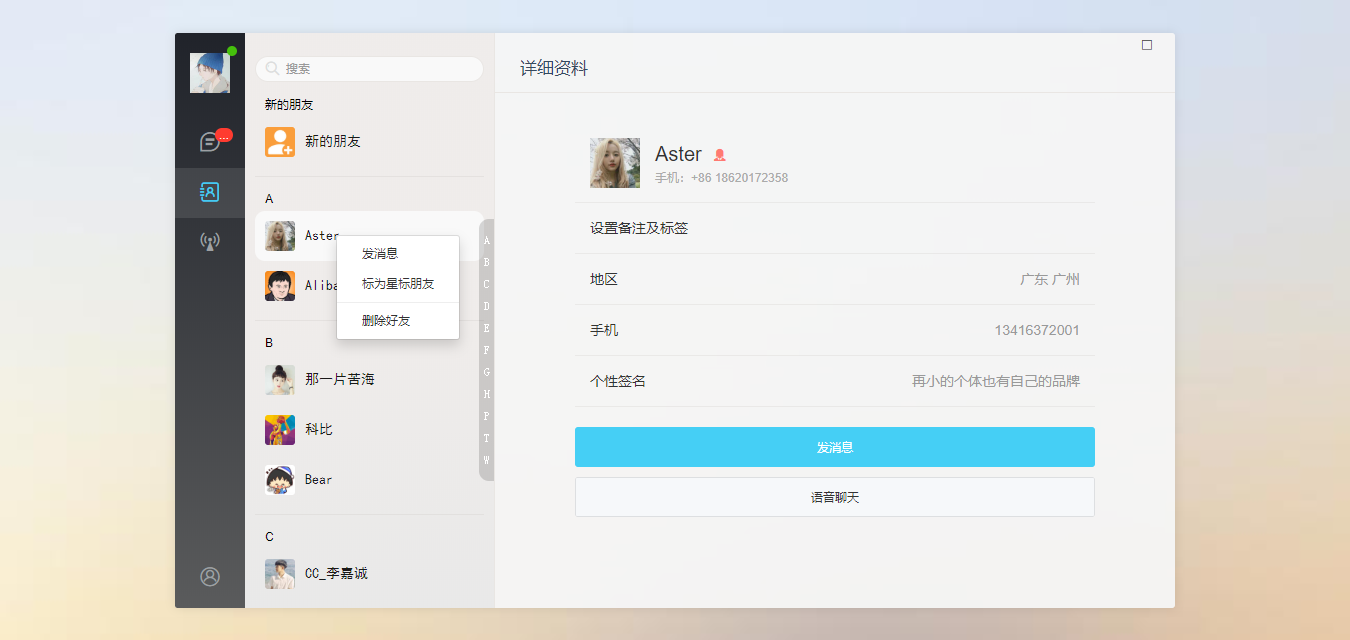
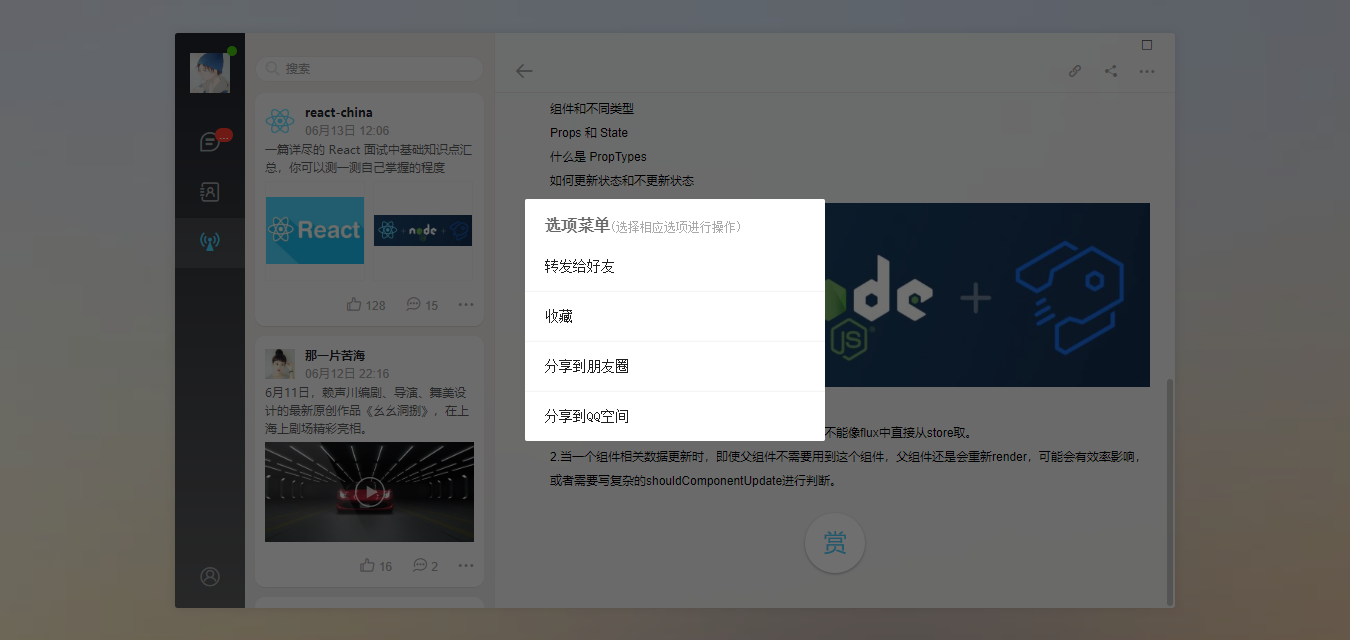
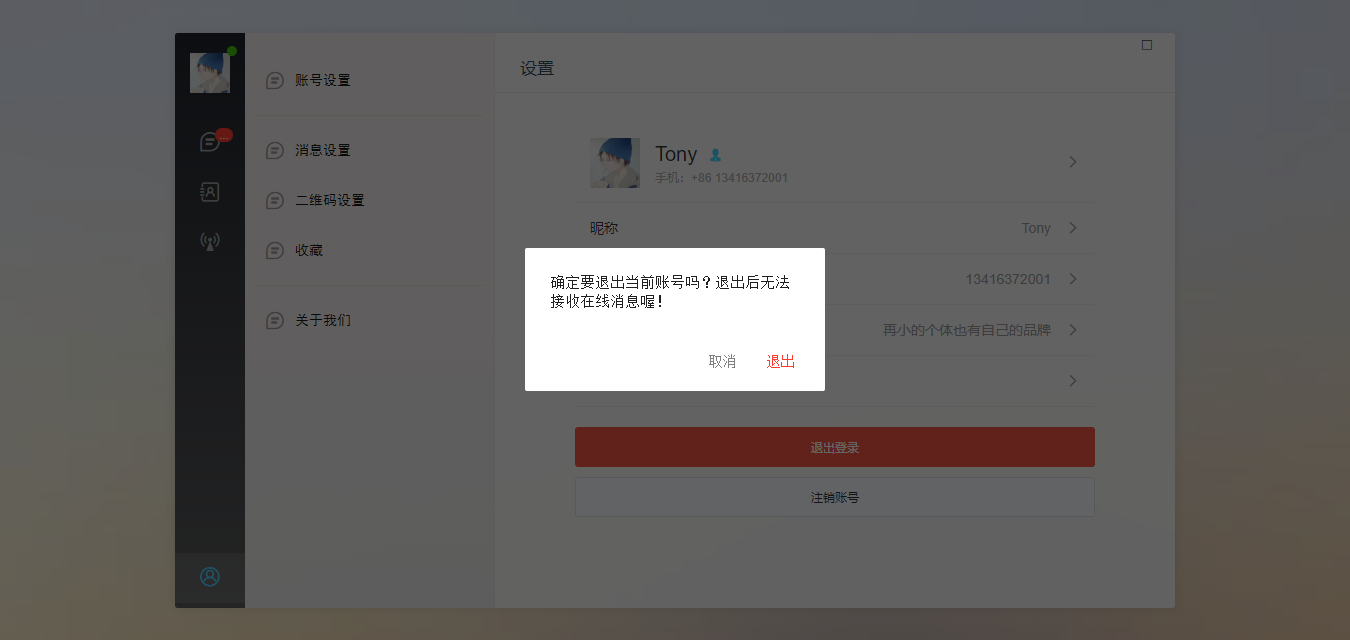
基于react+react-dom+react-router-dom+redux+react-redux+webpack2.0+nodejs等技术混合开发的仿微信web端聊天室reactWebChat项目,实现了聊天记录右键菜单、发送消息、表情(动图),图片、视频预览,浏览器截图粘贴发送等功能。
二、技术选型
- MVVM框架:react / react-dom
- 状态管理:redux / react-redux
- 页面路由:react-router-dom
- 弹窗插件:wcPop
- 打包工具:webpack 2.0
- 环境配置:node.js + cnpm
- 图片预览:react-photoswipe
- 轮播滑动:swiper
{

  "name": "react-webchat",

  "version": "0.1.0",

  "private": true,

  "dependencies": {

    "react": "^16.8.6",

    "react-dom": "^16.8.6",

    "react-redux": "^7.1.0",

    "react-router-dom": "^5.0.1",

    "react-scripts": "0.9.x",

    "redux": "^4.0.1",

    "redux-thunk": "^2.3.0"

  },

  "devDependencies": {

    "jquery": "^2.2.3",

    "react-custom-scrollbars": "^4.2.1",

    "react-photoswipe": "^1.3.0",

    "swiper": "^4.5.0"

  },

  "scripts": {

    "start": "set HOST=localhost&& set PORT=3003 && react-scripts start",

    "build": "react-scripts build",

    "test": "react-scripts test --env=jsdom",

    "eject": "react-scripts eject"

  }

}



◆ App主页面布局及路由配置:
render() {

    let token = this.props.token

    return (

      <Router>

        <div className="vChat-wrapper flexbox flex-alignc">

          <div className="vChat-panel" /*style={{ backgroundImage: `url(${require("./assets/img/placeholder/vchat__panel-bg02.jpg")})` }}*/ >

            <div className="vChat-inner flexbox">

              {/* //顶部(最大、最小、关闭) */}

              <Switch>

                <WinBar />

              </Switch>

              {/* //侧边栏 */}

              <Switch>

                <SideBar />

              </Switch>

              {/* //主页面 */}

              <div className="flex1 flexbox">

                {/* 路由容器 */}

                <Switch>

                  {

                    routers.map((item, index) => {

                      return <Route key={index} path={item.path} exact render={props => (

                        !item.meta || !item.meta.requireAuth ? (<item.component {...props} />) : (

                          token ? <item.component {...props} /> : <Redirect to={{pathname: '/login', state: {from: props.location}}} />

                        )

                      )} />

                    })

                  }

                  {/* 初始化页面跳转 */}

                  <Redirect push to="/index" />

                </Switch>

              </div>

            </div>

          </div>

        </div>

      </Router>

    );

}
◆ react+react-redux配合状态管理:
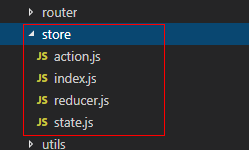
import {combineReducers} from 'redux'

import defaultState from './state.js'

function auth(state = defaultState, action) {

    // 不同的action处理不同的逻辑

    switch (action.type) {

        case 'SET_TOKEN':

            return {

                ...state, token: action.data

            }

        case 'SET_USER':

            return {

                ...state, user: action.data

            }

        case 'SET_LOGOUT':

            return {

                user: null, token: null

            }

        default:

            return { ...state }

    }

}
◆ react页面路由配置:
/*

 *  @desc 页面地址路由js

 */

// 引入页面组件

import Login from '../views/auth/login'

import Register from '../views/auth/register'

import Index from '../views/index'

import Contact from '../views/contact'

import Uinfo from '../views/contact/uinfo'

import NewFriend from '../views/contact/new-friends'

import Ucenter from '../views/ucenter'

import News from '../views/news'

import NewsDetail from '../views/news/detail';

export default [

    {

        path: '/login', name: 'Login', component: Login,

        meta: { hideSideBar: true },

    },

    {

        path: '/register', name: 'Register', component: Register,

        meta: { hideSideBar: true },

    },

    {

        path: '/index', name: 'App', component: Index,

        meta: { requireAuth: true },

    },

    {

        path: '/contact', name: 'Contact', component: Contact,

        meta: { requireAuth: true },

    },

    {

        path: '/contact/uinfo', name: 'Uinfo', component: Uinfo,

    },

    {

        path: '/contact/new-friends', name: 'NewFriend', component: NewFriend,

        meta: { requireAuth: true },

    },

    {

        path: '/news', name: 'News', component: News,

    },

    {

        path: '/news/detail', name: 'NewsDetail', component: NewsDetail,

    },

    {

        path: '/ucenter', name: 'Ucenter', component: Ucenter,

        meta: { requireAuth: true },

    },

    // ...

]
import React, { Component } from 'react';

import { Link } from 'react-router-dom';

import {connect} from 'react-redux'

import $ from 'jquery'

// 引入wcPop弹窗插件

import { wcPop } from '../../assets/js/wcPop/wcPop'

// 引入自定义滚动条

import { Scrollbars } from 'react-custom-scrollbars'

// 引入swiper

import Swiper from 'swiper'

import 'swiper/dist/css/swiper.css'

// 引入图片预览组件react-photoswipe

import {PhotoSwipe} from 'react-photoswipe'

import 'react-photoswipe/lib/photoswipe.css'

// 导入消息记录列表

import RecordList from '../../components/recordList'
// >>> 【编辑器+表情处理模块】------------------------------------------

// ...处理编辑器信息

function surrounds() {

    setTimeout(function () { //chrome

        var sel = window.getSelection();

        var anchorNode = sel.anchorNode;

        if (!anchorNode) return;

        if (sel.anchorNode === $(".J__wcEditor")[0] ||

            (sel.anchorNode.nodeType === 3 && sel.anchorNode.parentNode === $(".J__wcEditor")[0])) {

            var range = sel.getRangeAt(0);

            var p = document.createElement("p");

            range.surroundContents(p);

            range.selectNodeContents(p);

            range.insertNode(document.createElement("br")); //chrome

            sel.collapse(p, 0);

            (function clearBr() {

                var elems = [].slice.call($(".J__wcEditor")[0].children);

                for (var i = 0, len = elems.length; i < len; i++) {

                    var el = elems[i];

                    if (el.tagName.toLowerCase() == "br") {

                        $(".J__wcEditor")[0].removeChild(el);

                    }

                }

                elems.length = 0;

            })();

        }

    }, 10);

}

// 定义最后光标位置

var _lastRange = null, _sel = window.getSelection && window.getSelection();

var _rng = {

    getRange: function () {

        if (_sel && _sel.rangeCount > 0) {

            return _sel.getRangeAt(0);

        }

    },

    addRange: function () {

        if (_lastRange) {

            _sel.removeAllRanges();

            _sel.addRange(_lastRange);

        }

    }

}

// 格式化编辑器包含标签

$("body").on("click", ".J__wcEditor", function(){

    $(".wc__choose-panel").hide();

    _lastRange = _rng.getRange();

});

$("body").on("focus", ".J__wcEditor", function(){

    surrounds();

    _lastRange = _rng.getRange();

});

$("body").on("input", ".J__wcEditor", function(){

    surrounds();

    _lastRange = _rng.getRange();

});

react网页版聊天|仿微信、微博web版|react+pc端仿微信实例的更多相关文章
- 【Egret】实现web页面操作PC端本地文件操作
Egret 实现web页面操作PC端本地文件操作: http://edn.egret.com/cn/book/page/pid/181 //------------------------------ ...
- 微信浏览器的页面在PC端访问
微信浏览器的页面在PC端访问: 普通的在微信浏览器看的页面如果不在php代码中解析一下,然后复制链接在PC打开就出现无法访问,因为它复制的地址是: https://open.weixin.qq.com ...
- PC端网站微信扫码登录
需求分析:用户通过扫描我们网页的二维码,如果已经绑定我们平台的账户,即成功进入首页,否则提示先绑定个人微信账号. 1.绑定微信账号:是通过关注微信公众号实现绑定个人微信账号.首先通过后台接口获取到ti ...
- pc端用微信扫一扫实现微信第三方登陆
官方文档链接 第一步:获取AppID AppSecret (微信开发平台申请PC端微信登陆) 第二步:生成扫描二维码,获取code https://open.weixin.qq.com/conn ...
- c#版在pc端发起微信扫码支付
等了好久,微信官方终于发布了.net的demo. 主要代码: /** * 生成直接支付url,支付url有效期为2小时,模式二 * @param productId 商品ID * @return 模式 ...
- 网页或WEB应用或PC端浏览器调用百度地图API
今天在写微网页中遇见了调用百度地图这个问题:在一个容器中显示地图信息如图(设计图截图) 然后在网上查了接口:http://api.map.baidu.com/,就是这个东东,当然不止这个,还有几个必选 ...
- React开发实时聊天招聘工具 -第三章 React基础知识回顾
function a (props) { return <h1>hello world{this.props.asd}</h1> } class a extends React ...
- Node.js实现PC端类微信聊天软件(二)
Github StackChat 用到的React-Router React-Router是React路由的解决方案之一,也可以使用别的库 安装 npm install react-router -- ...
- Node.js实现PC端类微信聊天软件(五)
Github StackChat 学习回顾 Socket.io 结合Express创建Socket.io服务器 const app = require('express')() const http ...
随机推荐
- SpringBoot2.0 整合 Shiro 框架,实现用户权限管理
本文源码:GitHub·点这里 || GitEE·点这里 一.Shiro简介 1.基础概念 Apache Shiro是一个强大且易用的Java安全框架,执行身份验证.授权.密码和会话管理.作为一款安全 ...
- SpringBoot打包为war包,并在tomcat中运行
先看一下我创建的最简单的项目吧. controller类 @RestController public class TestController { @RequestMapping("ind ...
- 基于STM32F429,Cubemx的SAI音频播放实验
书接上文:https://www.cnblogs.com/feiniaoliangtiangao/p/11060674.html 和 https://www.cnblogs.com/feiniaoli ...
- 【spring-boot 源码解析】spring-boot 依赖管理梳理图
在文章 [spring-boot 源码解析]spring-boot 依赖管理 中,我梳理了 spring-boot-build.spring-boot-parent.spring-boot-depen ...
- spring常用注解整理
参看大佬博客https://www.cnblogs.com/xiaoxi/p/5935009.html
- Java - 包装类 常量池
概述: 在Java中存在一些基本数据类型,这些基本数据类型变量,不能像其他对象一样调用方法,属性.... 一些情况下带来一些问题,包装类就是为了解决这个问题而出现 包装类可以使得这些基础数据类型,拥有 ...
- Mac版Sourcetree的安装使用
本人也在亲测,感觉很有效,和大家分享,参考链接: https://www.jianshu.com/p/b8d0547a8449
- ABP入门教程9 - 展示层实现增删改查-视图模型
点这里进入ABP入门教程目录 创建视图模型 在展示层(即JD.CRS.Web.Mvc)的Models下新建文件夹Course //用以存放Course相关视图模型 在JD.CRS.Web.Mvc/Mo ...
- IT宝塔安装,Centos系统
宝塔安装地址:https://www.bt.cn/btcode.html 本文链接地址:https://www.cnblogs.com/wannengachao/p/12036716.html 版权声 ...
- Python爬虫(requests模块)
Requests是唯一的一个非转基因的Python HTTP库,人类可以安全享用. Requests基础学习 使用方法: 1.导入Requests模块: import requests 2.尝试用g ...