
div居中方法总结
在日常开发过程中,我们会经常使用到div居中来处理布局,今天我就把我在开发过程中,遇到的div居中处理方法总结一下,方便日后查看!
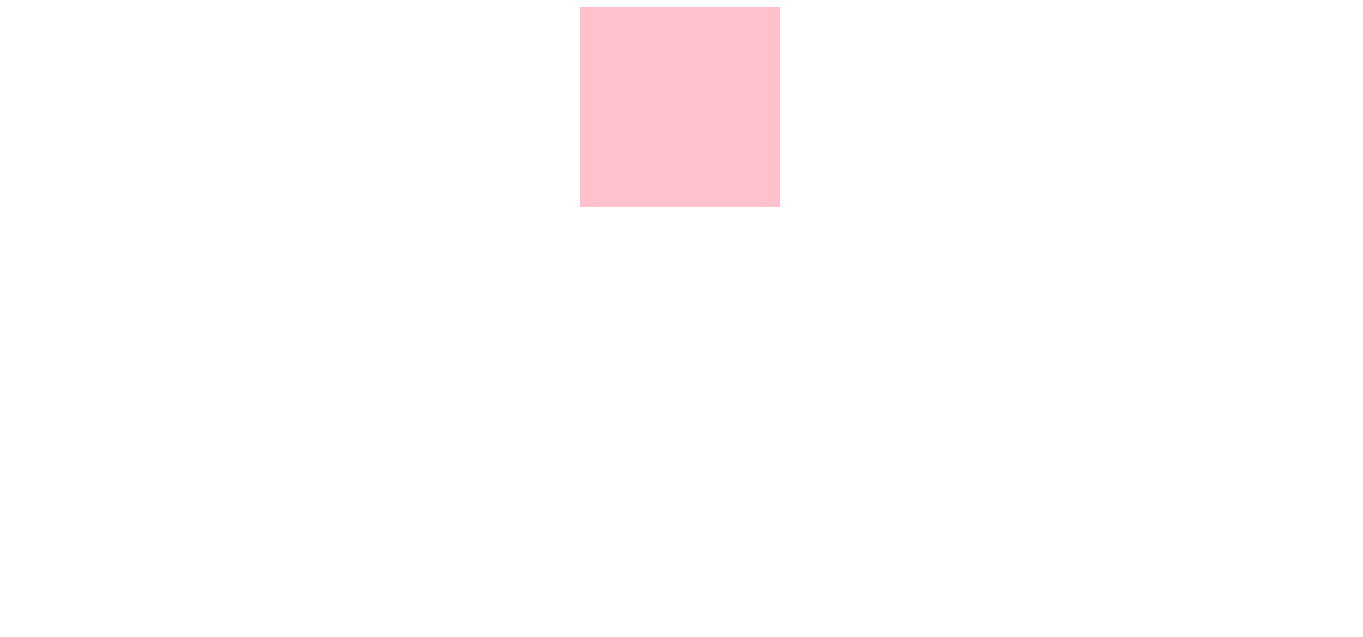
 div{

            margin:0 auto;

            width:200px;

            height:200px;

            background-color: pink;

        }

2、水平垂直居中之让绝对定位的div居中
    div {

            position: absolute;

            width: 300px;

            height: 300px;

            margin: auto;

            top:;

            left:;

            bottom:;

            right:;

            background-color: pink;

        }
3、水平垂直居中之确定容器的宽高
div {

            position: absolute;

            width:300px;

            height:300px;

            top: 50%;

            left: 50%;

            margin: -150px 0 0 -150px;  /* 外边距为自身宽高的一半 */

            background-color: pink;

        }
  div {

            position: absolute;

            width:300px;

            height:300px;

            top: 50%;

            left: 50%;

            transform: translate(-50%, -50%);

            background-color: pink;

        }
5、水平垂直居中之利用 flex 布局
.container {

            display: flex;

            align-items: center;         /* 垂直居中 */

            justify-content: center;    /* 水平居中 */

            height:600px;

           }

.container div {

                width: 300px;

                height: 300px;

                background-color: pink;

              }
6、div撑满整屏

<!DOCTYPE html>

<html lang="en">

<head>

  <meta charset="UTF-8">

  <title>div撑满整屏</title>

  <style>

    .page{

      background:pink;

      top: 0;

      bottom: 0;

      left: 0;

      right: 0;

      position: absolute;

      text-align: center;

    }

  </style>

</head>

<body>

   <div class="page"></div>

</body>

</html>
div居中方法总结的更多相关文章
- div 居中方法汇总
本文是从简书复制的, markdown语法可能有些出入, 想看"正版"和更多内容请关注 简书: 小贤笔记 情况一: 父子容器宽高已知 方法一 html <div class= ...
- div居中方法
<!DOCTYPE html> <html> <head> <meta charset="utf-8"> <title> ...
- 实现DIV居中的几种方法
<!DOCTYPE html> <html> <head> <meta charset="UTF-8"> <title> ...
- div居中和垂直居中的最简单方法
div居中方法: 1)对父盒子添加 text-align="center": 2)子盒子添加 margin:0 auto; 例子: body{text-align:center} ...
- DIV居中的经典方法
1. 实现DIV水平居中 设置DIV的宽高,使用margin设置边距0 auto,CSS自动算出左右边距,使得DIV居中. 1 div{ 2 width: 100px; 3 height: 100px ...
- 纯css使div垂直居中,div垂直,div居中的方法
首先编写一个简单的html代码,设置一个父div类名为boxFather,再设置一个子div类名为box1.html代码如下: <div class="boxFather"& ...
- 让几个横向排列的浮动子div居中显示的方法
div设置成float之后,就无法使子div居中显示了,那么如何让几个横向排列的浮动的div居中显示呢,下面有个不错的方法,希望对大家有所帮助 div设置成float之后,在父div中设置text-a ...
- div居中的三种方法
方法1: #div1{ width:200px; height:200px; background:green; position:absolute; left:0; top:0; right:0; ...
- 用CSS控制DIV居中失效的解决方法
1.一般情况下DIV居中失效是因为没写DTD语句 在页面的最上方加上: <!DOCTYPE html PUBLIC "-//W3C//DTD XHTML 1.0 Transitiona ...
随机推荐
- javascript点击变绿色再点击变红色
<!DOCTYPE html> <html lang="en"> <head> <meta charset="UTF-8&quo ...
- [SinGuLaRiTy] 复习模板-数据结构
[SinGuLaRiTy-1040] Copyright (c) SinGuLaRiTy 2017. All Rights Reserved. 二维线段树 2D_Segment_Tree //示例:单 ...
- 连接数据库+注册->登录->抽奖(有关联关系的接口)
注册账号信息需要写入数据库,登录和抽奖时从数据库获取数据 一.连接数据库 my_sql.py: import pymysql class MyDb: def __init__(self,host,pa ...
- Unity---高度解耦和
介绍 先举一个简单的例子: 在UGUI中新建一个Button和Text,要求实现点击Button改变Text中的文字. 我的第一反应就是在Button上添加一个脚本,获取点击事件来改变Text的内容. ...
- 使用SWig出现调用异常的情况
未经处理的异常: System.TypeInitializationException: "Win32Project1PINVOKE"的 类型初始值设定项引发异常. ---> ...
- SpringBoot中 application.yml /application.properties常用配置介绍
# Tomcat server: tomcat: uri-encoding: UTF-8 max-threads: 1000 min-spare-threads: 30 port: 10444 ser ...
- MacOs桌面自动被打乱的原因
1 系统设置--Mission Control -- 自动根据最近使用情况排序的勾勾去掉
- 【转】intellij idea使用指南—— 导入Eclipse的Web项目
通常一个团队中可能有人用eclipse,有人用intelliJ,那么经常会出现需要导入别人用eclipse建好的web项目.而IntelliJ提供了多种项目类型的导入方式,其中就有eclipse. 在 ...
- window平台 php 安装 redis 扩展
1.使用phpinfo() 函数查看PHP的版本信息 <?php phpinfo(); ?> 查看扩展文件版本(特别注意以php版本的 architecture 是x86还是64为准,不能 ...
- mfix mpi并行死锁问题探究
目前还没找到具体原因,只能先记录一下.(问题原因找到了) 分别用ubuntu14.04和ubuntu16.04测试,用的是笔记本,笔记本为双核四线程,用2线程并行计算:发现ubuntu16.04会在0 ...