
4. springmvc底层原理2
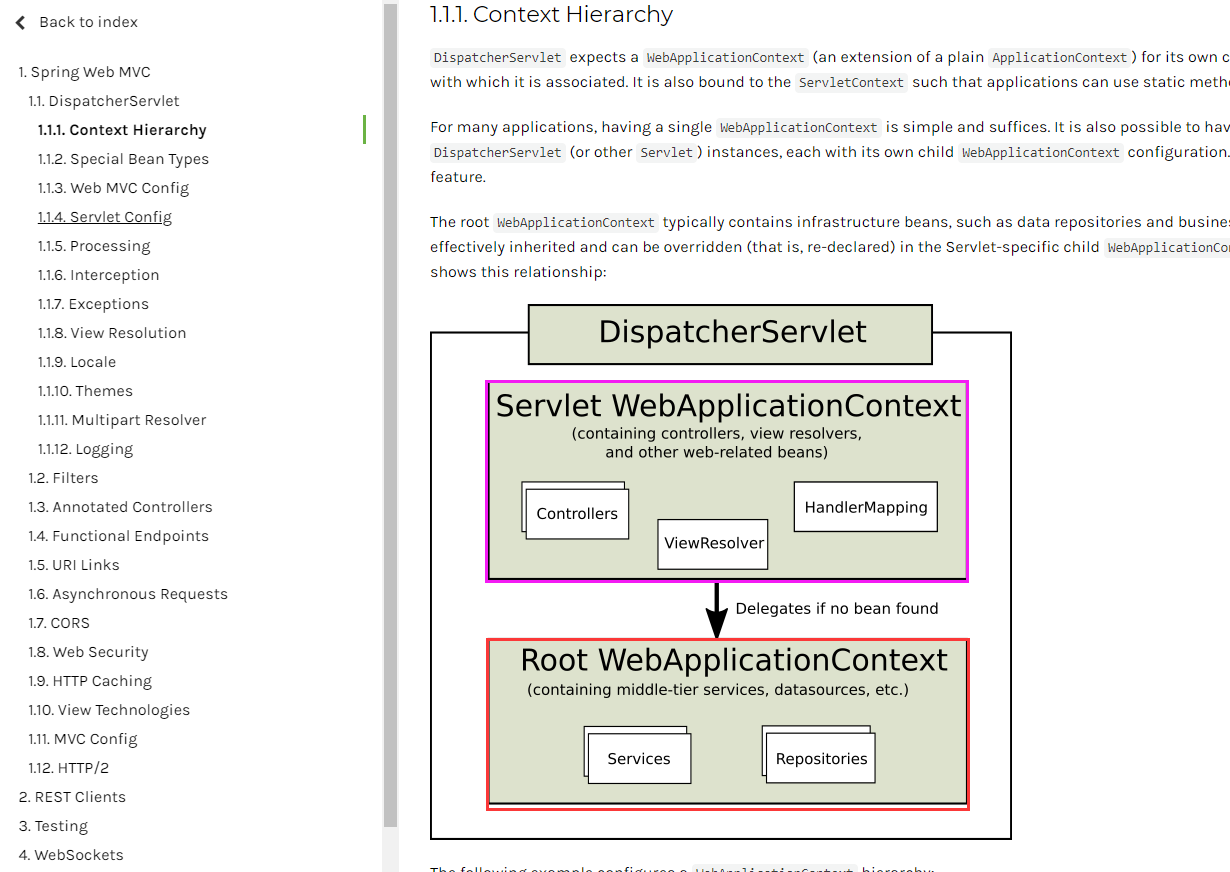
- Spring mvc 是子容器
- Spring 是 父容器

===================================================================
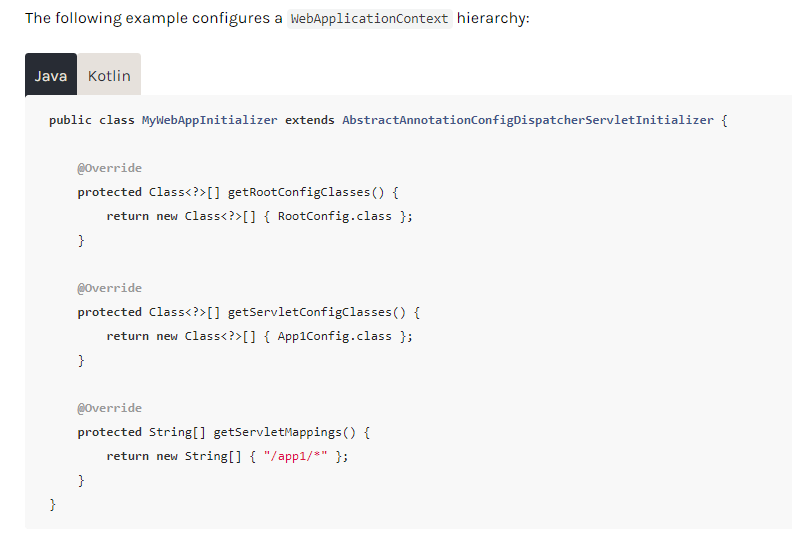
public class MyWebAppInitializer extends AbstractAnnotationConfigDispatcherServletInitializer {

    @Override

    protected Class<?>[] getRootConfigClasses() {

        return new Class<?>[] { RootConfig.class };

    }

    @Override

    protected Class<?>[] getServletConfigClasses() {

        return new Class<?>[] { App1Config.class };

    }

    @Override

    protected String[] getServletMappings() {

        return new String[] { "/app1/*" };

    }

}
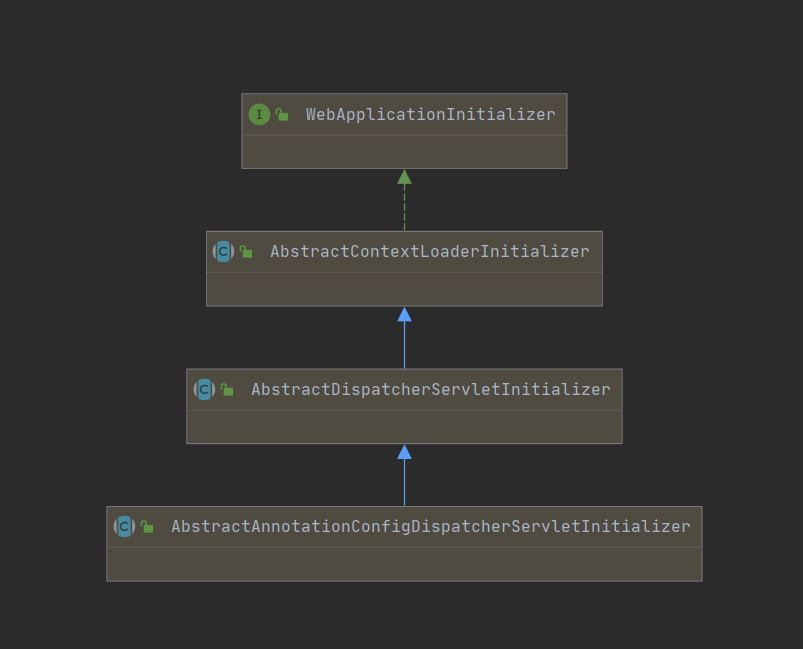
刚才我们是写个类实现人家的接口,现在我们写个类继承人家的接口
===================================================================
===================================================================
- 继承AbstractAnnotationConfigDispatcherServletInitializer
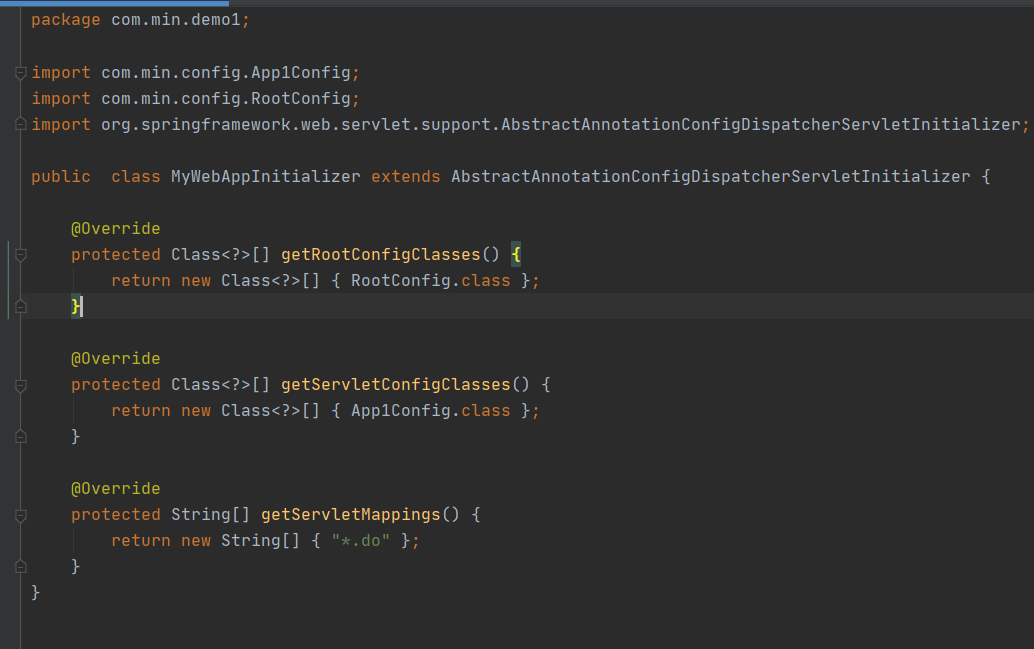
package com.min.demo1;

import com.min.config.App1Config;

import com.min.config.RootConfig;

import org.springframework.web.servlet.support.AbstractAnnotationConfigDispatcherServletInitializer;

public  class MyWebAppInitializer extends AbstractAnnotationConfigDispatcherServletInitializer {

    @Override

    protected Class<?>[] getRootConfigClasses() {

        return new Class<?>[] { RootConfig.class };

    }

    @Override

    protected Class<?>[] getServletConfigClasses() {

        return new Class<?>[] { App1Config.class };

    }

    @Override

    protected String[] getServletMappings() {

        return new String[] { "*.do" };

    }

}
===================================================================
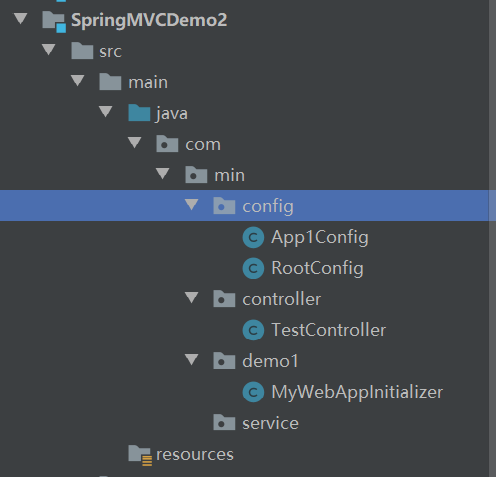
- 编写配置类
**App1Config **
package com.min.config;

import org.springframework.context.annotation.ComponentScan;

import org.springframework.context.annotation.Configuration;

@Configuration

@ComponentScan(value = "com.min.controller")

public class App1Config {

}
**RootConfig **
package com.min.config;

import org.springframework.context.annotation.ComponentScan;

import org.springframework.context.annotation.Configuration;

@Configuration

@ComponentScan(value = "com.min.service")

public class RootConfig {

}
===================================================================
- 编写Controller
package com.min.controller;

import org.springframework.stereotype.Controller;

import org.springframework.web.bind.annotation.RequestMapping;

import org.springframework.web.bind.annotation.ResponseBody;

@Controller

public class TestController {

    @RequestMapping(value = "/hello2.*")

    @ResponseBody

    public String hello(){

        return "hello";

    }

}
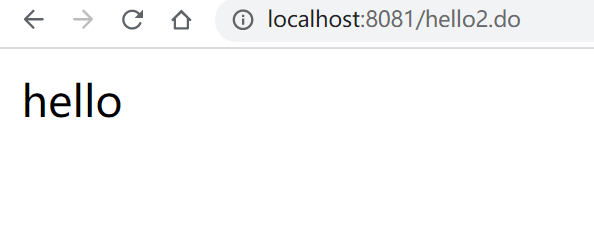
- 访问hello2.do
===================================================================
===================================================================


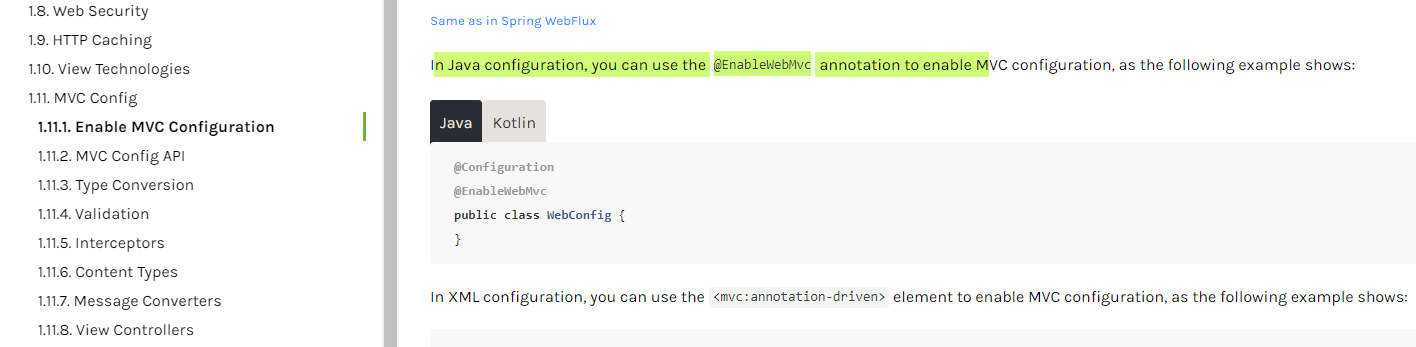
@Configuration

@EnableWebMvc

public class WebConfig implements WebMvcConfigurer {

    @Override

    public void addFormatters(FormatterRegistry registry) {

        // ...

    }

}
===================================================================
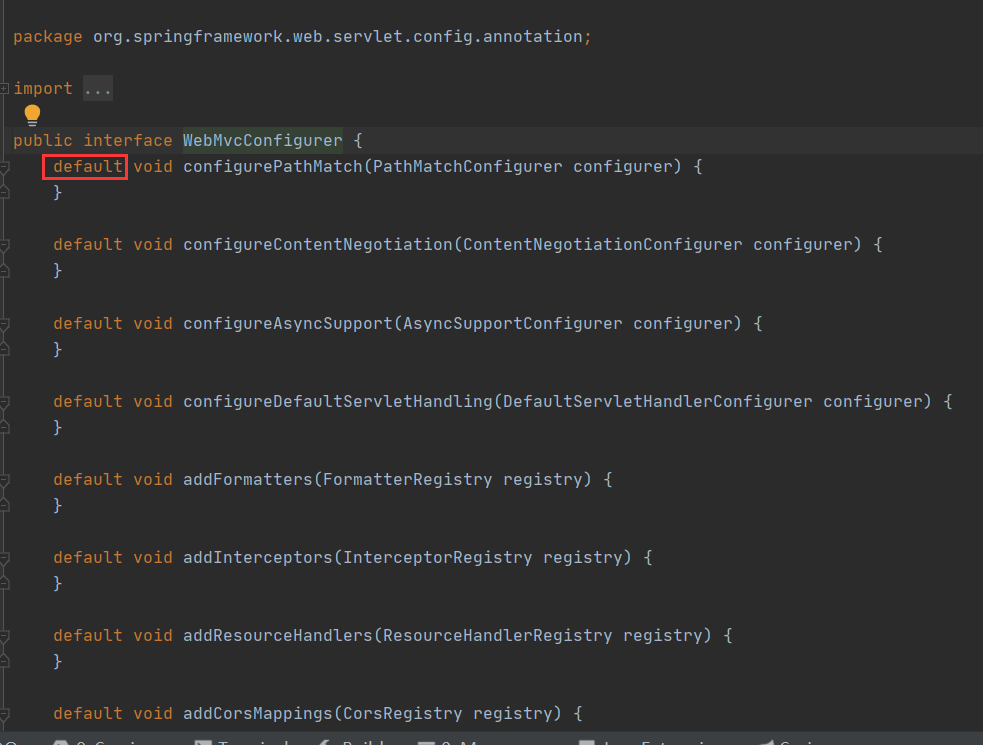
默认实现方法
===================================================================
- 添加跳转jsp视图(配置视图解析器)

package com.min.config;

import org.springframework.context.annotation.ComponentScan;

import org.springframework.context.annotation.Configuration;

import org.springframework.web.servlet.config.annotation.EnableWebMvc;

import org.springframework.web.servlet.config.annotation.ViewResolverRegistry;

import org.springframework.web.servlet.config.annotation.WebMvcConfigurer;

@Configuration

@ComponentScan(value = "com.min.controller")

@EnableWebMvc

public class App1Config implements WebMvcConfigurer {

    @Override

    public void configureViewResolvers(ViewResolverRegistry registry) {

        /*

         *  public UrlBasedViewResolverRegistration jsp() {

         *     return this.jsp("/WEB-INF/", ".jsp");

         *  }

         */

        //registry.jsp();

        registry.jsp("/WEB-INF/jsps/",".jsp");

    }

}
- 编写controlelr
package com.min.controller;

import org.springframework.stereotype.Controller;

import org.springframework.web.bind.annotation.RequestMapping;

import org.springframework.web.bind.annotation.ResponseBody;

@Controller

public class TestController {

    @RequestMapping(value = "/hello.do")

    @ResponseBody

    public String hello(){

        return "hello";

    }

    @RequestMapping(value = "/hello2.do")

    public String hello2(){

        return "a";

    }

}
- /web-inf/jsps/下编写a.jsp页面
<%--

  Created by IntelliJ IDEA.

  User: lenovo

  Date: 2020/6/5

  Time: 9:20

  To change this template use File | Settings | File Templates.

--%>

<%@ page contentType="text/html;charset=UTF-8" language="java" %>

<html>

<head>

    <title>Title</title>

</head>

<body>

<h1>我是JSP页面视图</h1>

</body>

</html>

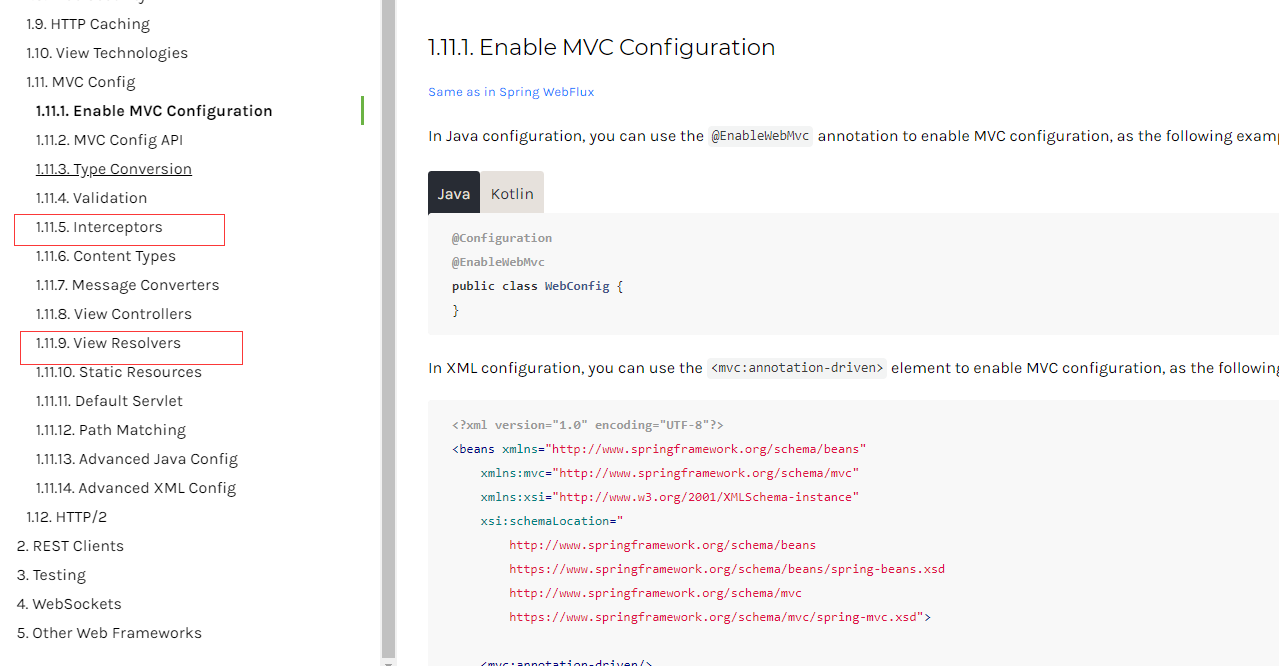
- App1Config 还可以配置拦截器和视图解析器
4. springmvc底层原理2的更多相关文章
- 深入源码分析SpringMVC底层原理(二)
原文链接:深入源码分析SpringMVC底层原理(二) 文章目录 深入分析SpringMVC请求处理过程 1. DispatcherServlet处理请求 1.1 寻找Handler 1.2 没有找到 ...
- SpringMVC底层执行原理
一个简单的HelloSpringMVC程序 先在web,xml中注册一个前端控制器(DispatcherServlet) <?xml version="1.0" encodi ...
- 漫画 | Spring AOP的底层原理是什么?
1.Spring中配置的bean是在什么时候实例化的? 2.描述一下Spring中的IOC.AOP和DI IOC和AOP是Spring的两大核心思想 3.谈谈IOC.AOP和DI在项目开发中的应用场景 ...
- Spring_day01--课程安排_Spring概念_IOC操作&IOC底层原理&入门案例_配置文件没有提示问题
Spring_day01 Spring课程安排 今天内容介绍 Spring概念 Spring的ioc操作 IOC底层原理 IOC入门案例 配置文件没有提示问题 Spring的bean管理(xml方式) ...
- springMVC课程笔记(一)springMVC架构原理分析
一.springMVC架构原理分析 1.先搞清楚什么是springMVC: 其实springMVC是spring框架中的一个模块,springMVC和spring无需通过中间整合层整合,SpringM ...
- [转帖]Spring Cloud底层原理
拜托!面试不要再问我Spring Cloud底层原理 https://mp.weixin.qq.com/s/ZH-3JK90mhnJPfdsYH2yDA 毫无疑问,Spring Cloud 是目前微服 ...
- Spring Boot-自动配置之底层原理
一.SpringBoot启动的时候加载主配置类,开启了自动配置的功能 @SpringBootApplication public class SpringBoot02Application { pub ...
- Neo4j图数据库简介和底层原理
现实中很多数据都是用图来表达的,比如社交网络中人与人的关系.地图数据.或是基因信息等等.RDBMS并不适合表达这类数据,而且由于海量数据的存在,让其显得捉襟见肘.NoSQL数据库的兴起,很好地解决了海 ...
- springmvc工作原理和环境搭建
SpringMVC工作原理 上面的是springMVC的工作原理图: 1.客户端发出一个http请求给web服务器,web服务器对http请求进行解析,如果匹配DispatcherServle ...
随机推荐
- Day14_84_通过反射机制修改和获取class里的属性值
通过反射机制修改和获取class里的属性值 * 属性对象.set(Object,属性值) 给Object对象中的某个属性赋值(属性对象) * 属性对象.get(Object); 获取Object对象中 ...
- C - The Suspects POJ - 1611(并查集)
Severe acute respiratory syndrome (SARS), an atypical pneumonia of unknown aetiology, was recognized ...
- 11- jmeter主要元件
元件分类 HTTP请求默认值(请求行,请求头,空行,消息体) HTTP信息头管理器: HTTPcookie管理器(1.更真实的模拟用户行为 ,多个请求的关联.第一个请求没有cookie第二个就带了co ...
- 转载:Windows使用tail -f 监控文件
https://www.cnblogs.com/my-bambi/p/11793770.html
- Docker学习笔记---通俗易懂
目录 Docker 简介 Docker安装 Docker的基本组成 安装Docker 配置阿里云镜像加速 回顾helloworld流程 工作原理 Docker的常用命令 帮助命令 镜像命令 容器命令 ...
- POJ2446 模板盖格子 简单二分匹配
题意: 给你一个n*m的格子,有的格子上有坑,然后让你用1*2的东西去覆盖所有没有坑的格子,不能重叠,坑上也不能放东西覆盖,问是否能成功. 思路: 简单题目,每个格子和四周的 ...
- Shiro反序列化漏洞复现
Apache Shiro是一个强大且易用的Java安全框架,执行身份验证.授权.密码和会话管理.使用Shiro的易于理解的API,可以快速.轻松地获得任何应用程序,从最小的移动应用程序到最大的网络和企 ...
- GDOI2021 游记
蹭了个名额去参加 \(\text{GDOI}\) \(\text{tg}\),体验了一下大佬的生活/kk (以下试题皆为 \(\text A\) 卷 DAY -1 不知道要复习什么.本来没有机会来参加 ...
- SwiftUI 简明教程之自定义 Modifier
本文为 Eul 样章,如果您喜欢,请移步 AppStore/Eul 查看更多内容. Eul 是一款 SwiftUI & Combine 教程 App(iOS.macOS),以文章(文字.图片. ...
- Redis数据结构—整数集合与压缩列表
目录 Redis数据结构-整数集合与压缩列表 整数集合的实现 整数集合的升级 整数集合不支持降级 压缩列表的构成 压缩列表节点的构成 小结 Redis数据结构-整数集合与压缩列表 大家好,我是白泽.今 ...