
对狂神说java的springboot中spring security的总结
1.spring security的环境搭建
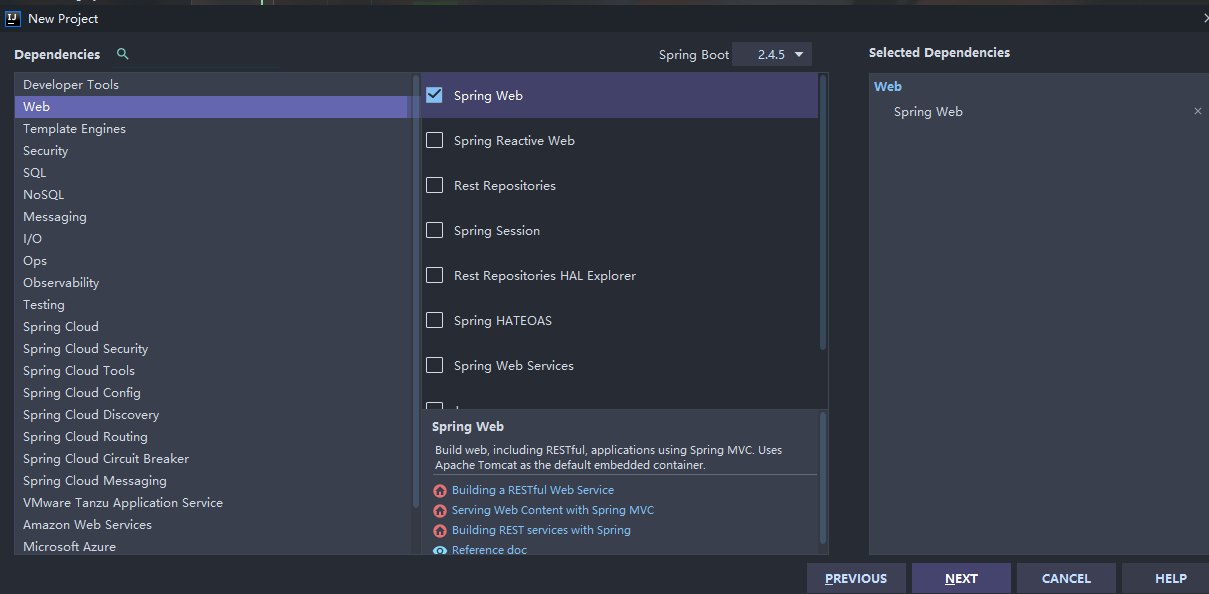
首先新建一个springboot项目,只够选web中的spring web依赖
然后在pom.xml导入相关依赖
        <!--thymeleaf模块-->

        <dependency>

            <groupId>org.thymeleaf</groupId>

            <artifactId>thymeleaf-spring5</artifactId>

        </dependency>

        <dependency>

            <groupId>org.thymeleaf.extras</groupId>

            <artifactId>thymeleaf-extras-java8time</artifactId>

        </dependency>
然后导入素材
项目所需要的素材我放到我的github上,需要的自取
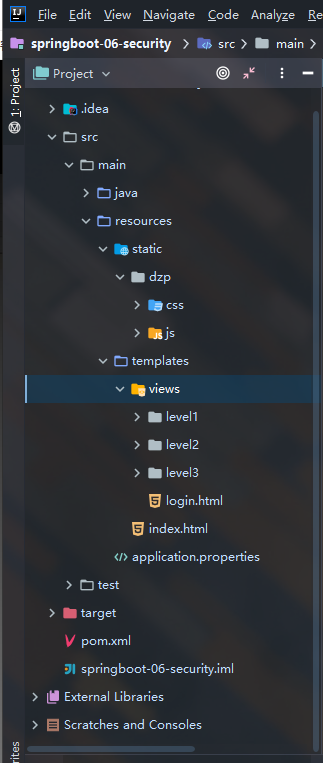
导入资源并删掉多余的东西,如图
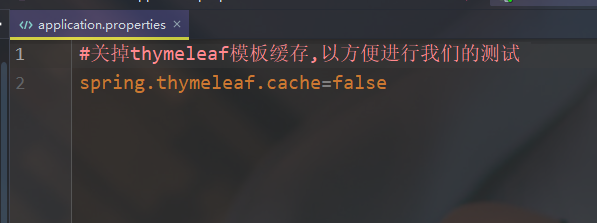
在application.properties配置文件里关掉thymeleaf模板缓存,以方便进行我们的测试
#关掉thymeleaf模板缓存,以方便进行我们的测试

spring.thymeleaf.cache=false
紧接着新建一个controller包,在包下编写一个controller类RouterController,作为我们的路由转发
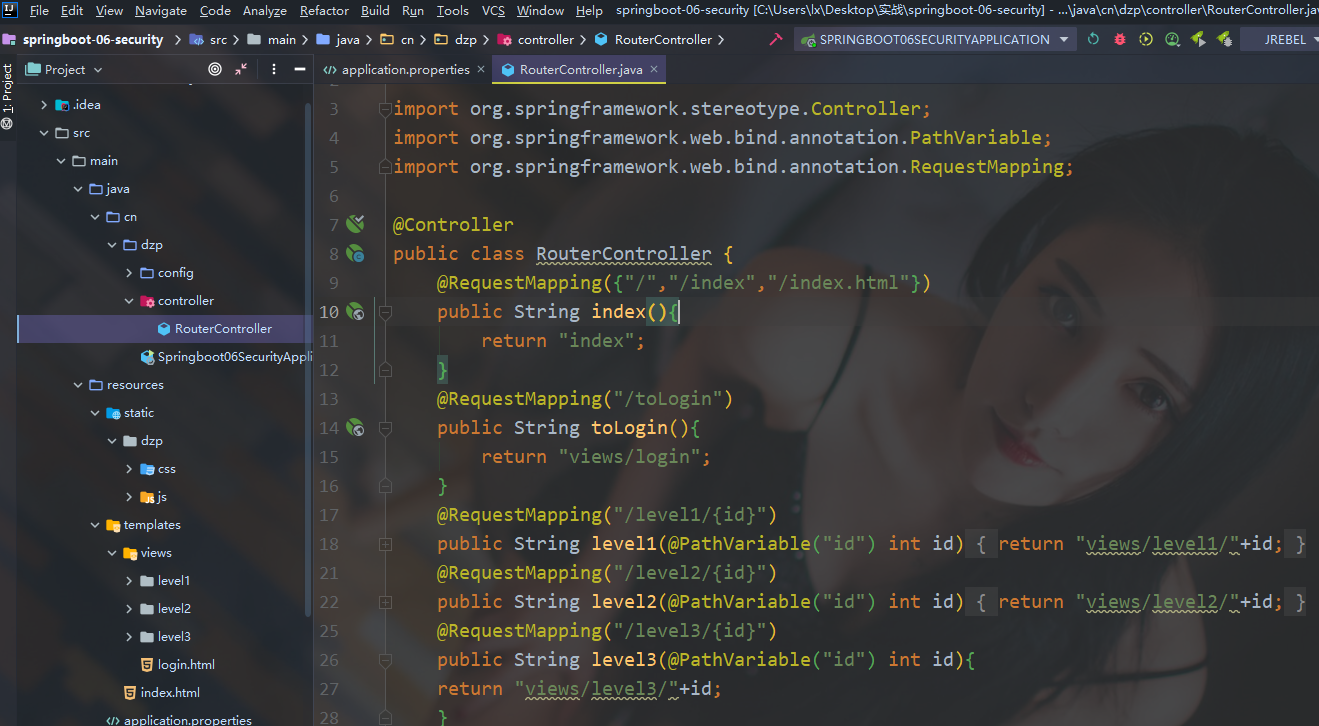
完整代码如下:
package cn.dzp.controller;

import org.springframework.stereotype.Controller;

import org.springframework.web.bind.annotation.PathVariable;

import org.springframework.web.bind.annotation.RequestMapping;

@Controller

public class RouterController {

//使得访问/,/index,/index.html都能跳到主页

    @RequestMapping({"/","/index","/index.html"})

    public String index(){

        return "index";

    }

    @RequestMapping("/toLogin")

    public String toLogin(){

        return "views/login";

    }

//实现对level的三个页面的跳转,下面也是如此

    @RequestMapping("/level1/{id}")

    public String level1(@PathVariable("id") int id){

        return "views/level1/"+id;

    }

    @RequestMapping("/level2/{id}")

    public String level2(@PathVariable("id") int id){

        return "views/level2/"+id;

    }

    @RequestMapping("/level3/{id}")

    public String level3(@PathVariable("id") int id){

    return "views/level3/"+id;

    }

}
启动项目查看效果
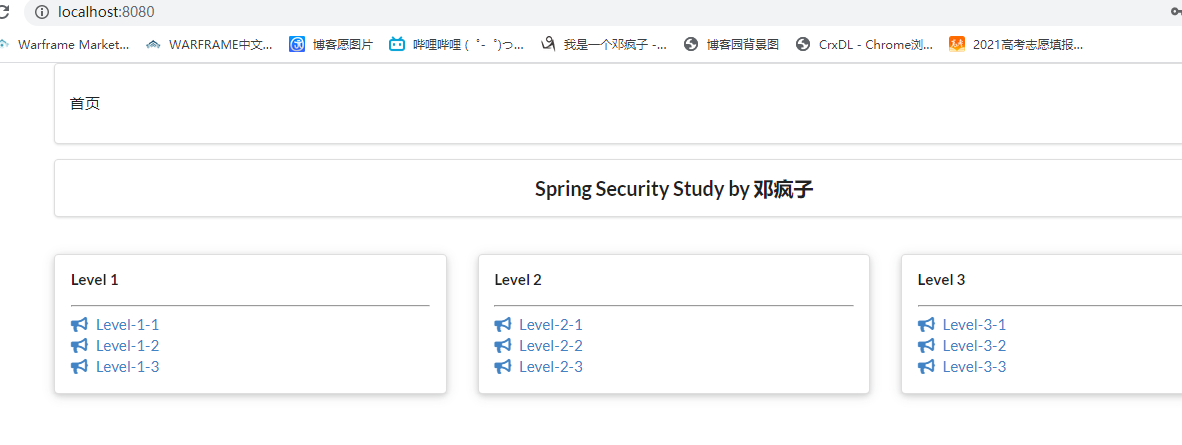
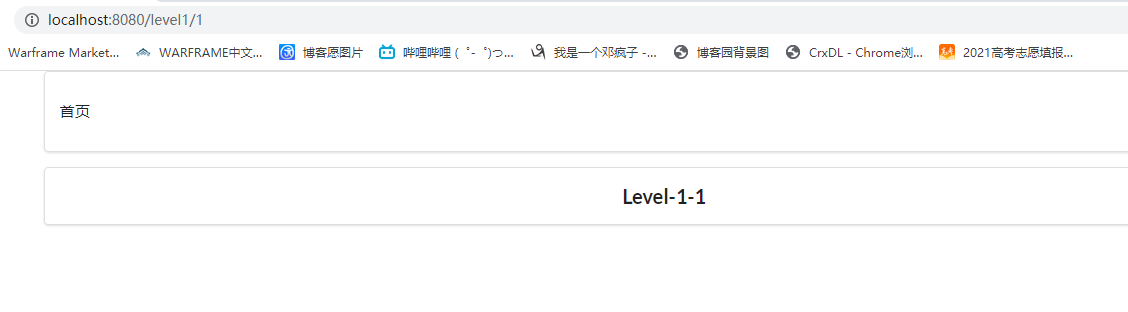
点击对应的level等级页面也能跳转
2.用户认证和授权
"认证"(Authentication)
"授权"(Authorization)
这两个概念是通用的,而不是只在Spring security中存在
导入security依赖
<!--security-->

        <dependency>

            <groupId>org.springframework.boot</groupId>

            <artifactId>spring-boot-starter-security</artifactId>

        </dependency>
创建一个config包,编写一个SecurityConfig类
完整代码如下:
package cn.dzp.config;

import org.springframework.security.config.annotation.authentication.builders.AuthenticationManagerBuilder;

import org.springframework.security.config.annotation.web.builders.HttpSecurity;

import org.springframework.security.config.annotation.web.configuration.EnableWebSecurity;

import org.springframework.security.config.annotation.web.configuration.WebSecurityConfigurerAdapter;

import org.springframework.security.crypto.bcrypt.BCryptPasswordEncoder;

@EnableWebSecurity

public class SecurityConfig extends WebSecurityConfigurerAdapter {

//链式编程

//    授权

    @Override

    protected void configure(HttpSecurity http) throws Exception {

//        首页所有人可以访问,功能页只有对应权限的人才能访问

//        请求授权的规则

        http.authorizeRequests()

                .antMatchers("/").permitAll()

                .antMatchers("/level1/**").hasRole("level1")

                .antMatchers("/level2/**").hasRole("level2")

                .antMatchers("/level3/**").hasRole("level3");

//        没有权限默认会跳到登录页面,需要开启登录的页面

        http.formLogin();

//        防止网站攻击:get;post

        http.csrf().disable();//关闭csrf(跨站请求伪造)功能,登出失败可能产生的原因

//        开启注销功能

        http.logout().logoutSuccessUrl("/");

    }

    //    认证,springboot 2.1.x可以直接使用,其他版本会报错(或者采用下面的密码编码解决)

    //    密码编码:PasswordEncoder

//    在spring security 5.0+新增了很多的加密方法

    @Override

    protected void configure(AuthenticationManagerBuilder auth) throws Exception {

//        这些数据应该从数据库里读取,使用jdbcAuthentication()

//        目前方式是在内存中读取

        auth.inMemoryAuthentication().passwordEncoder(new BCryptPasswordEncoder())

                .withUser("guest").password(new BCryptPasswordEncoder().encode("123456")).roles("level1")

                .and()

                .withUser("dzp").password(new BCryptPasswordEncoder().encode("456789")).roles("level1","level2")

                .and()

                .withUser("root").password(new BCryptPasswordEncoder().encode("root")).roles("level3","level2","level1");

    }

}
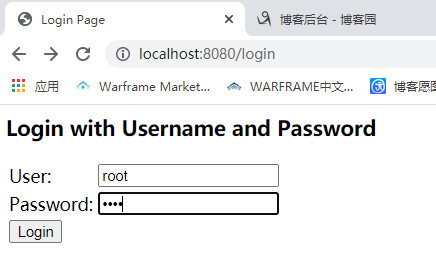
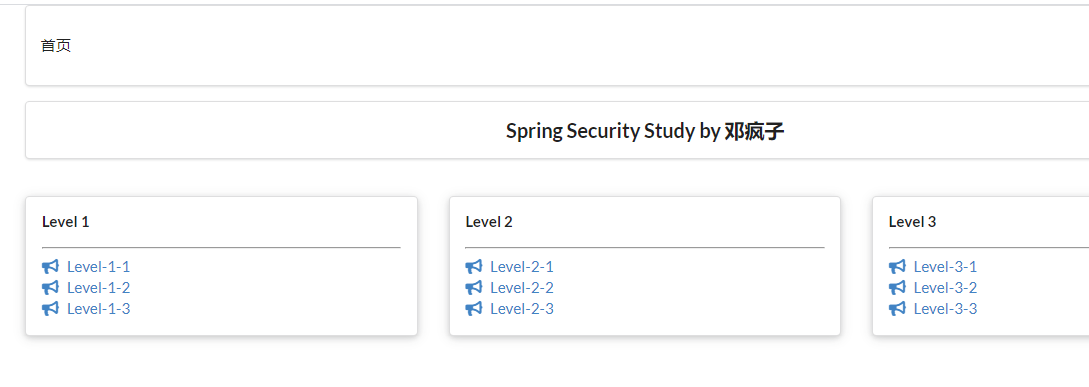
登录最高权限账户
3.注销以及权限控制
由于本次使用到了thymeleaf与spring security的整合,所以需要导入依赖
<!-- security与themeleaf整合包       -->

        <dependency>

            <groupId>org.thymeleaf.extras</groupId>

            <artifactId>thymeleaf-extras-springsecurity4</artifactId>

            <version>3.0.4.RELEASE</version>

        </dependency>
并且要在index.html中导入对应的约束
xmlns:sec="http://www.thymeleaf.org/thymeleaf-extras-springsecurity4"
在index.html实现对应的登录与注销
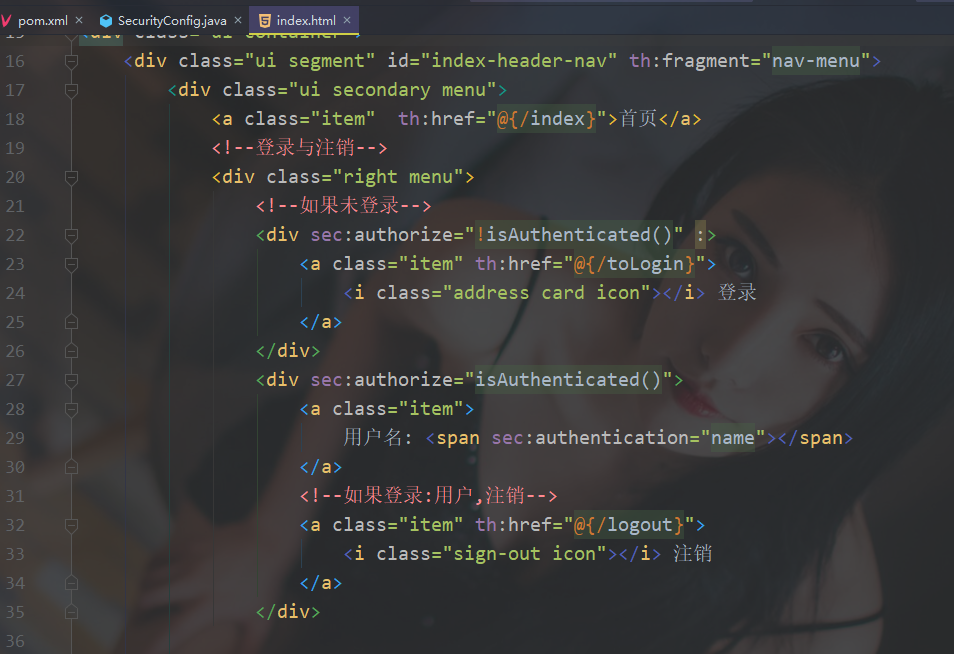
注意:运行会出现一下结果
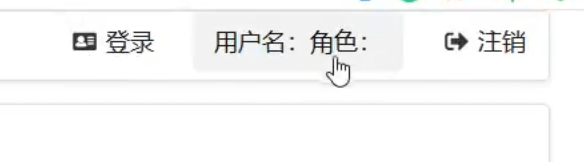
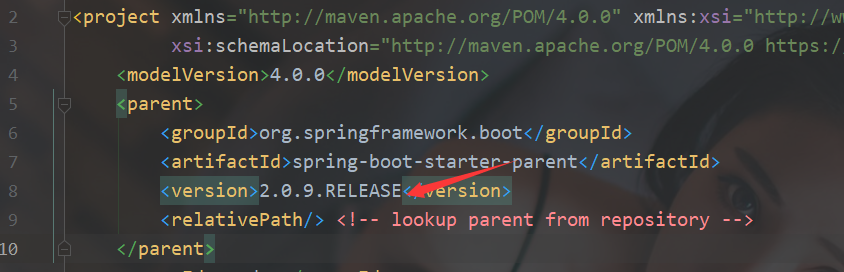
这是因为springboot版本太高不支持,最低支持2.0.9.RELEASE版本
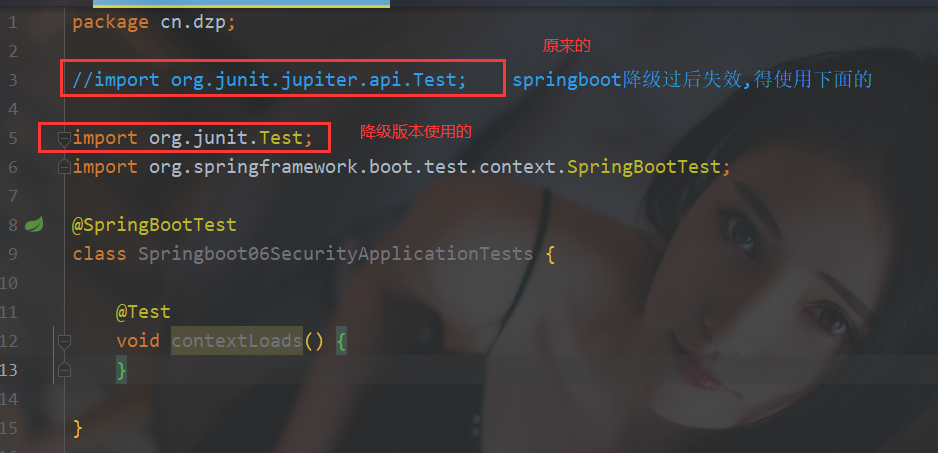
启动项目Springboot06SecurityApplicationTests会报错,修改下即可,因为降低了版本对应的导入也不相同
启动项目
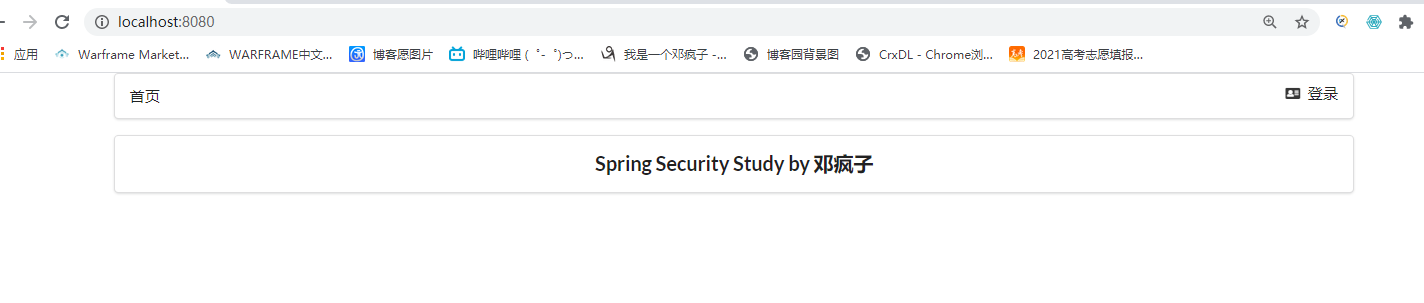
然后登录,可以查看到对应的注销按钮和用户名
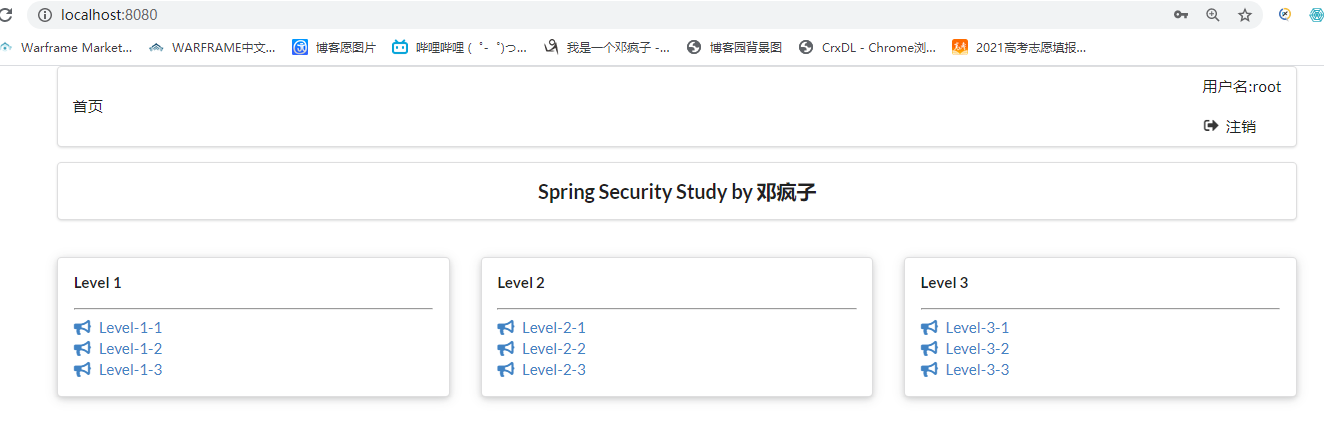
点击注销,成功回到首页,可以看到对应的用户名也清除掉了
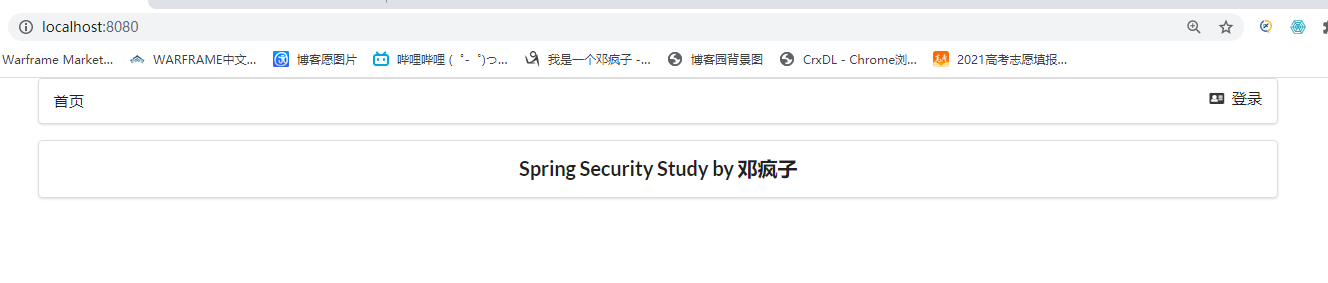
再来看看实现的根据用户权限展示相对应的页面,展示我们用dzp用户更清楚

也成功实现
4.记住我以及首页定制
开启记住我功能(cookie的实现)
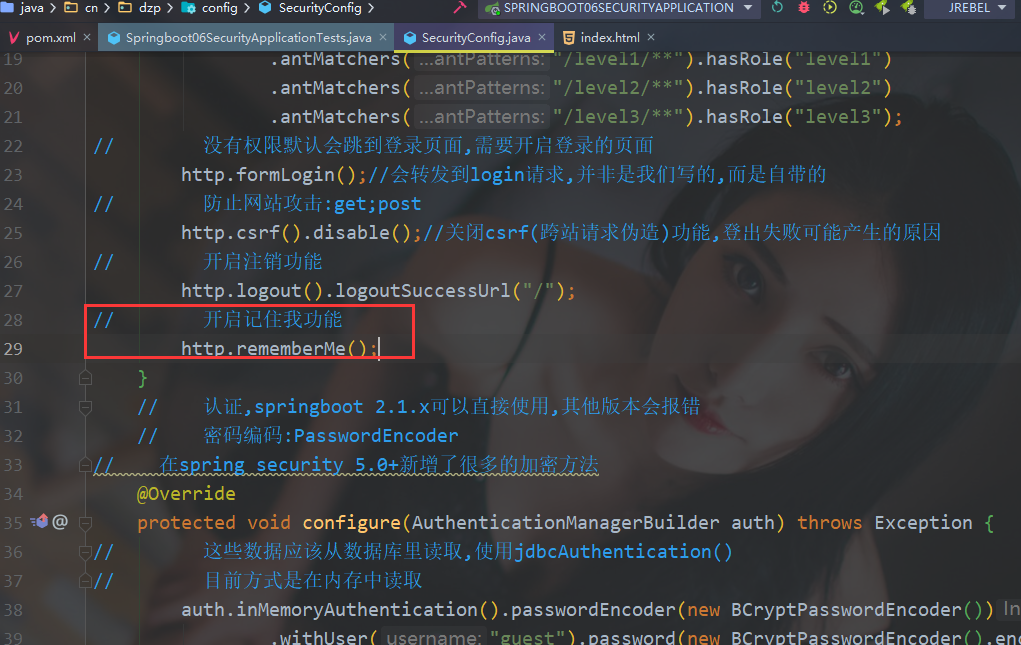
启动项目试试
虽然不好看,但是已经看到实现了remember me的功能
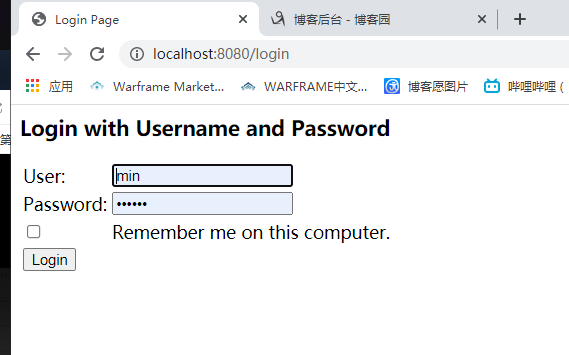
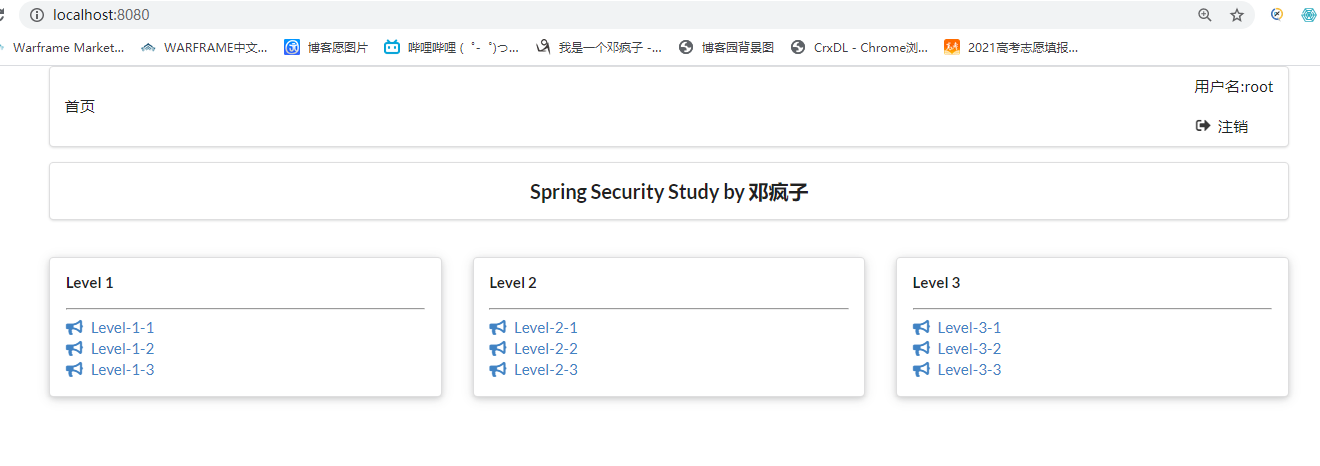
开启记住我登录root用户在关掉浏览器重新打开检查是否还存在root
可以看到再次打开有了remember me的cookie,说明成功
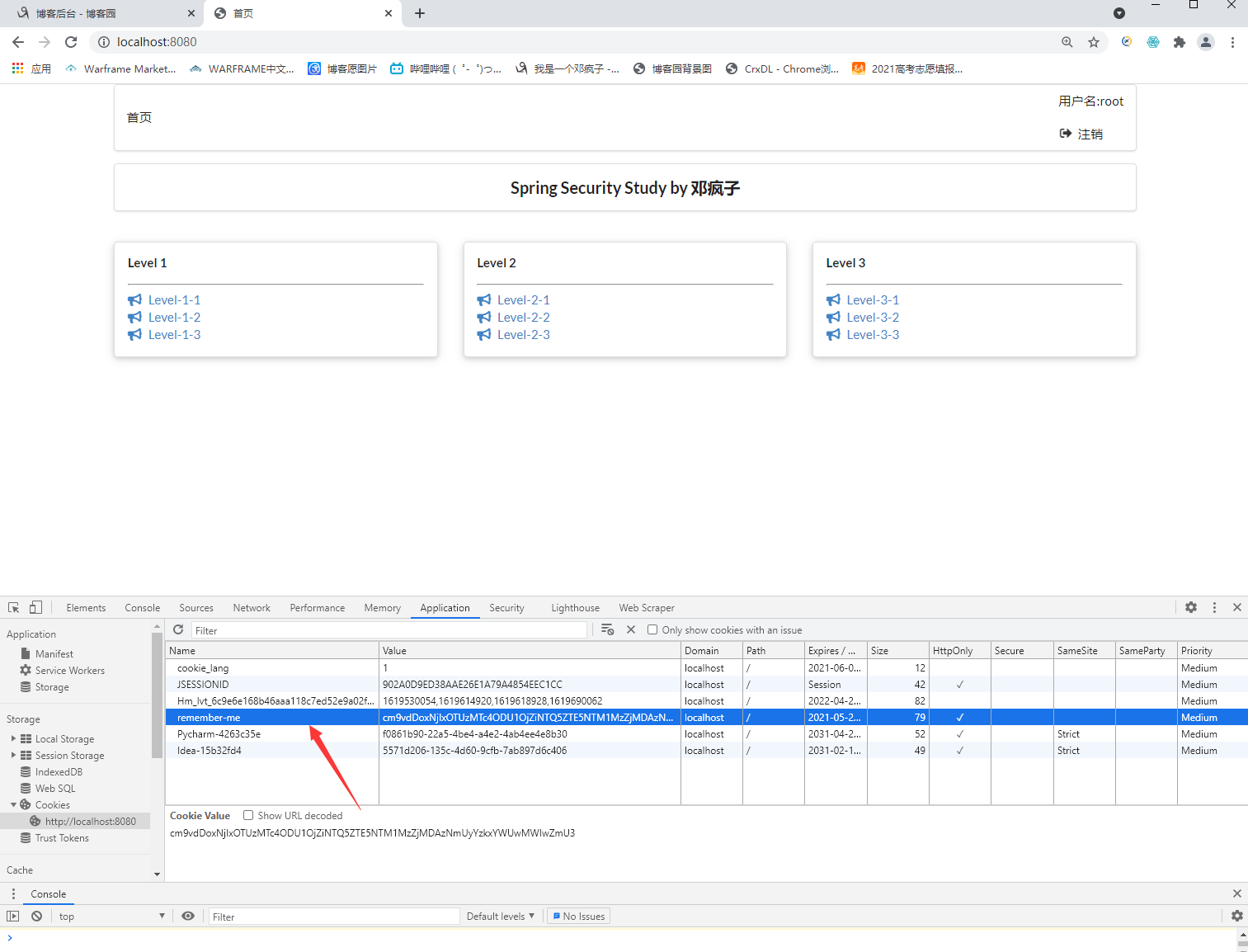
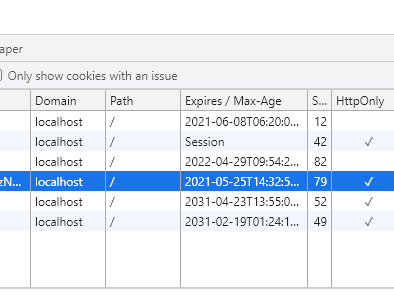
remember me默认保存的世界为14天==两周,如果清掉cookie,主页则会自动跳到首页(测试时间为2021.5.11)

自己定义登录页面
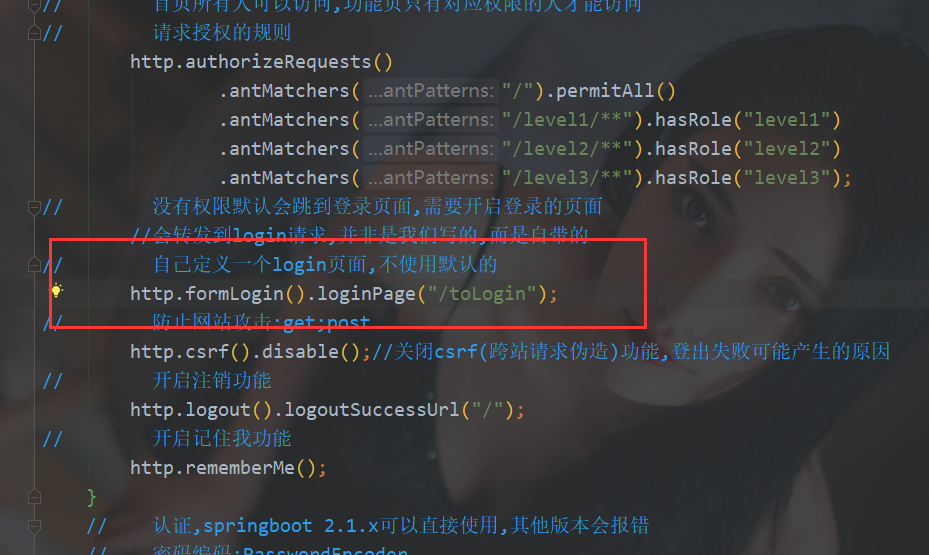
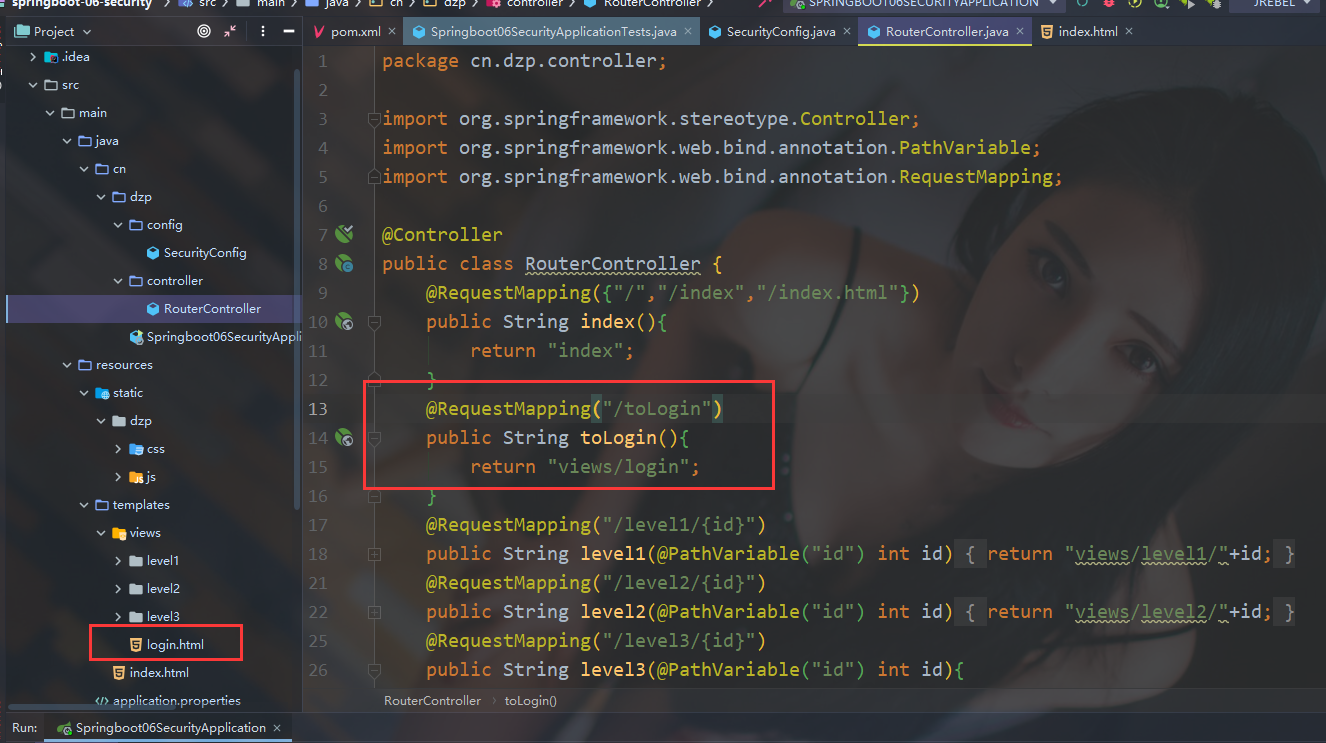
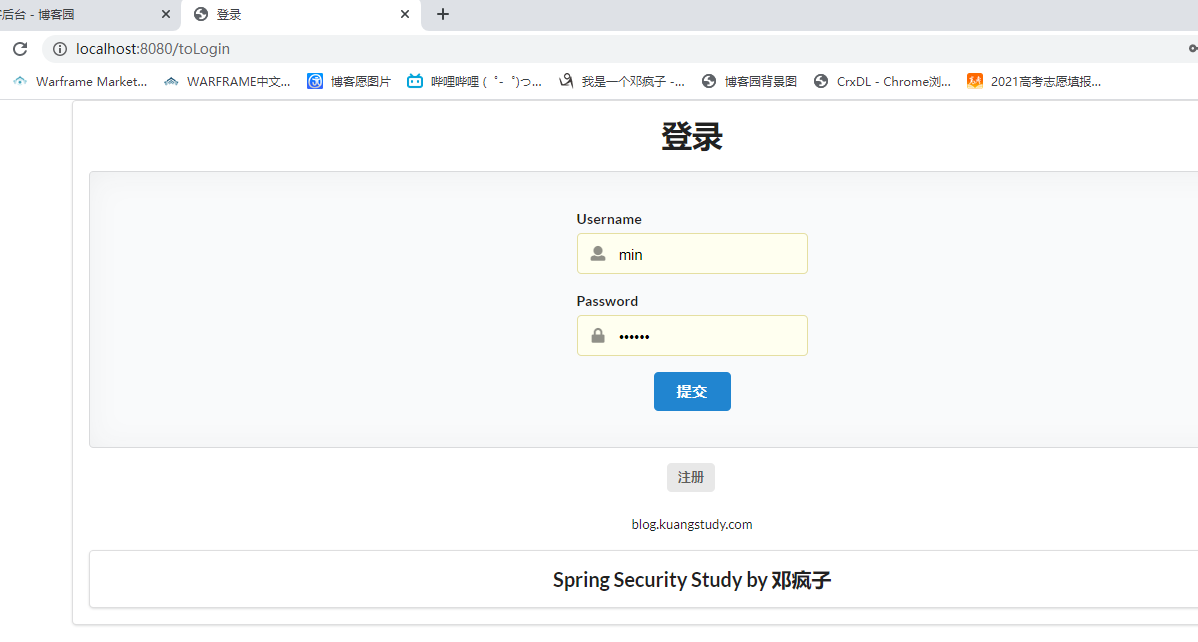
重启项目测试,确实跳转成功
注意坑:前端登录页面传的参数可能和默认的username,password不一样,则会传递参数失败,可以根据前端的name进行设置
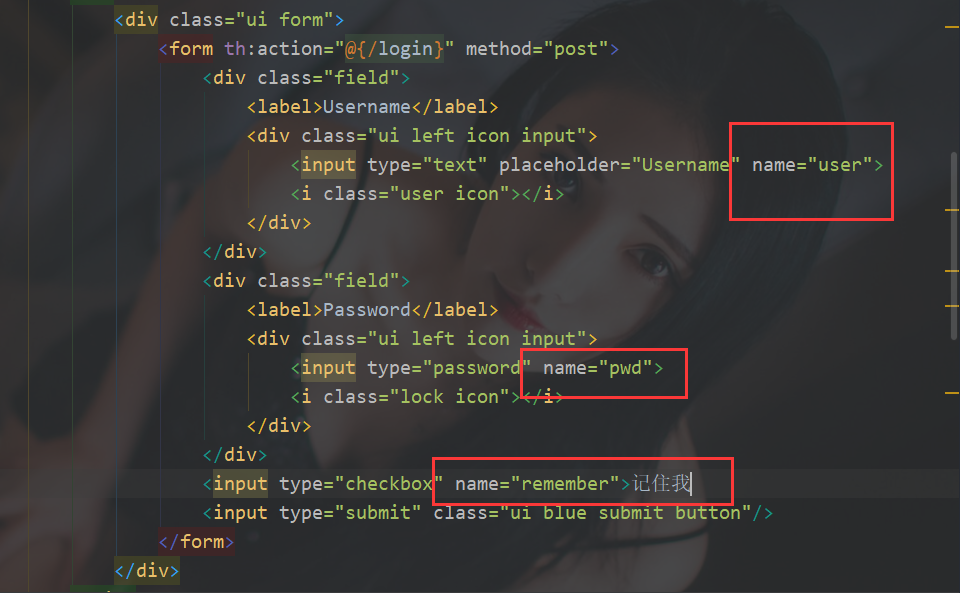
http.formLogin().loginPage("/toLogin").usernameParameter("user").passwordParameter("pwd").loginProcessingUrl("/login");

http.rememberMe().rememberMeParameter("remember");
重启项目测试
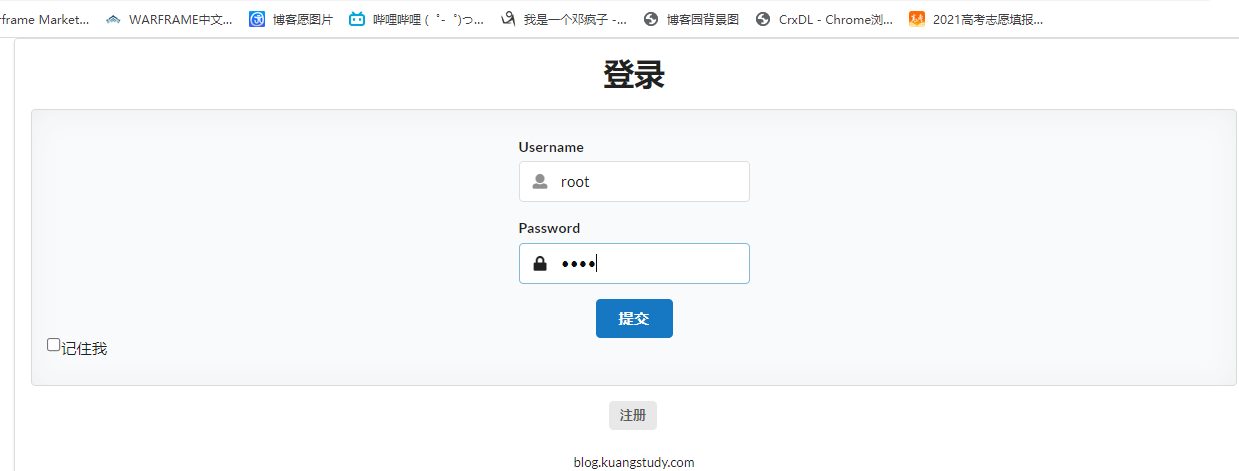
成功登录
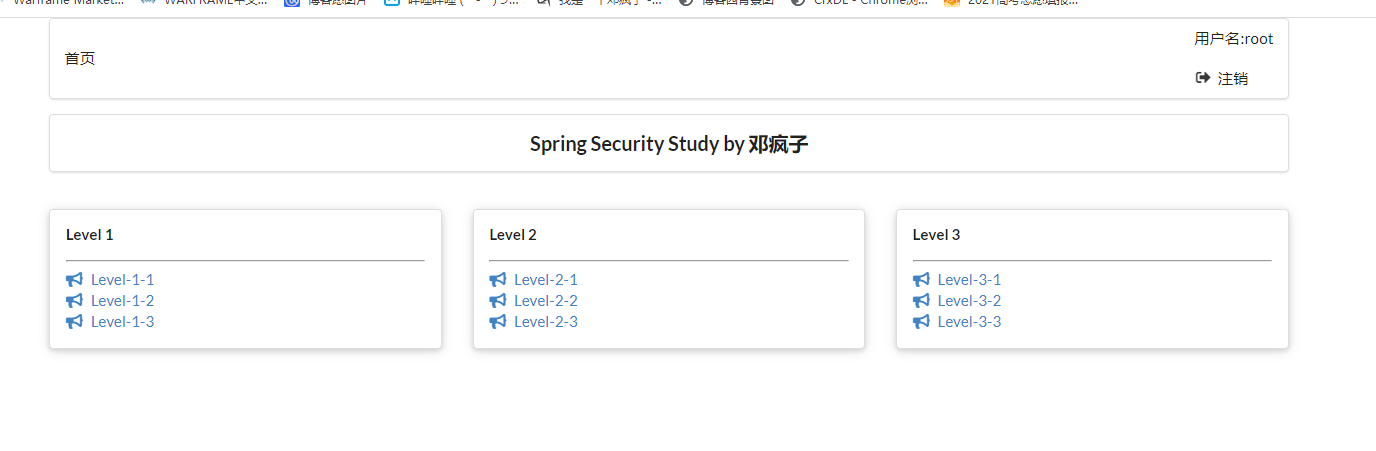
到此关于security所有功能实现!
对狂神说java的springboot中spring security的总结的更多相关文章
- springboot中spring.profiles.include
springboot中spring.profiles.include的妙用. 我们有这样的一个springboot项目.项目分为开发.测试.生产三个不同阶段(环境),每个阶段都会有db.ftp.red ...
- SpringBoot集成Spring Security入门体验
一.前言 Spring Security 和 Apache Shiro 都是安全框架,为Java应用程序提供身份认证和授权. 二者区别 Spring Security:重量级安全框架 Apache S ...
- SpringBoot集成Spring Security(5)——权限控制
在第一篇中,我们说过,用户<–>角色<–>权限三层中,暂时不考虑权限,在这一篇,是时候把它完成了. 为了方便演示,这里的权限只是对角色赋予权限,也就是说同一个角色的用户,权限是 ...
- SpringBoot集成Spring Security(4)——自定义表单登录
通过前面三篇文章,你应该大致了解了 Spring Security 的流程.你应该发现了,真正的 login 请求是由 Spring Security 帮我们处理的,那么我们如何实现自定义表单登录呢, ...
- springBoot整合spring security实现权限管理(单体应用版)--筑基初期
写在前面 在前面的学习当中,我们对spring security有了一个小小的认识,接下来我们整合目前的主流框架springBoot,实现权限的管理. 在这之前,假定你已经了解了基于资源的权限管理模型 ...
- springBoot整合spring security+JWT实现单点登录与权限管理--筑基中期
写在前面 在前一篇文章当中,我们介绍了springBoot整合spring security单体应用版,在这篇文章当中,我将介绍springBoot整合spring secury+JWT实现单点登录与 ...
- springboot配置spring security 静态资源不能访问
在springboot整合spring security 过程中曾遇到下面问题:(spring boot 2.0以上版本 spring security 5.x (spring secur ...
- SpringBoot集成Spring Security(7)——认证流程
文章目录 一.认证流程 二.多个请求共享认证信息 三.获取用户认证信息 在前面的六章中,介绍了 Spring Security 的基础使用,在继续深入向下的学习前,有必要理解清楚 Spring Sec ...
- SpringBoot集成Spring Security(6)——登录管理
文章目录 一.自定义认证成功.失败处理 1.1 CustomAuthenticationSuccessHandler 1.2 CustomAuthenticationFailureHandler 1. ...
随机推荐
- 使用vue-element-admin框架从后端动态获取菜单
1.前言 vue-element-admin是一个纯前端的框架,左侧菜单是根据路由生成的.实际开发中经常需要根据当前登陆人员的信息从后端获取菜单进行展示,本文将详细介绍如何实现该功能. 2.详解 ...
- 三个dom xss常用tips
分享dom xss的三个案例 (1)javascript里面过滤单引号和双引号? 搭建环境: 只是过滤了单引号和双引号是可以xss的: 使用<>闭合script即可 </script ...
- 5403. Find the Kth Smallest Sum of a Matrix With Sorted Rows
You are given an m * n matrix, mat, and an integer k, which has its rows sorted in non-decreasing or ...
- shellcode 开发
0x00 设置堆栈 栈顶指针按位与之后,将栈桢以16字节的大小对齐: push rbp ;store rbp original state mov rbp, rsp ;set stack base p ...
- pwn 好的联系网站
https://pwnable.kr/ https://w3challs.com/challenges/wargame http://overthewire.org/wargames/ http:// ...
- POJ1611基础带权并查集
题意: 有一个人生病了,和他一个社团或者间接和他有联系的人都会生病,问一共有多少人生病了. 思路: 比较简单和基础的题,带权并查集中的一种,就是记录更新集合元素个数,这个题目我 ...
- windows核心编程-第一章 对程序错误的处理
第一章-对程序错误的处理 在开始介绍Microsoft Windows 的特性之前,必须首先了解 Wi n d o w s的各个函数是如何进行错误处理的. 当调用一个Wi n d o w s函数时,它 ...
- Spring随堂笔记
Spring 1.IoC控制反转 IoC特点不用new 就可以初始化类: 控制反转的英文名叫 Ioc(Inversion of Control) ,依赖注入英文名叫DI(Dependency Inje ...
- Python中的迭代器、生成器、装饰器
1. 迭代器 1 """ 2 iterator 3 迭代器协议: 对象必须提供一个next()方法,执行该方法要么返回迭代中的下一项,要么引起一个StopIterati ...
- Mybatis学习之自定义持久层框架(七) 自定义持久层框架优化
前言 接上文,这里只是出于强迫症,凭借着半年前的笔记来把之前没写完的文章写完,这里是最后一篇了. 前面自定义的持久层框架存在的问题 Dao层若使用实现类,会存在代码重复,整个操作的过程模版重复(加载配 ...