
python WordCloud matplotlib docx 简易生成docx报告
# encode=utf-8

import numpy as np

import matplotlib.pyplot as plt

from docx import Document

from docx.shared import Inches

from wordcloud import WordCloud

def func(pct, allvals):

    absolute = int(np.round(pct / 100. * np.sum(allvals)))

    return f"{pct:.1f}%\n({absolute:d})"

# class Chart:

#     def __init__(self, title, xlabel, ylabel):

#         self.title = title

#         self.xlabel = xlabel

#         self.ylabel = ylabel

#         self.data = []

#

#     def add_data(self, x, y):

#         self.data.append((x, y))

#

#     def plot(self):

#         fig, ax = plt.subplots()

#         for x, y in self.data:

#             ax.plot(x, y)

#         plt.title(self.title)

#         plt.xlabel(self.xlabel)

#         plt.ylabel(self.ylabel)

#         plt.tight_layout()

#         plt.savefig('chart.png')

#

#

# class DocumentWithCharts:

#     def __init__(self):

#         self.document = Document()

#     '''

#     添加封面图

#     '''

#     def add_pic(self, image_path):

#         self.document.add_picture(image_path, width=Inches(5.0), height=Inches(3.0))

#

#     def add_paragraph(self,text):

#         self.document.add_paragraph(text)

#

#     def add_heading(self,text):

#         self.document.add_heading(text)

#

#     def add_table(self,rows,cols):

#         self.document.add_table(rows,cols)

#

#     def add_chart(self, chart):

#         self.document.add_heading(chart.title, level=0)

#         # self.document.add_paragraph('This is a chart generated using Matplotlib.')

#         chart.plot()

#         self.document.add_picture('chart.png', width=Inches(6))

#

#     def add_page_break(self):

#         self.document.add_page_break()

#

#     def save(self, filename):

#         self.document.save(filename)

document = Document()

# 添加封面图

image_path ='./xt.jpg'

document.add_picture(image_path, width=Inches(5.0), height=Inches(3.0))

# 添加大标题

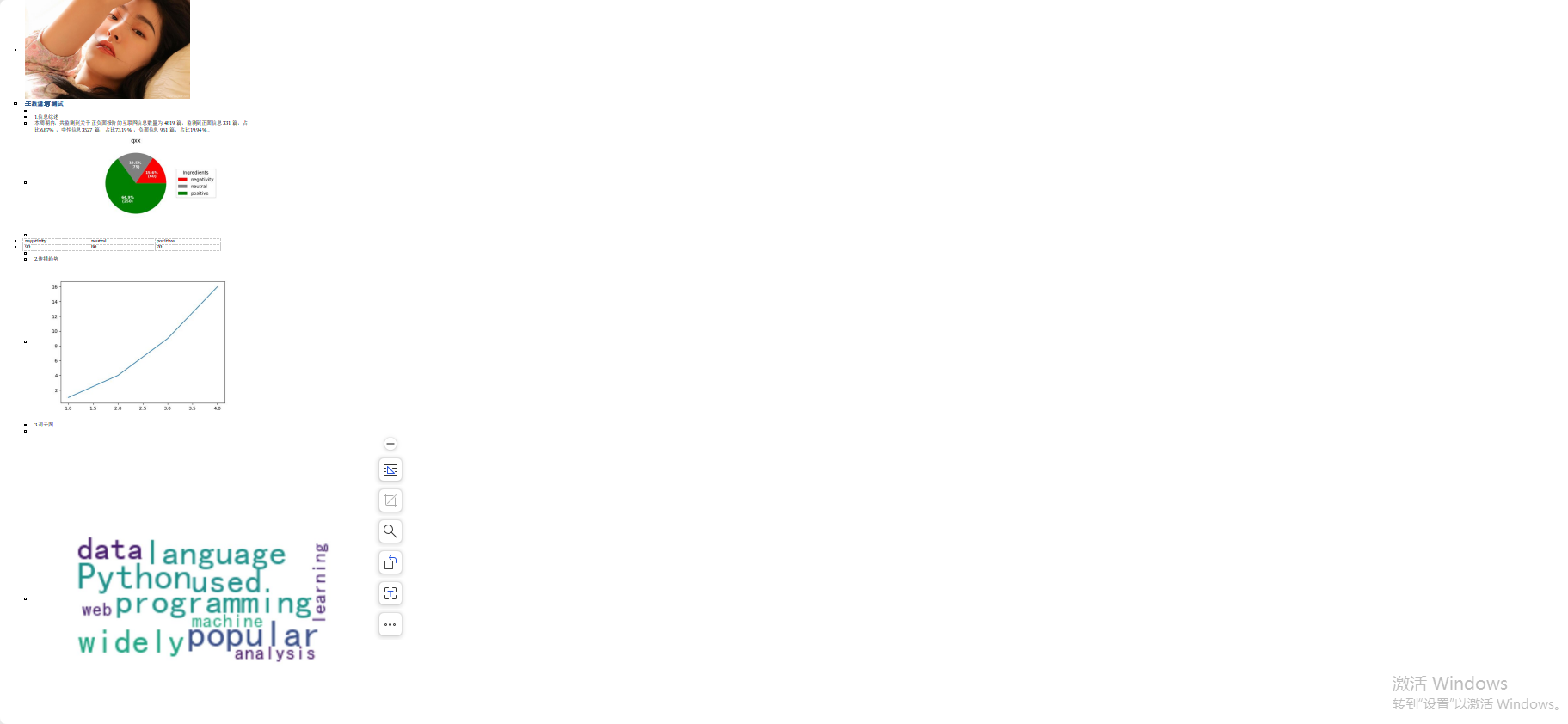
document.add_heading('无敌潇洒测试')

# 添加空段落

document.add_paragraph()

# 添加有序段落

document.add_paragraph('信息综述',style='List Number')

# 添加综述

fx_content = '本周期内,共监测到关于 正负面报告 的互联网信息数量为 4819 篇,监测到正面信息 331 篇,占比 6.87% ,中性信息 3527 篇,占比 73.19% ,负面信息 961 篇,占比 19.94%。'

document.add_paragraph(fx_content)

# 添加饼图

fig, ax = plt.subplots(figsize=(6, 3), subplot_kw=dict(aspect="equal"))

recipe = ["60 negativity",

          "75 neutral",

          "250 positive"

          ]

data = [float(x.split()[0]) for x in recipe]

ingredients = [x.split()[-1] for x in recipe]

colors = ['red', 'gray', 'green']

wedges, texts, autotexts = ax.pie(data,

                                  autopct=lambda pct: func(pct, data), #自动添加百分比显示

                                  textprops=dict(color="w"),  # 设置标签里的字体大小,颜色属性

                                  colors=colors  #饼状填充的颜色

                                  )

ax.legend(wedges, ingredients,

          title="Ingredients",

          loc="center left",

          bbox_to_anchor=(1, 0, 0.5, 1))

plt.setp(autotexts, size=8, weight="bold")

ax.set_title("qxx")

plt.savefig('./qxx.jpg')

document.add_picture('./qxx.jpg')

# 增加分页

document.add_page_break()

# 表格数据

records = (

    (90, 80, 70),

)

table = document.add_table(rows=1,cols=3)

#设置表头

hdr_cells = table.rows[0].cells

hdr_cells[0].text = 'negativity'

hdr_cells[1].text = 'neutral'

hdr_cells[2].text = 'positive'

for a,b,c in records:

    #为表格添加一行

    row_cells = table.add_row().cells

    row_cells[0].text = str(a)

    row_cells[1].text = str(b)

    row_cells[2].text = str(c)

# 添加空行

document.add_paragraph()

# 添加折线图

document.add_paragraph('传播趋势',style='List Number')

fig1,ax1 = plt.subplots()

ax1.plot([1, 2, 3, 4], [1, 4, 9, 16])

plt.savefig('./d1.jpg')

document.add_picture('./d1.jpg')

# 添加空行

document.add_paragraph('词云图',style='List Number')

document.add_paragraph()

# 定义文本数据,包含中文和英文单词

text = "Python is a popular programming language. It is widely used for data analysis, machine learning, and web development. Python是一种流行的编程语言。它被广泛应用于数据分析、机器学习和Web开发。"

# 创建WordCloud对象,设置背景颜色、字体最小尺寸等参数

wordcloud = WordCloud(font_path='./simhei.ttf',  # 设置中文字体路径,这里使用黑体字体

                      background_color='white',  # 设置背景颜色为白色

                      min_font_size=10,  # 设置字体最小尺寸

                      width=200,  # 设置词云图表宽度

                      height=100,  # 设置词云图表高度

                      max_words=50,  # 设置最大单词数

                      max_font_size=30)  # 设置最大字体尺寸

# 使用WordCloud对象生成词云图表

wordcloud.generate(text)

# 使用matplotlib显示词云图表

plt.figure(figsize=(10, 10))  # 设置matplotlib图表大小

plt.imshow(wordcloud, interpolation='bilinear')  # 显示词云图表,使用双线性插值提高图像质量

plt.axis("off")  # 关闭坐标轴显示

plt.savefig('./cy.jpg')

document.add_picture('./cy.jpg')

document.save('my_document.docx')
python WordCloud matplotlib docx 简易生成docx报告的更多相关文章
- python笔记32-ddt框架优化(生成html报告注释内容传变量)
前言 至于什么是ddt这个可以参考我之前写的博客内容,使用ddt框架的时候,有个问题困扰我很久了,一直没得到解决(也有很大小伙伴问过我,没解决抱歉了!) 这个问题就是:如何使用ddt框架时,生成的ht ...
- pytest系列(四)- pytest+allure+jenkins - 持续集成平台生成allure报告
pytest是什么 pytest是python的一款测试框架,拥有unittest的功能并比它更丰富. allure是什么 有非常多的优秀的测试框架,但却是有非常少优秀的报告工具可以展示非常清楚的用例 ...
- 利用Python半自动化生成Nessus报告
0x01 前言 Nessus是一个功能强大而又易于使用的远程安全扫描器,Nessus对个人用户是免费的,只需要在官方网站上填邮箱,立马就能收到注册号了,对应商业用户是收费的.当然,个人用户是有16个I ...
- python+requests+excel+unittest+ddt接口自动化数据驱动并生成html报告
1.环境准备: python3.6 requests xlrd openpyxl HTMLTestRunner_api 2.目前实现的功能: 封装requests请求方法 在excel填写接口请求参数 ...
- python+requests+excel+unittest+ddt接口自动化数据驱动并生成html报告(二)
可以参考 python+requests接口自动化完整项目设计源码(一)https://www.cnblogs.com/111testing/p/9612671.html 原文地址https://ww ...
- Python不生成HTMLTestRunner报告-转载学习
1.问题:Python中同一个.py文件中同时用unittest框架和HtmlReport框架后,HtmlReport不被执行. 2.为什么?其实不是HtmlReport不被执行,也不是HtmlRep ...
- 基于Mybatis的Mysql数据库文档生成工具,支持生成docx(原创)
今天不写android--也写写数据库相关的东西 -------------------- 今日老夫闲来无事,设计了一款数据库文档生成工具 眼下仅仅支持mysql 主要是生成docx的 下载链接:下载 ...
- python+requests+excel+unittest+ddt接口自动化数据驱动并生成html报告(已弃用)
前言 1.环境准备: python3.6 requests xlrd openpyxl HTMLTestRunner_api 2.目前实现的功能: 封装requests请求方法 在excel填写接口请 ...
- Python如何实现doc文件转换为docx文件?
Python如何实现doc文件转换为docx文件? 在开发过程中遇到一个关于读写doc和docx的问题: 一个文件夹中有两种文件, 一种为doc结尾, 一种为docx结尾, 需要将这些文件全部重命名. ...
- python生成HTMl报告(unittest)
Python3 使用HTMLTestRunner.py 报错ImportError: No module named 'StringIO'处理方法 HTMLTestRunner.py文件是基于Py ...
随机推荐
- 【随手记】python免api调用谷歌翻译
pip3 install googletrans==4.0.0-rc1 from googletrans import Translator translator = Translator() tra ...
- Go 接口:Go中最强大的魔法,接口应用模式或惯例介绍
Go 接口:Go中最强大的魔法,接口应用模式或惯例介绍 目录 Go 接口:Go中最强大的魔法,接口应用模式或惯例介绍 一.前置原则 二.一切皆组合 2.1 一切皆组合 2.2 垂直组合 2.2.1 第 ...
- 神经网络入门篇:激活函数(Activation functions)
激活函数 使用一个神经网络时,需要决定使用哪种激活函数用隐藏层上,哪种用在输出节点上.到目前为止,之前的博客只用过sigmoid激活函数,但是,有时其他的激活函数效果会更好. 在神经网路的前向传播中, ...
- 【源码系列#01】vue3响应式原理(Proxy)
专栏分享:vue2源码专栏,vue3源码专栏,vue router源码专栏,玩具项目专栏,硬核推荐 欢迎各位ITer关注点赞收藏 在学习 Vue3 是如何进行对象的响应式代理之前,我想我们应该先去了解 ...
- 洛谷P2757 [国家集训队]等差子序列 (hash+线段树)
题目连接 这题只要令 $len=3$看是否符合即可.因为是一个 $1$到 $n$的排列,考虑数列中项,那么对于一个数 $x$,令 $k=\max(n-x, x-1)$,只要存在 $d\in(1,k)$ ...
- CSS(不定时更新)
一.使用img后的高度多了4px 由于img是行内元素,默认display: inline; 它与文本的默认行为类似,下边缘是与基线(baseline)对齐,而不是紧贴容器下边缘. 将displayp ...
- [ABC246B] Get Closer
section> Problem Statement From the point $(0,0)$ in a two-dimensional plane, let us move the dis ...
- N100低功耗win11安装wsl2当入门nas
前言 最近入了一台16gb+512gb的N100,想着用来存些资源,当个nas,偶尔要用用windows系统,所以想直接在这上面搞个虚拟机算了,WSL2似乎是一个不错的选择,下面介绍捣鼓的教程. 没用 ...
- PyTorch 实战(模型训练、模型加载、模型测试)
本次将一个使用Pytorch的一个实战项目,记录流程:自定义数据集->数据加载->搭建神经网络->迁移学习->保存模型->加载模型->测试模型 自定义数据集 参考我 ...
- 华企盾DSC客户端连接服务器正常,控制台找不到客户端
1.首先客户端查一下策略状态,看一下客户端在哪个组,是否在回收站,或者无策略组: 2.查看一下数据库的CLIENT_GROUP_TABLE_表中是否有查出来的组,CLIENT_GROUP_TABLE_ ...