
移动应用开发 第5讲 Activity课堂综合练习
作业总要求
使用附件“素材”压缩包中的素材完成下列任务:
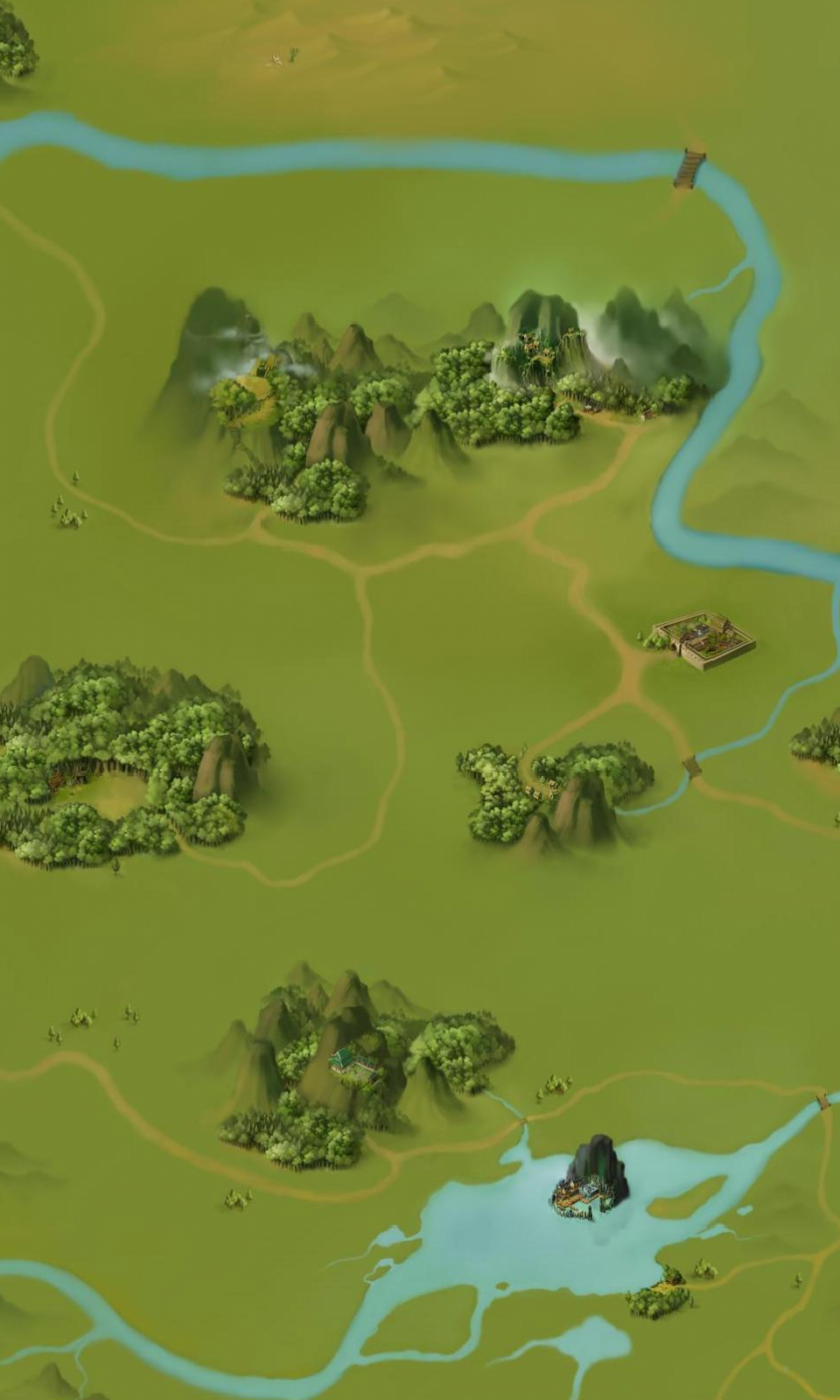
1.完成小游戏主程序,如图mainActivity.png。
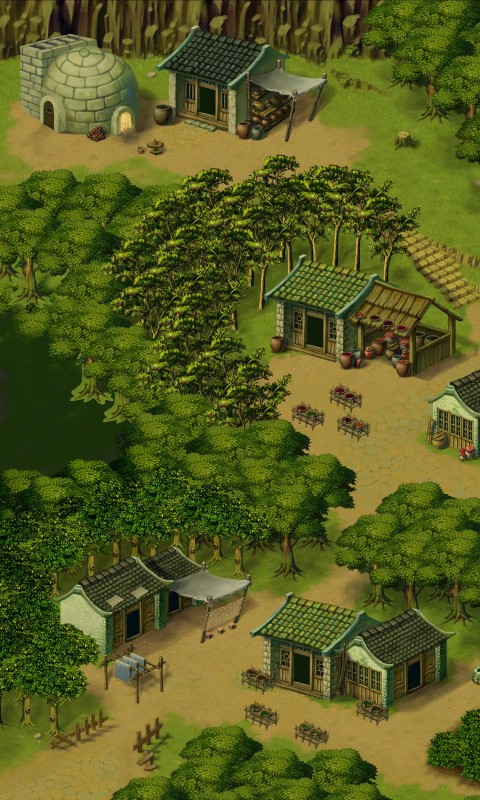
2.在主程序界面当按下游戏介绍按钮时进行游戏介绍界面如图gameintroduce.png,按“返回”按钮则回到主程序界面。
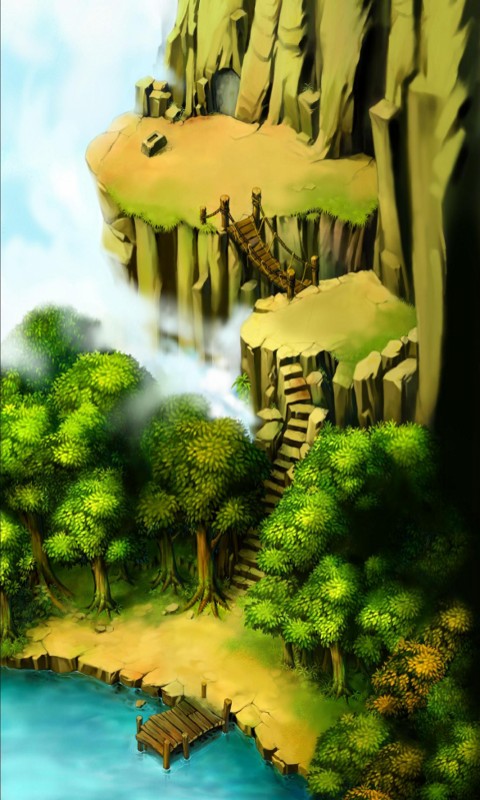
3.在主程序界面按下“进入游戏”按钮则进入游戏界面如图gameScores.png,按“返回”按钮加回主界面同时将子程序界面中的游戏成绩返回到主程序并显示在主程序中如图mainActivity1.png所示。
4.提交程序运行视频
5.所有相关的Java和XML文件。
思路:
一个主页面,四个子页面
主页面
MainActivity.class
package com.example.myapplication1;

import android.content.Intent;

import android.os.Bundle;

import androidx.annotation.Nullable;

import androidx.appcompat.app.AppCompatActivity;

import android.util.Log;

import android.view.View;

import android.widget.Button;

import android.widget.ImageView;

import android.widget.TextView;

public class MainActivity extends AppCompatActivity {

   private ImageView imageView1;

   private ImageView imageView2;

   private ImageView imageView3;

   private ImageView imageView4;

   private TextView textView;

    @Override

    protected void onCreate(Bundle savedInstanceState) {

        super.onCreate(savedInstanceState);

        setContentView(R.layout.activity_main);

        imageView1=findViewById(R.id.imageView);

        imageView2=findViewById(R.id.imageView2);

        imageView3=findViewById(R.id.imageView3);

        imageView4=findViewById(R.id.imageView4);

        textView=findViewById(R.id.textView);

        imageView1.setOnClickListener(new View.OnClickListener() {

            @Override

            public void onClick(View view) {

                startActivityForResult(new Intent(MainActivity.this,

                        GameintroduceActivity.class),1);

            }

        });

        imageView2.setOnClickListener(new View.OnClickListener() {

            @Override

            public void onClick(View view) {

                startActivityForResult(new Intent(MainActivity.this,

                        Entergame.class),2);

            }

        });

        imageView3.setOnClickListener(new View.OnClickListener() {

            @Override

            public void onClick(View view) {

                startActivityForResult(new Intent(MainActivity.this,

                        Archivedownload.class),3);

            }

        });

        imageView4.setOnClickListener(new View.OnClickListener() {

            @Override

            public void onClick(View view) {

                startActivityForResult(new Intent(MainActivity.this,

                        Designintroduce.class),4);

            }

        });

    }

    @Override

    protected void onActivityResult(int requestCode, int resultCode, @Nullable Intent data) {

        super.onActivityResult(requestCode, resultCode, data);

        switch (requestCode){

            case 1:

            {assert data != null;

                String position = data.getStringExtra("position1");

                textView.setText(position);

                break;}

            case 2:{

                assert data != null;

                String position = data.getStringExtra("position2");

                textView.setText(position);

                break;}

            case 3:{

                assert data != null;

                String position = data.getStringExtra("position3");

                textView.setText(position);

                break;}

            case 4:{

                assert data != null;

                String position = data.getStringExtra("position4");

                textView.setText(position);

                break;}

            default:

            {textView.setText("");

                break;}

        }

    }

}
activity_main.xml
<?xml version="1.0" encoding="utf-8"?>

<LinearLayout xmlns:android="http://schemas.android.com/apk/res/android"

    xmlns:app="http://schemas.android.com/apk/res-auto"

    xmlns:tools="http://schemas.android.com/tools"

    android:layout_width="match_parent"

    android:layout_height="match_parent"

    android:background="@drawable/gameface"

    android:gravity="center"

    android:orientation="vertical">

    <ImageView

        android:id="@+id/imageView"

        android:layout_width="wrap_content"

        android:layout_height="wrap_content"

        android:layout_weight="1"

        app:srcCompat="@drawable/introduce" />

    <ImageView

        android:id="@+id/imageView2"

        android:layout_width="wrap_content"

        android:layout_height="wrap_content"

        android:layout_weight="1"

        app:srcCompat="@drawable/startgame" />

    <ImageView

        android:id="@+id/imageView3"

        android:layout_width="wrap_content"

        android:layout_height="wrap_content"

        android:layout_weight="1"

        app:srcCompat="@drawable/icon_load" />

    <ImageView

        android:id="@+id/imageView4"

        android:layout_width="wrap_content"

        android:layout_height="wrap_content"

        android:layout_weight="1"

        app:srcCompat="@drawable/icon_works" />

    <TextView

        android:id="@+id/textView"

        android:layout_width="match_parent"

        android:layout_height="wrap_content"

        android:textSize="60dp"

        android:layout_weight="4"

        />

</LinearLayout>
游戏介绍界面
GameIntroduceActivity.class
package com.example.myapplication1;

import androidx.appcompat.app.AppCompatActivity;

import android.content.Intent;

import android.os.Bundle;

import android.view.View;

import android.widget.TextView;

public class GameintroduceActivity extends AppCompatActivity {

    private TextView textView;

    @Override

    protected void onCreate(Bundle savedInstanceState) {

        super.onCreate(savedInstanceState);

        setContentView(R.layout.gameintroduce);

        textView=findViewById(R.id.textView2);

        textView.setOnClickListener(new View.OnClickListener() {

            @Override

            public void onClick(View view) {

                Intent intent = getIntent();

                String s = textView.getText().toString();

                intent.putExtra("position1", s);

                setResult(RESULT_OK,intent);

                finish();

            }

        });

    }

}
gameintroduce.xml
<?xml version="1.0" encoding="utf-8"?>

<RelativeLayout xmlns:android="http://schemas.android.com/apk/res/android"

    xmlns:app="http://schemas.android.com/apk/res-auto"

    xmlns:tools="http://schemas.android.com/tools"

    android:layout_width="match_parent"

    android:layout_height="match_parent"

    android:background="@drawable/game1"

    tools:context=".GameintroduceActivity">

    <TextView

        android:id="@+id/textView2"

        android:layout_width="wrap_content"

        android:layout_height="wrap_content"

        android:text="这是游戏介绍"

        android:textColor="#DC143C"

        android:textSize="60dp"

        android:layout_centerHorizontal="true"

        android:layout_centerVertical="true"

        />

</RelativeLayout>
进入游戏界面
Entergame.class
package com.example.myapplication1;

import androidx.appcompat.app.AppCompatActivity;

import android.content.Intent;

import android.os.Bundle;

import android.view.View;

import android.widget.TextView;

public class Entergame extends AppCompatActivity {

    private TextView textView;

    @Override

    protected void onCreate(Bundle savedInstanceState) {

        super.onCreate(savedInstanceState);

        setContentView(R.layout.activity_entergame);

        textView=findViewById(R.id.textView3);

        textView.setOnClickListener(new View.OnClickListener() {

            @Override

            public void onClick(View view) {

                Intent intent = getIntent();

                String s = textView.getText().toString();

                intent.putExtra("position2", s);

                setResult(RESULT_OK,intent);

                finish();

            }

        });

    }

}
<?xml version="1.0" encoding="utf-8"?>

<RelativeLayout xmlns:android="http://schemas.android.com/apk/res/android"

    xmlns:app="http://schemas.android.com/apk/res-auto"

    xmlns:tools="http://schemas.android.com/tools"

    android:layout_width="match_parent"

    android:layout_height="match_parent"

    android:background="@drawable/game2"

    tools:context=".Entergame">

    <TextView

        android:id="@+id/textView3"

        android:layout_width="wrap_content"

        android:layout_height="wrap_content"

        android:textColor="#DC143C"

        android:textSize="60dp"

        android:layout_centerHorizontal="true"

        android:layout_centerVertical="true"

        android:text="获得游戏分数3600" />

</RelativeLayout>
存档界面
Archivedownload.class
package com.example.myapplication1;

import androidx.appcompat.app.AppCompatActivity;

import android.content.Intent;

import android.os.Bundle;

import android.view.View;

import android.widget.TextView;

public class Archivedownload extends AppCompatActivity {

    private TextView textView;

    @Override

    protected void onCreate(Bundle savedInstanceState) {

        super.onCreate(savedInstanceState);

        setContentView(R.layout.activity_archivedownload);

        textView=findViewById(R.id.textView4);

        textView.setOnClickListener(new View.OnClickListener() {

            @Override

            public void onClick(View view) {

                Intent intent = getIntent();

                String s = textView.getText().toString();

                intent.putExtra("position3", s);

                setResult(RESULT_OK,intent);

                finish();

            }

        });

    }

}
activity_archivedownload.xml
<?xml version="1.0" encoding="utf-8"?>

<RelativeLayout xmlns:android="http://schemas.android.com/apk/res/android"

    xmlns:app="http://schemas.android.com/apk/res-auto"

    xmlns:tools="http://schemas.android.com/tools"

    android:layout_width="match_parent"

    android:layout_height="match_parent"

    android:background="@drawable/game3"

    tools:context=".Archivedownload">

    <TextView

        android:id="@+id/textView4"

        android:layout_width="wrap_content"

        android:layout_height="wrap_content"

        android:textColor="#DC143C"

        android:textSize="60dp"

        android:layout_centerHorizontal="true"

        android:layout_centerVertical="true"

        android:text="这是档案下载"/>

</RelativeLayout>
设计人员界面
Designintroduce.class
package com.example.myapplication1;

import androidx.appcompat.app.AppCompatActivity;

import android.content.Intent;

import android.os.Bundle;

import android.view.View;

import android.widget.TextView;

public class Designintroduce extends AppCompatActivity {

    private TextView textView;

    @Override

    protected void onCreate(Bundle savedInstanceState) {

        super.onCreate(savedInstanceState);

        setContentView(R.layout.activity_designintroduce);

        textView=findViewById(R.id.textView5);

        textView.setOnClickListener(new View.OnClickListener() {

            @Override

            public void onClick(View view) {

                Intent intent = getIntent();

                String s = textView.getText().toString();

                intent.putExtra("position4", s);

                setResult(RESULT_OK,intent);

                finish();

            }

        });

    }

}
activity_designintroduce.xml
<?xml version="1.0" encoding="utf-8"?>

<RelativeLayout xmlns:android="http://schemas.android.com/apk/res/android"

    xmlns:app="http://schemas.android.com/apk/res-auto"

    xmlns:tools="http://schemas.android.com/tools"

    android:layout_width="match_parent"

    android:layout_height="match_parent"

    tools:context=".Designintroduce">

    <TextView

        android:id="@+id/textView5"

        android:layout_width="wrap_content"

        android:layout_height="wrap_content"

        android:textColor="#DC143C"

        android:textSize="60dp"

        android:layout_centerHorizontal="true"

        android:layout_centerVertical="true"

        android:text="这是设计人员"/>

</RelativeLayout>




移动应用开发 第5讲 Activity课堂综合练习的更多相关文章
- Android开发之漫漫长途 Ⅱ——Activity的显示之Window和View(1)
该文章是一个系列文章,是本人在Android开发的漫漫长途上的一点感想和记录,我会尽量按照先易后难的顺序进行编写该系列.该系列引用了<Android开发艺术探索>以及<深入理解And ...
- Android开发之漫漫长途 Ⅳ——Activity的显示之ViewRootImpl初探
该文章是一个系列文章,是本人在Android开发的漫漫长途上的一点感想和记录,我会尽量按照先易后难的顺序进行编写该系列.该系列引用了<Android开发艺术探索>以及<深入理解And ...
- 第35讲 Activity入门和跳转
第35讲Activity入门和跳转 1.Activity Activity是用户接口程序.在Android当中,Activity提供可视化的用户界面,一个Android应用通常由多个activity组 ...
- android开发中关于继承activity类中方法的调用
android开发中关于继承activity类中的函数,不能在其他类中调用其方法. MainActivity.java package com.example.testmain; import and ...
- Android开发之漫漫长途 Ⅱ——Activity的显示之Window和View(2)
该文章是一个系列文章,是本人在Android开发的漫漫长途上的一点感想和记录,我会尽量按照先易后难的顺序进行编写该系列.该系列引用了<Android开发艺术探索>以及<深入理解And ...
- Android开发——异步任务中Activity销毁时的问题
0. 前言 在Android开发中经常会发生Activity的销毁重建,比如用户长时间接听一个电话后回到APP.在Android开发--Fragment知识整理(二)中我们提到了使用Fragment ...
- Android开发之漫漫长途 Ⅲ——Activity的显示之Window和View(2)
该文章是一个系列文章,是本人在Android开发的漫漫长途上的一点感想和记录,我会尽量按照先易后难的顺序进行编写该系列.该系列引用了<Android开发艺术探索>以及<深入理解And ...
- Android开发艺术1之Activity的生命周期
作为<Android开发艺术探索>这本书的第一篇博客,我就多说几句.本系列博客旨在对书中相关内容进行解读,简化,提供一个入门到提高的流程.不敢说书评,也不能说教程,只希望对有些人有帮助就好 ...
- Android开发艺术2之Activity的启动模式
Activity是Android的四大组件之一,他的重要性毋庸置疑,对于这么重要的一个组件,我们首先要知道这些都是由系统进行管理和回调的,要理解Activity的启动模式,我们首先来了解一下Andro ...
随机推荐
- OpenCV 之 图象几何变换
二维平面中,图像的几何变换有等距.相似.仿射.投影等,如下所示: 1 图象几何变换 1.1 等距变换 等距变换 (Isometric Transformation),是一种二维的刚体变换,可理解为 ...
- Java例题_19 打印菱形图案
1 /*19 [程序 19 打印菱形图案] 2 题目:打印出如下图案(菱形) 3 * 4 *** 5 ***** 6 ******* 7 ***** 8 *** 9 * 10 */ 11 12 /*分 ...
- 关于在forEach中使用await的问题
先说需求,根据数组中的ID值,对每个ID发送请求,获取数据进行操作. 首先肯定考虑用forEach 或者 map对数组进行遍历,然后根据值进行操作,但是请求是个异步操作,forEach又是一个同步操作 ...
- python导入数据的几种方法
以下是在我学习过程中常用的两种导入数据的方式 方法一: c = open('ML2017Data/testTarget.csv',"r") file = csv.reader(c) ...
- Spring(一)简介和配置
知识补充: 那么什么是xmlns呢?xmlns其实是XML Namespace的缩写,可译为"XML命名空间",但个人觉得,翻译后的名字反而不好理解,所以我们就叫它为XML Nam ...
- 《青橙商城》day01避坑指南
1.persistence-api报红 问题: 在模块qingcheng_pojo下的pom.xml中,报红 <dependencies> <dependency> <g ...
- java POI(二)
name.xslx 1 public class Demo6 { 2 3 public static void main(String[] args) throws IOException { 4 I ...
- Django模板引擎
Django作为Web框架,需要一种很便利的方法动态地生成 HTML 网页,因此有了模板这个概念.模板包含所需 HTML 的部分代码以及一些特殊语法,特殊语法用于描述如何将视图传递的数据动态插入HTM ...
- 注册中心与API网关不是这样用的!
之前在做顾问和咨询项目的时候,见到了一种非常经典的关于API网关和注册中心的错误用法.这个案例在我的星球里已经分享过,没想到最近又碰到了两个类似的使用姿势.也许这样的问题还存在不少团队的应用中,所以拿 ...
- 1030 Travel Plan
A traveler's map gives the distances between cities along the highways, together with the cost of ea ...