
osg qt ifc
ui_ifcproject_20190702.h
#pragma once

/********************************************************************************

** Form generated from reading UI file 'ifcproject_201907.ui'

**

** Created by: Qt User Interface Compiler version 5.12.2

**

** WARNING! All changes made in this file will be lost when recompiling UI file!

********************************************************************************/

#ifndef UI_IFCPROJECT_201907_H

#define UI_IFCPROJECT_201907_H

#include <QFile>

#include <QtCore/QVariant>

#include <QtWidgets/QApplication>

#include <QtWidgets/QMainWindow>

#include <QtWidgets/QMenuBar>

#include <QtWidgets/QStatusBar>

#include <QtWidgets/QToolBar>

#include <QtWidgets/QWidget>

#include <QtWidgets/QHBoxLayout>

#include <QTableView>

#include <QDockWidget>

#include <QSplitter>

QT_BEGIN_NAMESPACE

class Ui_IFCProject_201907Class

{

public:

    QMenuBar *menuBar;

    QToolBar *mainToolBar;

    QWidget *centralWidget;

    QStatusBar *statusBar;

    QSplitter *qsplitter1;

    QHBoxLayout *horizontalLayout;

    QDockWidget *centerDockWidget;

    void setupUi(QMainWindow *IFCProject_201907Class)

    {

        if (IFCProject_201907Class->objectName().isEmpty())

            IFCProject_201907Class->setObjectName(QString::fromUtf8("IFCProject_201907Class"));

        //QFile stylefile("F:\\IFCProject\\IFCProject_201907\\IFCProject_201907\\Resources\\styles.qss");

        QFile stylefile("./Resources/styles.qss");

        stylefile.open(QFile::ReadOnly);

        QString styleSheet = QLatin1String(stylefile.readAll());

        IFCProject_201907Class->setStyleSheet(styleSheet);

        IFCProject_201907Class->resize(, );

        menuBar = new QMenuBar(IFCProject_201907Class);

        menuBar->setObjectName(QString::fromUtf8("menuBar"));

        IFCProject_201907Class->setMenuBar(menuBar);

        mainToolBar = new QToolBar(IFCProject_201907Class);

        mainToolBar->setObjectName(QString::fromUtf8("mainToolBar"));

        IFCProject_201907Class->addToolBar(mainToolBar);

        centralWidget = new QWidget(IFCProject_201907Class);

        centralWidget->setObjectName(QString::fromUtf8("centralWidget"));

        IFCProject_201907Class->setCentralWidget(centralWidget);

        //IFCProject_201907Class->addDockWidget();

        horizontalLayout = new QHBoxLayout(centralWidget);

        horizontalLayout->setSpacing();

        horizontalLayout->setContentsMargins(, , , );

        horizontalLayout->setObjectName(QString::fromUtf8("horizontalLayout"));

        qsplitter1 = new QSplitter(centralWidget);

        QDockWidget *dock = new QDockWidget(qsplitter1);

        dock->setAllowedAreas(Qt::LeftDockWidgetArea | Qt::RightDockWidgetArea);

        //addDockWidget(Qt::RightDockWidgetArea, dock);

        //dock->setTitleBarWidget(IFCProject_201907Class);

        //IFCProject_201907Class->addDockWidget(Qt::LeftDockWidgetArea, dock);

        qsplitter1->addWidget(dock);

        //qsplitter1->setOrientation(Qt::Vertical);

        qsplitter1->setOrientation(Qt::Horizontal);

        centerDockWidget = new QDockWidget(qsplitter1);

        //IFCProject_201907Class->addDockWidget(Qt::LeftDockWidgetArea, centerDockWidget);

        QTableView *tableView1 = new QTableView(dock);

        tableView1->setMinimumHeight();

        dock->setWidget(tableView1);

        qsplitter1->addWidget(centerDockWidget);

        QDockWidget *dockRight = new QDockWidget(qsplitter1);

        dockRight->setAllowedAreas(Qt::LeftDockWidgetArea | Qt::RightDockWidgetArea);

        //addDockWidget(Qt::RightDockWidgetArea, dock);

        //IFCProject_201907Class->addDockWidget(Qt::RightDockWidgetArea, dockRight);

        qsplitter1->addWidget(dockRight);

        horizontalLayout->addWidget(qsplitter1);

        statusBar = new QStatusBar(IFCProject_201907Class);

        statusBar->setObjectName(QString::fromUtf8("statusBar"));

        IFCProject_201907Class->setStatusBar(statusBar);

        retranslateUi(IFCProject_201907Class);

        QMetaObject::connectSlotsByName(IFCProject_201907Class);

    } // setupUi

    void retranslateUi(QMainWindow *IFCProject_201907Class)

    {

        IFCProject_201907Class->setWindowTitle(QApplication::translate("IFCProject_201907Class", "IFCProject_201907", nullptr));

    } // retranslateUi

};

namespace Ui {

    class IFCProject_201907Class : public Ui_IFCProject_201907Class {};

} // namespace Ui

QT_END_NAMESPACE

#endif // UI_IFCPROJECT_201907_H
ifcproject_201907.cpp
#include "ifcproject_201907.h"

IFCProject_201907::IFCProject_201907(QWidget *parent)

    : QMainWindow(parent)

{

    ui.setupUi(this);

    loadIfcModel();

}

IFCProject_201907::~IFCProject_201907()

{

}

void IFCProject_201907::loadIfcModel()

{

    std::wstring m_file_path = L"D://yd0014.ifc";

    IfcVCTool* ifcVCTool1 = new IfcVCTool();

    osg::ref_ptr<osg::Switch> model_switch = ifcVCTool1->getModelNode();

    SceneGraphUtils::clearAllChildNodes(model_switch);

    ifcVCTool1->clearSelection();

    // reset the IFC model

    shared_ptr<GeometryConverter> geometry_converter = ifcVCTool1->getGeometryConverter();

    geometry_converter->clearMessagesCallback();

    geometry_converter->resetModel();

    std::stringstream err;

    try

    {

        // load file to IFC model

        ifcVCTool1->getModelReader()->loadModelFromFile(m_file_path, geometry_converter->getBuildingModel());

        // convert IFC geometric representations into Carve geometry

        geometry_converter->convertGeometry();

        // convert Carve geometry to OSG

        shared_ptr<ConverterOSG> converter_osg(new ConverterOSG(geometry_converter->getGeomSettings()));

        converter_osg->setMessageTarget(geometry_converter.get());

        converter_osg->convertToOSG(geometry_converter->getShapeInputData(), model_switch);

        // in case there are IFC entities that are not in the spatial structure

        const std::map<int, shared_ptr<BuildingObject> >& objects_outside_spatial_structure = geometry_converter->getObjectsOutsideSpatialStructure();

        if (objects_outside_spatial_structure.size() > )

        {

            osg::ref_ptr<osg::Switch> sw_objects_outside_spatial_structure = new osg::Switch();

            sw_objects_outside_spatial_structure->setName("IfcProduct objects outside spatial structure");

            converter_osg->addNodes(objects_outside_spatial_structure, sw_objects_outside_spatial_structure);

            if (sw_objects_outside_spatial_structure->getNumChildren() > )

            {

                model_switch->addChild(sw_objects_outside_spatial_structure);

            }

        }

    }

    catch (OutOfMemoryException& e)

    {

        throw e;

    }

    catch (BuildingException& e)

    {

        err << e.what();

    }

    catch (std::exception& e)

    {

        err << e.what();

    }

    catch (...)

    {

        err << "loadModelFromFile, createGeometryOSG failed" << std::endl;

    }

    try

    {

        if (model_switch)

        {

            bool optimize = true;

            if (optimize)

            {

                osgUtil::Optimizer opt;

                opt.optimize(model_switch);

            }

            // if model bounding sphere is far from origin, move to origin

            const osg::BoundingSphere& bsphere = model_switch->getBound();

            if (bsphere.center().length() > )

            {

                if (bsphere.center().length() / bsphere.radius() > )

                {

                    std::unordered_set<osg::Geode*> set_applied;

                    SceneGraphUtils::translateGroup(model_switch, -bsphere.center(), set_applied);

                }

            }

        }

    }

    catch (std::exception& e)

    {

        err << e.what();

    }

    geometry_converter->clearInputCache();

    if (err.tellp() > )

    {

        throw BuildingException(err.str().c_str());

    }

    ViewerWidget* viewer_widget = new ViewerWidget(ifcVCTool1);

    viewer_widget->setRootNode(ifcVCTool1->getRootNode());

    this->ui.centerDockWidget->setWidget(viewer_widget);

    //IfcTreeWidget* ifc_tree_widget = new IfcTreeWidget(ifcVCTool1);

    //dock->setWidget(ifc_tree_widget);

}
main.cpp
#include "ifcproject_201907.h"

#include <QtWidgets/QApplication>

int main(int argc, char *argv[])

{

    QApplication a(argc, argv);

    IFCProject_201907 w;

    //w.show();

    w.showMaximized();

    return a.exec();

}
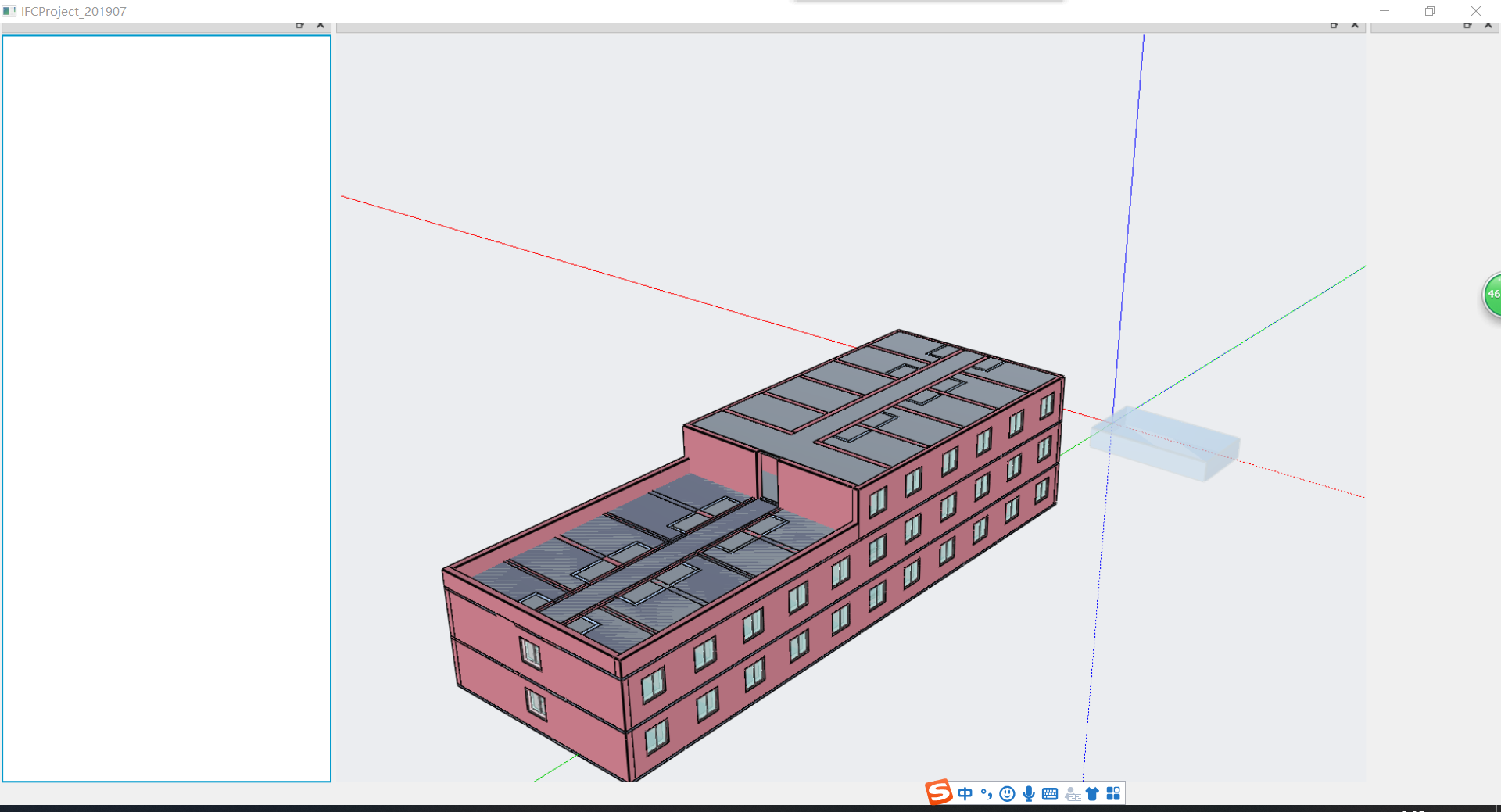
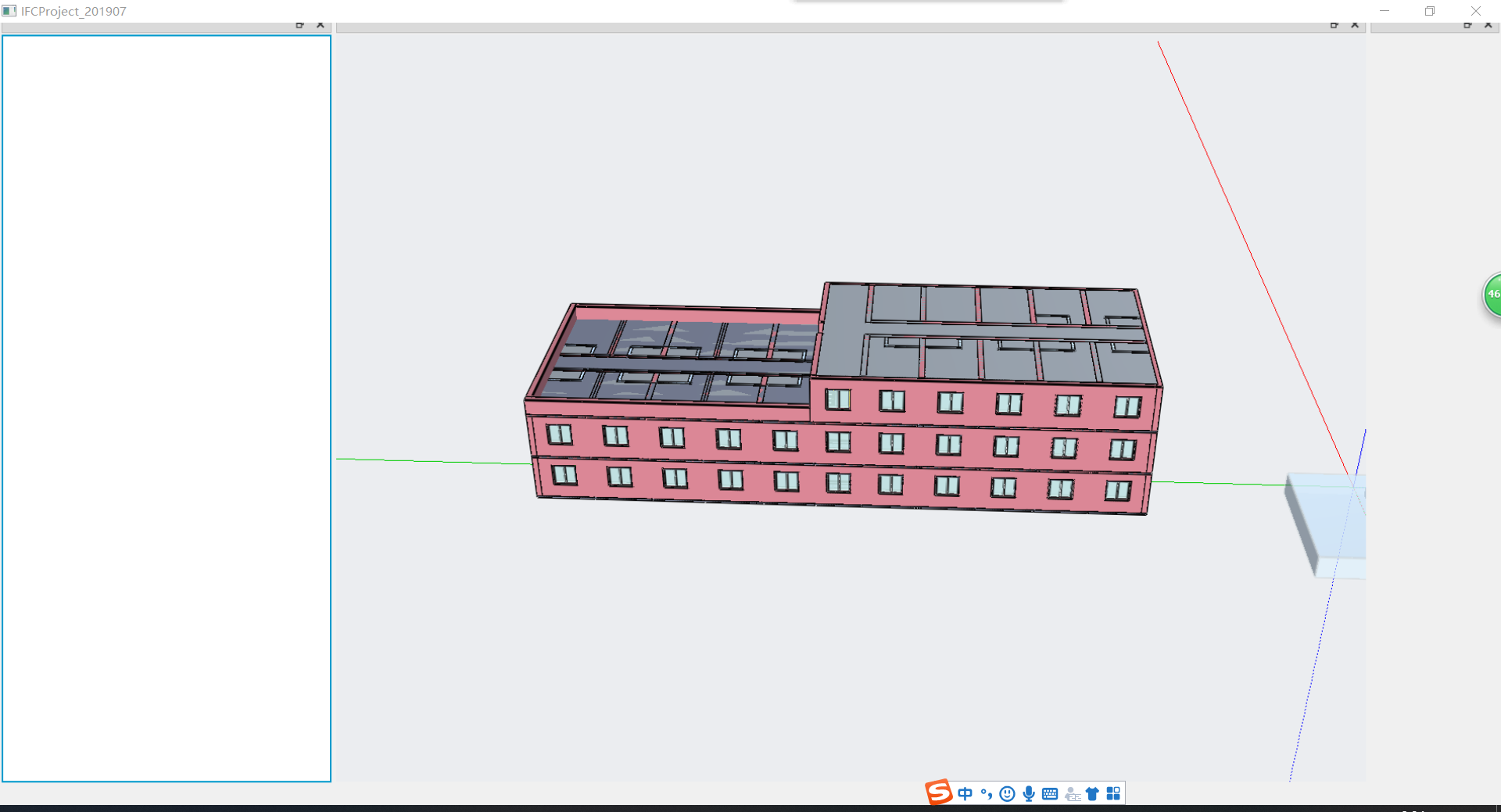
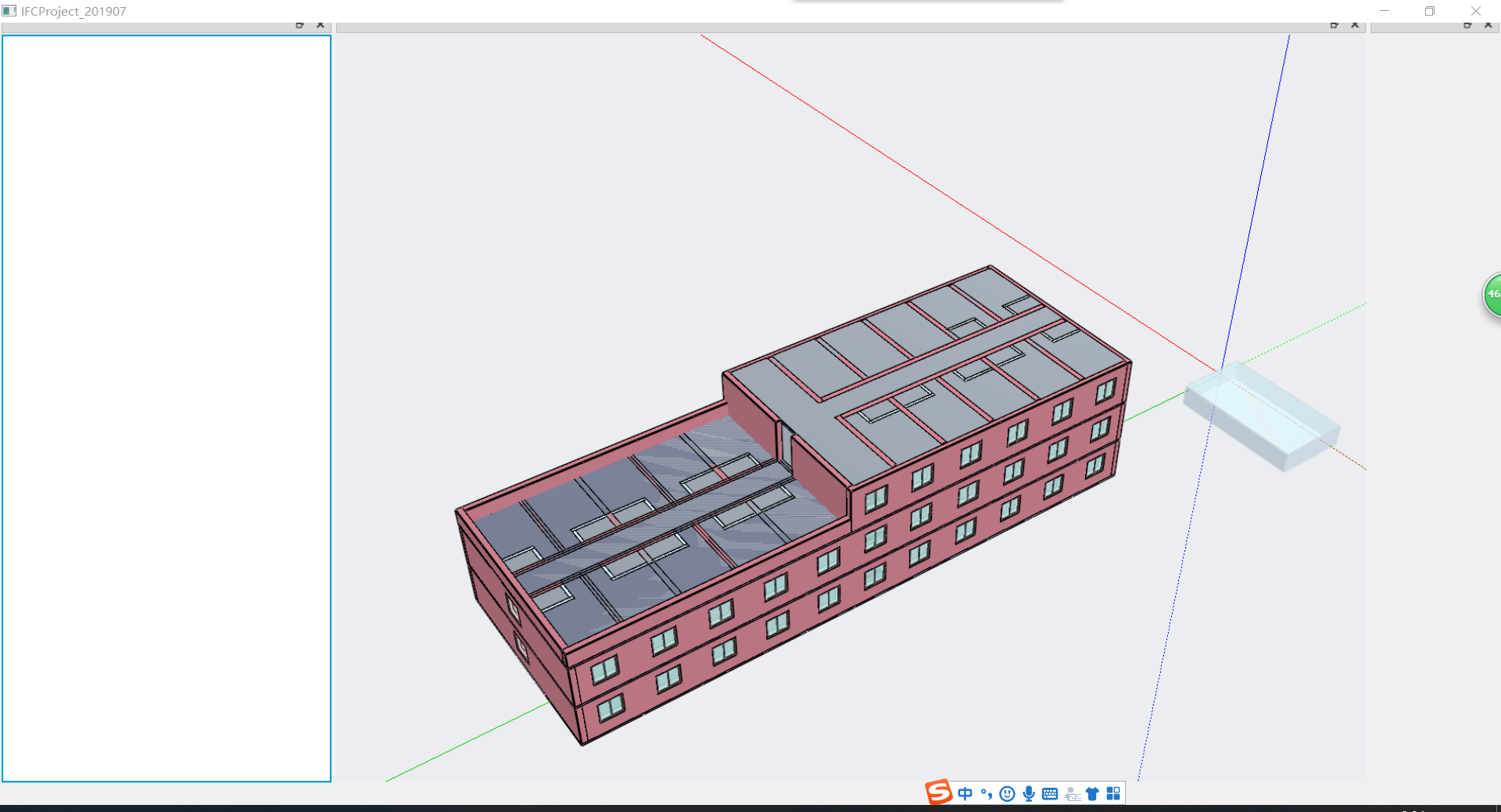

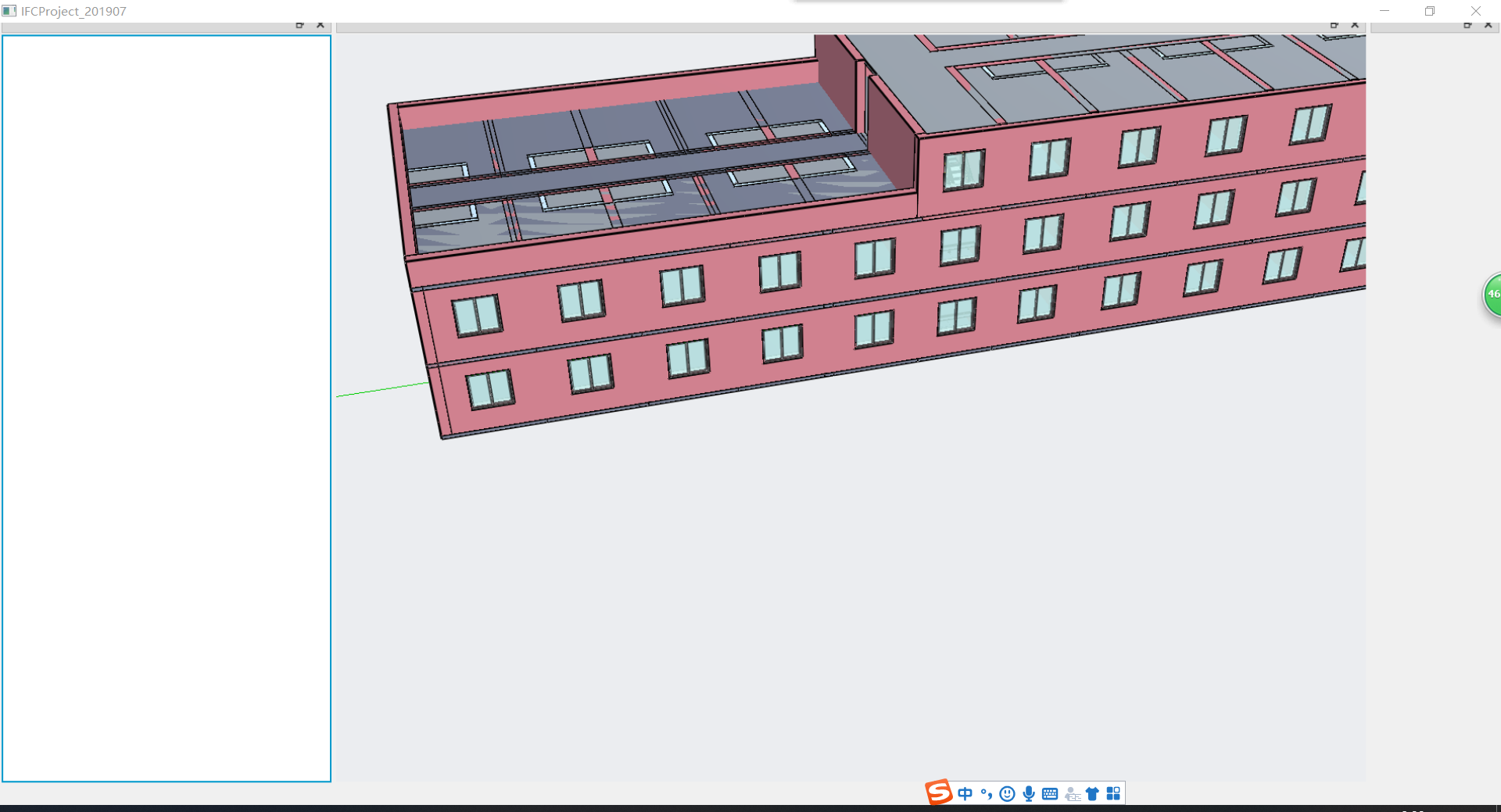
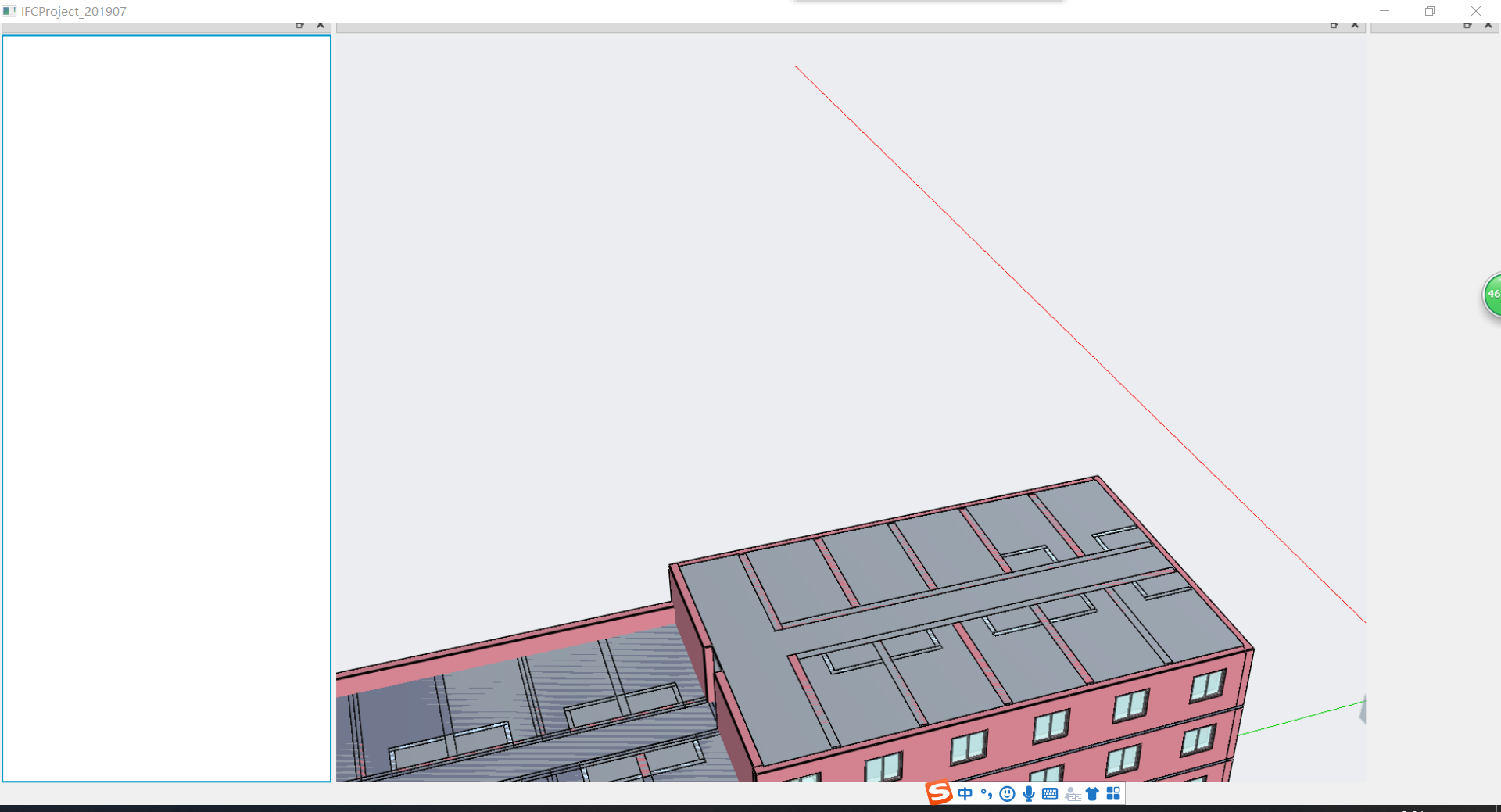
osg qt ifc的更多相关文章
- osg 渲染ifc数据-测试
直接使用osg渲染ifc数据,提高渲染速度. #include "teslamanage.h" #include <QtWidgets/QApplication> #i ...
- osg qt fbx ifc bim osg ive 3ds max rvt
项目环境变量配置 include E:\Qt\Qt5.12.2\5.12.2\msvc2017_64\include E:\OpenSourceGraph\OpenSceneGraph_install ...
- osg,qt编译的一些问题
osg编译例子的时候,打开文件就出问题,可能是一些不兼容的问题 qt编译的是时候要添加qt和vs2010的整合工具,这样才能把 vs2010里面的QTDIR变量和环境变量QTDIR关联起来 同是右击文 ...
- [原][osg][QT]osg与QT界面结合的简单例子二
//main.cpp #include "VREObliqueEditorQTWindow.h" #include <QtWidgets/QApplication> # ...
- [转][osg][QT]osg与QT界面结合的简单例子
//QT += core gui opengl //LIBS += -losgViewer -losgDB -losgUtil -losg -lOpenThreads -losgGA -losgQt ...
- OSG Qt Widget加载三维模型
graphicswindowqt.h #ifndef GRAPHICSWINDOWQT_H #define GRAPHICSWINDOWQT_H #include <QGLWidget> ...
- osg qt kdchart 开发施工过程模拟软件
void TeslaManage::initGanttModel() { ganttModel = , , this); ganttModel->setHeaderData(, Qt::Hori ...
- osg qt 三维模型加载
osg::ref_ptr<osg::Node> OSG_Qt_::operateMatrix() { osg::ref_ptr<osg::Group> group = new ...
- 关于OSG+QT+VS版本的问题
CMake3.10.0 Qt5.11.0安装包只有VS2017_64版本,没有VS2017的32位版本,有VS2015的32位版本 Qt5.11.0+osg3.4在CMake的时候,会出现 CMake ...
随机推荐
- linux网络编程之posix线程(一)
今天继续学习posix IPC相关的东东,消息队列和共享内存已经学习过,接下来学习线程相关的知识,下面开始: [注意]:创建失败这时会返回错误码,而通常函数创建失败都会返回-1,然后错误码会保存在er ...
- JavaScript常用的方法
indexOf() 功能:indexOf() 方法返回调用 String 对象中第一次出现的指定值的索引. 语法:indexOf(searchValue, fromIndex) searchValue ...
- 洛谷P2051 中国象棋【dp】
题目:https://www.luogu.org/problemnew/show/P2051 题意:n*m的格子里放炮,使他们不能互相攻击. 如果两个炮在同一行同一列并且中间还有一个棋子的话就可以攻击 ...
- 005_硬件基础电路_PCB安规设计规范
包含两个文件:讲解pcb绘制过程中的安规要求 002_2_PCB安规设计规范(原创-绝对经典全面-玩转高压PCB设计)总结 002_3_电气间隙和爬电距离规定 链接:https://pan.baidu ...
- P3478 [POI2008]STA-Station
题目描述 The first stage of train system reform (that has been described in the problem Railways of the ...
- Django系列(四):多表操作
1.创建模型 例:我们来假定下面这些概念,字段和关系 作者模型:一个作者有姓名和年龄. 作者详细模型:把作者的详情放到详情表,包含生日,手机号,家庭住址等信息.作者详情模型和作者模型之间是一对一(on ...
- 齿轮 HYSBZ - 4602 (DFS实现)
齿轮 HYSBZ - 4602 题意:很好理解就不啰嗦了. 致谢:感谢队友小明. 题解:嗯,一开始想到的是并查集,后来,就先看了另一道题,xj写dfs和暴力,就卡死了.于是来补这题了,前向星建图 题解 ...
- php curl 传递数据
<?php header("Content-type: text/html; charset=utf-8"); /** * curl 传递数据 */ class curl { ...
- Jetty - Unable to compile class for JSP
问题与分析 在启动公司项目时发现报错如下: [jetty] 2019-10-07 10:28:28.760:WARN:org.apache.jasper.compiler.Compiler:Error ...
- wireshark新手导航
本篇教你如何开始使用Wireshark.开始本篇之前,请先已经安装完wireshark 3.0.0. 初始界面 启动wireshark,可以看到程序界面主要由以下几部分组成: 窗口标题-window ...