
R + ggplot2 Graph Catalog(转)

library(ggplot2)

library(reshape2)

library(grid)

this_base = "fig08-15_population-data-by-county"

my_data = data.frame(

  Race = c("White", "Latino", "Black", "Asian American", "All Others"),

  Bronx = c(194000, 645000, 415000, 38000, 40000),

  Kings = c(855000, 488000, 845000, 184000, 93000),

  New.York = c(703000, 418000, 233000, 143000, 39000),

  Queens = c(733000, 556000, 420000, 392000, 128000),

  Richmond = c(317000, 54000, 40000, 24000, 9000),

  Nassau = c(986000, 133000, 129000, 62000, 24000),

  Suffolk = c(1118000, 149000, 92000, 34000, 26000),

  Westchester = c(592000, 145000, 123000, 41000, 23000),

  Rockland = c(205000, 29000, 30000, 16000, 6000),

  Bergen = c(638000, 91000, 43000, 94000, 18000),

  Hudson = c(215000, 242000, 73000, 57000, 22000),

  Passiac = c(252000, 147000, 60000, 18000, 12000))

my_data_long = melt(my_data, id = "Race",

                     variable.name = "county", value.name = "population")

my_data_long$county = factor(

  my_data_long$county, c("New.York", "Queens", "Kings", "Bronx", "Nassau",

                         "Suffolk", "Hudson", "Bergen", "Westchester",

                         "Rockland", "Richmond", "Passiac"))

my_data_long$Race =

  factor(my_data_long$Race,

         rev(c("White", "Latino", "Black", "Asian American", "All Others")))

p = ggplot(my_data_long, aes(x = population / 1000, y = Race)) +

  geom_point() +

  facet_wrap(~ county, ncol = 3) +

  scale_x_continuous(breaks = seq(0, 1000, 200),

                     labels = c(0, "", 400, "", 800, "")) +

  labs(x = "Population (thousands)", y = NULL) +

  ggtitle("Fig 8.15 Population Data by County") +

  theme_bw() +

  theme(panel.grid.major.y = element_line(colour = "grey60"),

        panel.grid.major.x = element_blank(),

        panel.grid.minor = element_blank(),

        panel.margin = unit(0, "lines"),

        plot.title = element_text(size = rel(1.1), face = "bold", vjust = 2),

        strip.background = element_rect(fill = "grey80"),

        axis.ticks.y = element_blank())

p

ggsave(paste0(this_base, ".png"),

       p, width = 6, height = 8)

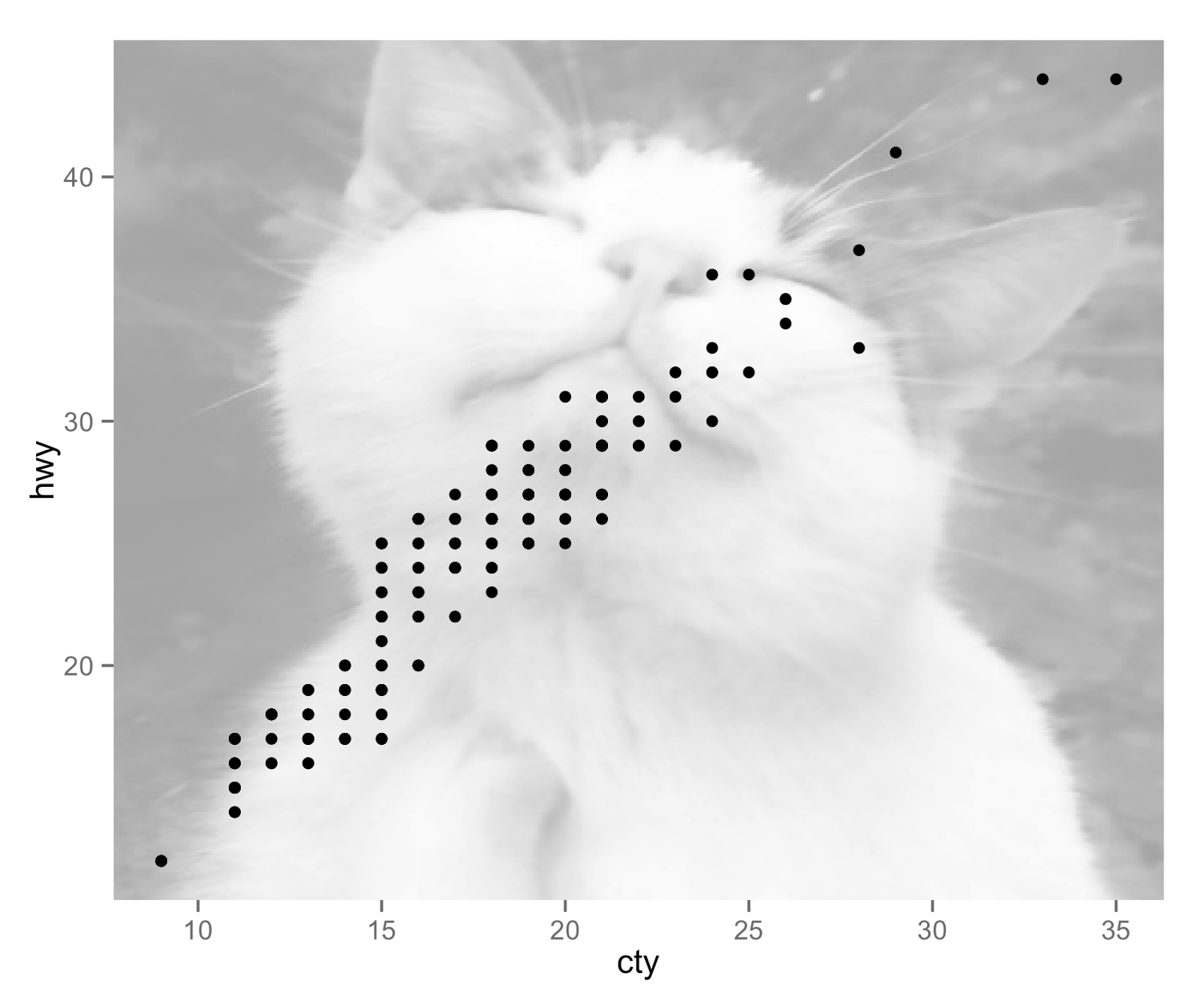
add_cat() function from Hilary Parker’s cats package to fetch a random cat picture from the internet and create an annotation_raster layer to add to your ggplot2 plot, doesn’t necessarily mean you shoulddo such a thing for a publication-quality figure. But if you ever needed to know how, this R graph catalog can help you out.library(ggplot2)
this_base = "0002_add-background-with-cats-package"
## devtools::install_github("hilaryparker/cats")
library(cats)
## library(help = "cats")
p = ggplot(mpg, aes(cty, hwy)) +
add_cat() +
geom_point()
p
ggsave(paste0(this_base, ".png"), p, width = 6, height = 5)
R + ggplot2 Graph Catalog(转)的更多相关文章
- R ggplot2 线性回归
摘自 http://f.dataguru.cn/thread-278300-1-1.html library(ggplot2) x=1:10y=rnorm(10)a=data.frame(x= x, ...
- R & ggplot2 & Excel绘图(直方图/经验分布图/QQ图/茎叶图/箱线图)实例
持续更新~ 散点图 条形图 文氏图 饼图 盒型图 频率直方图 热图 PCA图 3D图 火山图 分面图 分面制作小多组图 地图 练习数据: year count china Ame jap '12 2. ...
- R:ggplot2数据可视化——进阶(1)
,分为三个部分,此篇为Part1,推荐学习一些基础知识后阅读~ Part 1: Introduction to ggplot2, 覆盖构建简单图表并进行修饰的基础知识 Part 2: Customiz ...
- R:ggplot2数据可视化——基础知识
1 安装 # 获取ggplot2 最容易的就是下载整个tidyverse: install.packages("tidyverse") # 也可以选择只下载ggplot2: ins ...
- R:ggplot2数据可视化——进阶(3)
Part 3: Top 50 ggplot2 Visualizations - The Master List, 结合进阶1.2内容构建图形 有效的图形是: 不扭曲事实 传递正确的信息 简洁优雅 美观 ...
- R:ggplot2数据可视化——进阶(2)
Part 2: Customizing the Look and Feel, 更高级的自定义化,比如说操作图例.注记.多图布局等 # Setup options(scipen=999) librar ...
- R ggplot2 翻转坐标
p <- ggplot(mpg, aes(class, hwy)) p + geom_boxplot() p + geom_boxplot() + coord_flip()
- R ggplot2 改变颜色
p<-ggplot(iris,aes(Petal.Length,Petal.Width,color=Species))+geom_point()cols=c("red",&q ...
- R语言中文社区历史文章整理(类型篇)
R语言中文社区历史文章整理(类型篇) R包: R语言交互式绘制杭州市地图:leafletCN包简介 clickpaste包介绍 igraph包快速上手 jiebaR,从入门到喜欢 Catterpl ...
随机推荐
- 应用程序写Xml文档
主要用到CreateElement.CreateTextNode.CreateComment.AppendChild.InsertAfter方法 代码如下: XmlDocument document ...
- 静态链表实现(A-B)+(B-A)【代码】
-----------------------------------------------第一次发代码,写在前面------------------------------------------ ...
- (读书笔记)函数参数浅析-JavaScript高级程序设计(第3版)
ECMAScript函数不介意传递的参数个数,因为在其内部是用一个数组进行表示的.在函数体内可以通过arguments对象来访问这个参数数组,就像我们正常访问数组一样处理. arguments对象只是 ...
- CSS3实现一束光划过图片、和文字特效
在打折图标里面 实现一道白光划过的动画效果 css: <!DOCTYPE html><html><head><meta charset="utf-8 ...
- AM335X开发板学习系列——环境搭建(vbox虚拟机ubuntu14.04下minicom的安装和配置)
这个系列是我学习AM335X的总结. 1. ubuntu虚拟机的USB设备,选择启用usbserial 2. ubuntu虚拟机的网络,采用桥接模式,以保证开发板和ubuntu虚拟机能互相ping通 ...
- WebGIS中使用ZRender实现前端动态播放轨迹特效的方案
文章版权由作者李晓晖和博客园共有,若转载请于明显处标明出处:http://www.cnblogs.com/naaoveGIS/ 1.背景 项目中需要在地图上以时间轴方式播放人员.车辆在地图上的历史行进 ...
- 【HDOJ 1085】数学问题,母函数
Holding Bin-Laden Captive! Time Limit: 2000/1000 MS (Java/Others) Memory Limit: 65536/32768 K (Ja ...
- Unity使用GL画线
脚本需挂在相机上,如果你的脚本,编辑器报错了,Matrix stack full depth reached,加上这个方法试试GL.LoadPixelMatrix(); using System.Co ...
- 关于获取URL中传值的解决方法
在我们页面的URL中包含着很多信息,包括域名,协议等等这里就不一一介绍了),对于我们开发者而言,使用比较多的就是页面之间的传值.为什么要页面传值呢?很简单,当你在浏览一个商品页面的时候你要看到一个商品 ...
- React Native技术做的一个项目“微笑阅读”
最近用React Native做了一个APP应用,有点心得: React Native确实比Hybrid应用渲染快,响应快,用户体验更好: React Native比原生简单多了,会Js就可以了,开发 ...