
OC动画:CAKeyframeAnimation
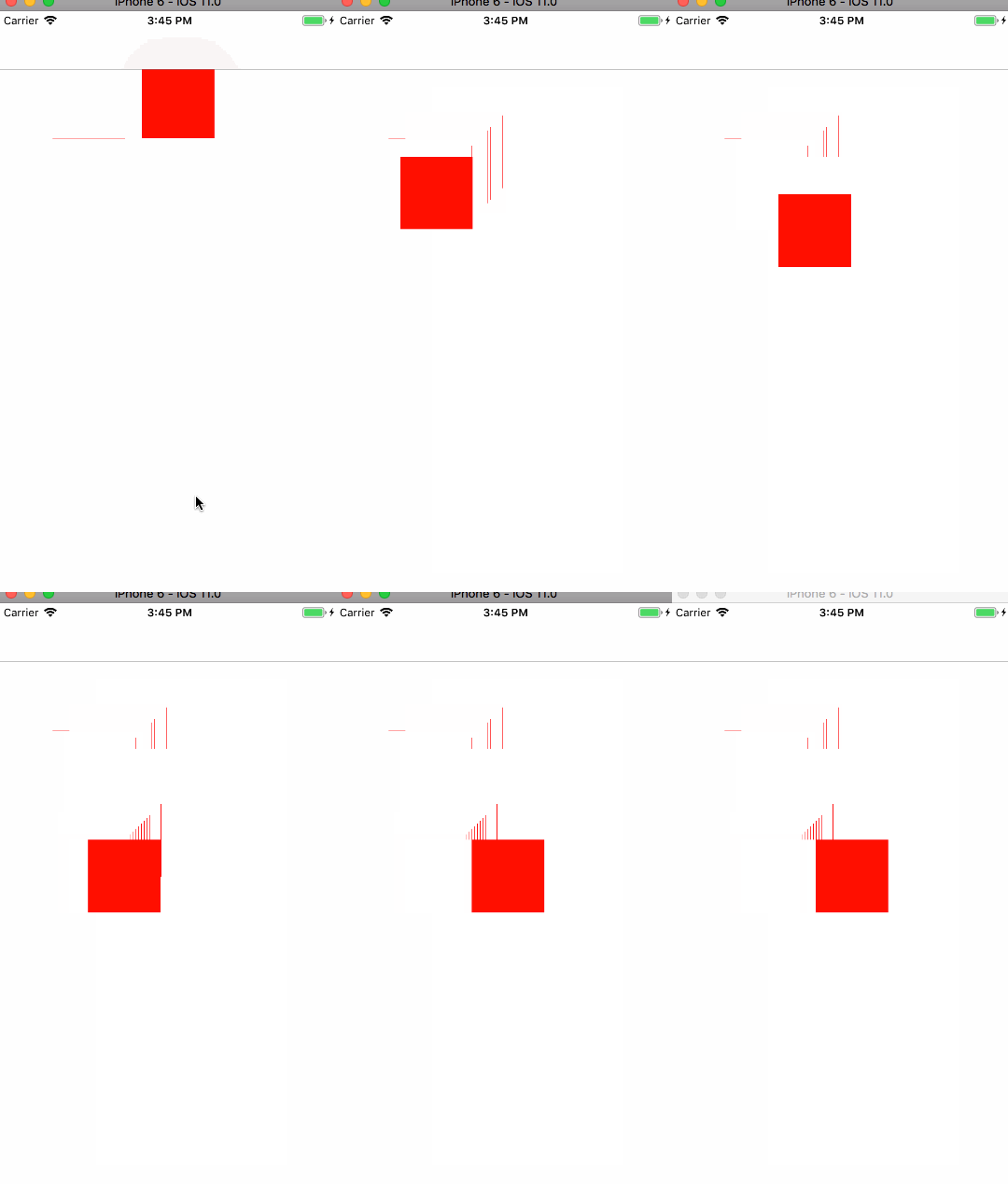
// 方法一 用法1 Value方式
//创建动画对象 CAKeyframeAnimation *animation = [CAKeyframeAnimation animationWithKeyPath:@"position"]; //设置value NSValue *value1=[NSValue valueWithCGPoint:CGPointMake(100, 100)]; NSValue *value2=[NSValue valueWithCGPoint:CGPointMake(200, 100)]; NSValue *value3=[NSValue valueWithCGPoint:CGPointMake(100, 200)]; NSValue *value4=[NSValue valueWithCGPoint:CGPointMake(200, 200)]; NSValue *value5=[NSValue valueWithCGPoint:CGPointMake(100, 300)]; NSValue *value6=[NSValue valueWithCGPoint:CGPointMake(200, 300)]; animation.values=@[value1,value2,value3,value4,value5,value6]; //重复次数 默认为1 // animation.repeatCount=MAXFLOAT; //设置是否原路返回默认为不 // animation.autoreverses = YES; //设置移动速度,越小越快 animation.duration = 4.0f; animation.removedOnCompletion = NO; animation.fillMode = kCAFillModeForwards; animation.timingFunction=[CAMediaTimingFunction functionWithName:kCAMediaTimingFunctionEaseInEaseOut]; animation.delegate=self; //给这个view加上动画效果 [redView.layer addAnimation:animation forKey:nil];
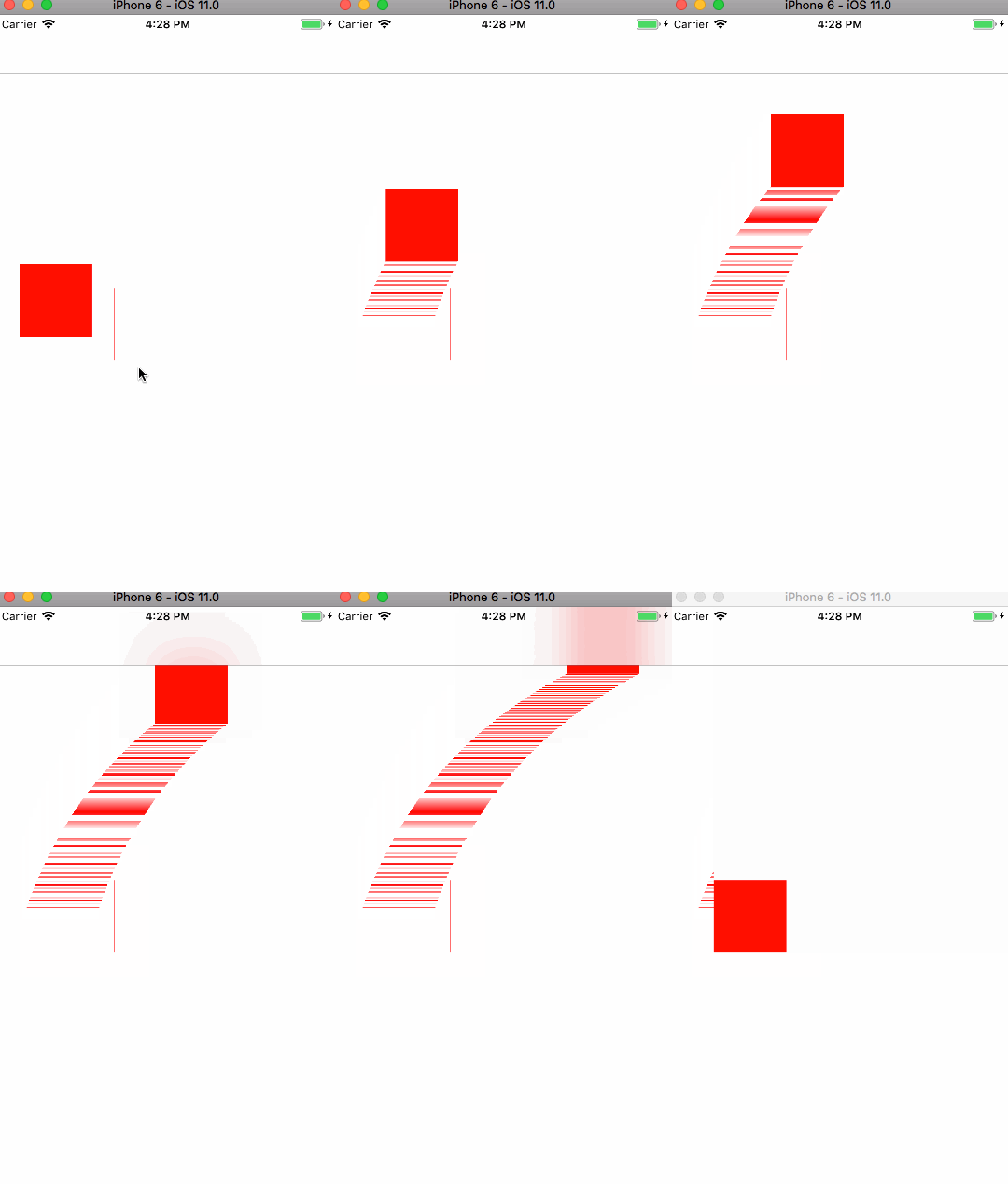
CAKeyframeAnimation *keyframeAnimation=[CAKeyframeAnimation animationWithKeyPath:@"position"];

    //    创建一个CGPathRef对象,就是动画的路线

    CGMutablePathRef path = CGPathCreateMutable();

    //    设置开始位置

    CGPathMoveToPoint(path, NULL, redView.layer.position.x-40, redView.layer.position.y+40);//移动到起始点

    //    沿着路径添加四曲线点移动

    CGPathAddQuadCurveToPoint(path, NULL, 100, 100, self.view.frame.size.width, 0);

    keyframeAnimation.path = path;

    keyframeAnimation.delegate = self;

    CGPathRelease(path);

    keyframeAnimation.duration = 7;

    [redView.layer addAnimation:keyframeAnimation forKey:@"KCKeyframeAnimation_Position"];
OC动画:CAKeyframeAnimation的更多相关文章
- iOS:核心动画之关键帧动画CAKeyframeAnimation
CAKeyframeAnimation——关键帧动画 关键帧动画,也是CAPropertyAnimation的子类,与CABasicAnimation的区别是: –CABasicAnimation只能 ...
- OC - 25.CAKeyframeAnimation
概述 简介 CAKeyframeAnimation又称关键帧动画 CAKeyframeAnimation是抽象类CAPropertyAnimation的子类,可以直接使用 通过values与path两 ...
- 核心动画 - CAKeyframeAnimation 简单应用
核心动画: 登录按钮的抖动效果: CAKeyframeAnimation * kfAnimation = [CAKeyframeAnimation animationWithKeyPath:@&quo ...
- OC动画:CAAnimationGroup
//贝塞尔曲线路径 UIBezierPath *movePath = [UIBezierPath bezierPath]; [movePath moveToPoint:CGPointMake(10.0 ...
- iOS动画:CAKeyframeAnimation
网络中Core Animation类的继承关系图 属性简介 @interface CAKeyframeAnimation : CAPropertyAnimation /* 提供关键帧数据的 ...
- OC动画CABasicAnimation
//1.创建动画 CABasicAnimation *anima=[CABasicAnimation animationWithKeyPath:@"bounds"]; //1.1设 ...
- 直播点赞,上升的动画-- CAKeyFrameAnimation
// // ViewController.m // DMHeartFlyAnimation // // Created by Rick on 16/3/9. // Copyright © 20 ...
- 核心动画(CAKeyframeAnimation)
Main.storyboard ViewController.m // // ViewController.m // 8A02.核心动画 - CAKeyframeAnimation // // ...
- iOS开发——图形与动画篇OC篇&图层基本上动画
图层的一些基本动画效果 #define kRadianToDegrees (radian) (radian * 180.0) / (M_PI) //闪烁 [self.testView.layer ad ...
随机推荐
- js实现滑动的弹性导航
<!doctype html> <html> <head> <meta charset="utf-8"> <title> ...
- 仿照支付宝账单界面--listview分组显示 用来做!发!财树充值交易明细
QQ图片20150430155638.png (151.65 KB, 下载次数: 32) 下载链接: http://pan.baidu.com/s/1kVMY1SV 密码: i8ta
- AngularJS中$timeout和$interval的用法详解
1. 先将$interval,$timeout,作为参数注入到controller中,例如rds.controller('controllerCtrl', ['app', '$scope','$htt ...
- duilib进阶教程 -- TreeView控件(6)
代码下载:http://download.csdn.net/detail/qq316293804/6483905 上一个教程中,界面已经和迅雷一模一样啦,大小和位置一个像素都不差哟,亏得Alberl调 ...
- 强大的矩阵奇异值分解(SVD)
转:http://www.cnblogs.com/LeftNotEasy/archive/2011/01/19/svd-and-applications.html 前言: PCA的实现一般有两种,一种 ...
- 关于linux Centos 7一个网卡配置多个IP的方法
有时我们在工作中,会遇到一个网卡配置多个ip的情况,尤其是在linux服务器方面的应用教多 于是笔者将其配置过程整理如下,希望能帮到遇到同样问题的朋友,这里以vmware虚拟机下的Centos 7为例 ...
- 整合Solr与tomcat以及第一个core的配置
整合Solr与tomcat以及第一个core的配置 一.准备安装文件 Tomcat : apache-tomcat-8.5.32.tar.gz Solr:solr-5.3.1.tgz 二.创建目录并解 ...
- centos linux7的一些操作
进入centos7的一些界面后,按ctrl+alt+F2,则可进入全shell界面,不过要登录root的密码: 从全shell转为gnome 界面窗口,按alt+F1: *************** ...
- ThinkPHP框架 表单传值自动验证!!
如果有多个字段都包含错误,默认只显示一个错误.如果想显示全部错误,可以设置属 性: //批量验证 d protected $patchValidate = true; 如果是直接 POST 过来的,直 ...
- Java编程:删除 List 元素的三种正确方法
删除 List 中的元素会产生两个问题: 删除元素后 List 的元素数量会发生变化: 对 List 进行删除操作可能会产生并发问题: 我们通过代码示例演示正确的删除逻辑 package com.ip ...