
OC动画CABasicAnimation

//1.创建动画

    CABasicAnimation *anima=[CABasicAnimation animationWithKeyPath:@"bounds"];

    //1.1设置动画执行时间

    anima.duration=2.0;

    //1.2设置动画执行完毕后不删除动画

    anima.removedOnCompletion=YES;

    //1.3设置保存动画的最新状态

    //kCAFillModeForwards保存动画的最新状态  kCAFillModeBackwards保存最开始状态

    anima.fillMode=kCAFillModeForwards;

    //1.4修改属性,执行动画

    anima.toValue=[NSValue valueWithCGRect:CGRectMake(0, 0, 200, 200)];

    //2.添加动画到layer

    [redView.layer addAnimation:anima forKey:nil];

 //1.创建动画

    CABasicAnimation *anima=[CABasicAnimation animationWithKeyPath:@"transform"];

    //1.1设置动画执行时间

    anima.duration=2.0;

    //1.2修改属性,执行动画

    anima.toValue=[NSValue valueWithCATransform3D:CATransform3DMakeRotation(M_PI_2+M_PI_4, 1, 1, 0)];

    //1.3设置动画执行完毕后不删除动画

    anima.removedOnCompletion=NO;

    //1.4设置保存动画的最新状态

    anima.fillMode=kCAFillModeBackwards;

    anima.repeatCount = 1000;

    //2.添加动画到layer

    [redView.layer addAnimation:anima forKey:nil];
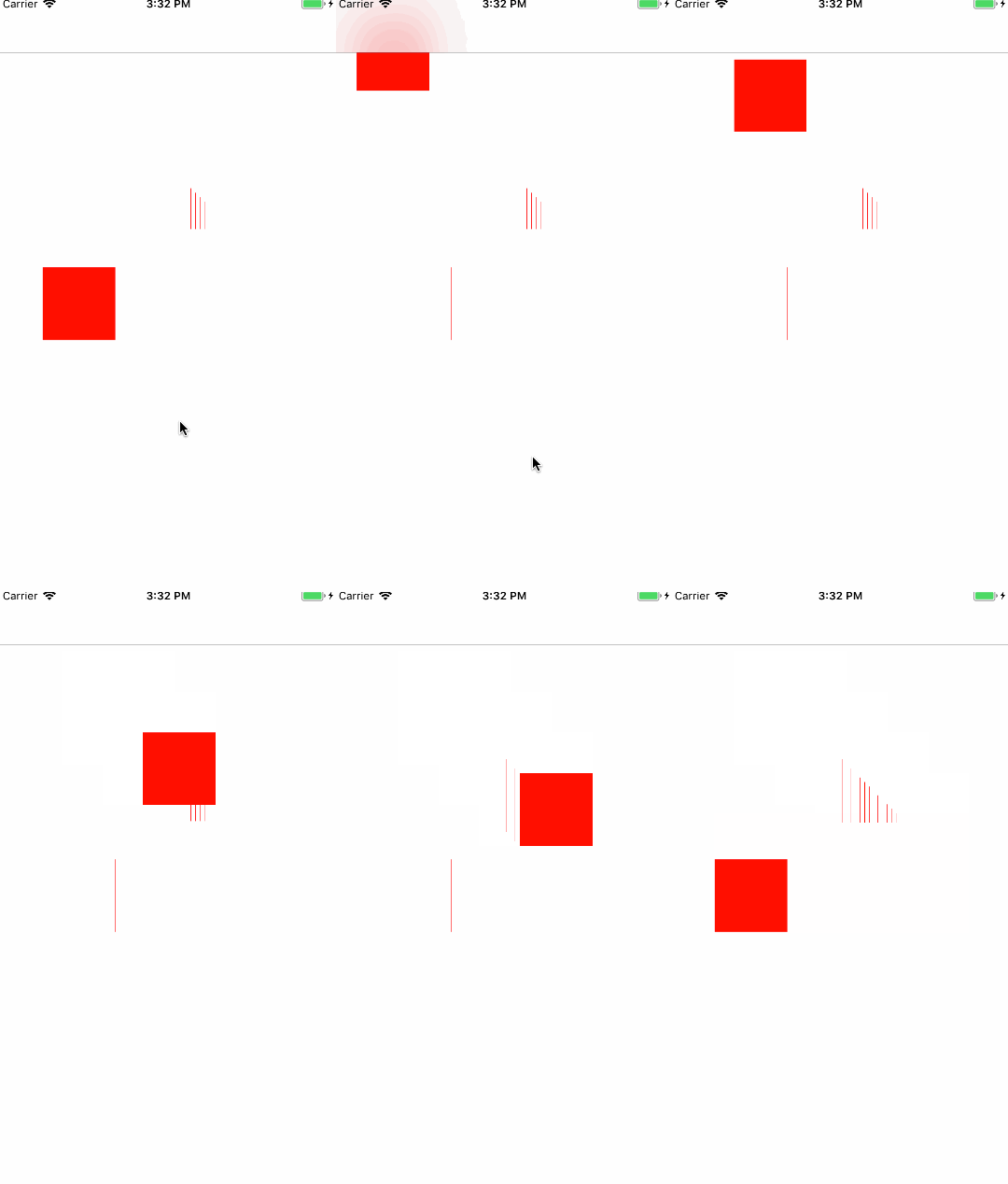
CABasicAnimation *anima=[CABasicAnimation animation];

    //1.1告诉系统要执行什么样的动画

    anima.keyPath=@"position";

    //设置通过动画,将layer从哪儿移动到哪儿

    anima.fromValue=[NSValue valueWithCGPoint:CGPointMake(0, 0)];

    anima.toValue=[NSValue valueWithCGPoint:CGPointMake(300, 300)];

    anima.duration = 1.0f;

    //1.2设置动画执行完毕之后不删除动画

    anima.removedOnCompletion=YES;

    //1.3设置保存动画的最新状态

    anima.fillMode=kCAFillModeForwards;

    //设置代理

    anima.delegate=self;

    //2.添加核心动画到layer

    [redView.layer addAnimation:anima forKey:nil];
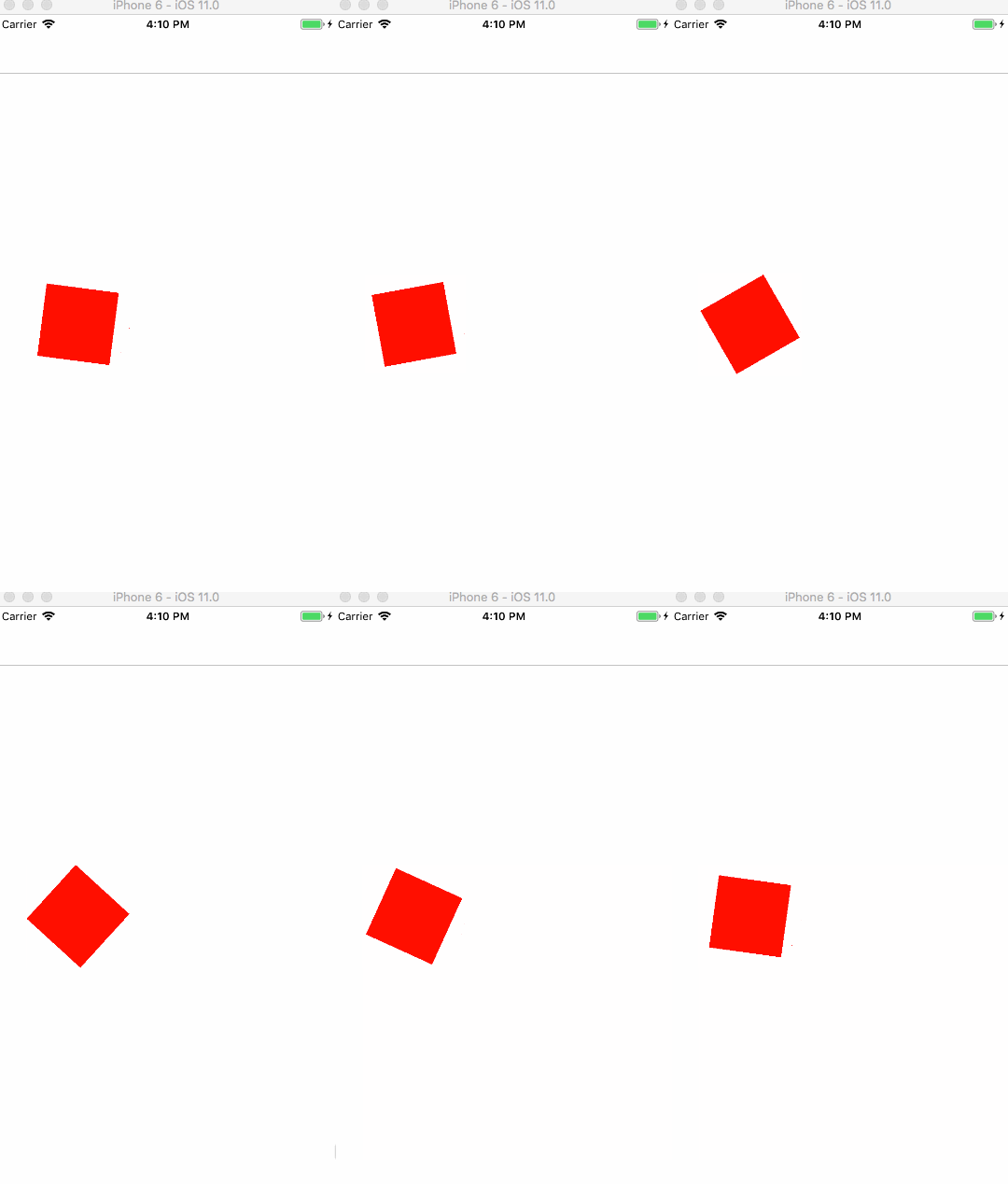
CABasicAnimation* rotationAnimation;

    rotationAnimation = [CABasicAnimation animationWithKeyPath:@"transform.rotation.z"];

    rotationAnimation.toValue = [NSNumber numberWithFloat: M_PI * 2.0 ];

    rotationAnimation.duration = 1;

    rotationAnimation.cumulative = YES;

    rotationAnimation.repeatCount =  MAXFLOAT;

     [redView.layer addAnimation:rotationAnimation forKey:nil ];
 //透明动画

         CABasicAnimation *opacityAnim = [CABasicAnimation animationWithKeyPath:@"alpha"];

         opacityAnim.fromValue = [NSNumber numberWithFloat:1.0];

         opacityAnim.toValue = [NSNumber numberWithFloat:0.1];

         opacityAnim.removedOnCompletion = YES;
 //缩放动画

         CABasicAnimation *scaleAnim = [CABasicAnimation animationWithKeyPath:@"transform"];

         scaleAnim.fromValue = [NSValue valueWithCATransform3D:CATransform3DIdentity];

         scaleAnim.toValue = [NSValue valueWithCATransform3D:CATransform3DMakeScale(0.5, 0.5, 0.1)];
OC动画CABasicAnimation的更多相关文章
- 基本动画CABasicAnimation - 完成之后闪回初始状态
基本动画CABasicAnimation 结束之后,默认闪回初始状态,那怎么解决呢? position需要设备两个属性: // MARK: - 结束后不要闪回去 anim.removedOnCompl ...
- 核心动画基础动画(CABasicAnimation)关键帧动画
1.在iOS中核心动画分为几类: 基础动画(CABasicAnimation) 关键帧动画(CAKeyframeAnimation) 动画组(CAAnimationGroup) 转场动画(CATran ...
- 动画 CABasicAnimation animationWithKeyPath 一些规定的值
CABasicAnimation animationWithKeyPath Types When using the ‘CABasicAnimation’ from the QuartzCore Fr ...
- iOS:核心动画之基本动画CABasicAnimation
基本动画,是CAPropertyAnimation的子类 属性说明: fromValue:keyPath相应属性的初始值 toValue:keyPath相应属性的结束值 动画过程说明: 随着动画的进行 ...
- OC动画:CAAnimationGroup
//贝塞尔曲线路径 UIBezierPath *movePath = [UIBezierPath bezierPath]; [movePath moveToPoint:CGPointMake(10.0 ...
- CoreAnimation 核心动画 / CABasicAnimation/ CAKeyframeAnimation
- (void)createBaseAnimation{ //基础动画 CABasicAnimation *animation = [CABasicAnimation animation]; anim ...
- OC - 24.CABasicAnimation
概述 简介 CABasicAnimation是抽象类CAPropertyAnimation的子类,可以直接使用 CABasicAnimation又称基本动画,从fromValue到toValue按照指 ...
- OC动画:CAKeyframeAnimation
// 方法一 用法1 Value方式 //创建动画对象 CAKeyframeAnimation *animation = [CAKeyframeAnimation animationWithKeyP ...
- 之一:CABasicAnimation - 基本动画
嗷呜嗷呜嗷呜 // 将视图作为属性方便后面执行多个不同动画 _myView = [[UIView alloc] init]; _myView.layer.position = CGPointMake( ...
随机推荐
- SpringSecurity兑现多登录成功页面和登录成功返回被拦截界面
SpringSecurity实现多登录成功页面和登录成功返回被拦截界面 使用SrpingSceurity作为认证和授权的安全框架可以省下很多基础工作. 具体可以参考SpringSecurity,这里不 ...
- SQL SERVER EXPRESS 连接字符串
Microsoft SQL Server Express Edition 为生成应用程序提供了一个简单的数据库解决方案.SQL Server Express Edition 支持完整的 SQL Ser ...
- Service 中的 onStart 和 onStartCommand
在自定义的service中,写了onStart和onStartCommand, public class HttpWebService extends Service { @Override publ ...
- [PHP] 03 - Form & Input
PHP 完整表单实例 一.表单示范 二.对应代码 <!DOCTYPE HTML> <html> <head> <meta charset="utf- ...
- 服务器中了蠕虫病毒Wannamine2.0小记
近期用户反馈某台服务器总感觉性能不是很好存在卡顿,于是今天远程上去分析. 打开任务管理器发现CPU使用率非常低,内存使用也在接受范围内(10/64G).不过我有一个偏好就是不喜欢用系统自带的任务管理器 ...
- Ubuntu下U盘变成只读的解决方法
首先执行命令: tail -f /var/log/syslog 然后插入有问题的U盘,tail会打印一些log: Jan :: zkw- kernel: [-: new high-speed USB ...
- centos linux7的一些操作
进入centos7的一些界面后,按ctrl+alt+F2,则可进入全shell界面,不过要登录root的密码: 从全shell转为gnome 界面窗口,按alt+F1: *************** ...
- python数据类型之pandas—DataFrame
DataFrame定义: DataFrame是pandas的两个主要数据结构之一,另一个是Series —一个表格型的数据结构 —含有一组有序的列 —大致可看成共享同一个index的Series集合 ...
- cmd打开E盘文件
在命令行中输入你想要打开文件所在的磁盘,这里我以打开E:\homework\1.jpg来给大家做示范.在命令行中输入 E: 输入后按下enter键.就进入E盘中,效果如图所示! 如果你想要查 ...
- keil 生成 bin文件
D:\Keil_v5\ARM\ARMCC\bin\fromelf.exe --bin -o $L@L.bin #L 这个就是keil的默认安装路径