
【原创】运维基础之Zabbix(1)简介、安装、使用
zabbix 4

官方:https://www.zabbix.com/
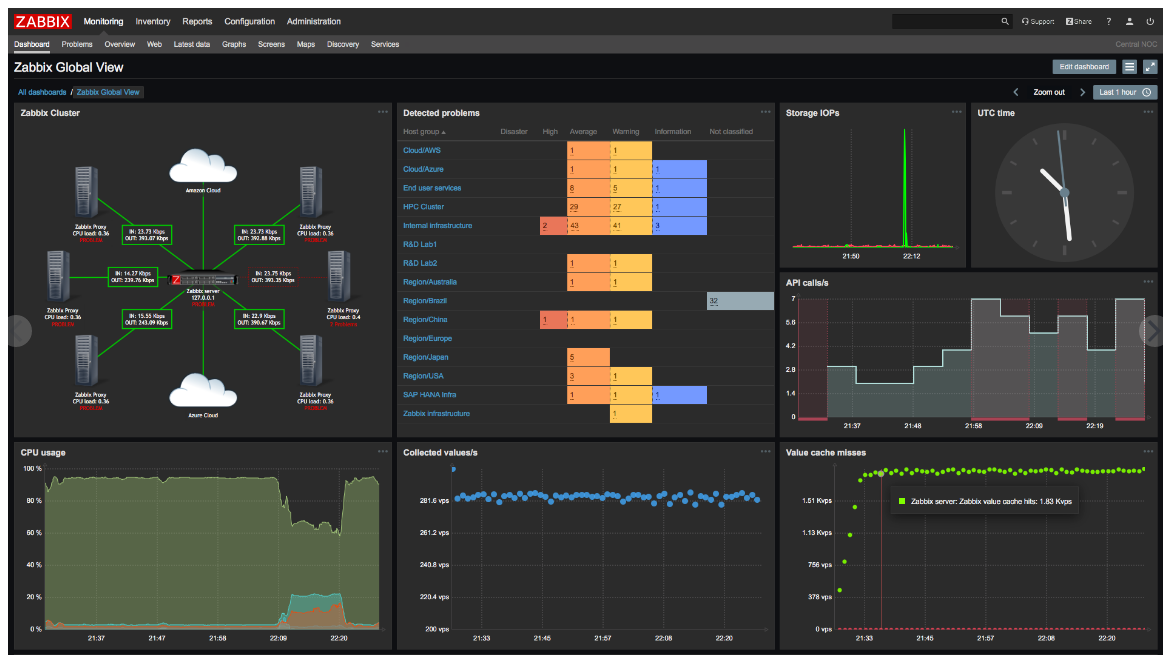
一 简介
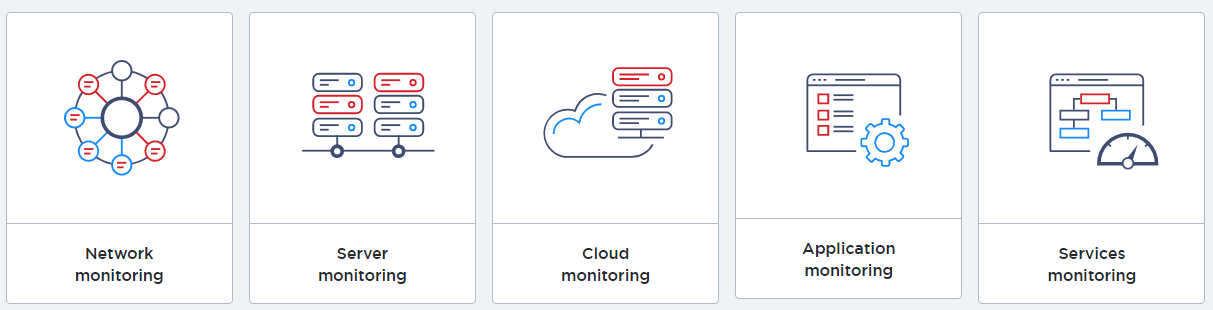
Monitor anything
Solutions for any kind of IT infrastructure, services, applications, resources
监控一切
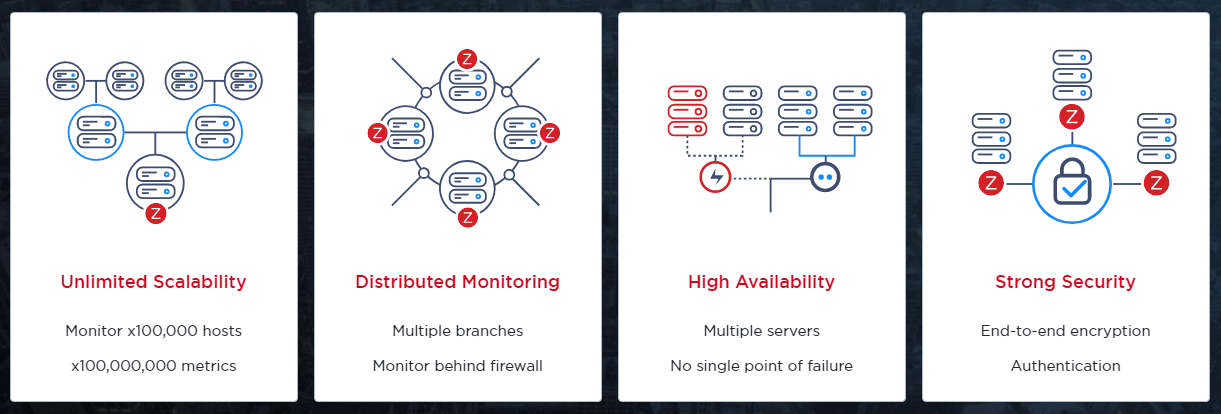
Enterprise-ready
Mature, enterprise-level platform to monitor large-scale IT environments
成熟的企业级监控平台
Zabbix is an enterprise-class open source distributed monitoring solution.
zabbix是一个开源的分布式的企业级监控方案;
Zabbix is software that monitors numerous parameters of a network and the health and integrity of servers. Zabbix uses a flexible notification mechanism that allows users to configure e-mail based alerts for virtually any event. This allows a fast reaction to server problems. Zabbix offers excellent reporting and data visualisation features based on the stored data. This makes Zabbix ideal for capacity planning.
Zabbix supports both polling and trapping. All Zabbix reports and statistics, as well as configuration parameters, are accessed through a web-based frontend. A web-based frontend ensures that the status of your network and the health of your servers can be assessed from any location. Properly configured, Zabbix can play an important role in monitoring IT infrastructure. This is equally true for small organisations with a few servers and for large companies with a multitude of servers.
角色
1 Server (zabbix-server)
Zabbix server is the central component to which agents report availability and integrity information and statistics. The server is the central repository in which all configuration, statistical and operational data are stored.
2 Agent (zabbix-agent)
Zabbix agents are deployed on monitoring targets to actively monitor local resources and applications and report the gathered data to Zabbix server.
3 Database storage (mysql)
All configuration information as well as the data gathered by Zabbix is stored in a database.
4 Web interface (httpd)
For an easy access to Zabbix from anywhere and from any platform, the web-based interface is provided. The interface is part of Zabbix server, and usually (but not necessarily) runs on the same physical machine as the one running the server.
5 Proxy(可选)
Zabbix proxy can collect performance and availability data on behalf of Zabbix server. A proxy is an optional part of Zabbix deployment; however, it may be very beneficial to distribute the load of a single Zabbix server.
二 安装
1 yum安装
# rpm -Uvh https://repo.zabbix.com/zabbix/4.0/rhel/7/x86_64/zabbix-release-4.0-1.el7.noarch.rpm
agent安装
# yum install zabbix-agentserver安装
# yum install zabbix-server-mysql zabbix-web-mysql zabbix-agent
2 初始化db
mysql> create database zabbix character set utf8 collate utf8_bin;
mysql> grant all privileges on zabbix.* to zabbix@'%' identified by 'password';# zcat /usr/share/doc/zabbix-server-mysql*/create.sql.gz | mysql -h$ip -uzabbix -p zabbix
3 启动server
# vi /etc/zabbix/zabbix_server.conf
DBHost=$ip
DBPassword=password# vi /etc/httpd/conf.d/zabbix.conf
php_value date.timezone Asia/Shanghai# systemctl restart zabbix-server httpd
# systemctl enable zabbix-server httpd
4 启动agent
# vi /etc/zabbix/zabbix_agentd.conf
Server=$server_ip
ServerActive=$server_ip# systemctl restart zabbix-agent
# systemctl enable zabbix-agent
参考:https://www.zabbix.com/download?zabbix=4.0&os_distribution=centos&os_version=7&db=mysql
三 使用
访问 http://$server_ip/zabbix 进入设置向导

设置db

设置完成之后
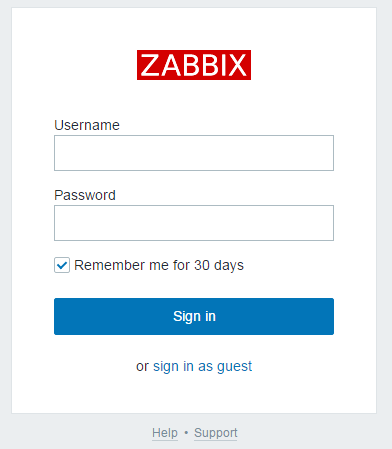
默认用户密码:Admin/zabbix
ps:如果登录之后发现zabbix server is not running,10051端口也没有绑定,极有可能是是连接db不通;
参考:https://www.zabbix.com/documentation/4.0/manual/installation/install#installing_frontend
添加host,设置template之后,就可以看到效果了

In addition it is important to take a step back and have a look at the overall data flow within Zabbix. In order to create an item that gathers data you must first create a host. Moving to the other end of the Zabbix spectrum you must first have an item to create a trigger. You must have a trigger to create an action. Thus if you want to receive an alert that your CPU load it too high on Server X you must first create a host entry for Server X followed by an item for monitoring its CPU, then a trigger which activates if the CPU is too high, followed by an action which sends you an email. While that may seem like a lot of steps, with the use of templating it really isn't. However, due to this design it is possible to create a very flexible setup.
使用帮助:https://www.zabbix.com/documentation/4.0/manual/quickstart
关于java gateway
It is required to install Java gateway only if you want to monitor JMX applications. Java gateway is lightweight and does not require a database.
【原创】运维基础之Zabbix(1)简介、安装、使用的更多相关文章
- 【Apache运维基础(1)】Apache的安装与使用
安装 yum -y install httpd httpd-devel # 在Ubuntu里面叫做Apache2,输入localhost能打开就算成功了 额...当然专业的运维还是老老实实的去编译吧; ...
- 监控和安全运维 1.8 zabbix服务端安装
1. Zabbix简介基于web的开源软件,开源监控系统状态也可以监控网络设备.和nagios不同的是zabbix会把获取的数据保存在数据库中,所以zabbix需要有数据库支持 Zabbix还可以自动 ...
- 【原创】运维基础之yum离线环境安装软件
首先查看系统版本号,然后根据版本号从 CentOS-7-x86_64-DVD-1708.iso 和 CentOS-7-x86_64-Everything-1708.iso 根据需要选择一个下载,我这里 ...
- 运维监控之zabbix(yum安装)
简介 zabbix是一个基于WEB界面的提供分布式系统监视以及网络监视功能的企业级的开源解决方案. zabbix能监视各种网络参数,保证服务器系统的安全运营:并提供灵活的通知机制以让系统管理员快速定位 ...
- 运维监控-使用Zabbix Server 创建 Actions
运维监控-使用Zabbix Server 创建 Actions 作者:尹正杰 版权声明:原创作品,谢绝转载!否则将追究法律责任. zabbix的action默认是关闭的,因此我们想使用它就得先启用哟. ...
- 运维监控-使用Zabbix Server 创建触发器Triggers
运维监控-使用Zabbix Server 创建触发器Triggers 作者:尹正杰 版权声明:原创作品,谢绝转载!否则将追究法律责任. 1>.点击相应主机的触发器 2>.点击创建触发器 ...
- 运维监控-使用Zabbix Server 添加自定义 item
运维监控-使用Zabbix Server 监控自定义 item 作者:尹正杰 版权声明:原创作品,谢绝转载!否则将追究法律责任. 本篇博客就直接开门见山如何使用Zabbix Server 监控自定义 ...
- linux运维基础知识
linux运维基础知识大全 一,序言 每一个微不足道的知识,也是未来的铺垫.每一份工作的薪资职位,也是曾经努力的结果. 二,服务器 1,运维人员工作职责: 1)保证数据不丢失:2)保证服务器24小时运 ...
- linux——运维基础,与常用命令
1 运维概述 1 什么是运维 服务器的运行维护 2 名词 IDC(互联网数据中心) 3 监控软件 zabbix(用的最多), nagios, cactti 4 常用的linux操作系统 1 CentO ...
随机推荐
- Elastic Stack-Elasticsearch介绍
一.前言 前篇写了好像没有多少人去看,但是还是要继续,我猜想可能是很多人接触的这块比较少吧,Elasticsearch这块有很多要说的,开始吧. 二.数据库.Elasticsearch选择 ...
- 二十八、layui的日历组件使用
<!DOCTYPE html> <html> <head> <meta charset="UTF-8"> <title> ...
- Spring 简单使用IoC与DI——XML配置
目录 Spring简介 导入jar包 Spring配置文件 Spring的IoC IoC简介 快速使用IoC Spring创建对象的三种方式 使用构造方法 使用实例工厂 使用静态静态工厂 Spring ...
- JUC (java.util.concurrent)
1.什么是线程?什么是进程? 2.多线程的状态? public enum State { //6种状态 NEW, RUNNABLE, //可运行 BLOCKED, //阻塞 WAITING, //等待 ...
- Python——OS模块
OS模块 OS模块 #os模块就是对操作系统进行操作,使用该模块必须先导入模块: import os #getcwd() 获取当前工作目录(当前工作目录默认都是当前文件所在的文件夹) result = ...
- CSS之样式属性(背景固定、圆形头像、模态框)
CSS属性 一.宽和高 width属性可以为元素设置宽度. height属性可以为元素设置高度. 块级标签才能设置宽度,内联标签的宽度由内容来决定. div {width: 1000px;backgr ...
- Python 正则表达式使用问题集锦
在正则表达式中,如果直接给出字符,就是精确匹配.用\d可以匹配一个数字,\w可以匹配一个字母或数字,所以: '00\d'可以匹配'007',但无法匹配'00A':而且也无法匹配'1001',效果类似于 ...
- mongoDB 大文件存储方案, JS 支持展示
文件存储 方式分类 传统方式 存储路径 仅存储文件路径, 本质为 字符串 优点: 节省空间 缺点: 不真实存储在数据库, 文件或者数据库发送变动需要修改数据库 存储文件本身 将文件转换成 二进制 存储 ...
- H5与APP混合开发相关知识点总结
整理一: 现在有这么个需求,如下图 app端点击右上角的 加 号 ,弹出模态框 这个项目是基于vue写的,客户端需要调用H5页面里定义的js方法,但是在vue里,所有的方法都是在组件内部声明的,也只能 ...
- Java【第六篇】面向对象基础
类和对象 面向对象的概念 面向过程 核心是过程二字,过程指的是解决问题的步骤,设计一条流水线,机械式的思维方式: 面向对象 核心就是对象二字,对象就是特征与技能的结合体,利用“类”和“对象”来创建各种 ...