
关于Ueditor富文本编辑器的配置和使用心得
一、环境和项目架构
本文章只是为了便于我个人记录日常笔记,如有错误或缺陷,请指出,文章仅供参考,如有转载请附上本文章链接。
介绍:将Ueditor富文本提交的内容直接生成Html文件,传到后台直接保存在项目下的webapp/files文件夹中,便于今后直接调用生成的Html。
1.环境
Eclipse+Maven+SpringBoot+JDK1.8
2.项目架构
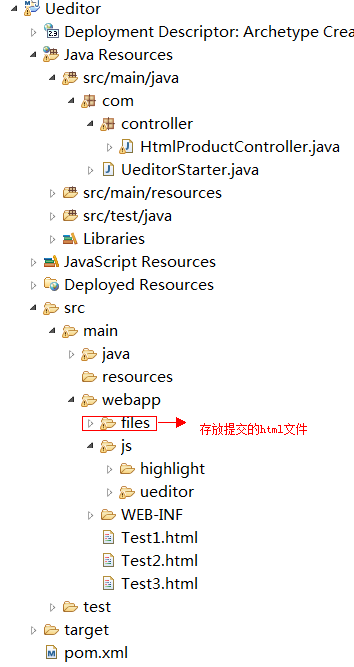
二、项目代码
1.SpringBoot启动类(UeditorStater.java)
package com;

import org.springframework.boot.SpringApplication;

import org.springframework.boot.autoconfigure.SpringBootApplication;

import org.springframework.boot.autoconfigure.jdbc.DataSourceAutoConfiguration;

import org.springframework.context.annotation.ComponentScan;

//扫描的包

@ComponentScan(basePackages="com.controller")

@SpringBootApplication(exclude= {DataSourceAutoConfiguration.class})

public class UeditorStarter {

        public static void main(String[] args) {

            SpringApplication.run(UeditorStarter.class, args);

        }

}
2.Controller层(HtmlProductController.java)
说明:这里的作用是获取前端传输的文件对象,将其转存到项目下的/webapp/files文件夹。
package com.controller;

import java.io.File;

import java.io.IOException;

import java.text.SimpleDateFormat;

import java.util.Date;

import java.util.HashMap;

import java.util.Map;

import javax.servlet.http.HttpServletRequest;

import org.springframework.stereotype.Controller;

import org.springframework.web.bind.annotation.RequestMapping;

import org.springframework.web.bind.annotation.RequestParam;

import org.springframework.web.bind.annotation.ResponseBody;

import org.springframework.web.multipart.MultipartFile;

@Controller

@RequestMapping("/HtmlProductController.do")

public class HtmlProductController {

    @ResponseBody

    @RequestMapping(params = "fileUpload")

    public Map<String, Object> fileUpload(HttpServletRequest request,@RequestParam(value = "files", required = false) MultipartFile multipartFile) throws IOException {

        Map<String, Object> resultMap = new HashMap<String, Object>();

        String realpath = "";

        // 获取文件名

        String name = "";

        if (multipartFile != null) {

            try {

                name = multipartFile.getOriginalFilename();// 直接返回文件的名字

                String subffix = name.substring(name.lastIndexOf(".") + 1, name.length());// 我这里取得文件后缀

                String fileName = new SimpleDateFormat("yyyyMMddHHmmss").format(new Date());// 文件保存进来,我给他重新命名,数据库保存有原本的名字,所以输出的时候再把他附上原本的名字就行了。

                String filepath = request.getServletContext().getRealPath("/") + "files\\";// 获取项目路径到webapp

                File file = new File(filepath);

                if (!file.exists()) {// 目录不存在就创建

                    file.mkdirs();

                }

                multipartFile.transferTo(new File(file + "\\" + fileName + "." + subffix));// 保存文件

                realpath = file + "\\" + fileName + "." + subffix;

                resultMap.put("success", true);

                resultMap.put("code", 0);

                resultMap.put("msg", "上传成功");

            } catch (IllegalStateException e) {

                resultMap.put("success", false);

                resultMap.put("code", -1);

                resultMap.put("msg", "上传失败");

                e.printStackTrace();

            }

        }

        return resultMap;

    }

}
3.pom.xml
<project xmlns="http://maven.apache.org/POM/4.0.0" xmlns:xsi="http://www.w3.org/2001/XMLSchema-instance"

  xsi:schemaLocation="http://maven.apache.org/POM/4.0.0 http://maven.apache.org/maven-v4_0_0.xsd">

  <modelVersion>4.0.0</modelVersion>

  <groupId>ueditor-test</groupId>

  <artifactId>Ueditor</artifactId>

  <packaging>war</packaging>

  <version>0.0.1-SNAPSHOT</version>

  <name>Ueditor Maven Webapp</name>

  <url>http://maven.apache.org</url>

 <!-- 父级项目 -->

  <parent>

    <groupId>org.springframework.boot</groupId>

    <artifactId>spring-boot-starter-parent</artifactId>

    <version>2.1.0.RELEASE</version>

    <relativePath /> <!-- lookup parent from repository -->

  </parent>

  <dependencies>

    <!-- 测试 -->

    <dependency>

      <groupId>org.springframework.boot</groupId>

      <artifactId>spring-boot-starter-test</artifactId>

      <scope>test</scope>

    </dependency>

    <!-- springmvc -->

    <dependency>

      <groupId>org.springframework.boot</groupId>

      <artifactId>spring-boot-starter-web</artifactId>

    </dependency>

    <!-- jpa(持久层) -->

    <dependency>

      <groupId>org.springframework.boot</groupId>

      <artifactId>spring-boot-starter-data-jpa</artifactId>

    </dependency>

    <!-- https://mvnrepository.com/artifact/javax.servlet/javax.servlet-api -->

    <dependency>

      <groupId>javax.servlet</groupId>

      <artifactId>javax.servlet-api</artifactId>

      <scope>provided</scope>

    </dependency>

    <!-- https://mvnrepository.com/artifact/commons-fileupload/commons-fileupload -->

    <dependency>

      <groupId>commons-fileupload</groupId>

      <artifactId>commons-fileupload</artifactId>

      <version>1.3</version>

    </dependency>

    <!-- https://mvnrepository.com/artifact/commons-io/commons-io -->

    <dependency>

      <groupId>commons-io</groupId>

      <artifactId>commons-io</artifactId>

      <version>2.6</version>

    </dependency>

    <!-- https://mvnrepository.com/artifact/org.codehaus.jackson/jackson-core-asl -->

    <dependency>

      <groupId>org.codehaus.jackson</groupId>

      <artifactId>jackson-core-asl</artifactId>

      <version>1.9.13</version>

    </dependency>

    <!-- https://mvnrepository.com/artifact/com.alibaba/fastjson -->

    <dependency>

        <groupId>com.alibaba</groupId>

        <artifactId>fastjson</artifactId>

        <version>1.2.40</version>

    </dependency>

  </dependencies>

  <!-- 编译 -->

  <build>

    <!-- 插件 -->

    <plugins>

      <!-- maven插件 -->

      <plugin>

        <groupId>org.springframework.boot</groupId>

        <artifactId>spring-boot-maven-plugin</artifactId>

        <configuration>

          <source>1.8</source>

          <target>1.8</target>

          <encoding>UTF-8</encoding>

        </configuration>

      </plugin>

    </plugins>

  </build>

</project>
4.Test1.html
说明:这个页面是最基本的Ueditor初始化界面。
<!DOCTYPE html>

<html>

<head>

<meta charset="UTF-8">

<title>Insert title here</title>

    <script type="text/javascript" src="js/ueditor/ueditor.config.js"></script>

    <script type="text/javascript" src="js/ueditor/ueditor.all.min.js"></script>

    <script type="text/javascript" src="js/ueditor/lang/zh-cn/zh-cn.js" charset="utf-8" ></script>

</head>

<body>

            <form action="" method="post">

                <div style="width:100%">

                    <script type="text/plain" id="myEditor" style="width:100%;height:260px"></script>

                </div>

                </form>

</body>

<script type="text/javascript">

    UE.getEditor("myEditor");

</script>

</html>
5.Test2.html
说明:这个页面新增了生成的页面中的代码高亮部分,这是Ueditor自带的高亮插件。
<!DOCTYPE html>

<html>

<head>

<meta charset="UTF-8">

<title>Insert title here</title>

    <script type="text/javascript"src="https://cdn.bootcss.com/jquery/3.2.1/jquery.js"></script>

    <script type="text/javascript" src="js/ueditor/ueditor.config.js"></script>

    <script type="text/javascript" src="js/ueditor/ueditor.all.min.js"></script>

    <script type="text/javascript" src="js/ueditor/lang/zh-cn/zh-cn.js" charset="utf-8" ></script>

</head>

<body>

            <form action="" method="post">

                <div style="width:100%">

                    <script type="text/plain" id="myEditor" style="width:100%;height:150px"></script>

                </div>

                </form>

                 <button id="btn">提交</button>

</body>

<script type="text/javascript">

   var ue= UE.getEditor("myEditor");

    $("#btn").click(function(){

         var html= ue.getAllHtml();

         alert(html);

         html=html+"<link href='../js/ueditor/third-party/SyntaxHighlighter/shCoreDefault.css' rel='stylesheet' type='text/css'/>";

         html=html+"<script type='text/javascript' src='../js/ueditor/third-party/SyntaxHighlighter/shCore.js' "+"></"+"script>";

         html=html+"<script type='text/javascript'> SyntaxHighlighter.all();</"+"script>";

         var blob=new Blob([html]);

         //blob转file

         var aafile = new File([blob], "aa.html");

         var formdata = new FormData();

         console.log(aafile);

         formdata.append("files", aafile);

         console.log(formdata.get("files"));

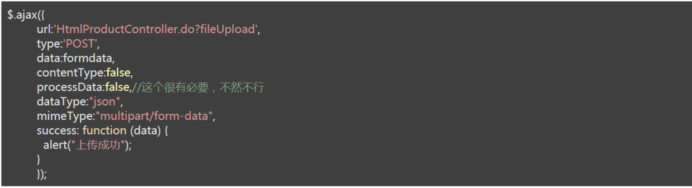
         $.ajax({

               url:'HtmlProductController.do?fileUpload',

               type:'POST',

              data:formdata,

              contentType:false,

              processData:false,//这个很有必要,不然不行

              dataType:"json",

              mimeType:"multipart/form-data",

             success: function (data) {

                 alert("上传成功");

             }

          });

    });

</script>

</html>
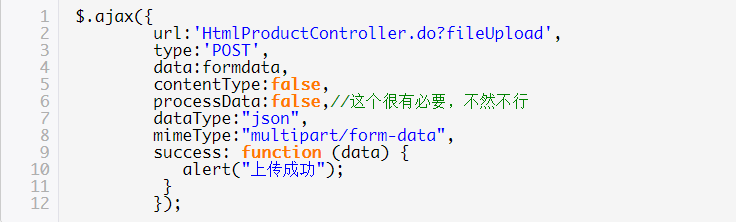
效果图:
6.Test3.html
说明:这个页面也修改了代码高亮样式,与Test2.html不同的是,这里采用了highlight插件,即项目架构的js文件夹下的highlight文件夹。
<!DOCTYPE html>

<html>

<head>

<meta charset="UTF-8">

<title>Insert title here</title>

    <script type="text/javascript"src="https://cdn.bootcss.com/jquery/3.2.1/jquery.js"></script>

    <script type="text/javascript" src="js/ueditor/ueditor.config.js"></script>

    <script type="text/javascript" src="js/ueditor/ueditor.all.min.js"></script>

    <script type="text/javascript" src="js/ueditor/lang/zh-cn/zh-cn.js" charset="utf-8" ></script>

</head>

<body>

            <form action="" method="post">

                <div style="width:100%">

                    <script type="text/plain" id="myEditor" style="width:100%;height:150px"></script>

                </div>

                </form>

                 <button id="btn">提交</button>

</body>

<script type="text/javascript">

   var ue= UE.getEditor("myEditor");

    $("#btn").click(function(){

         var html= ue.getAllHtml();

         alert(html);

         //黑色高亮

         html=html+"<link rel='stylesheet' type='text/css' href='../js/highlight/styles/school-book.css'>";

         html=html+"<script type='text/javascript' src='../js/highlight/highlight.pack.js' "+"></"+"script>";

         html=html+"<script type='text/javascript'>hljs.initHighlightingOnLoad(); var allpre = document.getElementsByTagName('pre');var allpre = document.getElementsByTagName('pre'); for(i = 0; i < allpre.length; i++){  var onepre = document.getElementsByTagName('pre')[i]; var mycode = document.getElementsByTagName('pre')[i].innerHTML;onepre.innerHTML = '<code id="+"mycode"+">'+mycode+'</code>';} </"+"script>";

         html=html+"<style type='text/css'>#mycode{  font-size: 16px;font-family:'微软雅黑'; font-weight:500;white-space: pre;}</style>";

         var blob=new Blob([html]);

         //blob转file

         var aafile = new File([blob], "aa.html");

         var formdata = new FormData();

         console.log(aafile);

         formdata.append("files", aafile);

         console.log(formdata.get("files"));

         $.ajax({

               url:'HtmlProductController.do?fileUpload',

               type:'POST',

              data:formdata,

              contentType:false,

              processData:false,//这个很有必要,不然不行

              dataType:"json",

              mimeType:"multipart/form-data",

              success: function (data) {

                 alert("上传成功");

             }

          });

    });

</script>

</html>
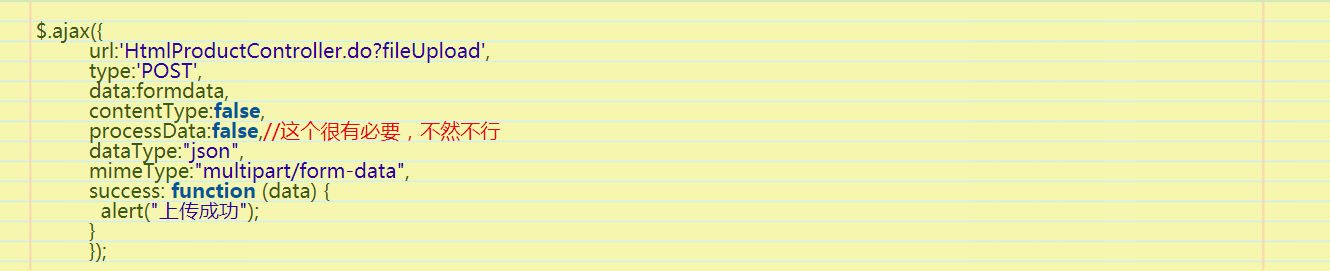
效果图:
其实,更换“ html=html+"<style type='text/css'>#mycode{ font-size: 16px;font-family:'微软雅黑'; font-weight:500;white-space: pre;}</style>";”中的样式就可以更换代码的样式辣。
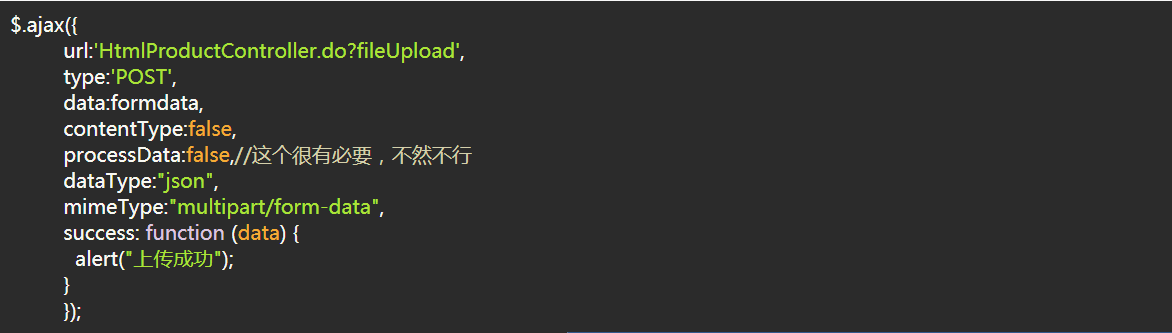
另外,更换Test3.html中的“html=html+"<link rel='stylesheet' type='text/css' href='../js/highlight/styles/school-book.css'>";”中红字css文件,可以改变代码的主题样式,这些样式都存放在了js/highlight/styles/文件夹下。以下将展示一些效果图,各位喜欢哪个就用哪个吧。
(1) a11y-dark.css
(2) a11y-light.css
(4)androidstudio.css
(5)an-old-hope.css
(6)ascetic.css
(7)atelier-cave-dark.css
(8)atelier-cave-light.css
(9)atelier-dune-light.css
(10)atelier-dune-dark.css
(11)atelier-estuary-dark.css
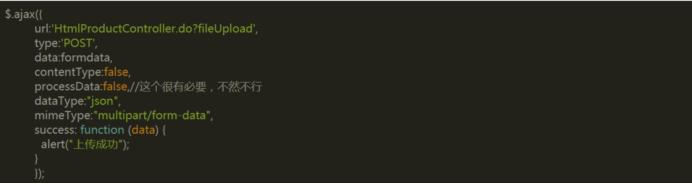
(12) atelier-estuary-light.css

(13) atelier-forest-light.css

(14) atelier-forest-dark.css
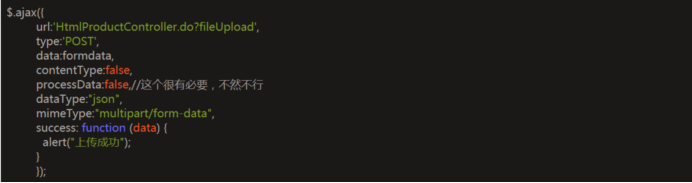
(15) atelier-heath-dark.css
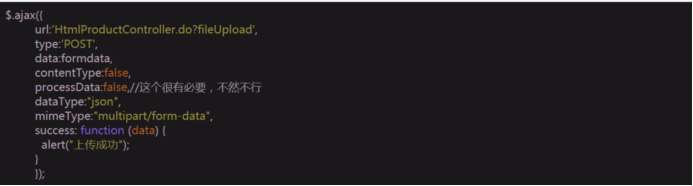
(16) atelier-heath-light.css
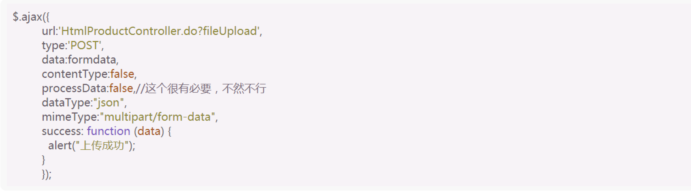
(17)brown-paper.css
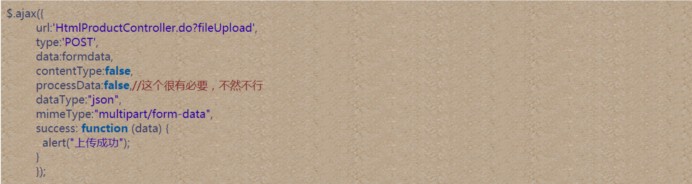
(18)codepen-embed.css
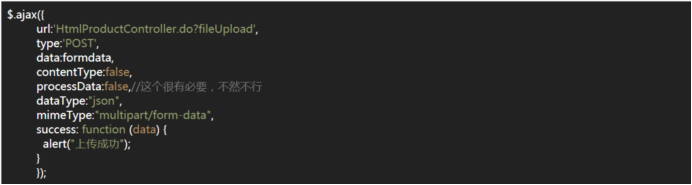
(19) far.css
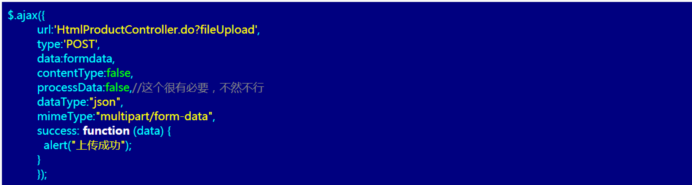
(20)gml.css
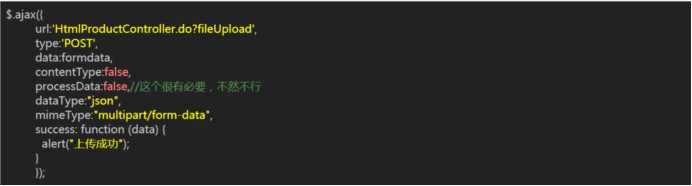
(21)grayscale.css
(22)gruvbox-dark.css
(23)hopscotch.css
(24)ir-black.css
(25)kimbie.dark.css
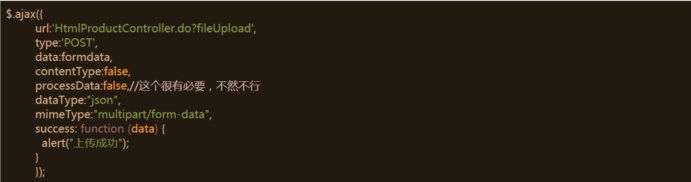
(26)ocean.css
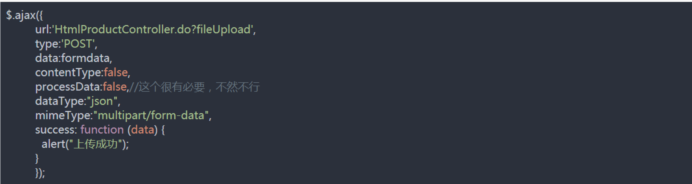
(27)pojoaque.css

(28)rainbow.css
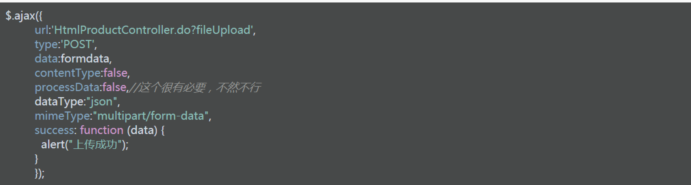
(29)shades-of-purple.css
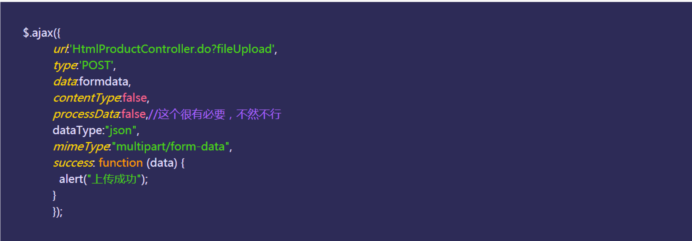
(30)zenburn.css
关于Ueditor富文本编辑器的配置和使用心得的更多相关文章
- MVC 使用 Ueditor富文本编辑器
一.Ueditor 1.下载Ueditor富文本编辑器 官方下载地址: http://ueditor.baidu.com/website/download.html 建议下载开发版,此处我下载的是 . ...
- 百度ueditor富文本编辑器的使用
百度ueditor富文本编辑器的使用 //以下为我在官网下载的ueditor v1.3.5 php版的大楷配置步骤第一步: //配置文件的引入应该比功能文件先引入,最后设置语言类型.即:editor. ...
- 前后端分离ueditor富文本编辑器的使用-Java版本
最近在写一个自己的后台管理系统(主要是写着玩的,用来熟悉后端java的知识,目前只是会简单的写点接口),想在项目中编写一个发布新闻文章的功能,想到了使用百度的ueditor富文本编辑器,网上找了很多j ...
- ASP.NET MVC5 中百度ueditor富文本编辑器的使用
随着网站信息发布内容越来越多,越来越重视美观,富文本编辑就是不可缺少的了,众多编辑器比较后我选了百度的ueditor富文本编辑器. 百度ueditor富文本编辑器分为两种一种是完全版的ueditor, ...
- PHP如何搭建百度Ueditor富文本编辑器
本文为大家分享了PHP搭建百度Ueditor富文本编辑器的方法,供大家参考,具体内容如下 下载UEditor 官网:下载地址 将下载好的文件解压到thinkphp项目中,本文是解压到PUBLIC目录下 ...
- UEditor富文本编辑器简单使用
UEditor富文本编辑器简单使用 一.下载地址:https://ueditor.baidu.com/website/ 官网中并没有 python 版本的 UEditor 富文本编辑器,本文简单介绍 ...
- django之百度Ueditor富文本编辑器后台集成
Python3 + Django2.0 百度Ueditor 富文本编辑器的集成 百度富文本编辑器官网地址:http://fex.baidu.com/ueditor/ 疑问:为什么要二次集成? 答案:因 ...
- 富文本编辑器kindeditor配置
<!--富文本编辑器kindeditor配置↓ --> <link type="text/css" rel="stylesheet" href ...
- 在线富文本编辑器FckEditor配置(.Net Framework 3.5)
进入FCKeditor文件夹,编辑 fckconfig.js 文件.1.上传设置 . var _FileBrowserLanguage = 'php' ; // a ...
随机推荐
- spring学习第7天(PCD以及切点表达式)
1.PCD(PointCutDesigner) spring的aop只针对方法进行aop代理,而apectj联盟的aop比之更加强大,还可以针对字段等进行切面编程 1.1:execution,用的最多 ...
- 使用Oracle VM VirtualBox安装CentOS 7.6操作系统
使用Oracle VM VirtualBox安装CentOS 7.6操作系统 ...
- (转)null和NULL和nullptr和””区别
突然想到这个有趣的问题:C语言和C++对大小写是敏感的,也就是说null和NULL是区别对待的.NULL代表空地址,null只是一个符号.便来深究,看了很多资料,总结如下: 其实null和NULL都是 ...
- 吴裕雄--天生自然 JAVASCRIPT开发学习:对象
<!DOCTYPE html> <html> <head> <meta charset="utf-8"> <title> ...
- Spring Boot Actuator Endpoints
常用内建的Endpoints: beans:显示当前Spring应用上下文的Spring Bean完整列表(包含所有ApplicationContext的层次) conditions:显示当前应用所有 ...
- Cracking Digital VLSI Verification Interview 第二章
Computer Architecture 对Cracking Digital VLSI Verification Interview:Interview Success这本书的汉化,最新更新请关注微 ...
- Java IO流操作(III)——File类&案例一:输出制定目录下所有java文件名(包含子目录)&案例二:删除指定的目录(包含子目录)
1. File常用的构造 File file = new File("字符串路径"); File f = new File("D:\\a\\b.txt"); F ...
- Java模板引擎之Freemarker 学习笔记 一
什么是Freemarker Freemarker是模板引擎,不是Web框架,只是视图层的组件,官网是 https://freemarker.apache.org/ Freemarker原理 数据模型+ ...
- multi-task learning
多任务学习, CTR, CVR 任务同时训练, 同时输出概率.
- 吴裕雄--天生自然JAVA线程编程笔记:创建线程
public class ThreadRuning extends Thread{ public ThreadRuning(String name){ //重写构造,可以对线程添加名字 super(n ...