
12款最佳的 WordPress 语法高亮插件推荐
语法高亮工具增强了代码的可读性,美化了代码,让程序员更容易维护。语法高亮提供各种方式由以提高可读性和文本语境,尤其是对于其中可以结束跨越多个页面的代码,以及让开发者自己的程序中查找错误。在这篇文章中,我们选择了12款最佳的 WordPress 语法高亮插件分享给大家,这将有助于你管理,美化和突出你的代码。
1. Crayon Syntax Highlighter
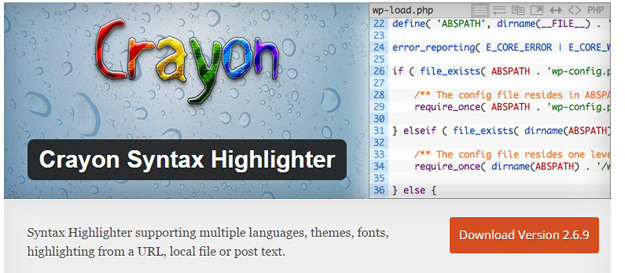
A Syntax Highlighter built in PHP and jQuery that supports customizable languages and themes. It can highlight from a URL, a local file or WordPress post text. Crayon makes it easy to manage Language files and define custom language elements with regular expressions.
2. Advanced Code Editor
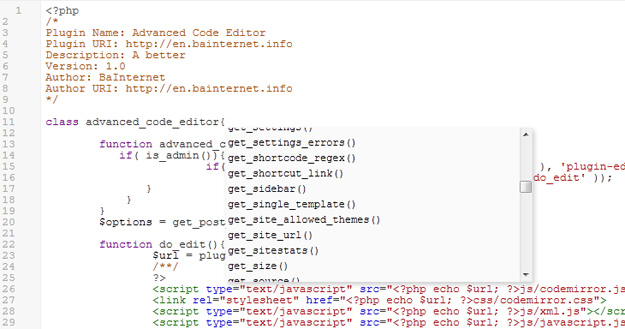
Enables syntax highlighting in the integrated themes and plugins source code editors. Supports PHP, HTML, CSS and JS. Effectively edit your themes or plugins when you only have access to a browser, by enabling syntax highlighting in WordPress integrated source code editors. Supports PHP, HTML, CSS and JavaScript.
3. WP Code Highlight
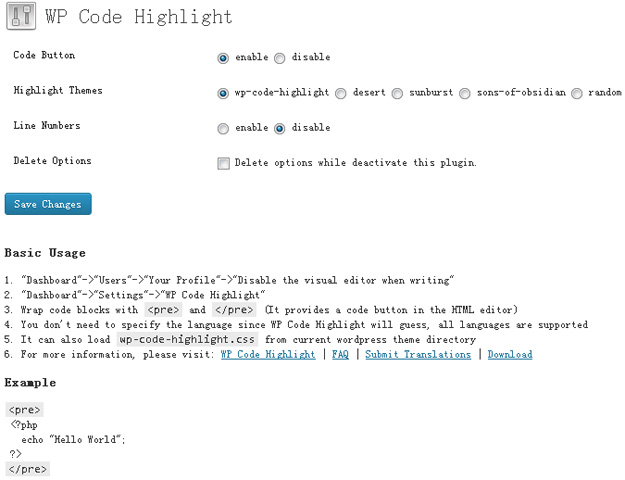
WP Code Highlight provides syntax highlighting of source code snippets and it is W3C valid. Wrap code blocks with and it provides a code button(HTML editor) to help you insert code in articles easily. You don’t need to specify the language since WP Code Highlight will guess, all languages are supported. You can put line numbers in your code if you need.
4. WP Syntax
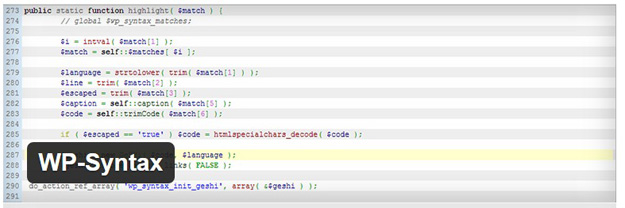
WP-Syntax provides clean syntax highlighting using GeSHi supporting a wide range of popular languages. It supports highlighting with or without line numbers and maintains formatting while copying snippets of code from the browser. It avoids conflicts with other 3rd party plugins by running an early pre-filter and a late post-filter that substitutes and pulls the code snippets out first and then pushes them back in with highlighting at the end.
5. IG: Syntax Hiliter
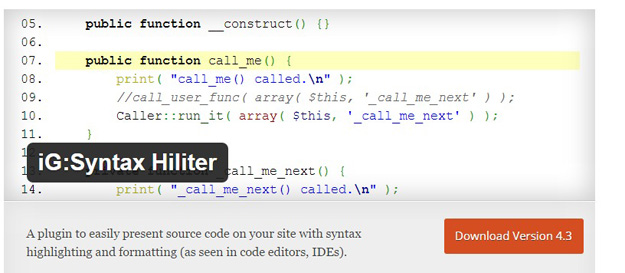
iG:Syntax Hiliter allows you to post source code to your site with syntax highlighting and formatting (as seen in code editors, IDEs). You can paste the code as is from your code editor or IDE and this plugin will take care of all the code colouring and preserve your formatting. It uses the GeSHi library to colourize your code and supports over a 100 programming languages. Most common languages are included with the plugin and it includes drop in support for more languages used by GeSHi.
6. Syntax Highlighter Compress
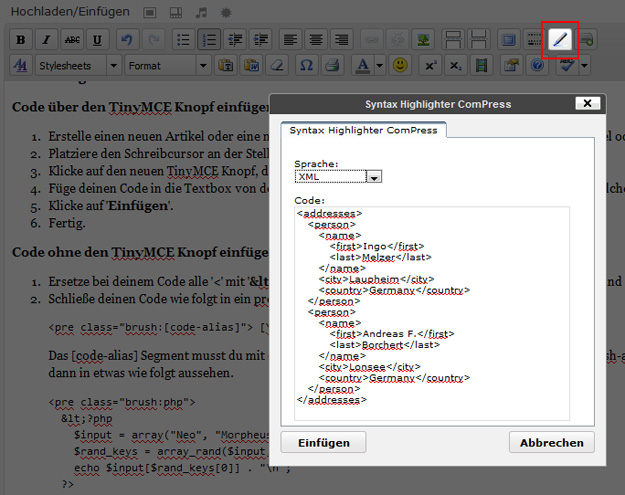
Syntax Highlighter ComPress is a simple WordPress plugin, that is based on the latestAlex Gorbatchev’s SyntaxHighlighter Script. Code and source text of different mark-up or programming languages can be highlighted in WordPress. Supported mark-up or programming are: AppleScript, ActionScript3, Bash/shell, Coldfusion, C#, C++, CSS, Delphi, Diff, Erlang, Groovy, JavaScript, Java, JavaFX, Perl, PHP, Plain Text, Python, Ruby, Scala, SQL, Visual Basic and XML.
7. Code Highlight
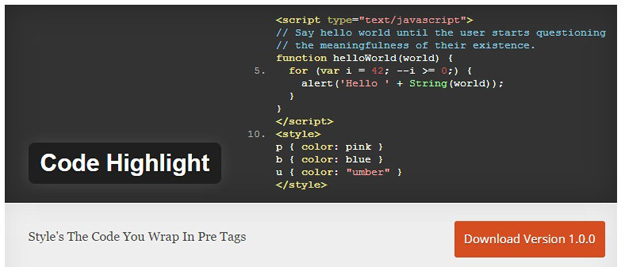
This plugin uses the Google Code Prettify Script to Highlight & Style Code. The plugin also adds styling to the existing pre Quick tag in your WordPress text editor, no shortcodes which look bad if you stop using the plugin.
8. Dev Formatter
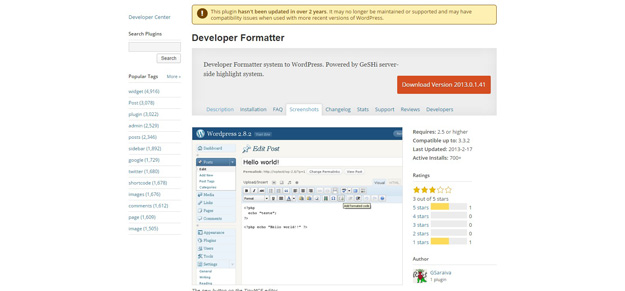
Create a better display of codes on your page/blog. For everybody that publish examples, source-code and some tips about a specific language. This plugin do use of GeSHi highlight system, so you will have support for more then 110 languages, including PHP, ASP, Html, JavaScript, CSS, Java, Python, Delphi, C++, C, Visual Basic and much more.
9. Syntax Highlighter Evolved
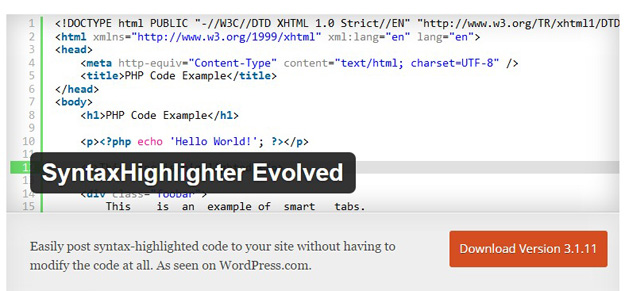
SyntaxHighlighter Evolved allows you to easily post syntax-highlighted code to your site without losing it’s formatting or making any manual changes. It uses the SyntaxHighlighter JavaScript package by Alex Gorbatchev.
10. Syntax Highlighter MT
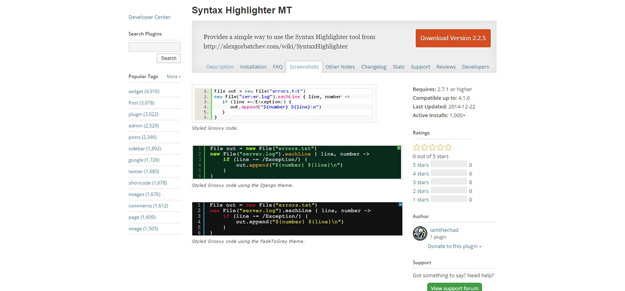
This plugin works like many of the others that enable the use of the Syntax Highlighter tool. Dynamic plugin loading is now available as part of the Syntax Highlighter tool, making brush configuration obsolete.
11. PCSH – PastaCode and Syntax Highlighter
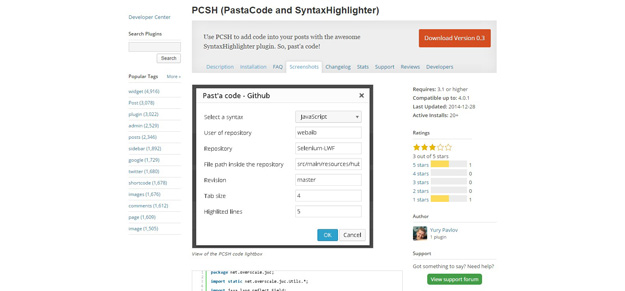
With PCSH (based on the Pastacode plugin), you can easily add code into your posts with the awesome SyntaxHighlighter js-library. You can insert source code into the post editor, from a file, or from webservices like GitHub, Gist, Pastebin or BitBucket. Webservices responses are cached in order to avoid too many HTTP requests.
12. Smart Syntax
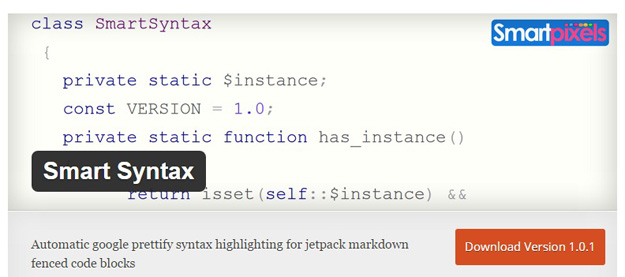
Smart Syntax plugin automatically adds Google prettify syntax highlighting to the fenced code blocks in both content and comments. It’s made with Jetpack markdown in mind, which brings the power of markdown extra to WordPress and gives you an easy to use markdown syntax for fenced code blocks.
本文链接:12款最佳的 WordPress 语法高亮插件推荐
编译来源:梦想天空 ◆ 关注前端开发技术 ◆ 分享网页设计资源
12款最佳的 WordPress 语法高亮插件推荐的更多相关文章
- Visual Studio 语法高亮插件推荐
编辑器 GItHub:https://github.com/Art-Stea1th/Enhanced-Syntax-Highlighting Visual Studio Marketplace:htt ...
- WordPress代码高亮插件SyntaxHighlighter终极使用详解
子曰: 工欲善其事,必先利其器.作为码农一枚,再加上站长这个已经不再光鲜的称呼,岂能没有一款经济实用.操作简单.而且功能必须强大.样式也必须好看的Wordpress代码高亮插件?!作为一个视代码如生命 ...
- 推荐15款最佳的 jQuery 分步引导插件
当用户浏览到一个网站,它可能从不知道如何浏览,如何操作网站或 Web 应用程序的内容和流程.在这篇文章中,我们编制了一些最好的 jQuery 引导插件列表.你会发现这些插件对于提高你的网站的整体用户体 ...
- 25个最佳的 WordPress Gallery 画廊插件
WordPress 画廊插件最适合用于作品展示网站,特别对于那些想以一个奇特的,现代的方式展示他们作品的摄影师.如果你想为你安装 WordPress Gallery 插件,那么下面的是你想要的. 本文 ...
- 分享12款最佳的Bootstrap设计工具
设计师总会渴望有一些新奇有趣的设计工具来提高工作效率,而Bootstrap就是您的不二选择.2013年Bootstrap得到了广泛普及, 它是开发者较为常用的框架之一,本文我们将分享12款最佳的Boo ...
- 12款好用的Visual Studio插件,最后一款良心推荐
目录 01 CodeMaid 02 Markdown Editor 03 ReSharper 04 GitHub Extension for Visual Studio 05 ZenCoding 06 ...
- 12款免费的 WordPress 响应式主题下载
最流行的内容管理系统(WordPress)和最流行的网页设计技术(响应式设计)结合会是什么样的呢?下面这个列表收集了12款响应式的 Wordpress 主题,能够带给你不一样的网站体验. 您可能感兴趣 ...
- 12款最佳Linux命令行终端工具, 20款优秀的 Linux 终端仿真器
12款最佳Linux命令行终端工具 如果你跟我一样,整天要花大量的时间使用Linux命令行,而且正在寻找一些可替代系统自带的老旧且乏味的终端软件,那你真是找对了文章.我这里搜集了一些非常有趣的 ...
- js 语法高亮插件之 Prism.js
之前也介绍过几款语法高亮插件<为博客园选择一个小巧霸气的语法高亮插件>以及关于他们的综合性能<再议 语法高亮插件的选择>.今天在小影志博客看到<使用 Prism.js 实 ...
随机推荐
- WP、Win10开发或者WPF开发时绘制自定义窗体~例如:一个手机
WP and Win10 效果:(数字是参考值,和UI无关) <Page x:Class="_05.AllControls._BorderUsePage" xmlns=&qu ...
- run命令
1.打开IIS %SystemRoot%\system32\inetsrv\iis.msc 2.打开EventView eventvwr 3.打开程序和功能 appwiz.cpl 4.打开intern ...
- 本机搭建zookeeper集群
3个 clientPort分别设置为2181,2182,2083 server.1=127.0.0.1:2888:3888 server.2=127.0.0.2:2889:3889 server.3= ...
- JavaScript的学习--生成二维码
有一些耗cpu的计算,完全可以在客户端上计算,比如生成二维码. qrcode其实是通过计算,然后使用jquery实现图形渲染和画图.支持canvas和table两种方式生成我们所需的二维码. 具体用法 ...
- [c++] Basic ideas and Style Guide
Get your own compiler: sudo add-apt-repository ppa:ubuntu-toolchain-r/testsudo apt-get updatesudo ap ...
- Fragment响应返回键
Activty可以直接响应返回键,而Fragment却不行,可用如下方式: 创建一个抽象类BackHandledFragment,该类中有一个抽象方法onBackPress(),所有BackHandl ...
- Testing - 测试基础 - 流程
测试存在于各个阶段: 需求测试--->单元测试--->集成测试--->系统测试--->性能测试--->用户测试--->回归测试 需求测试 完整性&正确性 一 ...
- 电路相关知识--读<<继电器是如何成为CPU的>>
电路相关知识–读<<继电器是如何成为CPU的>> */--> *///--> *///--> 电路相关知识–读<<继电器是如何成为CPU的> ...
- Android中BroadcastReceiver广播
BroadCastReceiver 简介 广播接收者( BroadcastReceiver )用于接收广播 Intent ,广播 Intent 的发送是通过调用 Context.sendBroadca ...
- 把图片加载到BufferedImage中
把图片加载到BufferedImage 中有什么作用呢?它就可以利用 ImageIO.write(image, "JPEG", response.getOutputStream() ...