
How to permit SSH root Login in Ubuntu 18.04
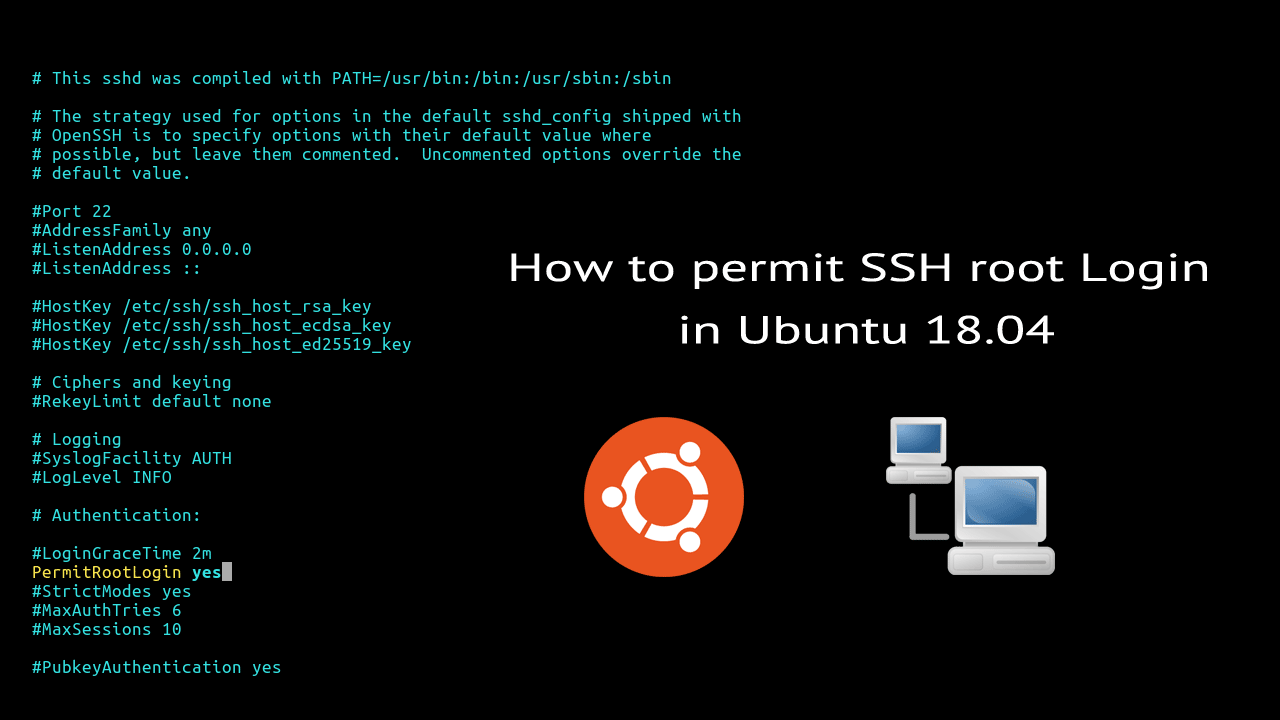
SSH root login is disabled by default in Ubuntu 18.04. SSH server for Ubuntu provides by the openssh-server package and root login is controlled by the PermitRootLogin directive in the OpenSSH server configuration (sshd_config file):
You can check the current status by running the following command:
grep -i "rootlogin" /etc/ssh/sshd_configRoot login is disabled, if the PermitRootLogin directive is commented out (# in front) or its value is not set to yes.

If you want to enable ssh root login, do the following steps with root privileges:
- Open the /etc/ssh/sshd_config:
vim /etc/ssh/sshd_config - Uncomment the line PermitRootLogin and set the value to yes:
PermitRootLogin yes - To make the new setting take effect, restart the ssh server:
systemctl restart sshd.service
Now that we have enabled ssh root login, you can try ssh using the root user from a remote computer:
ssh root@192.168.1.100Note that Ubuntu root account does not have a password by default. So if you want to log in to root ssh account, first you muse have set a password for the root user.
Allowing the root user to login over SSH is a not a good idea. we don't need to login as root to get root privileges. You can ssh to your Ubuntu server using a user who has sudo privileges, then switch to the root user account using sudo -i command.
Next: Change Ubuntu SSH Port
How to permit SSH root Login in Ubuntu 18.04的更多相关文章
- 转载:如何在Ubuntu 18.04上使用UFW设置防火墙
https://blog.csdn.net/u013068789/article/details/82051943 介绍 UFW或Uncomplicated Firewall是iptables一个接口 ...
- Ubuntu 18.04 root 使用ssh密钥远程登陆
前言: Ubuntu默认是禁止root用户远程登陆 本教程解决Ubuntu 18.04版本 root用户 使用ssh密钥无法远程登陆的问题 问题发生的环境: 腾讯云,重装Ubuntu服务器时选择使用s ...
- Ubuntu 18.04 启动root账号并授权远程登录
Ubuntu 18.04 刚刚上市2个月,下载安装,尝尝鲜~ 安装界面看上去舒服许多, 安装的速度也较之前17.04 和16.04 都快了许多.抱歉,未截图. Ubuntu 安装完成后默认不启动roo ...
- Ubuntu 18.04系统中不能ssh外网远程
前言 今天我不小心动了电插板,导致服务器断电,用远程命令开机,居然很长时间没反应,索性就亲自按电源键重启.服务器正常开机启动,ssh可以内网访问,远程命令内网有效果,就是外网不行.经过分析排查,是不是 ...
- 在Ubuntu 18.04 下安装mysql,没有初始密码,重设root密码
在Ubuntu 18.04 下安装mysql 不知道是由于mysql更新为新版还是.Ubuntu18.04中的特性,安装过程中没有设置密码的环节,在网络上找了半天,总算解决了!特此记录下来,以便以后查 ...
- 如何在Ubuntu 18.04 LTS上安装和配置MongoDB
MongoDB是一款非关系型数据库,提供高性能,高可用性和自动扩展企业数据库. MongoDB是一个非关系型数据库,因此您不能使用SQL(结构化查询语言)插入和检索数据,也不会将数据存储在MySQL或 ...
- Ubuntu 18.04 Server上安装LAMP
由于要进行渗透测试,所以这两天就在搭LAMP的环境(过程及其痛苦) 这里分享一些我遇到的问题. 首先介绍一下我的使用环境 VM虚拟机,ubuntu 与主机NAT连接 由于之前一直使用的是kali(默 ...
- 如何在Ubuntu 18.04上安装Go
如何在Ubuntu 18.04上安装Go 谢鸢发表于云计算教程系列订阅98 介绍 课程准备 第1步 - 安装Go 第2步 - 设置Go路径 第3步 - 测试您的安装 结论 介绍 Go是Google开发 ...
- How to install the NVIDIA drivers on Ubuntu 18.04 Bionic Beaver Linux
Objective The objective is to install the NVIDIA drivers on Ubuntu 18.04 Bionic Beaver Linux. This a ...
随机推荐
- Python常用模块之configparser
ConfigParser简介 ConfigParser 是用来读取配置文件的包.配置文件的格式如下:中括号“[ ]”内包含的为section.section 下面为类似于key-value 的配置内容 ...
- HIT软件构造课程3.4总结(Object-Oriented Programming )
上一节学习了ADT理论,这一节学习ADT的具体实现:OOP 1.基本概念:对象,类,属性,方法 对象 对象是状态和行为的捆绑.java中,状态=成员变量,行为=方法. 类 每个对象都定义了一个类,类定 ...
- C 神奇项链
时间限制 : - MS 空间限制 : - KB 评测说明 : 1s,64m 问题描述 母亲节就要到了,小 H 准备送给她一个特殊的项链.这个项链可以看作一个用小写字母组成的字符串,每个小写字母表 ...
- B. Lost Number【CF交互题 暴力】
B. Lost Number[CF交互题 暴力] This is an interactive problem. Remember to flush your output while communi ...
- 【Java技术系列】爱情36技之追美妹的技术
1. 在古老的非洲大陆上,有个原始人无意中抬头仰望星空,凝视的时间稍微长了一些,超过了外星人设置的阈值,立刻拉响了人类即将产生文明的警报.因为外星人认为,人类已经产生了对宇宙的好奇心,文明的产生,科技 ...
- HashMap源码与相关面试题
一.哈希表 哈希表是一种可以快速定位得数据结构.哈希表可以做到平均查找.插入.删除时间是O(1),当然这是指不发生Hash碰撞得情况.而哈希表最大得缺陷就是哈希值得碰撞(collision). Has ...
- 【tensorflow2.0】AutoGraph的机制原理
有三种计算图的构建方式:静态计算图,动态计算图,以及Autograph. TensorFlow 2.0主要使用的是动态计算图和Autograph. 动态计算图易于调试,编码效率较高,但执行效率偏低. ...
- jmeter术语
1.负载:模拟业务请求操作对服务器造成压力的过程 2.性能测试(performance testing):模拟用户负载来测试系统在负载情况下,系统的响应时间.吞吐量等指标是否满足性能要求 3.负载测试 ...
- PTA数据结构与算法题目集(中文) 7-8
PTA数据结构与算法题目集(中文) 7-8 7-8 哈利·波特的考试 (25 分) 哈利·波特要考试了,他需要你的帮助.这门课学的是用魔咒将一种动物变成另一种动物的本事.例如将猫变成老鼠的魔咒是 ...
- c期末笔记(1)
运算符 1.i++与++i的细微区别 i++与++i 和i++放在一个语句中,则i原本的值先被利用.语句结束后,i的值加一. i的原始值失效,直接加一. 2.int加法 整形数据(int)加上任何类型 ...